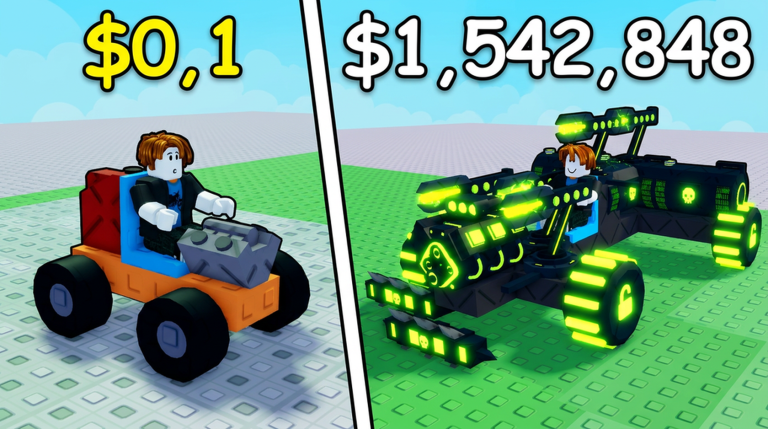
A two-wheeled motorcycle is one of the trickiest things to build in Build and Kill Zombies because the physics engine flips any inline bike the moment you steer. The build itself is short. The part that actually keeps it upright is a pair of low side supports mounted next to the fuel tank, and without them the whole thing rolls over before it clears the first zombie.
Quick answer: Build an inline frame with a Cloudrunner Wheel in front and a Titan Wheel in back, then mount two Metal Spikes (or Armored Cylinders) low on both sides of the fuel tank so they catch the ground on leans and stop the bike flipping.
Parts you need before you start
Roll these from the CAR PARTS machine first so you are not stopping mid-build to hunt for a piece. Weight matters on a bike because the frame is so small, which is why the body uses light carbon fiber. The engine is the one heavy part on the whole rig.
| Part | Role | Weight | Durability |
|---|---|---|---|
| Cloudrunner Wheel | Front wheel | 6 | 120 HP |
| Titan Wheel | Rear wheel | 6 | 160 HP |
| Carbon Fiber Block | Spine / body | 2 | 140 HP |
| Carbon Fiber Slab | Base + fender | 1 | 110 HP |
| Carbon Fiber Wedge | Nose + rear fender | 1 | 110 HP |
| Double Wing | Under-frame | 1 | 100 HP |
| Pro Wing | Handlebars (x2) | 1 | 100 HP |
| Hood Scoop | Front fairing | 1 | 200 HP |
| Rocket Turbo | Frame insert | 4 | 120 HP |
| Turbo Fuel | Fuel tank | 6 | 100 HP |
| Driver Seat | Seat | 1 | 100 HP |
| Scarlet X | Engine | 15 | 170 HP (Speed 40) |
| Twin Exhaust | Rear detail | 3 | 150 HP |
| Metal Spikes | Stabilizers (x2) | 2 | 100 HP |
You can swap the Twin Exhaust for a Carbon Fiber Slab and the Metal Spikes for Armored Cylinders without changing how the bike handles. The spikes and cylinders both do the same stabilizing job.
Open Build Mode and clear the plot
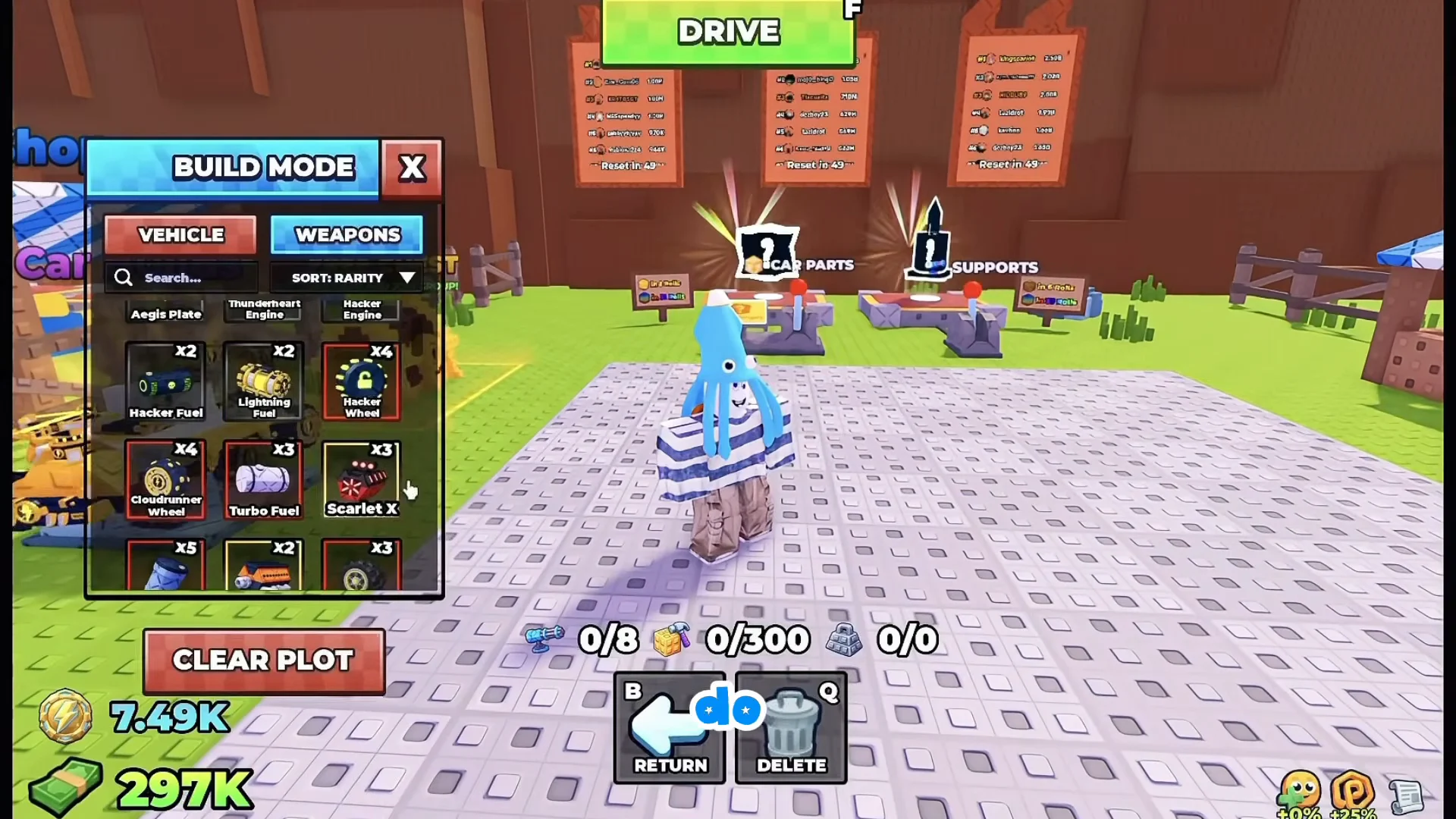
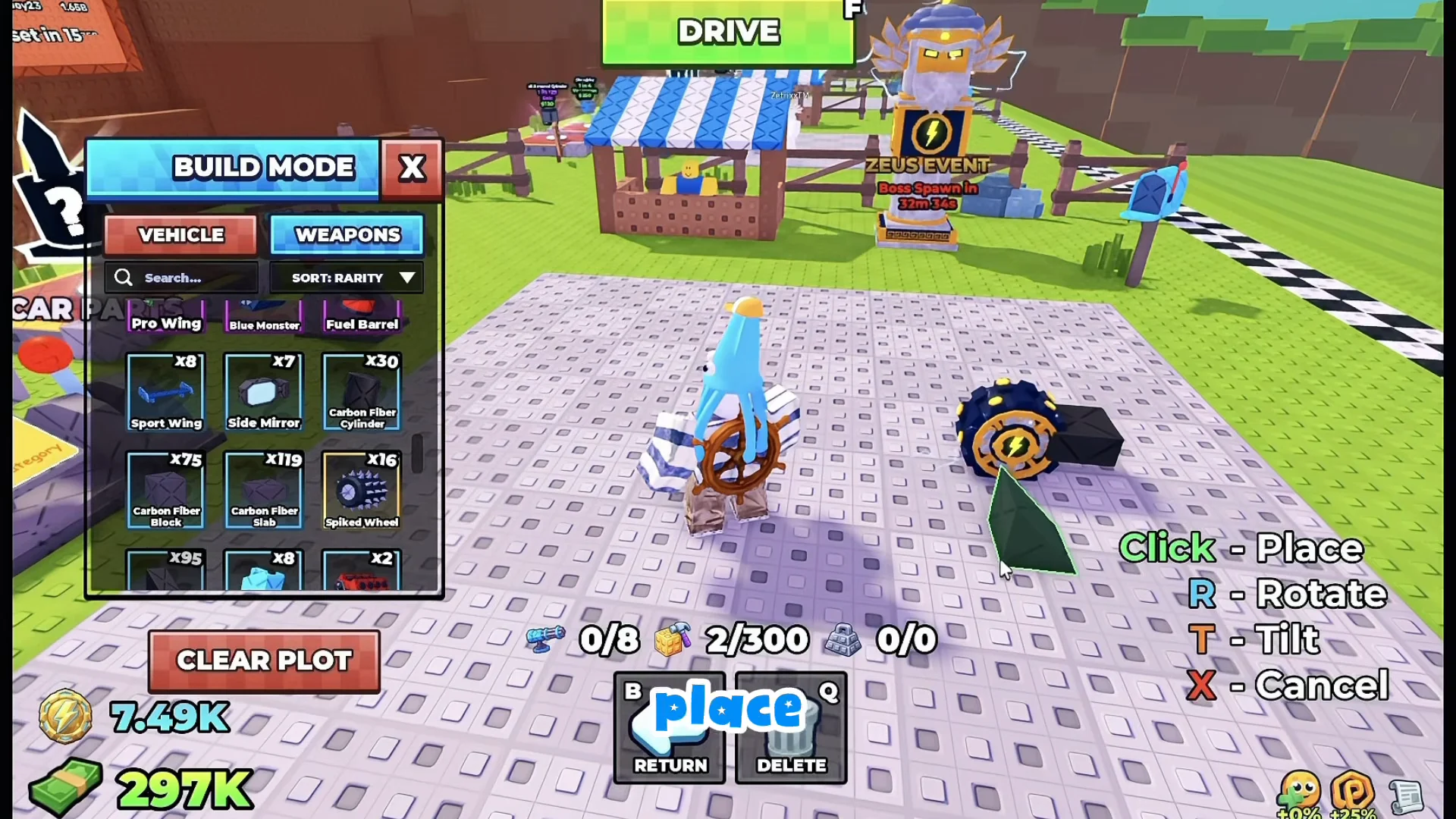
Press B to enter BUILD MODE, then hit CLEAR PLOT to wipe the grid. The inventory opens with the VEHICLE and WEAPONS tabs. Keep the placement controls in mind throughout: click to place, R to rotate, T to tilt, and X to cancel.
Build the front wheel and nose
Build the main body spine
Attach a Carbon Fiber Block behind the slab, then a second block behind that, running the line along the spine of the bike. Add one more block directly beneath the first one so the frame has depth.
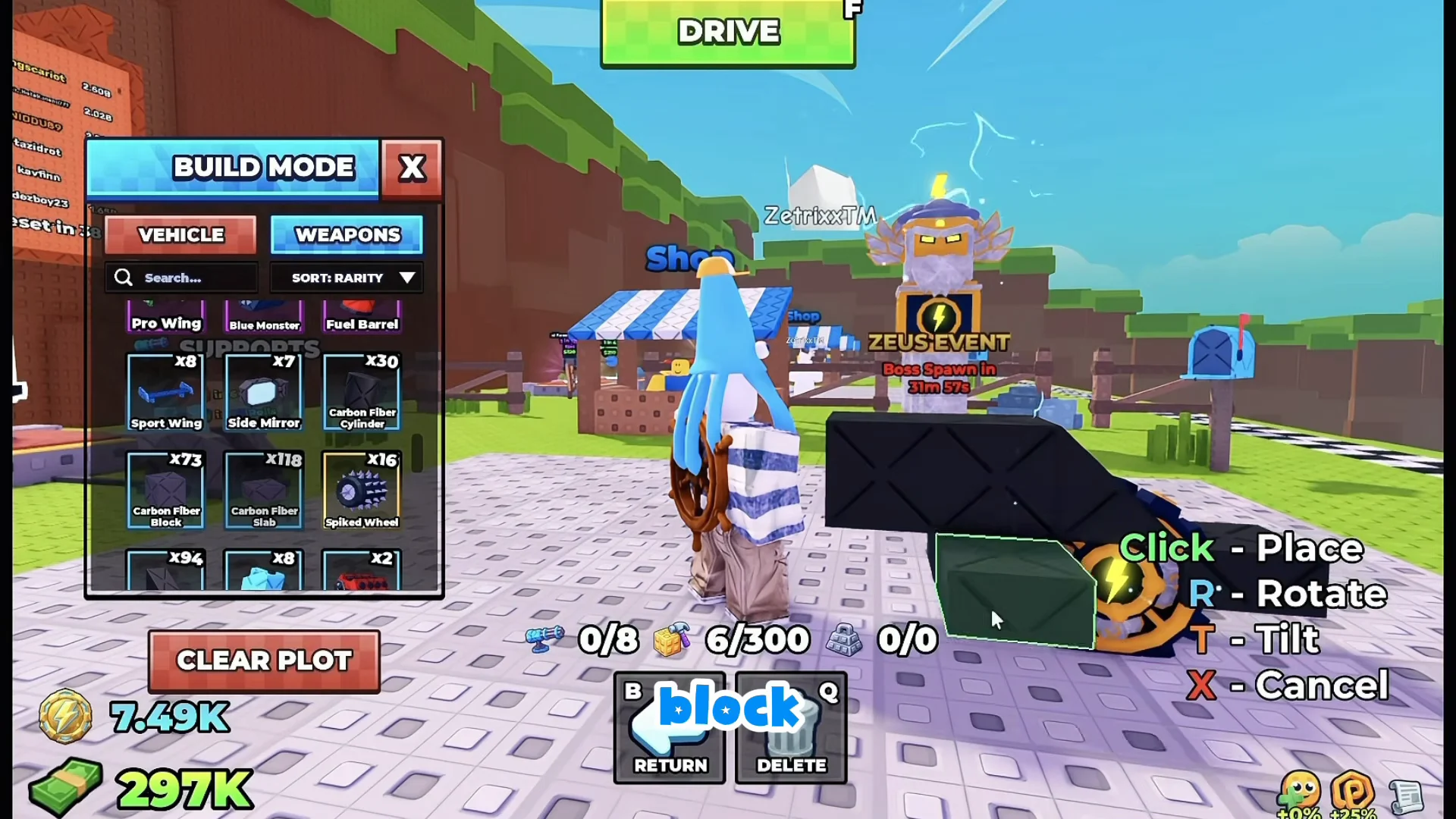
Fasten a Double Wing below the second carbon fiber block, leaving the hollow beneath the frame where the turbo will later sit.
Add the headlight, handlebars, and fairing
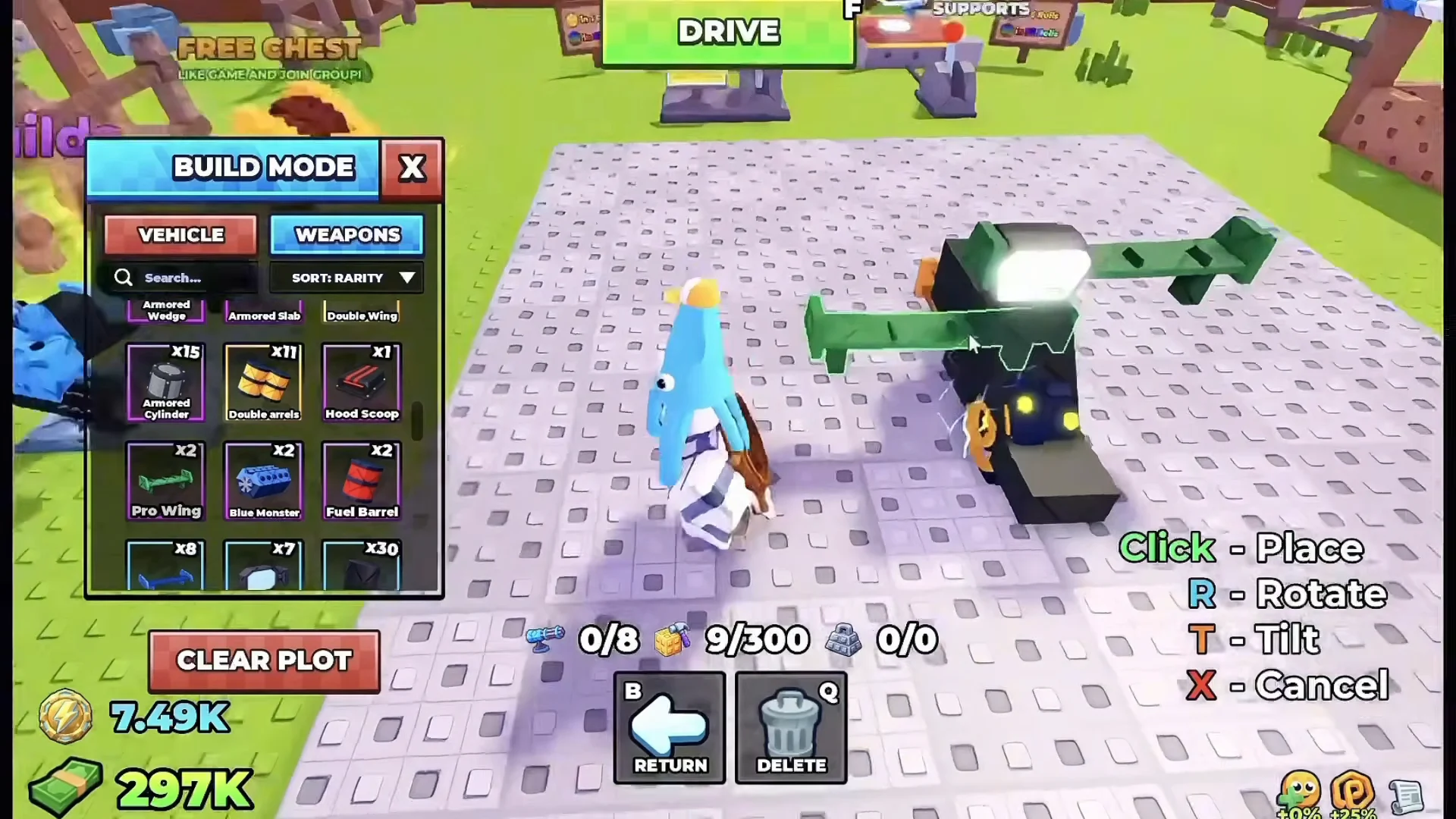
Mount the turbo, seat, fuel, and engine
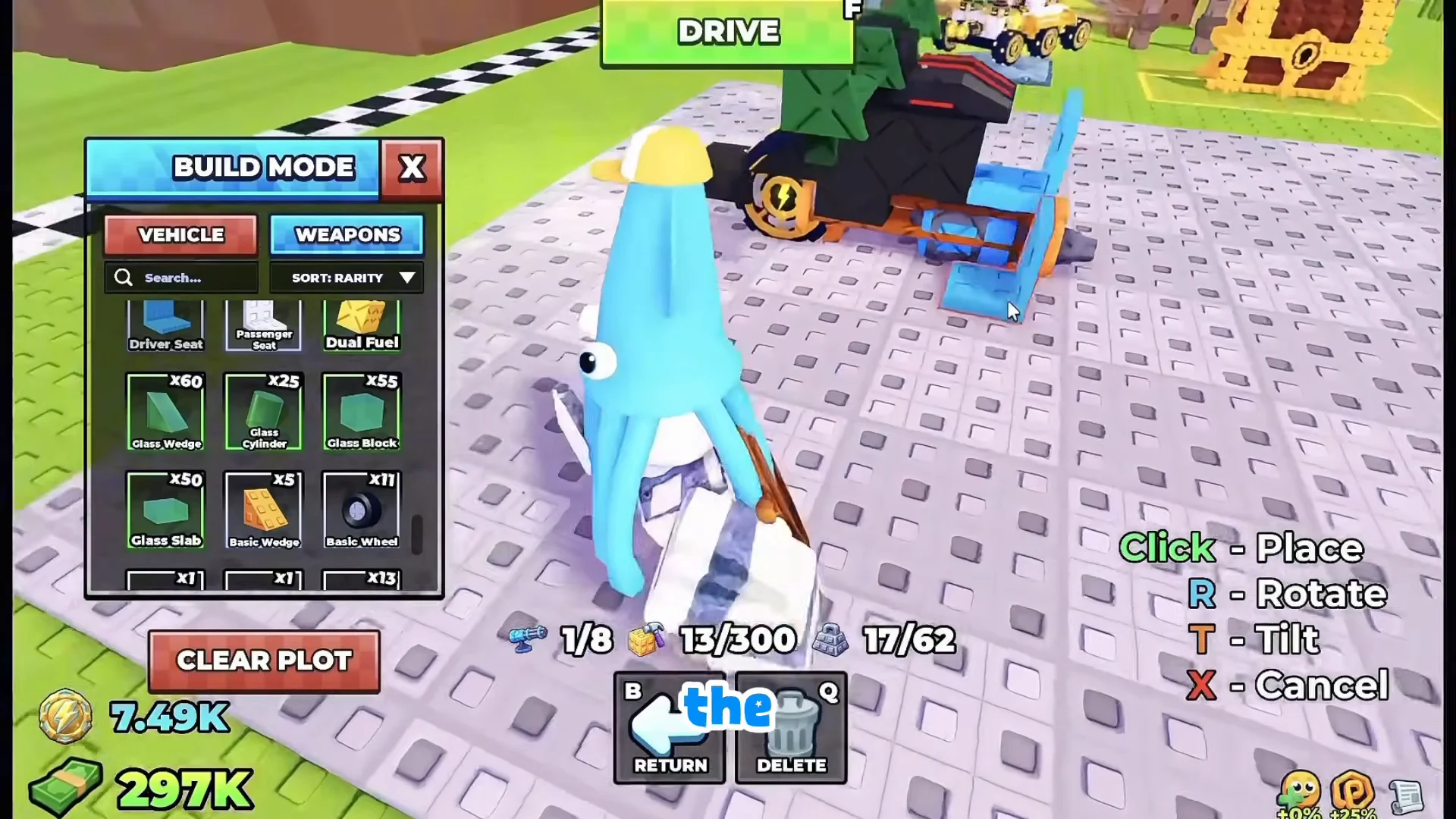
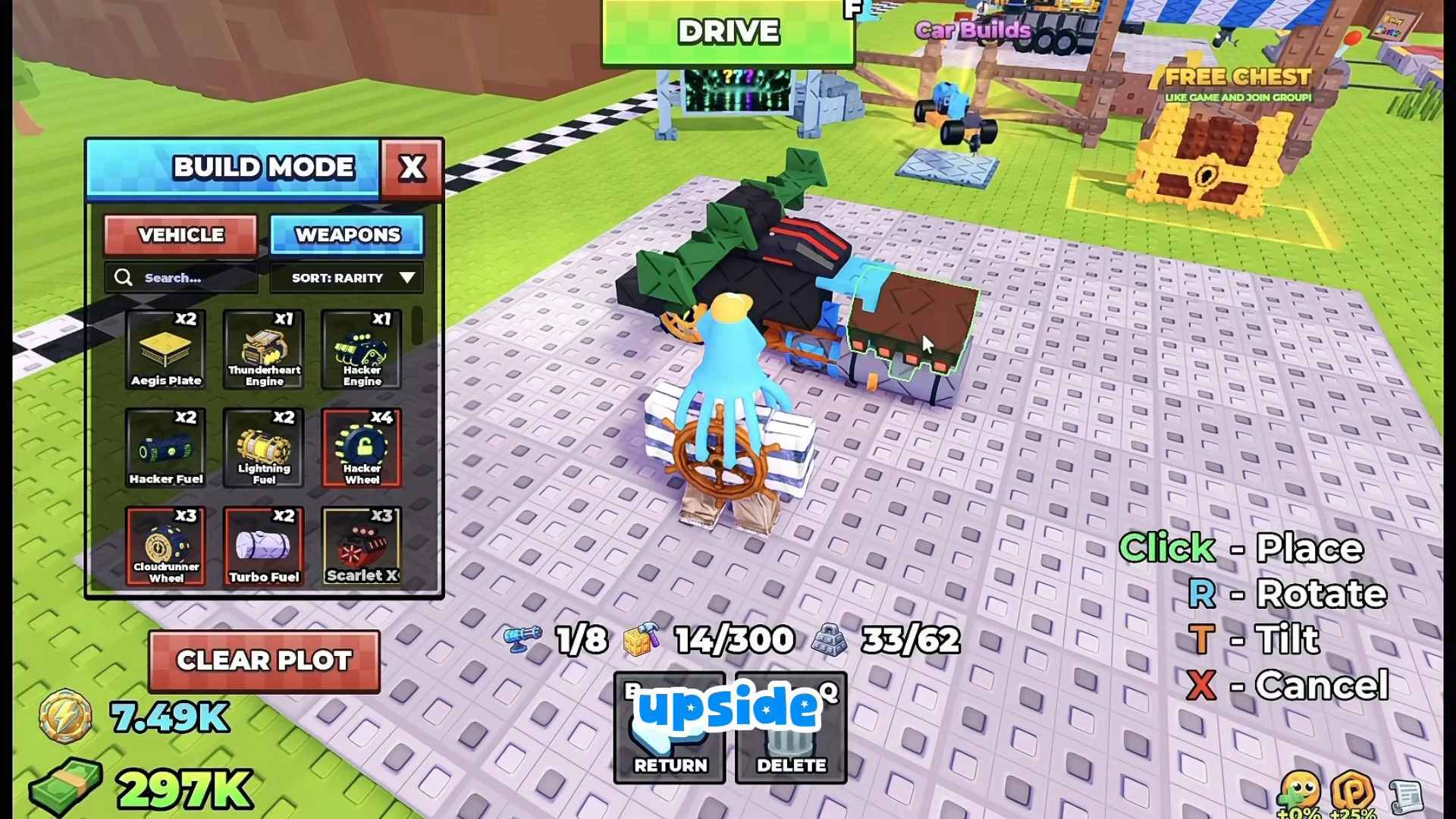
Add the rear wheel and fender
Stop the motorcycle from flipping on turns
Drive the bike as it stands and it will roll over the instant you steer. Two inline wheels give the physics engine nothing to balance against sideways, so any lean becomes a full flip. The fix is to give it something low on each side to lean against.
Fit two Metal Spikes, one extending sideways from either side of the fuel tank, close to the ground. When the bike leans into a turn, the spike on the leaning side contacts the track, halting the tilt before the bike flips. Their low position keeps them from dragging on straightaways, so they function like hidden kickstands. Armored Cylinders or small spoilers can serve the same purpose.
Test drive and confirm it works
Use F to start, or click the green DRIVE button, then guide the bike along the zombie track. The stabilizers are working if you can steer sharply through a zombie crowd and the bike tilts without toppling. With the Scarlet X engine, a clean build can exceed 130 studs per second and remain upright.
Both seat setups hold up at that speed. The flat, laying-down seat keeps the center of mass low, while the upright seat changes the pose without hurting the handling. Once it drives straight and turns without rolling, the build is finished and ready to mow through the horde.