The Blue badge in Tiny Universe Roleplay is called “BLUE (Walking in Snow),” and clearing it unlocks a glowing blue creature morph with ice-based attacks. The badge sits hidden on a snow-capped rock formation in the open map, and you reach it fastest by flying there with a flight morph. Blue carries a rarity of 1.8% (Impossible), so most players never stumble onto it by accident.
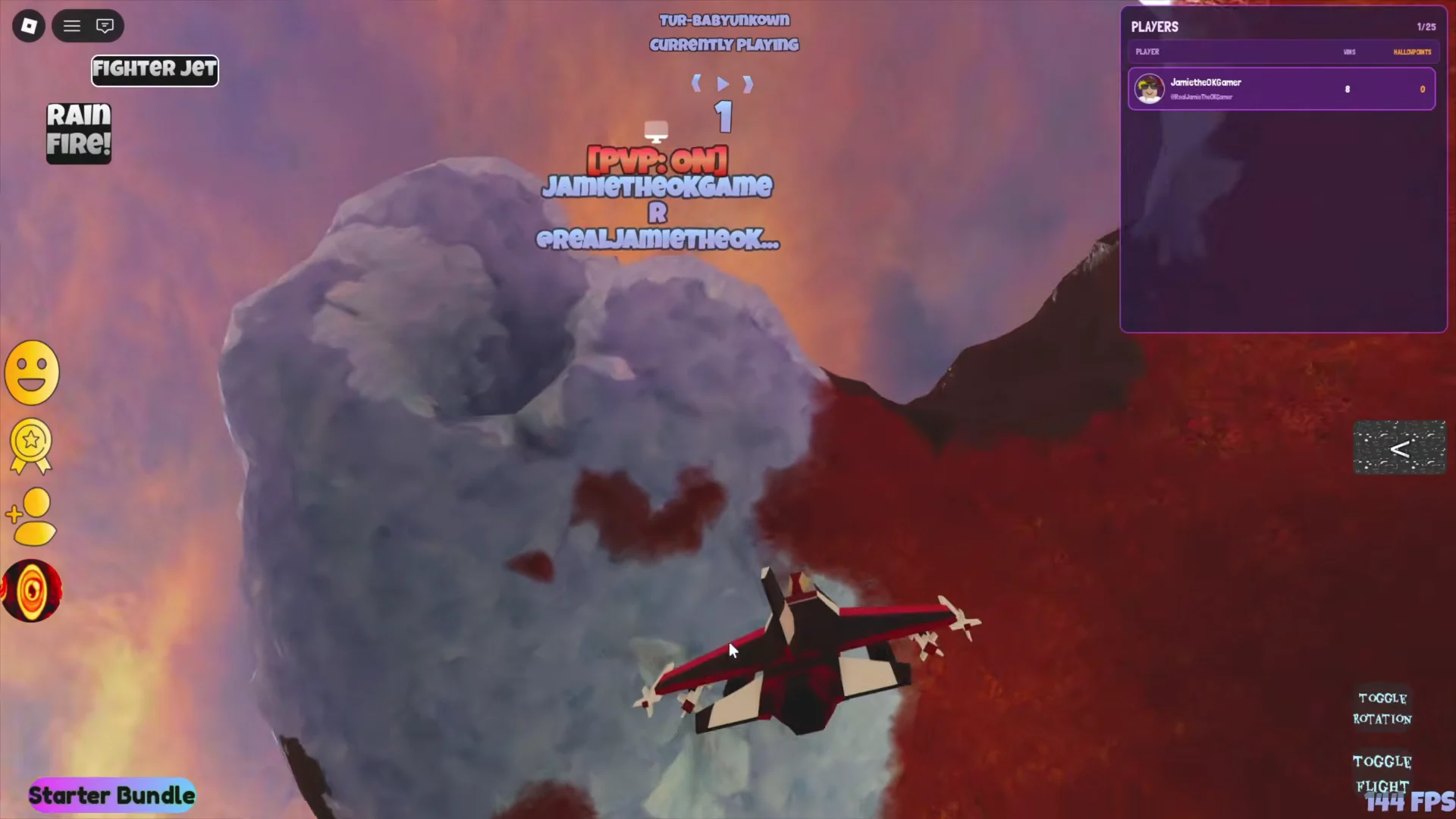
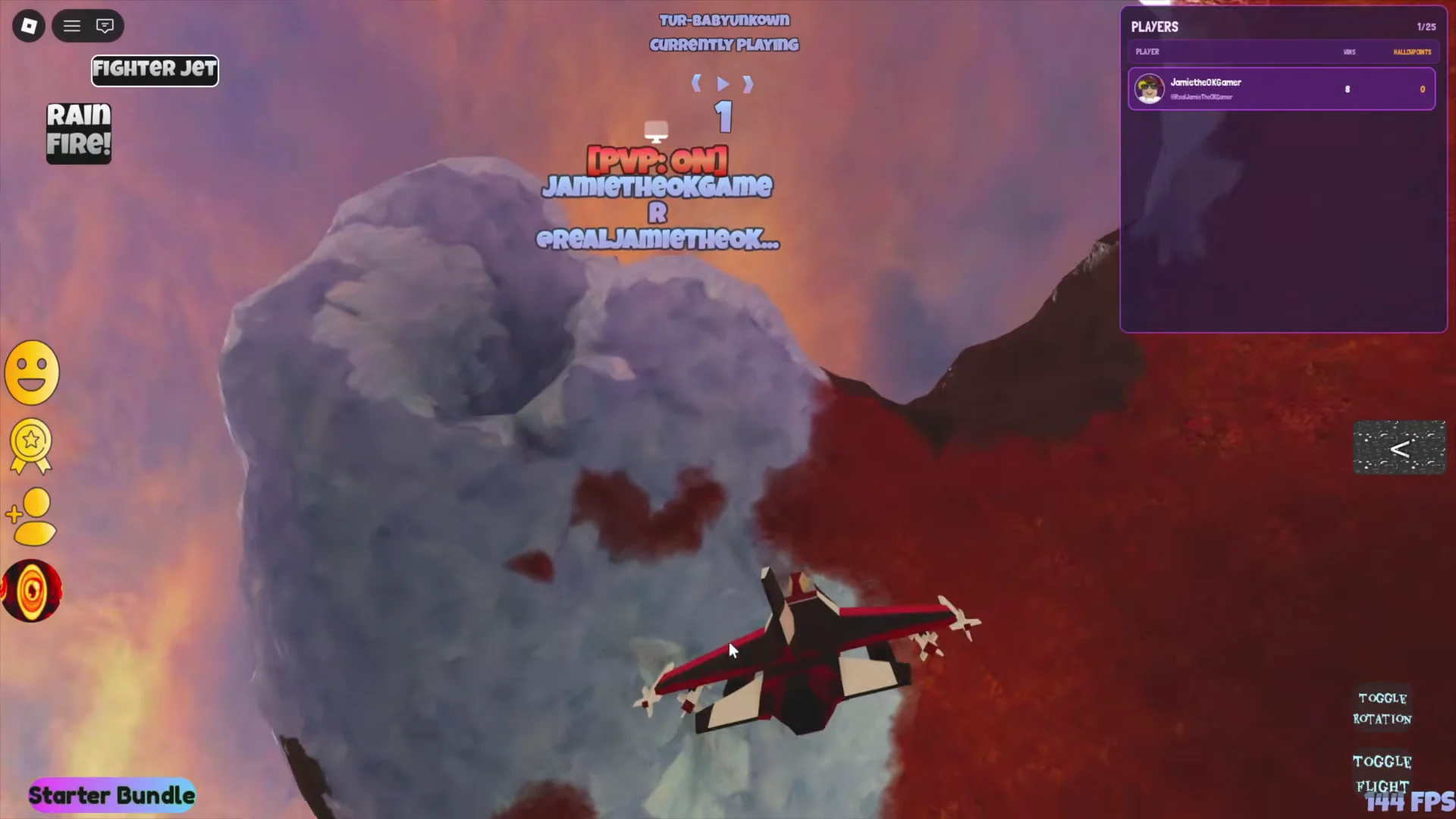
Quick answer: Equip the Fighter Jet morph, fly to the snowy rock arch above the canyon, touch the Blue head tucked under the top ledge to earn the badge, then step into the Blue morph circle on the badge wall.
What you need before you start
Everything required for the Blue badge is free. You only need access to a flight-capable morph and the ability to reach the morph galleries from spawn.
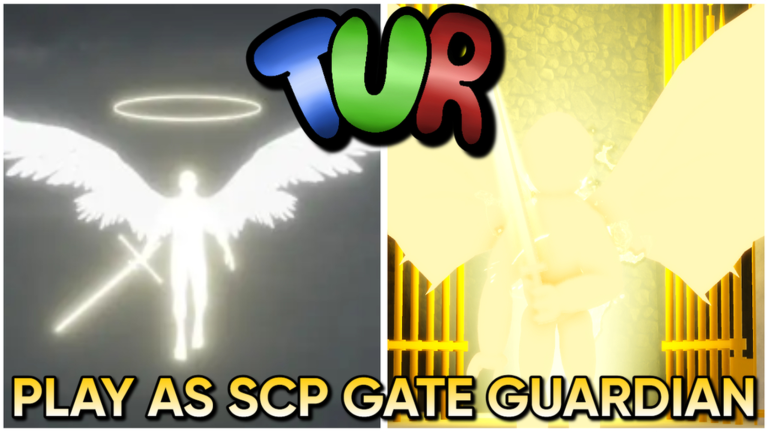
- The Fighter Jet morph, found in the morph room off the main hub.
- The
Fkey to toggle flight once the jet is equipped. - A clear view of the tall sandstone pillars with snow on top, out across the open map.
The jet makes the trip trivial, but any morph that can fly will get you to the same cliff.
How to collect the Blue badge
F to lift off.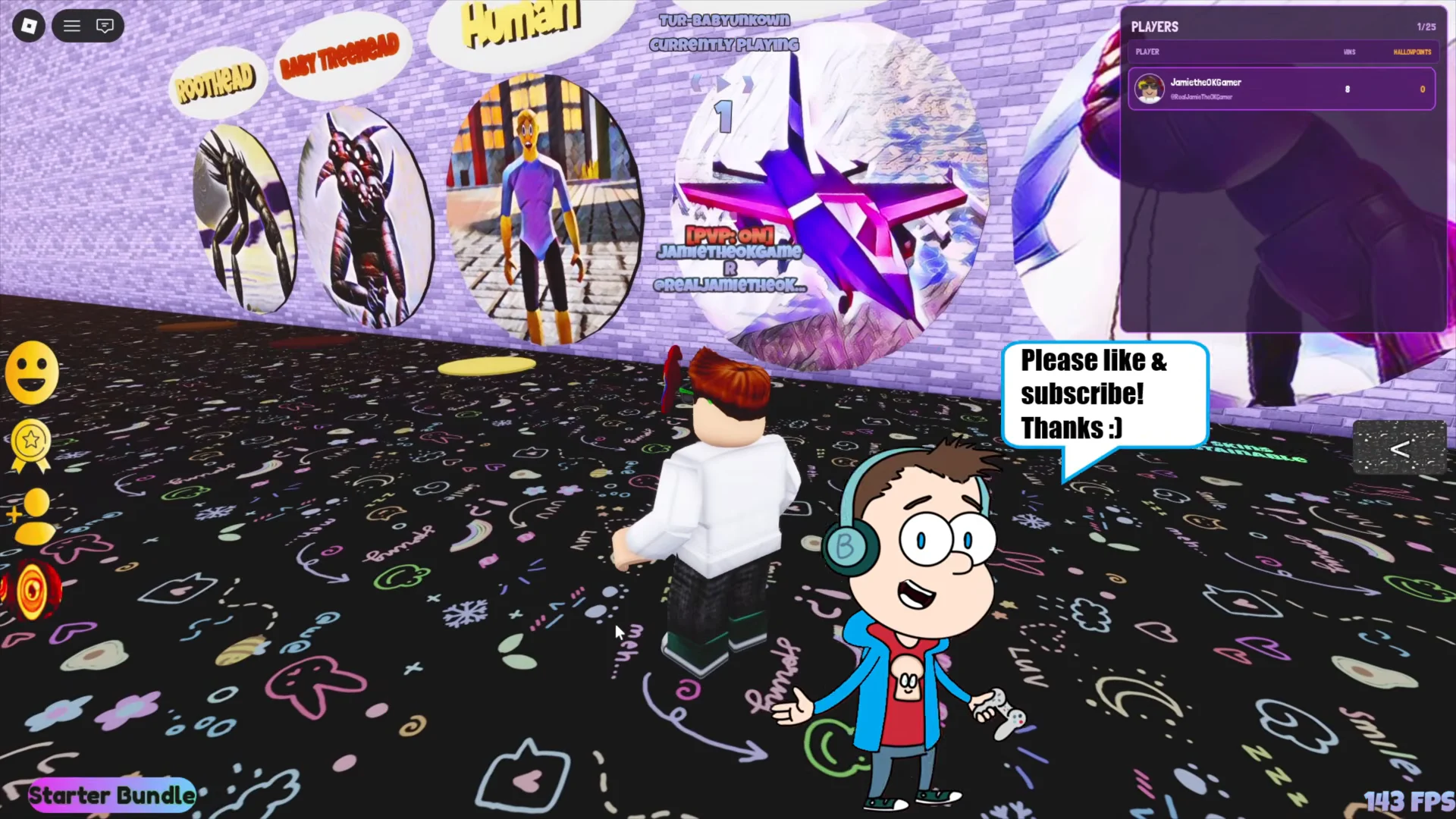
How to equip the Blue morph
With the badge earned, the matching morph becomes available on the badge wall back in the hub. Reset your character or fly back to the lobby to continue.
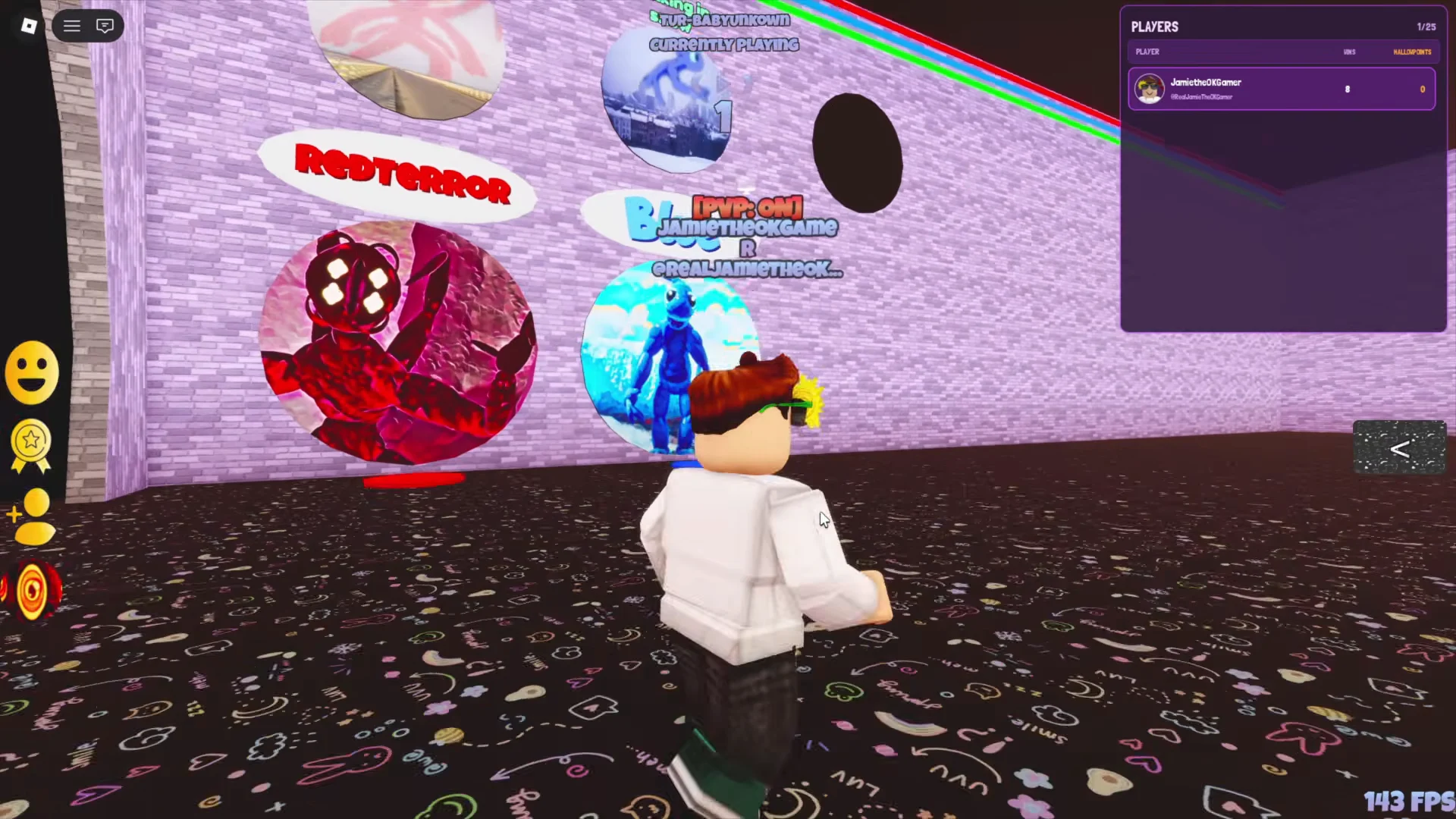
Return to the main hub and head to the badge wall. The Blue morph circle now sits unlocked among the badge morphs.
Walk into the Blue morph circle. Your avatar changes into the light blue, glowing creature with elongated limbs, confirming the morph is active.
Blue morph abilities
Once equipped, Blue has its own set of action buttons on the HUD. These cover both combat and emotes.
| Action | Type |
|---|---|
| Ice Slam | Attack, 10s cooldown |
| Blue Shards | Projectile, 2 charges |
| Slippery Kick | Attack |
| Sit | Emote |
| Dance | Emote |
Ice Slam launches the creature upward and crashes it back down, summoning large blue ice crystals on impact. Slippery Kick and Ice Slam both work well for knocking opponents around in PvP, while Blue Shards fire off as projectiles with two charges before recharging. If you ever lose the morph after a reset, step back into the same circle on the badge wall to re-equip it, since the badge unlock is permanent on your account.