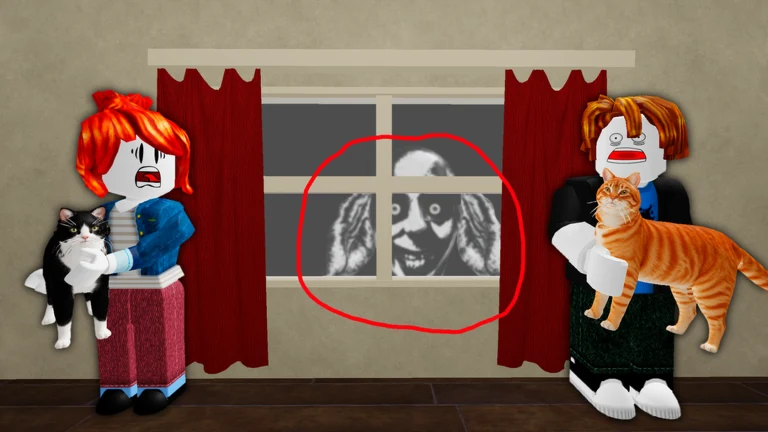
Caring for Whiskers in 7 Days Cat-Sitting is routine until the house starts breaking its own rules. A cat grows a human face, a giant grinning head presses against the window, a UFO hangs over the lawn. Each of these events has one correct response, and reacting wrong (or going to bed before you fix it) ends the night with a failure badge. Every counter is deterministic, so once you recognize the cue you always know the fix.
Quick answer: Open your phone with the P key, identify the event from its cue, perform the fixed counter below, and wait for the homeowner’s text or the visual to reset before you sleep.
Every anomaly and its counter
Here is the full roster of events with the signal that announces each one and the action that removes it. The sections after this break the counters down by the type of action you take.
| Anomaly | Cue | Counter |
|---|---|---|
| Peek a boo (Tall Man) | Tall skeleton-faced figure leans from a doorway | Photograph it with your phone |
| Misplaced | An object sits in the wrong spot | Photograph the object |
| Not my Cat! | Whiskers has a human face | Stare at the cat until it reverts |
| Down the Drain | A bloody face in the toilet bowl | Flush the toilet |
| Blood Bath | The bathtub fills with blood | Turn the bath tap on |
| I see you | A giant face stares through a window | Close that window’s curtain |
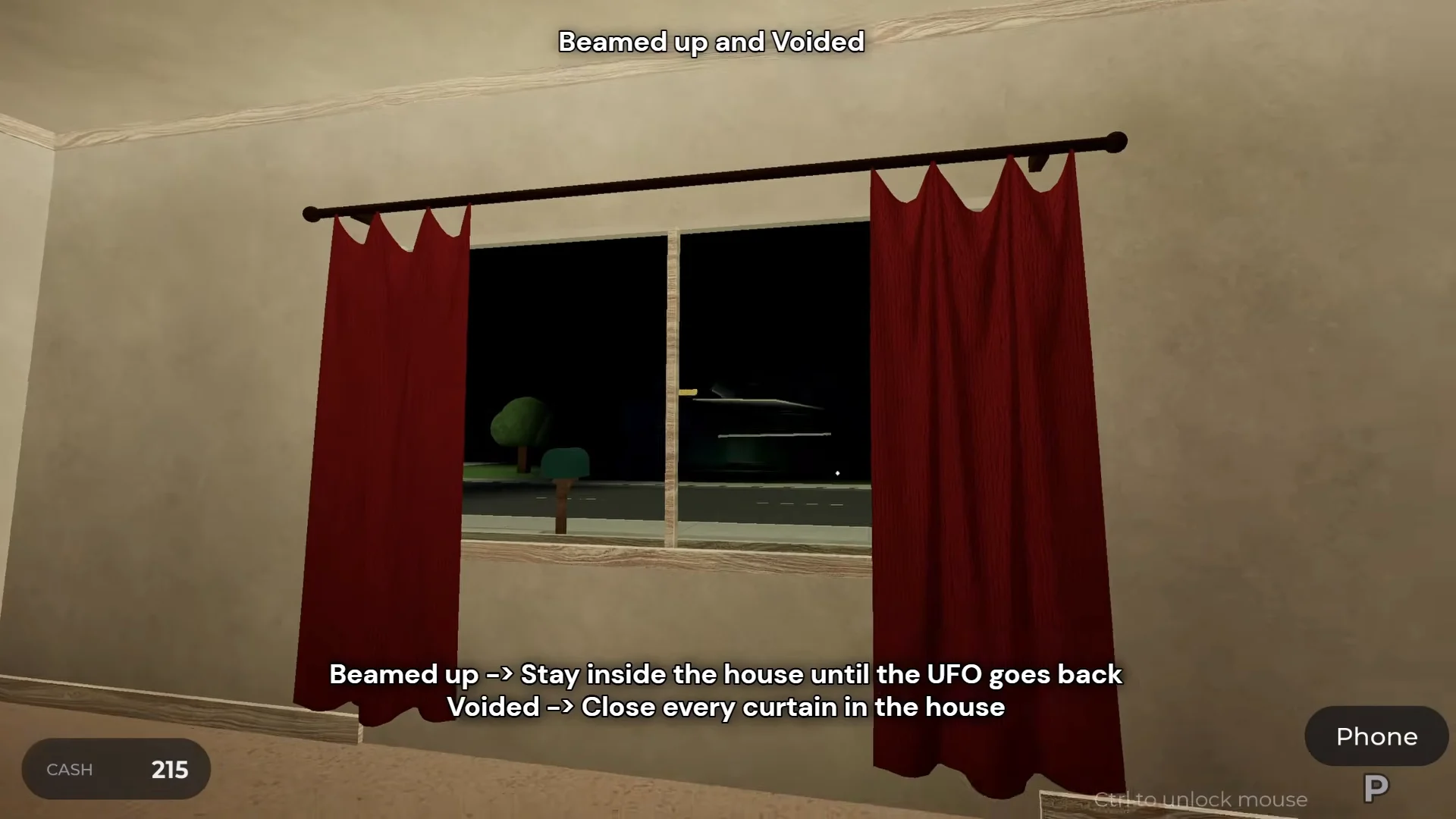
| Voided | Outside turns black, mailbox vanishes | Close every curtain in the house |
| Beamed up | A UFO hovers over the house | Stay indoors until it leaves |
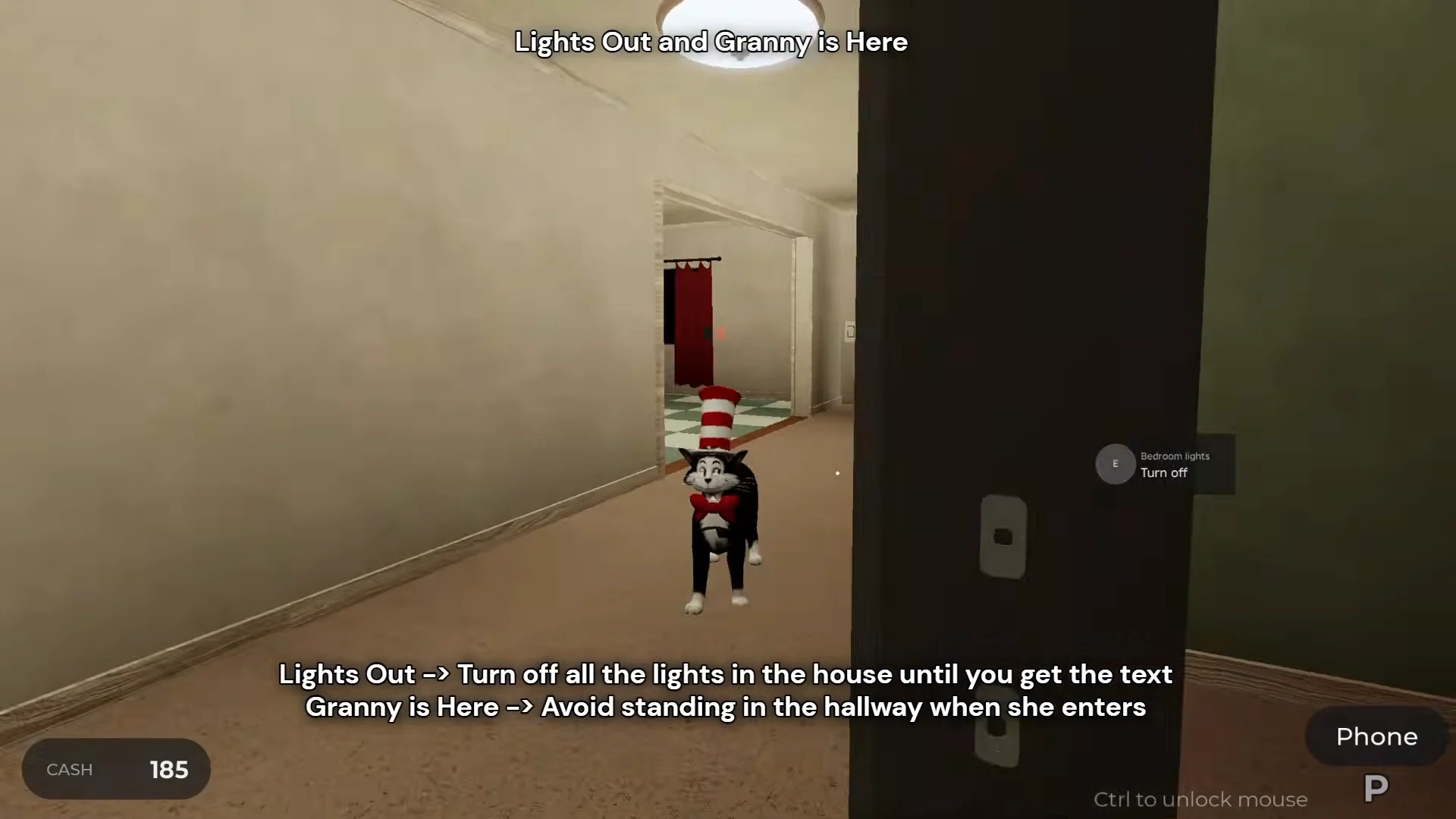
| Lights Out | Rapid breathing echoes through the house | Turn off all lights until the text clears |
| Haunted House | A ceiling light flickers | Turn that light off once |
| Catzilla | A giant cat looms in the sky / down the street | Turn on the living room TV once |
| Found You / HIDE | The word “HIDE” flashes; a shadow figure roams | Shut yourself in a back room, avoid contact |
| Granny is Here | Knocking; an elderly woman outside | Stay out of the hallway as she passes |
| Visitor | An alien peers in with a red vision cone | Stay outside the red line of sight |
Photograph it with your phone
Your phone is the tool for two of the events. Press P to raise the camera, then click or press E to take the photo (Q cancels). The homeowner replies to confirm the fix.
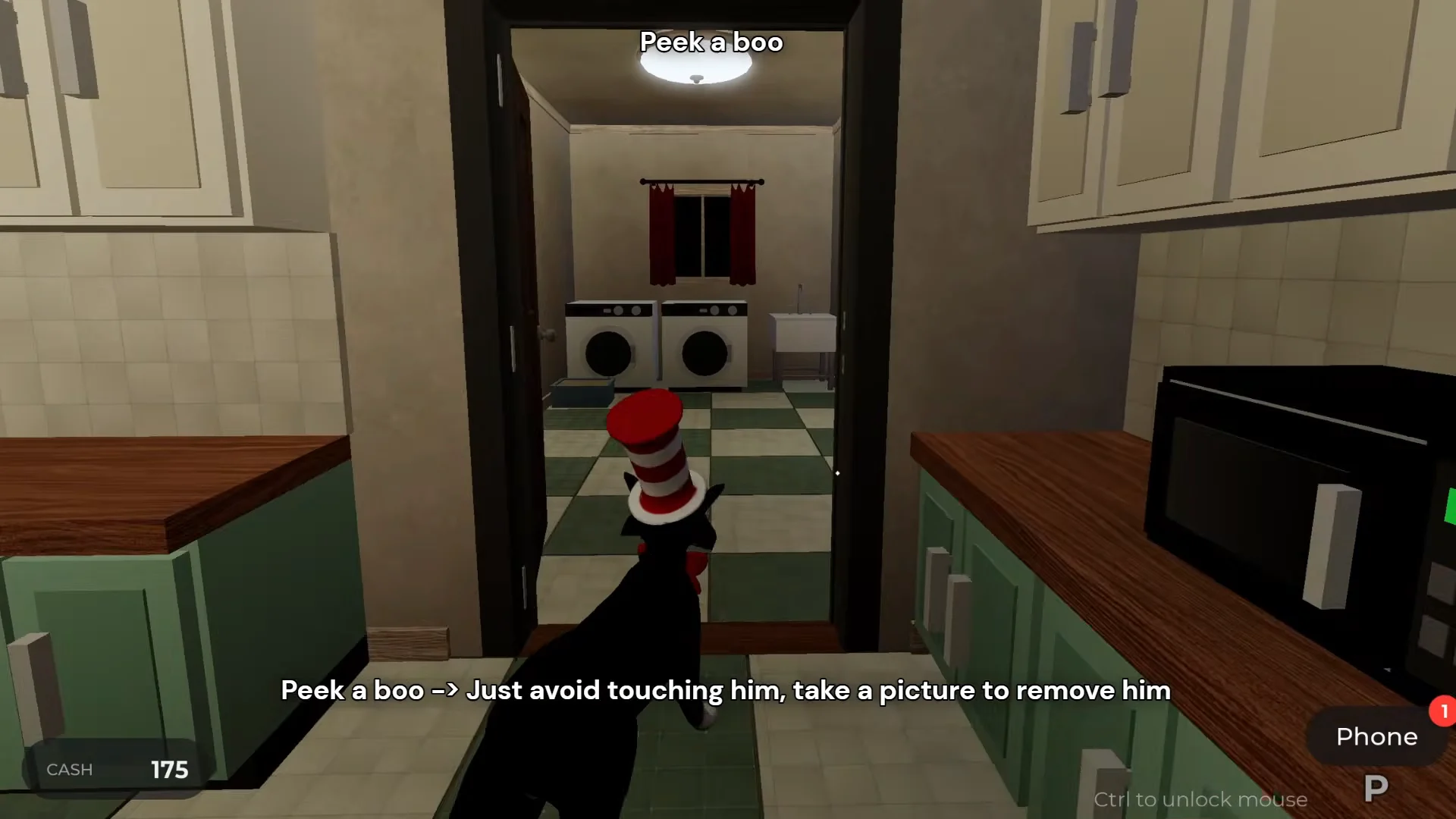
Peek a boo (the Tall Man)
A tall, skeleton-faced entity leans out of a doorway along the hallway. Do not walk into it. Keep your distance, raise the camera, and snap a photo. Once the owner confirms the shot, the figure vanishes. If you ignore it and climb into bed, it follows you into the bedroom and ends the run.
Misplaced
An object appears somewhere it should not be, such as a picture frame floating on the living room wall or furniture shifted out of position. Bring up the phone camera and photograph the wrong object. It snaps back into place. Leaving any misplaced item unfixed at bedtime triggers the Misplaced failure.
Stare Whiskers back to normal
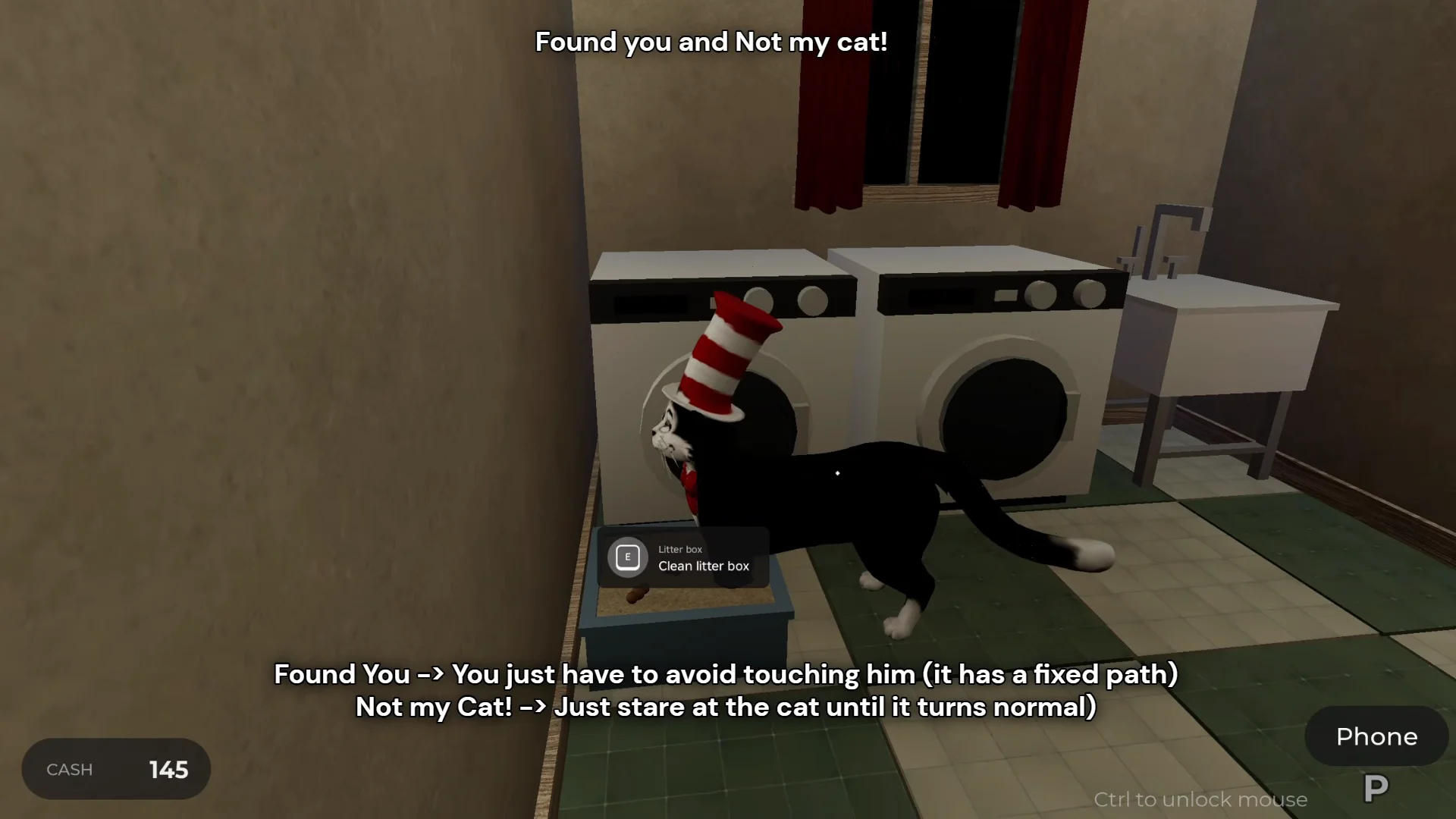
When the Not my Cat! event hits, Whiskers morphs into a creature with a distorted human face. Walk up and look directly at the cat, holding your gaze for several seconds. The cat shifts back to the ordinary tuxedo cat (the one wearing the red-and-white striped hat). Do not sleep while the face is still wrong, or you earn the Not My Cat! badge.
Clear the bathroom fixtures
Two events spawn in the bathroom, and both are fixed with the fittings already in the room.
Down the Drain puts a bloody, grinning face inside the toilet bowl. Interact with the toilet to flush it away. If the face shows up again later, flush again. Going to bed without flushing lets the rest of the body climb out overnight.
Blood Bath causes the tub to become blood-filled. Open the bath tap to drain it, then close it again. Keep the room from flooding: if the tap stays on, you drown and receive the Blood Bath failure badge.
Close the curtains for window and void events
Several events are about blocking what is outside. The curtains and blinds are your defence.
I see you spawns a giant black-and-white grinning face at a window. Go to that window and pull its curtain shut. Sleeping with the face still visible through an uncovered window gives you the I See You badge.
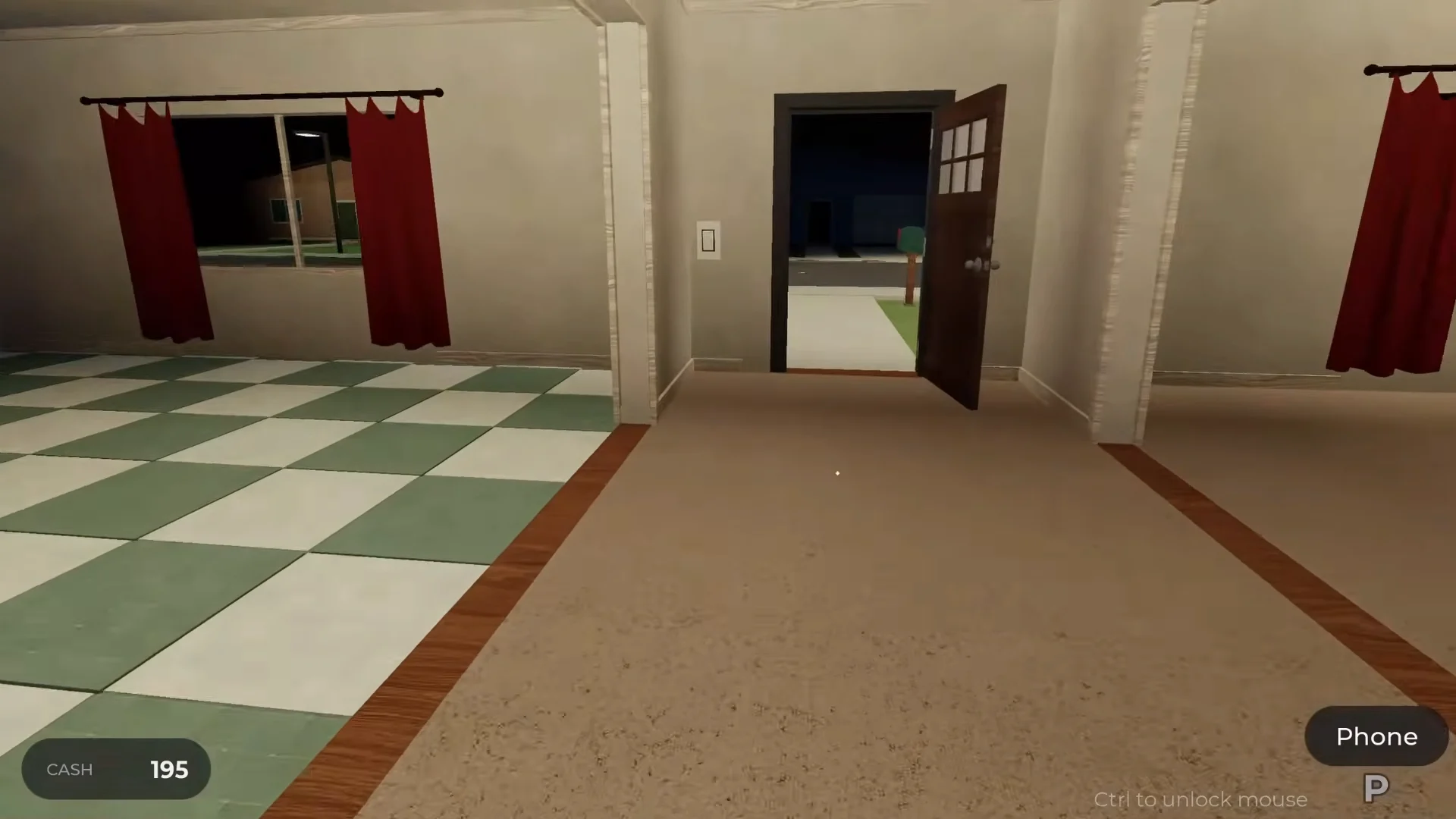
Voided turns the outdoors pitch black and makes the mailbox disappear. Close every curtain throughout the house, in every room, and wait for normal light to return before you collect mail or sleep. Any curtain left open during the void ends the run.
Beamed up is the one outdoor event where you simply stay put. A flying saucer hangs over the house with a beam coming down. Remain inside until the UFO leaves. Stepping out onto the lawn beneath the beam gets you abducted.
Work the lights and the TV
Three events are solved at a switch. The trick is knowing which switch and how many times to flip it.
Lights Out begins with heavy, rapid breathing echoing through the house. Turn off every light and lamp in every room and stay still in the dark. Do not wander toward the sound. The homeowner texts “It’s gone, you can turn the lights back on” once it is safe. Standing in a lit room during this event triggers the Lights Out failure.
Haunted House makes one ceiling light flicker rapidly. Find that specific fixture and turn it off a single time. Ignoring the flicker lets the house go dark and fails the night.
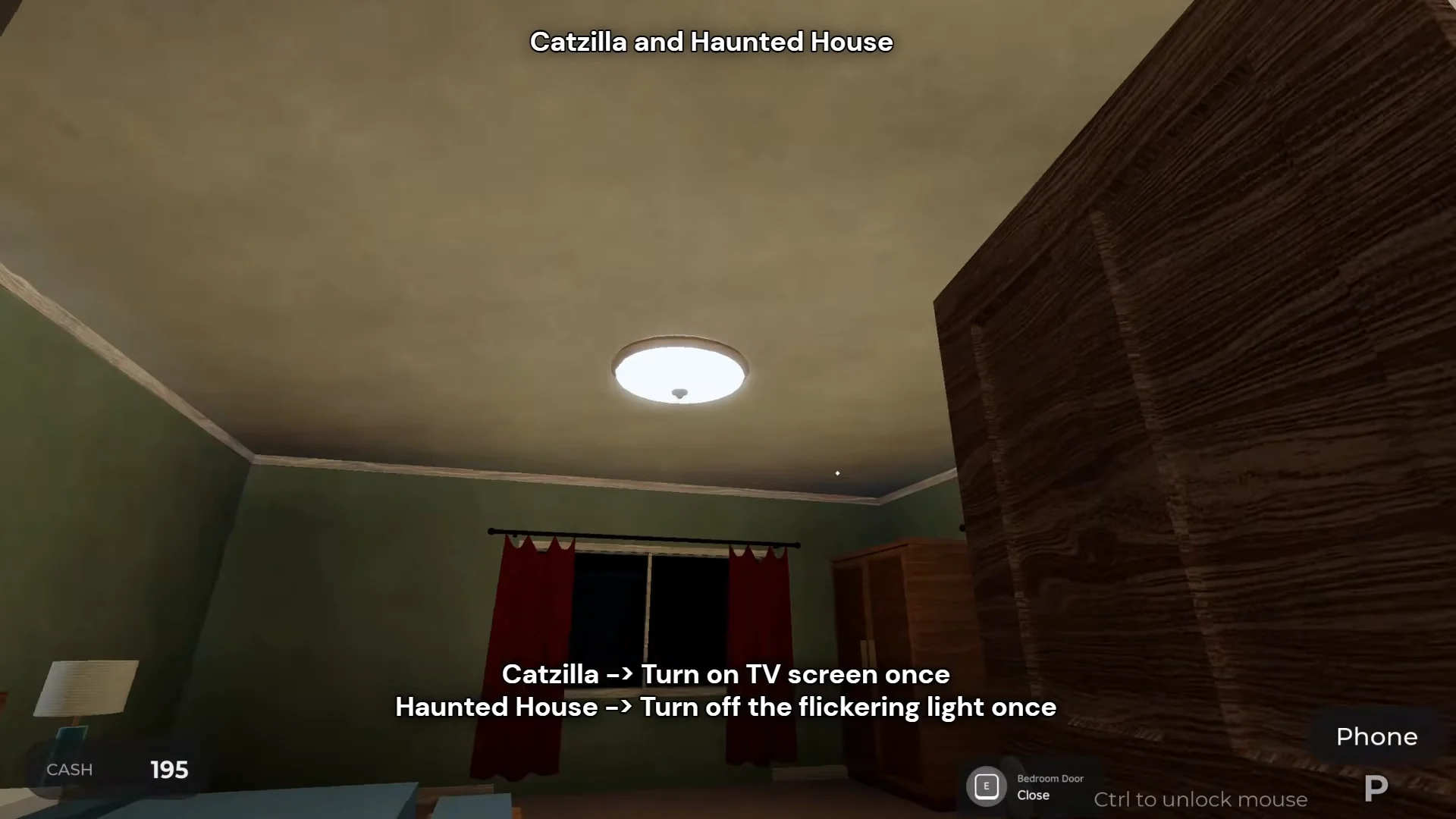
Catzilla puts a massive cat in the sky or stomping down the street. Turn on the living room TV once so the static puts it to sleep, then switch the TV back off before bed. If the creature reaches the end of the street because the TV stayed off, it destroys everything. If it breaks loose again, turning the TV on a second time settles it.
Keep your distance and hide
The last group cannot be photographed or switched off. You survive them by controlling where you stand.
When HIDE flashes on screen, a shadow figure roams the house on a fixed path. Get out of the hallway, run into a back room such as a bedroom, and shut the door until the danger passes. The threat moves along a set route, so avoid touching it. Failing to find a closed room when told to hide produces the Found You badge.
Granny is Here begins with pounding on the front door, where an elderly woman is visible outside. As she comes in, walks through, and departs, remain away from both the hallway and the entrance. Leave her route clear and don’t admit her. Being in the hallway as she enters ends the night.
Visitor brings an alien to the outside windows, projecting a red vision cone into the house. Keep yourself out of the highlighted red area as you move around. Stepping into its line of sight lets it rush the window and attack.
How to confirm you handled it
Each counter has a clear signal that it worked. Photographed threats disappear and the homeowner texts back. Not my Cat! ends when Whiskers returns to the striped-hat tuxedo cat. Lights Out clears with the “you can turn the lights back on” text. Void and window events end when the outside looks normal again and the mailbox reappears.
The deciding rule across the whole week is simple. An anomaly only becomes a failure badge if you sleep while it is still active, so walk the house one last time before bed. Make sure no misplaced object remains, no face is at a window, the stove and fridge are closed, the TV is off unless Catzilla demands it, the front door is locked, and every curtain is set the way the current event requires. Clear the board, then interact with the bed to advance the day.