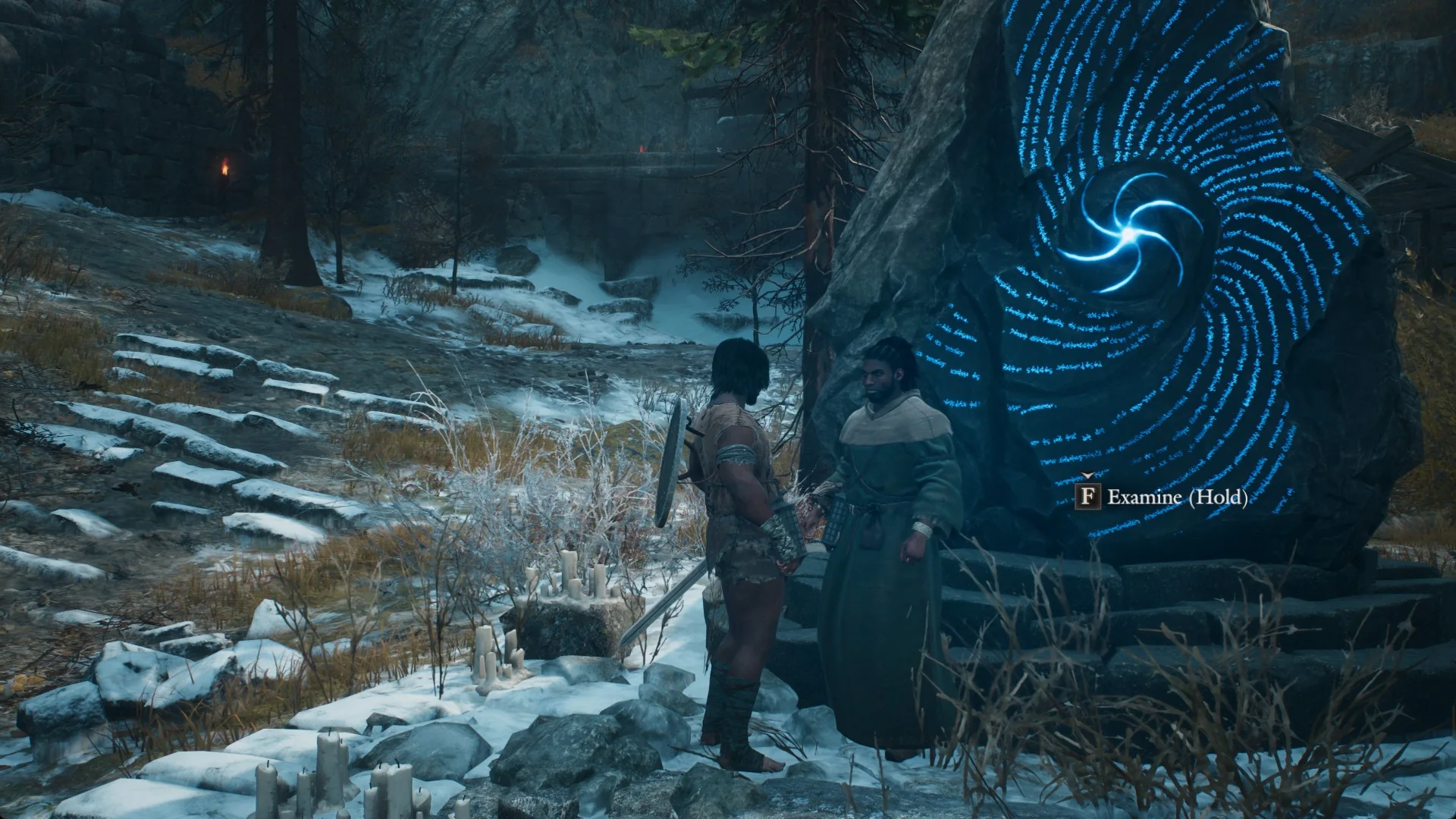
Standing right at a riftstone in Dragon’s Dogma 2 and seeing no way to use it can come down to two things: your weapon is still drawn, or you are standing beside the stone instead of on its steps. Both fixes take a second, and the prompt you are looking for reads “F Examine (Hold)”.
Quick answer: Put your weapon away with X, climb the steps around the riftstone’s base, turn toward the stone, and keep F held until blue light shines from it.
Why the “F Examine (Hold)” prompt is missing
The prompt is a hold, not a tap. If nothing appears at all, two conditions block it at a riftstone:
- Your weapon is drawn when you walk up to the stone.
- You are standing beside the stone on the ground rather than on the steps at its foot.
Sheathe your weapon before you approach the riftstone
If you have just finished a fight near a riftstone, your weapon is probably still out. With the weapon out, the stone shows no prompt.
At the Grand Riftstone of Norgan, standing right at the stone with the sword drawn shows no prompt, and holding F does nothing.
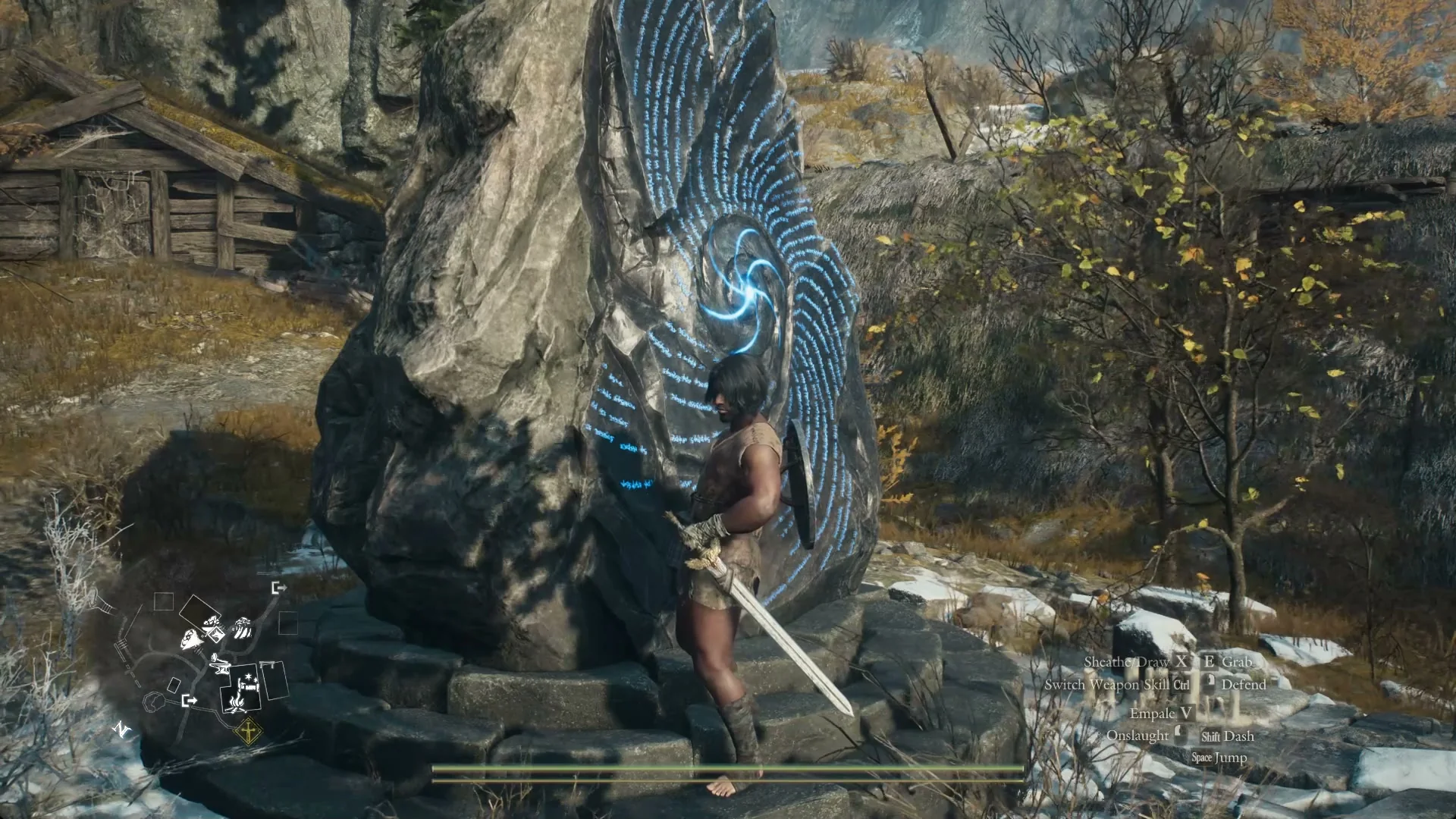
Press X to sheathe, which appears as “Sheathe/Draw” in the control hints, and the “F Examine (Hold)” prompt turns up at once on the same spot.
Stand on the riftstone’s steps, not beside it
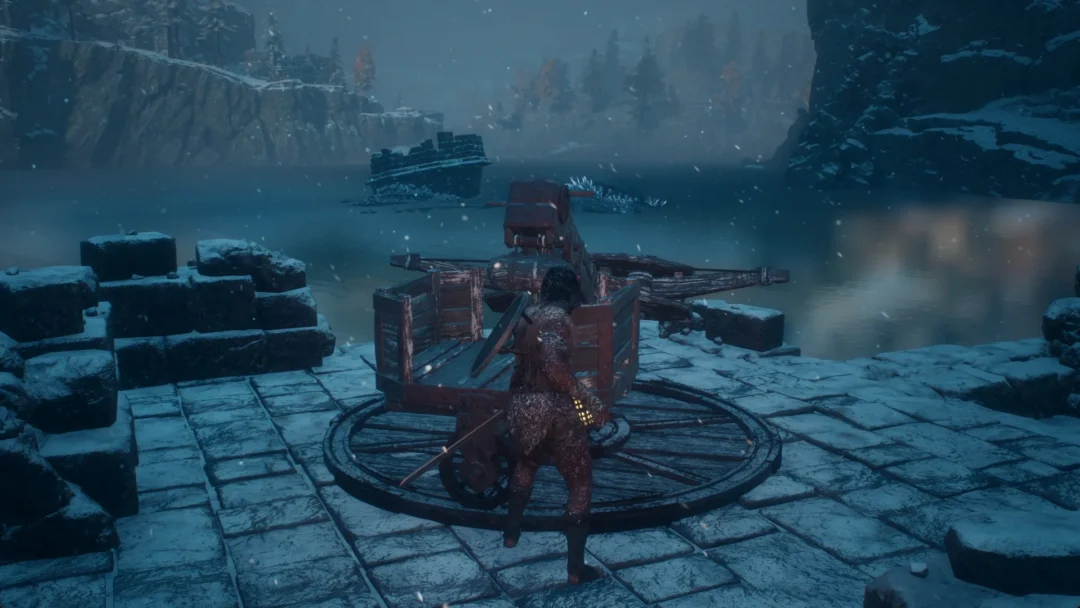
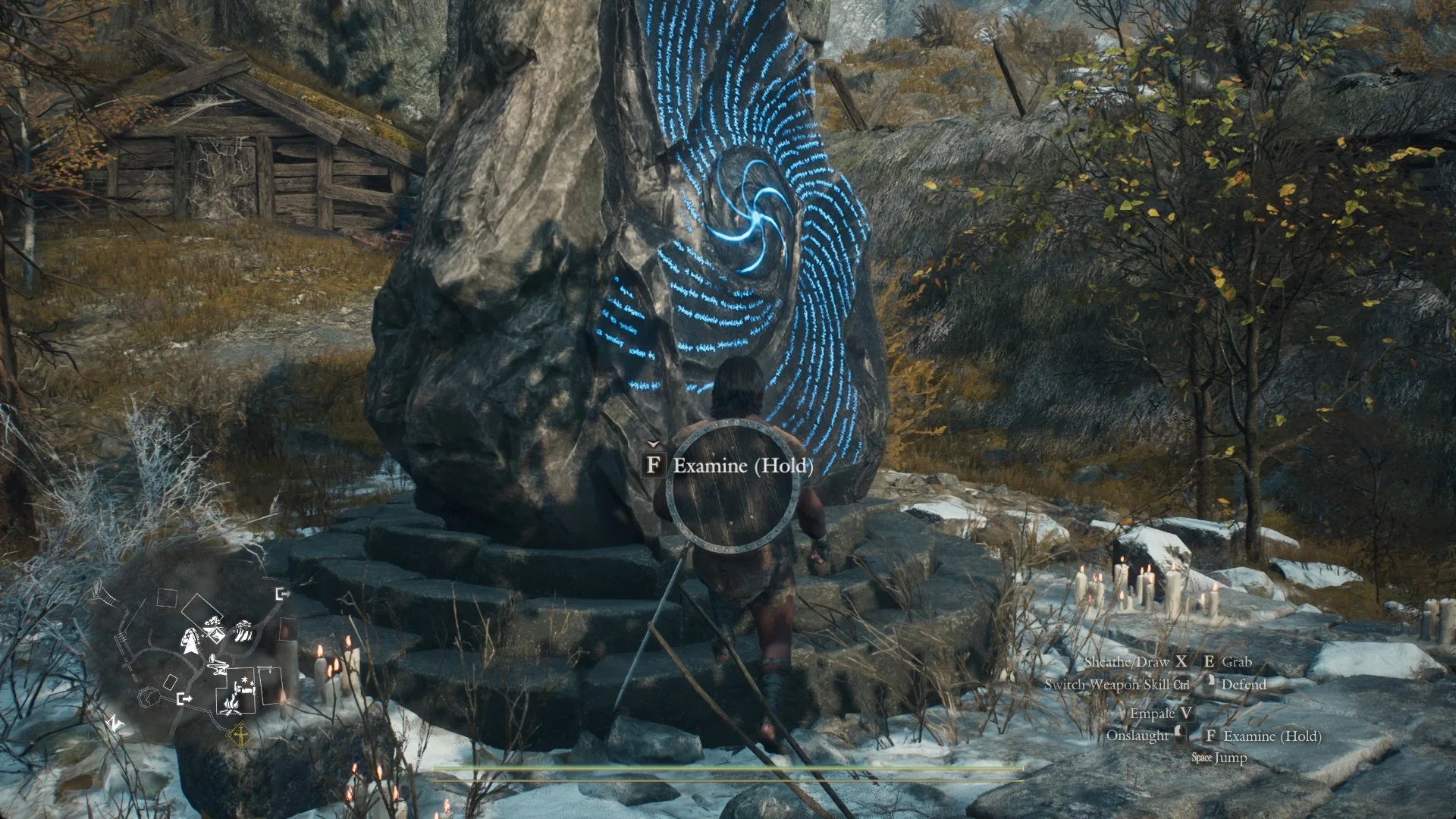
Position matters just as much as your weapon. At the Mountain Stronghold Riftstone, a low round boulder in the snow near Northwall Campground, the prompt does not show from beside the stone on the snow.
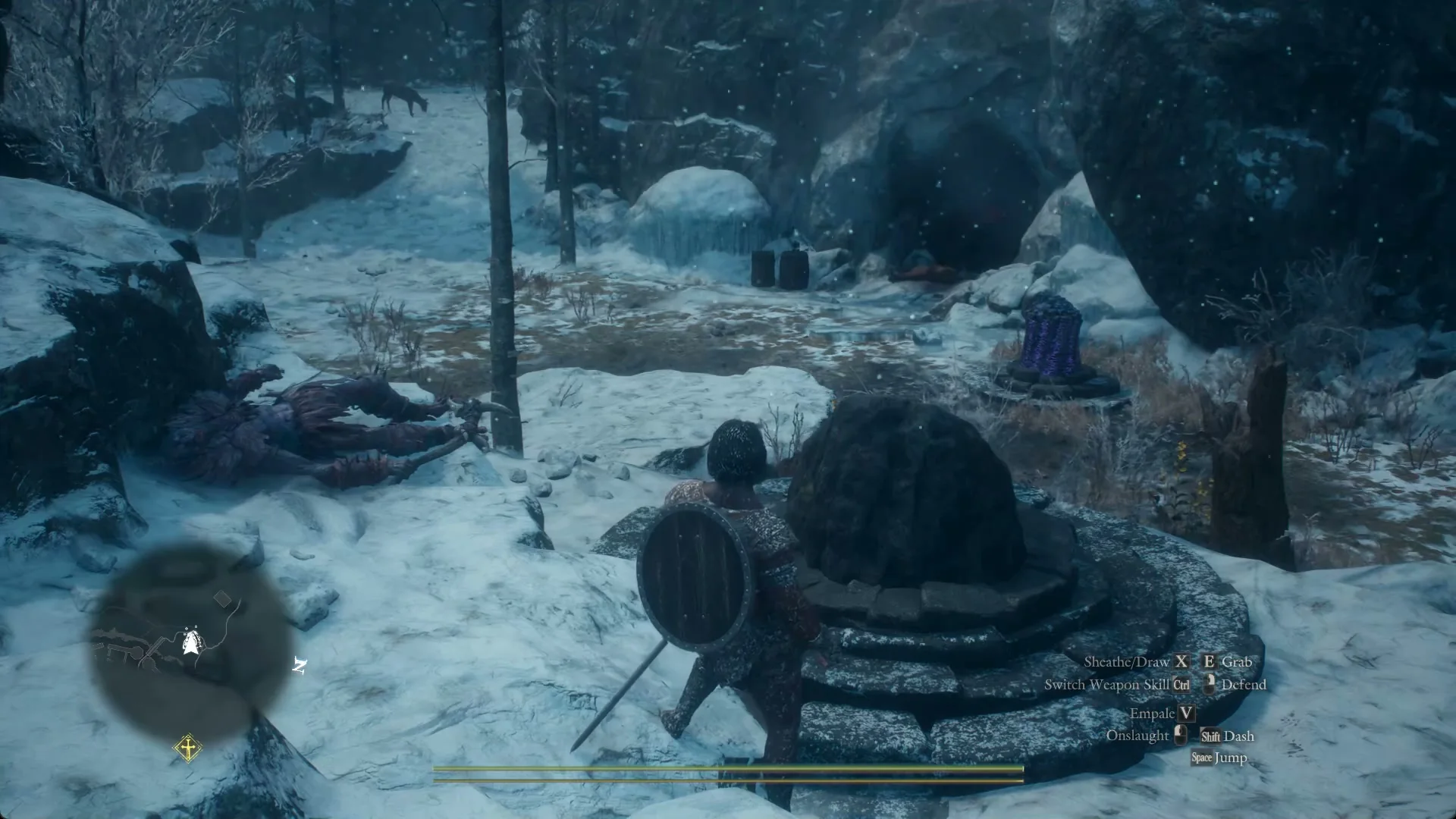
It appears only when you stand on the circular stone steps at the stone’s foot and face it.
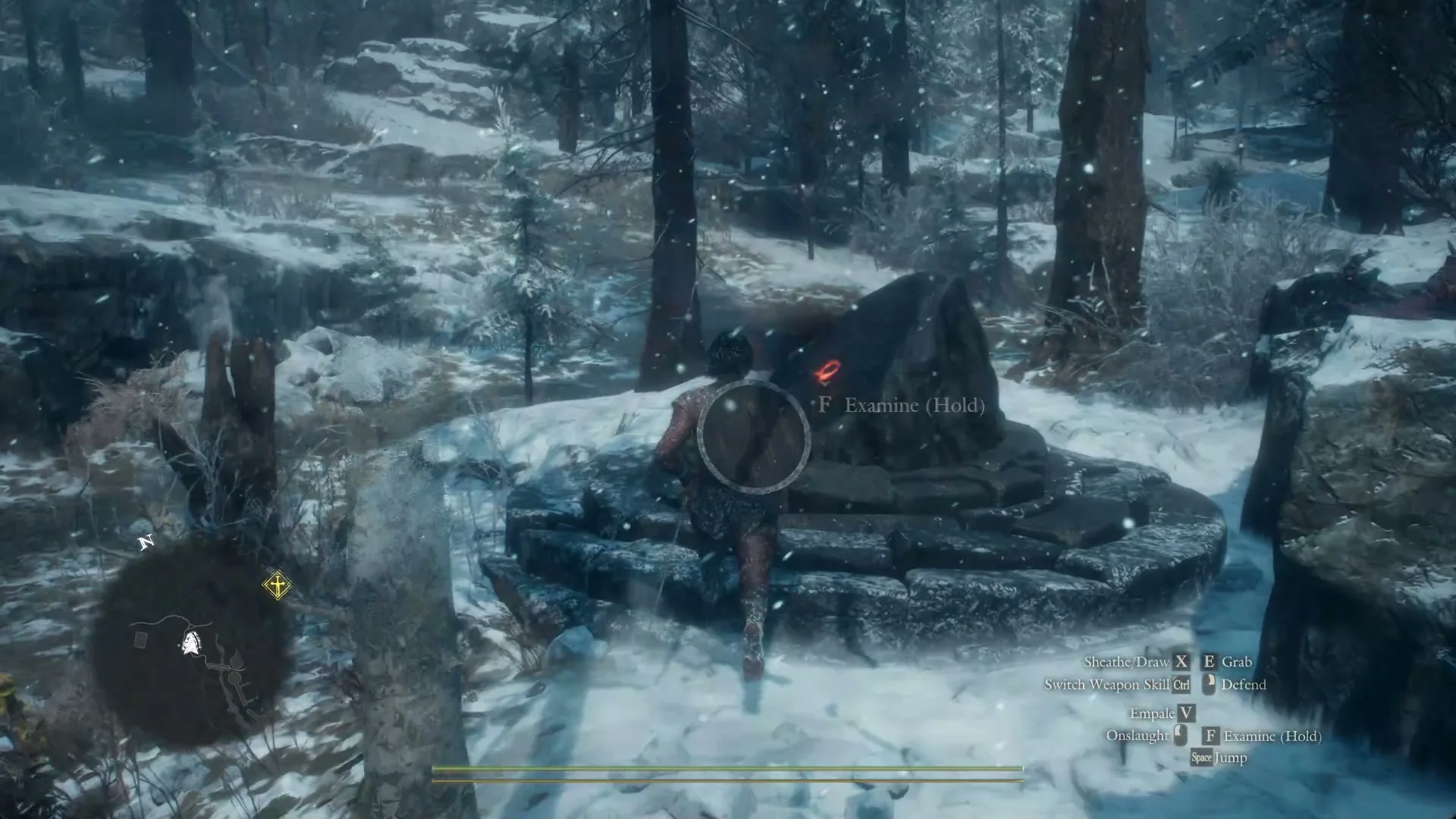
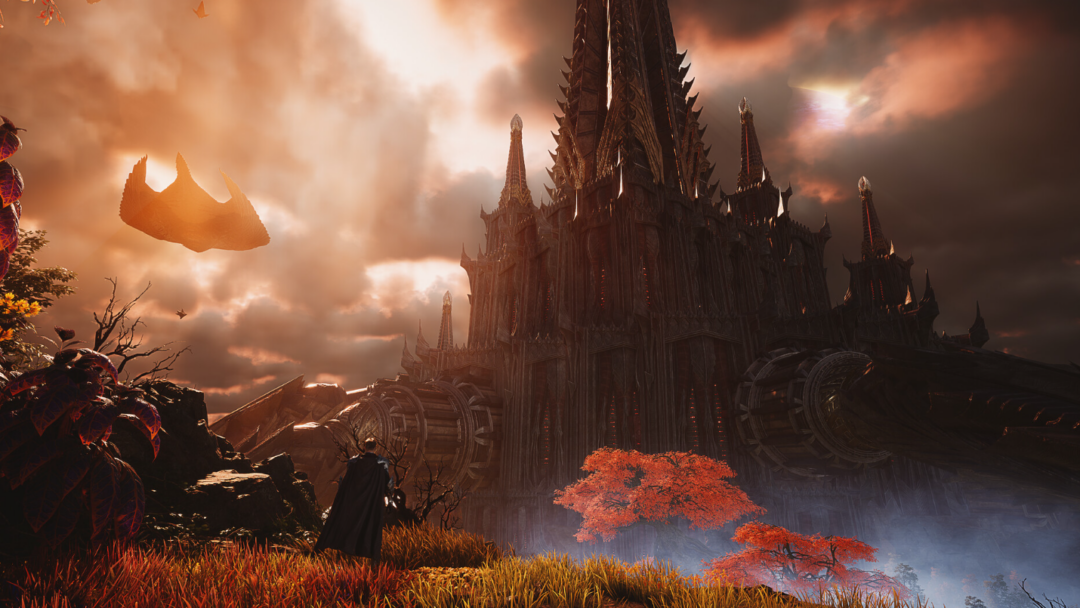
Inside the Norgandian Settlement, the Grand Riftstone of Norgan stands on round steps, its tall stone marked with a spiral. Move up to the spiral side to bring up the prompt.
Steps to make the riftstone prompt appear and use it
How you know the riftstone worked
When the hold finishes with your main pawn absent from the party, blue light bursts from the stone and the pawn appears beside the Arisen. The Grand Riftstone of Norgan triggers this immediately, without opening a menu.
Mistakes that stop the riftstone from working
- Tapping F instead of holding it.
- Approaching the stone after a fight with your weapon still drawn.
- Standing on the ground beside the stone rather than on its steps.
Clear those three, and once “F Examine (Hold)” shows, hold F until the stone flares.