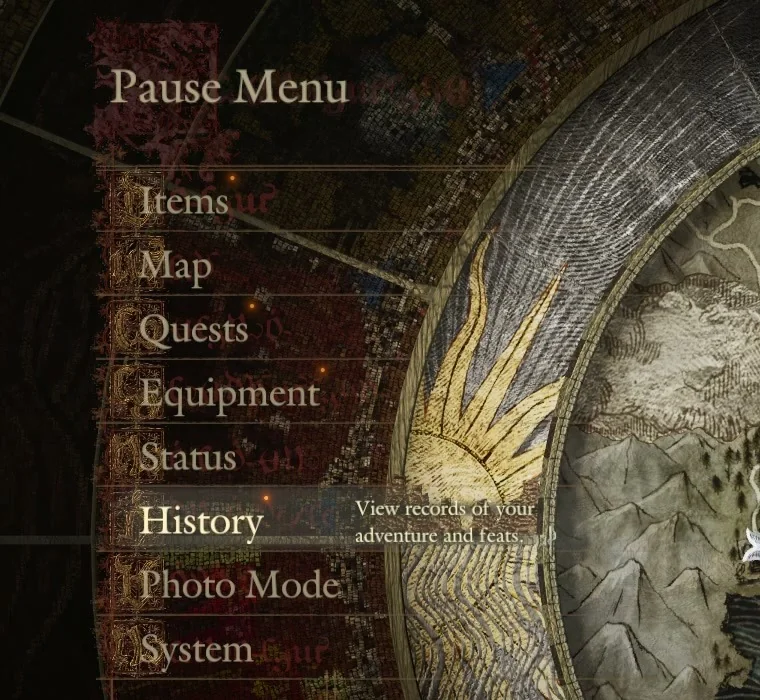
Tutorials in Dragon’s Dogma 2 pop up mid-play and vanish just as quickly, which is a problem if you dismissed one before reading it. Tutorials shown during play are kept in the Pause Menu under History, sorted into categories.
Quick answer: Open the Pause Menu, choose History, then Tutorial Logbook, pick a category, and select the tutorial by name to read it again.
Open the Tutorial Logbook from the History menu
F for “Next Page” to move through it. The right mouse button cancels back out.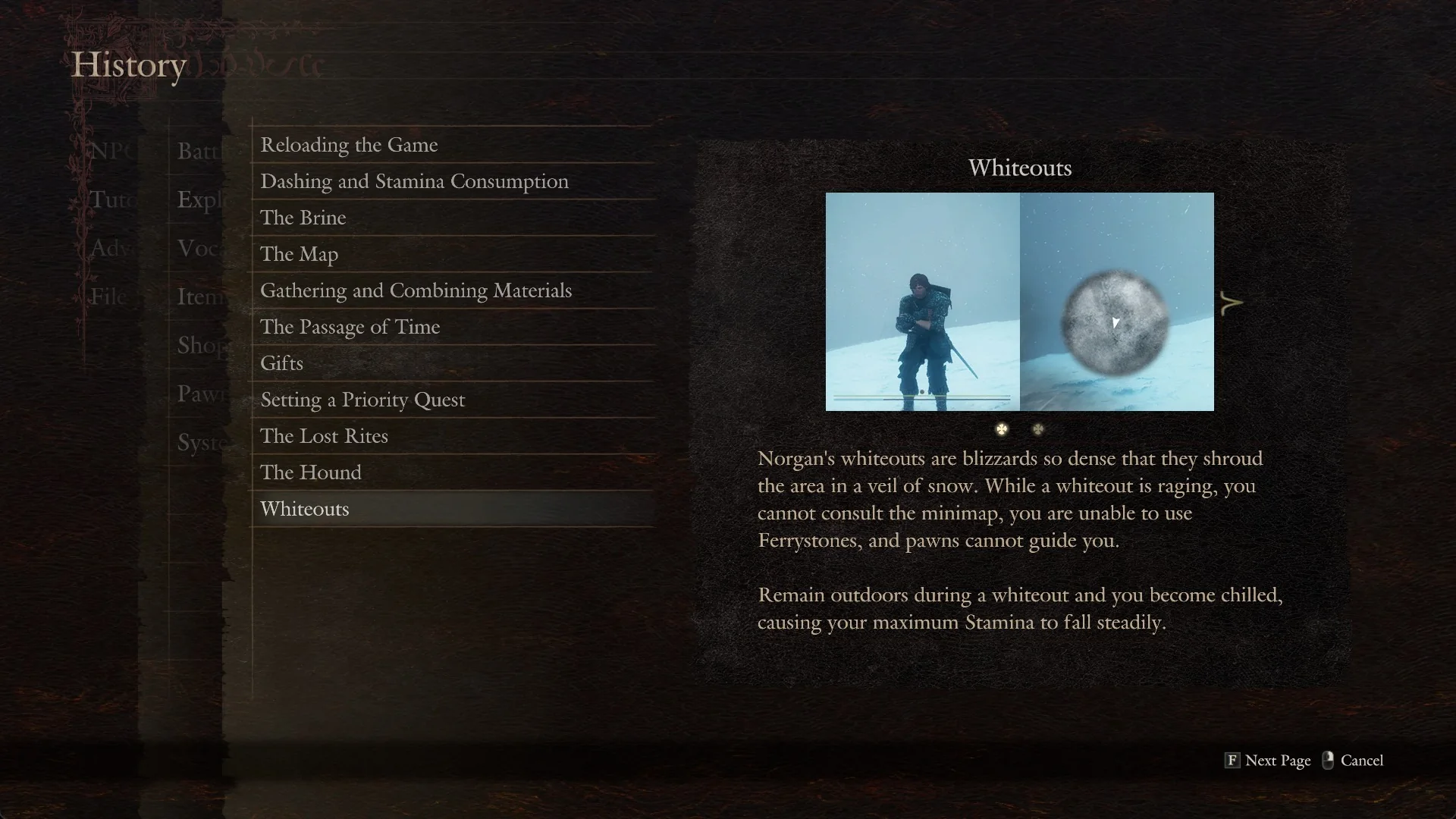
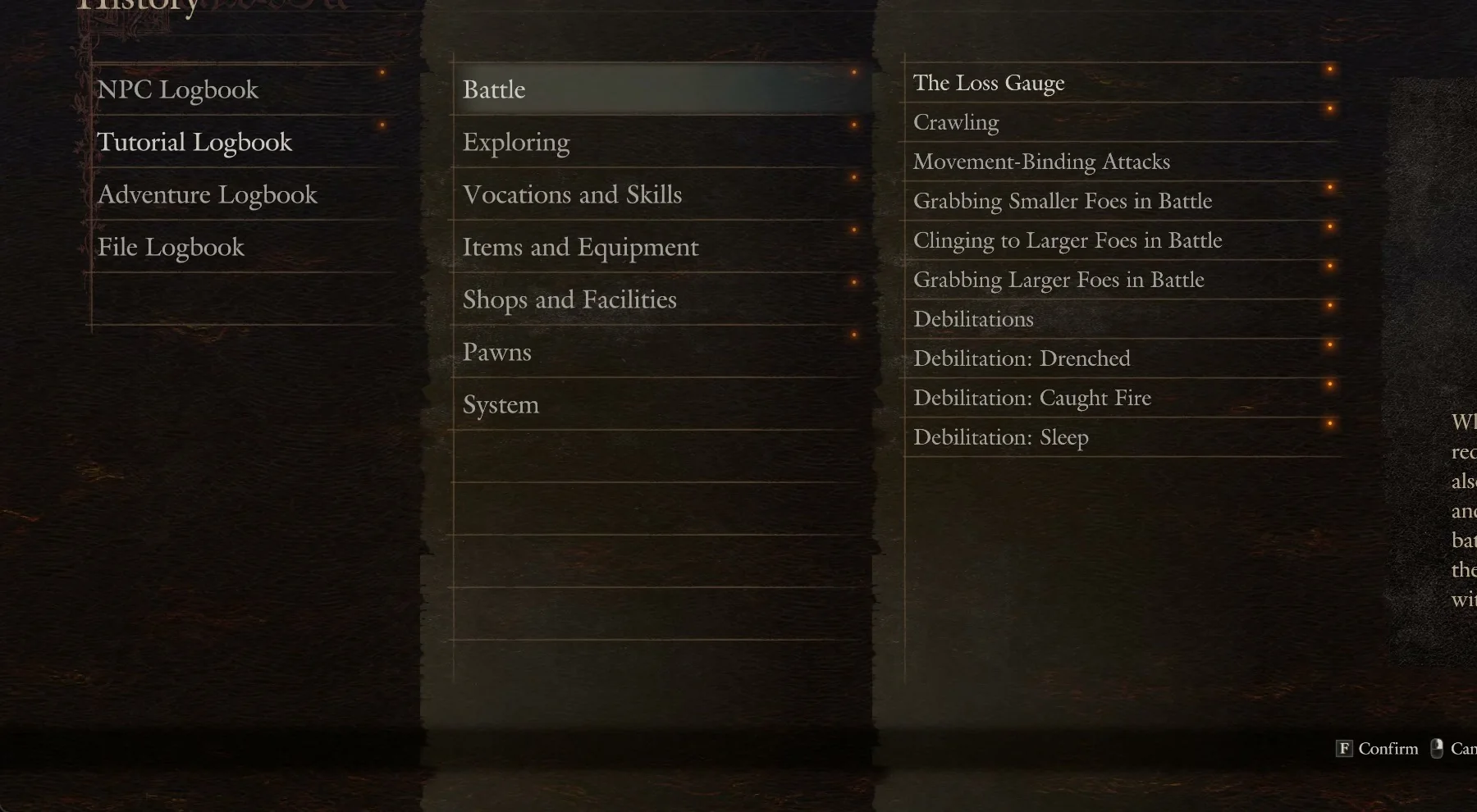
The seven Tutorial Logbook categories
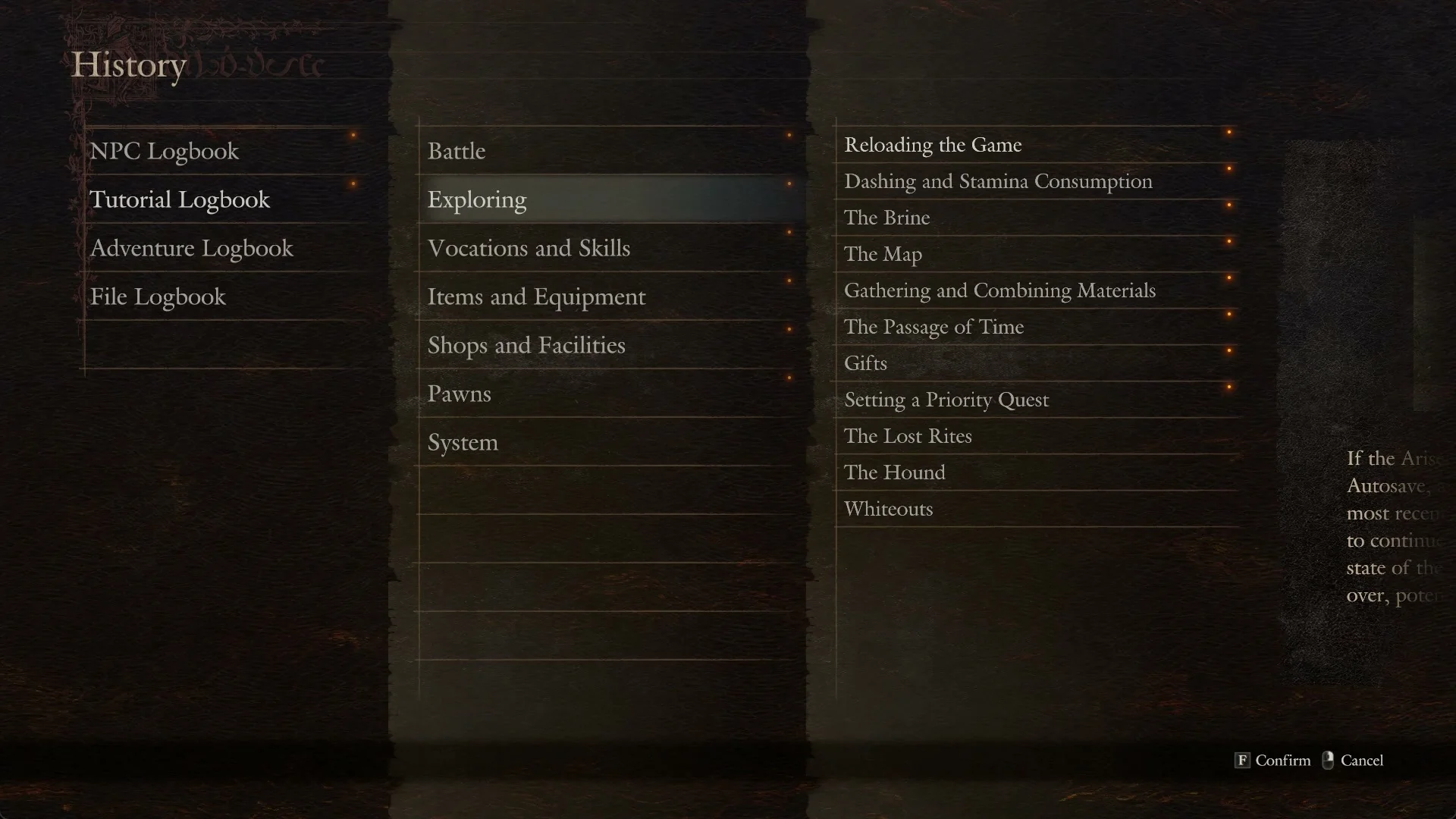
Tutorials are split across these groups, and each one lists its entries by name:
- Battle
- Exploring
- Vocations and Skills
- Items and Equipment
- Shops and Facilities
- Pawns
- System
Open Battle and you will see entries such as “The Loss Gauge”, “Crawling”, “Movement-Binding Attacks”, “Grabbing Smaller Foes in Battle”, “Clinging to Larger Foes in Battle”, “Grabbing Larger Foes in Battle”, “Debilitations”, “Debilitation: Drenched”, “Debilitation: Caught Fire”, and “Debilitation: Sleep”.
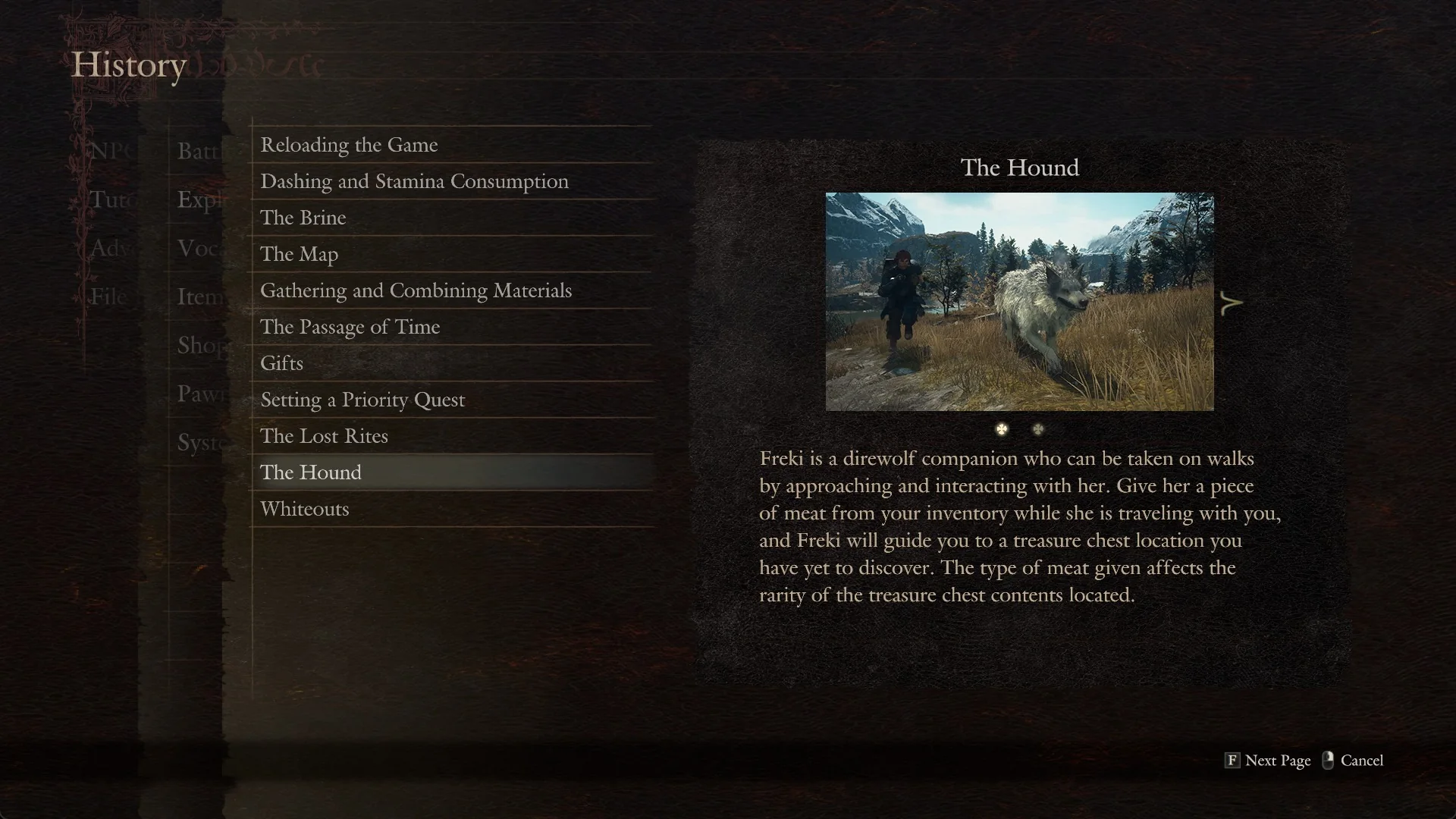
Exploring covers the overworld basics with entries like “Reloading the Game”, “Dashing and Stamina Consumption”, “The Brine”, “The Map”, “Gathering and Combining Materials”, “The Passage of Time”, “Gifts”, “Setting a Priority Quest”, “The Lost Rites”, “The Hound”, and “Whiteouts”.
System is a shorter group, listing “Saved Data”, “Switching Between Save Slots”, and “Restarting Game with Data Carried Over”.
Keyboard controls for reading tutorials
| Key | Action |
|---|---|
F | Confirm / Next Page |
| Right mouse button | Cancel |
Tab | View Tutorial Logbook (shown when a notice appears in play) |
The hints along the bottom of the lists show “F Confirm” and “Cancel”. When a tutorial notice appears while you are playing, the prompt reads “Tab View Tutorial Logbook”.
When a tutorial is missing from the lists
Not every notice you see in play lands in the logbook afterwards. The “Hailstorms” notice that appears during a fight at Lake Norgan was not listed under any of the seven categories when checked later.