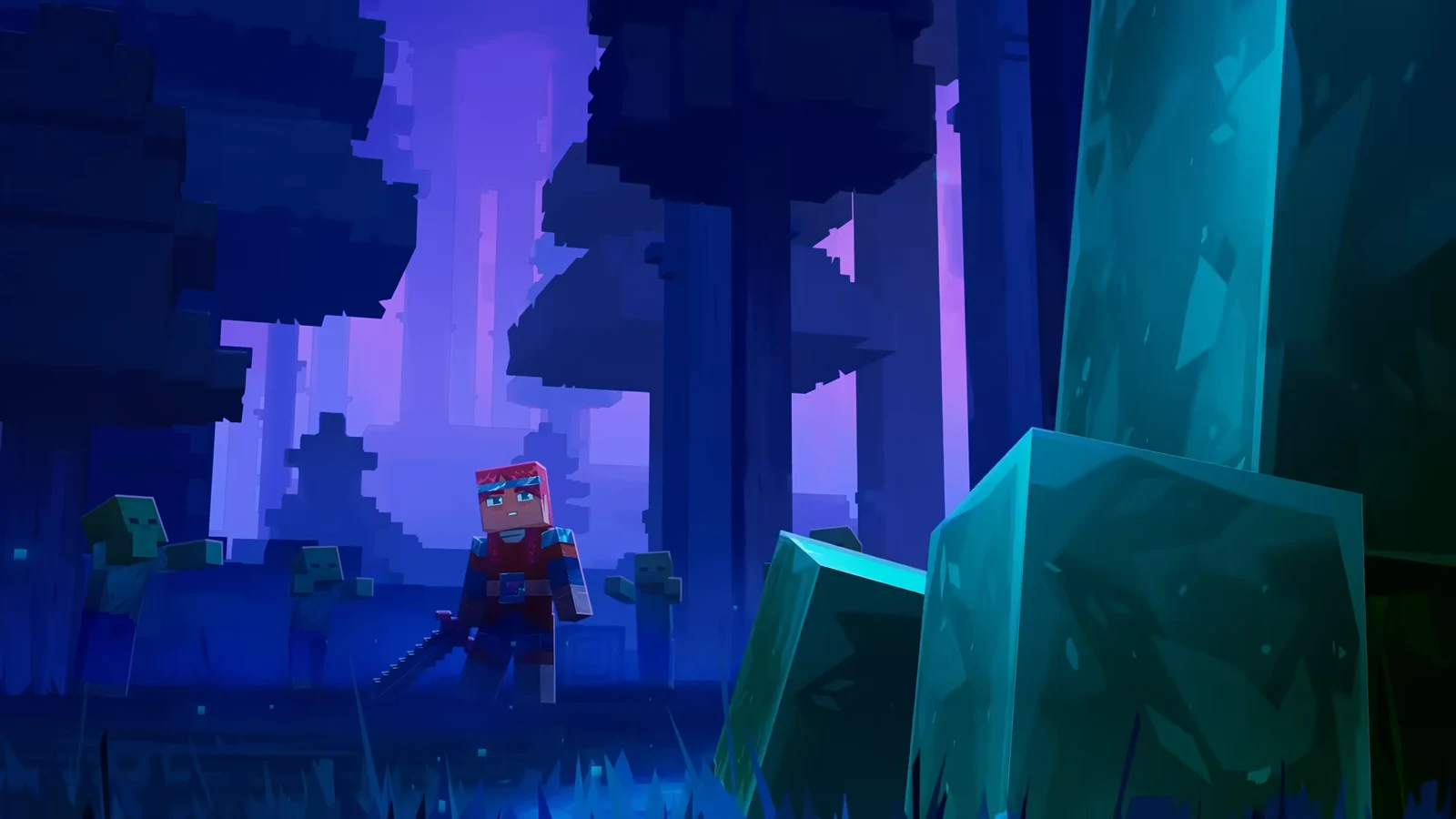
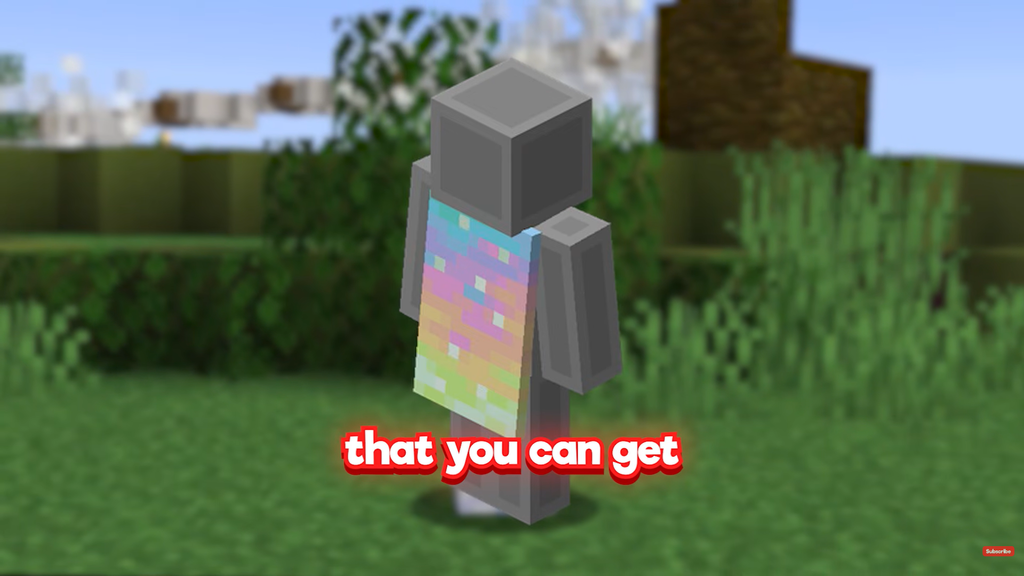
Minecraft Java Edition and Bedrock Edition players can claim the Aurora Cape at no cost for a limited time to celebrate Minecraft Dungeons II’s launch. Watch an eligible livestream to receive a code, and use it with your Microsoft account to redeem the cape. It belongs to neither Dungeons II nor its in-game items, and owning Dungeons II is unnecessary to get it.
Quick answer: Before October 14, 2026 at 11:59 PM PT, spend 3 minutes on TikTok watching a Minecraft Dungeons II livestream; Twitch requires 15 minutes. Afterward, enter the code at minecraft.net/redeem no later than October 31.
Key dates and deadlines for the Aurora Cape
Two deadlines matter here, and they are not the same. First you have to accumulate the watch time while the promotion is live. After that, you still have until the end of the month to actually redeem whatever code you earned.
| Stage | When |
|---|---|
| Watch window opens | September 29, 2026, 07:00 UTC |
| Watch window closes | October 15, 2026, 06:59 UTC (Oct 14, 11:59 PM PT) |
| Last day to redeem codes | October 31, 2026 |
Viewing progress must be completed before the window shuts. A code you already have remains redeemable after that window, but it becomes invalid when the October 31 deadline arrives.
What you need before you start
- A Microsoft account that you use for Minecraft.
- A TikTok account on the mobile app, or a Twitch account linked to Microsoft/Xbox Live.
- A region where TikTok Game Rewards or Twitch Drops are available.
- One claim per person and per Microsoft account.
Get the Aurora Cape on TikTok (3 minutes)
TikTok is the more reliable path right now. It needs only three minutes of watch time, and its codes were refreshed on October 7. The one catch is that Game Rewards is not offered in every country.
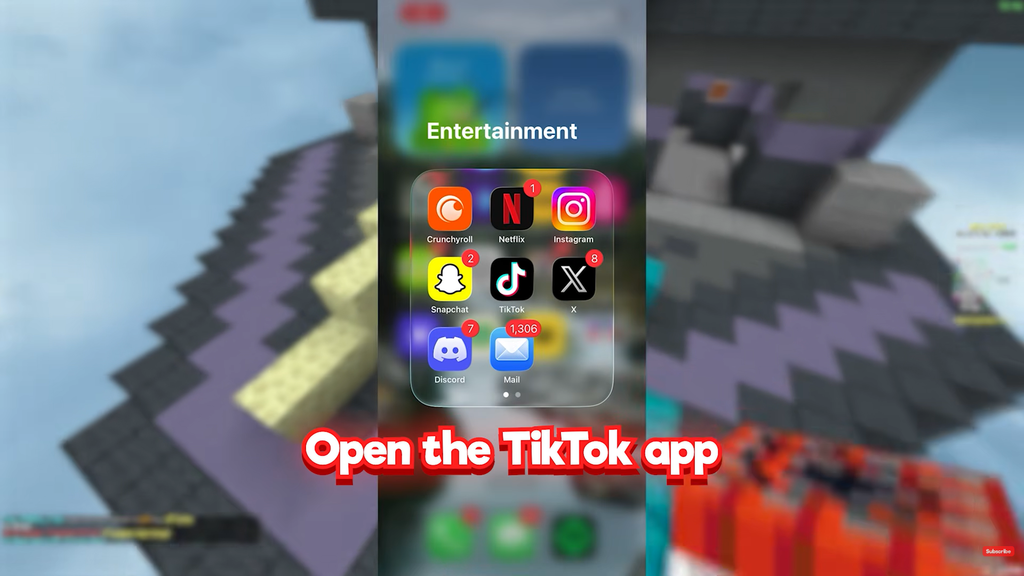
If you cannot find any LIVE with rewards attached, Game Rewards is probably unavailable in your region. Switch to Twitch in that case.
Get the Aurora Cape on Twitch (15 minutes)
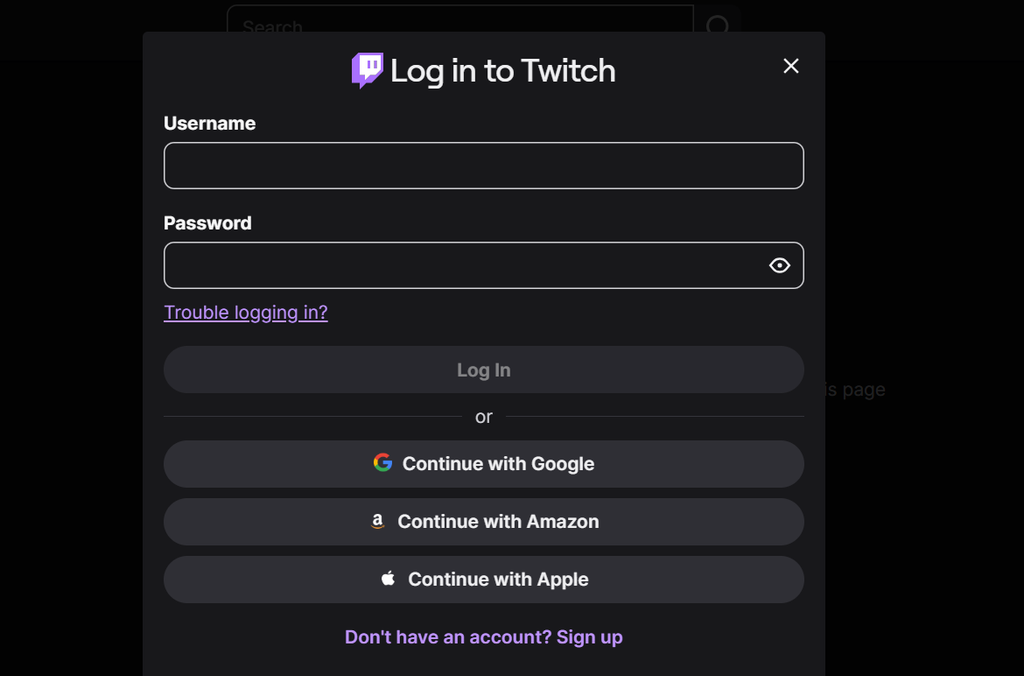
Twitch works in far more countries, but it has been unreliable for this cape. Twitch ran out of Aurora Cape codes shortly after launch, and support has told users that no more will be issued on the platform. The drop may still appear to track progress, yet produce no usable code. If you try Twitch and no code arrives, move to TikTok while the window is open.
Redeem your Aurora Cape code
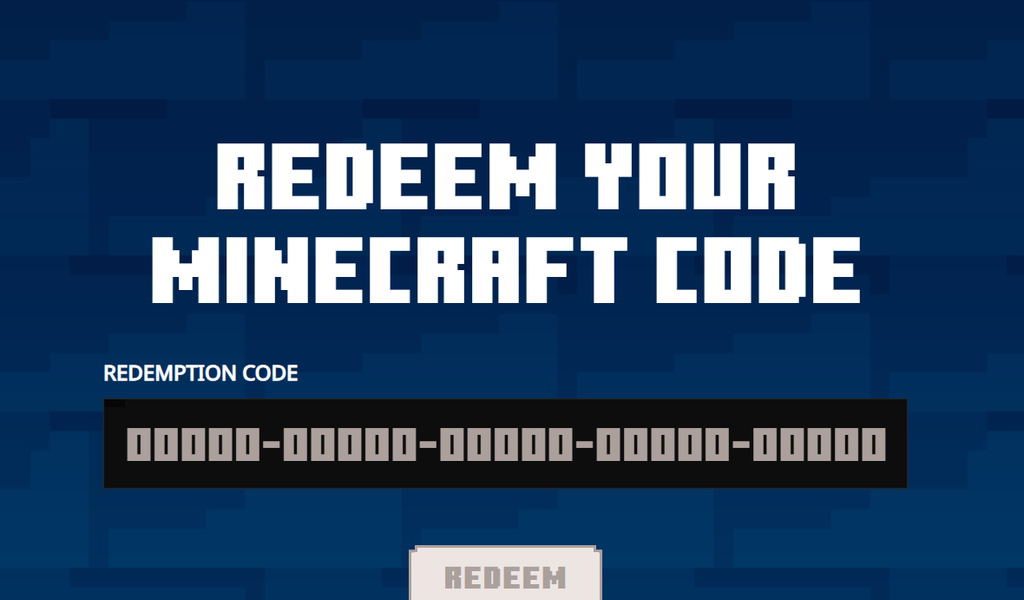
Both platforms give you a 25-character code, written as five blocks of five characters. You redeem it the same way regardless of where it came from.
Equip the cape in Bedrock and Java
One code unlocks the cape for both editions as long as you use the same Microsoft account. The cape also carries over to the elytra, which takes on the same pattern with pointed, pale green-white wing edges while the cape is equipped.
Bedrock Edition
Open Dressing Room from the main menu and make changes to your character. Go to Capes and select Aurora Cape. In Bedrock, its rarity appears as Legendary, and the unlock usually becomes available right away.
Java Edition
In the Minecraft Launcher, open Skins and choose the Aurora Cape from the cape selector, then save your selection. To make it visible in game, turn Cape ON under Options, Skin Customization, and then Cape. Java accounts may take longer to receive it; the wait can approach a day.
If the cape is slow to show in Java, equip it once in Bedrock’s Dressing Room and then reopen the Java launcher. Many players report it appears in the Java cape library afterward.
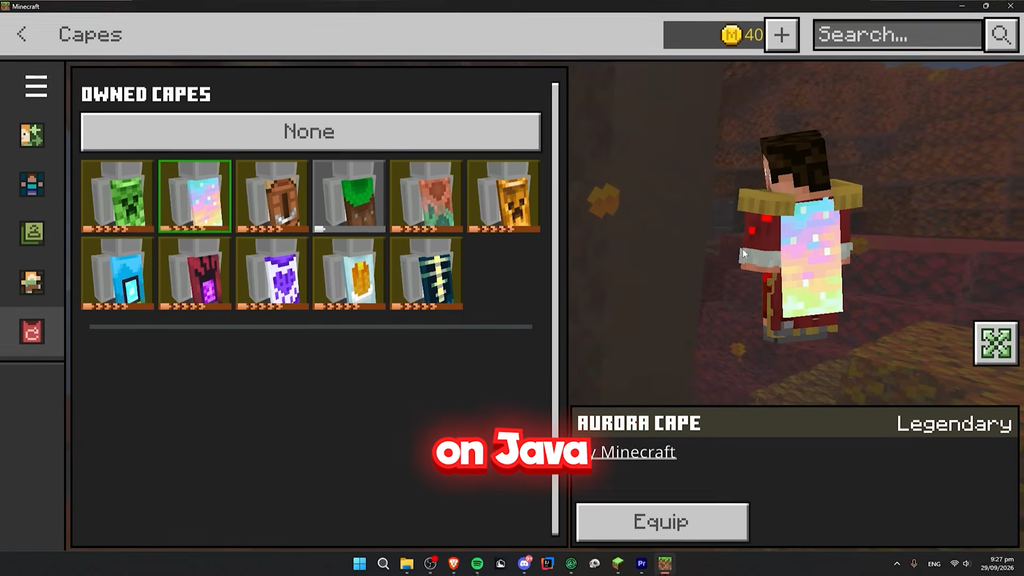
How to confirm it worked
Redemption succeeds when the site shows a “You’re Good To Go” confirmation after you enter the code. From there, the cape appears as an owned cosmetic: in Bedrock it sits under Dressing Room, then Capes, marked Legendary, and in Java it shows in the launcher’s Skins tab cape selector.
A code is single-use, and each Microsoft account can receive just one Aurora Cape. Codes shared publicly have almost certainly been used already. Complete the viewing requirement by the window’s October 14 PT close and redeem by October 31, and the cape remains yours in both editions.