“A Failed Rescue” is one of the Ominent data folders tucked away in Grounded 2, and it comes with a grim little story written by Employee Number 42 of Ranger Team North Epsilon. You do not need to fight your way into the termite nest to grab it. The folder is waiting on a corpse just outside, which makes this one of the quicker logs to add to your collection once you know where to look.
Quick answer: At 91° N / -10° E, use the termite nest’s hidden entrance; search the fallen Ominent worker beside the tunnel and retrieve “A Failed Rescue” from its Backpack Leftovers.
“A Failed Rescue” location and coordinates
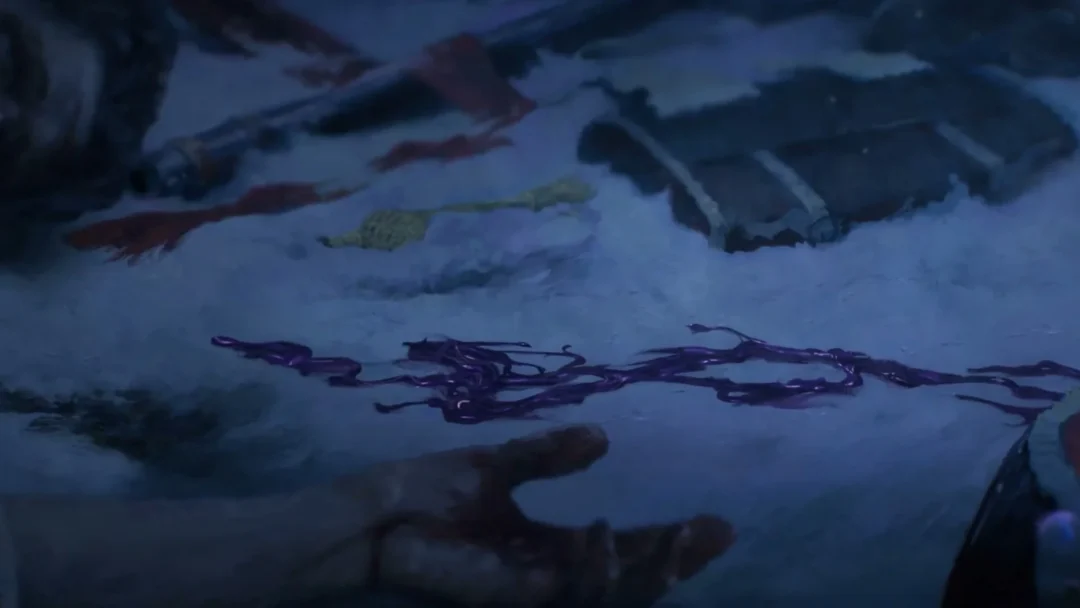
Look beside the woodpile, at the termite nest’s concealed entrance, to find the folder. Its location on the in-game map is 91° N / -10° E. The entrance is a crevice in the terrain, with a dead Ominent employee slumped on the ground immediately in front. Search that body.
An ant mount makes the approach far easier, since the route up to the crevice is faster to cover on a pet than on foot.
How to collect the “A Failed Rescue” folder
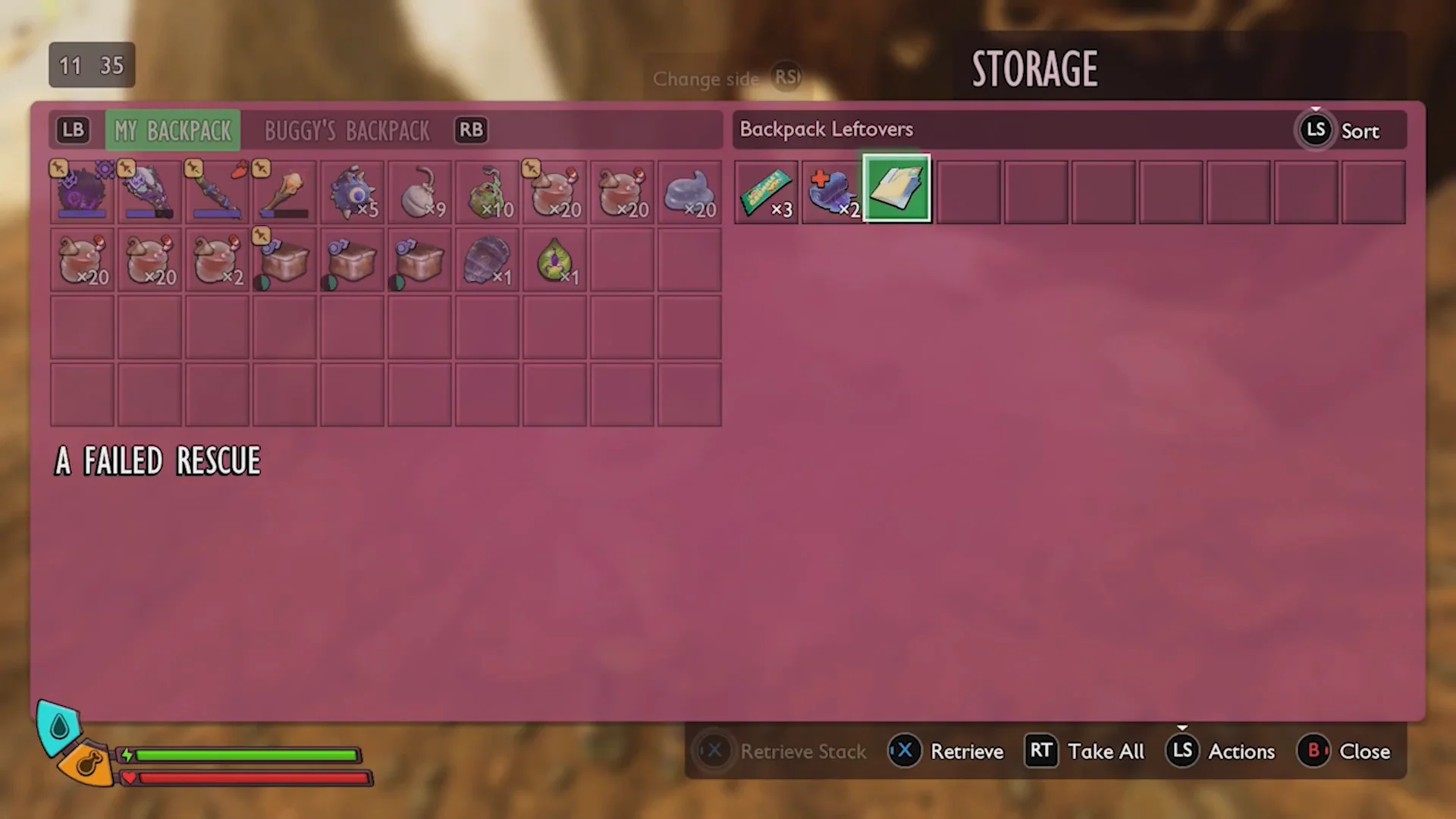
You can confirm the pickup worked by opening your data folders from the inventory. “A Failed Rescue” will now appear there as a readable report, credited to Employee Number 42 and dated October 16th, 1992.
What the “A Failed Rescue” log says
The report is written by Employee Number 42 of Ranger Team North Epsilon, affiliated with the Network Center. It records a rescue mission gone wrong inside the termite nest in the woodpile. Employee 42 brought three colleagues, numbered 451, 510, and trainee 684, to pull out 707, who had run into the nest.
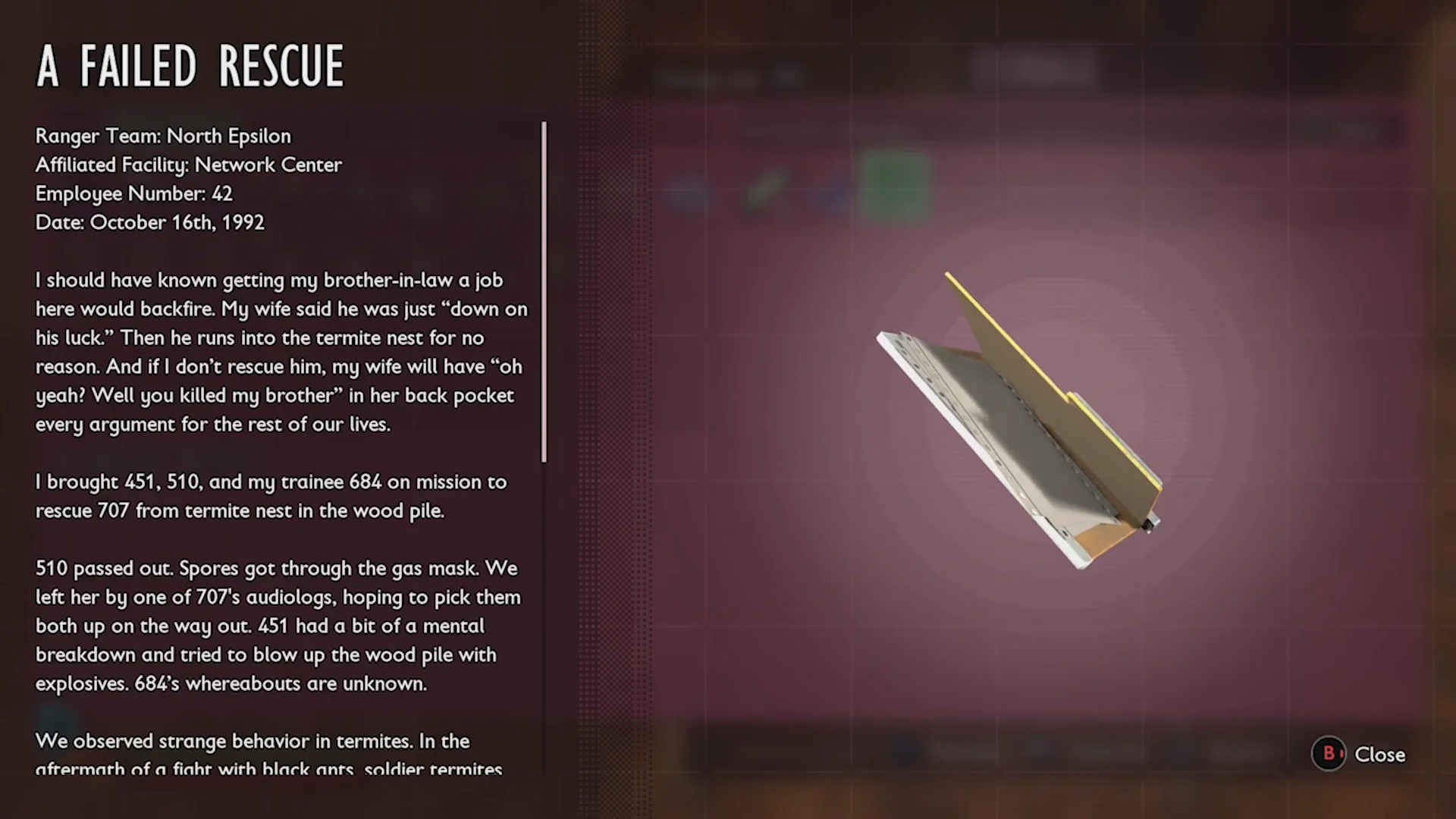
The mission falls apart quickly. 510 passes out after spores get through her gas mask and is left behind by one of 707’s audiologs. 451 has a breakdown and tries to blow up the woodpile with explosives, and 684 simply goes missing. The log closes on an unsettling note about the termites behaving strangely after a fight with black ants, which hints at the same corruption the rescue team ran into.
Other Ominent data folders nearby
If you are hunting data folders, a few more sit close to the central map area around the Network Center. Several of them share an entrance you may already know.
Security Update
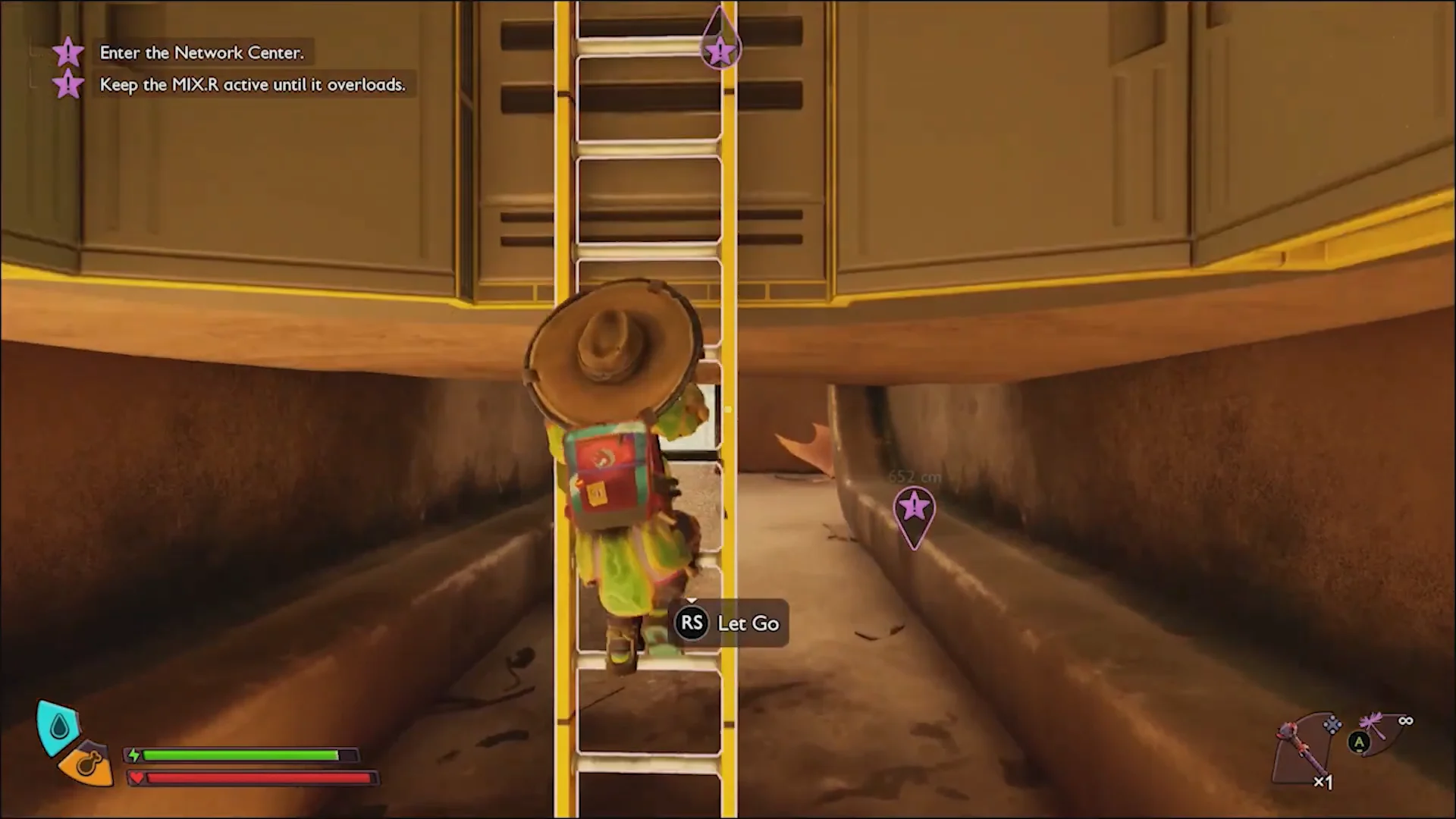
To reach Security Update, climb the yellow ladder beneath the BURG.L statue to enter the Network Center. From Level B1, take the transport tube up to the reception room, pass the reception desk, and turn into the control room on the right. The folder rests on top of the computer terminals at 47° N / 10° E.
Sense of Dread
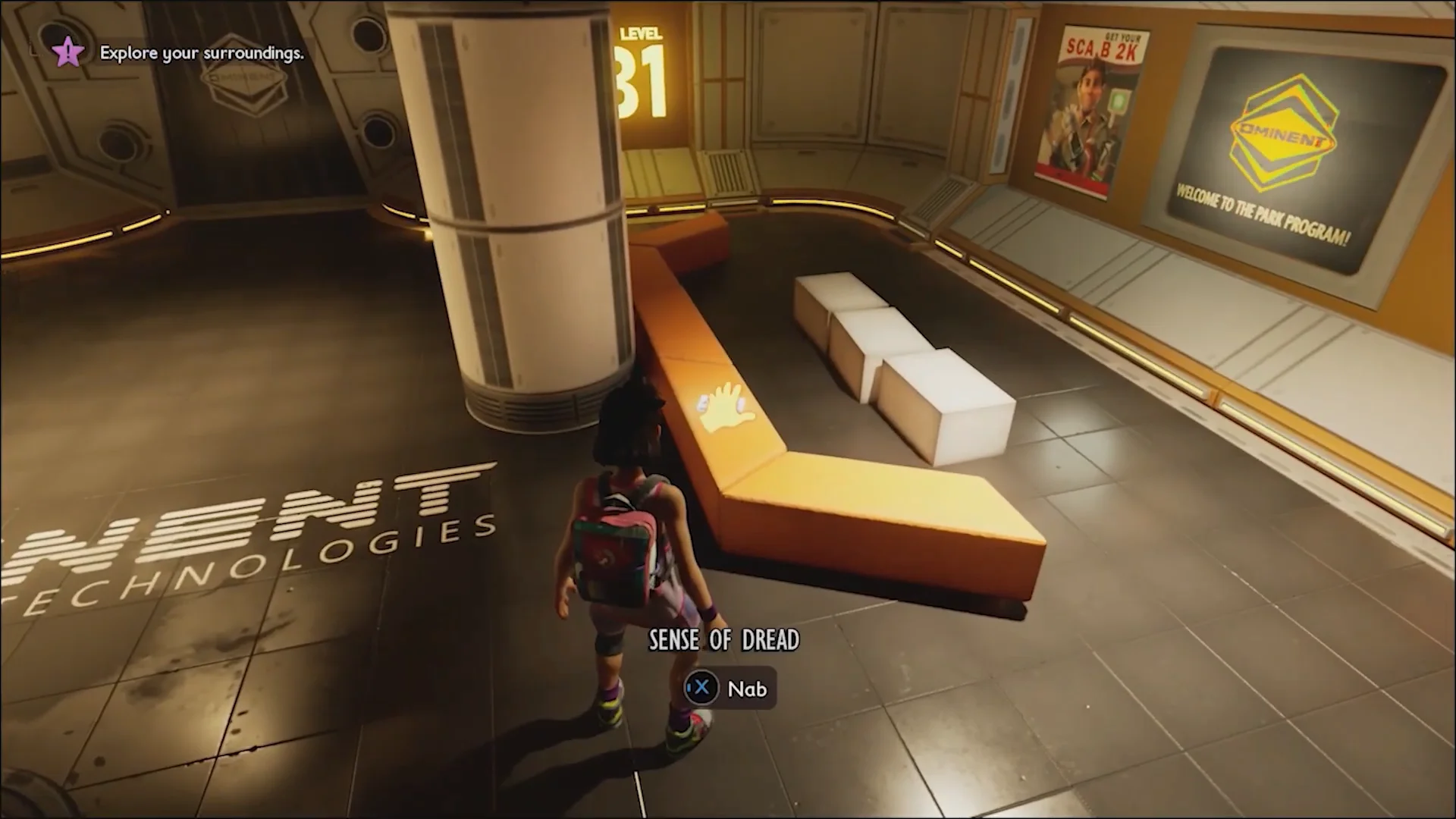
Sense of Dread is an early data tape you can pick up during the onboarding facility sequence. It sits on an orange bench along your route through the facility, and grabbing it is as simple as walking up and taking it.
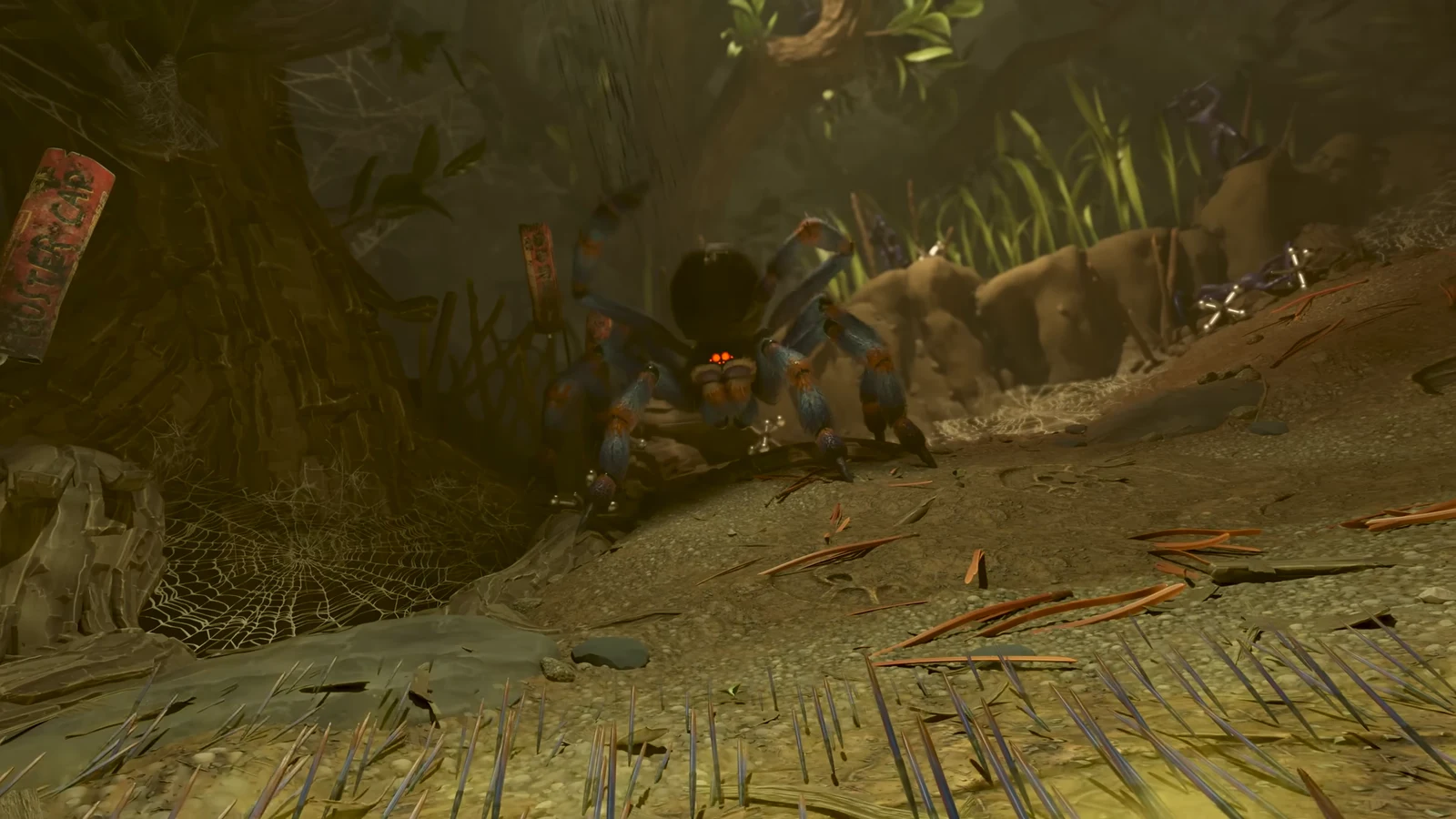
With “A Failed Rescue” secured and the corpse rummaged, you have everything this log offers, from the report text to its spot in your data collection. The termite nest entrance keeps the folder in the open, so the only real work is getting there safely past the surrounding wildlife.