The Appearance Change Voucher is AION 2’s ticket for re-editing a character after creation. Creating a character is free, and you can adjust it as much as you like at that stage. Once you’re playing, changing your face, hair, style, or body shape costs a fee, and this voucher covers that fee.
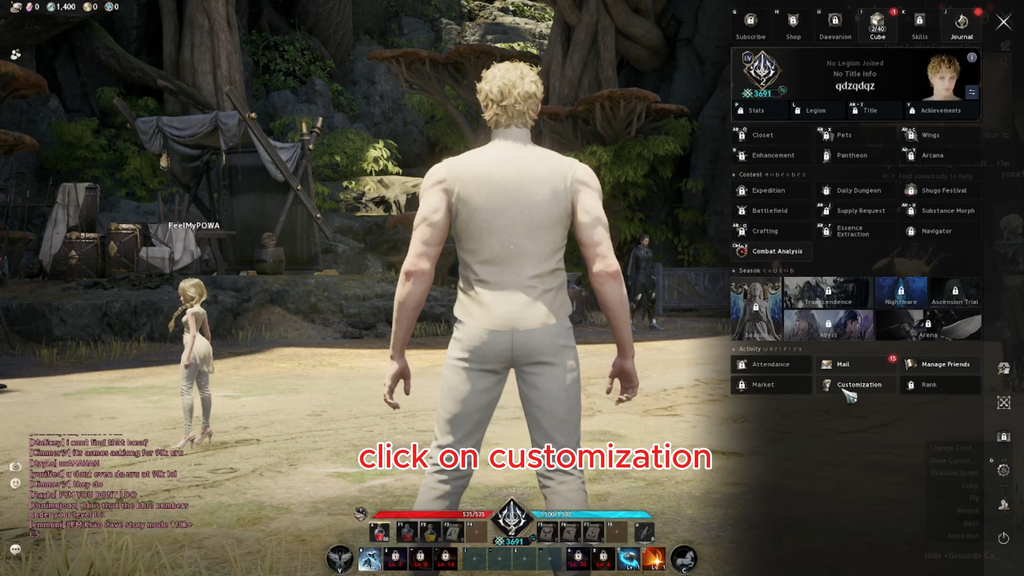
Quick answer: Reach level 10, then buy the permanent voucher for 36,000 Oath Coin or open a Daeva’s Styling Chest. Redeem it through Customization in the main menu.
What the Appearance Change Voucher does
Using the voucher reopens the customization editor for a character you already created. It covers the same five tabs you saw at creation: Preset, Face, Hair, Style, and Body Shape. Applying your edits uses up one voucher, and the new look takes effect straight away.
There is one firm limit. If your current appearance was downloaded from the Style Shop, the voucher can’t modify it. Players’ designs from the Style Shop go into a character’s Download Storage, and once one of those designs is applied, it stays fixed.

Every version of the voucher follows the same basic rules:
- Required level: 10. Characters below level 10 can’t use it.
- Grade: Common.
- Bound. It can’t be traded, either directly between players or on the market.
- Item type: Usable. It is used up when you apply an appearance change.
Gender is part of your appearance in AION 2, and skins come in separate versions for each gender. If you change gender, any skin you own automatically switches to the version made for the new body, so you keep your paid cosmetics.
How to get the Appearance Change Voucher
The voucher comes in five variants with the same name. Each one has the same effect. They differ in where you get them and whether they expire.
| Variant | Max stack | Source |
|---|---|---|
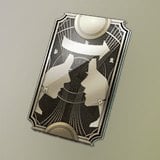 Appearance Change Voucher (Bound) Appearance Change Voucher (Bound) | 1,000 | Shop, 36,000 Oath Coin |
| Appearance Change Voucher (7 Days) (Bound) | 1 | Daeva’s Styling Chest |
| Appearance Change Voucher (10 Days) (Bound) | 1,000 | Reward grants |
| Appearance Change Voucher (30 Days) (Bound) | 1,000 | Reward grants |
Oath Coin shop
The permanent voucher is sold in the Season Shop for 36,000 Oath Coin. It has no time limit, and you can stack up to 1,000 of them. Of all the sources, this is the only one you can earn just by playing.

Daeva’s Styling Chest
Opening the Daeva’s Styling Chest gives you one Appearance Change Voucher (7 Days) (Bound) and one Customization Voucher (Bound). The chest was included in the Ultimate tier of the Founder’s Pack. The voucher inside comes as a single copy and does not stack.

A2 Mileage shop and events
You can also get the voucher from the A2 Mileage shop, available through Shop in the in-game menu. Mileage is granted for purchases made with real money, so this is a paid reward rather than a free source. Event rewards and redemption codes have also offered vouchers with limited validity, including the 10-day and 30-day versions.

The variants with a number of days in the name are time-limited. Check the item tooltip after you receive one and use it before it expires.
Appearance Change Voucher vs. Customization Voucher
These two items often come in the same chest, but they do different jobs. The Appearance Change Voucher changes your character’s body and face. The Customization Voucher (Bound) is a Special-grade currency. It pays the Customization Fee once when you customize a skin in the Closet, and it can be used from level 1.

Customization Vouchers come from the Daeva’s Styling Chest and from Customization Voucher Chests that are labeled 7 Days, 10 Days, or 30 Days. Customization Vouchers do nothing in the appearance editor, and Appearance Change Vouchers do nothing in the Closet.
How to use the Appearance Change Voucher
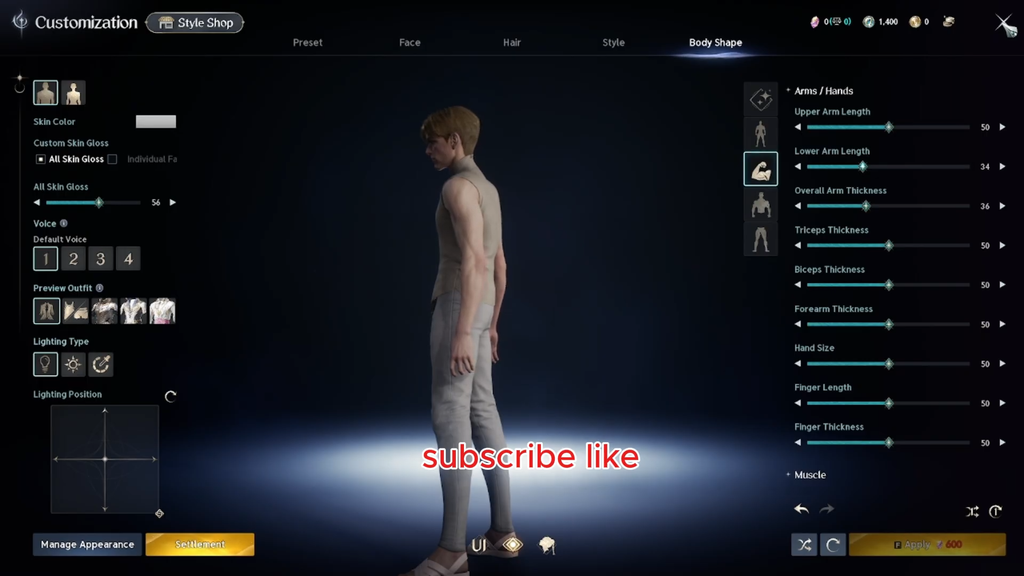
To check that it worked, return to the game world. Your character should show the new appearance, and your voucher count should be one lower. If you have no voucher and not enough currency, the game shows “Insufficient funds to change Appearance.” and keeps your current look. If you close the editor without applying, you’ll see a prompt warning about unsaved changes. Choosing Exit throws away your edits, and no voucher is used.