RuneScape now supports official community plugins in the live game. The RS Plugin Hub went live on 19 October 2026 and launched with the five plugins from the earlier Open Beta. All of them run inside the game client, and Jagex approved each one before release.
Quick answer: Open the toolbox icon on the in-game ribbon menu, verify an email address, then install any of the five plugins. Enable them in the Hub’s “Manage” tab if needed.
RuneScape plugins available in the Plugin Hub
The launch lineup matches the Open Beta. Community developers built every plugin, and Jagex’s moderation team reviewed each one.
| Plugin | What it does |
|---|---|
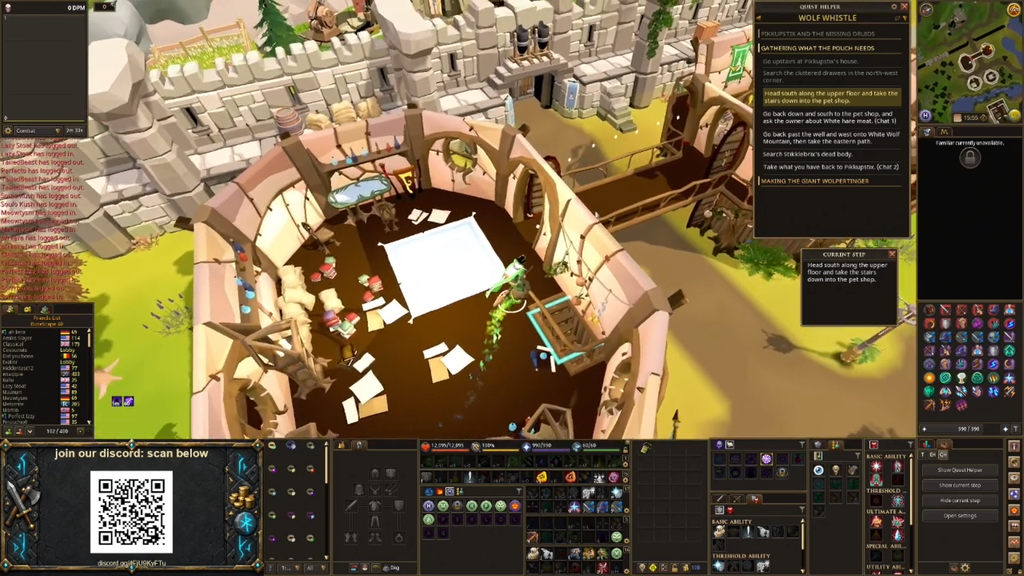
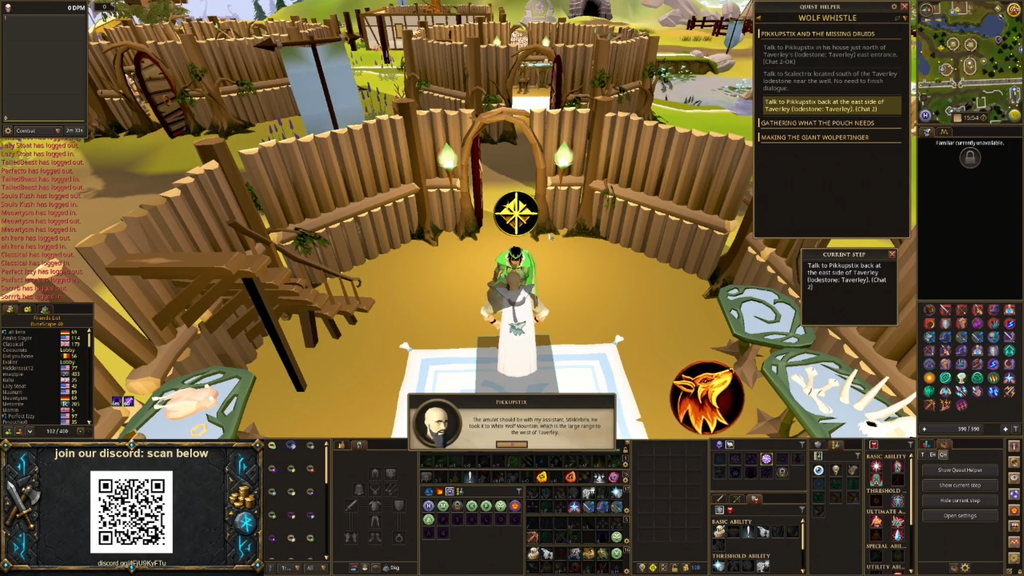
| Quest Helper | Guides you through 69 quests |
| Menu Entry Swapper | Changes the order of menu options |
| Tilemarkers | Highlights tiles in the game world |
| Entity Hider | Hides selected entities on screen |
| Job Gauges | Adds extra gauge displays |
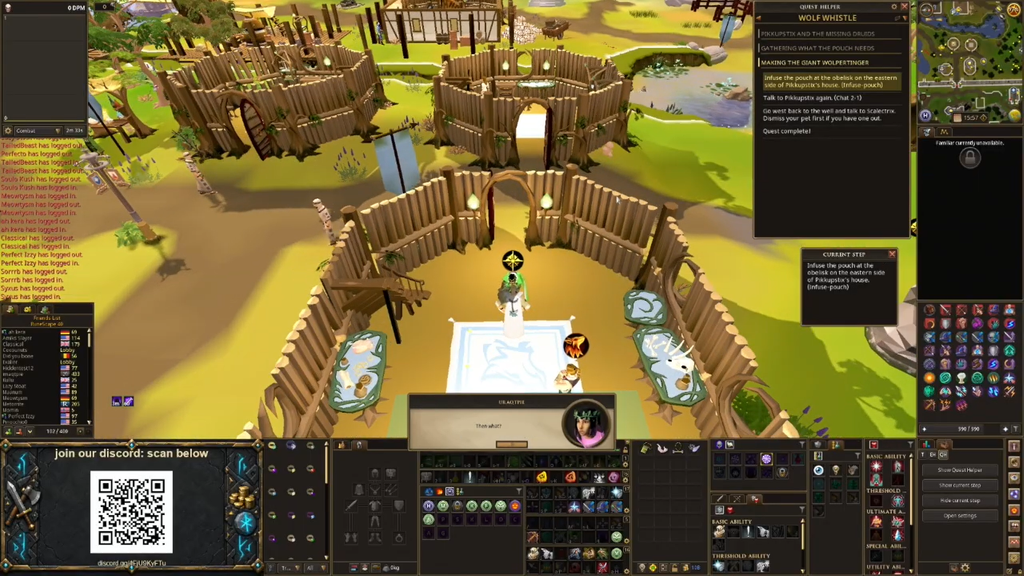
Quest Helper reads where you are in a quest and shows guidance for your next step. That is why it needs game data from the RuneScape API to work. It covers 69 quests at launch, not the full quest list.
Requirements for using RuneScape plugins
Plugins are hosted on mod.io, a third-party mod platform, so you must meet its account requirements before you can install anything.
- A verified email address. mod.io requires one to use the Hub.
- Any email address works, but Jagex recommends the one linked to your Jagex Account.
- The desktop game client. Plugins are not on Mobile yet.
- The Hub is in English only for now.
Use the email tied to your Jagex Account. Jagex plans to add automatic Jagex Account verification later, and a matching email makes that switch easier.
Where to find the Plugin Hub toolbox icon
The Hub opens from a toolbox icon on the Ribbon menu in the bottom-right corner of the screen. Where that icon sits depends on your interface mode and ribbon setup.
| Interface setup | Toolbox location |
|---|---|
| Classic interface mode | On the ribbon by default |
| Modern, default ribbon | Hover over the Settings button |
| Modern, custom ribbon | Added to the end of the ribbon if there’s space |
If your custom ribbon is full, the toolbox won’t appear on its own. Edit the ribbon and add it yourself.
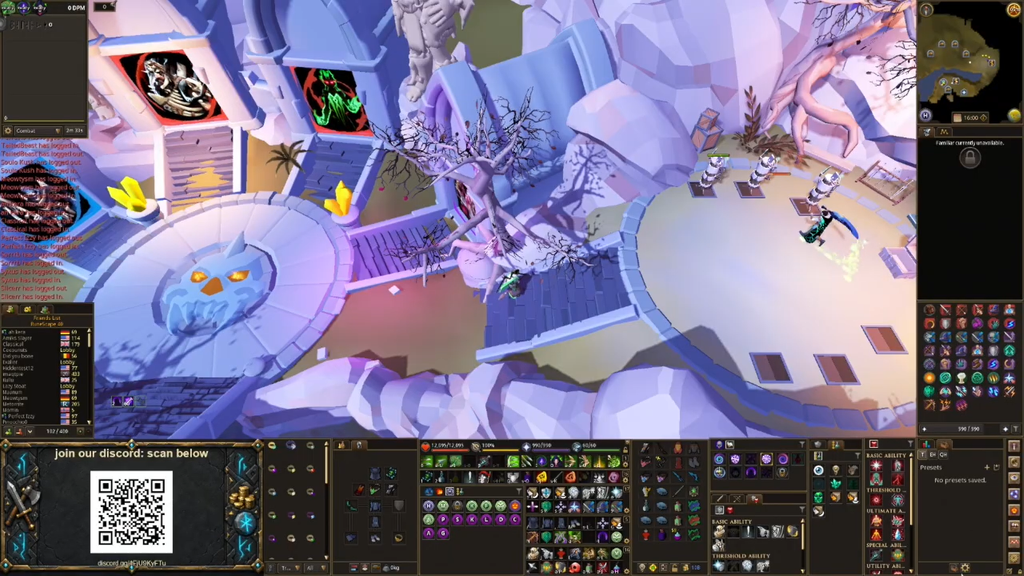
How to install a RuneScape plugin
To check that it worked, look for the plugin in the “Manage” tab and confirm it shows as enabled. You can also uninstall plugins from that tab, and you can report problems from inside the Hub.
What RuneScape plugins can and can’t do
If you’ve used RuneLite with Old School RuneScape, some of these limits will feel strict. RuneScape plugins are not a one-to-one match for those tools. Everything runs inside the game client, and a plugin can’t open a window outside it. Each plugin can only do what the API exposes and what the engine’s interface windows allow.
- Plugins may support gameplay but never replace it.
- No plugin may take actions automatically on your behalf.
- Every plugin passes Jagex’s submission and approval process before it reaches the Hub.
These rules explain why some familiar features are missing. Menu Entry Swapper can’t add a “Buy All” option to shops. It also can’t make “Teleport” or “Drop” the default left-click action on items. Requests to widen what the API allows go through a trusted group of developers called the API Council.
More plugins and Hub features in the pipeline
Jagex releases plugins in batches. More submissions, including Clue Trainer and Ground Items, are in moderation now. No official date has been confirmed for the next batch. For the first weeks after launch, Jagex is prioritizing stability.
On the account side, Jagex plans to add more mod.io features to the Hub, including plugin ratings and the option to subscribe to plugins. Neither is live yet.
Plugin development is now open to everyone. Plugins are written in Lua 5.4.8, and the documentation, guidelines, and submission process are on developer.runescape.com. Finished plugins are uploaded to mod.io and must pass the same moderation as the launch lineup before they show up in the Hub.