Roblox Anomaly Cafe: How to Take Orders and Serve Food
Learn how to manage the register, cook recipes, and wash dishes in Anomaly Cafe. In Anomaly Cafe, your primary source of income comes from running a smooth restaurant…
Learn how to manage the register, cook recipes, and wash dishes in Anomaly Cafe. In Anomaly Cafe, your primary source of income comes from running a smooth restaurant operation at Emma’s Cafe. While dealing with monsters…
by Pallav Pathak
Learn how to manage the register, cook recipes, and wash dishes in Anomaly Cafe.
In Anomaly Cafe, your primary source of income comes from running a smooth restaurant operation at Emma’s Cafe. While dealing with monsters is a major part of the experience, you cannot earn the cash needed for upgrades if you do not master the basic kitchen loop first. Before you can worry about late-game survival, you need to know how to manage your tables and serve meals correctly. This guide will walk you through taking front register orders, cooking kitchen recipes, and cleaning dirty dishes. So, let’s get started!
Taking Orders at the Register
Every successful shift begins at the front entrance where hungry customers wait to be seated.
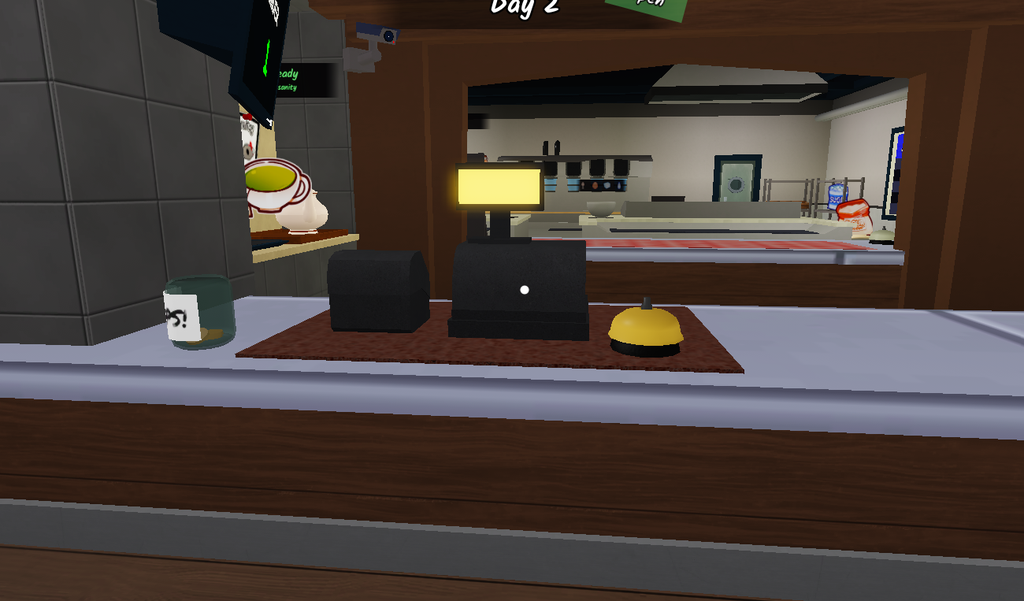
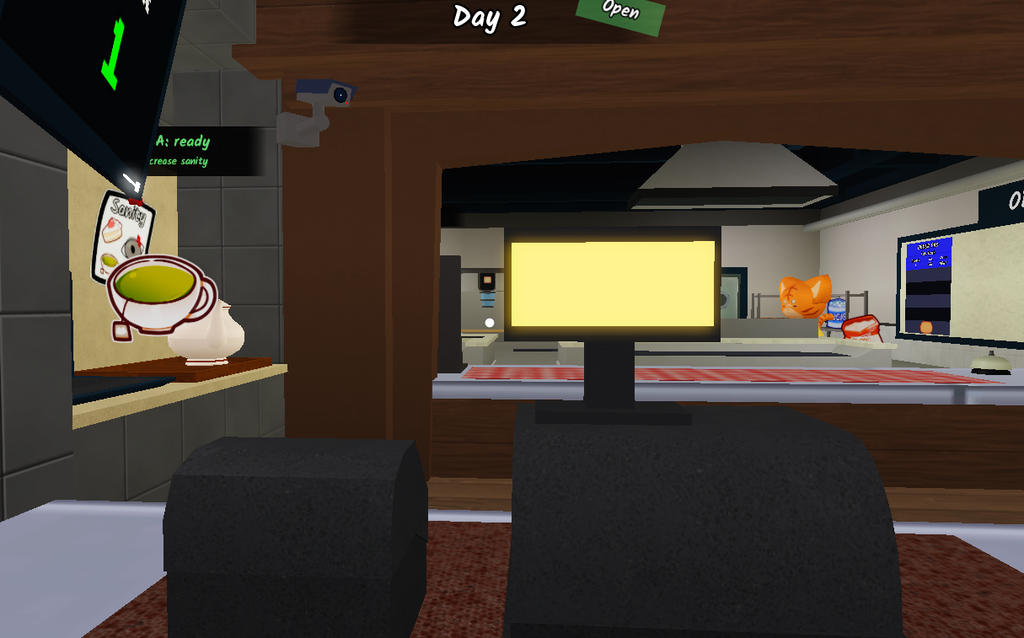
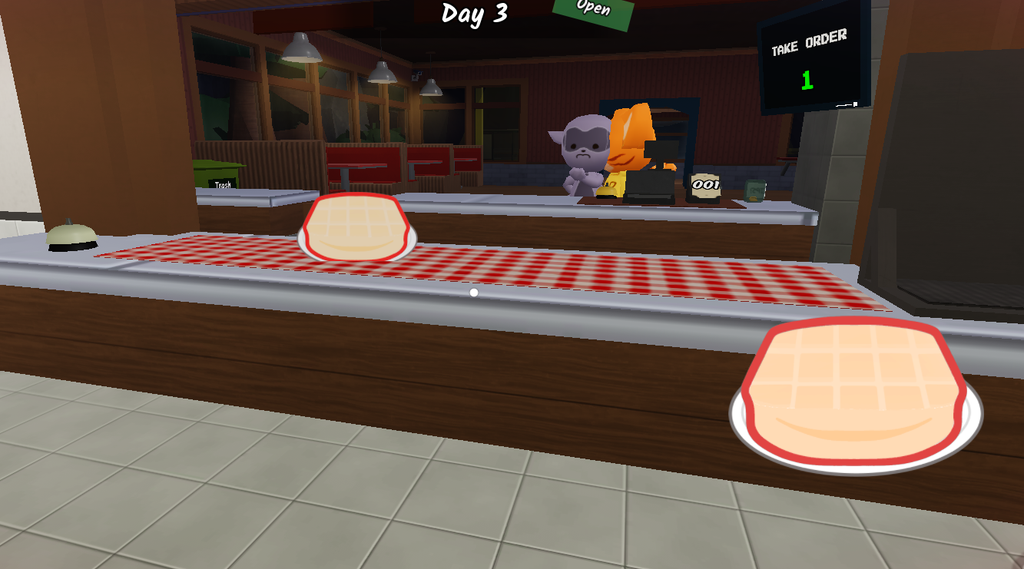
Press E to interact with the register. This will automatically take the customer’s order, print out their recipe ticket, and assign them an open table number in the dining room.
Interact with the register to process the order ticket.
Preparing Recipes in the Kitchen
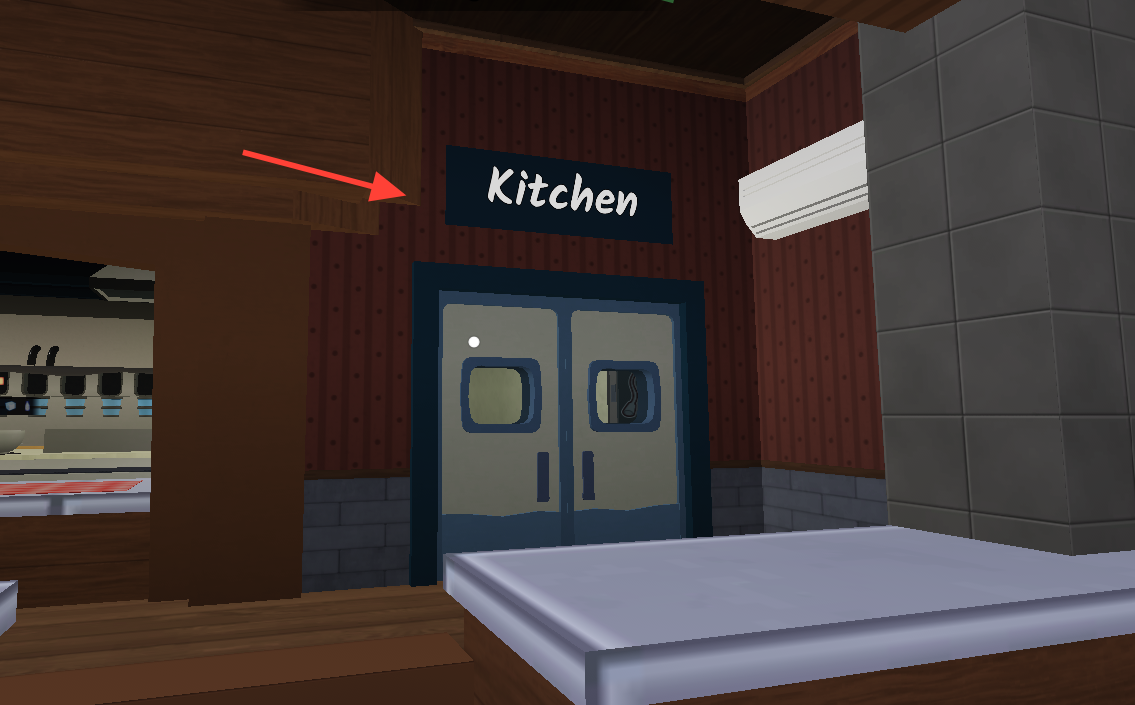
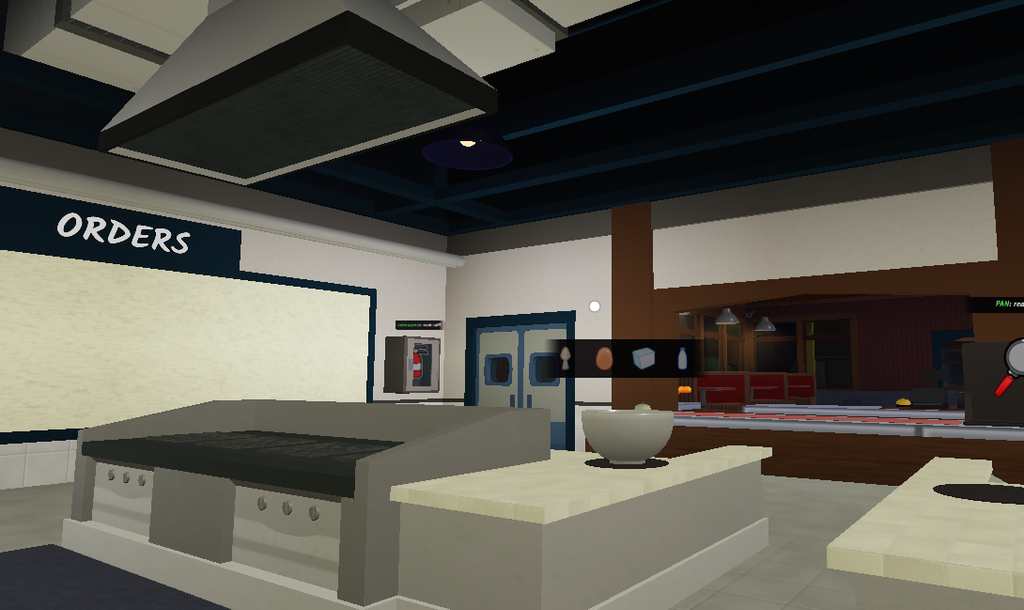
Once an order is active, you must head to the back kitchen counters to manually prepare the food or drinks.
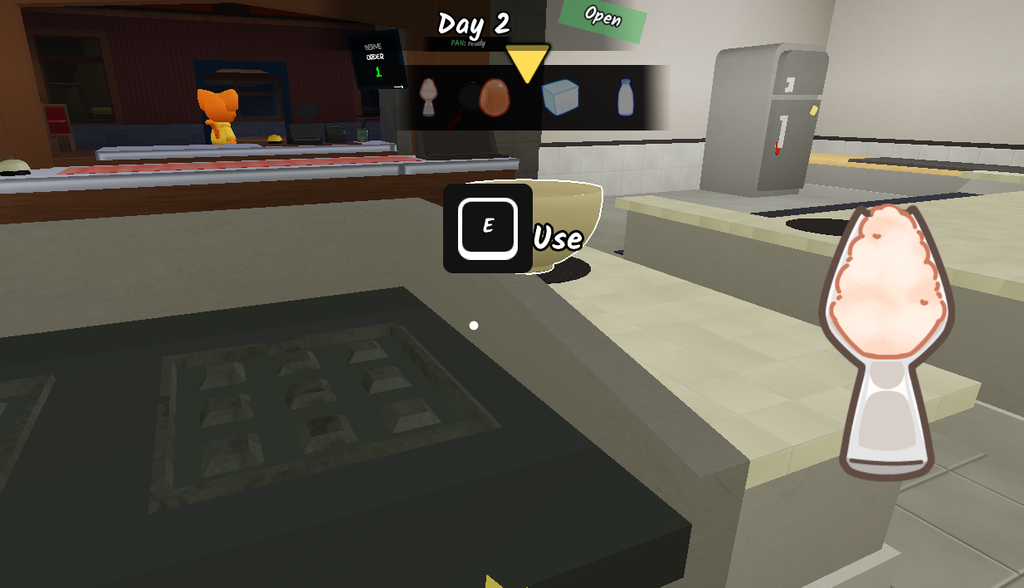
Interact with the station to begin the cooking mini-game. You will see a shifting gauge or a timer appear on your screen.
Start the cooking mini-game by interacting with the cooking station.
Time your clicks perfectly with the on-screen prompts to complete the preparation stages.
Be highly careful here! If you fail three cooking stages in a row while trying to brew coffee, a sludge monster named Buno will instantly latch onto your character, blinding your vision and rapidly draining your sanity.
Complete the timed cooking stages accurately to avoid spawning Buno.
Delivering Meals and Cleaning Dishes
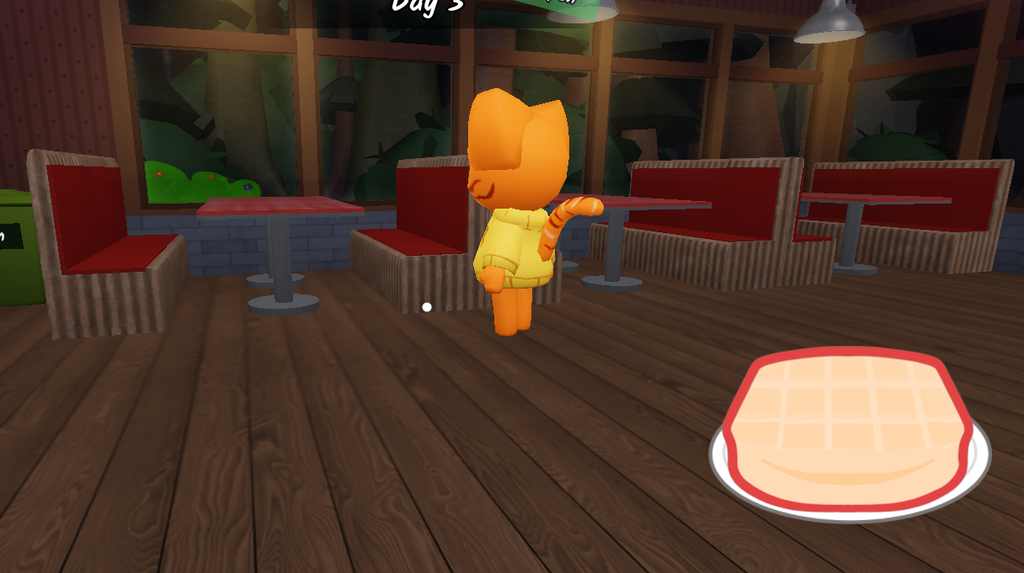
The job isn’t finished until the table is cleared and reset for the next wave of patrons.
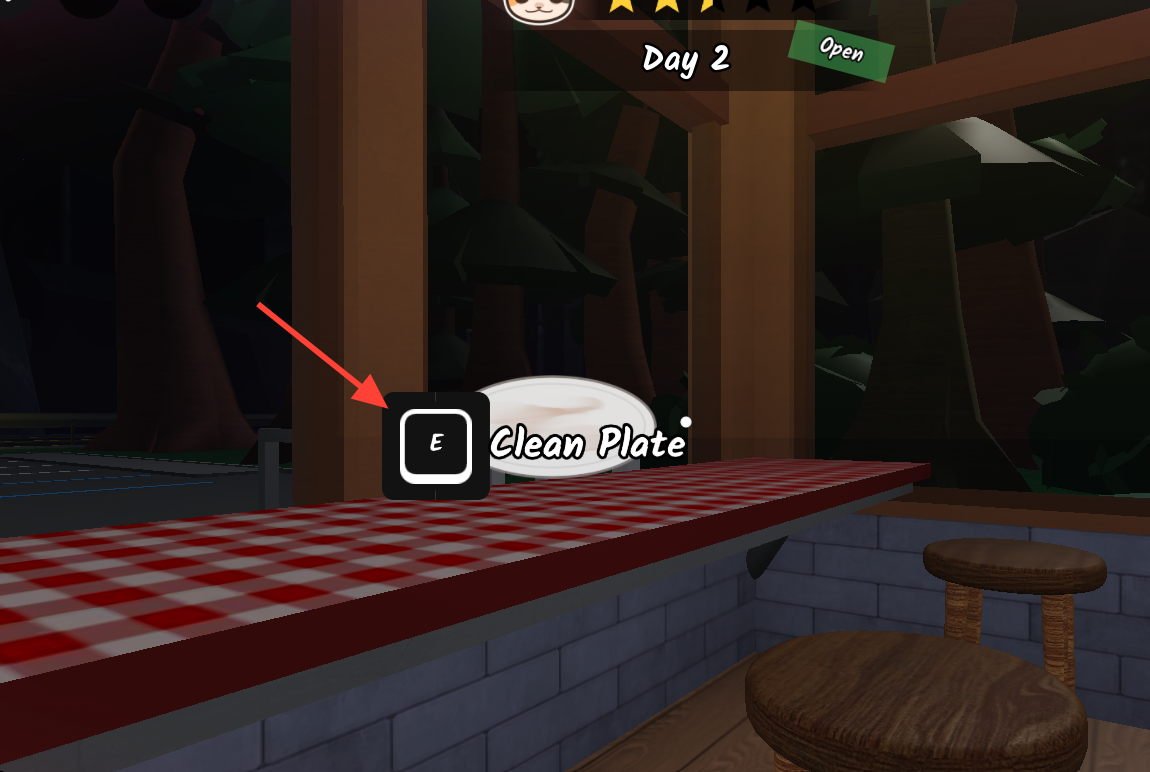
Pick up the dirty dishes left on the table and carry them over to the kitchen sink. Interact with the sink to wash them, clearing your inventory space and freeing up the table for new customers.