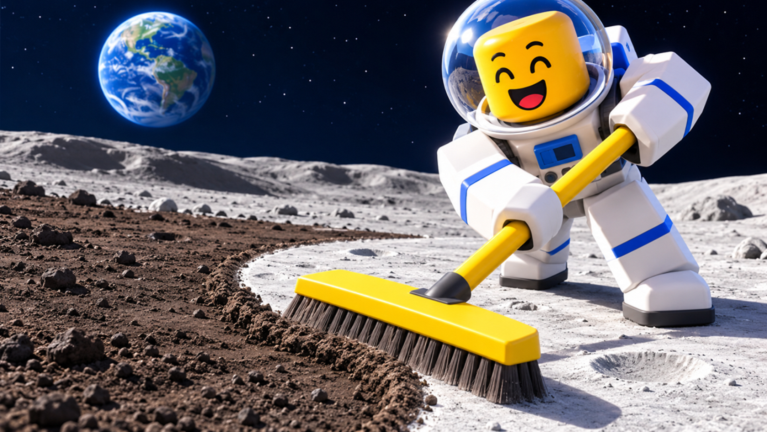
Clean the Moon! is a Roblox cleaning sim from Lunarlit Works, and its premise is in the name. You get a Moon covered in dust and a tiny brush, and you scrub the whole thing clean one tile at a time. Every load of dust you sweep turns into cash. That cash buys faster tools, bigger containers, and eventually machines that do the cleaning for you. Your progress saves, and servers hold up to 20 players.
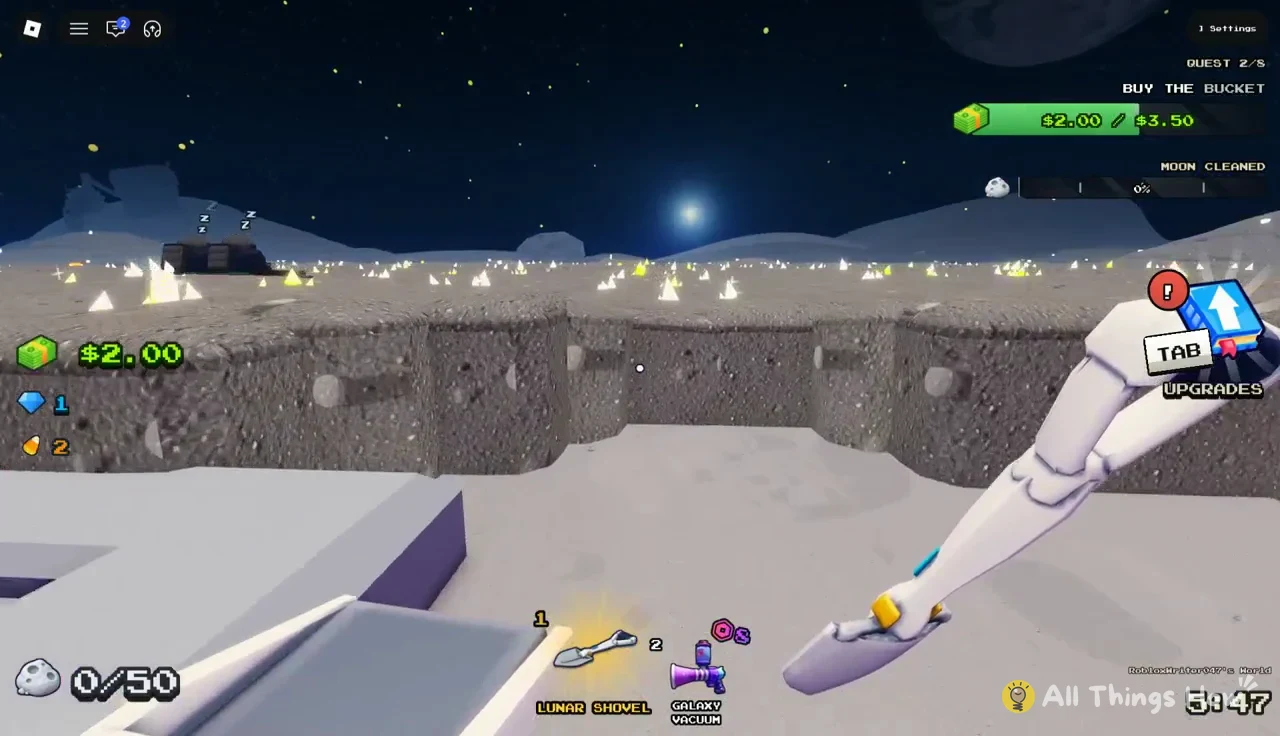
Quick answer: Sweep dust until your container is full, follow the teal arrows to the green SELL pad at the Lunar Converter, then spend the cash on the Lunar Shovel ($2.00) and the Bucket ($3.50).
Make sure you are in the right game before you start. Clean the Moon! is the Lunarlit Works experience on Roblox. Moon Sweepers is a separate Windows game on Steam that some players also call “Clean the Moon,” and its depots, shipments, and patches have nothing to do with the Roblox version.
Clean the Moon core loop: sweep, fill, sell
Almost everything in the game feeds one loop. You clean dust, you carry it, and you turn it into money. Once that loop feels natural, every upgrade simply makes one part of it faster or bigger.
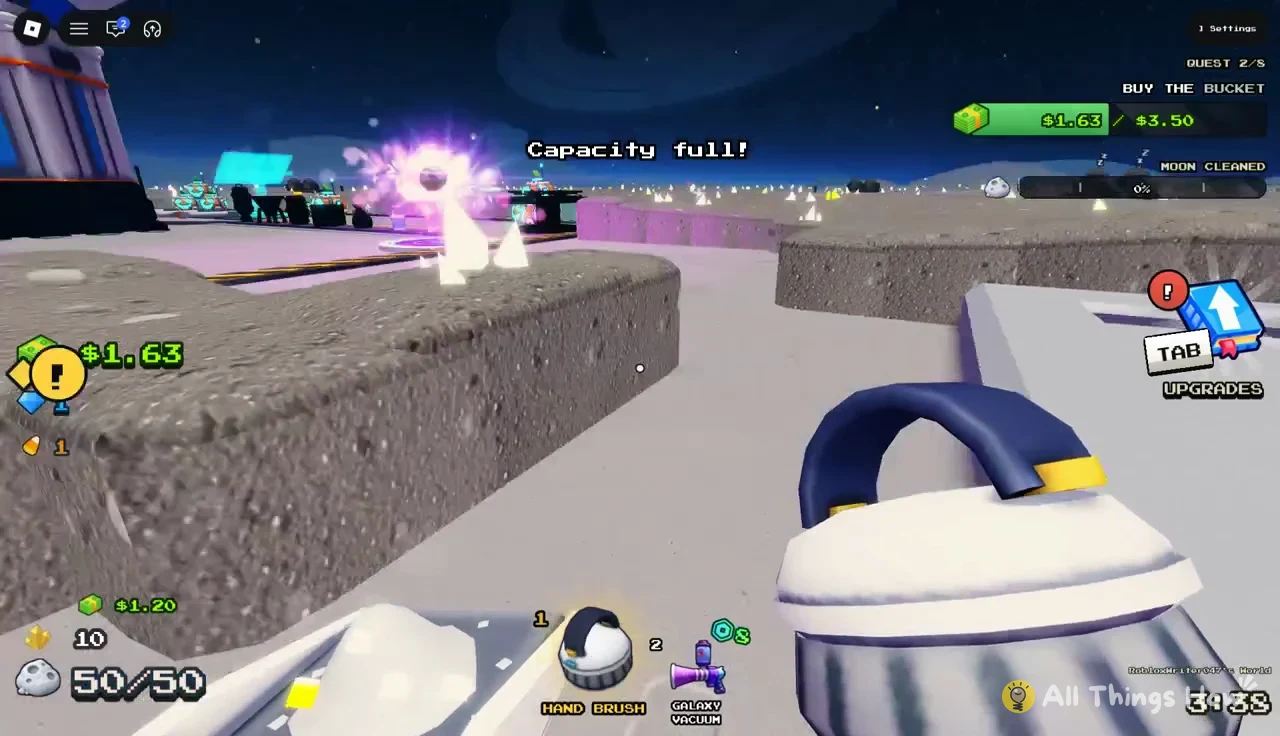
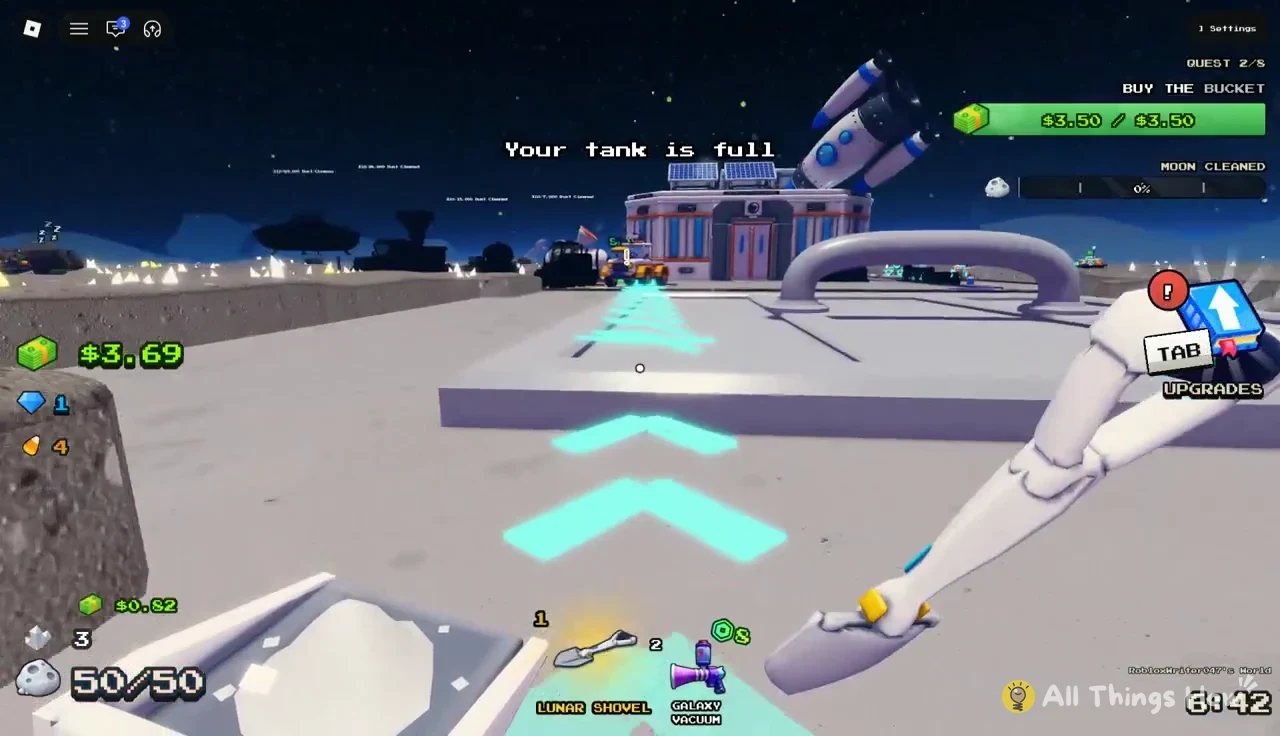
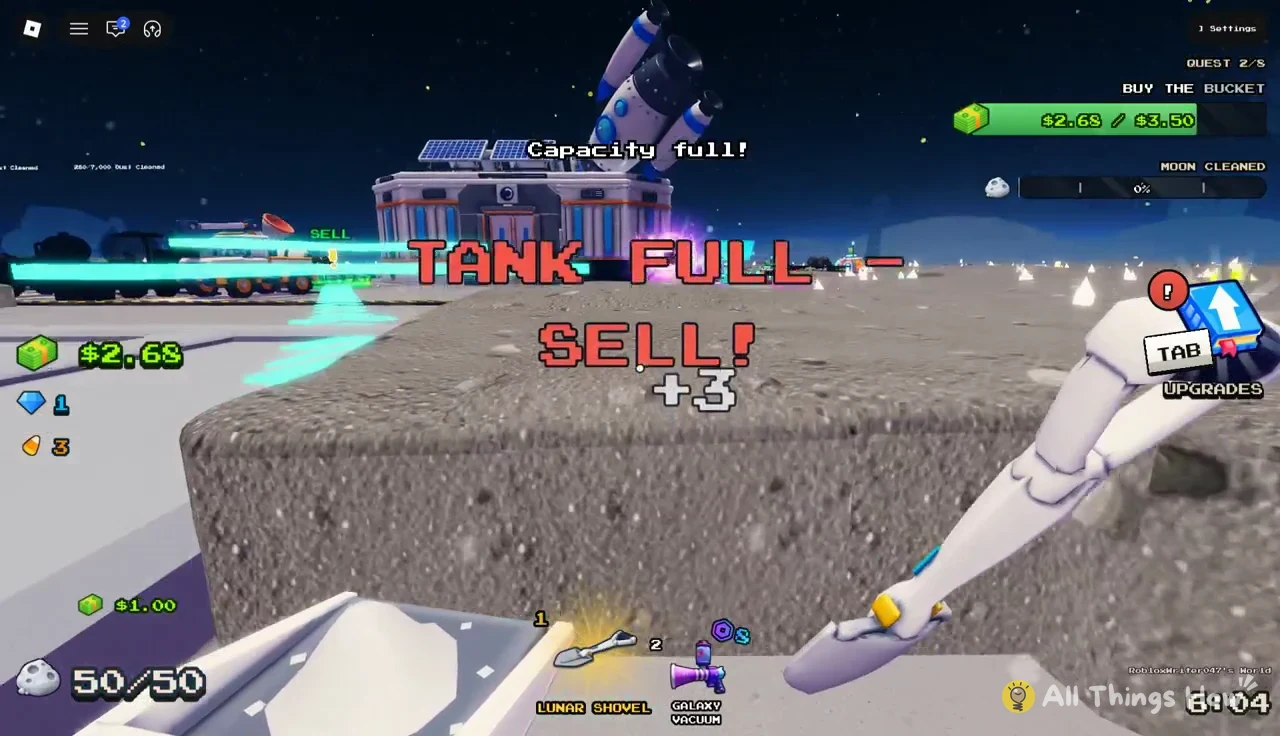
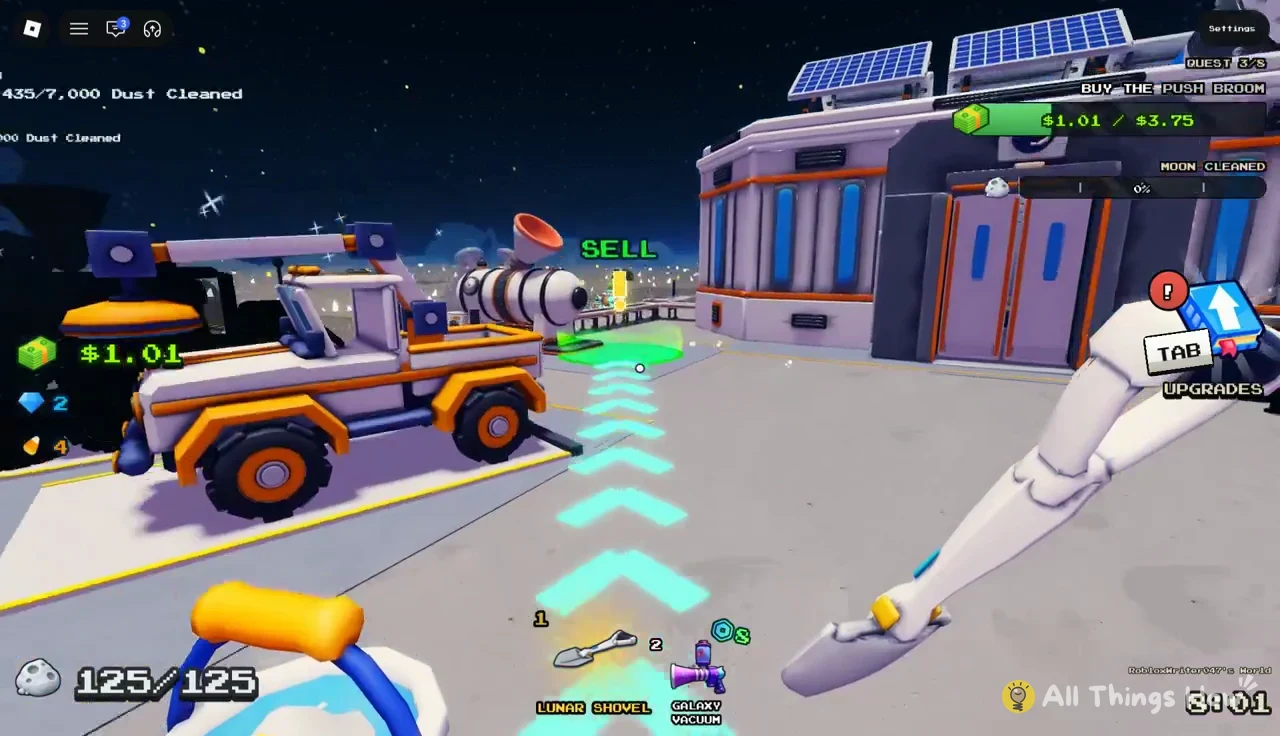
Reading the Clean the Moon HUD and hotbar
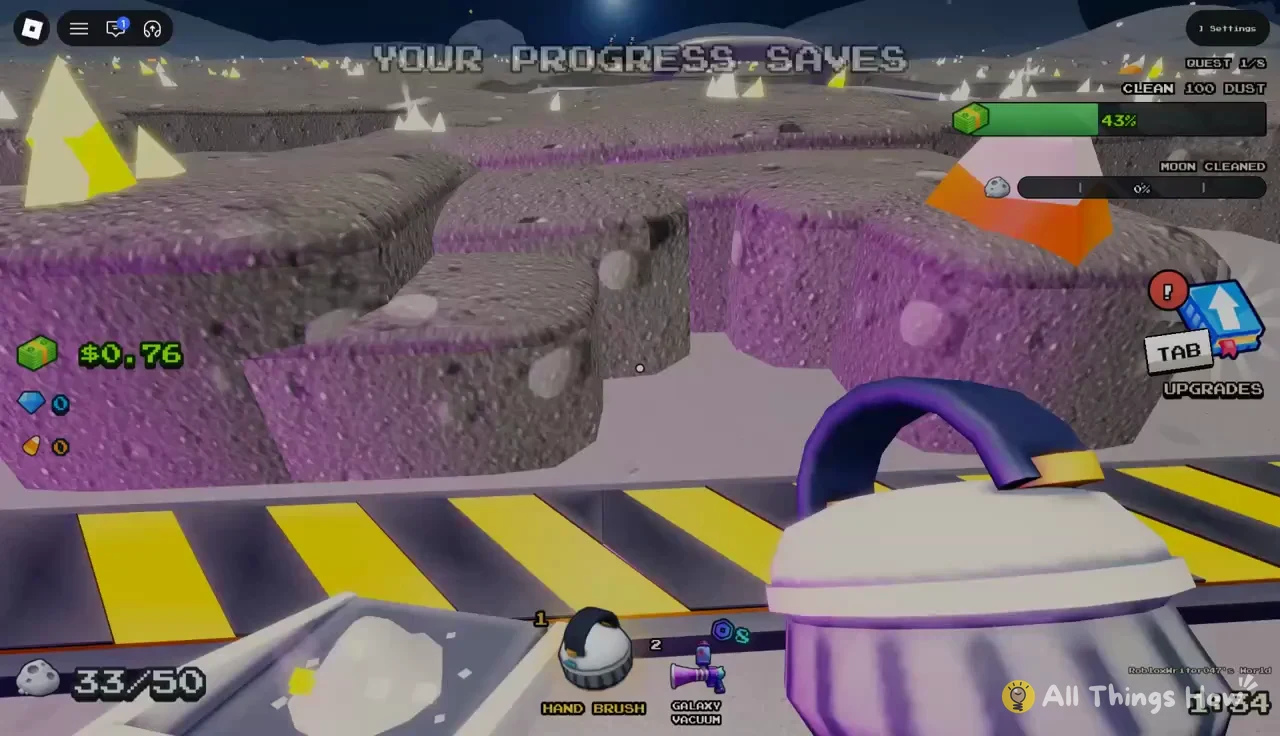
The screen tells you nearly everything you need, and most of it lives in three places. Learn these before you spend your first dollar.
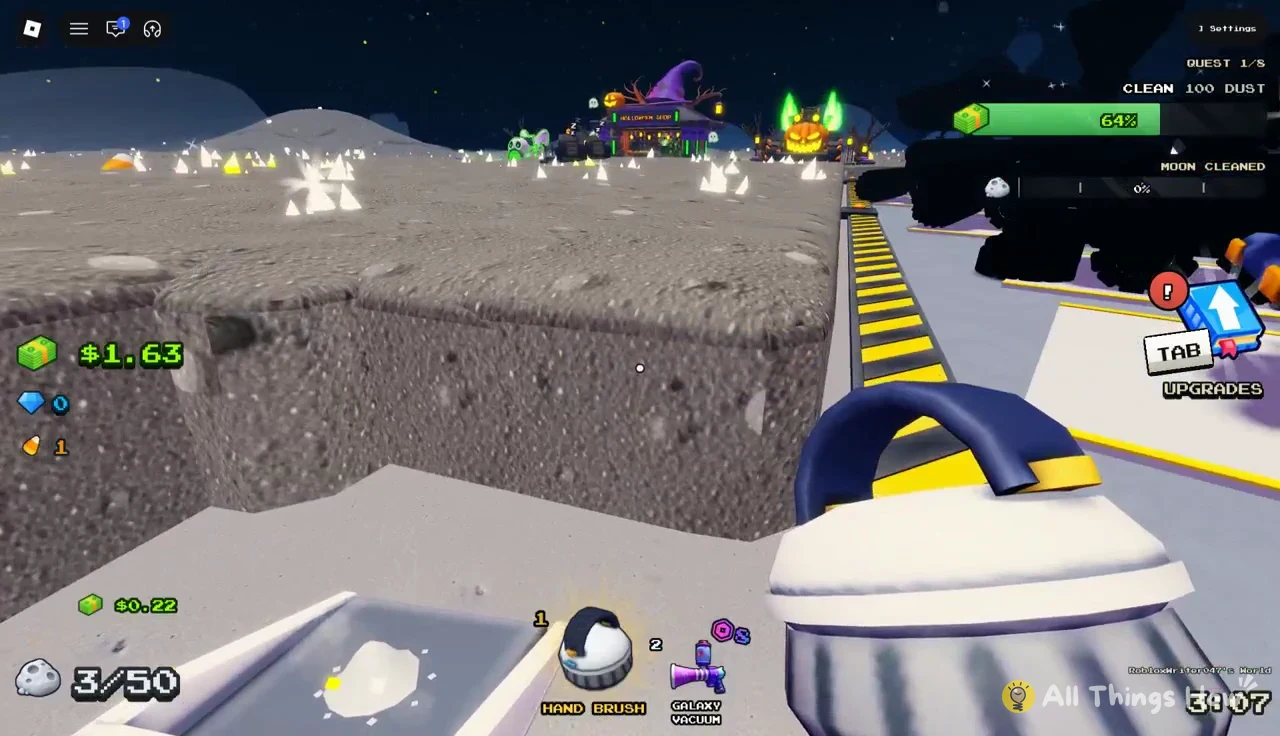
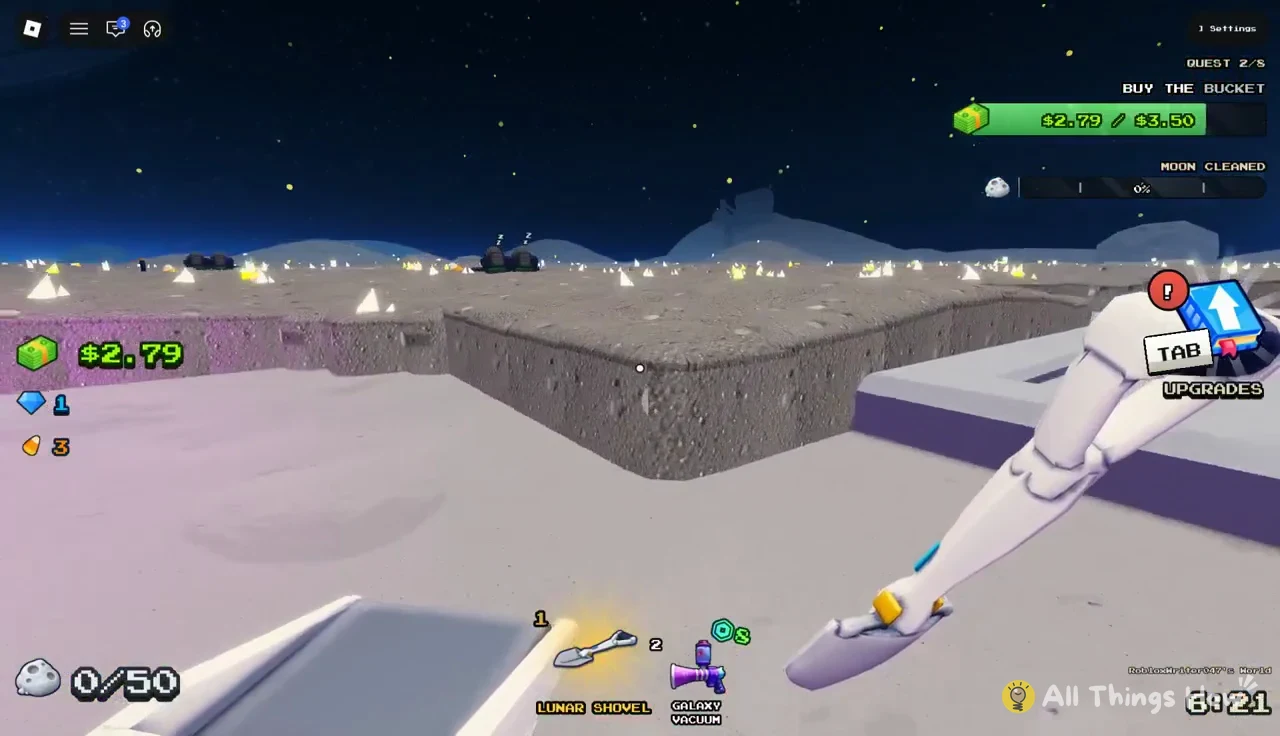
- Quest tracker (top right): shows your current quest, such as QUEST 1/8, with a progress bar.
- MOON CLEANED meter: tracks how much of your whole Moon is clean, starting at 0%.
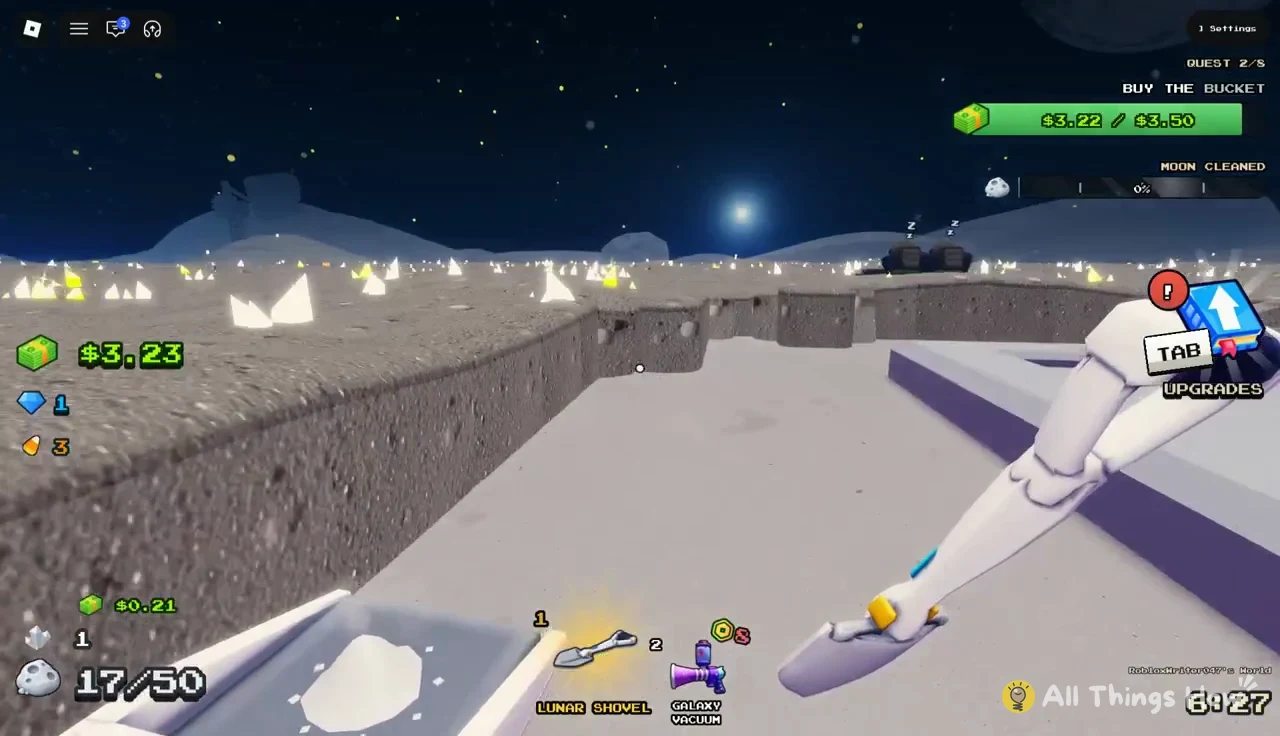
- Container counter: shows dust carried against capacity, like 50/50 on the Pan.
- Hotbar (bottom): holds your tools, including the Hand Brush, Toothbrush, Lunar Shovel, Galaxy Vacuum, and Ray Gun.
- UPGRADES button: opens the upgrade menu, also bound to the TAB key.
The MOON CLEANED percentage barely moves in your first session, and that is normal. The Moon is huge, and the meter is a long-term goal. Your quest bar is the number to watch early on, because each quest points you at your next useful purchase.
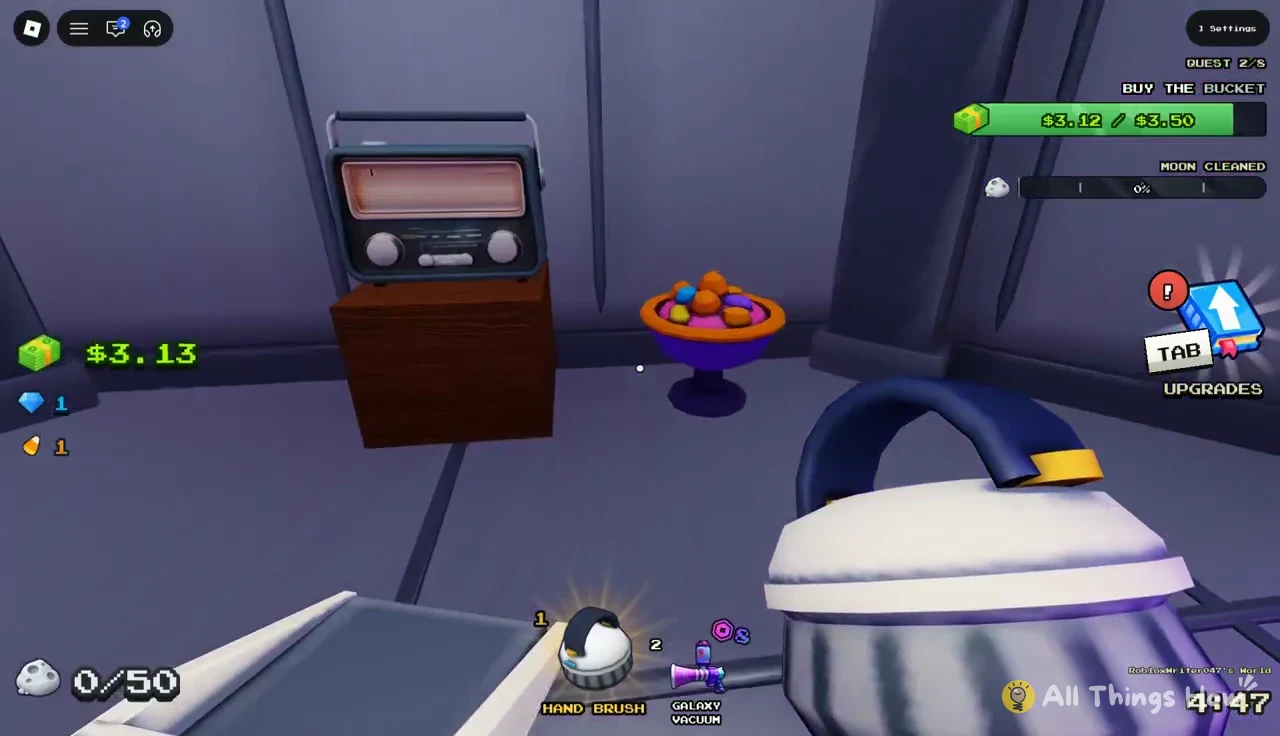
Each tool cleans at its own rate, so swapping in the hotbar changes your speed instantly. The Galaxy Vacuum is one of the tools sold through Robux game passes, while the Hand Brush, Toothbrush, and Lunar Shovel are bought or owned with in-game cash.
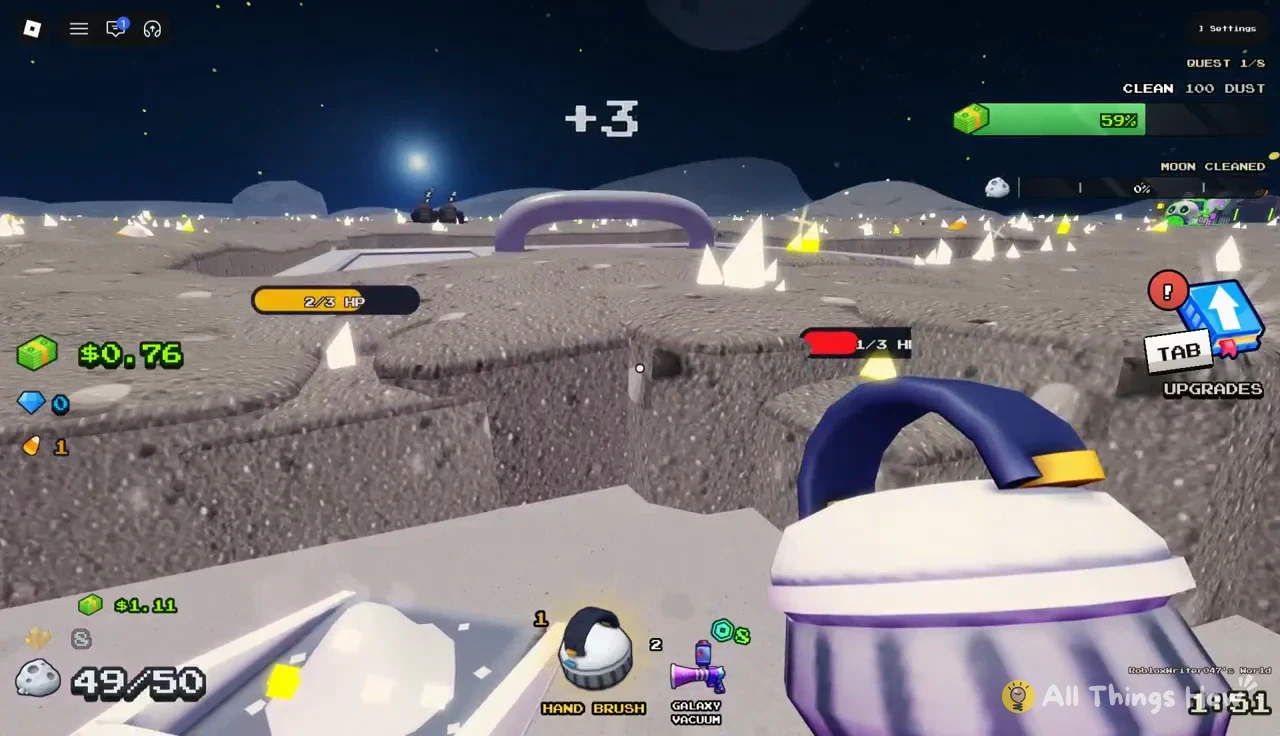
Clean the Moon starter quests and rewards
Progression runs through a chain of eight quests, and you only see one at a time. The first three teach the game’s core purchases in order.
| Quest | Goal | Reward |
|---|---|---|
| 1/8 | CLEAN 100 DUST | +1 Gem |
| 2/8 | BUY THE BUCKET ($3.50) | +1 Gem |
| 3/8 | BUY THE PUSH BROOM ($3.75) | Not shown |
Quest 1 counts every bit of dust you clean, whatever tool you use. Since the Pan only holds 50, you will sell at least once before you reach 100. That is by design. It forces you to learn the walk to the SELL pad before anything else.
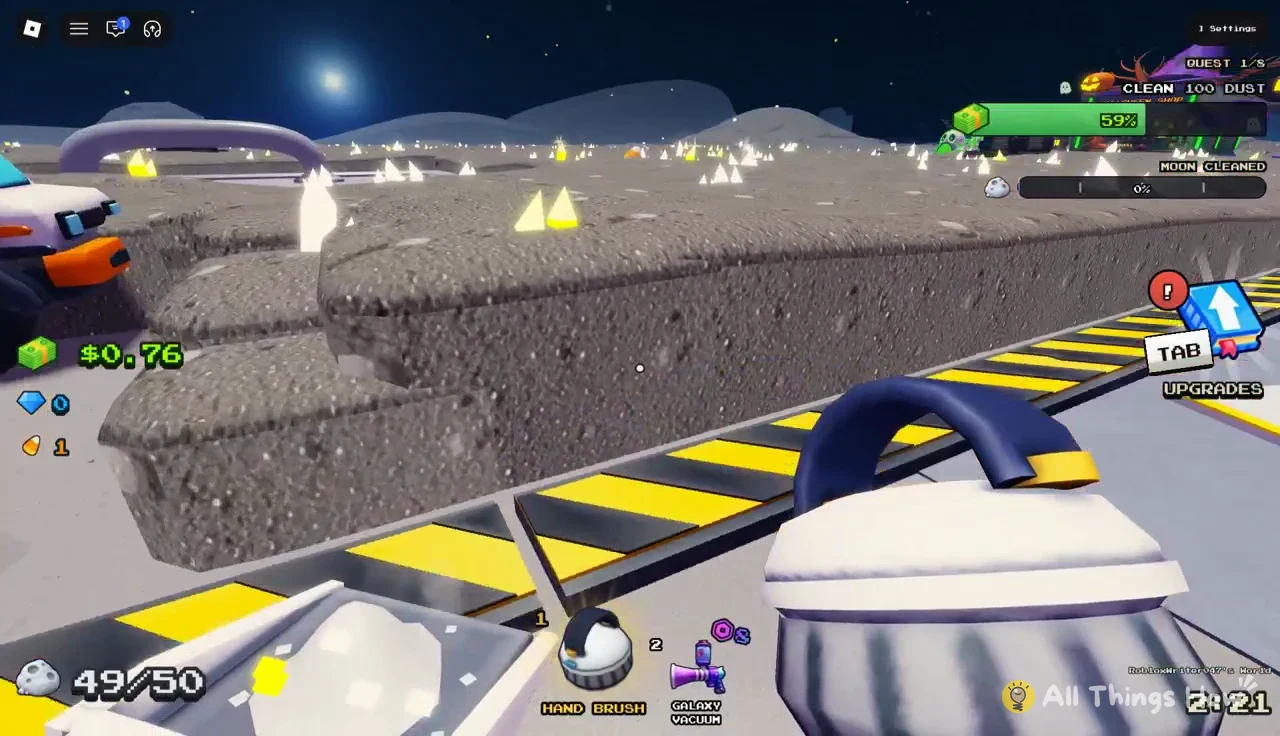
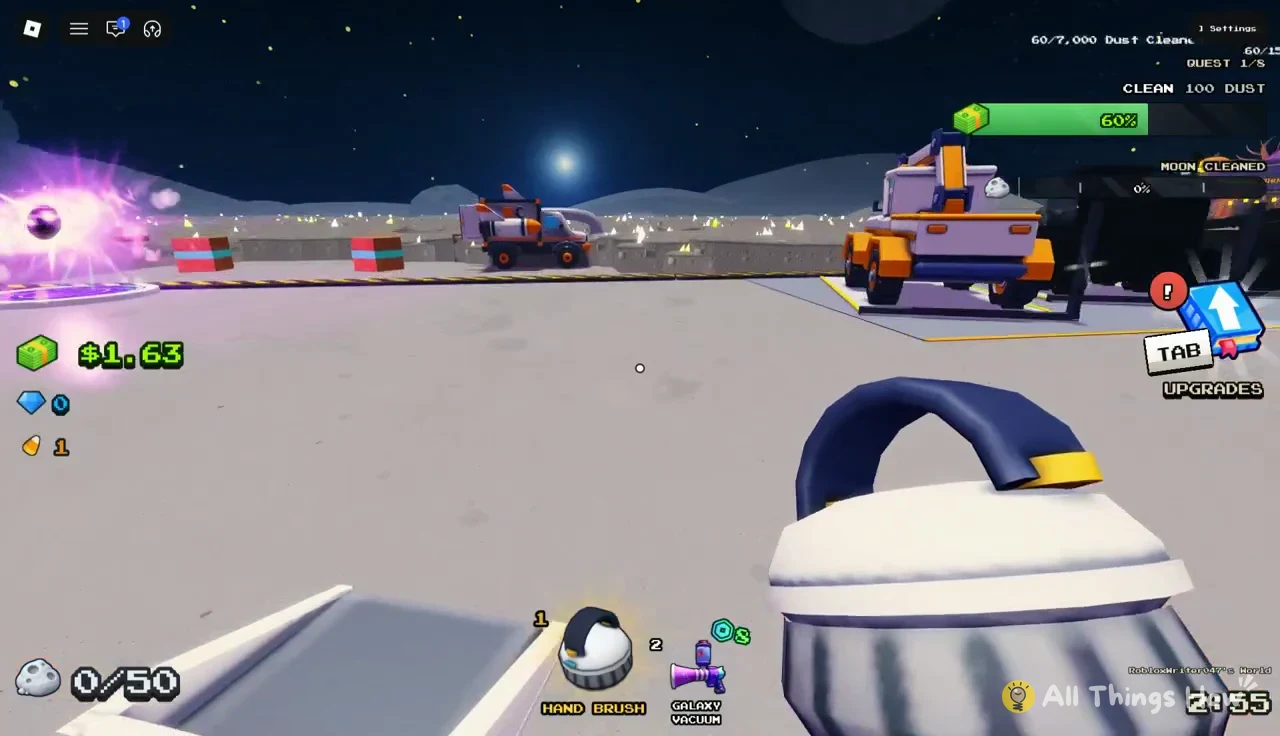
When the bar fills, a “QUEST COMPLETE! +1 Gem” banner pops up and the tracker swaps to the next goal. Gems are the game’s premium currency. One use is the converter’s “FINISH NOW” option, which costs 5 Gems.
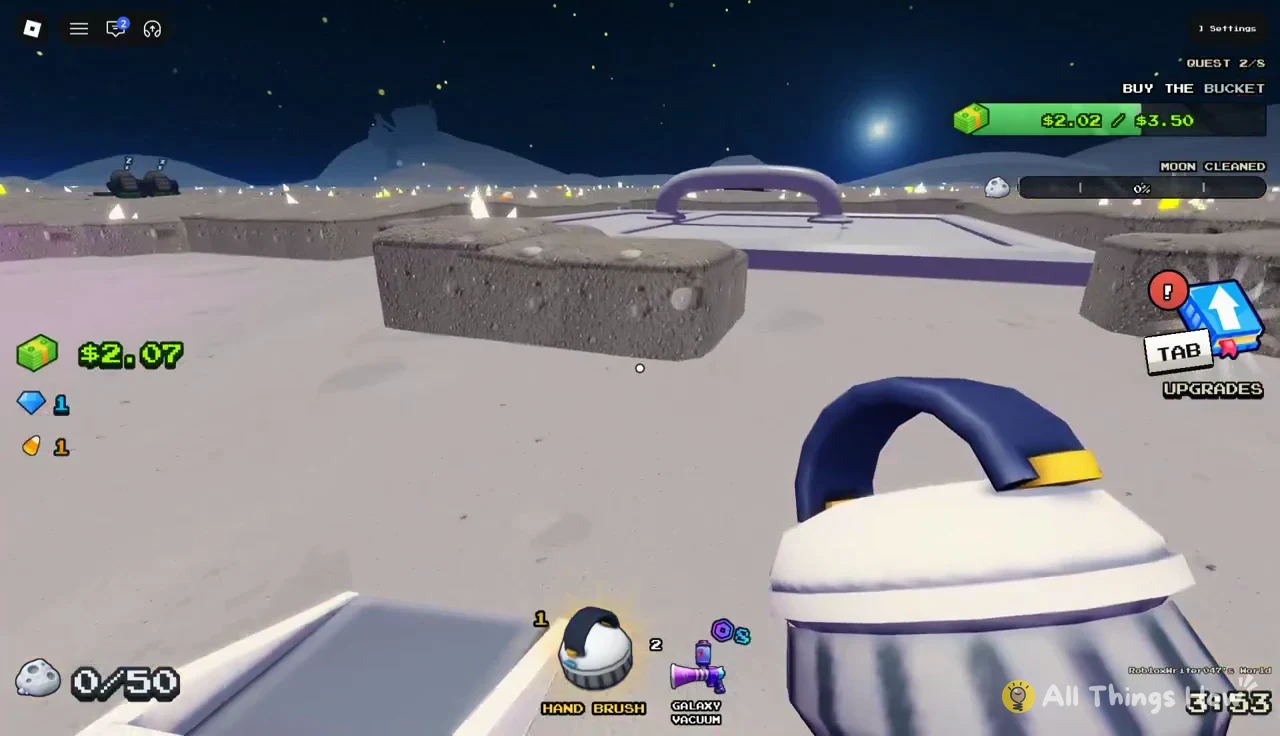
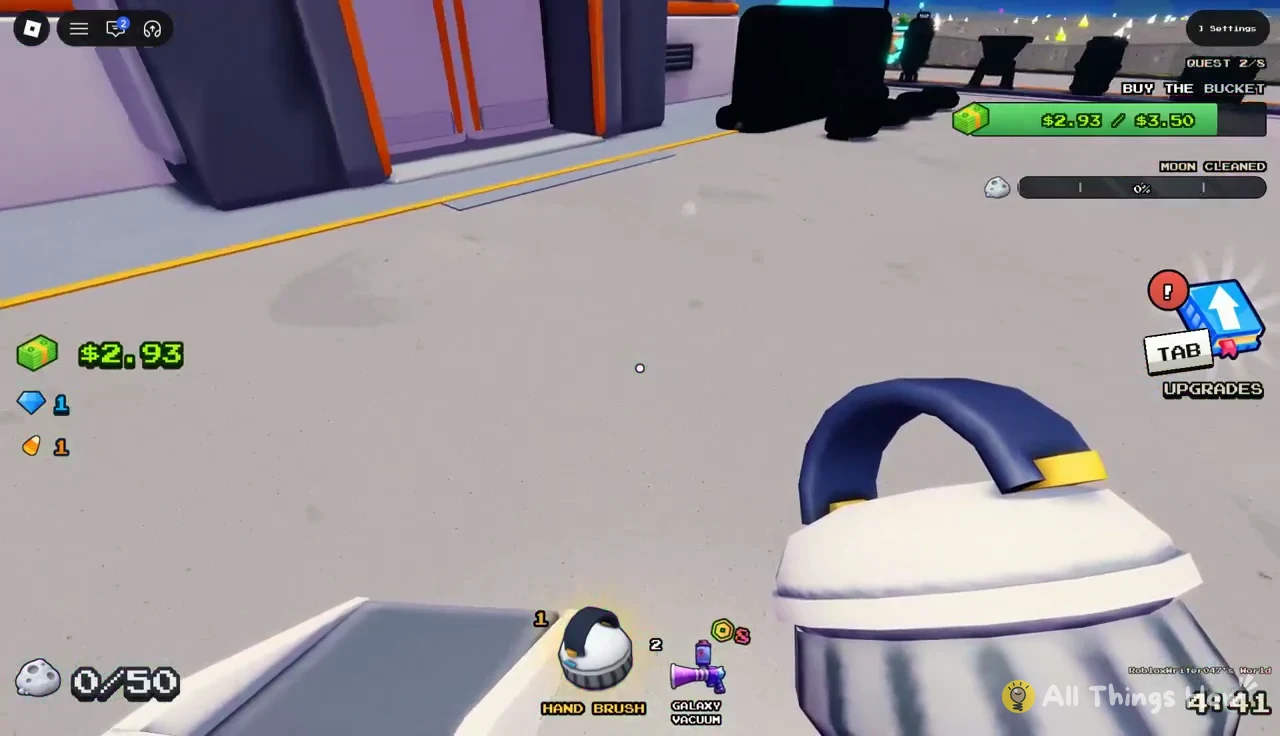
Quest 2 tracks your cash balance against the Bucket’s price rather than dust cleaned. The bar fills as you sell, and it only completes when you actually buy the Bucket.
Clean the Moon tools: what each one cleans
Tools are sold inside the TOOLS building at your base. Each one is rated in dust tiles per second, and better tools stay locked until you own the one before it.
| Tool | Speed | Price / requirement |
|---|---|---|
| Toothbrush | 1/s | Owned at start |
| Hand Brush | 3/s | Owned at start |
| Lunar Shovel | 4/s | $2.00 |
| Push Broom | 8/s | Buy the Lunar Shovel first |
| Roller Sweeper | 16/s | Buy the Push Broom first |
| Jet Boots | Timed | 10-minute GET offer |
The jump from Hand Brush to Lunar Shovel looks small on paper, but the shovel works differently. Its description promises it “digs deep,” and the stats back that up. It clears 3 tiles per stroke and 3 layers per stroke, where the brush clears a single layer. Strokes also come slightly faster, at 0.75 seconds apart instead of 0.8.
Layers matter because dust is stacked. Many patches have several layers on top of each other, and the brush has to pass over the same spot repeatedly to get to clean ground. The shovel strips them in one scoop, which is why it feels far faster than its 4/s rating suggests.
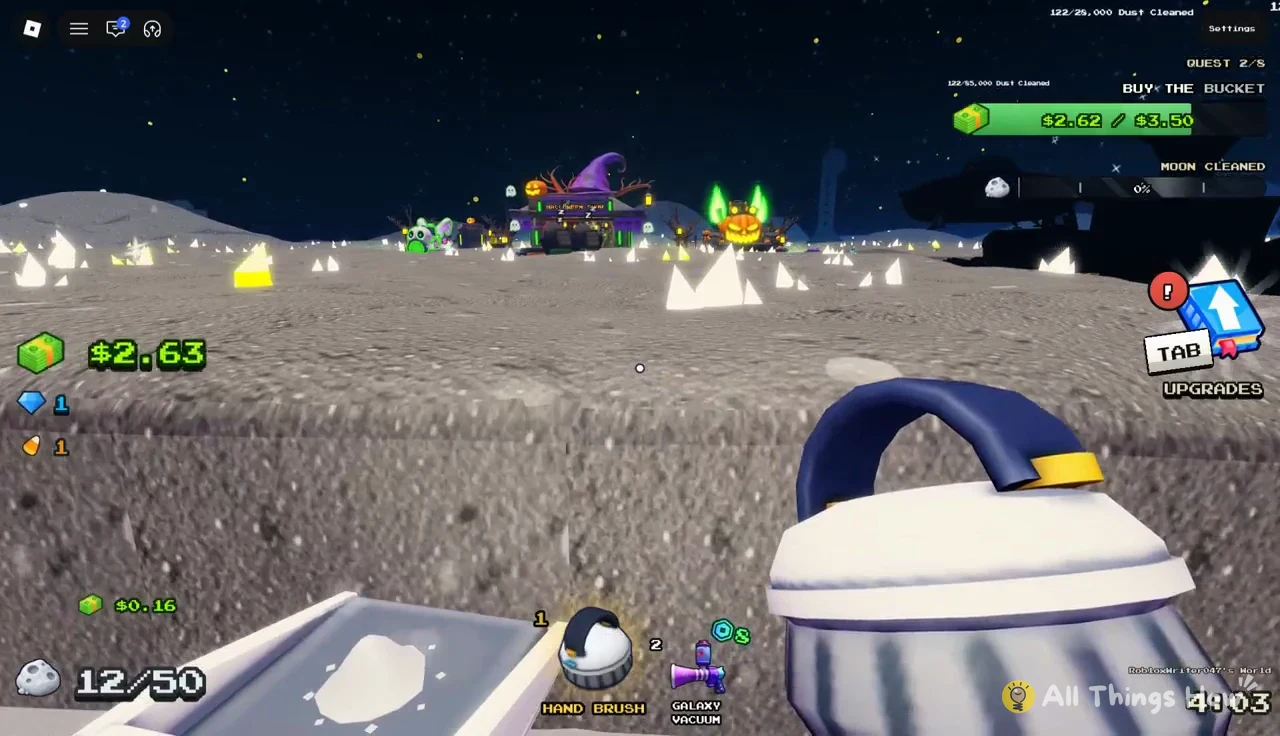
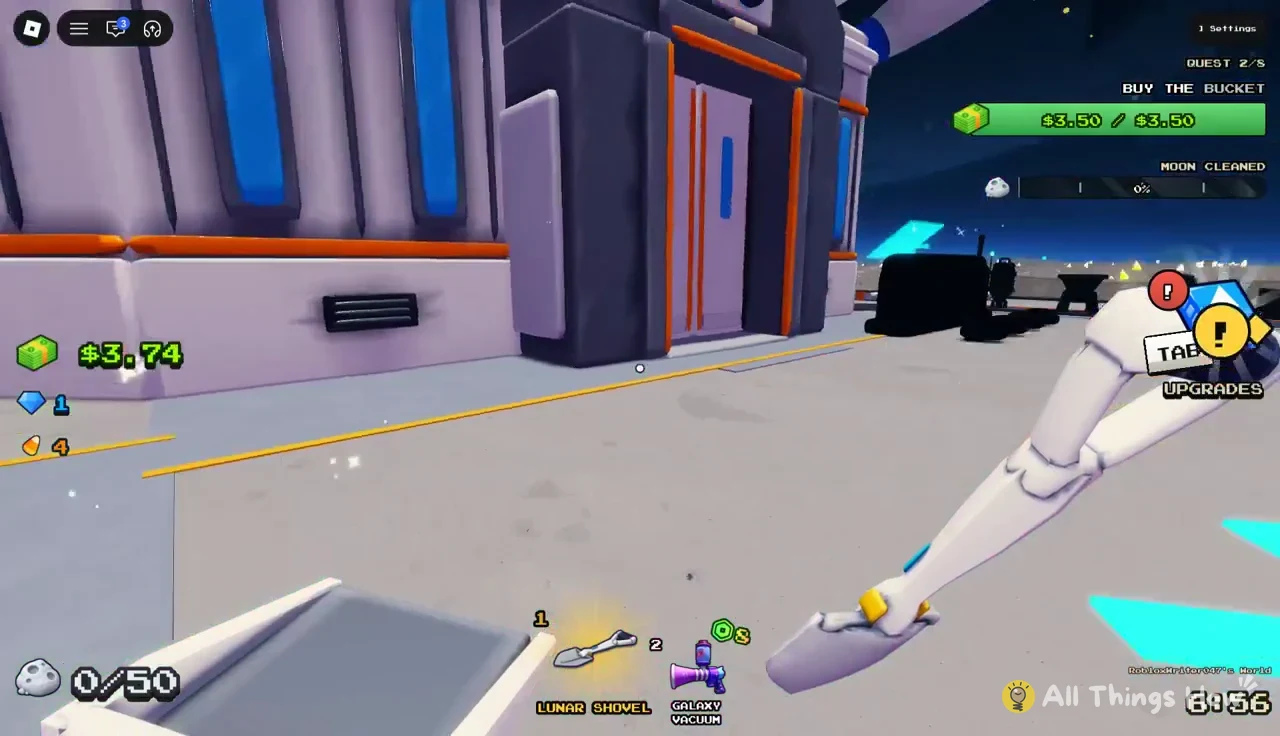
To buy it, walk into the TOOLS building, select the Lunar Shovel, and press BUY. A “Lunar Shovel bought!” message confirms the purchase, and the shovel shows up in your hotbar ready to equip.
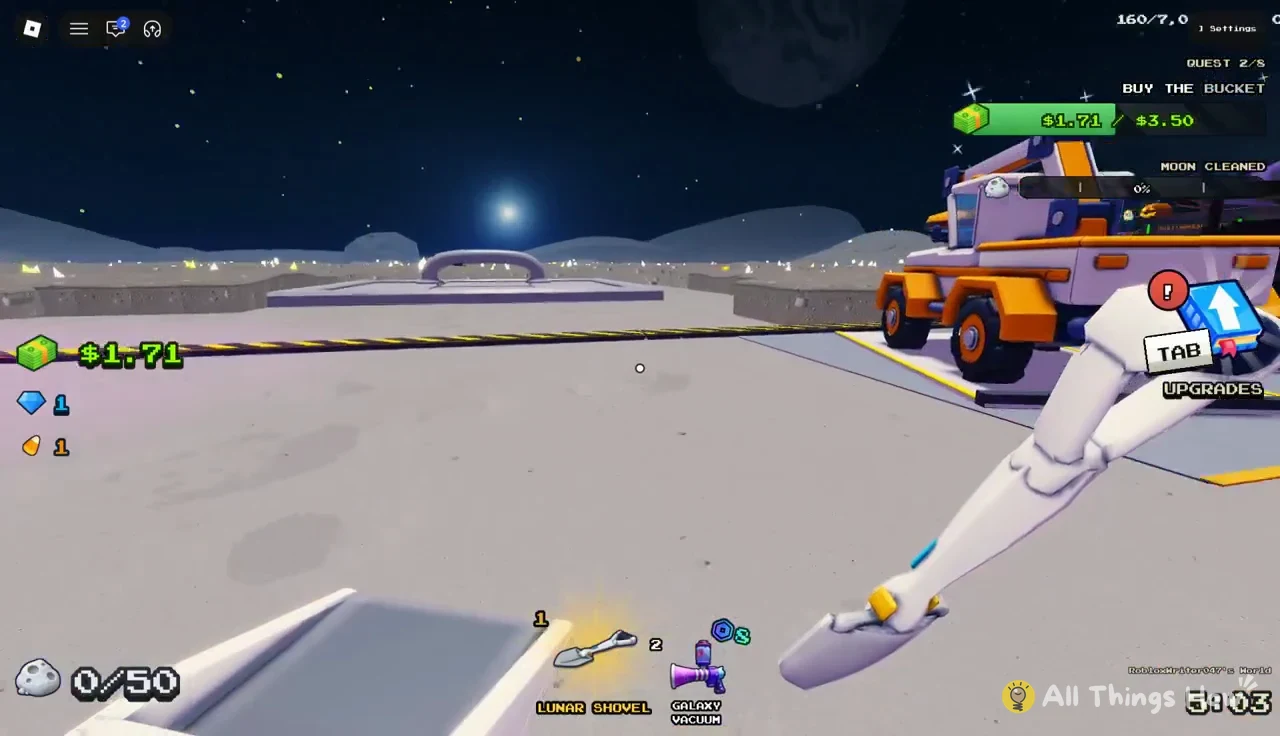
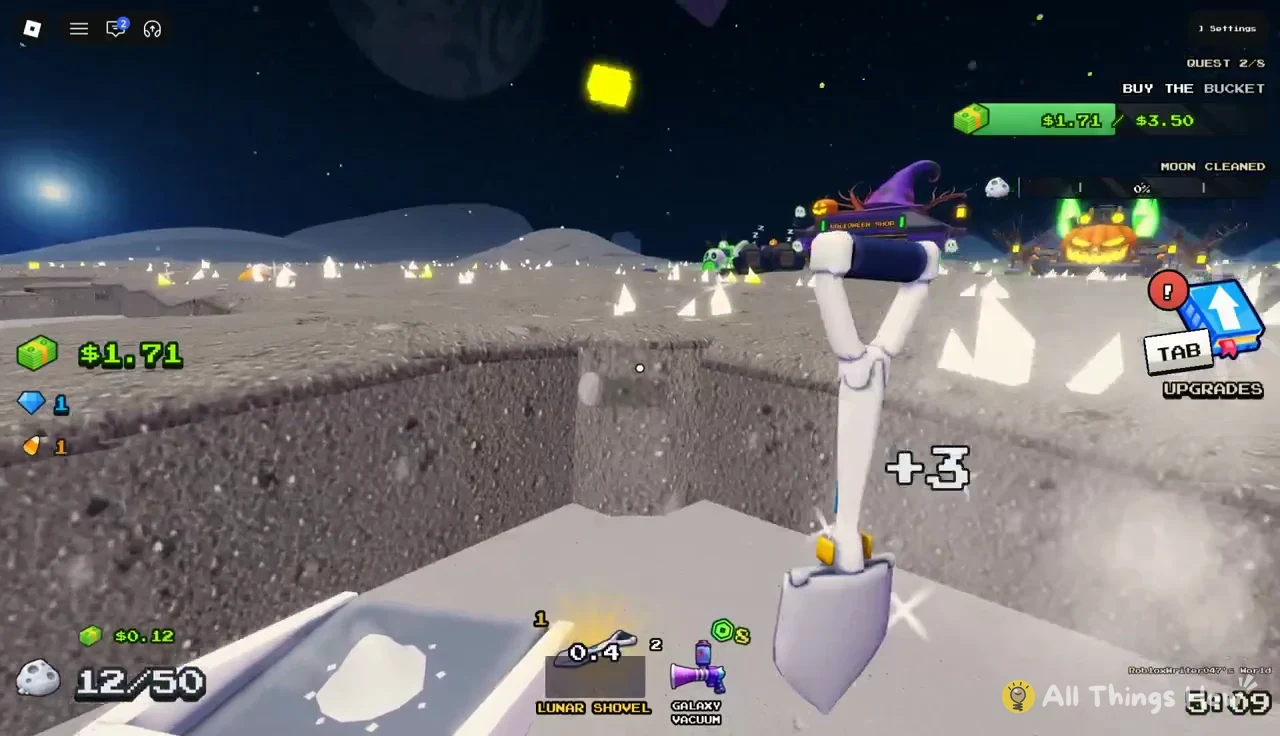
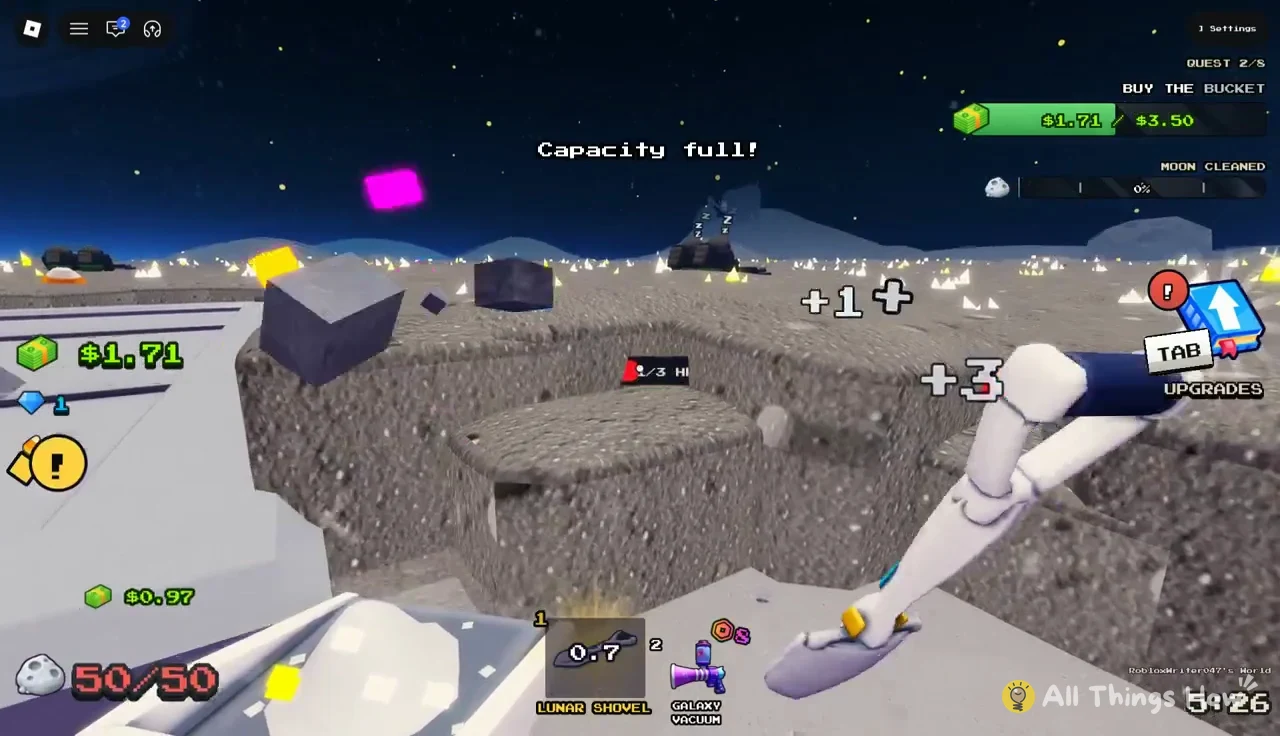
The trade-off is that a faster tool fills your container faster too. With the Pan’s 50-dust limit, the shovel turns into a sprint back to the SELL pad every few seconds. That is exactly why the Bucket comes next in the quest chain.
Capacity: Pan, Bucket, and Sack
Your container decides how long you can clean before walking back. Capacity upgrades are sold at the CAPACITY stand outside the base, and each one requires the previous container.
| Container | Holds | Price / requirement |
|---|---|---|
| Pan | 50 dust | Owned at start |
| Bucket | 125 dust | $3.50 |
| Sack | 300 dust | $10.00, Bucket first |
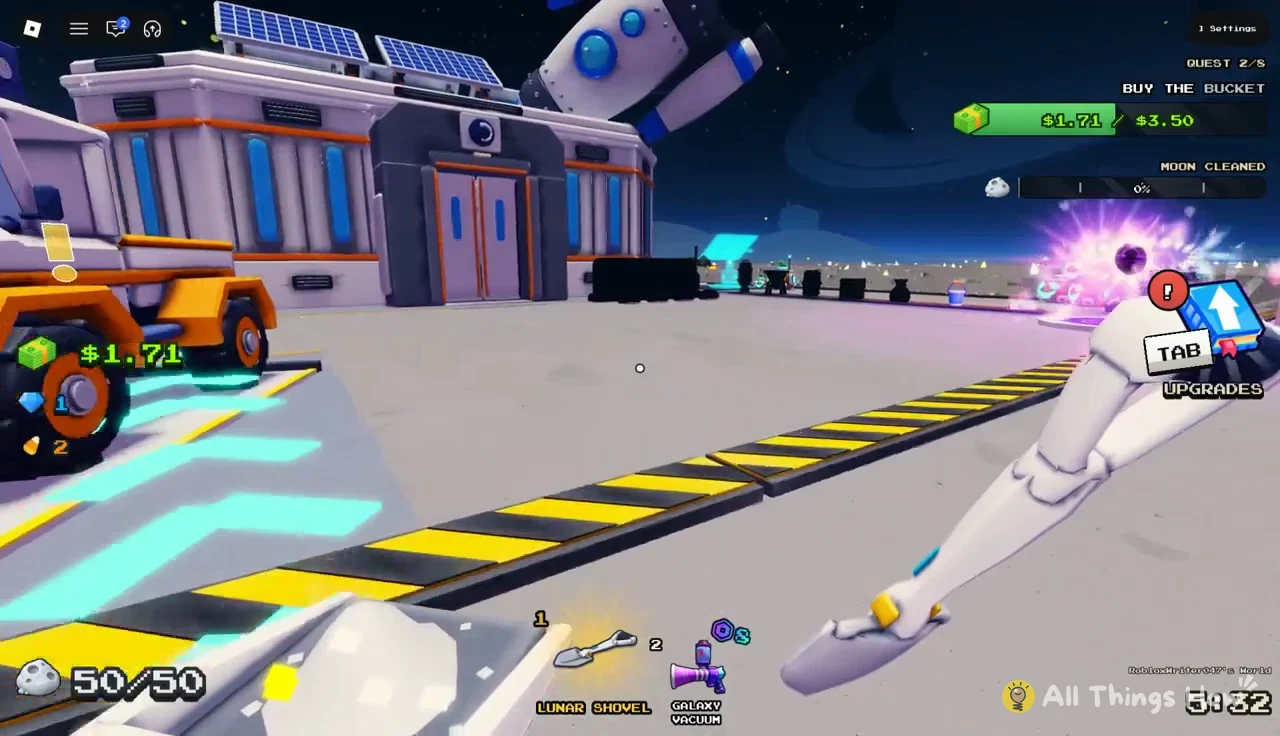
The Bucket is the best early purchase in the game for a simple reason. It multiplies the dust you carry per trip by 2.5, so you make fewer than half as many walks back for the same amount of cleaning.
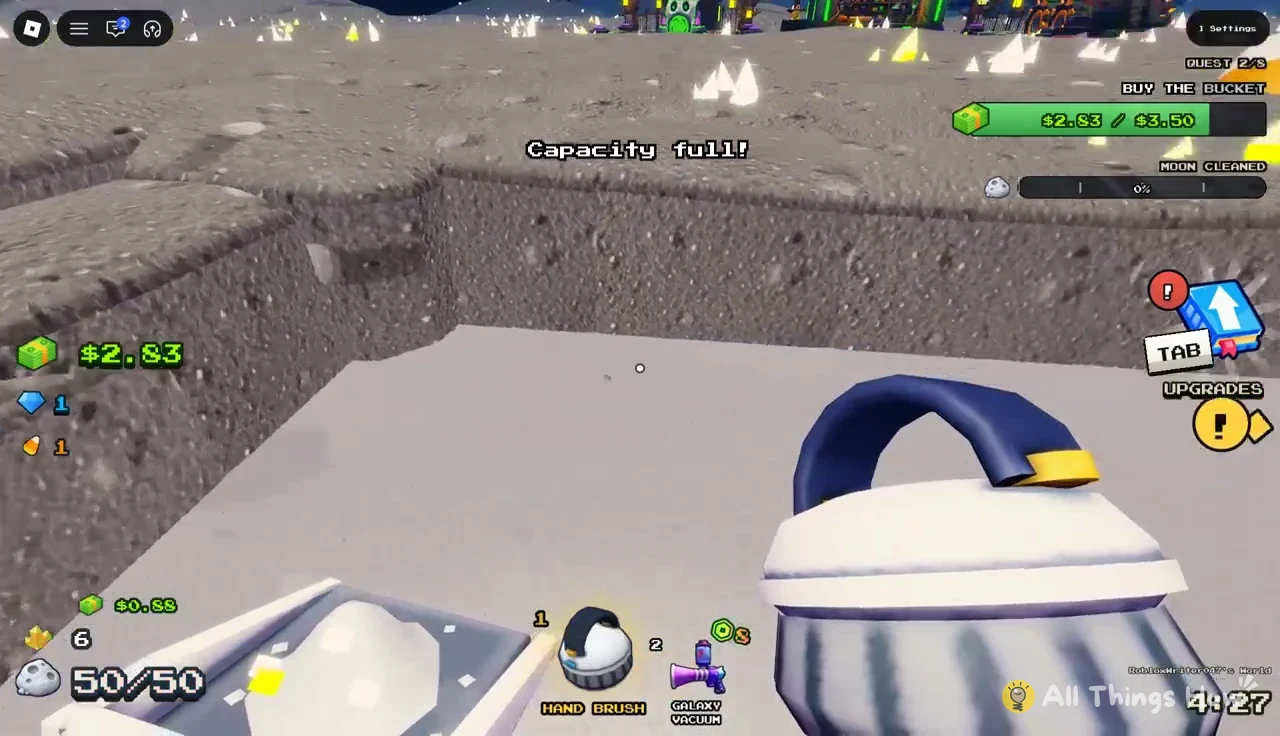
Once you have at least $3.50, walk to the CAPACITY stand and buy the Bucket. Your counter jumps to a 125-dust limit, and Quest 2/8 completes with another Gem.
Lunar Converter and the TAB Upgrades menu
The SELL pad doesn’t pay you instantly. The Lunar Converter packs raw dust into capsules one load at a time, then sends them along a conveyor to be sold, and everyone on your crew gets paid. A faster converter means money arrives sooner.
The converter has 18 levels. Going from Level 1 to Level 2 costs just $0.25 and cuts processing time from 0.5 to 0.42 seconds per dust, which makes it the cheapest upgrade you will see all game. A second conveyor, the EAST CONVEYOR, is also for sale at $60.00 once you have serious cash.
Most other boosts live in the Upgrades menu. Press TAB or click the UPGRADES button to open it. It is split into GENERAL, TOOL, BAG, and VEHICLES tabs.
| Upgrade | Effect | Price |
|---|---|---|
| BOOTS | Walk speed 16 → 20 | $0.50 |
| CONVERT TIME | 0.42s → 0.35s per dust | $0.50 |
| LUCK | Rare ores +0% → +50% | $1.00 |
| EXTRA CAPACITY | Bucket 125 → 144 | $1.00 |
| SELL VALUE | Sales +0% → +25% | $2.00 |
| CONVEYOR SPEED | 3 → 5 studs/s | $9.00 |
These are first-tier prices. Upgrades confirm with a message such as “Bucket extra capacity upgraded to 144!” Boots and Sell Value have the most direct impact early, since one shortens every walk to the pad and the other raises the payout on every load. Rainbow dust patches also pay more than plain dust, so they are worth a detour when you spot one.
Junk Hauler, robots, and automation
The Junk Hauler is the first vehicle you will see, parked near the SELL pad. It is a small scoop truck that cleans dust as you drive over it, then dumps its own bin at the SELL pad or a Dust Carrier. It costs $10.00 and is yours only for the current run.
- Speed: 16 → 24
- Lane width: 1.5 tiles
- Layers per pass: 1
- Bin capacity: 500 dust
That 500-dust bin is four times what the Bucket holds, so the Hauler is the natural next step once tool and capacity upgrades stop keeping up. Because it only clears one layer per pass, it is strongest on wide, shallow patches rather than deep stacks.
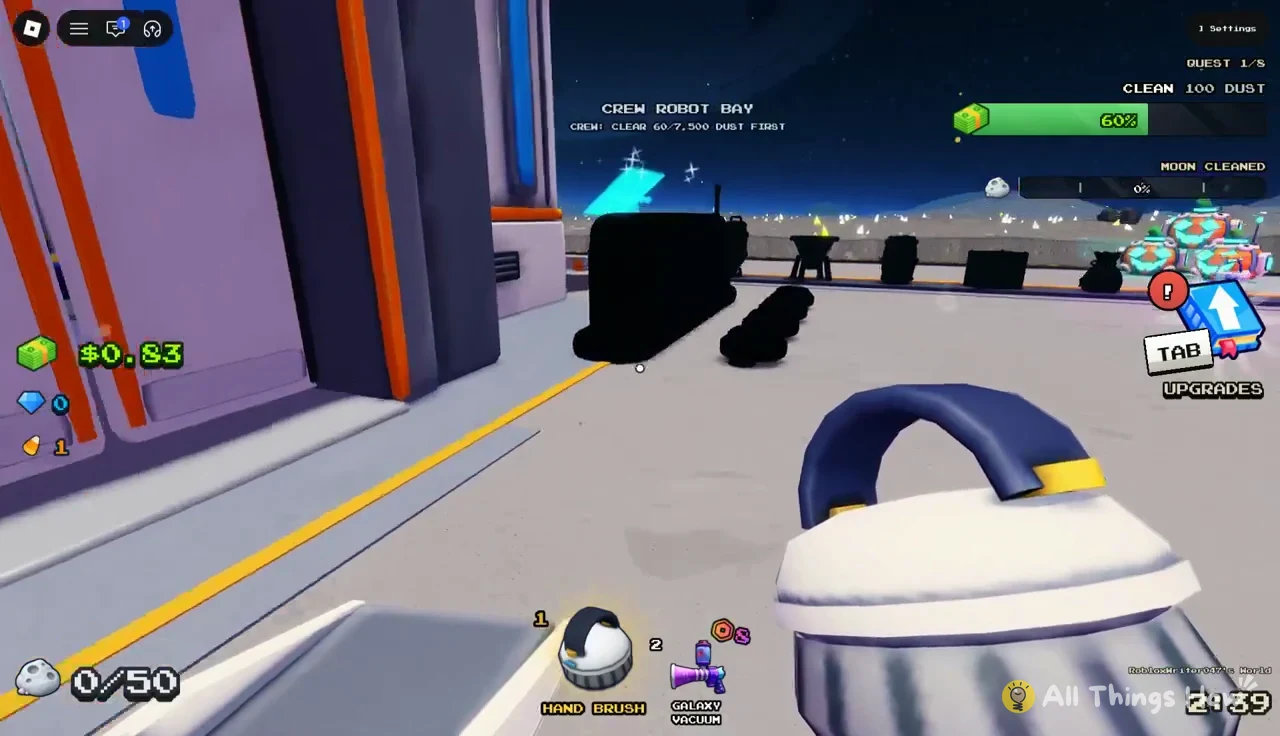
Cleaning robots come later. The Crew Robot Bay stays locked until you clear 7,500 dust, and a counter on the bay shows how close you are. Robot bays and drone purchases are listed at separate prices, so read the panel carefully before buying.
Random events: Express Delivery and UFO raids
Two kinds of random events break up the sweeping. In an Express Delivery, a cargo craft from Earth crashes onto the surface and scatters free supply crates around the base. Grab them while they are lying around.
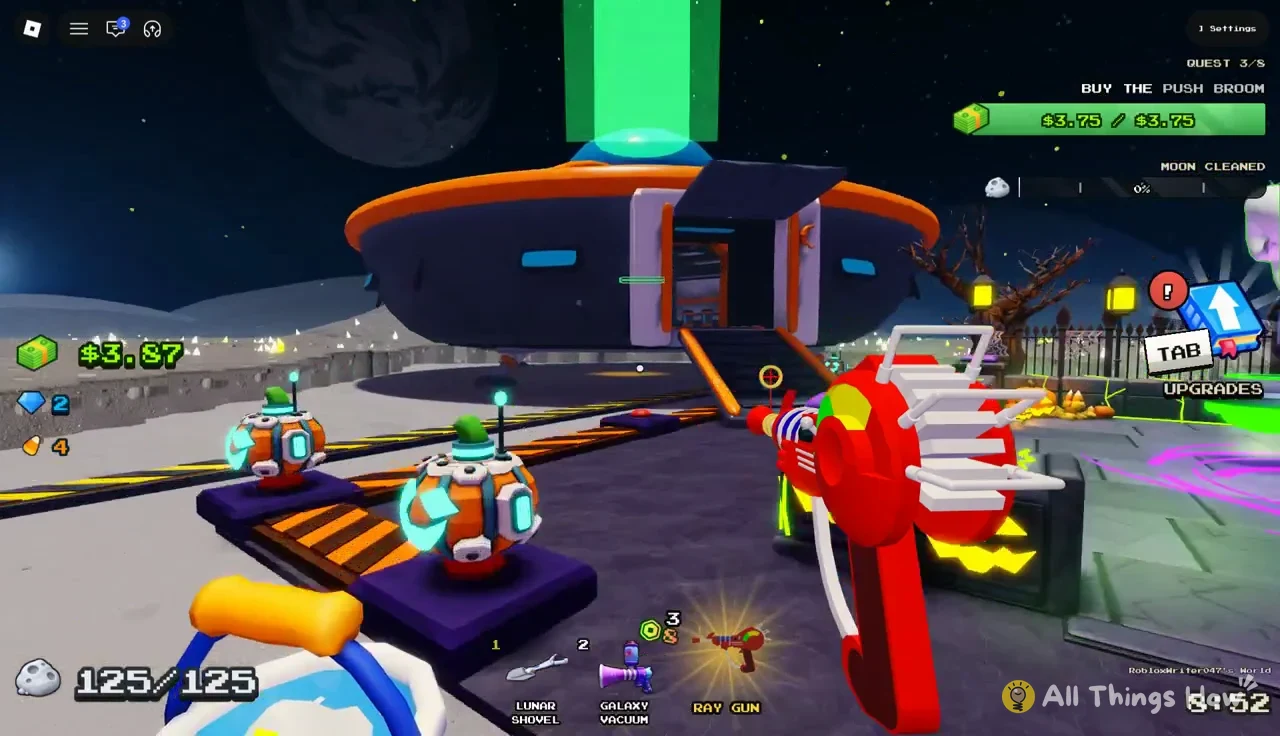
UFO raids are bigger and pay real cash. They start with an “A UFO is landing!” alert, and the saucer touches down on the launchpad by the Halloween Shop. Here is how to clear one.
The countdown begins the moment anyone opens the chest, not just you, so stay close to the exit if another player is holding the key.
How to progress faster in Clean the Moon
Early progress is a matter of fixing whichever delay hurts most. If you keep running back to sell, buy capacity. If strokes feel slow, buy a better tool. The quest chain already follows that logic, and this order works well for a first session.
The Moon contains four areas: Zone 1, Zone 2, Zone 3, and Zone 4. Clearing your present zone removes its barrier and unlocks the next; Zone 4 is the final and smallest area. Once every zone is clear, exit through the Hatch. Towers in later zones become accessible when their rings unlock.
Playing with friends speeds all of this up, since crews clean the same Moon and the converter pays every member. The Halloween Update, which adds candy, seasonal decor, and themed robots and drones, runs until about 04:55 UTC on November 6, 2026. Candy also buys the limited Jack the Sweeper class, so if that interests you, collect as much as you can before the event wraps. After that, it is back to the simple pleasure of watching grey dust turn into clean ground and cash.