

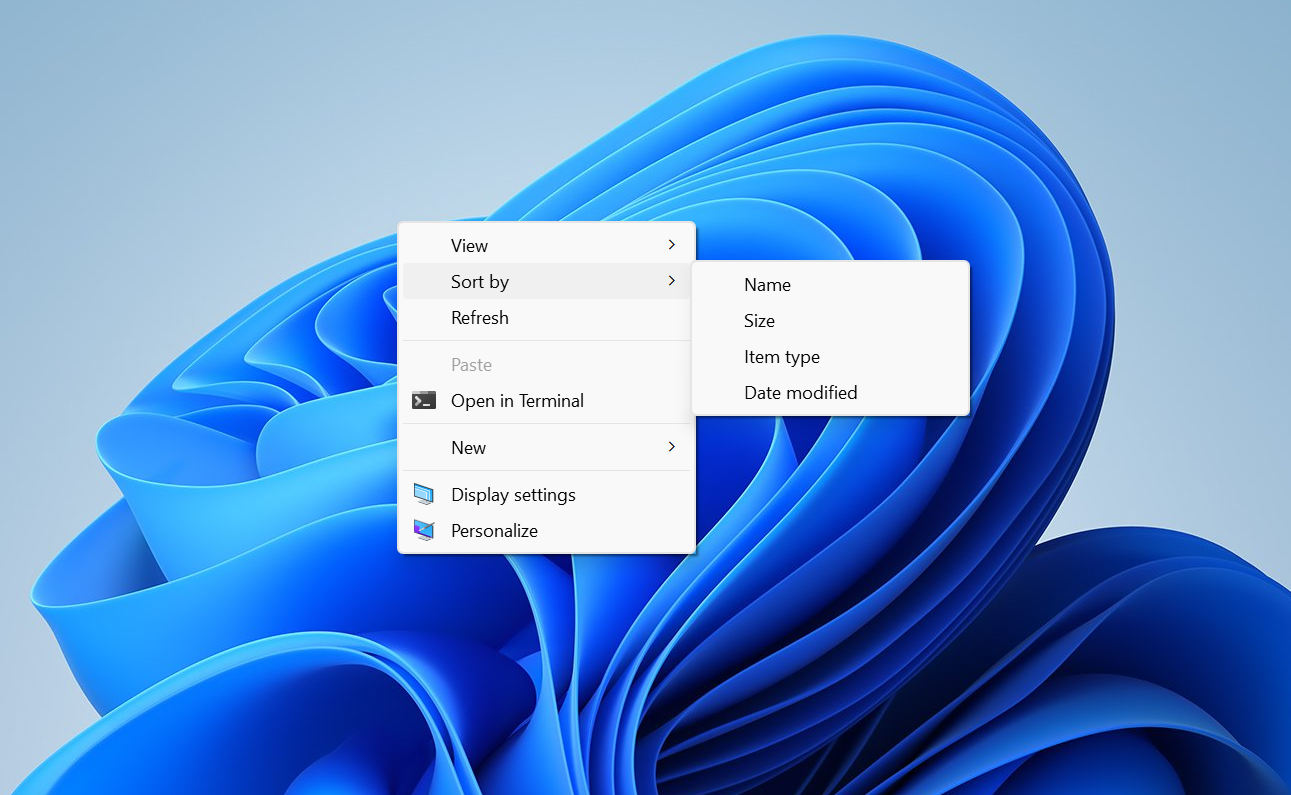
Windows 11’s right-click menu is getting a rebuild. Marcus Ash, who leads design and research for Windows at Microsoft, confirmed that the team is working on context menus that load faster, show fewer options by default, and let you tailor them to the actions you reach for most. He said more details on the approach will be shared soon.
Quick answer: The reworked context menus are confirmed but not yet released. There is no official date. They will most likely show up first in Windows 11 preview builds in the Experimental Channel, which typically arrive on Fridays. Until then, you can trim and speed up the existing menu yourself by disabling unused entries.
What is changing in the Windows 11 context menu
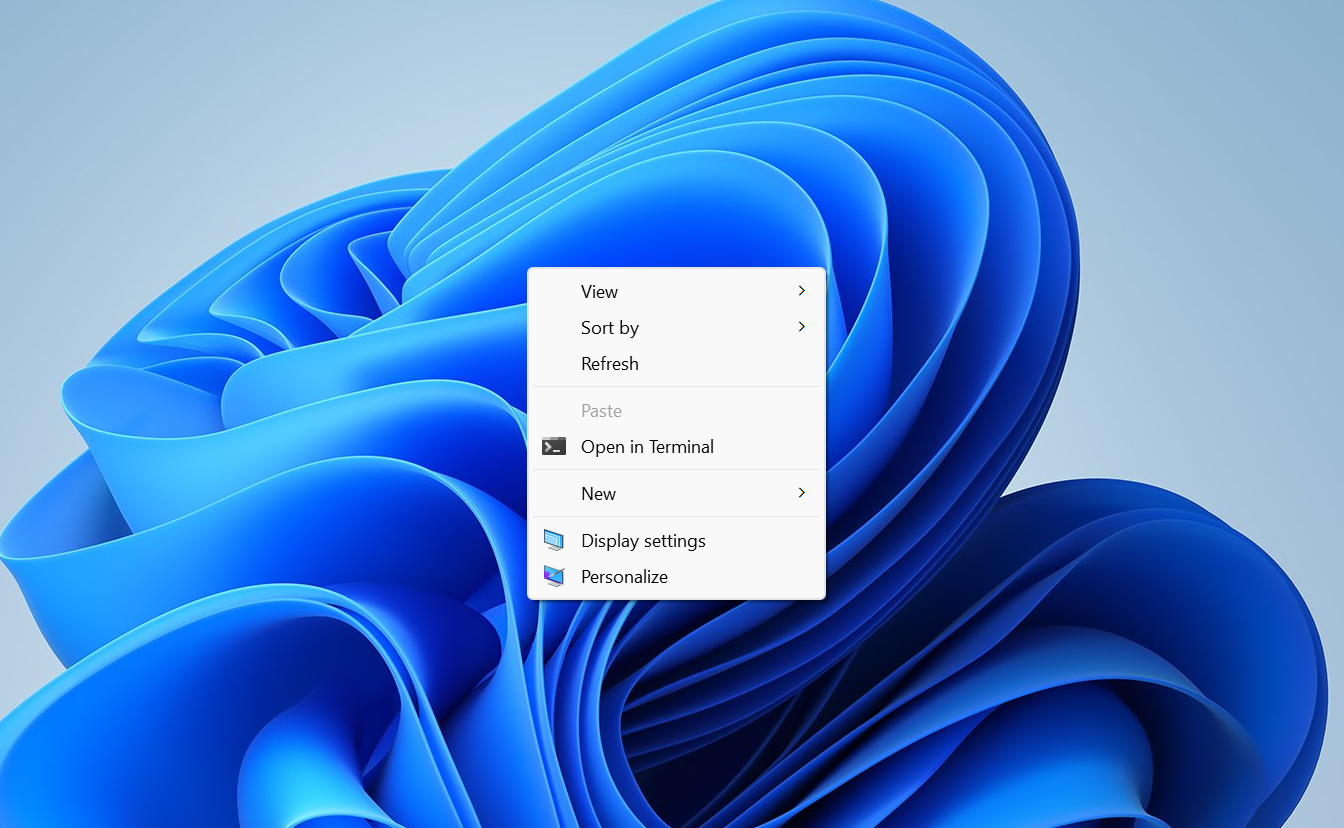
Three concrete goals have been named for the redesign. The menu should open quicker, it should be simpler out of the box, and it should be “configurable to what you use most.” That last point points to per-user customization, so the menu reflects the commands you actually click instead of every option an app wants to inject.
Two open questions remain. It is not yet clear exactly how the configuration will work, and Microsoft has not said whether the classic full menu will stay available alongside the modern one. Those specifics are expected when the team shares its plan.
| Goal | What it means for you |
|---|---|
| Faster | The menu opens with less delay when you right-click. |
| Simpler by default | Fewer items shown up front, less clutter. |
| Configurable | You can shape the menu around the commands you use most. |
Why the redesign is happening now
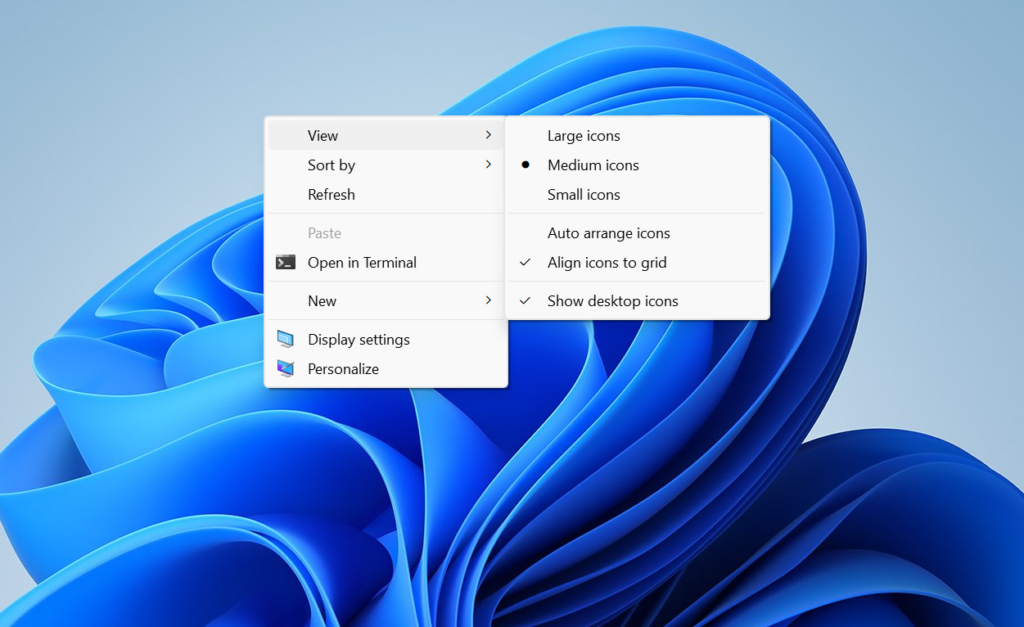
The modern context menu arrived with Windows 11 about five years ago, built around a cleaner, more compact look. The reaction has been mixed ever since. Many people find it slow to appear. The two-layer design also draws complaints, because common actions like cut, copy, and rename sit up top while plenty of older options are tucked behind a “Show more options” button. Over time, the menu has grown crowded as apps keep adding their own entries.
Microsoft has already reworked other parts of the shell, including the Start menu and the taskbar, and the context menu has stayed largely untouched. This effort closes that gap by addressing the same kind of feedback that drove those earlier changes.
How to clean up and speed up context menus right now
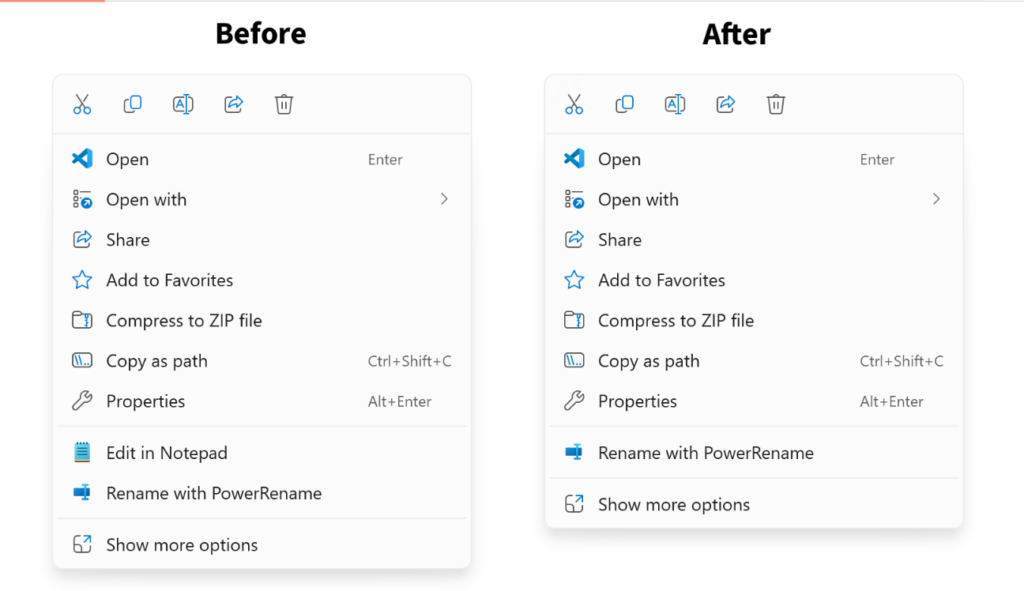
You don’t have to wait for the official rework to cut down on lag and clutter. The slowdown often comes from third-party entries that apps add to the right-click menu. Removing the ones you never use makes the menu shorter and noticeably quicker to open. A small utility called Windows 11 Context Menu Manager lets you toggle individual entries off without editing the registry by hand.
This affects only your local machine and is reversible. You can re-enable any entry later through the same tool.
When the new context menus will arrive
No official release date has been confirmed. New features like this normally land first in Windows 11 preview builds in the Experimental Channel, and those builds usually ship on Fridays. Microsoft has said it will detail its approach before then, so the design specifics should come ahead of any broad rollout.



