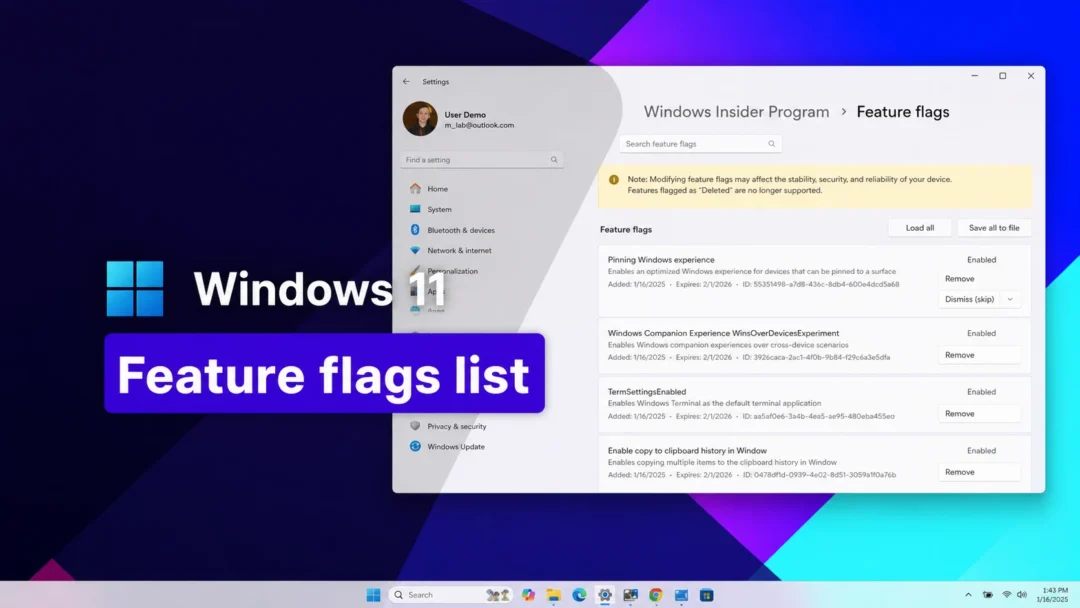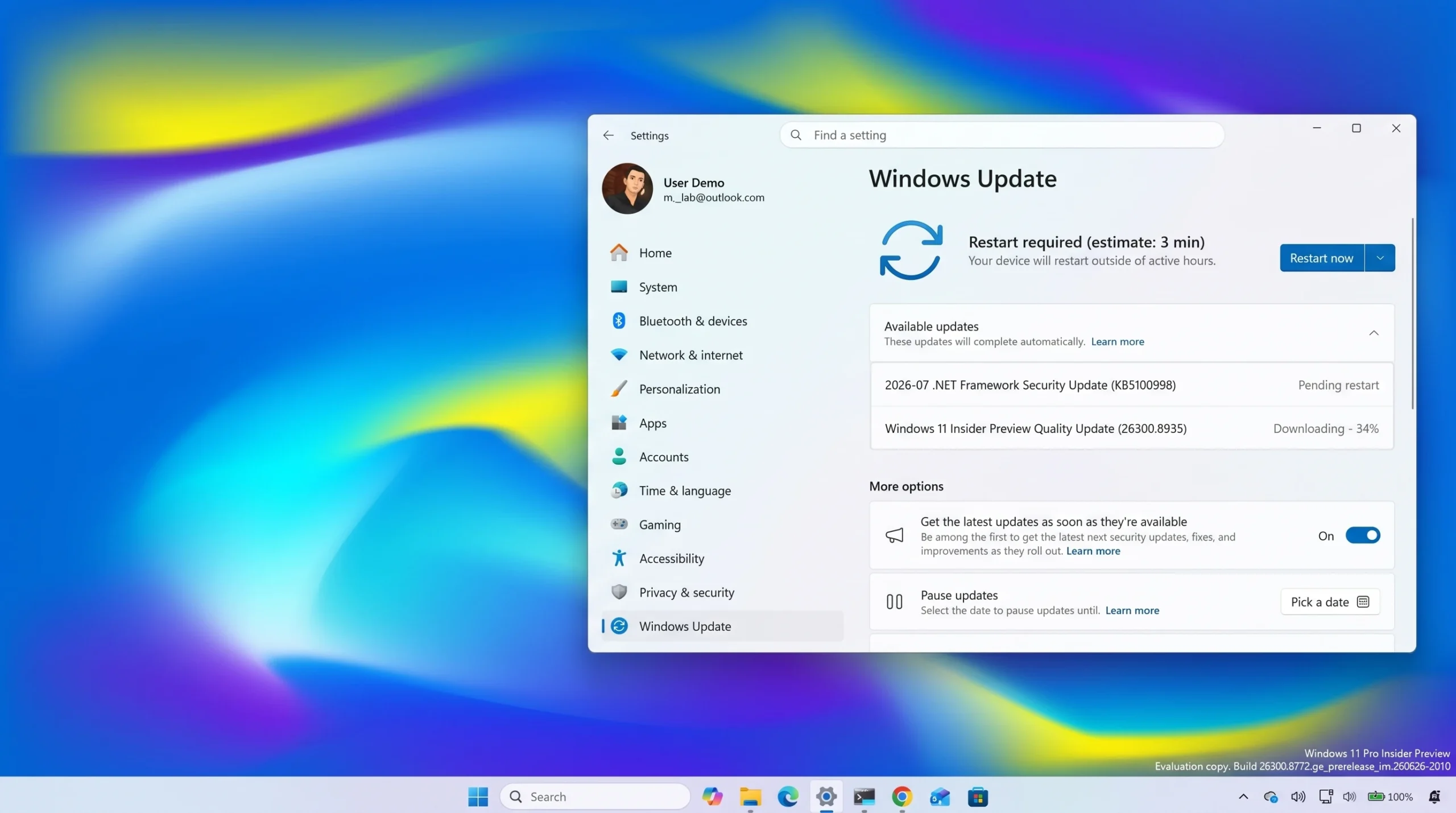
Windows 11 build 26300.8935 is rolling out to the Experimental channel of the Windows Insider Program, and it leans on speed rather than flashy features. File Explorer opens faster and handles large file deletions better, while a batch of fixes restores desktop backgrounds, taskbar positioning, and saved input settings that had been slipping. The build is delivered as an enablement package on top of Windows 11, version 26H2, the release Microsoft is preparing for later this year.
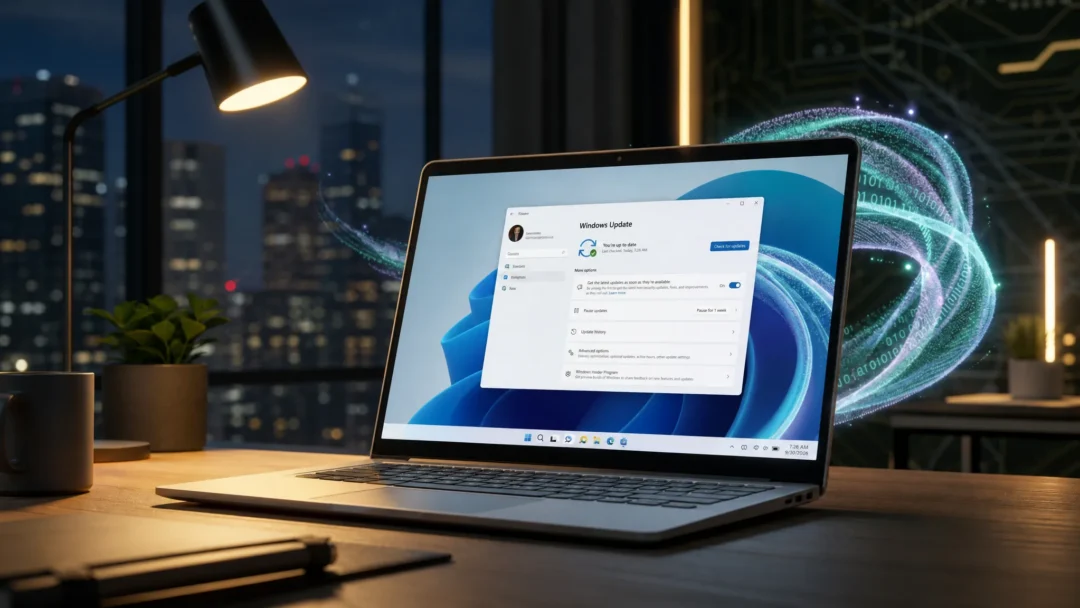
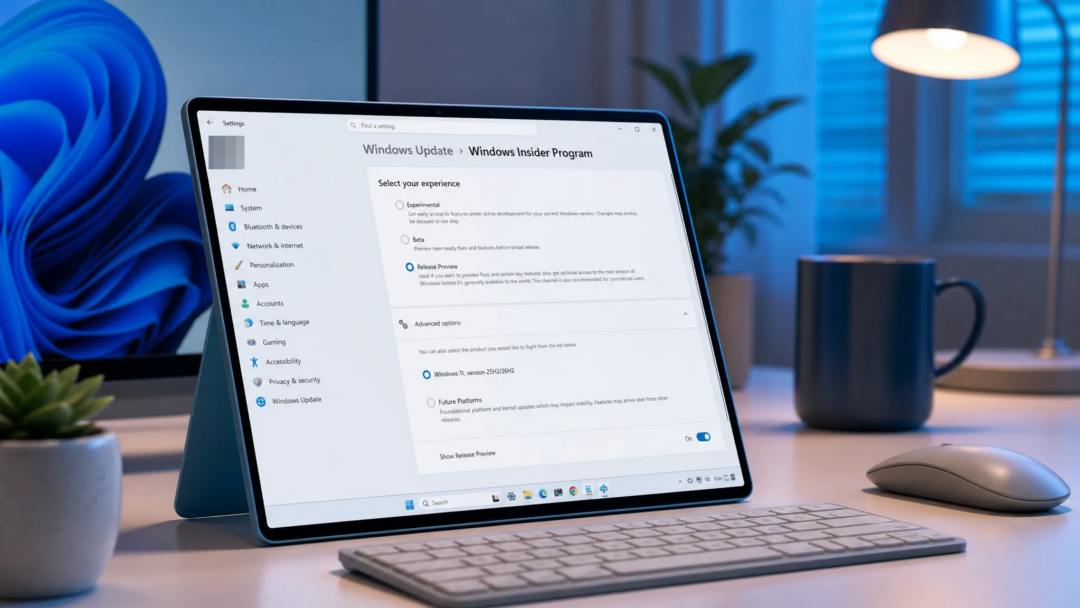
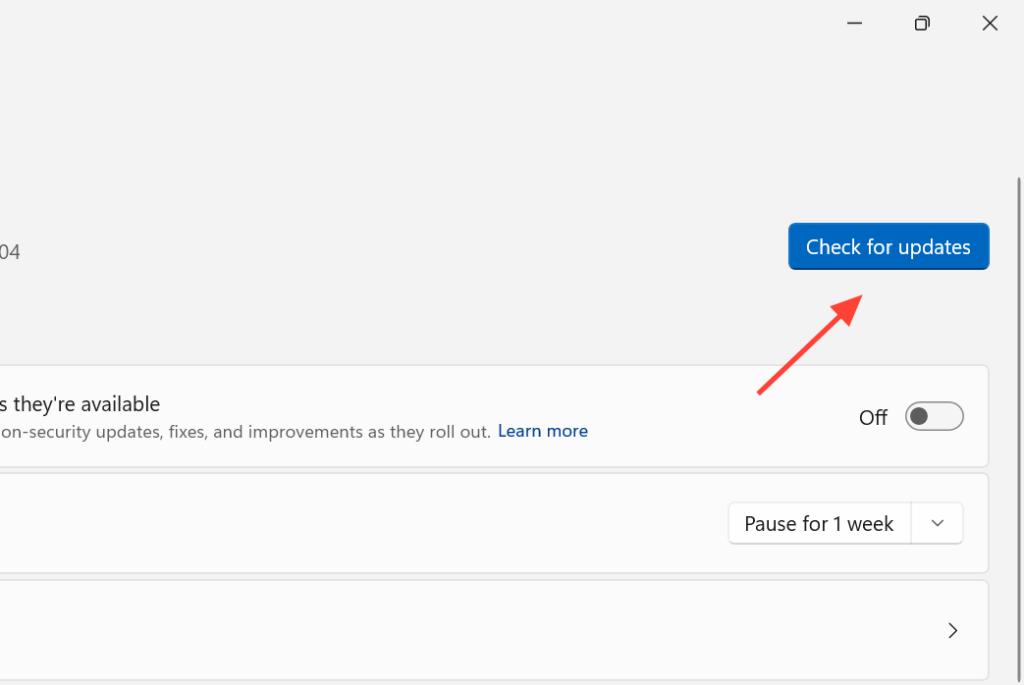
Quick answer: Install it from Settings > Windows Update while enrolled in the Experimental channel. Since changes ship through Controlled Feature Rollout, not every account sees each item immediately.
File Explorer performance changes in build 26300.8935
File Explorer is the headline of this build, with three concrete improvements aimed at everyday actions.
- Deleting large, fragmented files is faster in certain scenarios, cutting the wait when you clear big items.
- The Home page launches more quickly and responds faster to what you click.
- The Recommended section on Home now supports touch scrolling, so you can swipe through the file carousel on touchscreen devices.
Desktop background now stays put across virtual desktops
Windows 11 had trouble holding onto the wallpaper you picked in some situations, including setups that use multiple virtual desktops. This build improves that persistence so your chosen background sticks across those scenarios.
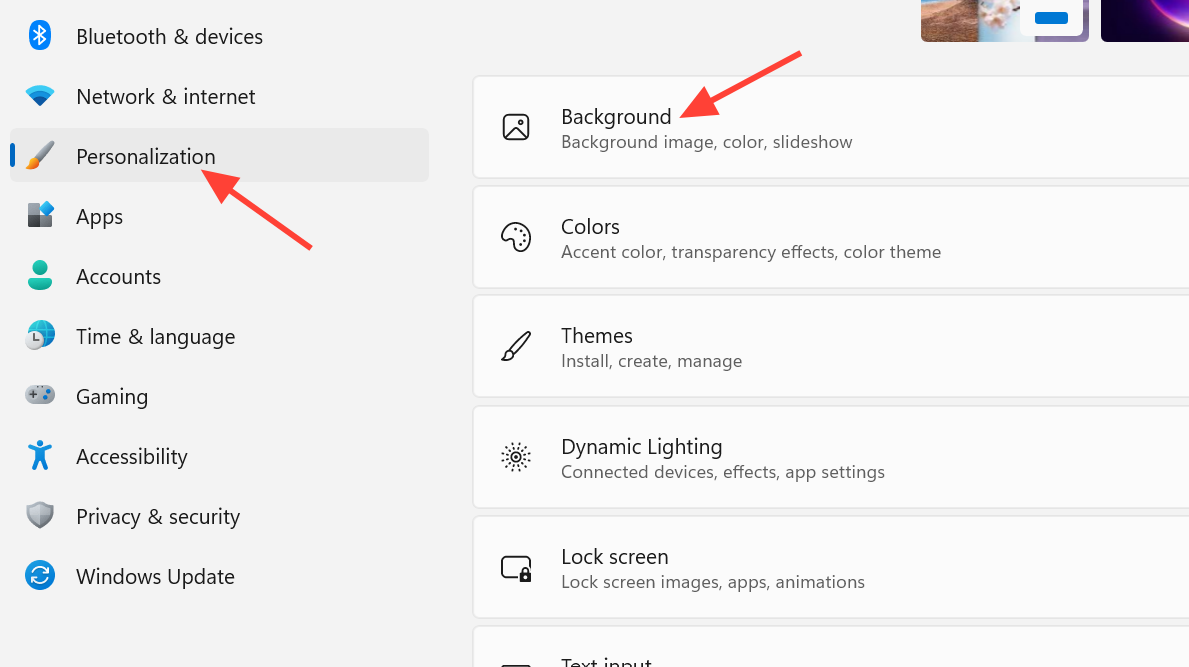
The Settings > Personalization > Background page also gets small cosmetic tweaks. The visual adjustments are minor, and Microsoft has not detailed exactly which elements moved.
Widgets, taskbar, search, and input fixes
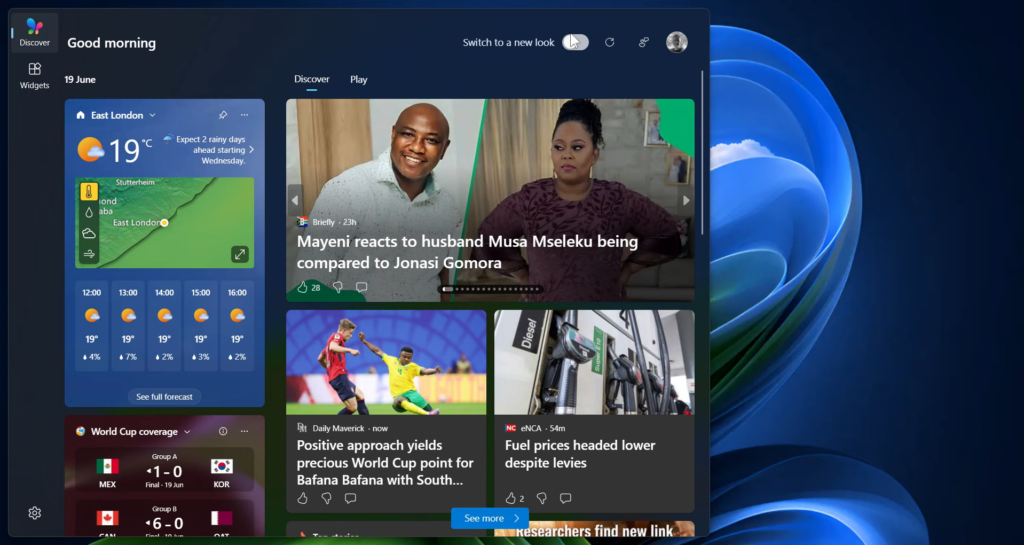
Beyond File Explorer, the build clears up several smaller issues and adds a few interface touches. The Widgets taskbar icon can now animate to flag fresh content, extending the animated experiences already available to Insiders who turned on dashboard notifications in Widgets Settings.
| Area | Change |
|---|---|
| Widgets | The taskbar entry point can show a broader set of animated content from supported widget providers when new updates arrive. |
| Run | Pressing F4 now opens the command-completion suggestions dropdown in the new Run design. |
| Taskbar | Fixes small visual glitches when the taskbar sits in an alternate position, and corrects Notification Center appearing in the wrong spot when the taskbar is on top. |
| Search | The search box is taller by four pixels in the taskbar and Start menu. |
| Windows Update | Fixes recent Insider flights failing to install with error 0xc0000409. |
| Input | Stops the mouse cursor blinking repeatedly for some Insiders, and improves saving of cursor size plus voice typing settings for automatic punctuation and the launcher. |
How to get build 26300.8935
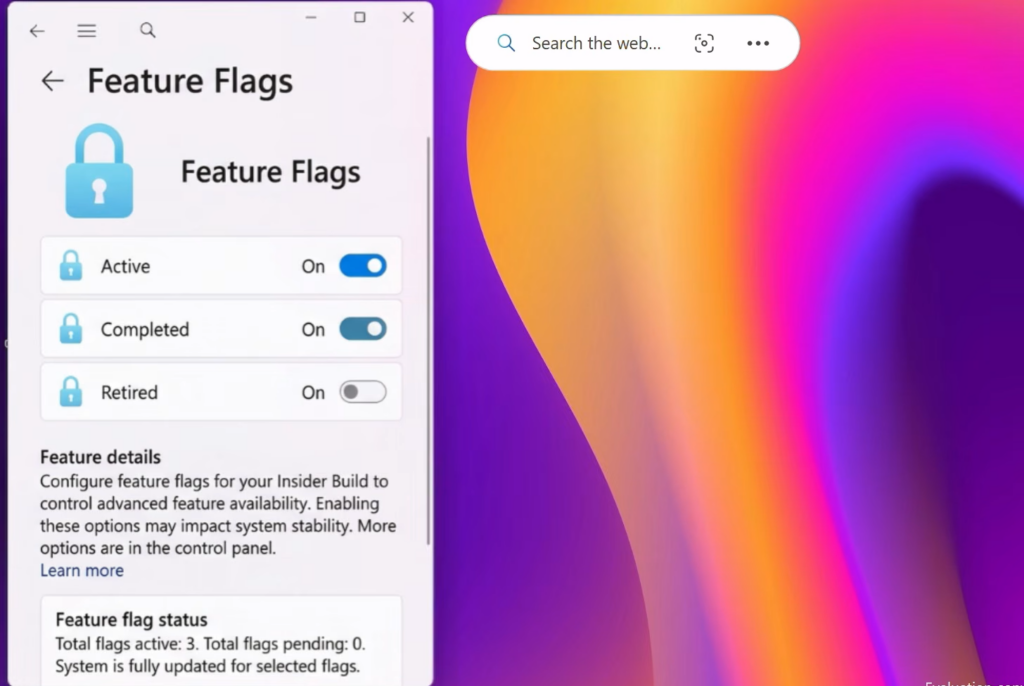
You can confirm the update by running winver, which should report build 26300.8935. A desktop watermark in the lower-right corner is normal for Insider pre-release builds. The full change list lives in Microsoft’s release notes for build 26300.8935.
Because the Experimental channel is where Microsoft tries out ideas, some of these features may change, get replaced, or never ship in a final release. If you do not see a particular change right away, that is expected behavior of the staged rollout, and it should reach more accounts in this channel over time.