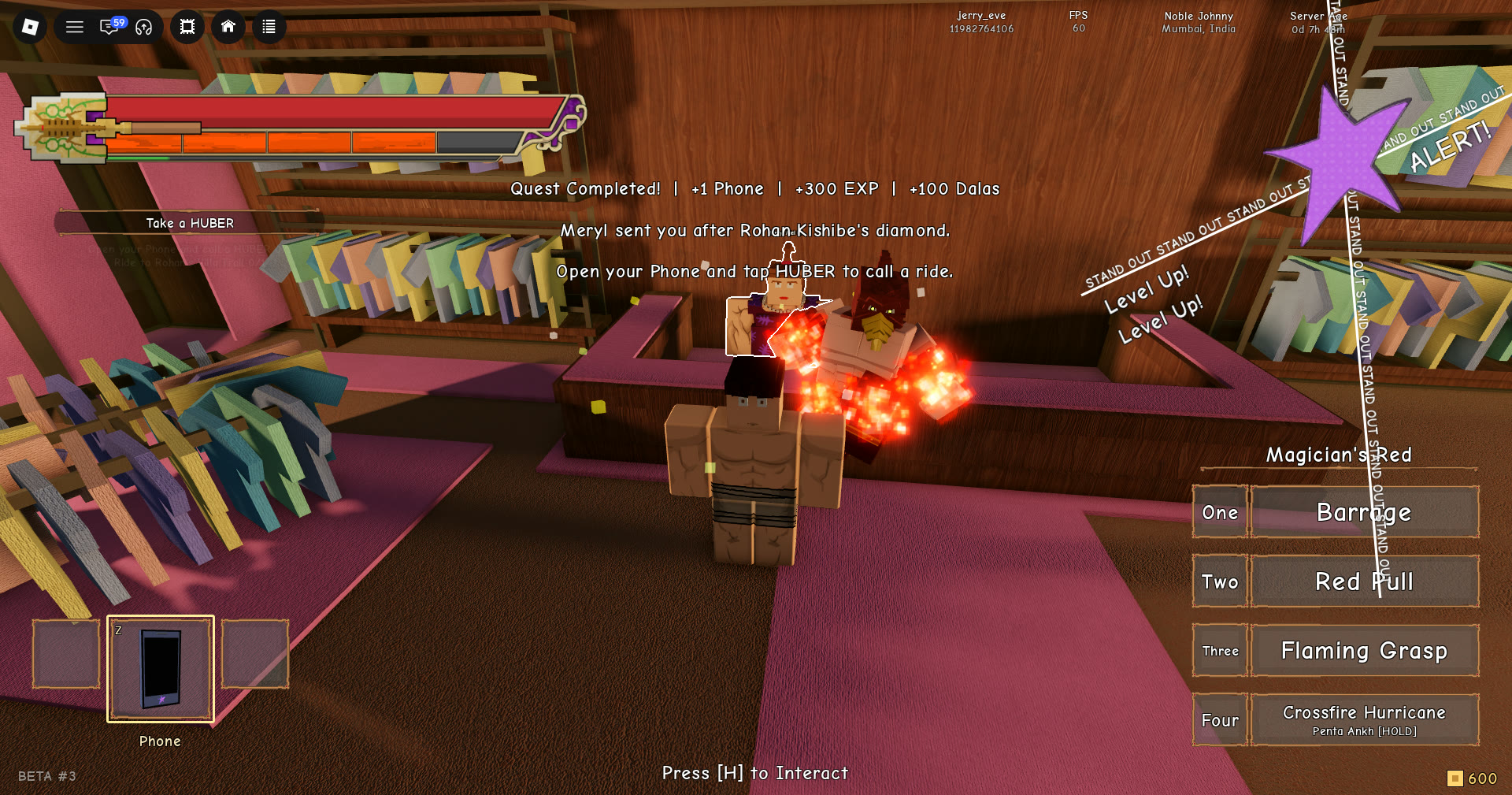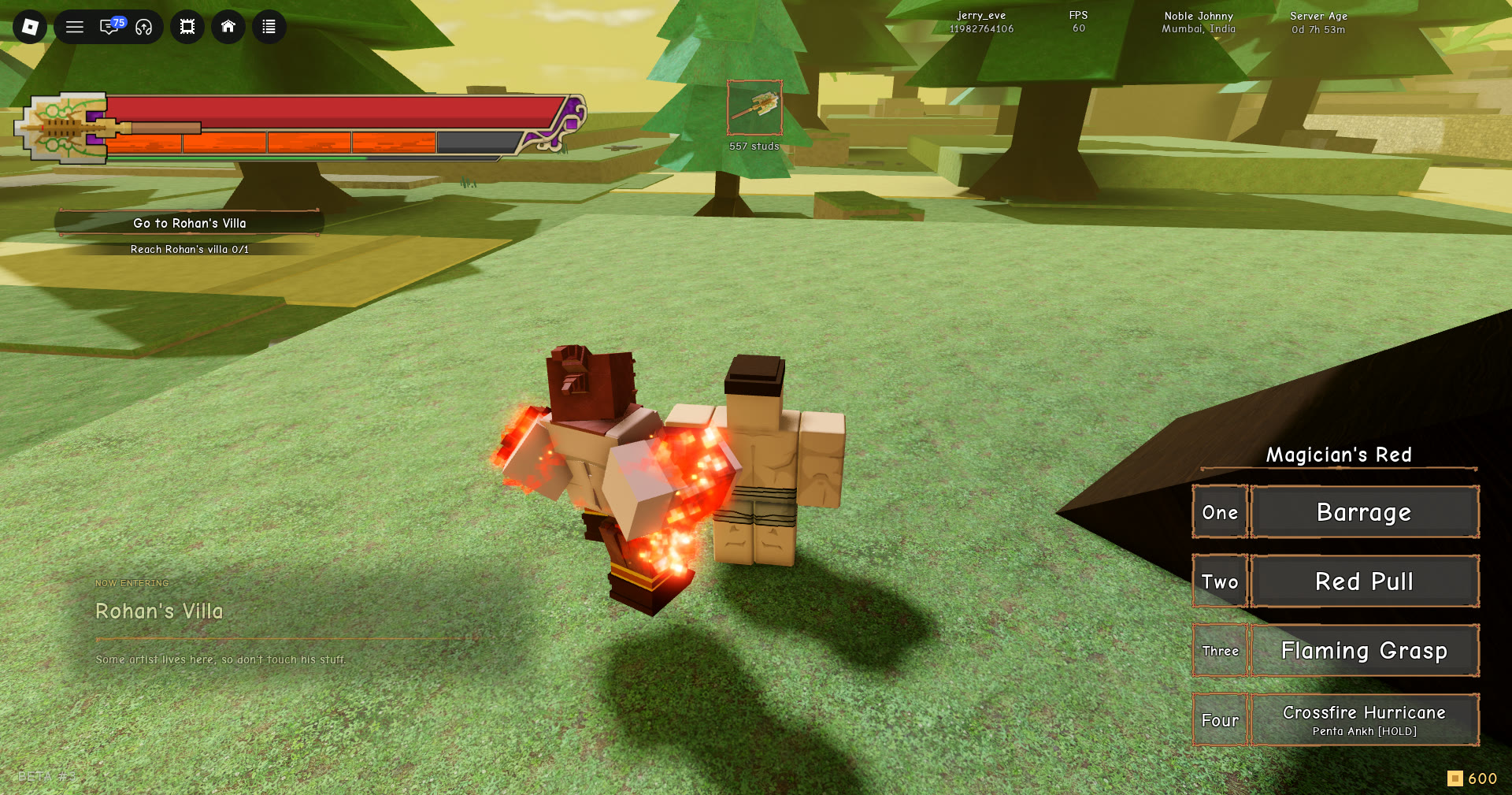
In Stand Out, every Stand comes from an arrow, and your first one is free. The tutorial points you to an arrow in the sand by the rocks, near the water. Don’t buy an arrow before you finish that step. After the tutorial, three more free arrows wait in the shop, and paid arrows start at a few Robux.
Quick answer: Talk to Jodio, search the sand by the rocks, press M, open INVENTORY, click the Mysterious Arrow and press Use. You get the Stand right away.
Players coming from the earlier alpha should know two things have changed. The menu now opens with M instead of N, and the tutorial now gives you an arrow.
How to get your first Stand from the free arrow in the sand
The objective tracker walks you through the route, and each step only unlocks once the one before it is done. Here is the order.
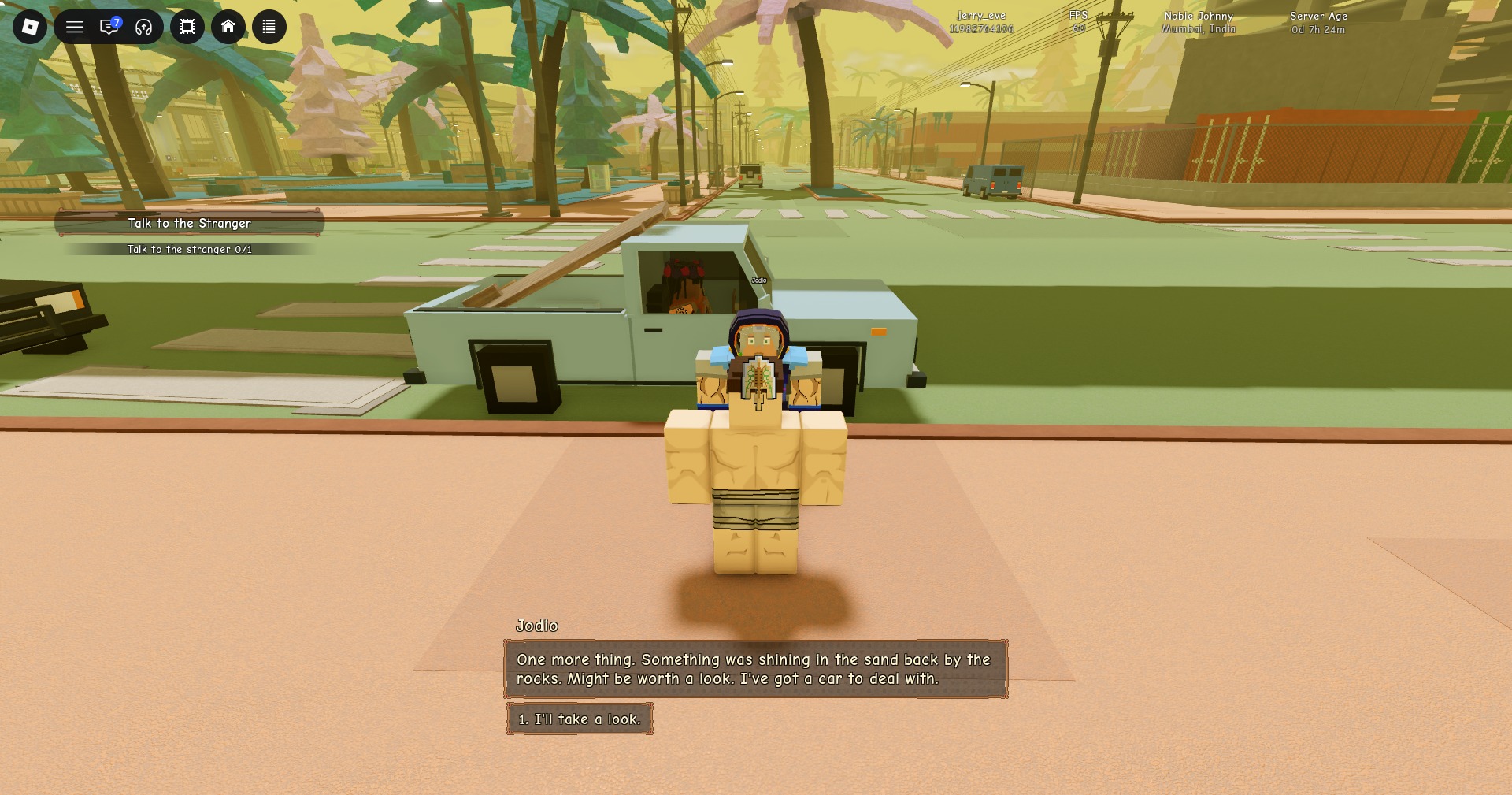
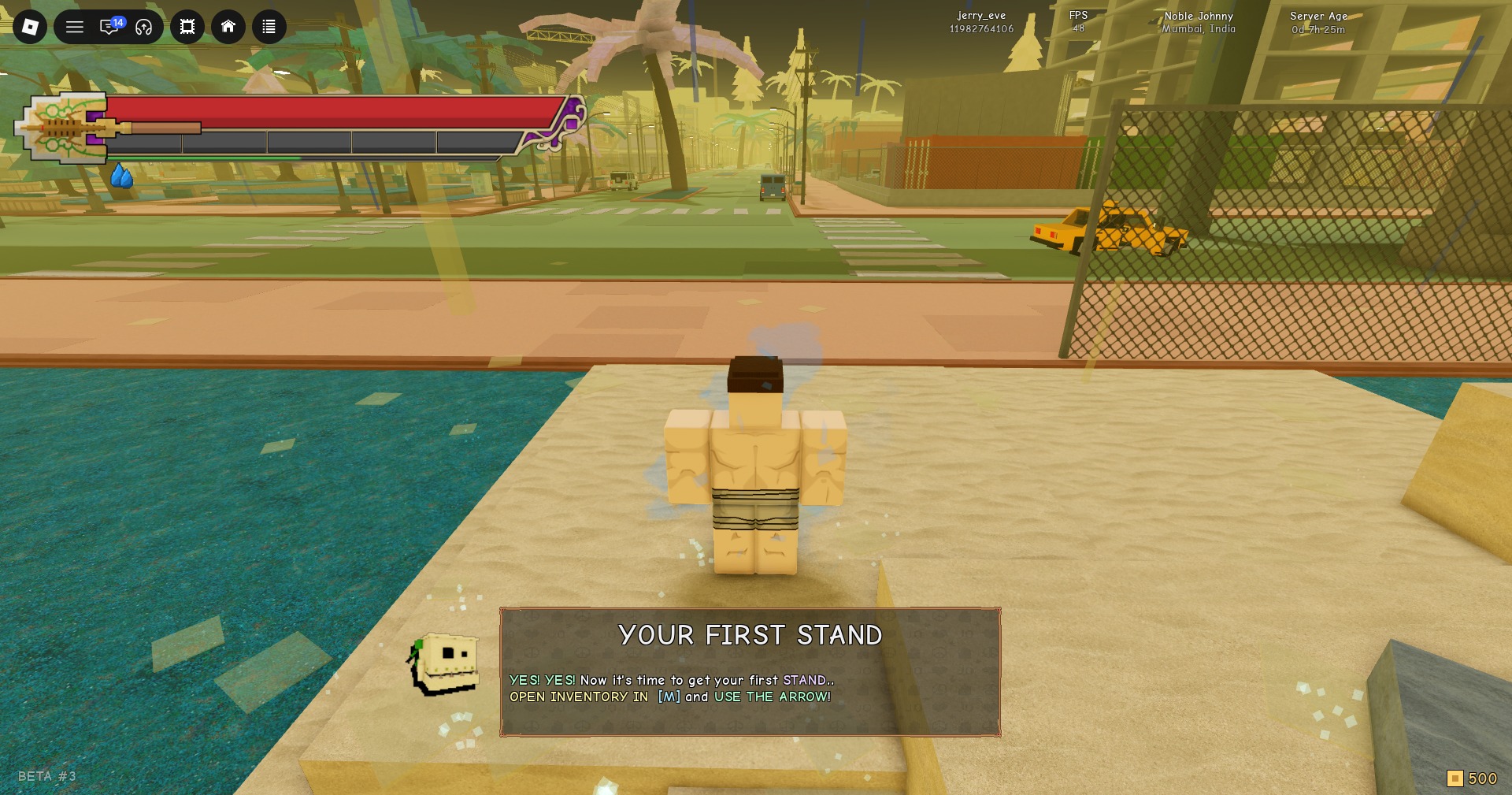
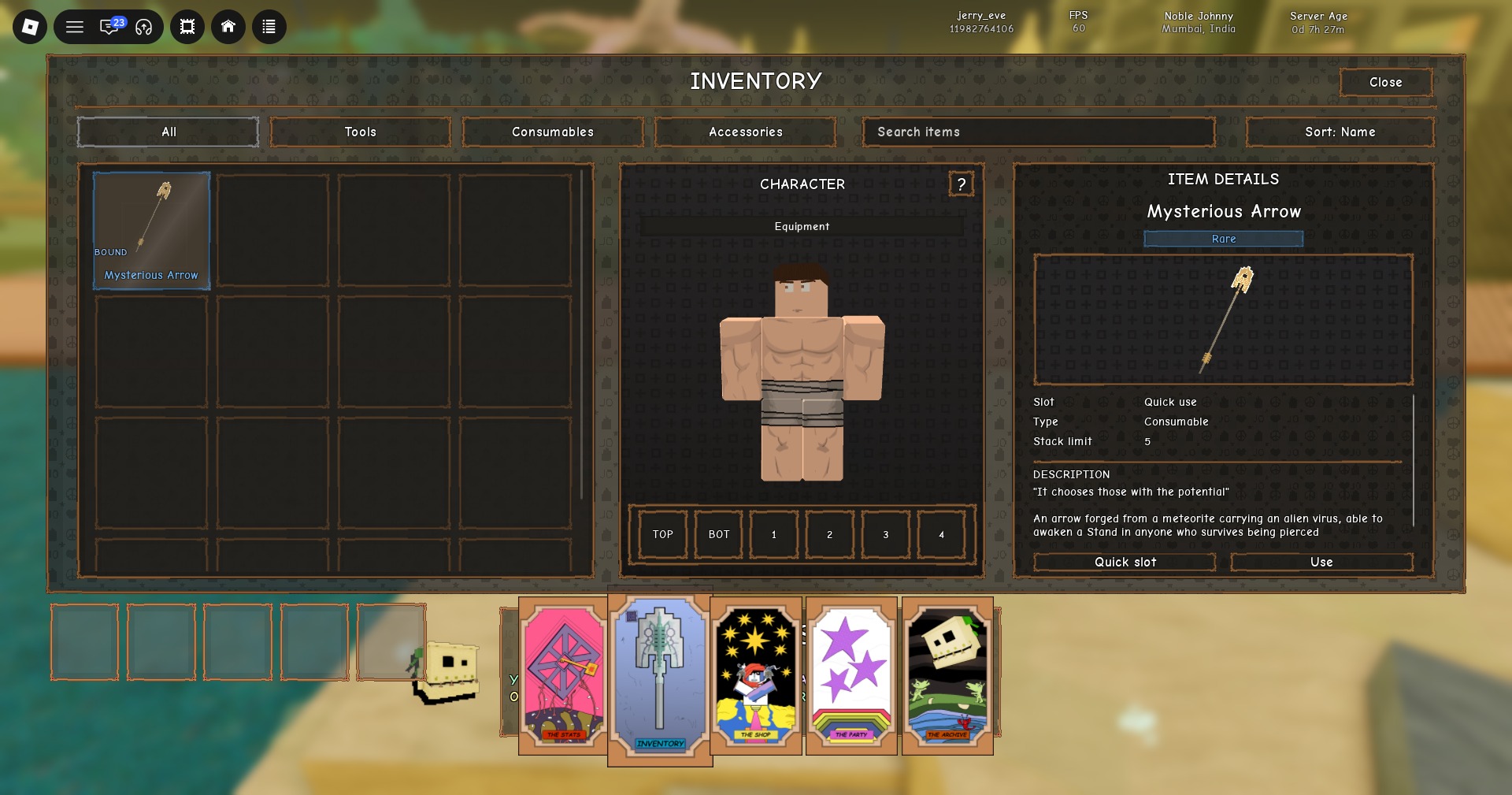
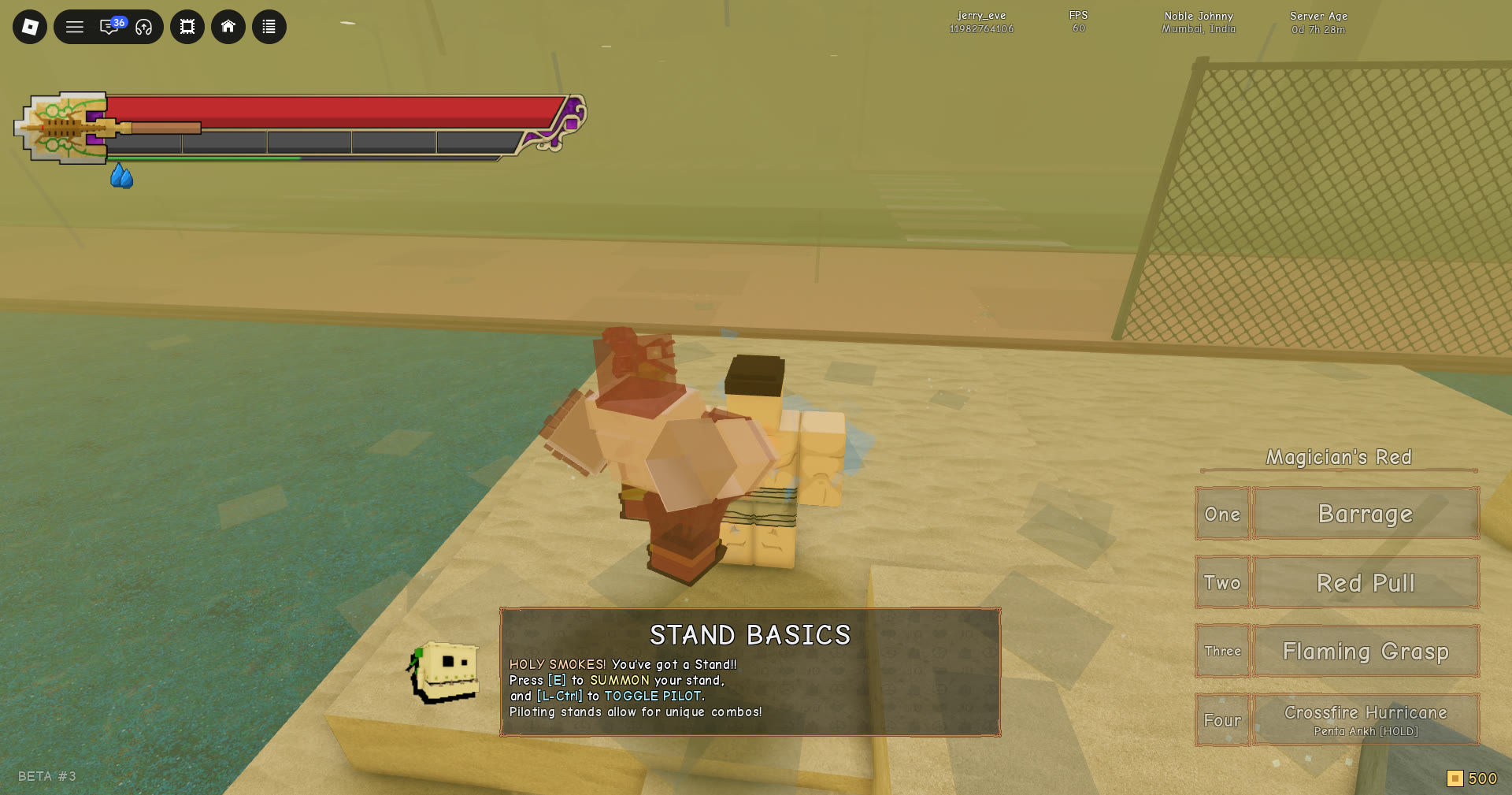
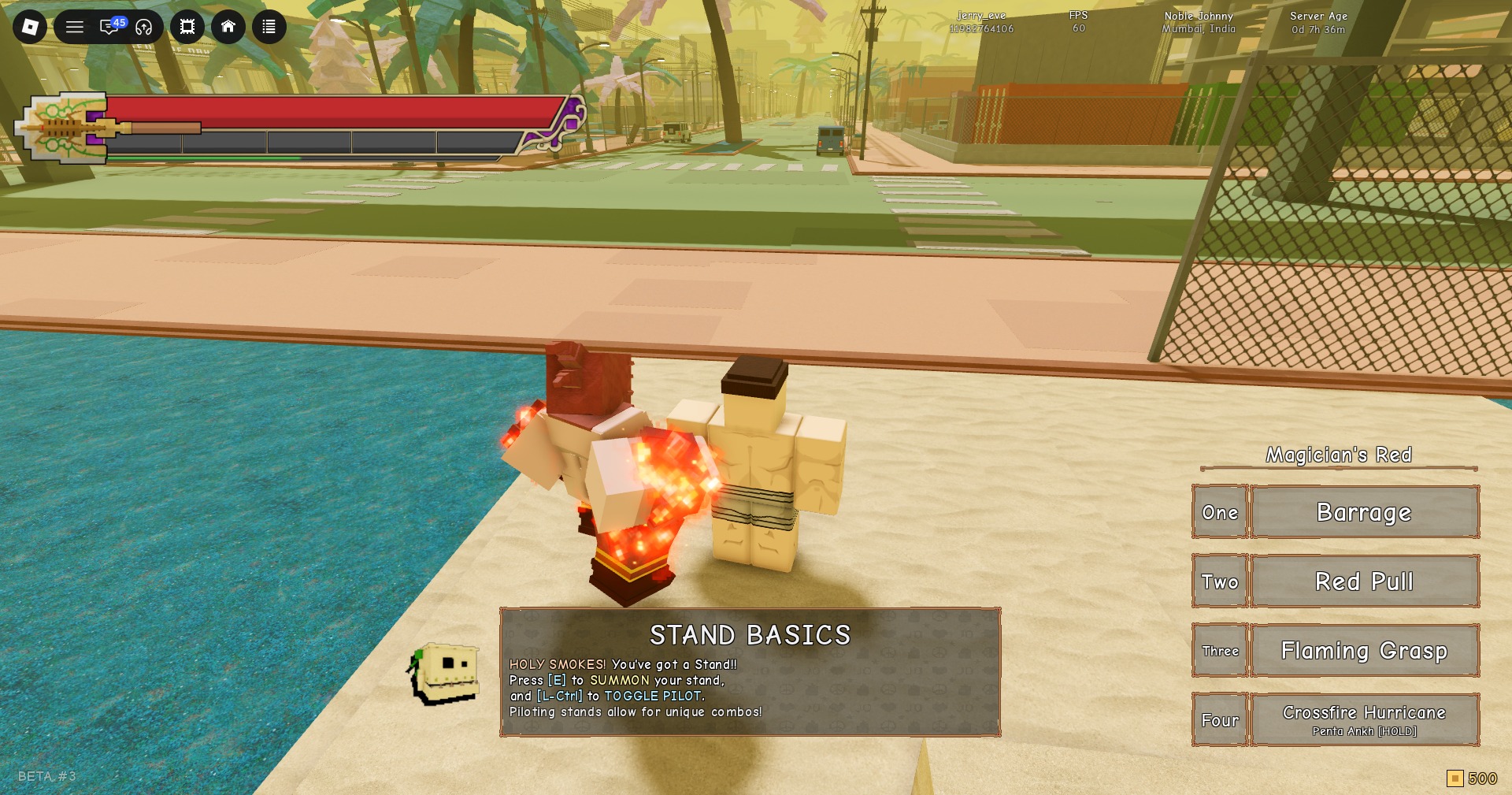
You’ll know it worked when the tracker switches to STAND BASICS. That objective tells you to press E to summon your Stand and L.Ctrl to toggle pilot mode. Piloting a Stand opens up its own combos.
Mysterious Arrow item details
Every arrow you get, free or paid, works the same way, so it helps to know what the item card says. The card’s flavor text reads “It chooses those with the potential” and “An arrow forged from a meteorite carrying an alien virus, able to awaken a Stand in anyone who survives being pierced.”
- Name: Mysterious Arrow, marked BOUND and Rare
- Slot: Quick use
- Type: Consumable
- Stack limit: 5
- Buttons: Quick slot and Use
Use rolls a Stand at your current location. Choosing Quick slot places the arrow in a quick-use slot—there are five along the screen’s bottom edge—letting you activate it later without opening the menu.
Arrows stack to 5 in the inventory, and extras won’t pile up past that.
Three free arrows from Community Rewards
Open THE SHOP from the M menu and use the ‹ › arrows at the sides to page right until the COMMUNITY REWARDS panel is in the center. It has three cards. Each one pays 1 STAND ARROW plus 500 DALAS.
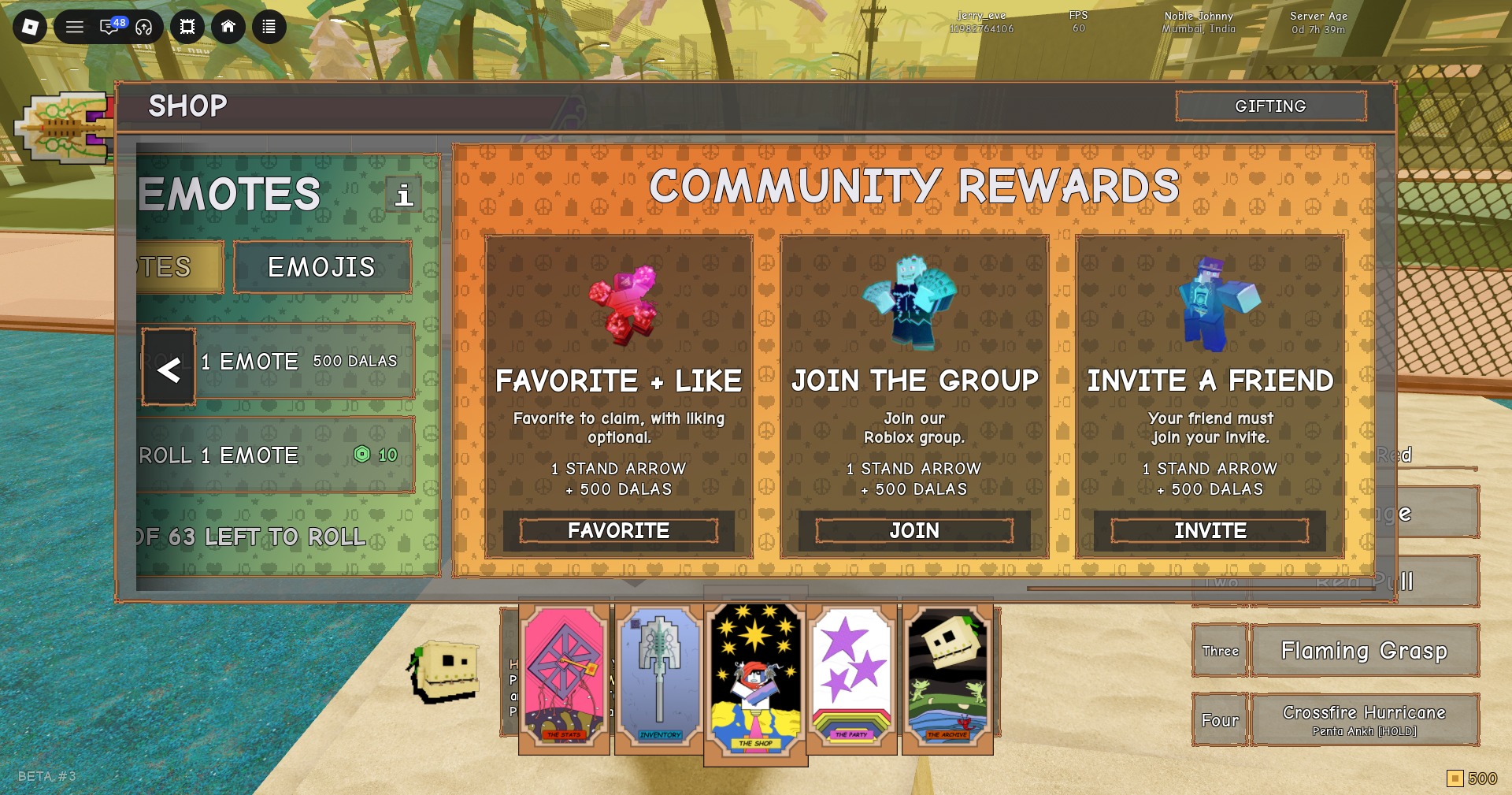
| Card | Text on the card | Button |
|---|---|---|
| FAVORITE + LIKE | “Favorite to claim, with liking optional.” | FAVORITE |
| JOIN THE GROUP | “Join our Roblox group.” | JOIN |
| INVITE A FRIEND | “Your friend must join your invite.” | INVITE |
Only the favorite counts for the first card, since liking is optional. The invite card needs your friend to actually join through your invite. Clear all three and you have three arrows and 1,500 Dalas without spending any Robux.
Stand Out arrow prices in Robux
A green hexagon coin shows a shop price in Robux. It isn’t the gold square coin at the HUD’s bottom-right, which represents in-game currency; you begin with 500.
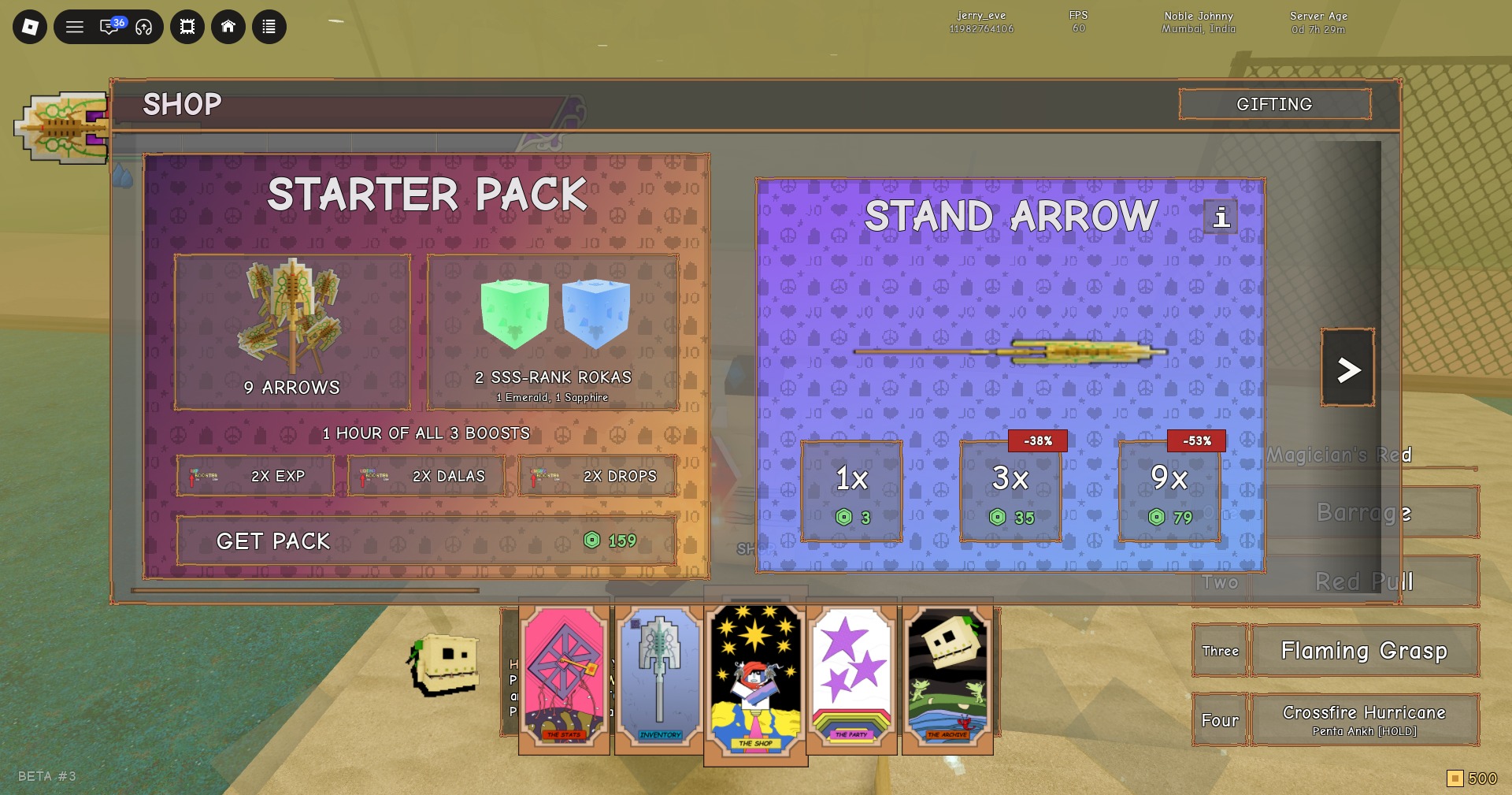
| Product | Shop page | Robux | Label |
|---|---|---|---|
| Stand Arrow 1x | Stand Arrow | 3 | None |
| Stand Arrow 3x | Stand Arrow | 35 | -38% |
| Stand Arrow 9x | Stand Arrow | 79 | -53% |
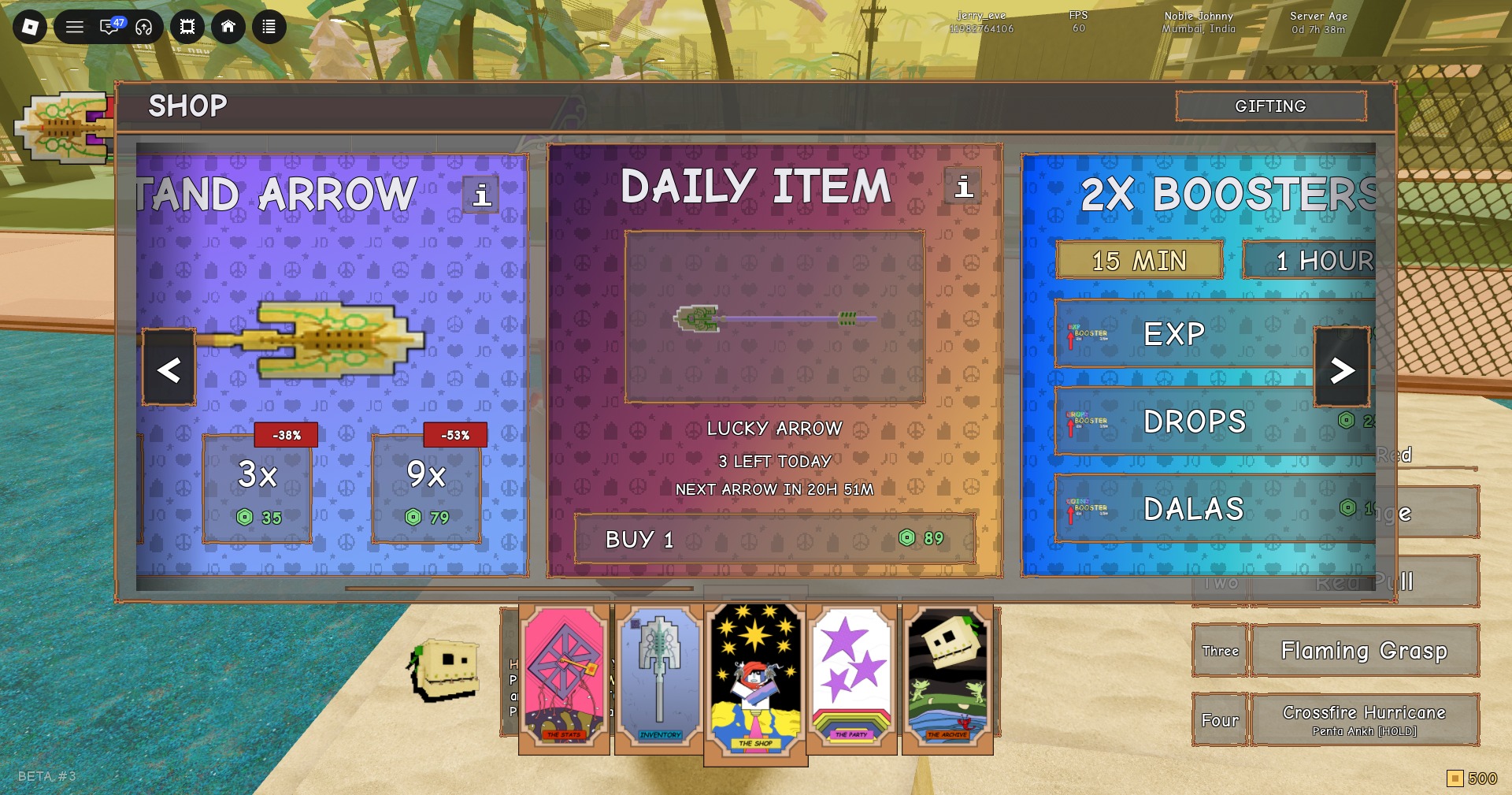
| LUCKY ARROW | Daily Item | 89 | 3 LEFT TODAY |
| Starter Pack | First page, left card | 159 | Bundle |
The LUCKY ARROW card shows a live countdown to the next one, such as “NEXT ARROW IN 20H 51M”. It ticks down continuously, so check the card for the current value rather than counting on a fixed reset time.
Starter Pack contents
The Starter Pack is the only bundle that adds Rokas and boosts on top of its arrows.
- 9 ARROWS
- 2 SSS RANK ROKAS (the card notes one is kept in storage)
- 1 HOUR OF ALL 3 BOOSTS: 2X EXP, 2X DALAS and 2X DROPS
2X BOOSTERS prices
The 2X BOOSTERS card opens on its 15 MIN tab, where EXP costs 39 Robux, DROPS costs 26 and DALAS costs 19. A 1 HOUR tab sits right next to it.
Rerolling a Stand and the cheapest order to get arrows
Stand Out doesn’t offer a reroll button or a paid reroll screen. Another Mysterious Arrow is the way to reroll, making all the arrow sources listed above important. The spending sequence below gives you the most rolls while using the least Robux.
For Rokas and boosts as well, one purchase—the Starter Pack for 159 Robux—includes nine arrows, two SSS Rank Rokas, and one hour of all three boosts. A stack holds at most five arrows.