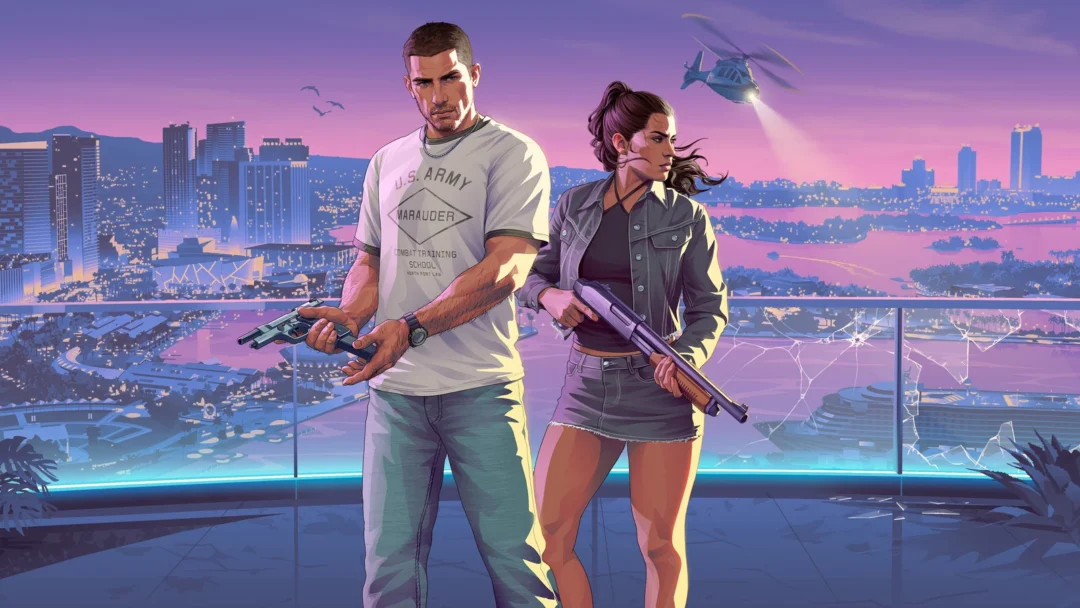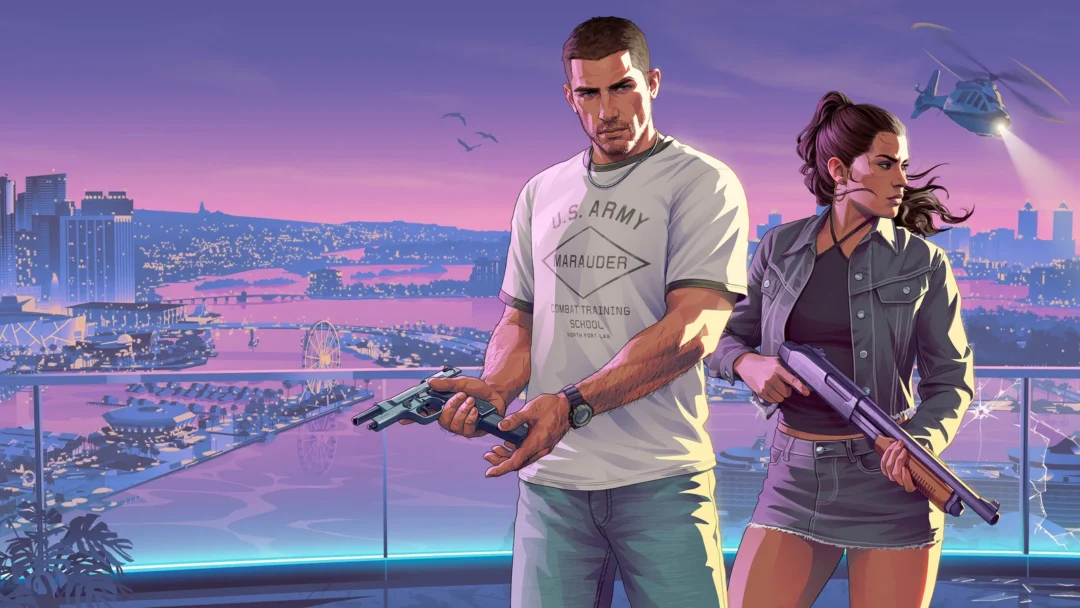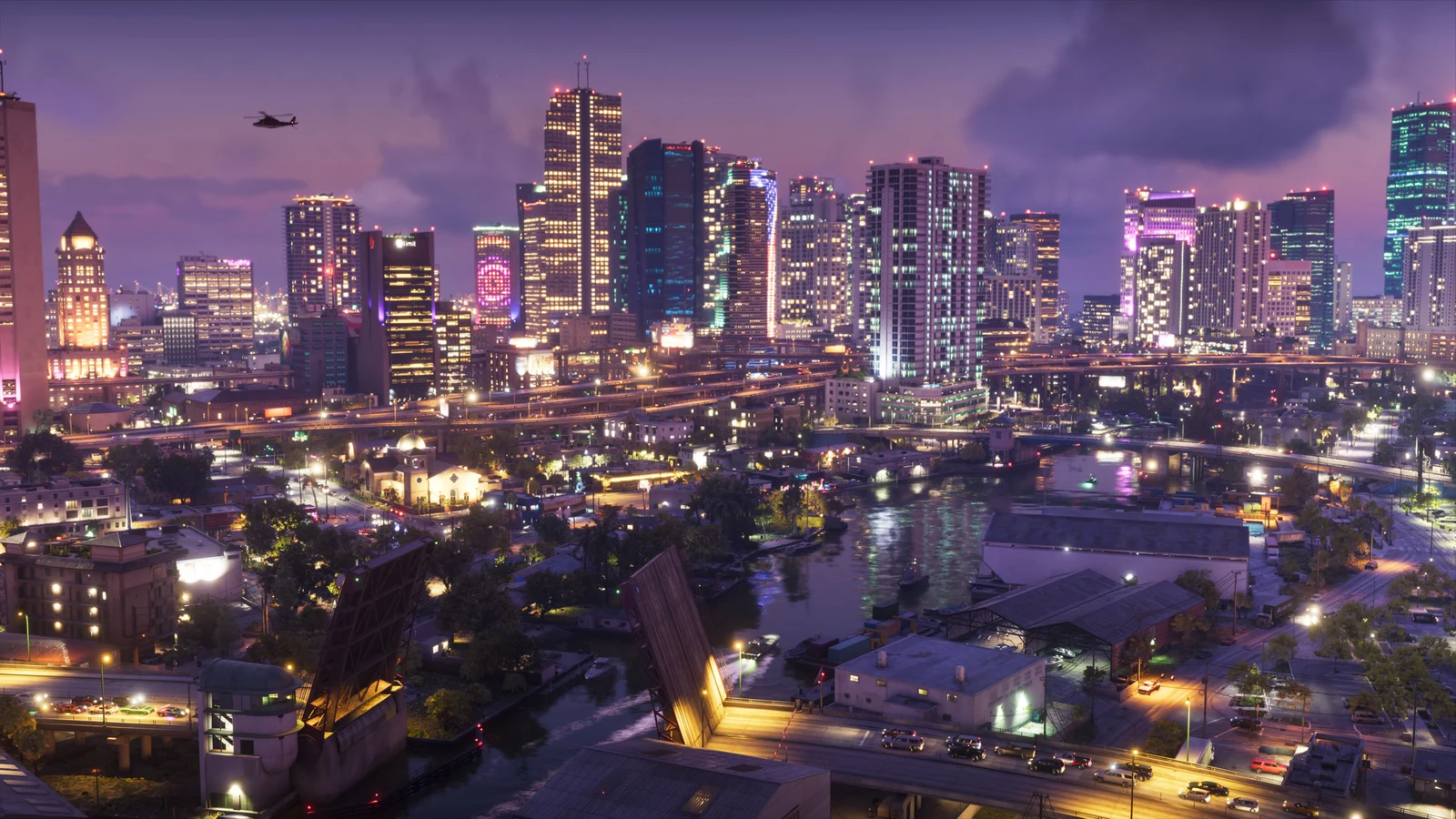
Xbox Series X|S preloading for Grand Theft Auto VI began worldwide on Tuesday, November 10, 2026, at 00:00 UTC (12:00 AM GMT). The game becomes playable at 12:00 AM on November 19, 2026, according to your local clock. Downloading it ahead of time means it will be ready once midnight arrives in your time zone.
Quick answer: Open My games and apps, go to Full library, then All owned games, select Grand Theft Auto VI, choose Install all, and pick a drive. The download then appears in your Queue.
GTA 6 preload requirements on Xbox
The game must already belong to the Xbox account signed in on your console for preloading to work; you can’t preload a copy you don’t own. Either of these qualifies:
- A digital pre-order bought from the Xbox store.
- A redeemed code from the boxed code-in-box edition.
Boxed copies hit retailers from November 12 and hold a download code, not a disc. You have to redeem that code on your account before the game shows up as owned.
Check your Xbox storage before the 212 GB download
Rockstar lists GTA 6 at up to 212 GB, with the requirement varying by device. Some consoles have a lot of space to spare.
| Console | Usable space | Room after GTA 6 |
|---|---|---|
| Xbox Series S (512 GB) | About 364 GB | About 152 GB |
| Xbox Series S (1 TB) | About 802 GB | About 590 GB |
| Xbox Series X | About 802 GB | About 590 GB |
Install GTA 6 on the internal SSD; a Storage Expansion Card is the other place it can run from. An external USB drive can store the game, but it cannot run from that drive. To make room, open My games and apps, choose Manage, and select Free up space. You can also remove games you’re not playing and download them again later.
How to preload GTA 6 on the console
You’ll know it worked when Grand Theft Auto VI appears in the Queue under Manage, with download progress shown.
Preload GTA 6 from the Xbox mobile app
Not by your TV? Find Grand Theft Auto VI in the Xbox mobile app, open the game page, then tap Download to console. Your console needs remote features enabled and must be powered on or set to Sleep mode.
Get the GTA 6 day-one patch automatically
A day-one patch is expected, so keep the console online in the run-up to November 19. Turn on Settings > System > Updates > Keep my games and apps up to date, and set the power mode to Sleep. With both in place, the launch patch and any other updates download on their own. That way the game is current when it unlocks at midnight your local time.