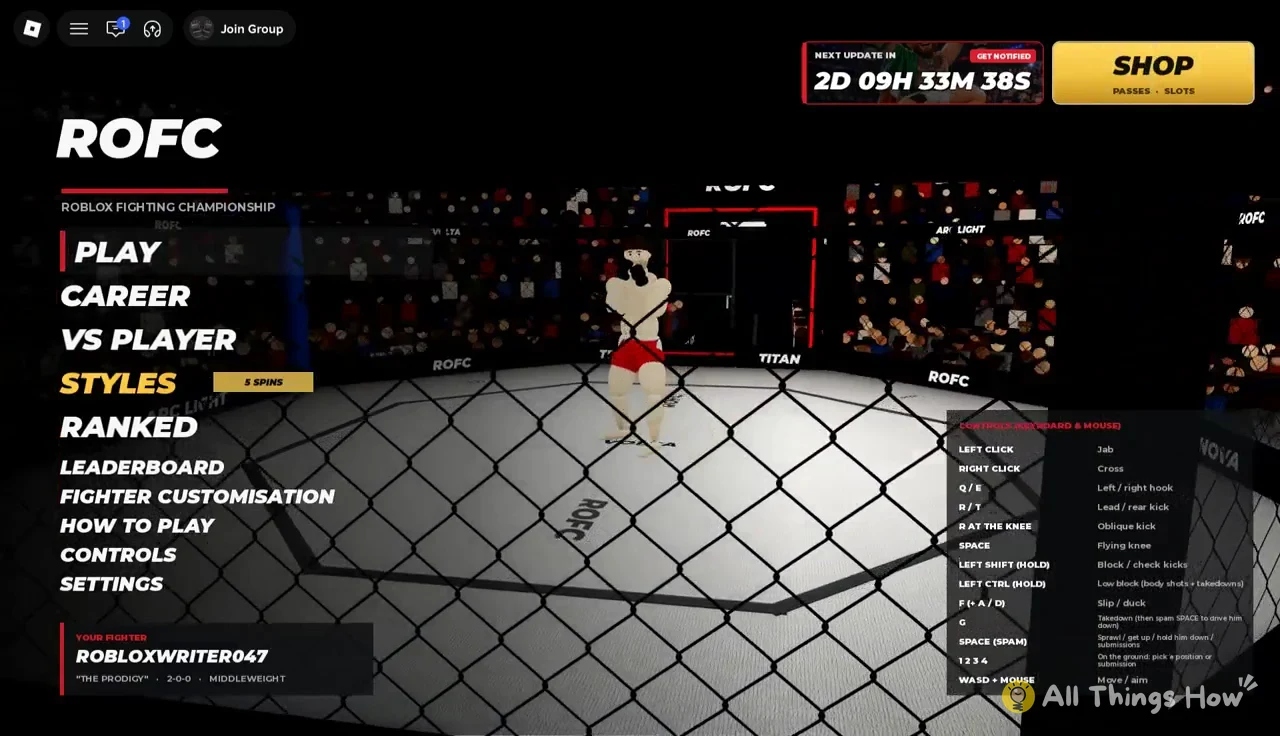
Realistic Ragdoll MMA calls itself ROFC, short for Roblox Fighting Championship, once you load in. Two menus decide who your fighter is. FIGHTER CUSTOMISATION controls how the fighter looks, and STYLES controls how they fight. Looks are free to change whenever you want. Styles come from a gacha roll, and you pay for those rolls with spins you earn by winning fights or buy with Robux.
Quick answer: Edit your look in FIGHTER CUSTOMISATION across five tabs, then win Career bouts for +1 Style Spin each and roll them in STYLES. A Godly style is guaranteed by spin 50.
Realistic Ragdoll MMA fighter customization tabs
The fighter is the game’s own ragdoll model with adjustable joints and proportions, not your regular Roblox avatar, so none of your avatar items carry over. Everything about the body, face and fight gear gets set inside the game. The editor is split into five tabs.
| Tab | What you can change |
|---|---|
| Bio | Name, nickname, hometown, age, walkout song |
| Body | Height, weight class, skin tone, muscle definition, chest hair, tattoos |
| Hair | Hair style and color, facial hair and color |
| Face | Sliders for head, eyes, nose, mouth, ears, plus scars and tattoos |
| Gear | Shorts color, style and trim, mouthguard, ankle wraps, walkout top and its color |
Face has the most settings by a wide margin. You get separate sliders for head shape, jaw, chin and cheekbones, then eye color, eye size, eye spacing, eye height and eye tilt. After that come brow thickness and brow angle, nose width and length, mouth width, lips, ear type and ear size. Scars and face or neck tattoos sit on the same tab.
How to build and save your fighter
You can get to the editor from inside Career as well, so a new haircut or different shorts don’t mean backing out of your current run.
How Styles, slots and spins work
A style is your fighter’s fighting system. It sets the stance and changes how strikes, takedowns and defense play out, so it does a lot more than change how your fighter looks. Styles go into slots. You start with Slot 1 empty, and each spin you roll on a slot replaces whatever was in it. Slot 2 costs 39 Robux and lets you keep a second style next to the first.
Rolling on an occupied slot overwrites the style that’s already equipped there, so if you land something good and want to keep spinning, buy Slot 2 first or accept that the next roll could replace it.
Normal Style Spins use the odds below. Two pity counters sit on top of them, so a bad streak can only last so long.
| Rarity | Normal odds | Pity |
|---|---|---|
| Rare | 55.5% | None |
| Legendary | 40% | None |
| Godly | 4% | Guaranteed at 50 spins |
| Secret | 0.5% | Guaranteed at 100 spins |
| Unique | 0.01% | None |
Even with no luck at all, you’ll get a Godly style within 50 spins and a Secret within 100. Unique is the only tier with no pity safety net, and at 0.01% it’s the one you shouldn’t plan around.
Earning free Style Spins in Career mode
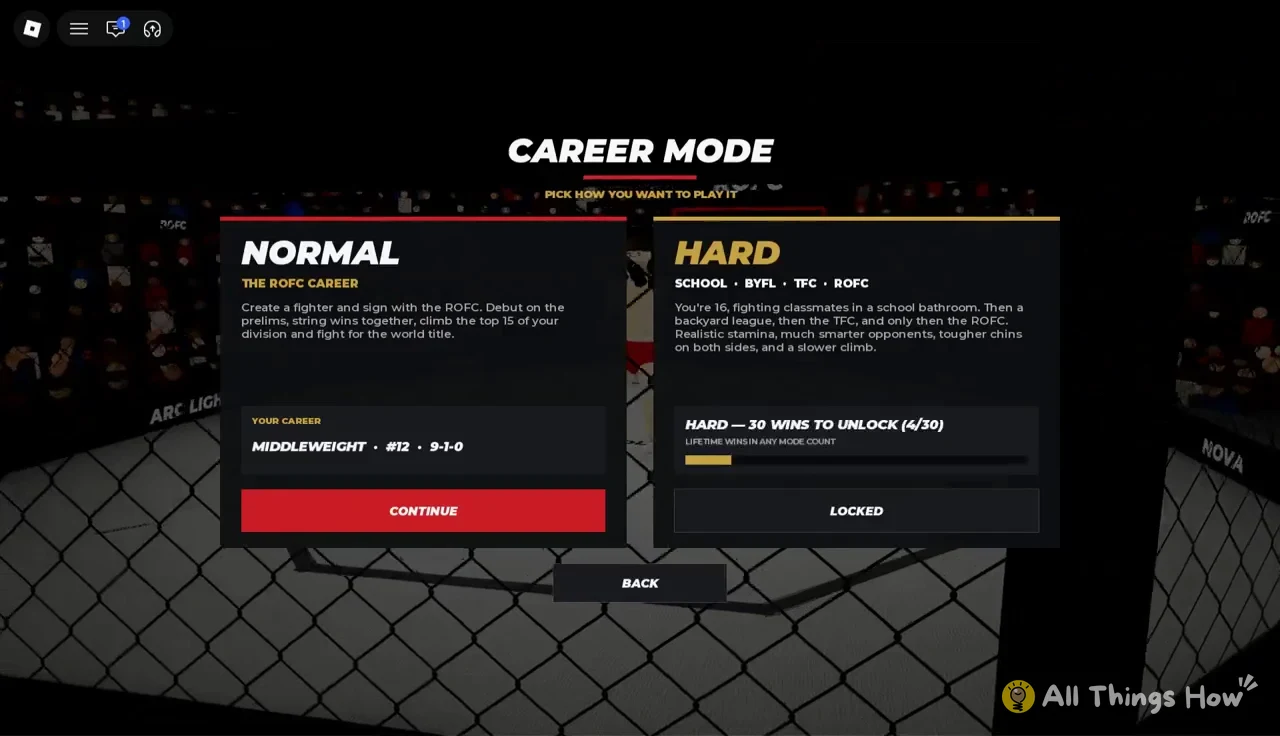
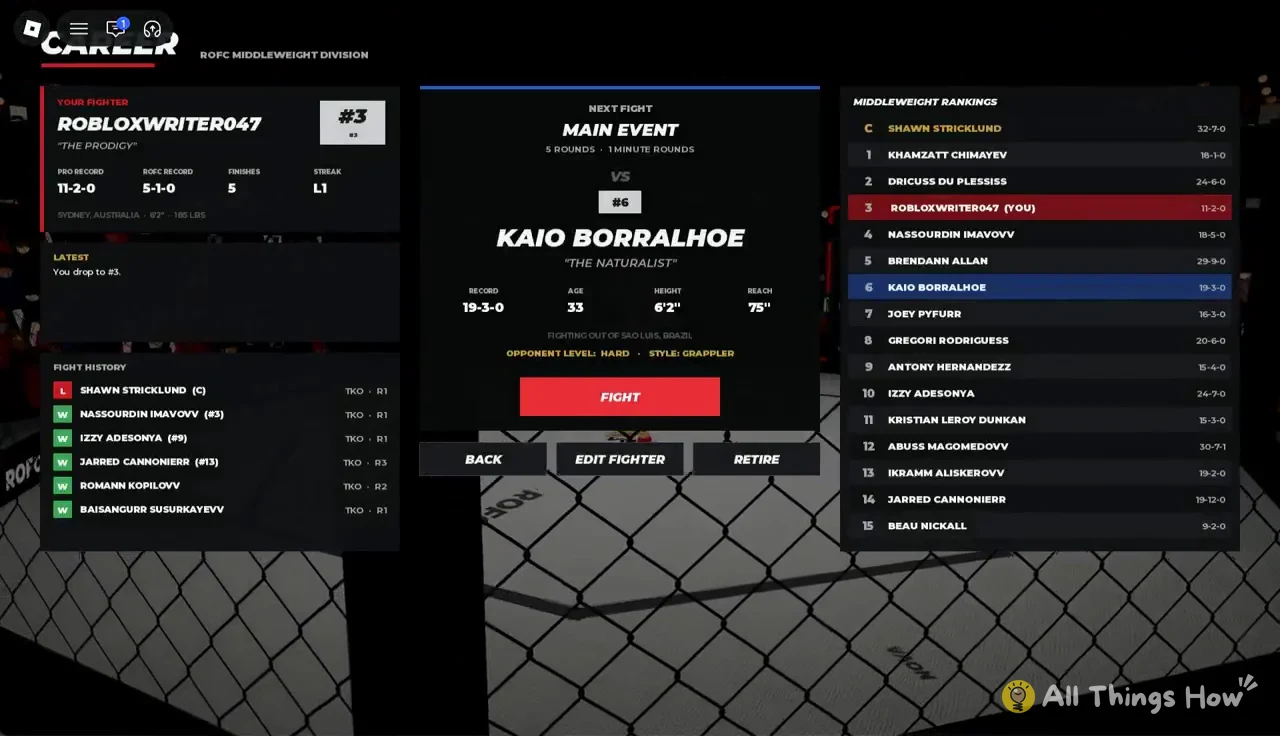
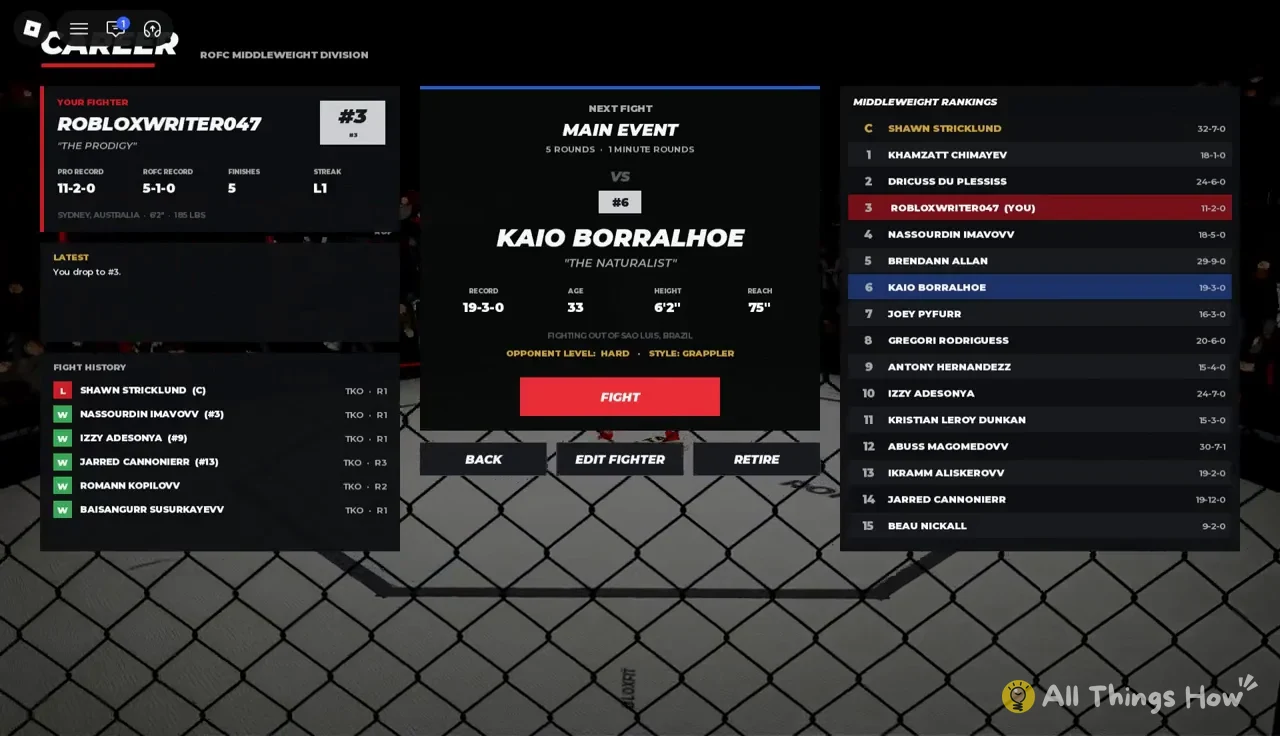
Every Career win gives you +1 Style Spin and moves you up your division’s rankings. Career puts you on a top-15 ladder, the Middleweight division in this case, and tracks your win-loss-draw record and fight history as you go. You start out around #12 and work your way toward a title shot.
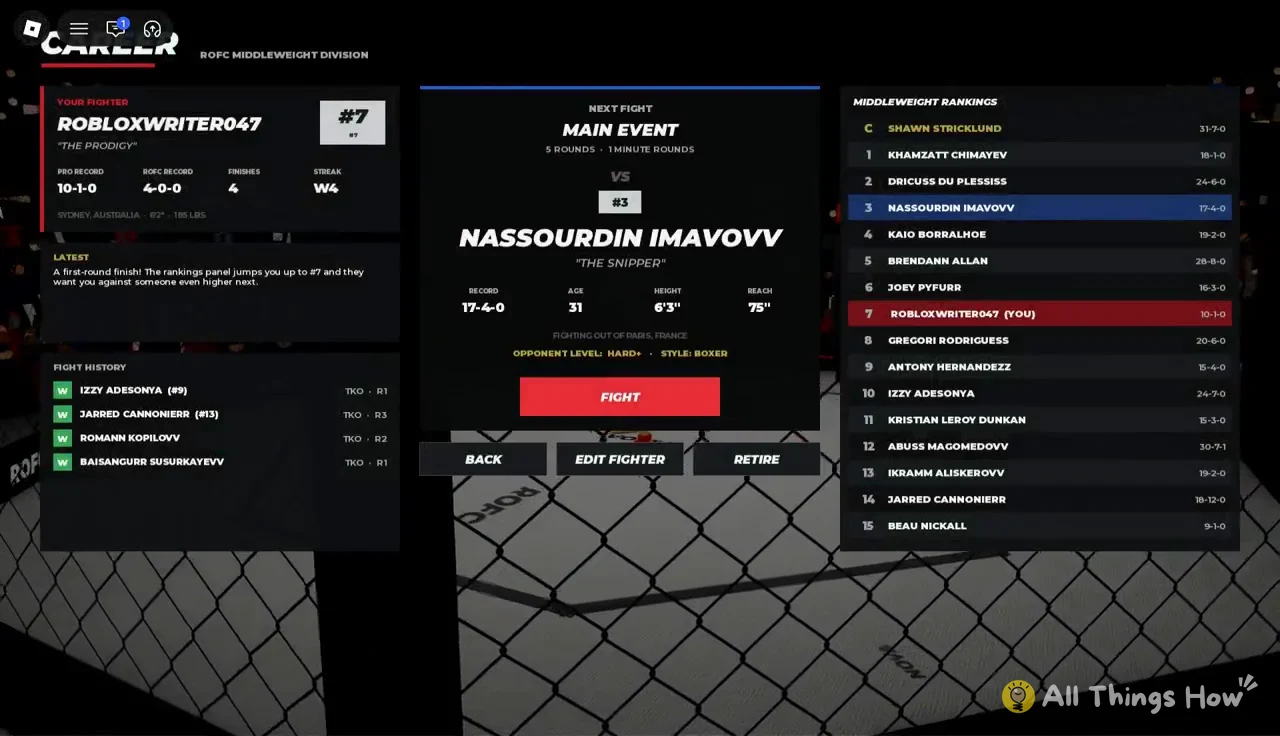
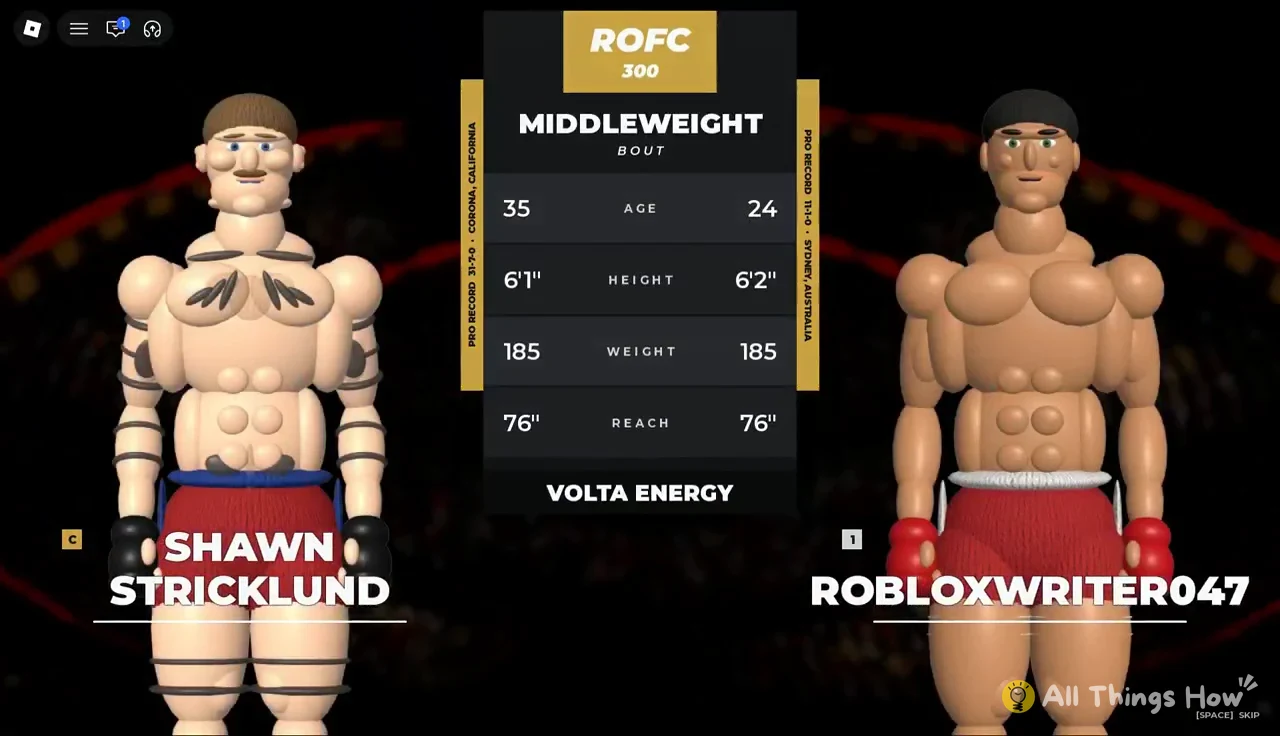
Before the title fight, a matchup screen puts your stats next to the champion’s, Shawn Stricklund at Middleweight. Losing that fight drops you back down the rankings, so you’ll have to beat a contender again to earn another shot. Beating #6 Kaio Borralhoe right after a title loss is enough to get back to #1.
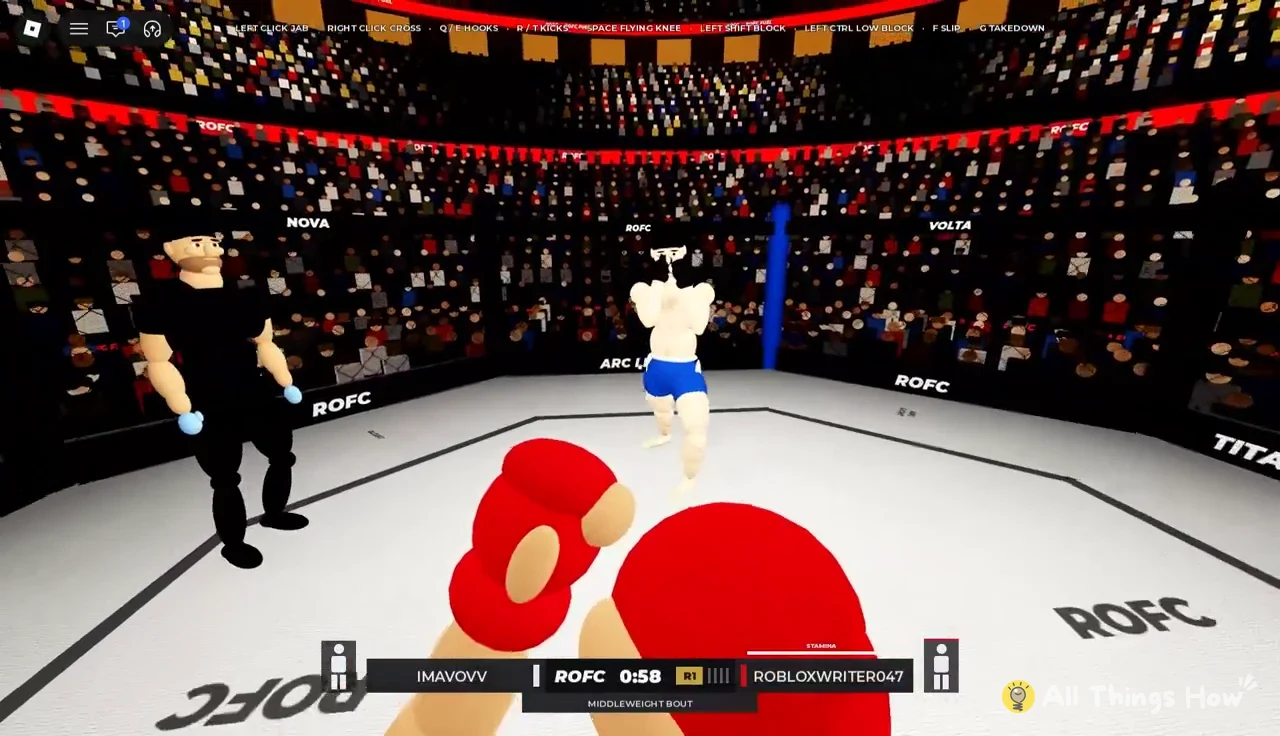
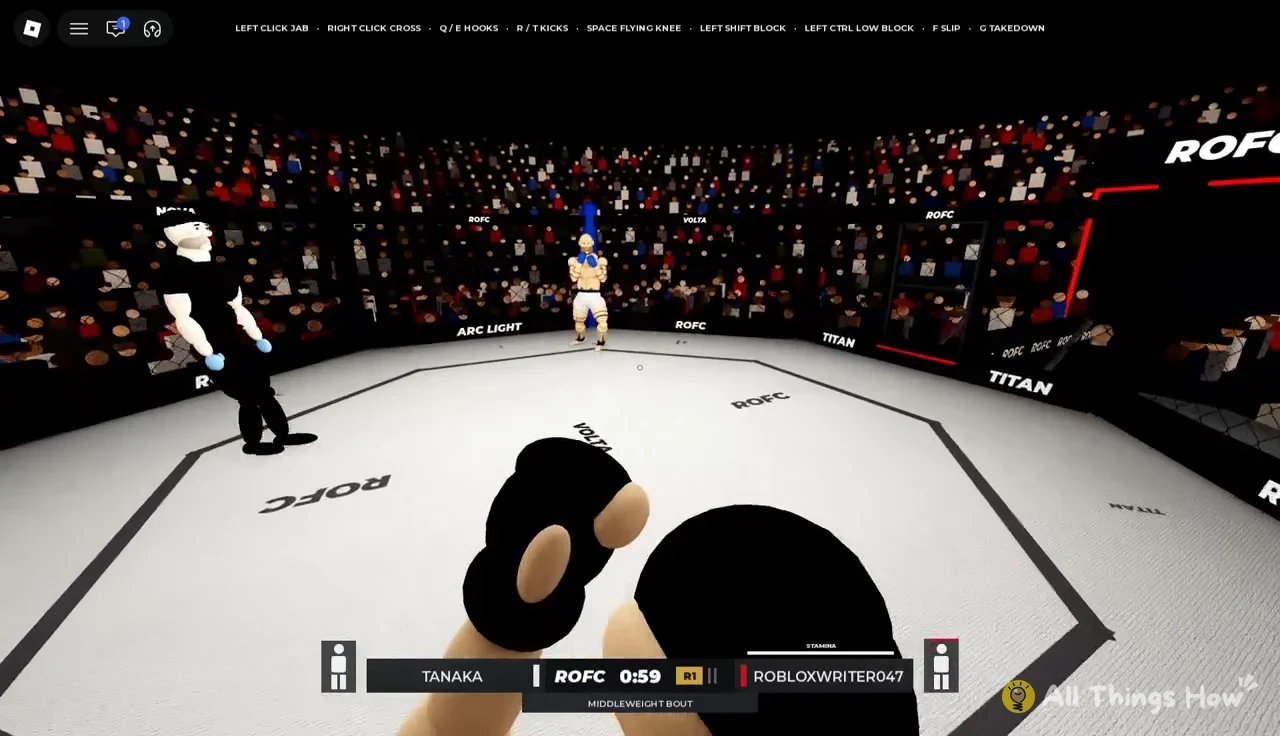
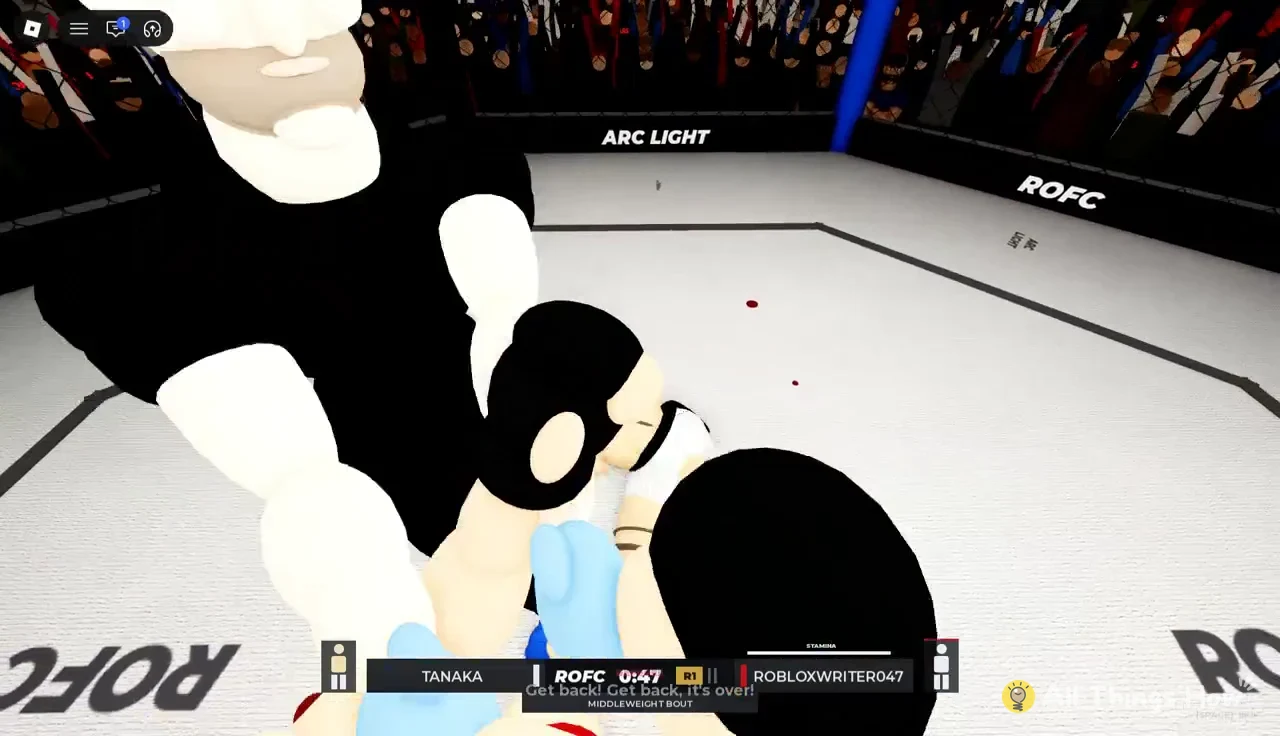
Fight Night, which you get to through PLAY, runs quick exhibition matches against opponents like Diego Tanaka and Darnell Reyes. Those fights can be over in about 15 seconds with a knockdown and a finish on the ground. They count toward your total wins, but the +1 Style Spin reward is tied to Career bouts.
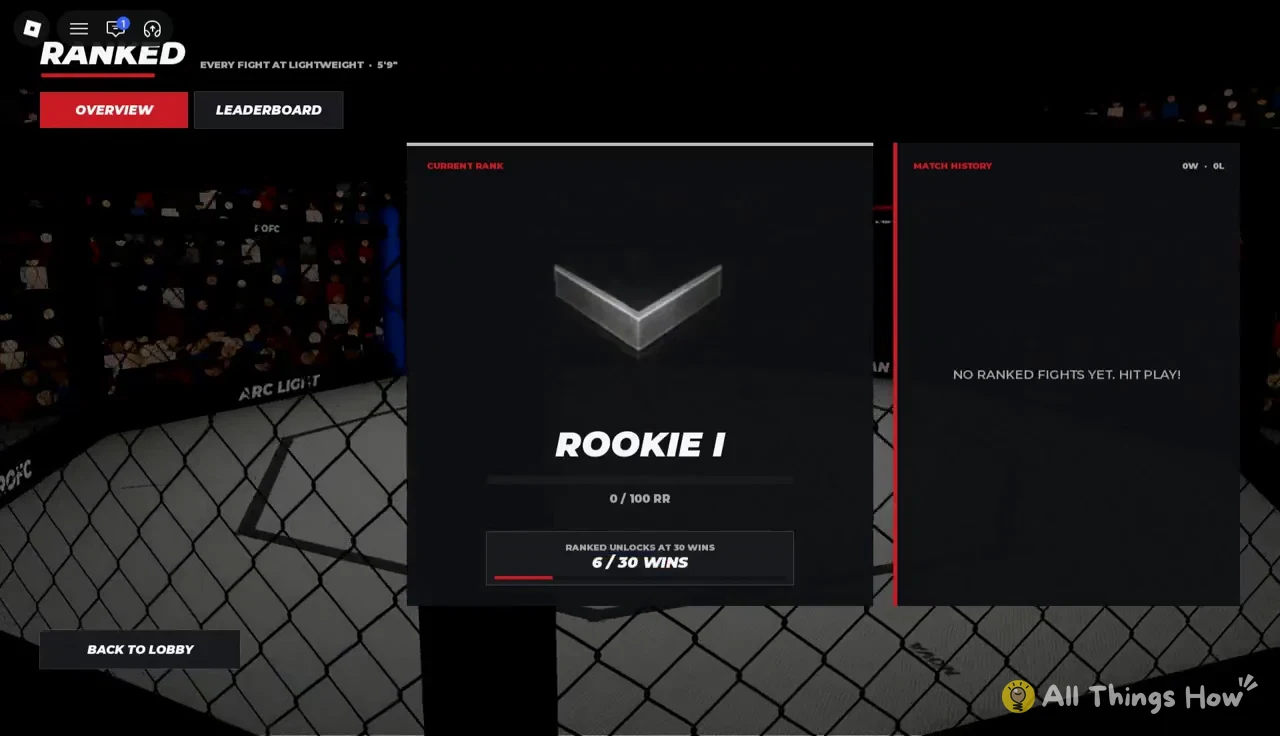
Ranked stays locked until you hit 30 total wins. The Ranked screen tracks your progress, such as “6 / 30 WINS,” and starts you at Rookie I with an empty match history.
How to roll a new style
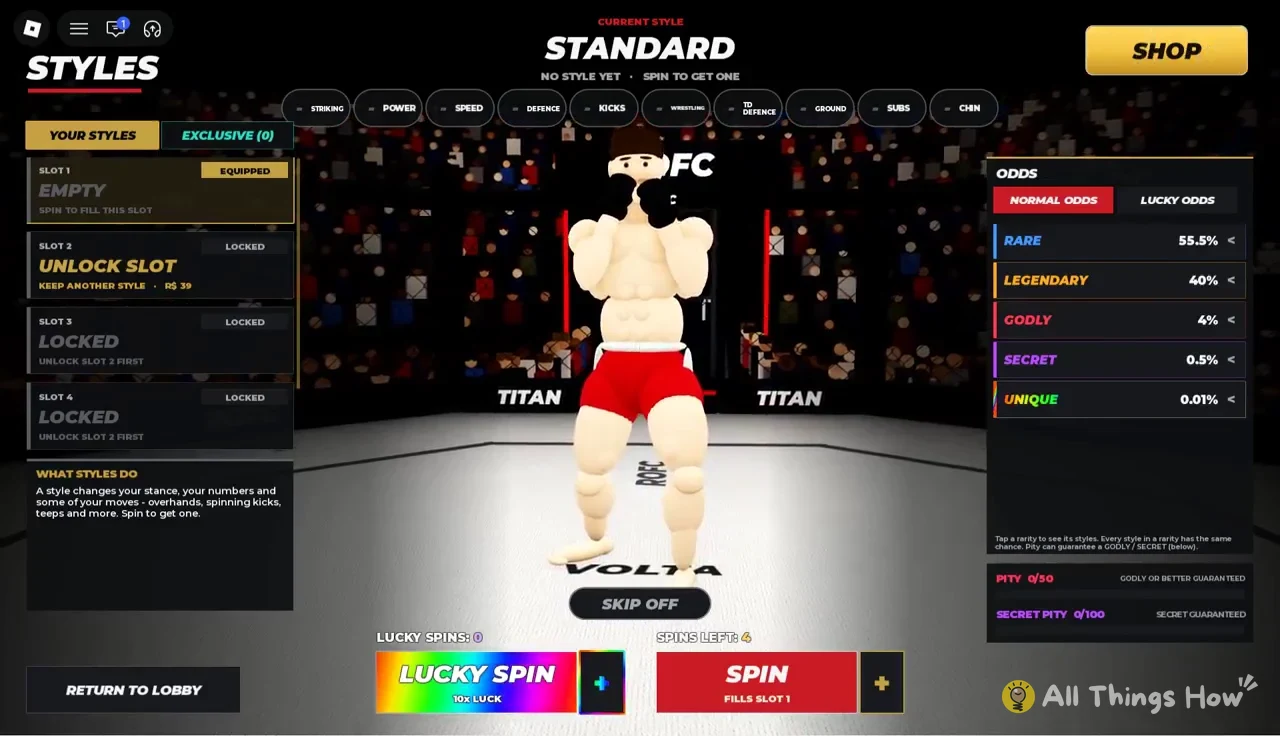
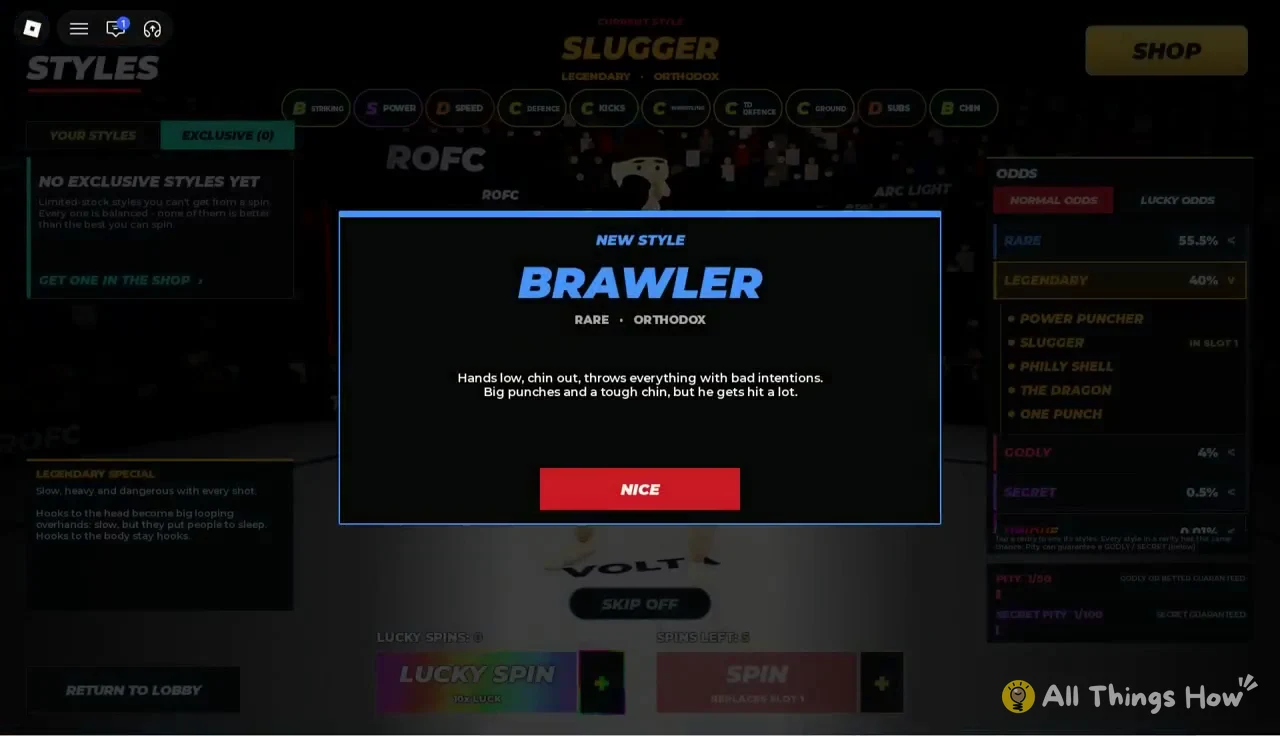
Keep spinning if you have spins left. The pity counters carry over between rolls, so every spin, even one that only lands a Rare, gets you closer to the guaranteed Godly at 50.
Realistic Ragdoll MMA styles and what they do
Each style comes with a short description in the Styles menu. These five can all show up from normal spins, and all five use an Orthodox stance.
| Style | Rarity | Built around |
|---|---|---|
| Brawler | Rare | Heavy punches, tough chin |
| Wrestler | Rare | Takedowns and ground-and-pound |
| Slugger | Legendary | Slow overhands that knock people out |
| Philly Shell | Legendary | Shoulder roll and a fast jab |
| El Topturo | Godly | Fast boxing, near-total takedown defense |
Brawler fights with low hands and the chin out. It throws everything hard and can take a hit, but you’ll eat a lot of shots in return, so it fits players who’d rather trade than defend.
Wrestler stands low and wide and is always looking for the legs. Takedowns and sprawls get much stronger and ground-and-pound hits harder, but your hands get slower. That makes it a good match for the G takedown and the finishes on the ground that end so many Career fights.
Slugger makes every shot slow and heavy. Head hooks on Q and E turn into big looping overhands that are slow but put people to sleep, while hooks to the body stay normal hooks.
Philly Shell puts your lead hand down and your shoulder up, with the rear hand resting on your chin. You can let straight punches glance off that lead shoulder without holding block, and the jab comes out fast and stiff.
El Topturo holds a tight high guard and throws vicious combinations with faster, harder hands. It’s described as impossible to take down, and it still has good takedowns of its own. That puts its boxing and wrestling ahead of everything else on this list.
The Shop also sells The Lumberjack, an exclusive style that isn’t in the spin pool. It costs 399 Robux and only 5,000 copies are available.
Style spin packs and Shop prices
Everything in the SHOP on the main menu costs Robux. Packs mix normal Style Spins with Lucky Spins, a separate spin type, and you can buy Lucky Spins on their own from the Styles screen too.
| Item | Price | Contents |
|---|---|---|
| SPINS STARTERPACK | 79 Robux | 25 Style, 10 Lucky Spins |
| MEGA SPINS STARTERPACK | 319 Robux | 100 Style, 50 Lucky Spins |
| ULTIMATE SPINS PACK | 999 Robux | 300 Style, 200 Lucky Spins |
| x1 LUCKY SPIN | 19 Robux | 1 Lucky Spin |
| x3 LUCKY SPINS | 39 Robux | 3 Lucky Spins |
| x10 LUCKY SPINS | 119 Robux | 10 Lucky Spins |
| THE LUMBERJACK | 399 Robux | Exclusive style |
| SLOT 2 | 39 Robux | Second style slot |
| SKIP SPINS PASS | 4 Robux | Spin skip |
| VIP PASS | 119 Robux | VIP perks |
The Mega Spins Starterpack covers the 50-spin Godly pity twice over, and the 25-spin starter pack gets you halfway there. If you’d rather not spend Robux, each Career win adds one spin, and you can get the game from its Realistic Ragdoll MMA page on Roblox. It runs on PC, controller and mobile.