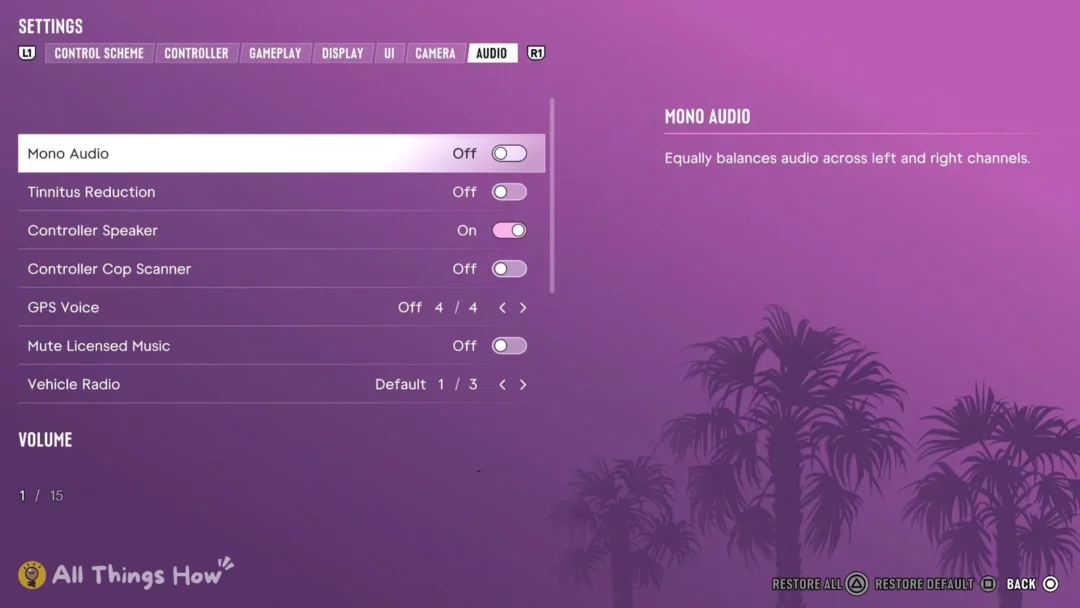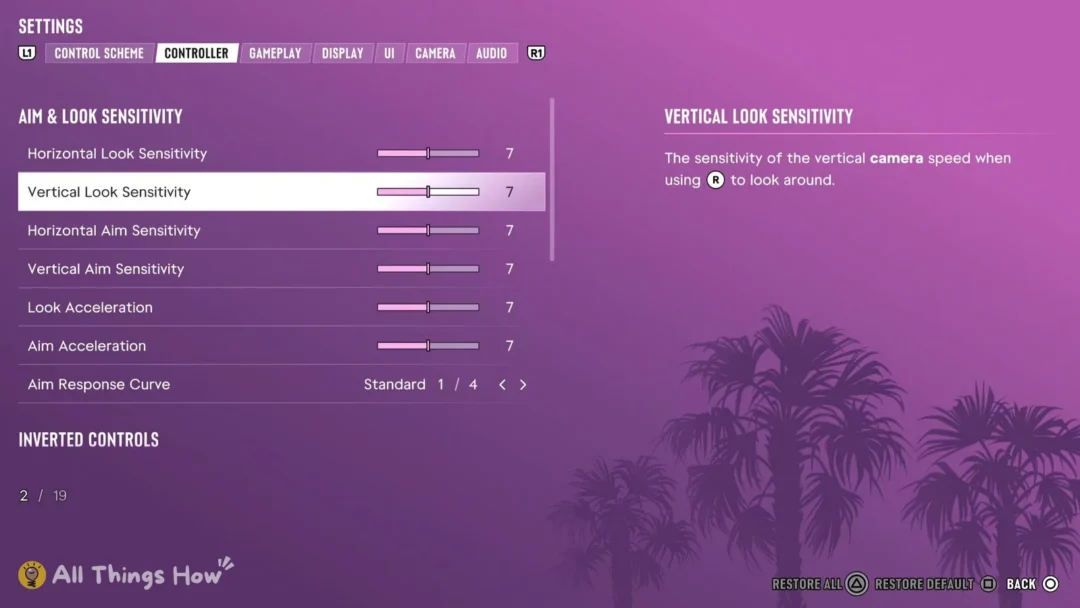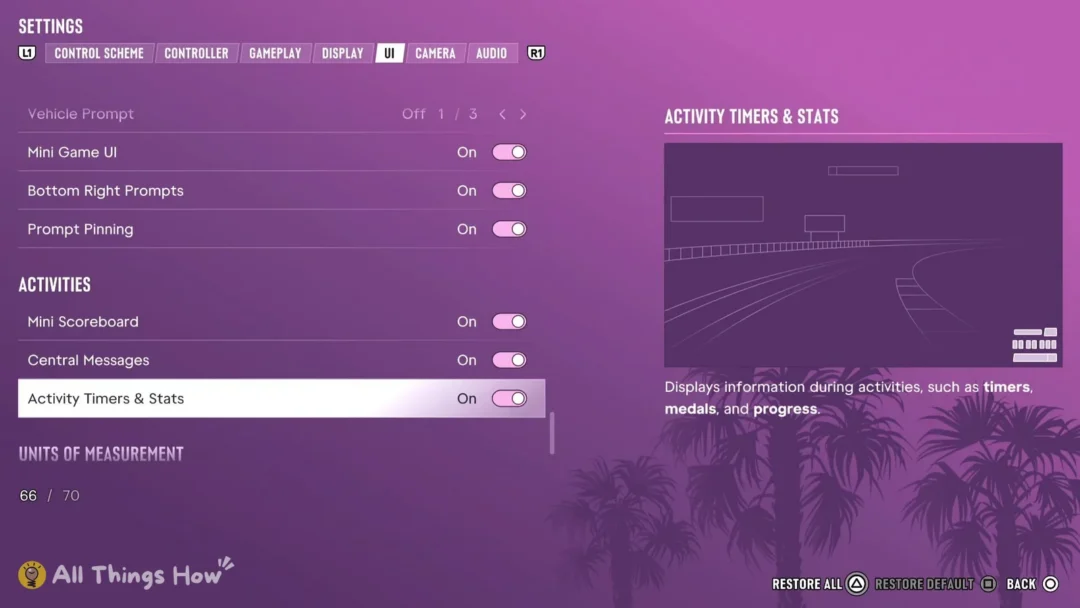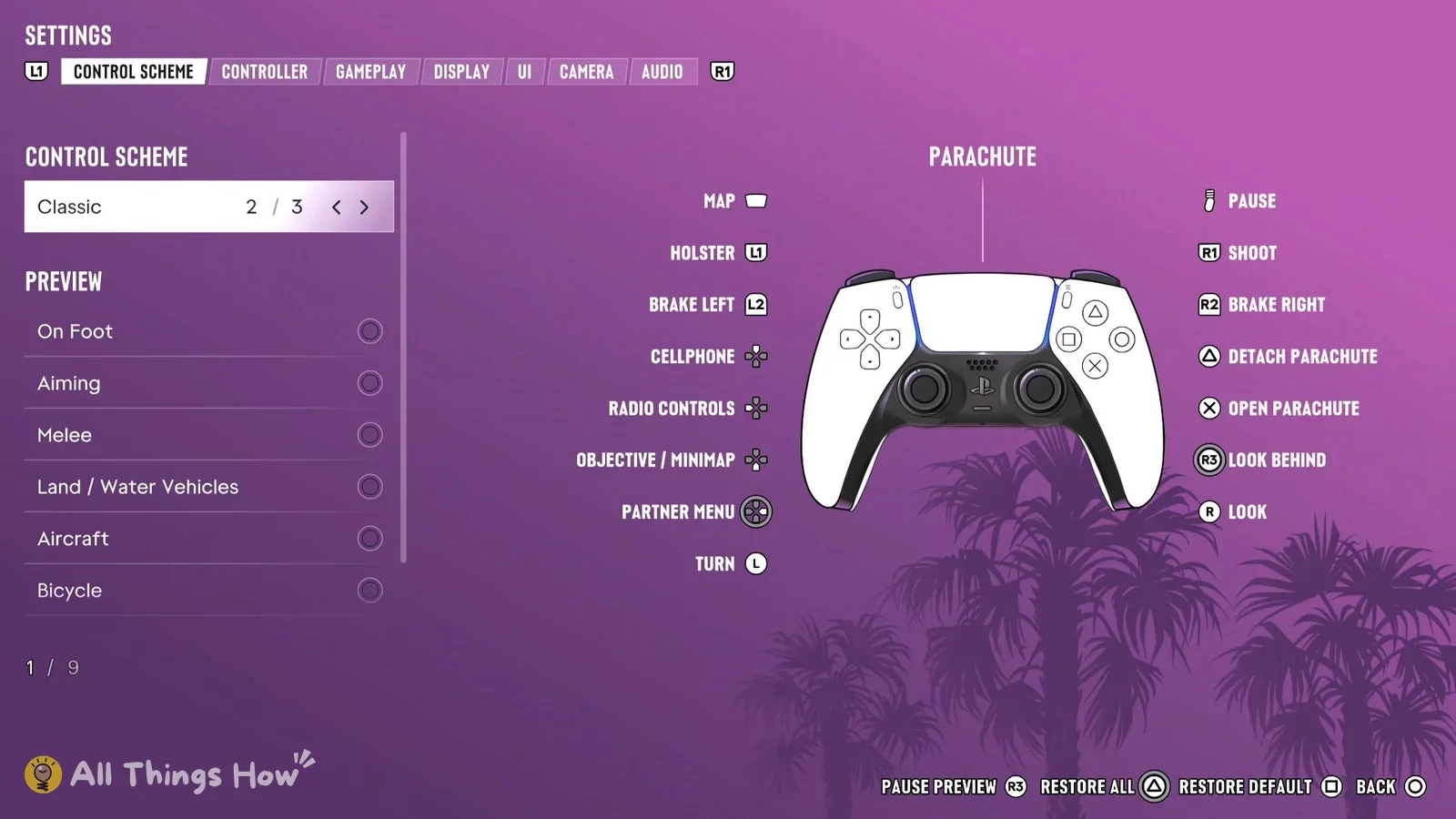
GTA 6 on PS5 has a built-in Left-Handed control scheme. It mirrors the controller so the stick and shoulder buttons you’d normally use with your right hand move to the left, and the other way around. You don’t need any extra settings or accessibility menus to use it, because it’s one of the three presets on the game’s Control Scheme tab.
Quick answer: To use Left-Handed (3 / 3), pause the game and go to Settings. Choose it under Control Scheme. You’ll move with the right stick and look with the left; L2 fires and R2 aims.
How to turn on Left-Handed controls in GTA 6
The Preview list has 9 rows covering On Foot, Aiming, Melee, Land / Water Vehicles, Aircraft, Bicycle and more, so you can look over each situation before going back into the game. If you want to undo things, press Square for Restore Default or Triangle for Restore All.
GTA 6 Left-Handed vs. Default: On Foot button layout
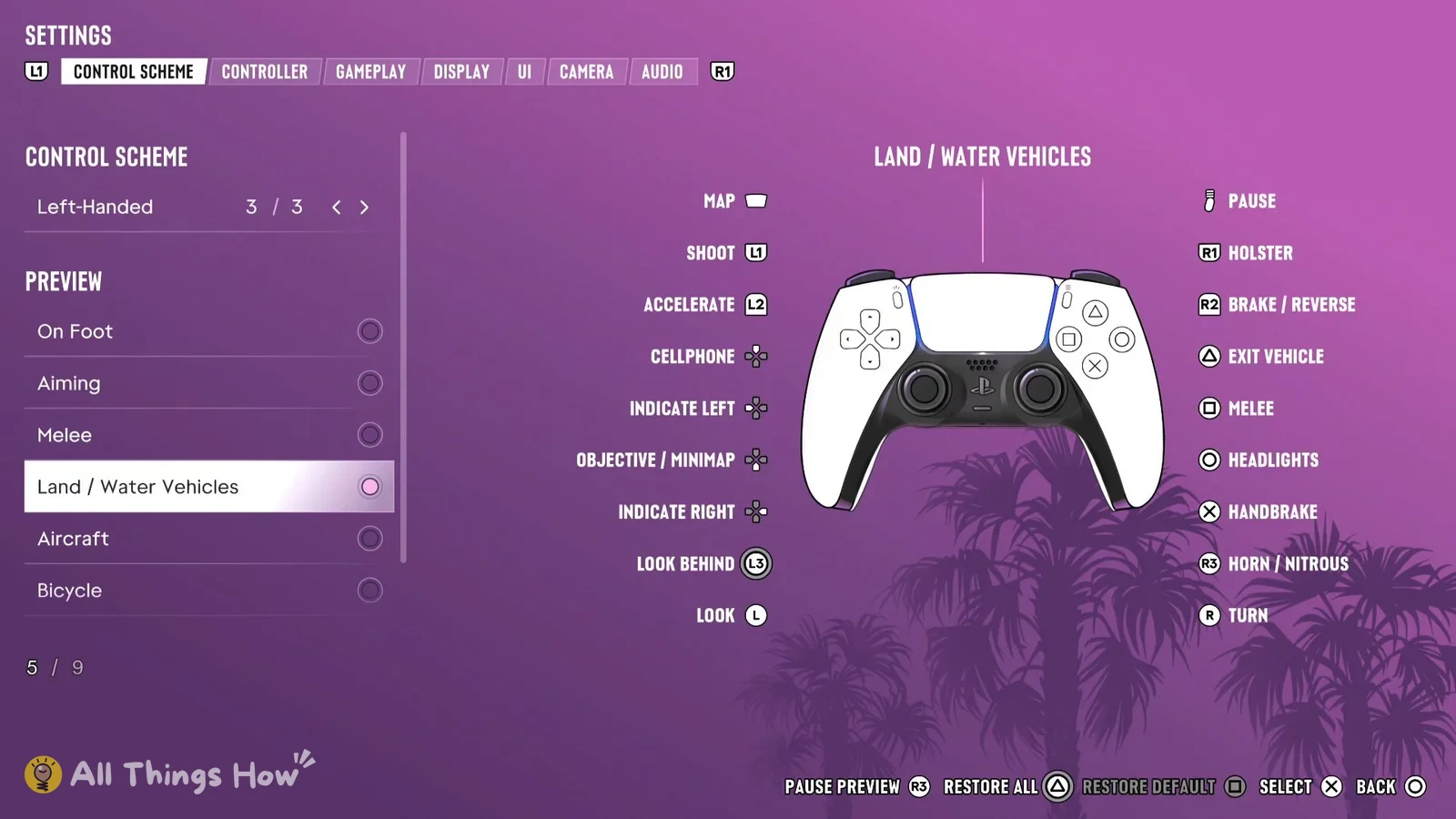
Here’s the full on-foot layout under Left-Handed, next to the Default preset so you can see exactly which buttons moved.
| Button | Left-Handed | Default |
|---|---|---|
| Left stick | Look | Move |
| Right stick | Move | Look |
| L1 | Cover | Holster |
| R1 | Holster | Cover |
| L2 | Shoot | Aim / Interact |
| R2 | Aim / Interact | Shoot |
| L3 | Look Behind | Run |
| R3 | Run | Look Behind |
| Triangle | Interact | Interact |
| Square | Melee | Melee |
| Circle | Crouch | Crouch |
| Cross | Jump / Climb | Jump / Climb |
| Touch pad | Map | Map |
| Options | Pause | Pause |
The D-pad’s four directions handle Cellphone, Radio Controls, Objective / Minimap and Detonate Explosives in both schemes. Because Run sits on R3 in Left-Handed, you click the same stick you’re moving with to sprint, just as you would with the left stick in Default.
GTA 6 Left-Handed layout for Land / Water Vehicles
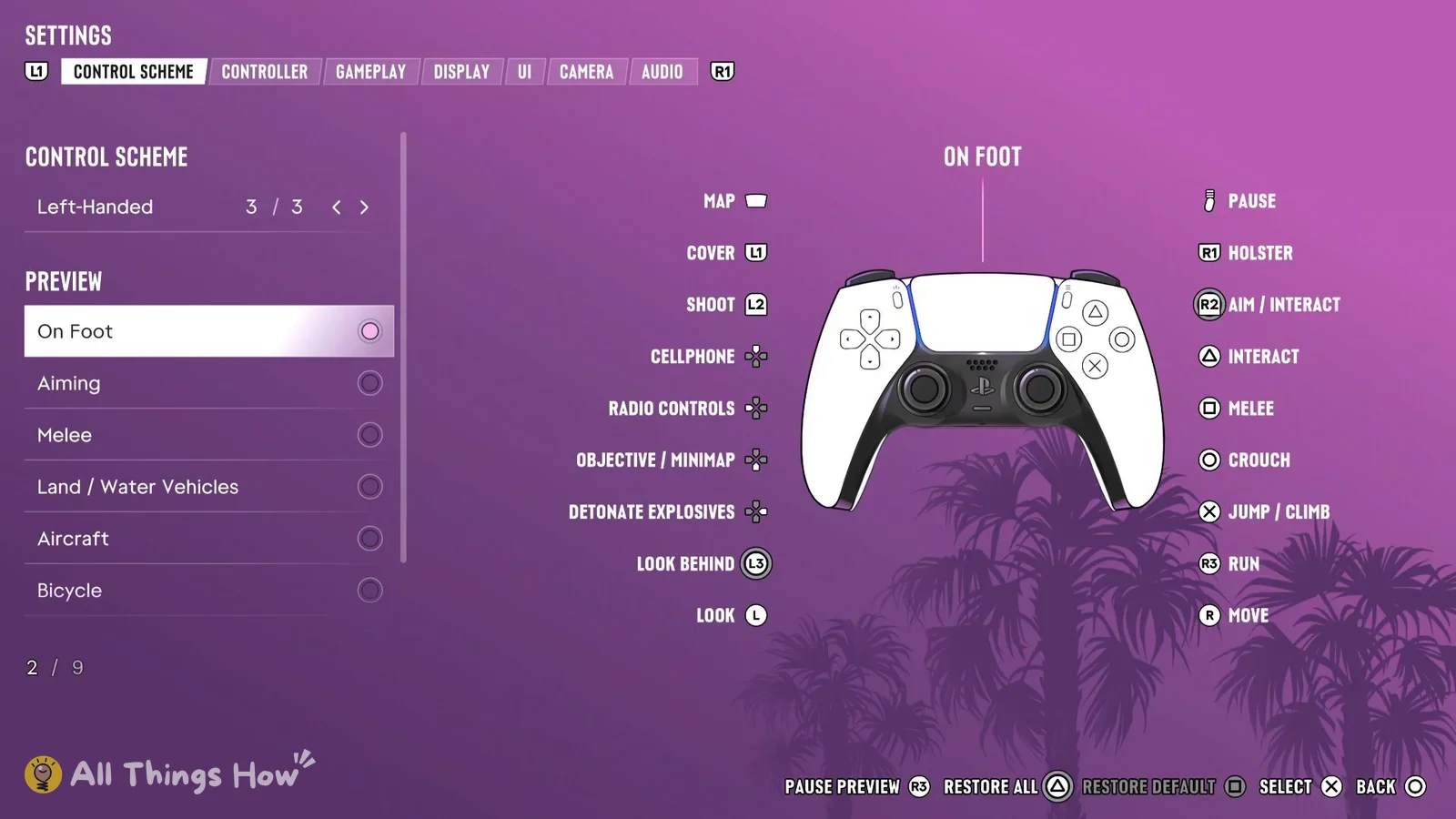
Pick Land / Water Vehicles in the Preview list to see how Left-Handed works when you’re driving a car or a boat. Steering moves to the right stick, and the left trigger becomes the gas.
| Button | Left-Handed |
|---|---|
| Left stick | Look |
| Right stick | Turn |
| L1 | Shoot |
| R1 | Holster |
| L2 | Accelerate |
| R2 | Brake / Reverse |
| L3 | Look Behind |
| R3 | Horn / Nitrous |
| Triangle | Exit Vehicle |
| Square | Melee |
| Circle | Headlights |
| Cross | Handbrake |
| Touch pad | Map |
| Options | Pause |
In a vehicle, the D-pad covers Cellphone, Indicate Left, Objective / Minimap and Indicate Right.
What the Left-Handed scheme swaps on foot
Compared with Default, Left-Handed flips four pairs of controls from one side of the controller to the other:
- Sticks: Move goes to the right stick and Look goes to the left.
- L1 and R1: Cover moves to L1 and Holster moves to R1.
- L2 and R2: Shoot moves to L2 and Aim / Interact moves to R2.
- L3 and R3: Run moves to R3 and Look Behind moves to L3.
The four face buttons, the D-pad, the touch pad and the Options button do the same jobs in both schemes, so Cross still jumps and climbs, Square still handles melee and Circle still crouches after you switch.