Slap Volleyball is a Roblox volleyball game where you hit the ball with slaps. Your first ranked match will most likely be a 2v2 in the Slap Dome, and it moves fast. Each side has a few seconds to get the ball back over the net, and a long rally can turn the ball into a fireball worth extra points. Here’s what the game expects from you, from the first serve to the level-up screen.
Quick answer: Slap with left click, set with right click or E, and return the ball before the 8.0-second shot clock runs out. The Slap Dome 2v2 goes to 12 points, and you have to win by 2.
Slap Volleyball controls on keyboard and mouse
The key hints stay on screen during a match, so you don’t need to memorize them before you queue. These are the keys you’ll use every rally.
| Key | Action |
|---|---|
| LMB (left click) | Slap, or serve on your turn |
| RMB or E | Set, or change serve arc |
| Space | Jump |
| Shift | Dive |
| F | Float |
| Ctrl | Shift Lock |
| 1 | Chat |
| 2 | Emote |
| H | Show all controls |
Serving works a bit differently from the rest of the controls. When it’s your turn, a “YOUR SERVE” prompt shows up. You aim with the mouse, press RMB or E to change the arc (it starts on MID), and press LMB to send the ball over. When a teammate or an opponent is serving, a banner tells you who is serving and for which team, so you know when to get into position.
Press Ctrl to turn on Shift Lock. Your character then faces wherever the camera points, which makes it much easier to line up slaps toward a specific part of the other side.
How to play your first Slap Dome 2v2 match
Before the real match starts, you’ll often join a warm-up round first. It ends with a “WARM-UP’S OVER. NOW IT COUNTS!” banner, and the match after that is the one that counts. The intro card shows “SLAP DOME” and “2V2 – FIRST TO 12, WIN BY 2”, and each player’s card shows their rank (new players start in Bronze) and their Slap Rating.
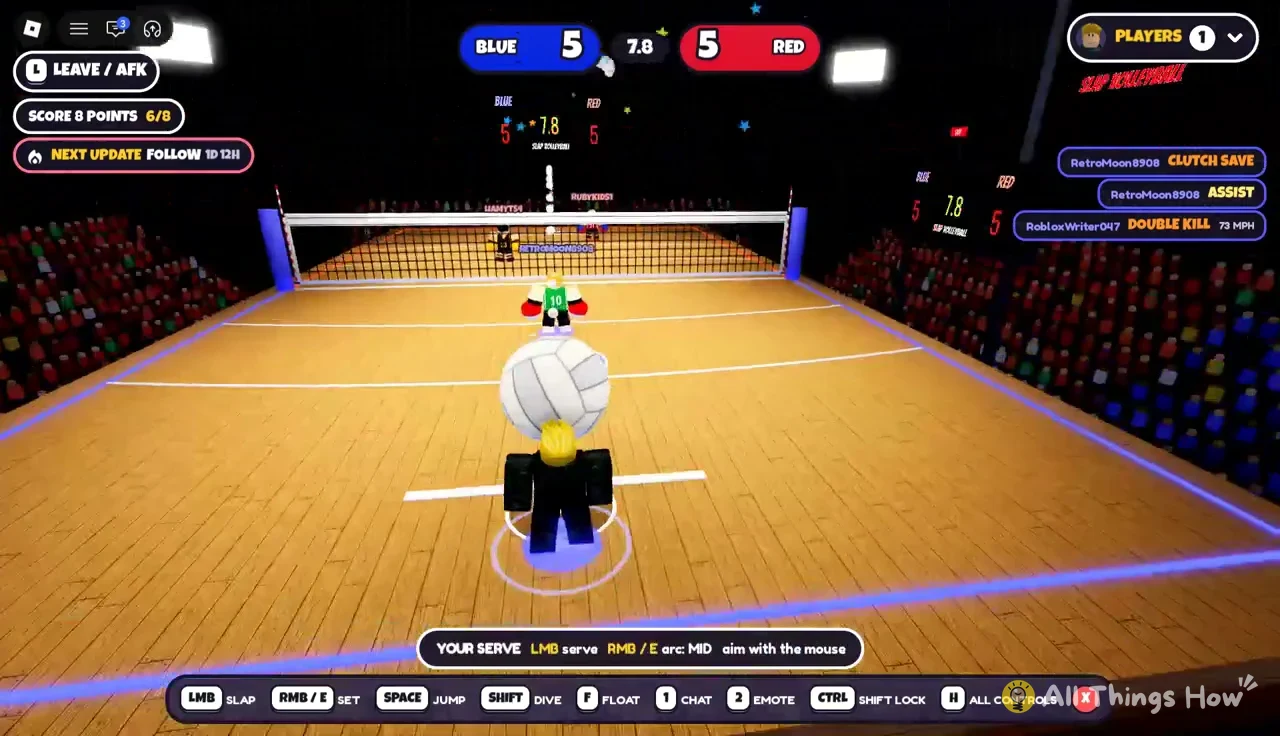
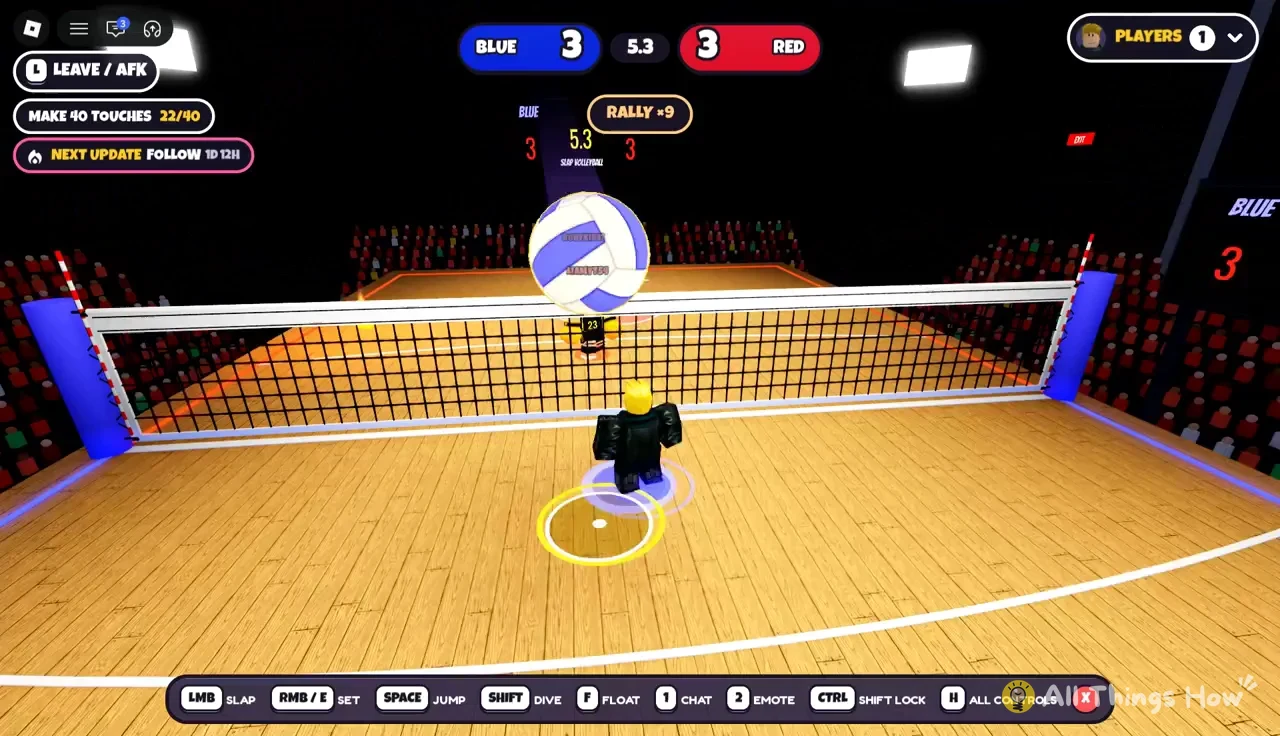
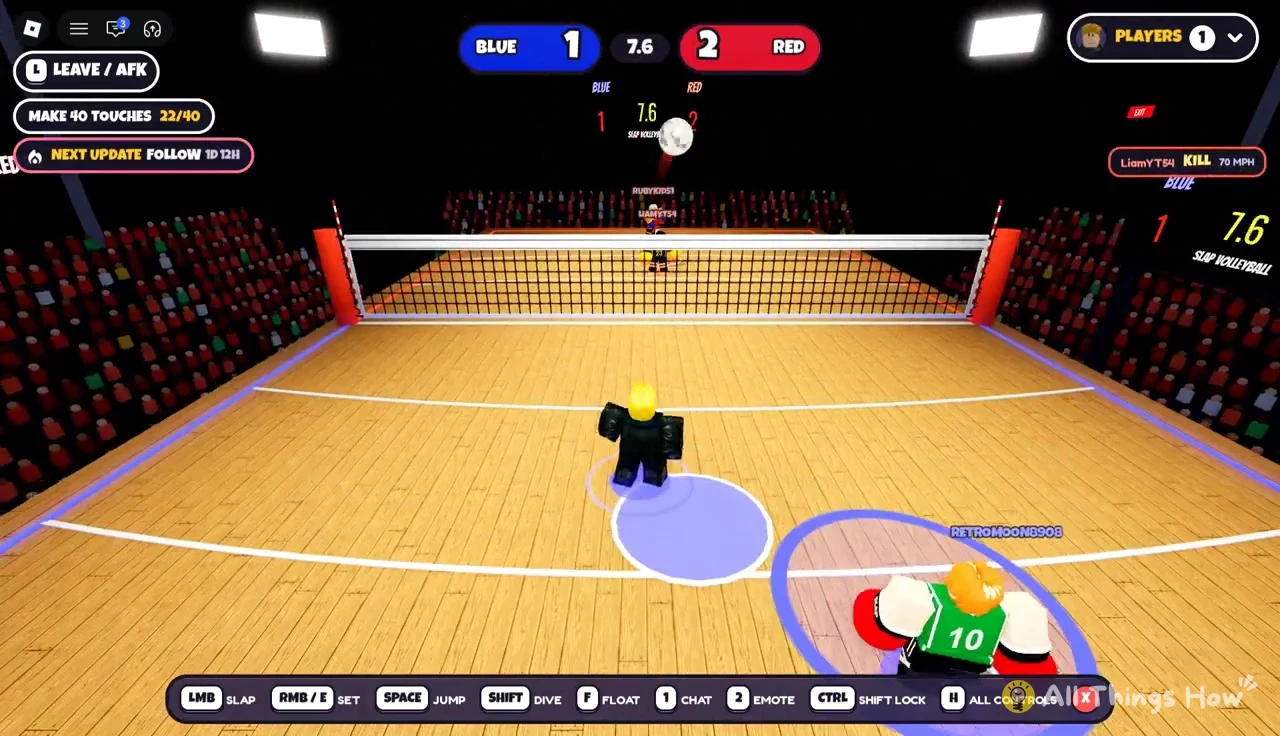
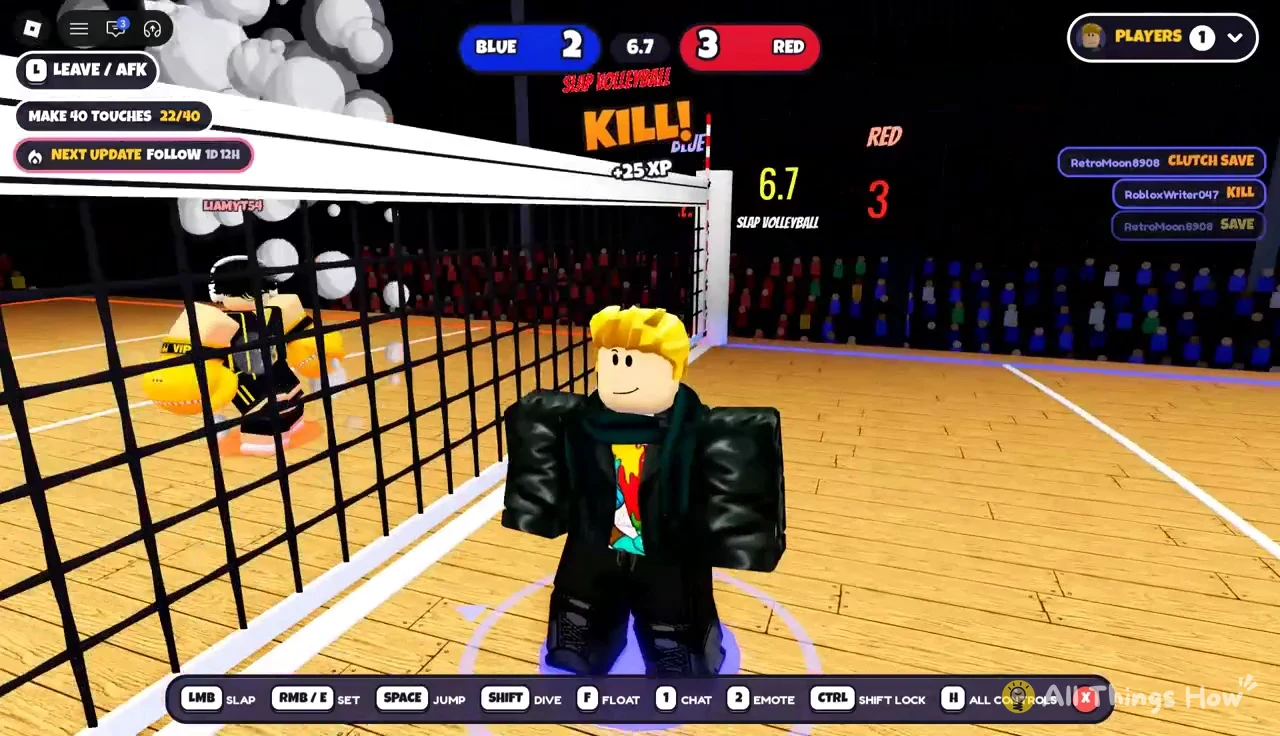
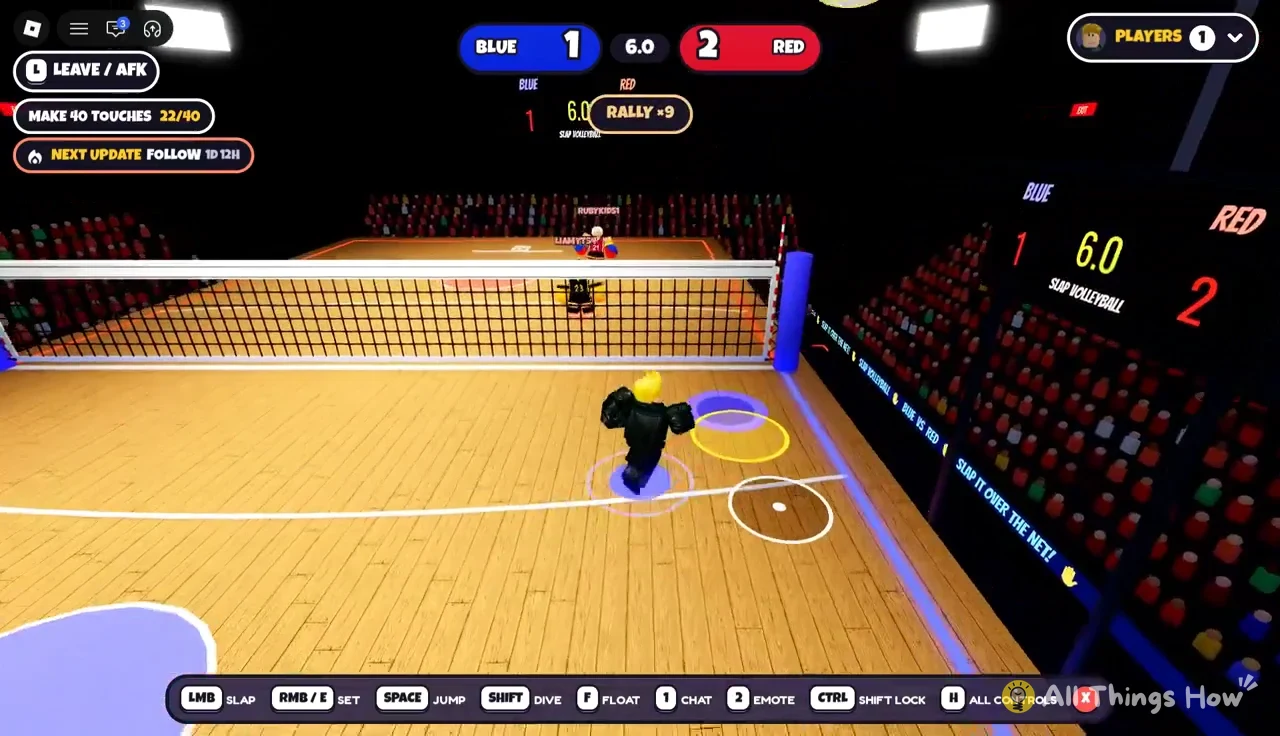
Rallies go back and forth until somebody scores, and the counter at the top of the screen goes up with every hit. Rallies of 16 or 20 hits happen a lot in close games, so expect to dive and save several times before a point ends.
Scoring rules: Shot clock, fire bonus and match point
The 8-second shot clock
Each time the ball comes to your side, a shot clock starts at 8.0 seconds. If your team doesn’t get the ball back over the net before it reaches 0.0, the other team gets the point and the screen shows “SHOT CLOCK! POINT RED” (or BLUE, depending on who scored). Passing the ball back and forth with your teammate on your own side uses up that time, so one set followed by an attack is usually as much as you can fit in.
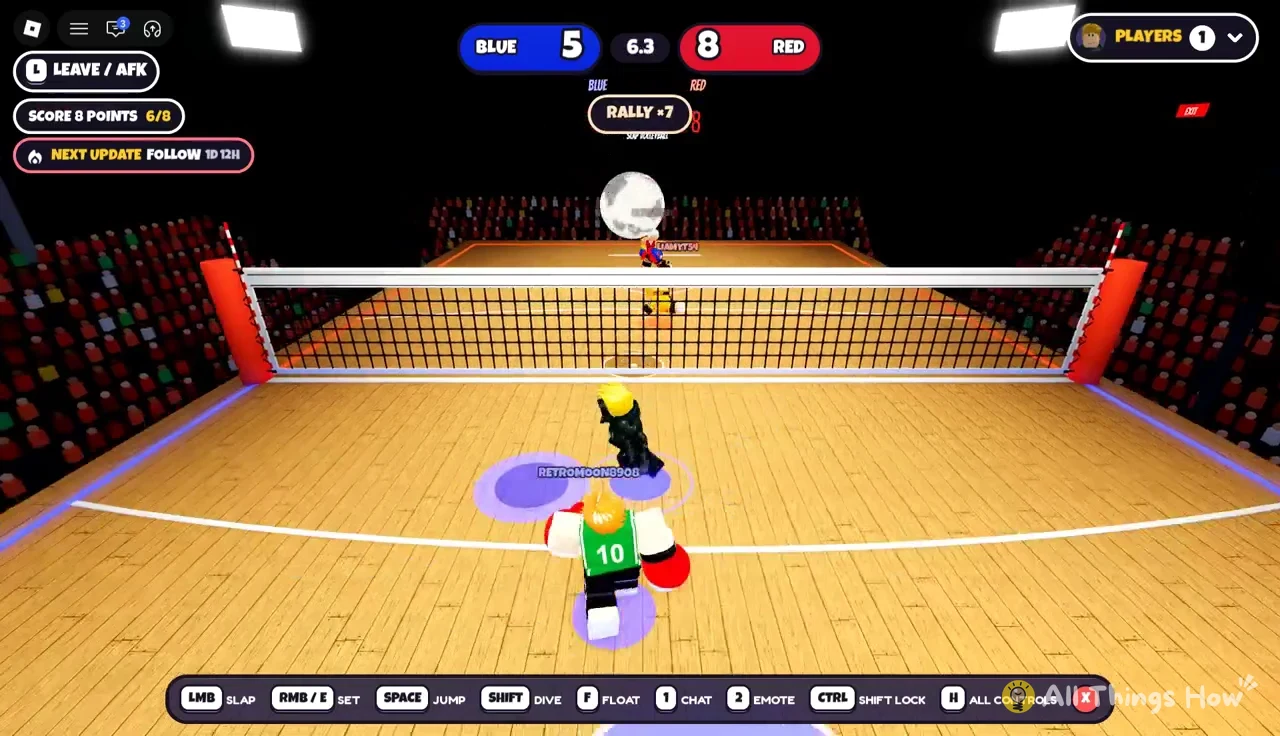
Score calls you’ll see on the court
Each play gets its own floating label, and the scoring plays also give you XP. These are the ones that come up most in a 2v2.
| Label | What it means |
|---|---|
| ACE! | A serve nobody returned |
| KILL | An attack that scores |
| DOUBLE KILL! | Two kills in a row |
| ASSIST | The hit that set up a kill |
| SAVE / CLUTCH SAVE | Keeping a ball alive |
| POWER SPIKE! | A very fast attacking hit |
| BALL ON FIRE | The ball has caught fire |
Kills by the other team show up as a banner with the player’s name, such as “LIAMYT54 KILLS IT!”, so you can tell which opponent is doing the damage and who to cover.
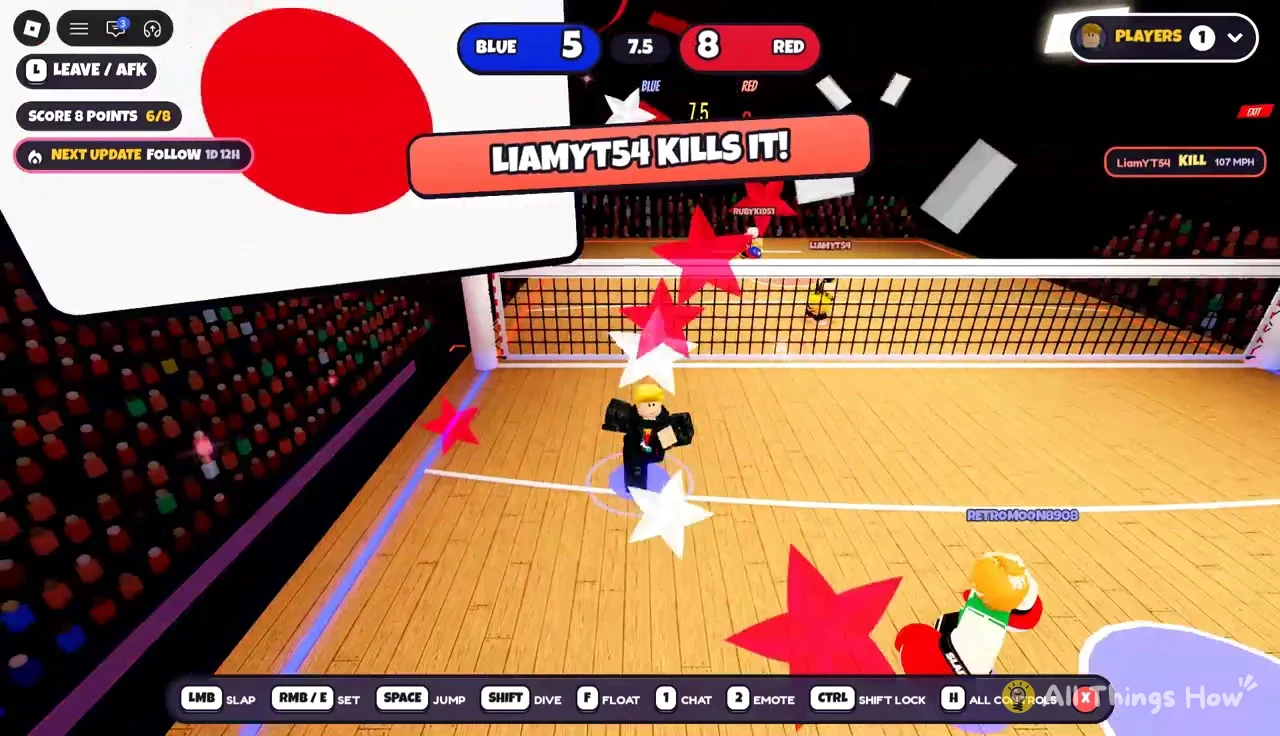
Some points end with a replay of the winning hit, showing its speed in MPH. Click to skip it if you want to get back into play.
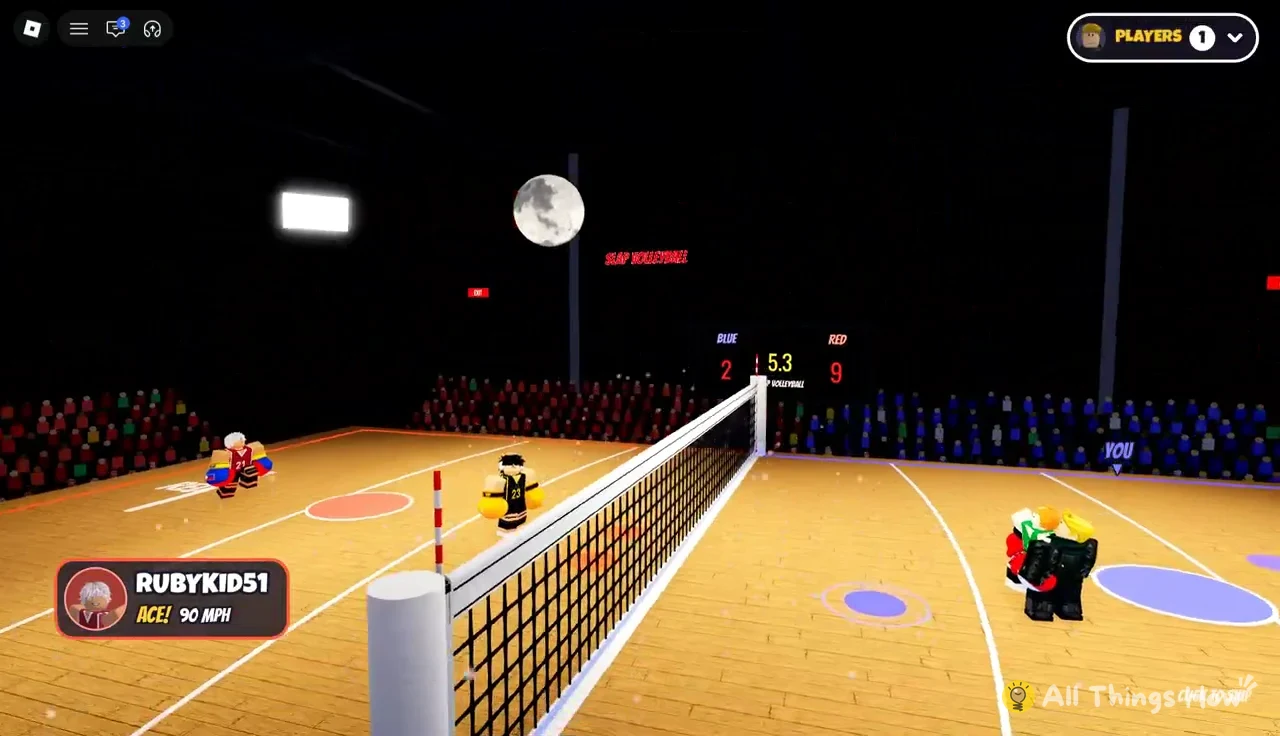
Fire bonus points
Keep a rally going long enough and the ball catches fire, which the game calls out with “BALL ON FIRE”. Scoring with a burning ball shows “ON FIRE! +2”, so that point counts for two. Long rallies late in a game are a big deal because of this. A team on 11 can jump straight to 13 with one fireball kill, which is how a match ends at a score like 13–9 even though the target is 12.
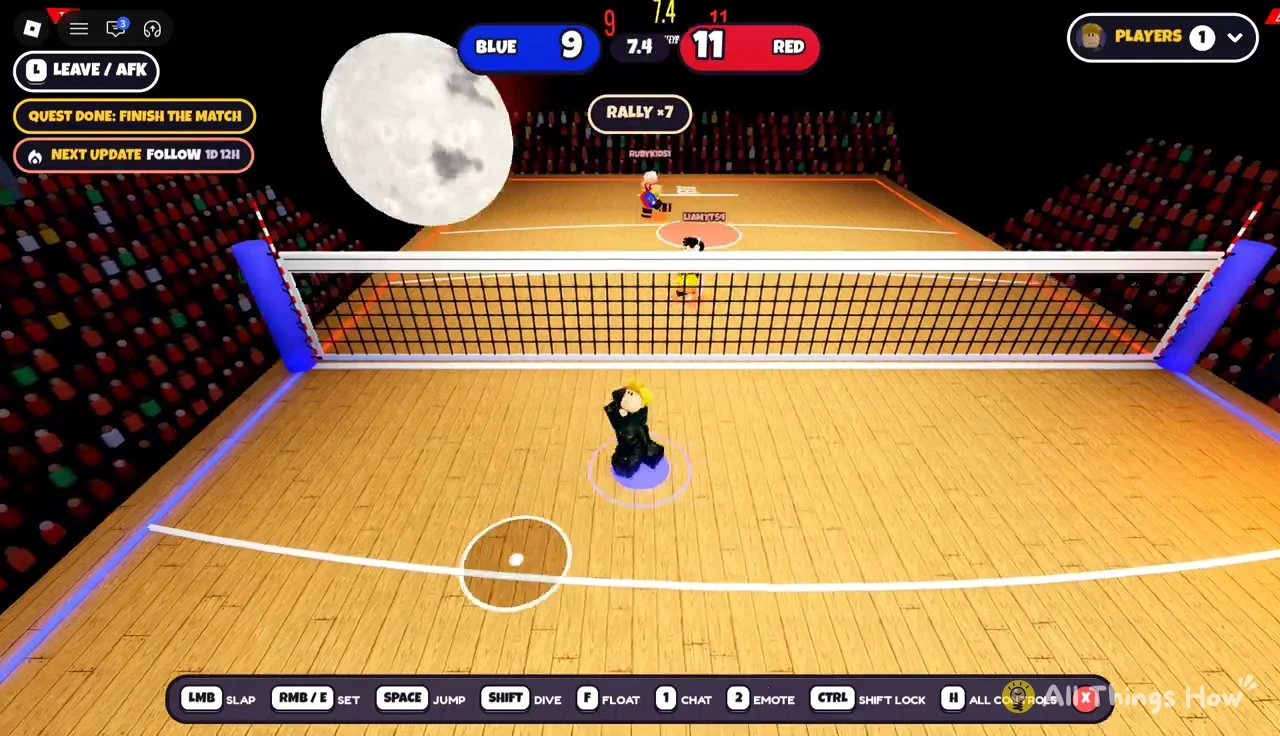
Winning by 2 and match point
Reaching 12 isn’t enough by itself, since you also need to be at least 2 points ahead. In a tight game the scoreboard can go back and forth past 12 until one team pulls 2 clear. An ace or a single kill can tie things up quickly, so a 3-point lead doesn’t mean much in the late game.
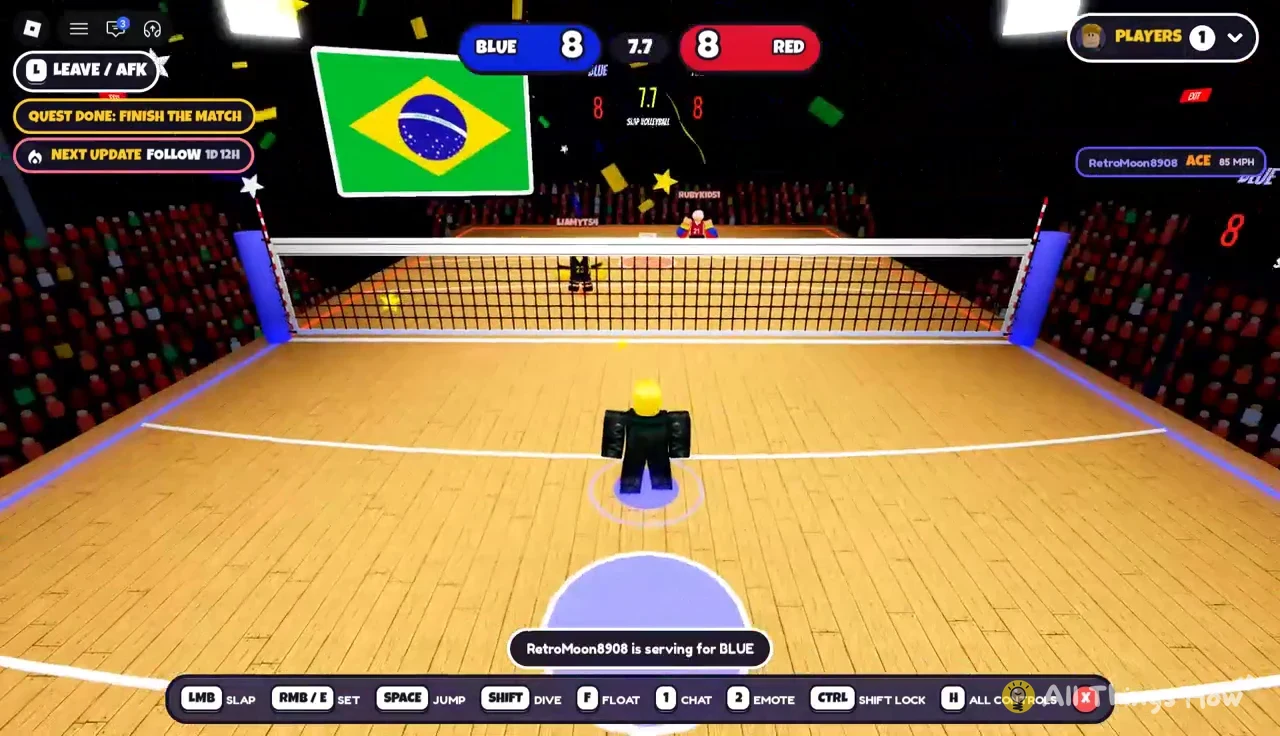
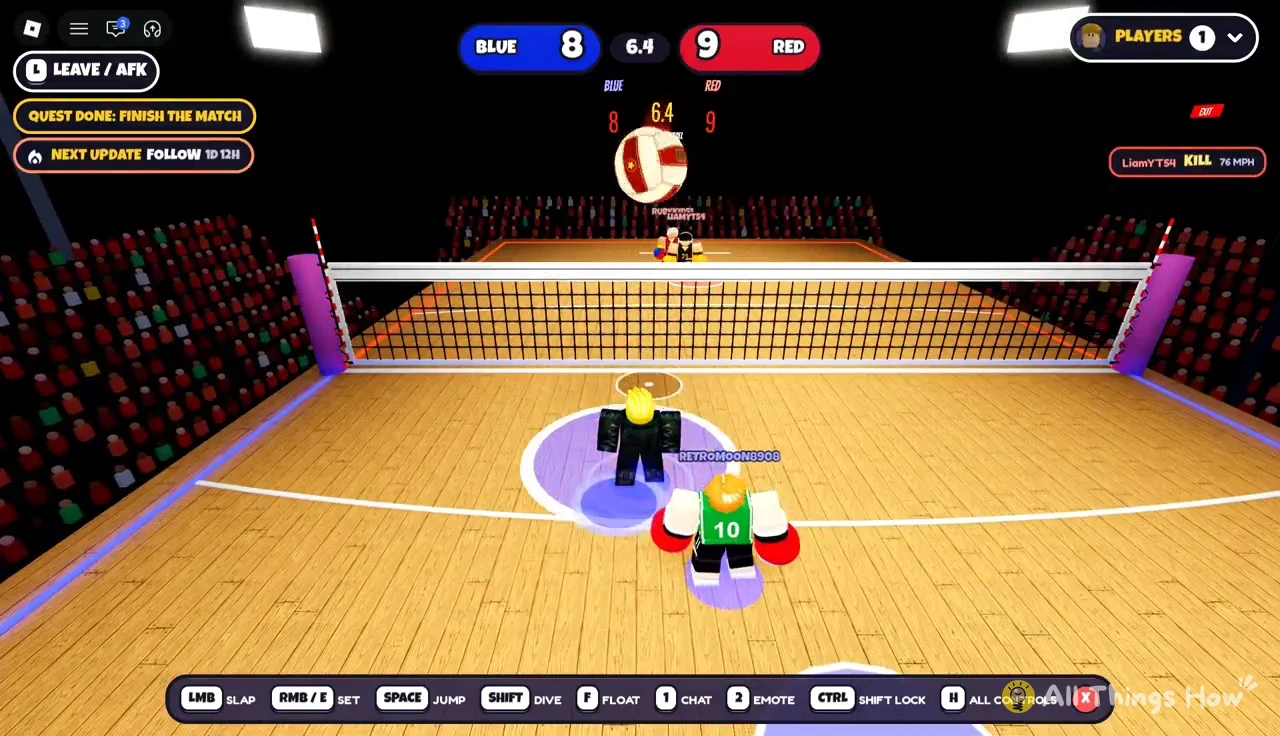
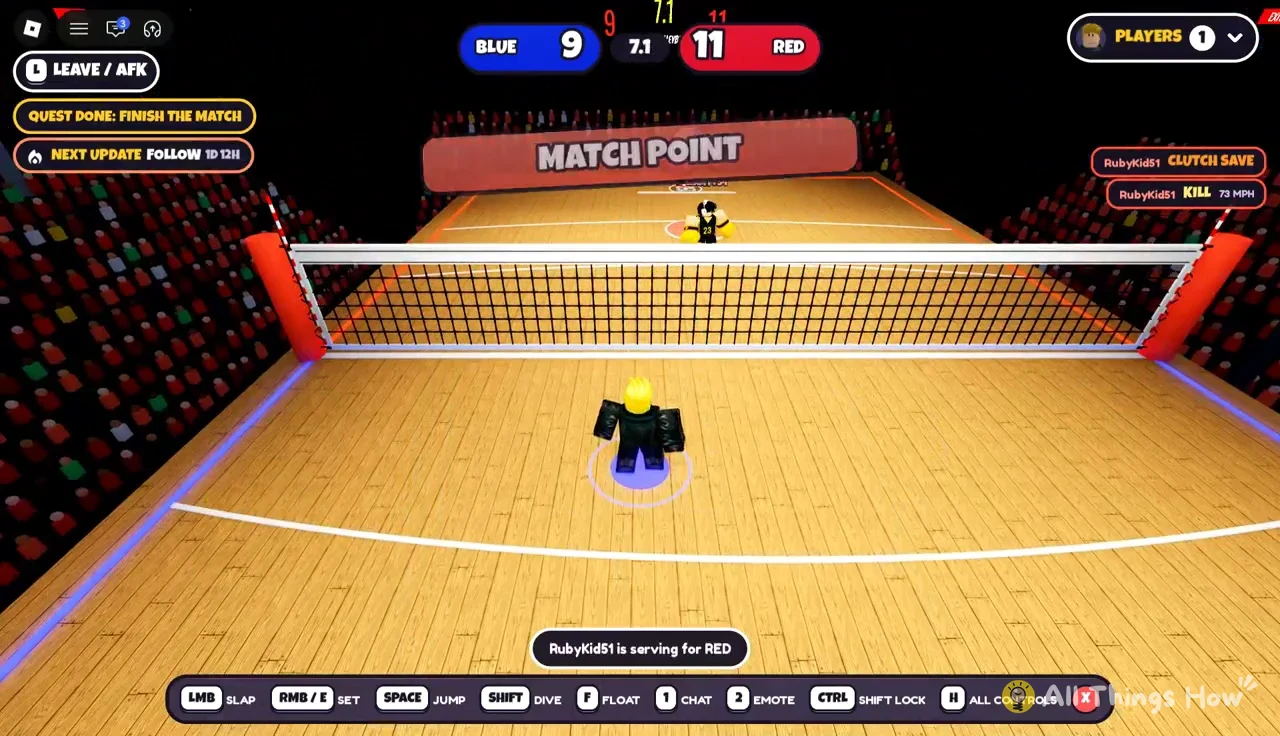
When a team is one point from winning, “MATCH POINT” shows up on the court. If you’re the team that’s behind, that’s your cue to defend the next serve, because one more kill against you ends it.
Slap Volleyball rewards: XP, quests, Coins and level unlocks
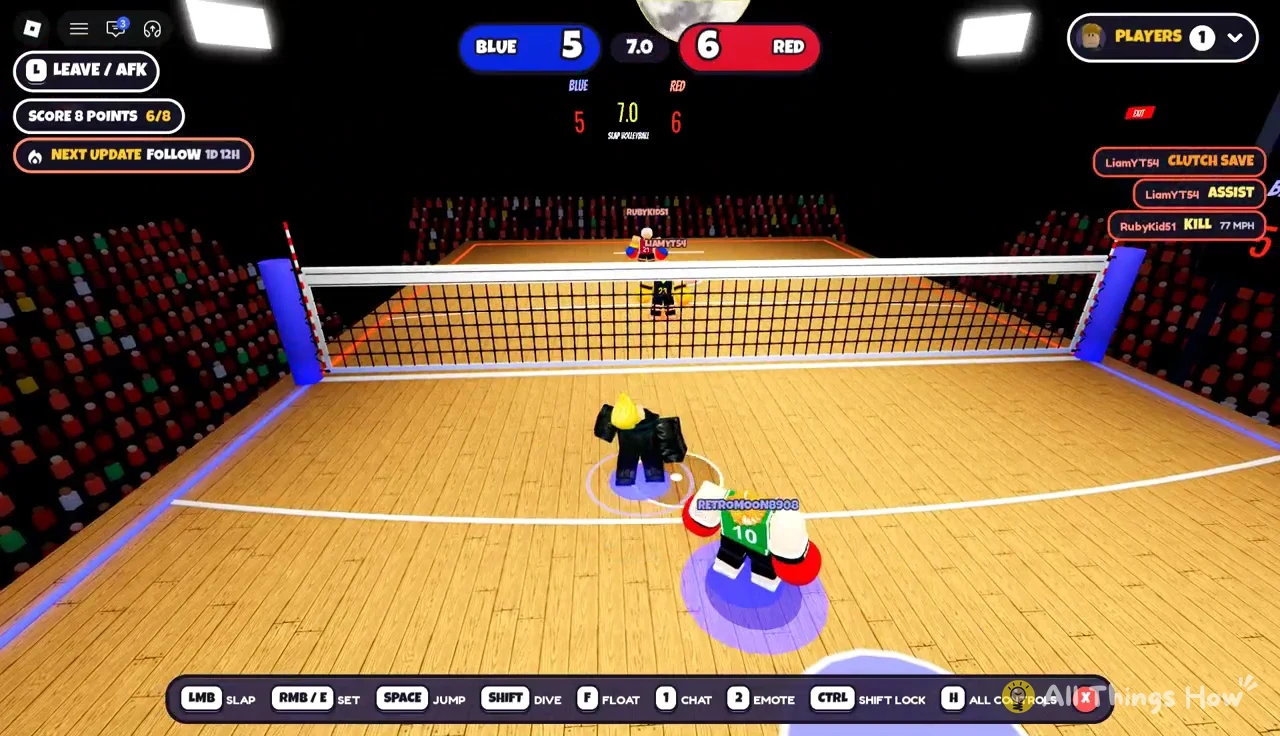
You earn XP during the match itself. A kill off a dive, for example, adds +25 XP right away. Quest objectives also show up while you play, such as “Score 8 Points”, and they keep track of your progress through the game. Finishing them adds to the rewards you get at the end.
After the final point, the results screen shows each player’s points and hits, then the rewards. The title depends on how the game went. Winners see “GOOD GAME!”, and a close loss gets “ALMOST!” with the line “YOU WERE RIGHT THERE. AGAIN!” You still get XP and finish quests when you lose, so a loss can still level you up.
| Level | Reward or unlock |
|---|---|
| Level 2 | +70 Coins |
| Level 4 | Viper move |
The level-up screen tells you what’s next (“NEXT MOVE: VIPER AT LEVEL 4”), so you can see the next unlock coming before you get there. From the results screen, pick REMATCH! to play the same group again, or LOBBY to go back and queue for something else.
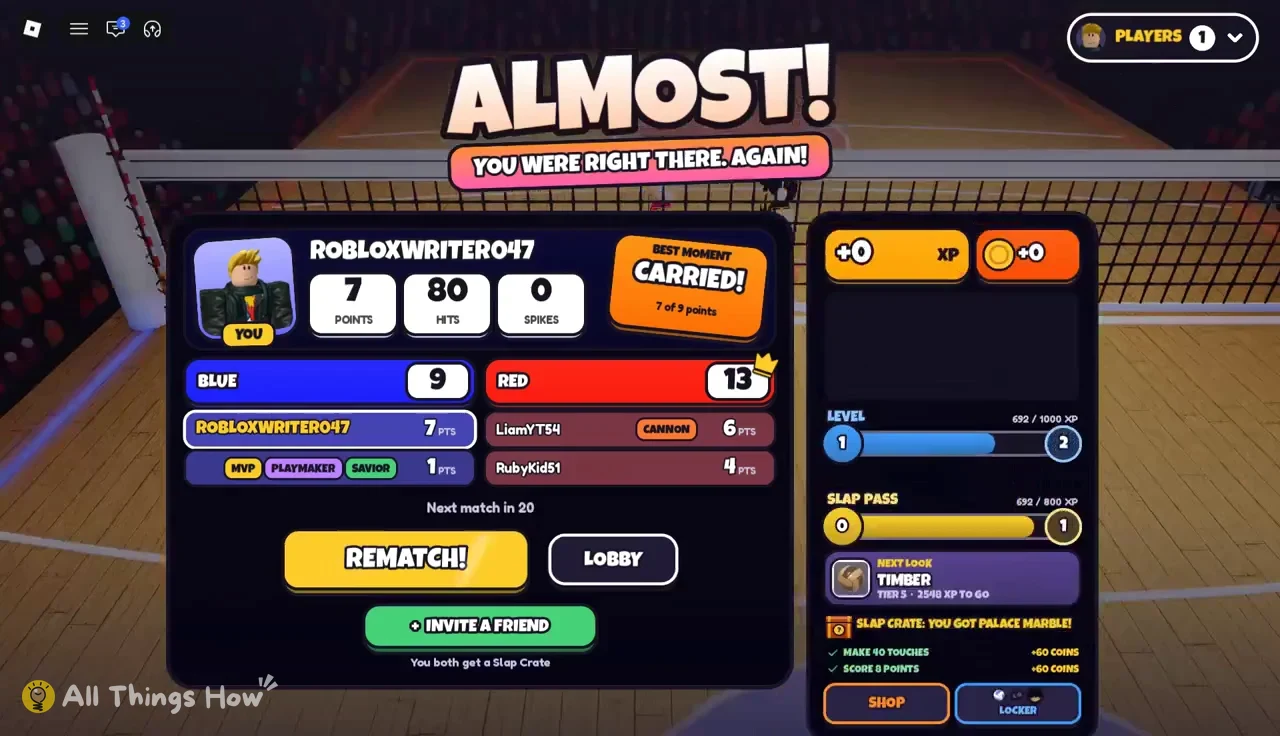
There’s also an INVITE A FRIEND option, and if your friend joins, you both get a Slap Crate.
Going AFK in a Slap Volleyball match
If you stop playing in the middle of a match, the game puts up a “YOU’RE AFK” screen and a bot plays for you, so your teammate isn’t stuck playing alone. Press “I’M BACK” to take over again, or “LEAVE” to quit the match. The Roblox menu is separate from the game’s own screens and has its own tabs, including Gallery.