Every upgrade in Be the Biggest Streamer raises one of two numbers: how many viewers each stream pulls in, or how much money each stream pays out. Gear from the Gear Shop multiplies your views. Your house and car multiply your money. Evolved pets add a percentage bonus to views on top of both. Each one also has its own small routine for buying, collecting and putting it to work.
Quick answer: Buy gear at the Gear Shop in the central plaza, pick up the delivery box at your house with E, then hold E at your desk to install it. Houses and cars multiply money instead.
Gear Shop prices and viewer multipliers
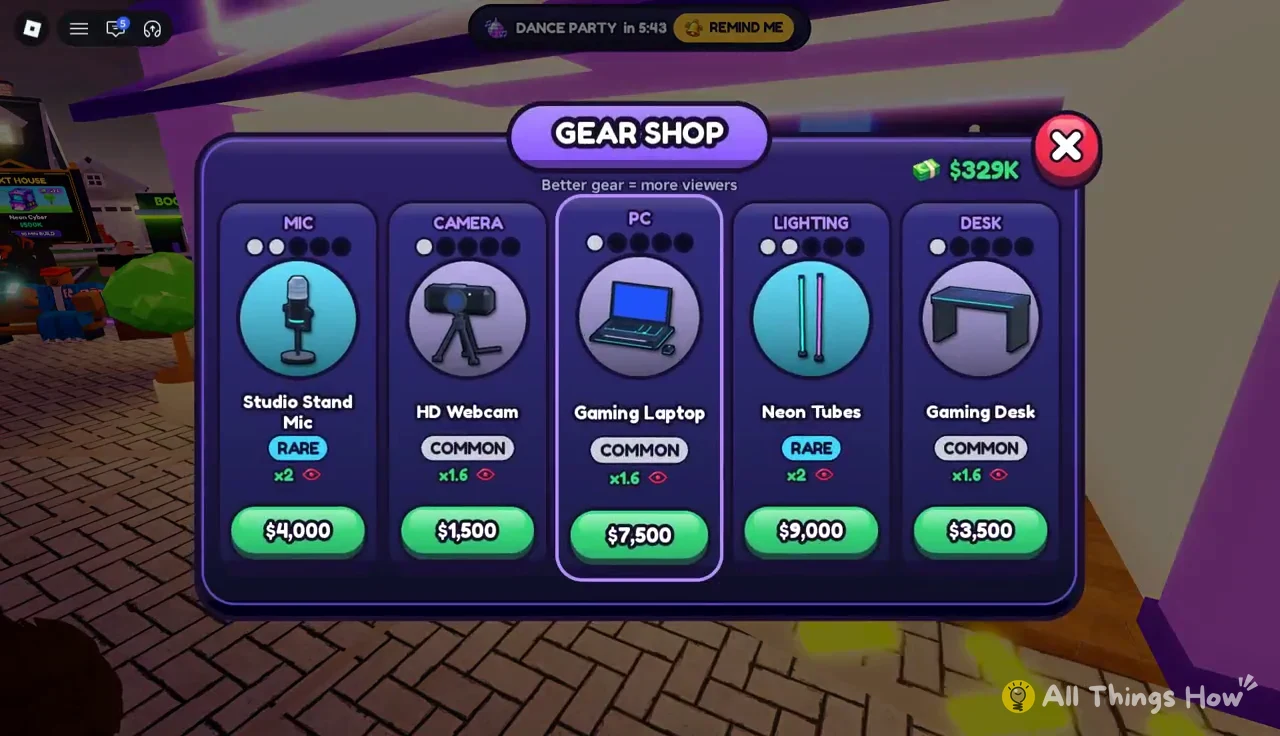
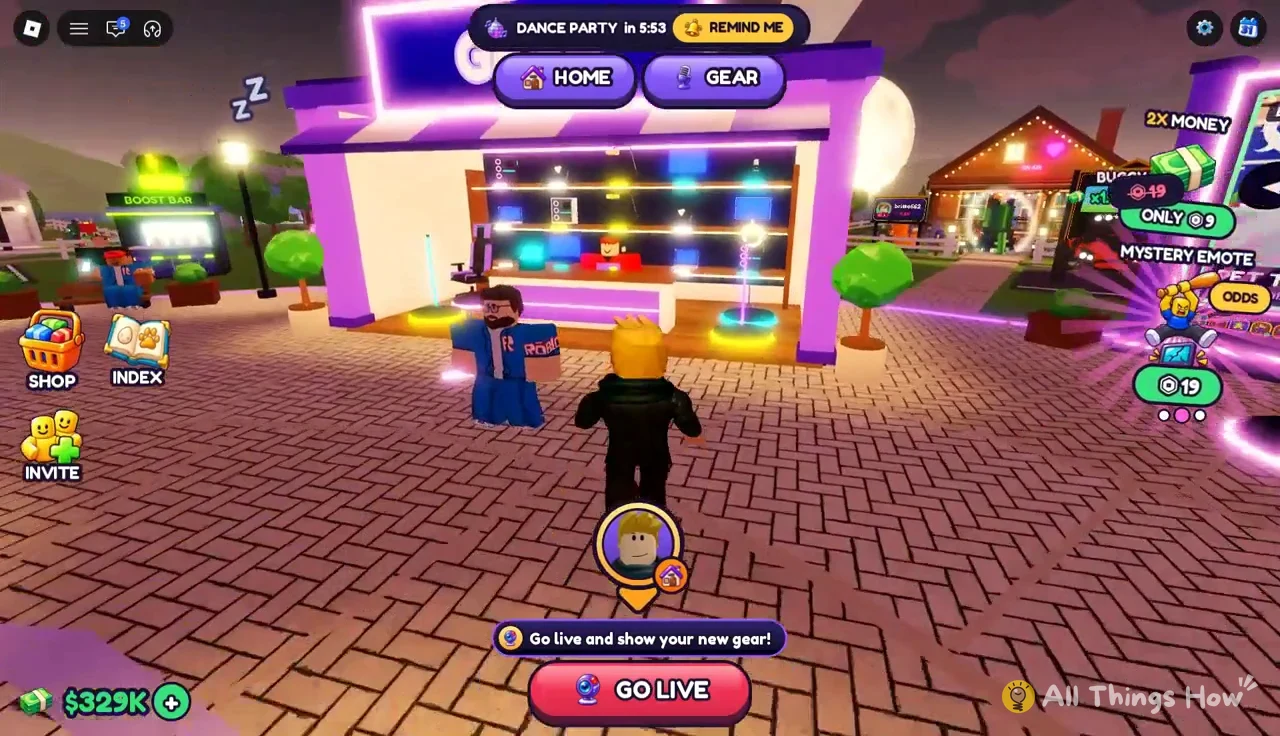
Your setup starts with the free Old Laptop, which the tutorial has you pick up outside your house and install at the desk. That gives you a PC x1.4 viewer multiplier. Everything else costs stream cash, and each item shows its rarity and multiplier right on its card in the shop.
| Gear | Rarity | Views | Price |
|---|---|---|---|
| Old Laptop | Common | x1.4 (PC) | Free starter |
| Ring Light | Common | x1.6 (Lighting) | $600 |
| HD Webcam | Common | x1.6 (Camera) | $1,500 |
| Gaming Desk | Common | x1.6 (Desk) | $3,500 |
| Gaming Laptop | Common | x1.6 | $7,500 |
| Studio Stand Mic | Rare | x2 | $4,000 |
| Neon Tubes | Rare | x2 | $9,000 |
| Vlog Cam | Rare | x2 | $20,000 |
| Corner Desk | Rare | x2 | $45,000 |
The shop is split into tabs by slot, so the Gaming Laptop sits under the PC tab next to the laptop you already own. Common gear tops out at x1.6, and every Rare item jumps to x2. Price doesn’t follow the slot order at all: the $600 Ring Light is the cheapest way into a x1.6 multiplier, while the Corner Desk at $45,000 costs more than ten times the Studio Stand Mic for the same x2.
How to buy and install gear in Be the Biggest Streamer
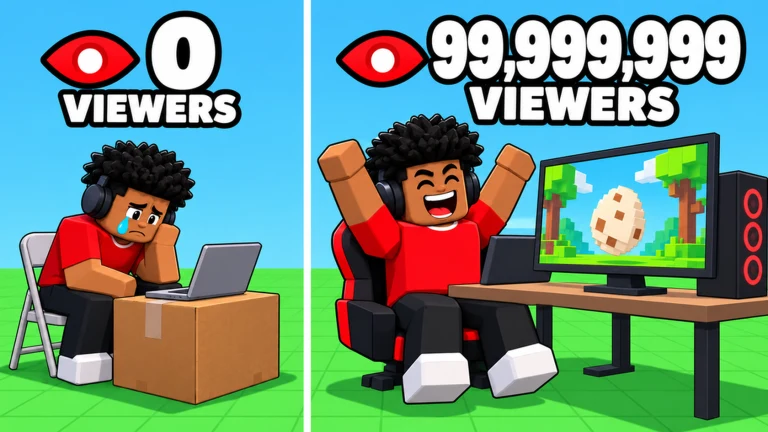
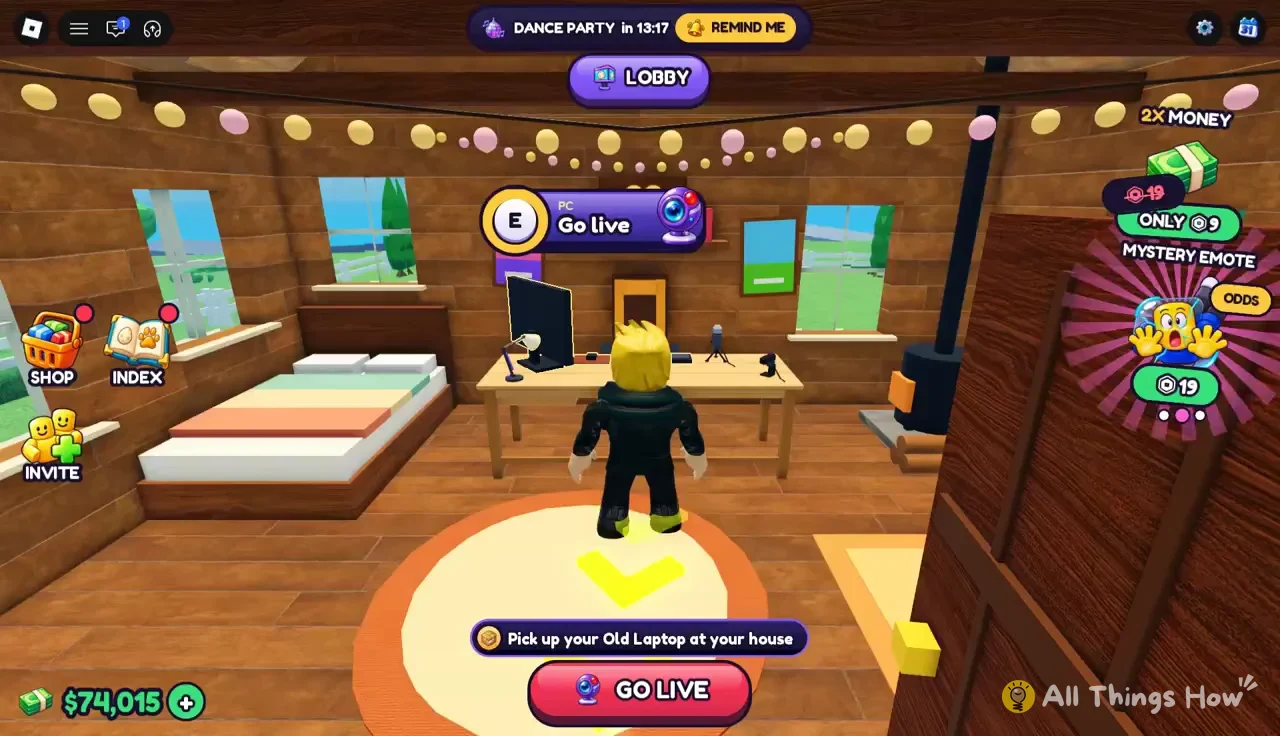
Buying gear doesn’t put it straight on your desk. The game ships it to your house as a cardboard box, and you have to carry it inside and install it yourself before the multiplier counts. You’ll need to be off stream and have enough cash for the item.
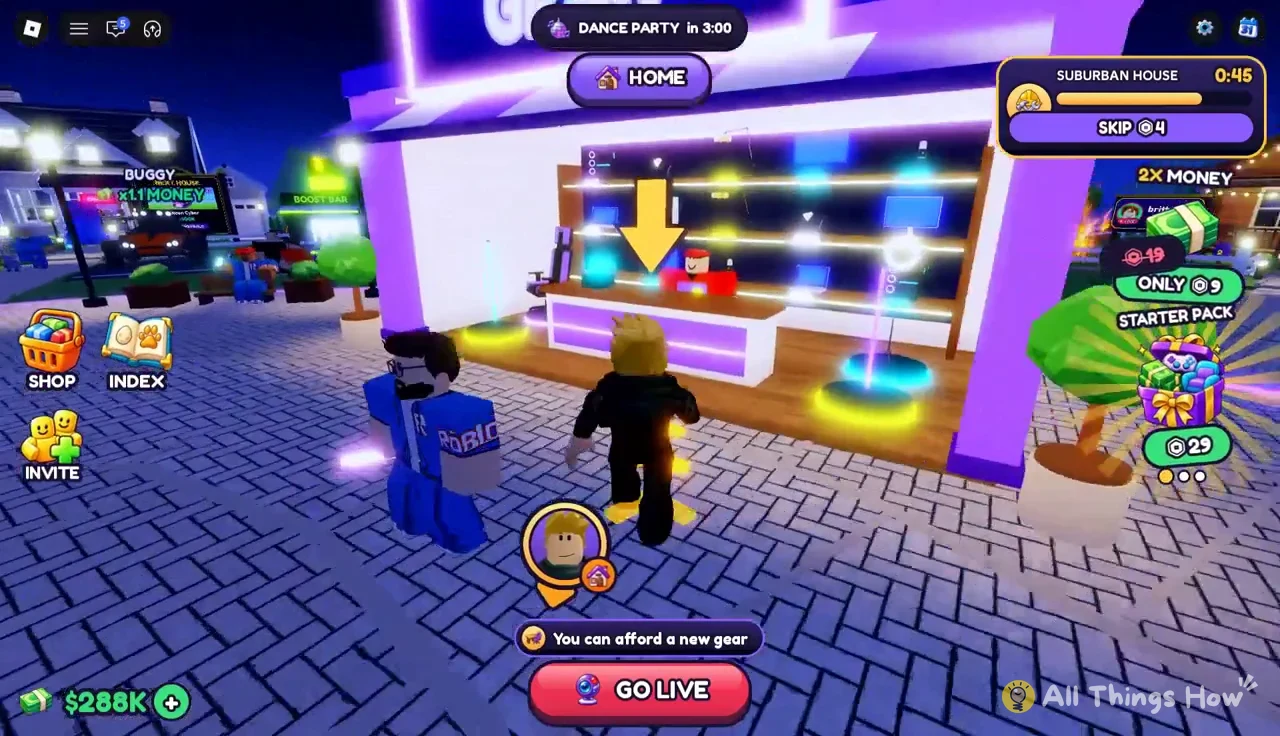
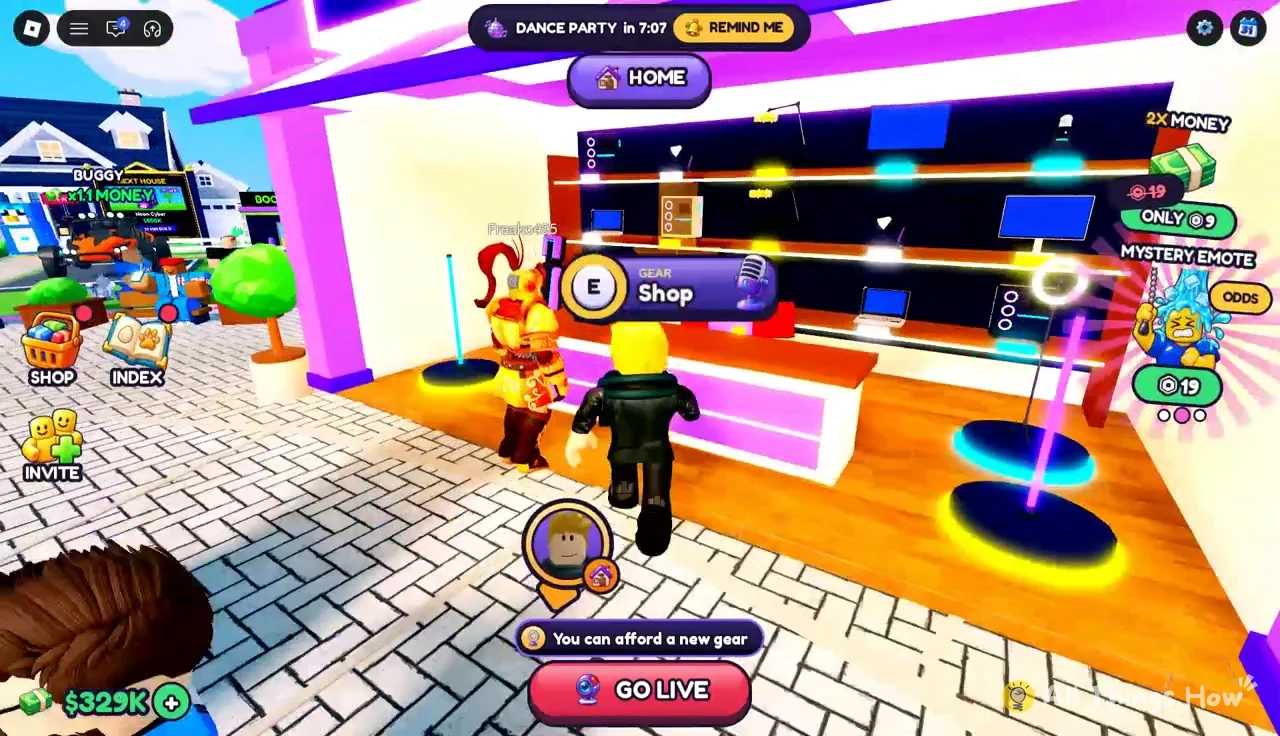
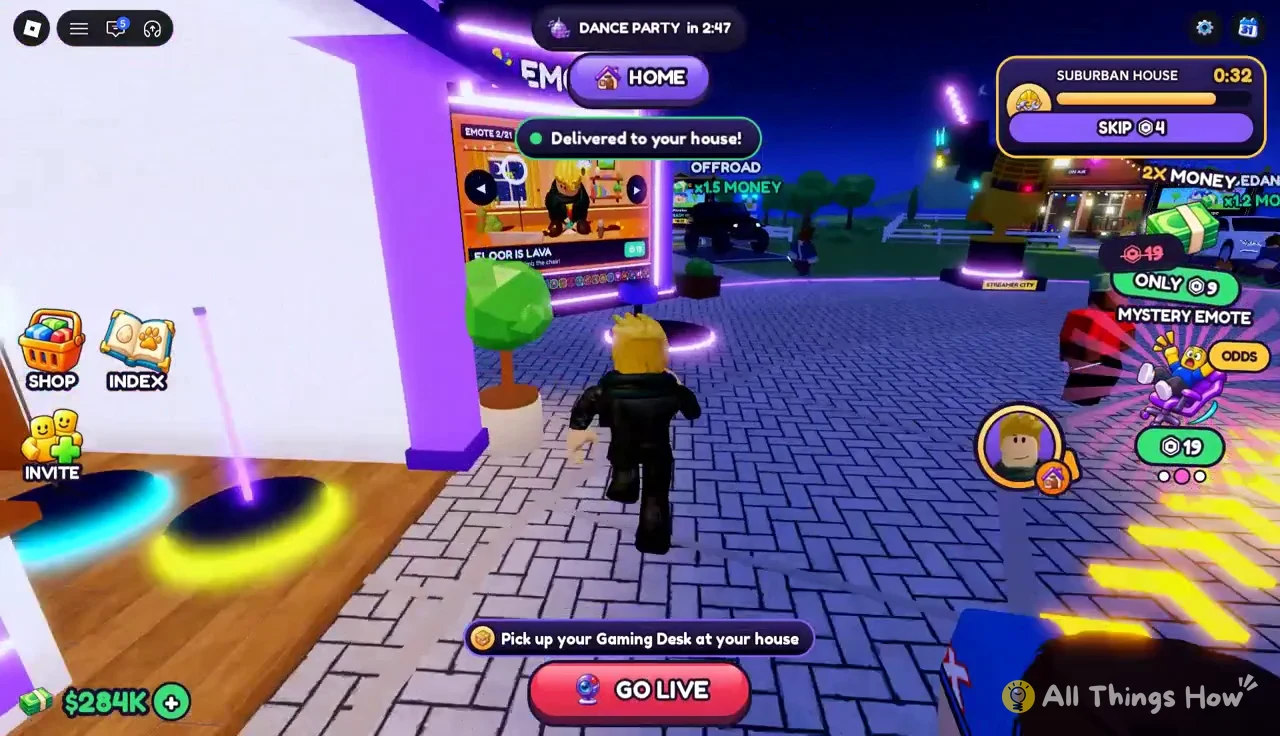
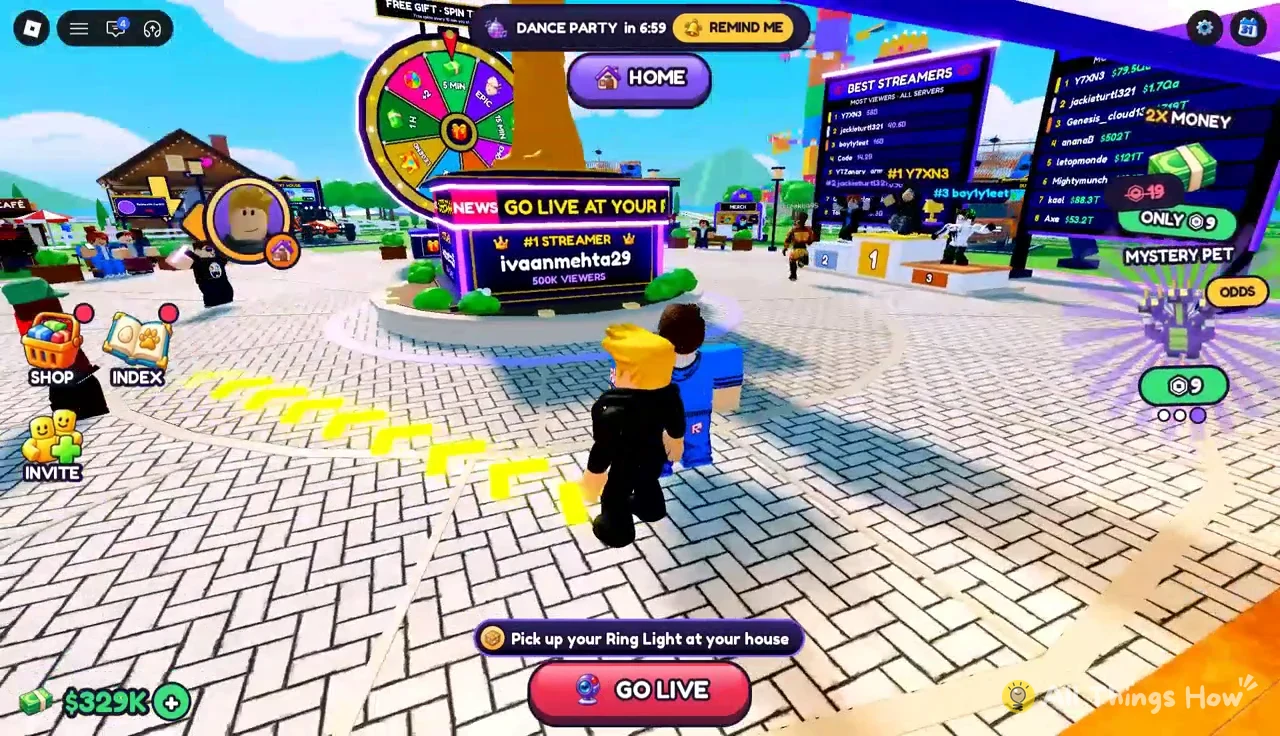
You know it worked when an “UNBOXED!” banner appears with the item’s name, rarity and multiplier, like “UNBOXED! Old Laptop COMMON PC x1.4” for the starter laptop. The new gear then sits on or around your desk, and the GO LIVE button at the bottom of the screen nudges you to stream with it.
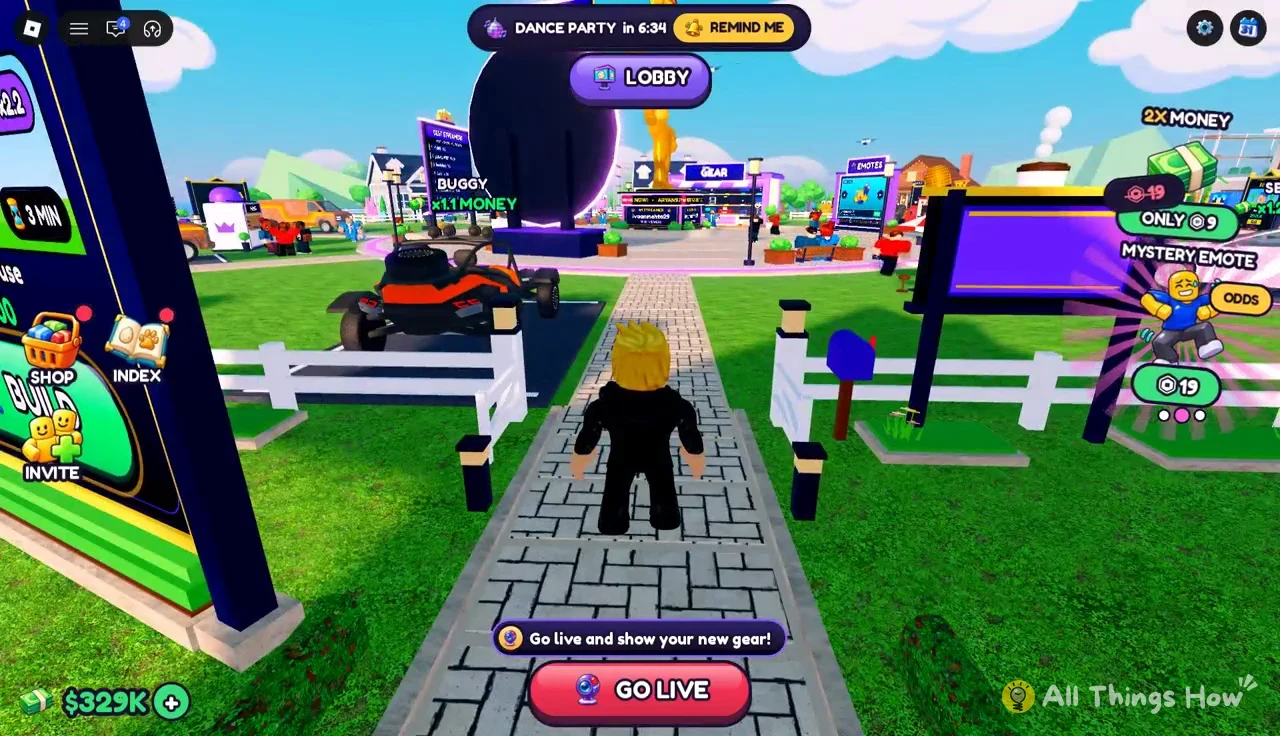
To start streaming from the desk, press E at the “Go live” prompt or tap that GO LIVE button.
Earning cash on stream to pay for upgrades
All of the money for gear, houses and cars comes from going live and playing stream minigames. Each game card shows a multiplier and your best score, such as “JUST FARTING x3” or “TOY OBBY x3 views Best 32”, and hitting milestones inside a game hatches eggs that pay out cash as well as a pet. A Frog Prince hatch adds $4,863, for example, and an Epic Wolf adds $27,518.
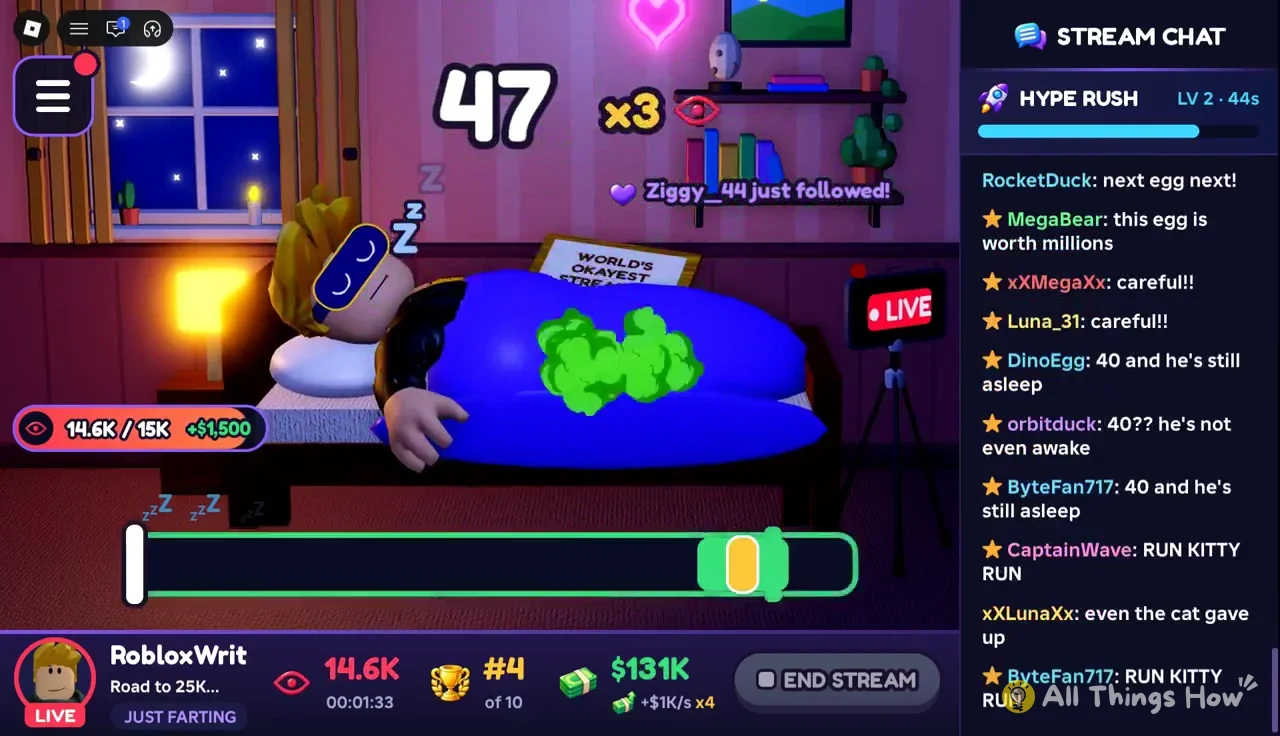
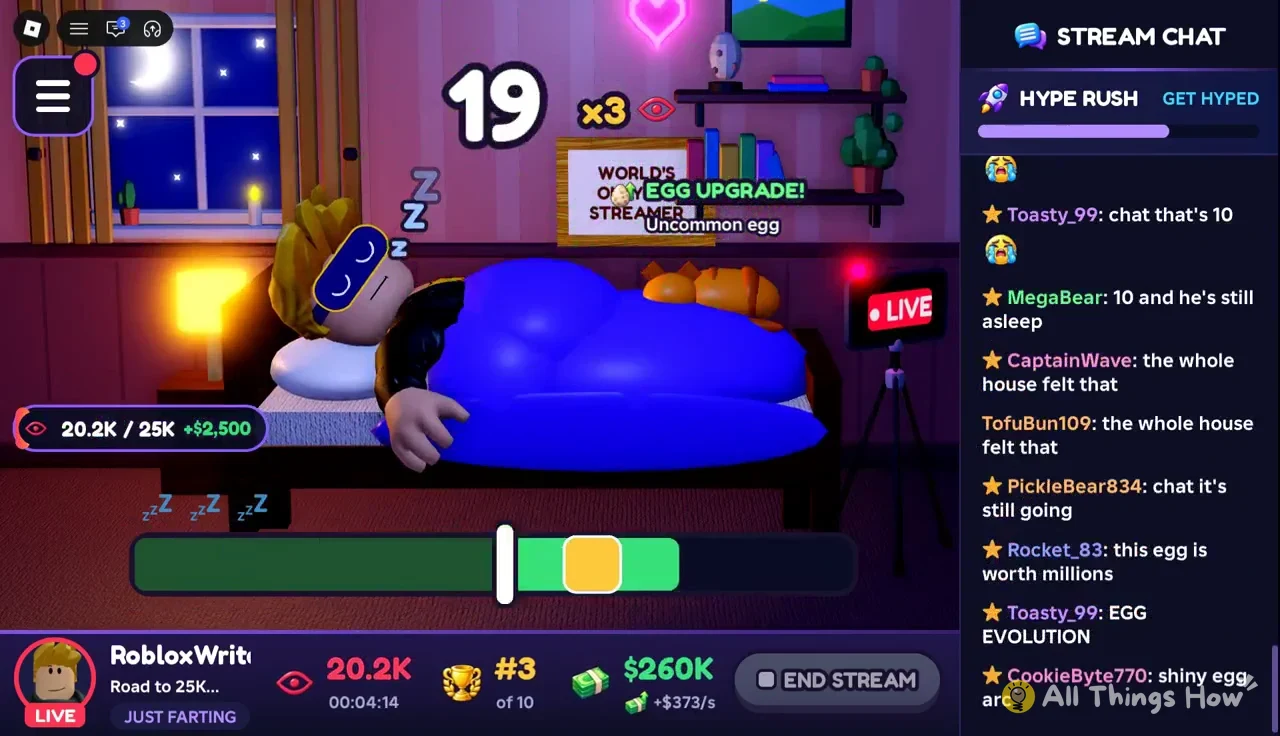
In Just Farting, you tap when the moving marker on the bottom meter lands in the green zone (“TAP IN THE GREEN!”). Staying asleep earns views, and good timing pushes your egg up a tier during the run.
Other players can challenge you to Egg Clash while you’re live. You take turns setting angle and power on a slingshot to knock down the other fort, and a win (“K.O.! YOU WIN!”) hatches a rare egg.
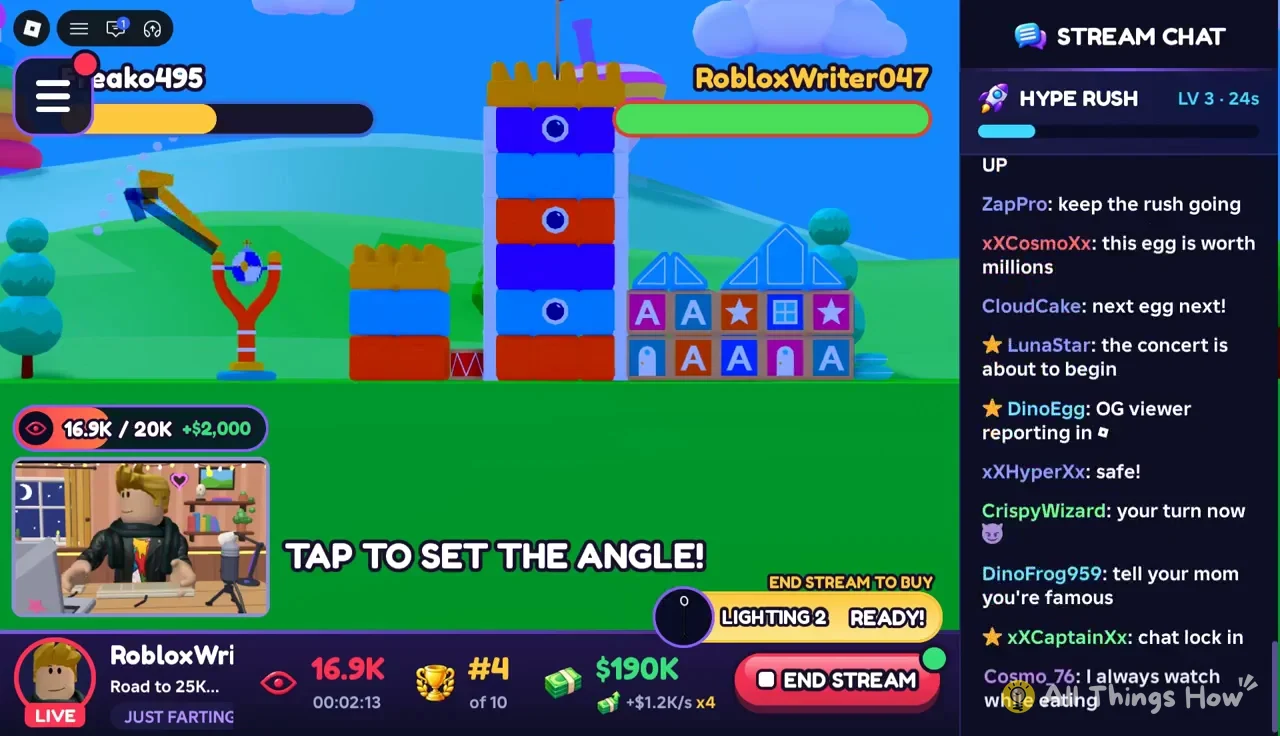
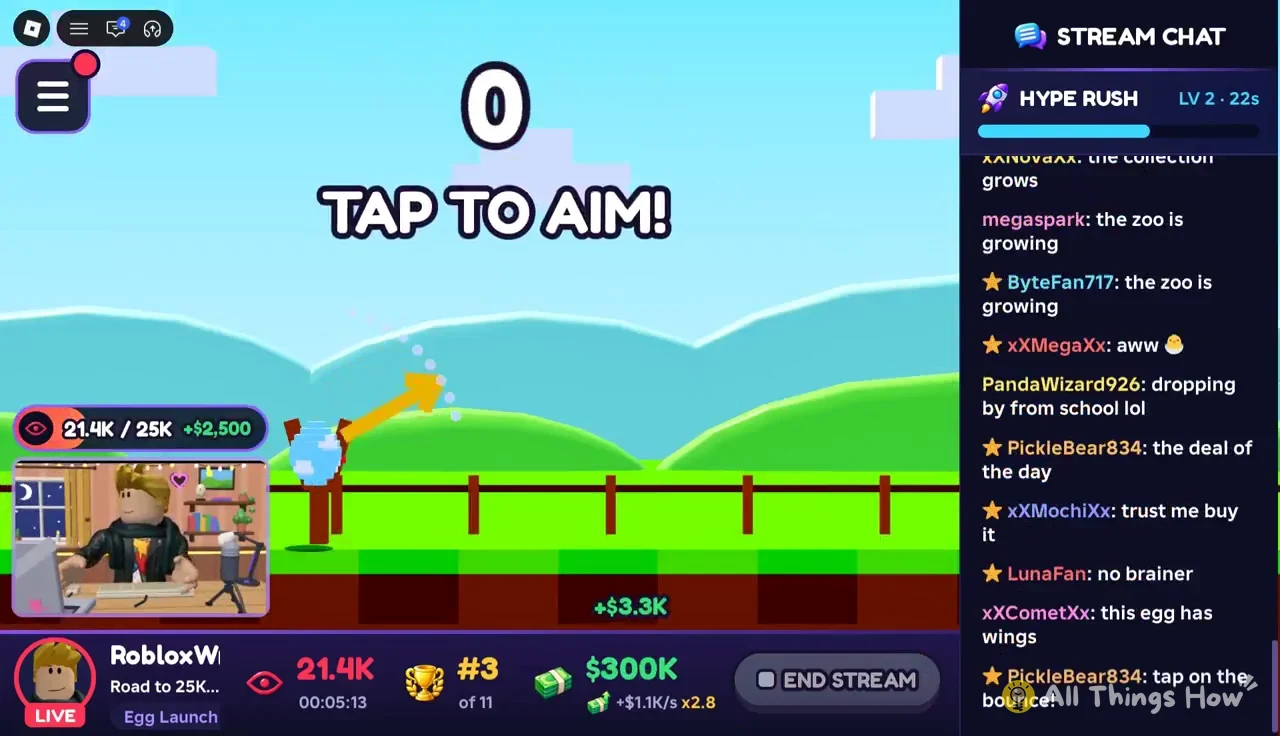
Egg Launch is locked at first. Finish the stream goal (“STREAM GOAL 9/9”) and it opens for $30,000. You aim, set power and try to bounce through rings for distance, with eggs tied to how far you get.
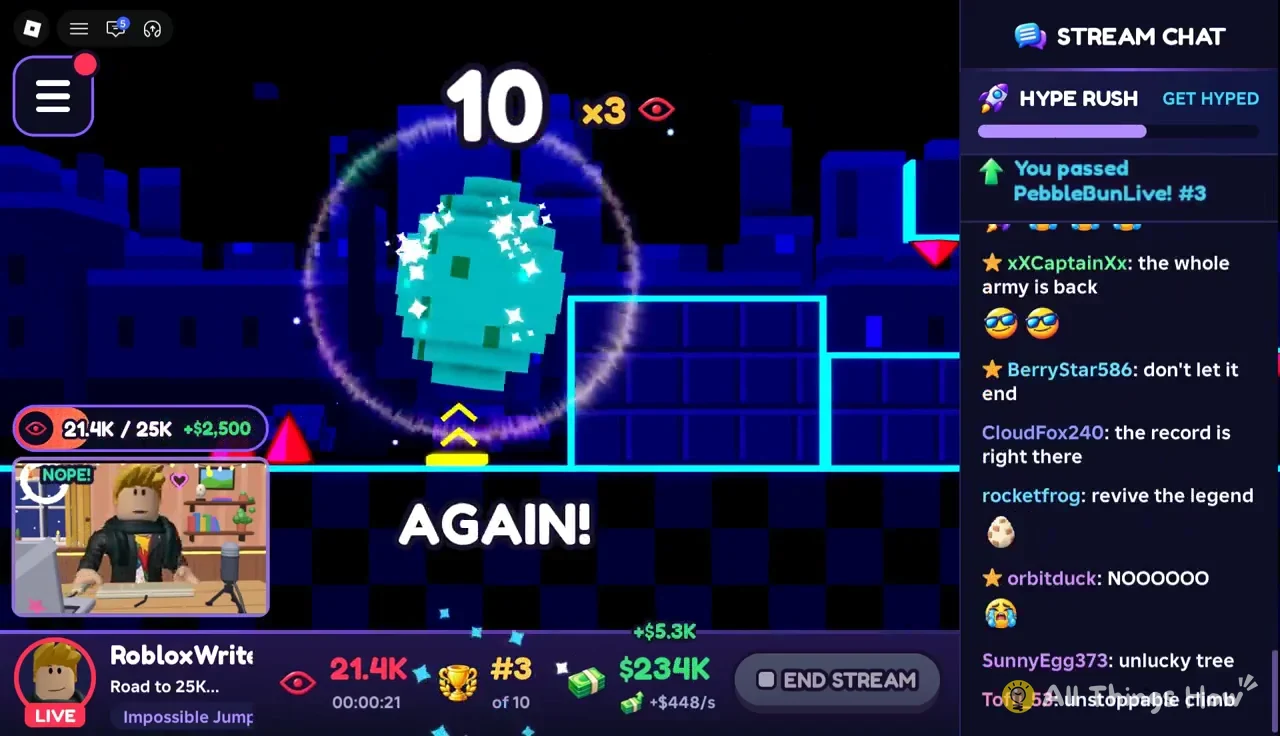
Impossible Jump is a side-scroller where you jump over spikes on the floor and ceiling, and Toy Obby is a climb with a flag and an egg on each floor, from Toy Blocks on Floor 1 up to Balloon Sky on Floor 5.
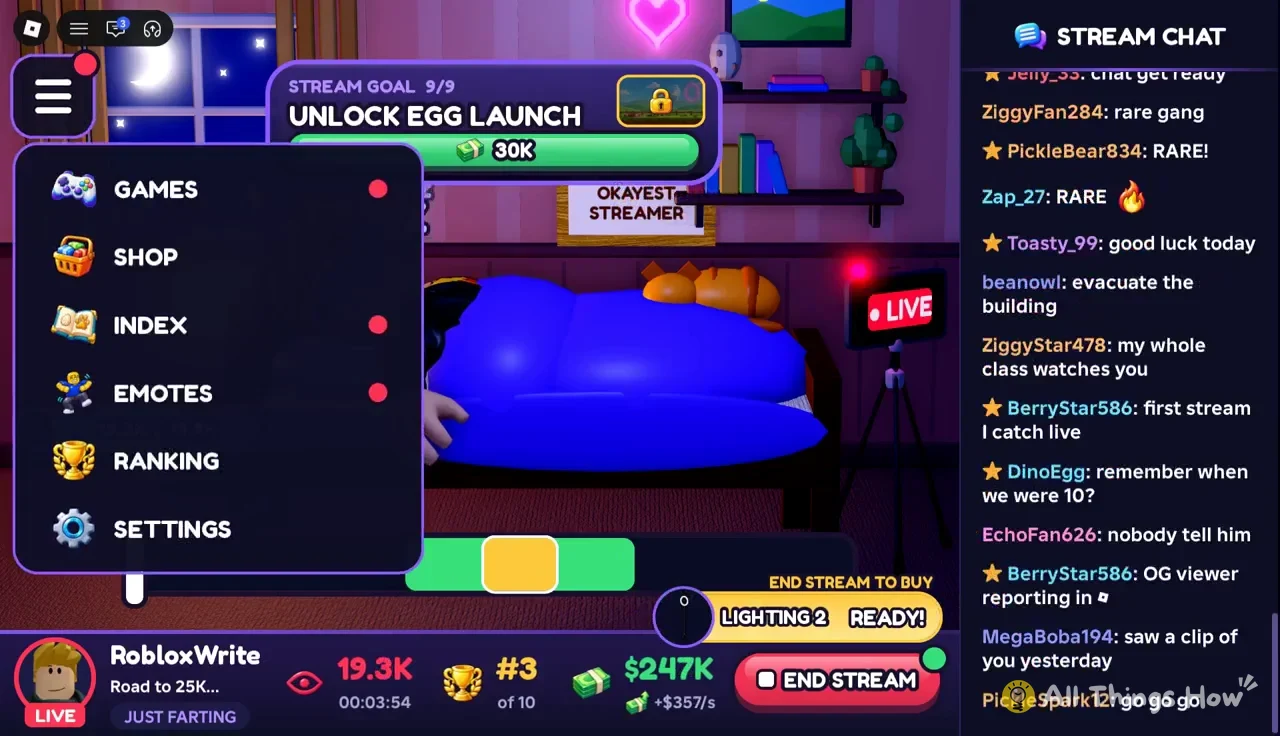
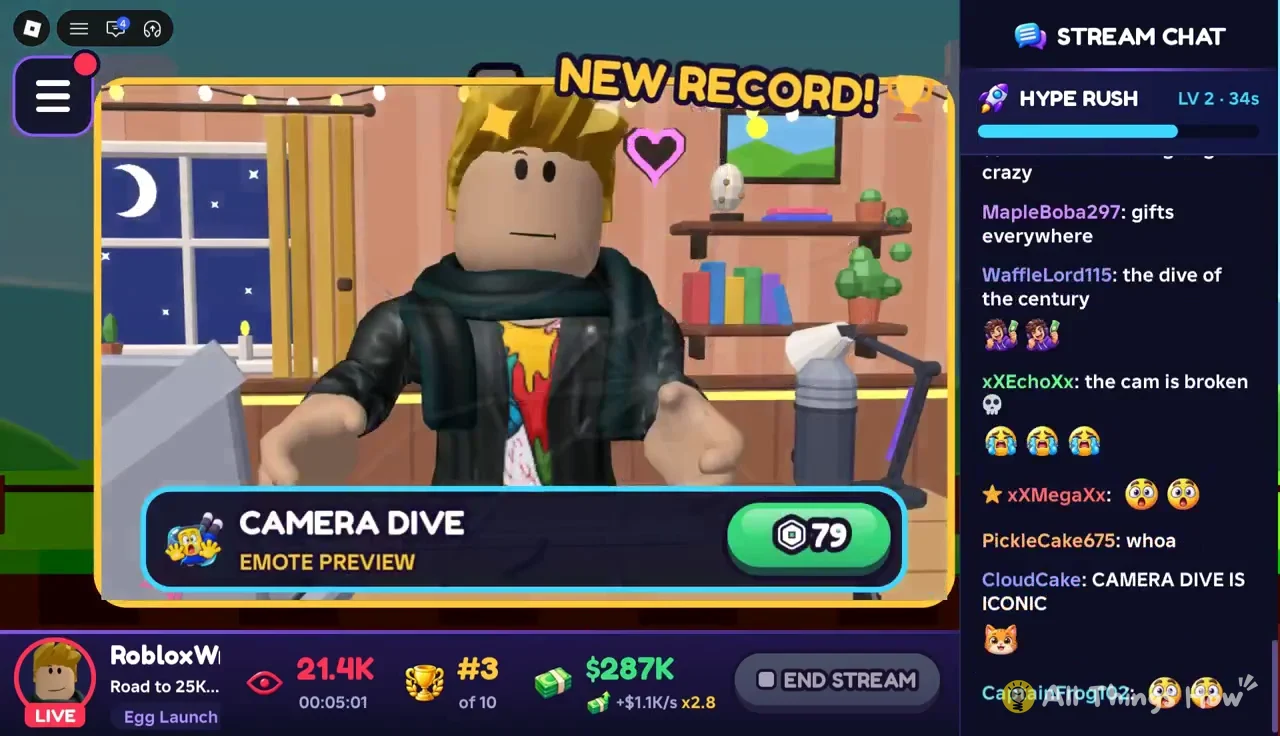
The menu you open while live has Games, Shop, Index, Emotes, Ranking and Settings. The Shop there sells Robux items like the Camera Dive emote for 79 Robux, which has nothing to do with the Gear Shop and doesn’t touch your viewer multipliers.
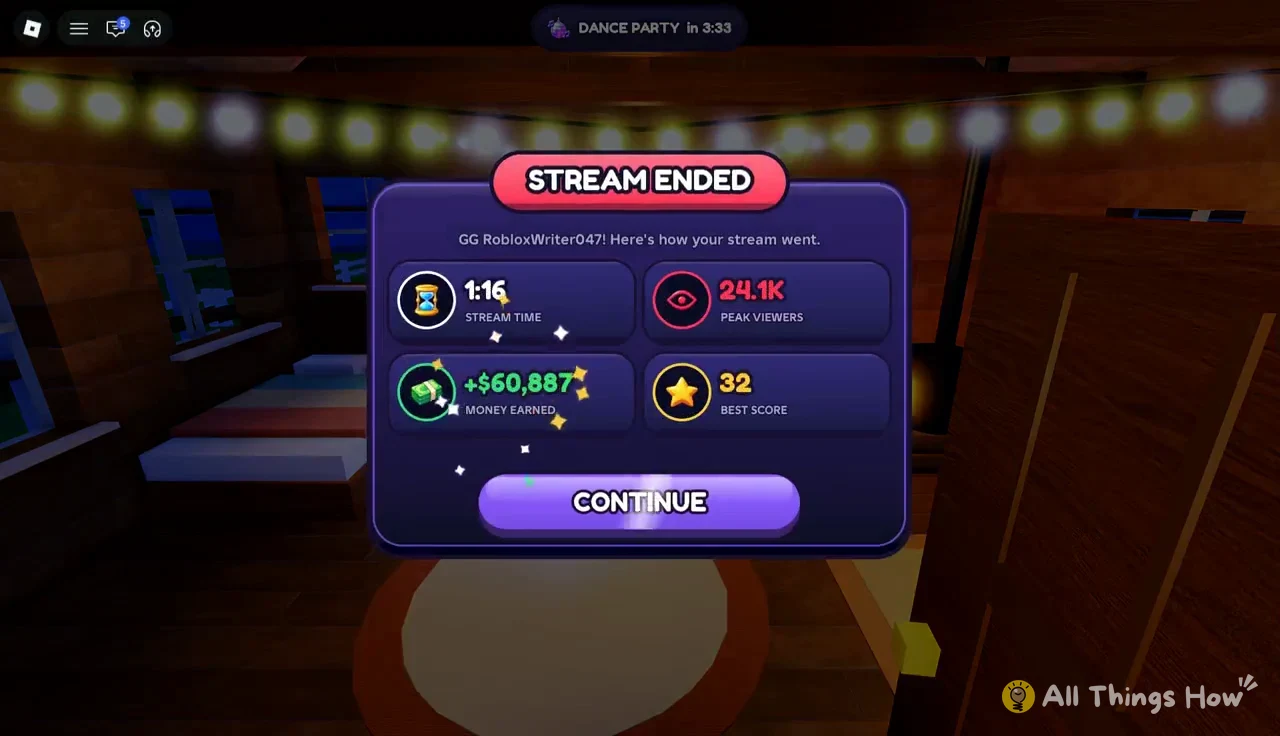
When you end the stream, a STREAM ENDED screen shows your stream time, peak viewers, money earned and best score. A first stream of 5:40 with the starter laptop brought in $285K and 21.4K peak viewers, which is more than enough to buy the Ring Light, HD Webcam and Gaming Desk in one trip to the shop.
Suburban House and Sedan money multipliers
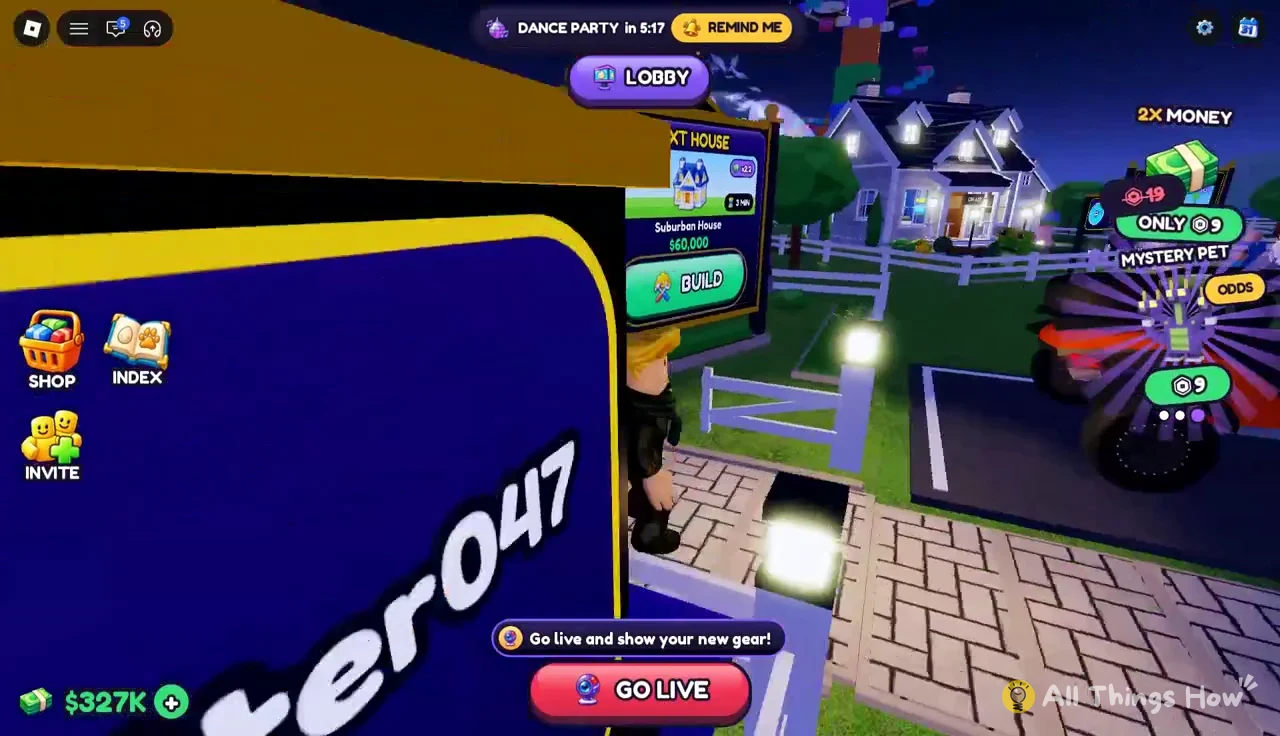
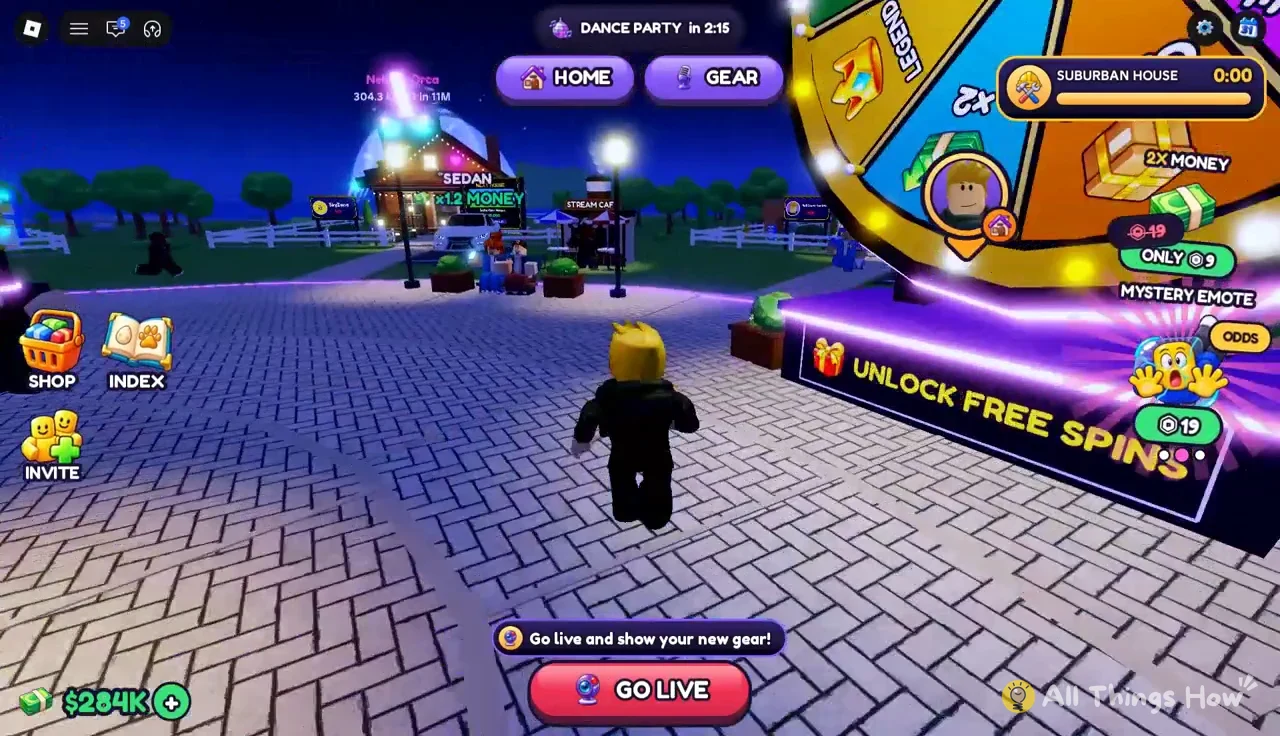
Houses and cars don’t change your viewers. They multiply the cash you make, and you’ll find the next one waiting by your current home with its price on a sign.
| Upgrade | Price | Bonus | Extra |
|---|---|---|---|
| Suburban House (level 3) | $60,000 | Money x2.2 | Unlocks Touch Grass live |
| Sedan | $40,000 | Money x1.2 | None |
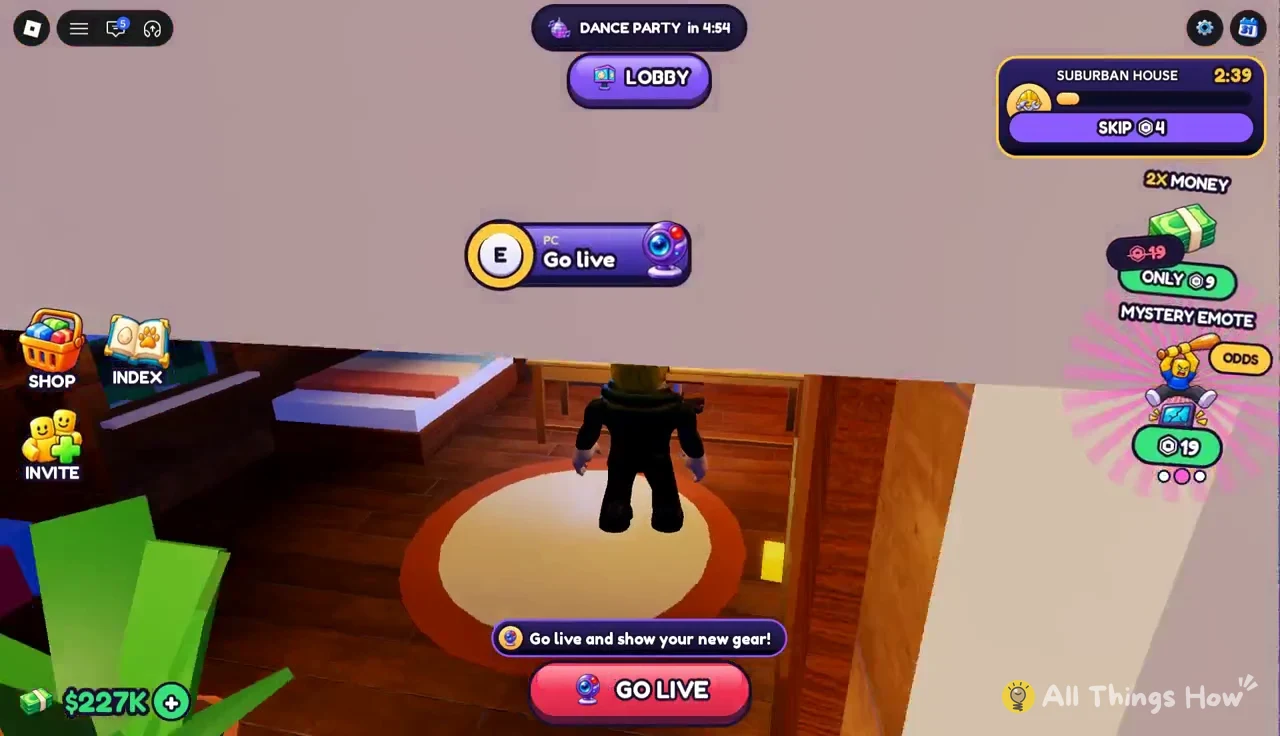
The Suburban House isn’t ready the moment you pay. It takes 3 minutes to build, or you can skip the wait for 4 Robux. You don’t have to stand around during the timer, either, so it’s fine to go live and play a minigame while it finishes.
The Sedan has no build time. Buying it switches your car right away and shows “NEW CAR: SEDAN! Money x1.2”.
Once construction is done, the game shows “Welcome to your Suburban House! Money x2.2” followed by “New live unlocked: Touch Grass!” You set up inside the new house and stream from there, with the GO LIVE button in the same place as before.
Evolving duplicate pets for a views bonus
Pets you hatch on stream go into the Index, grouped by the minigame egg they came from, and each one carries a small views bonus. When you hatch a copy of a pet you already own, the hatch screen counts it toward a gold version, like “Neon Bunny UNCOMMON 3.1 kg GOLD 2/2!” Once that count is full, open the Index from the menu, find the pet’s card and evolve it.
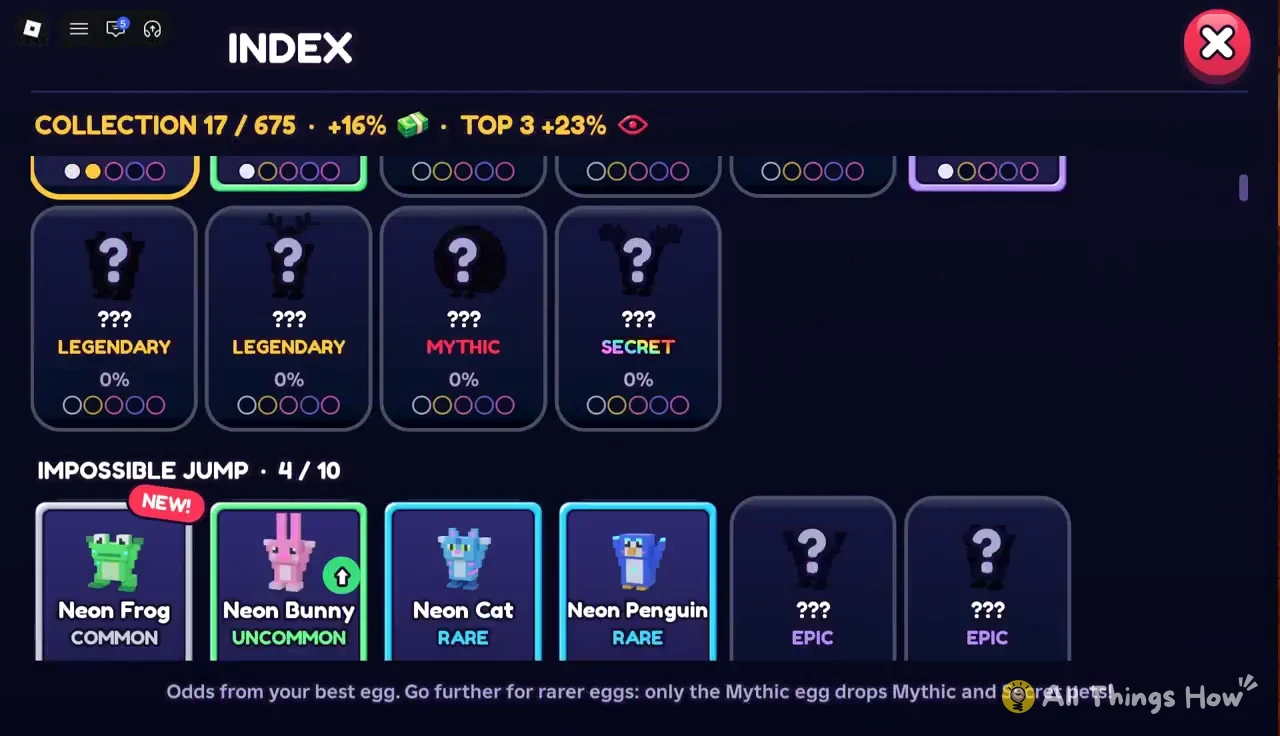
Evolving two Neon Bunnies gives a Gold Neon Bunny, which raises that pet’s bonus from +5% to +6% views. The result card also tells you whether the pet is in your top 3 and what the next stage is, in this case “NEXT: HEART +8%”, so you can see how much more a further evolution would add before you chase more duplicates.