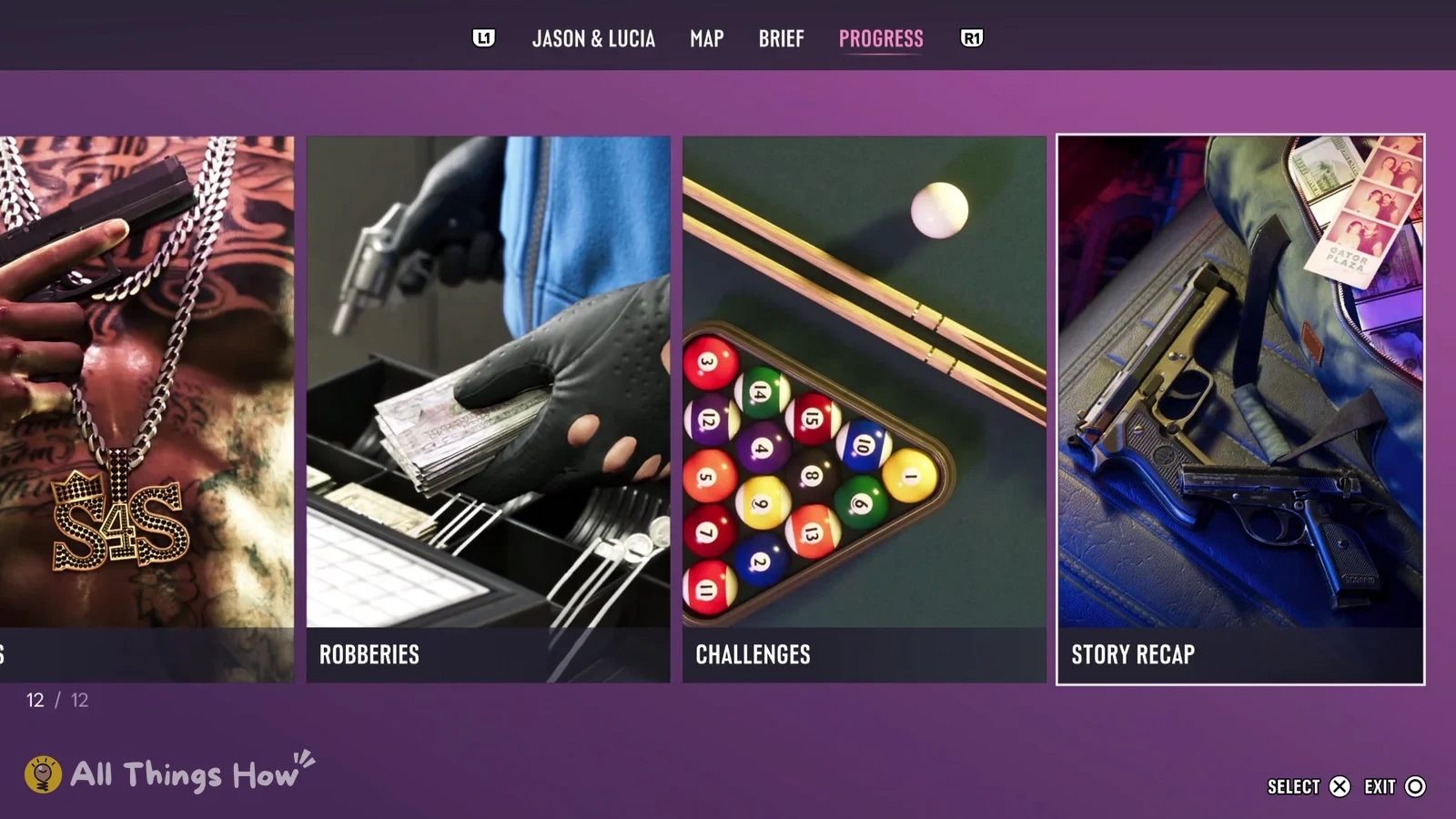
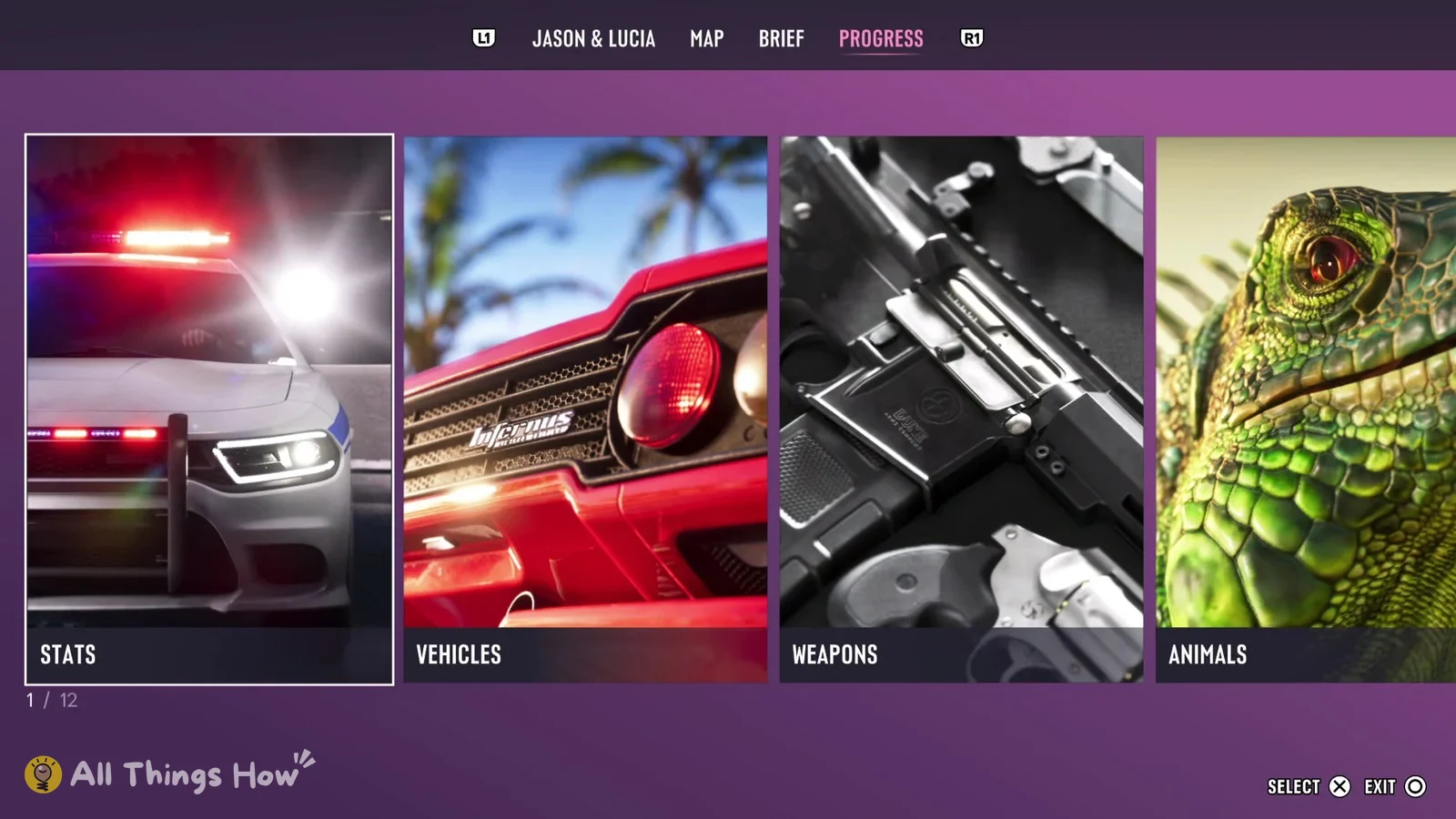
GTA 6 doesn’t put your completion numbers on the main pause screen. They live in a separate PROGRESS tab on the map screen, split across a row of picture cards. Your 100% Completion page is inside that tab too, but you can’t read it until you’ve beaten the story.
Quick answer: Cycle to PROGRESS with R1 on the map screen, then open the Stats card. It shows 100% Completion once Jason and Lucia’s story is finished. Check Collections to see collectibles.
How to open the Progress menu in GTA 6
The JASON & LUCIA tab is a different screen from the Stats card. It shows Jason’s Sleep, Nutrition, Strength, Cardio and Focus rows, not your completion figures.
All 12 Progress categories in GTA 6
| # | Card |
|---|---|
| 1 | Stats |
| 2 | Vehicles |
| 3 | Weapons |
| 4 | Animals |
| 5 | Equipment |
| 6 | Collections |
| 7 | Activities |
| 8 | Contacts |
| 9 | Gangs |
| 10 | Robberies |
| 11 | Challenges |
| 12 | Story Recap |
GTA 6 Stats card and how 100% Completion unlocks
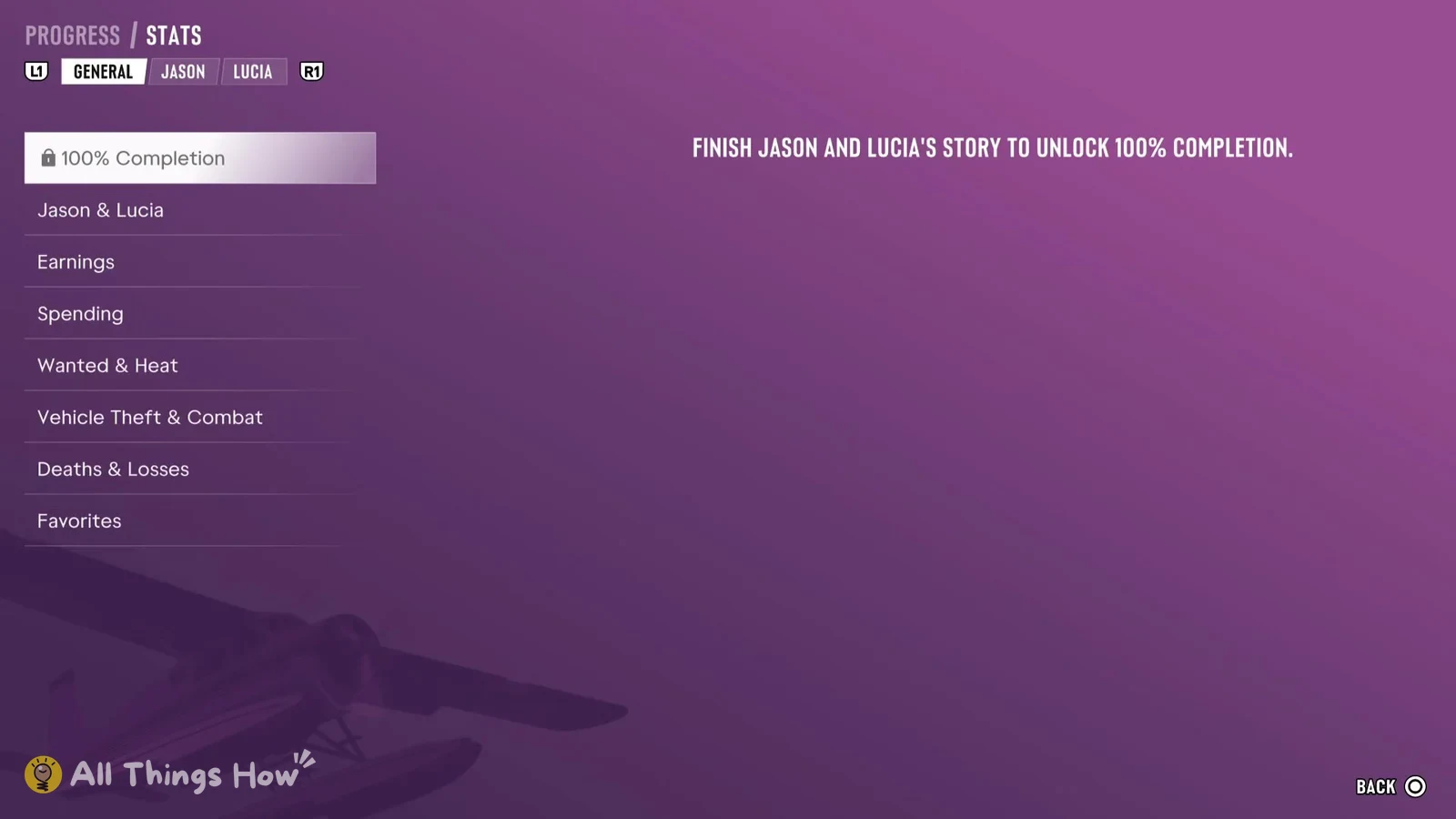
Stats is card 1 / 12, and its header reads PROGRESS / STATS. It has three tabs you switch between with L1 and R1: GENERAL, JASON and LUCIA. The GENERAL tab has a list down the left side with these entries:
- 100% Completion (shown with a padlock)
- Jason & Lucia
- Earnings
- Spending
- Wanted & Heat
- Vehicle Theft & Combat
- Deaths & Losses
- Favorites
If you highlight 100% Completion before the end of the game, you get a single line of text: “FINISH JASON AND LUCIA’S STORY TO UNLOCK 100% COMPLETION.” The padlock and that message mean you can’t see the 100% checklist at all until the story is done, so there’s no way to read it partway through.
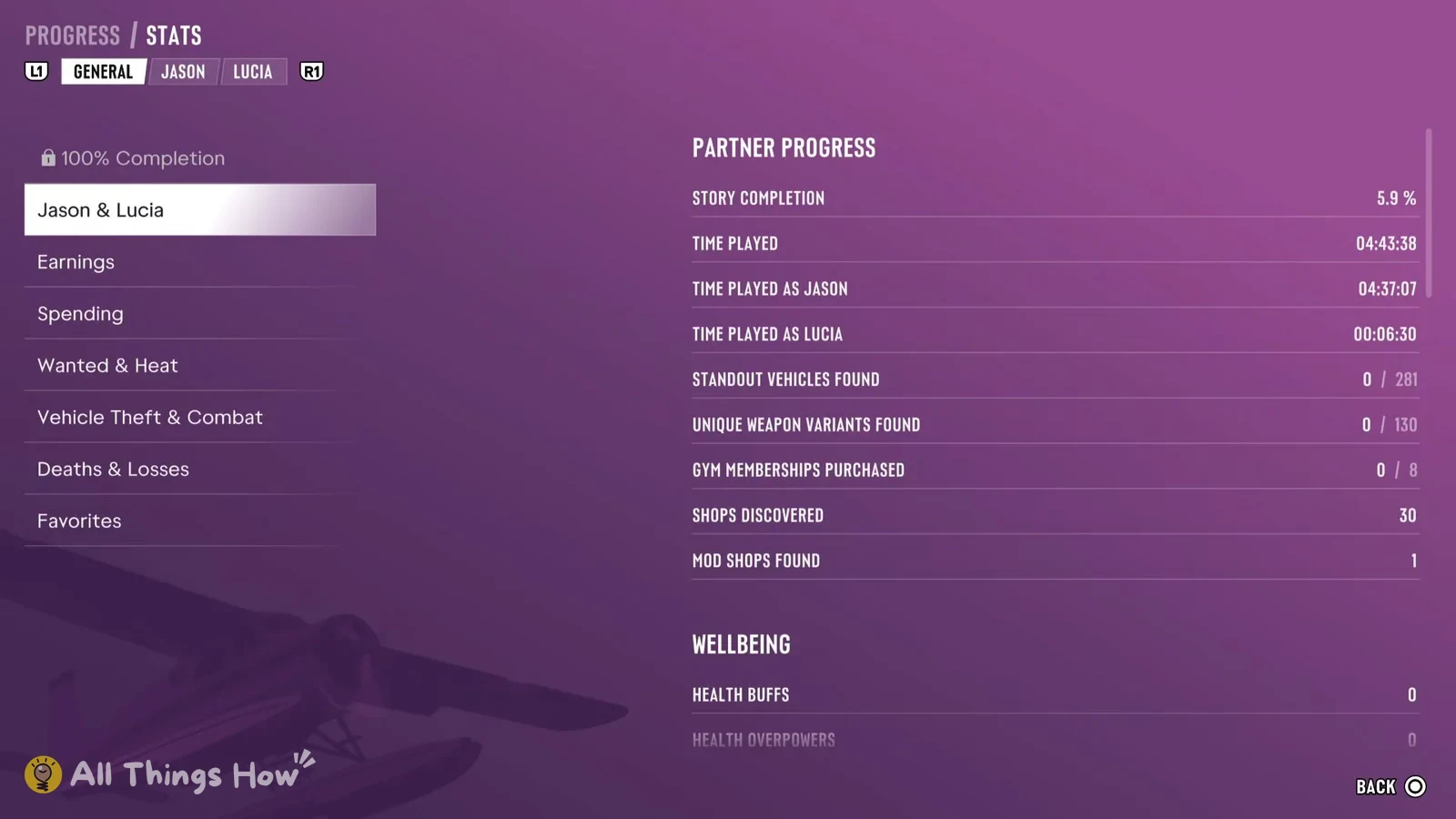
Your actual story percentage is under Jason & Lucia, in a block called PARTNER PROGRESS. It lists Story Completion, Time Played (with separate times as Jason and as Lucia), Standout Vehicles Found out of 281, Unique Weapon Variants Found out of 130, Gym Memberships Purchased out of 8, Shops Discovered and Mod Shops Found. After clearing “Lab Fees”, for example, Story Completion reads 5.9 %. A WELLBEING block comes after that, with rows such as Health Buffs and Health Overpowers.
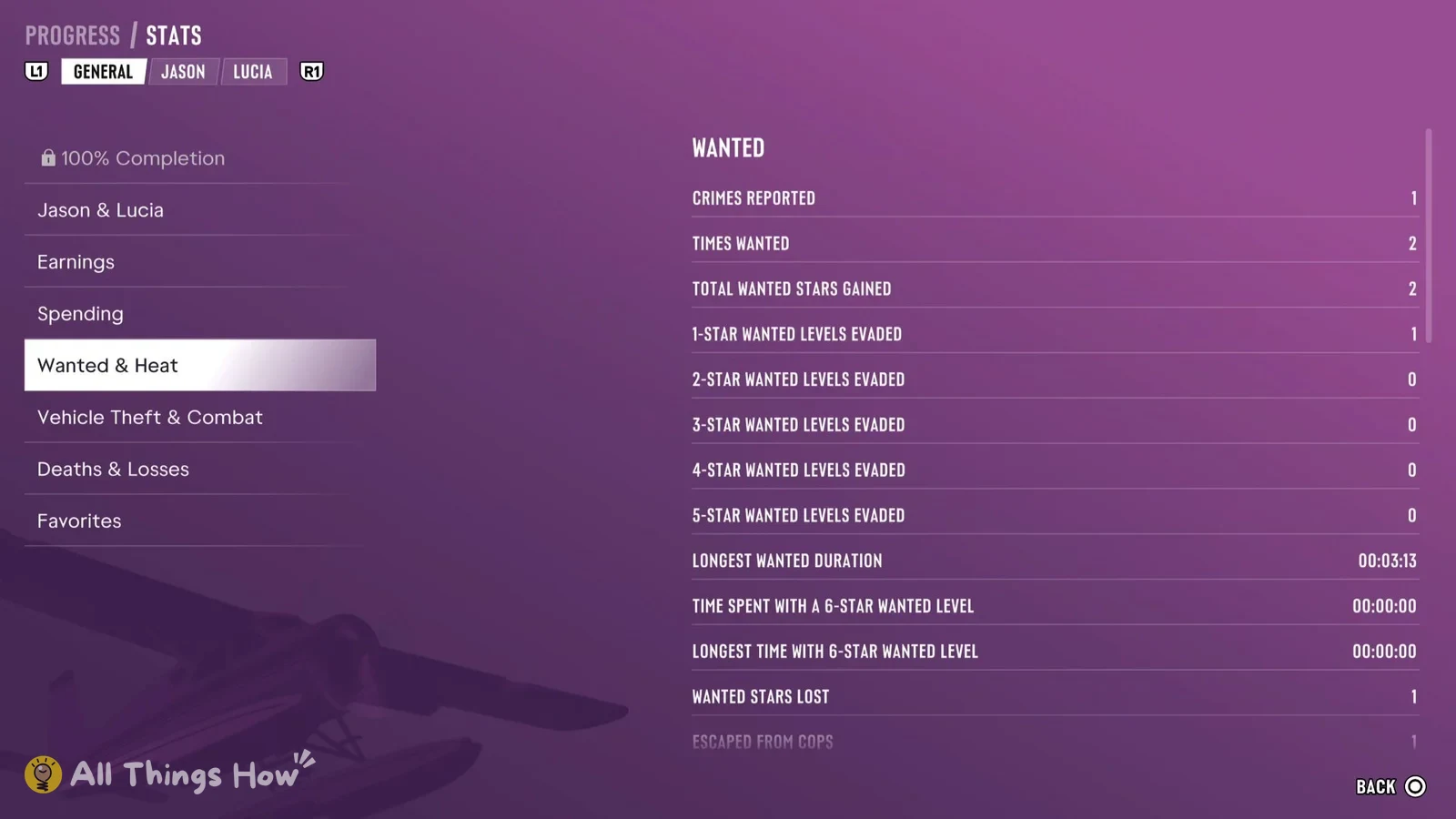
Wanted & Heat keeps your police record in a set of WANTED rows. There are rows for Crimes Reported, Times Wanted, Total Wanted Stars Gained, one row each for 1-Star through 5-Star Wanted Levels Evaded, Longest Wanted Duration, Time Spent With a 6-Star Wanted Level, Longest Time With 6-Star Wanted Level, Wanted Stars Lost and Escaped From Cops.
Vehicles, Challenges and Story Recap cards
Vehicles (2 / 12)
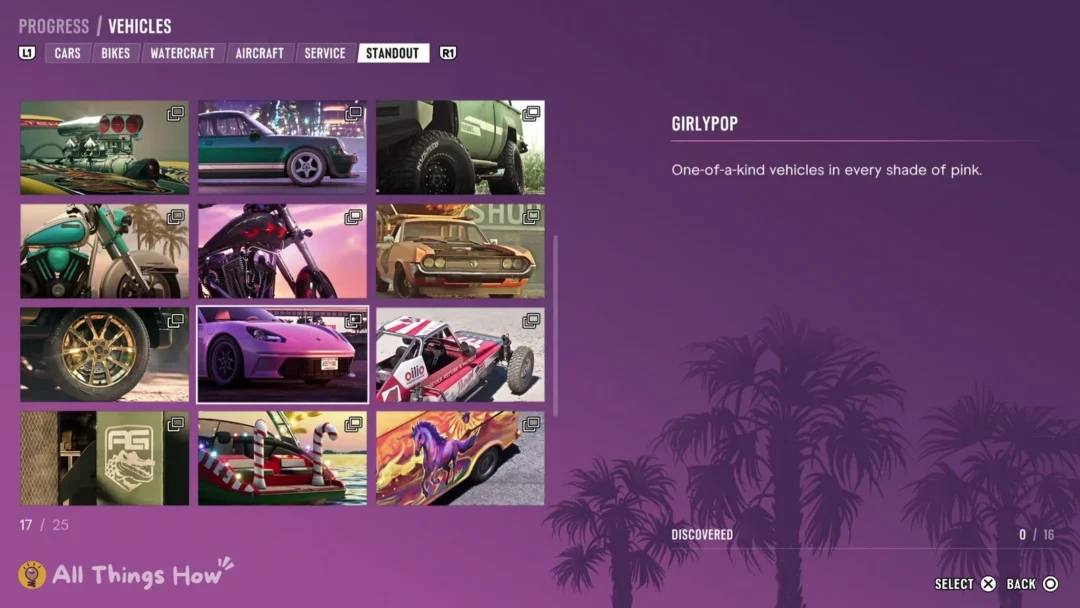
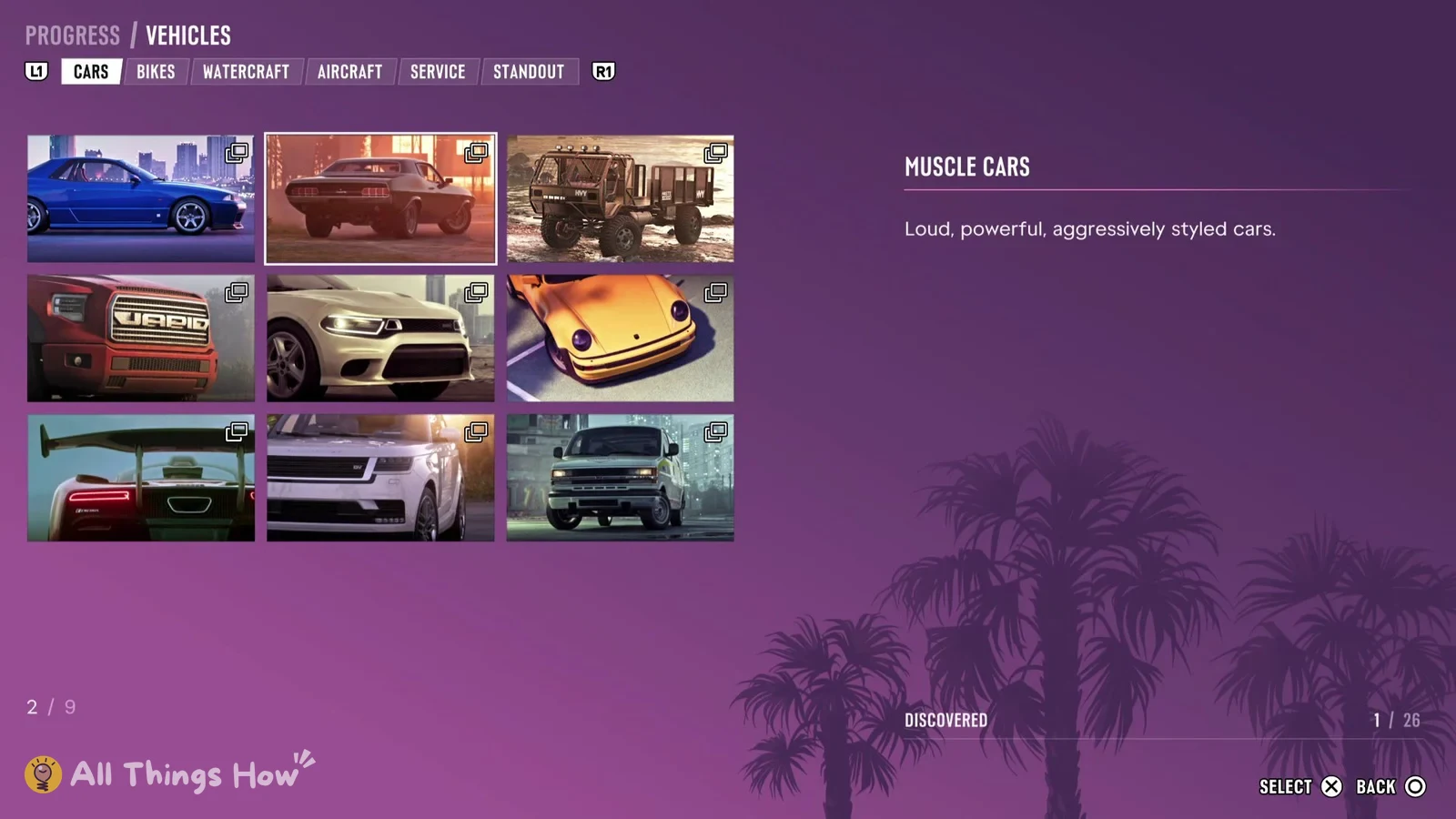
The Vehicles card has six tabs, and each vehicle class has a “DISCOVERED x / y” counter, like Muscle Cars at 1 / 26 after a few hours of play. These are the totals the tabs show early in the story:
| Tab | Classes | Total |
|---|---|---|
| CARS | 9 | 157 |
| BIKES | — | 29 |
| WATERCRAFT | — | 28 |
| AIRCRAFT | — | 16 |
| SERVICE | 6 | 47 |
| STANDOUT | 25 categories | 281 |
The 281 under STANDOUT is the same number as the Standout Vehicles Found counter on the Stats page, so both screens are tracking the same set.
Challenges (11 / 12)
Challenges are sorted into eight tabs of ten each, for 80 in total: Combat, Criminal, Exploration, Fitness, Shopping, Sports, Survival and Vehicle. Each tile gives you the challenge name, its goal and a COMPLETED box that fills in once you’ve done it. Speed Kills, for example, asks you to “Kill 3 enemies in under 30 seconds.”
Story Recap (12 / 12)
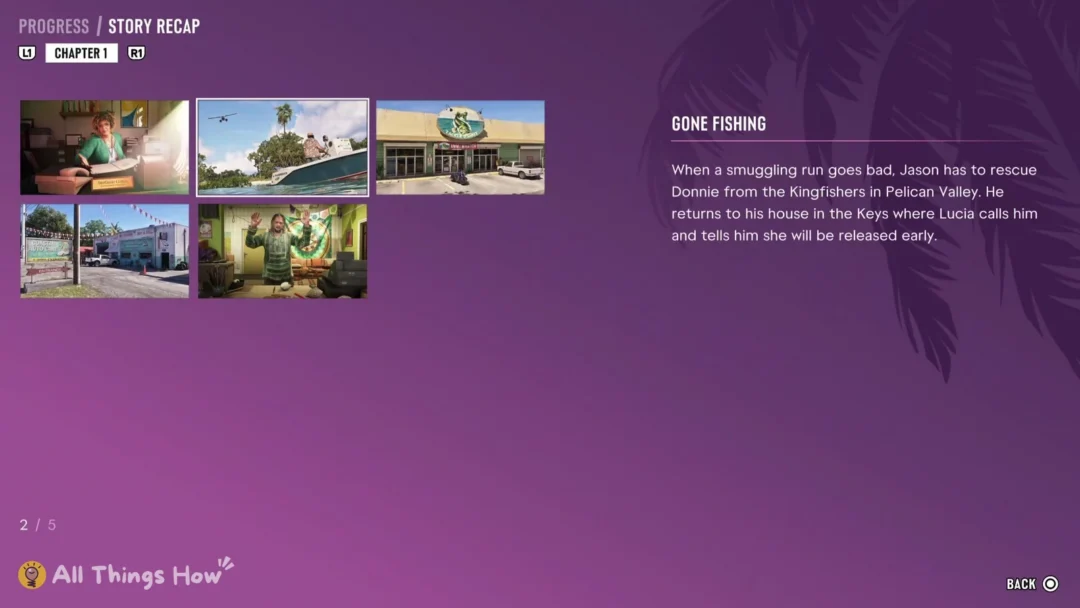
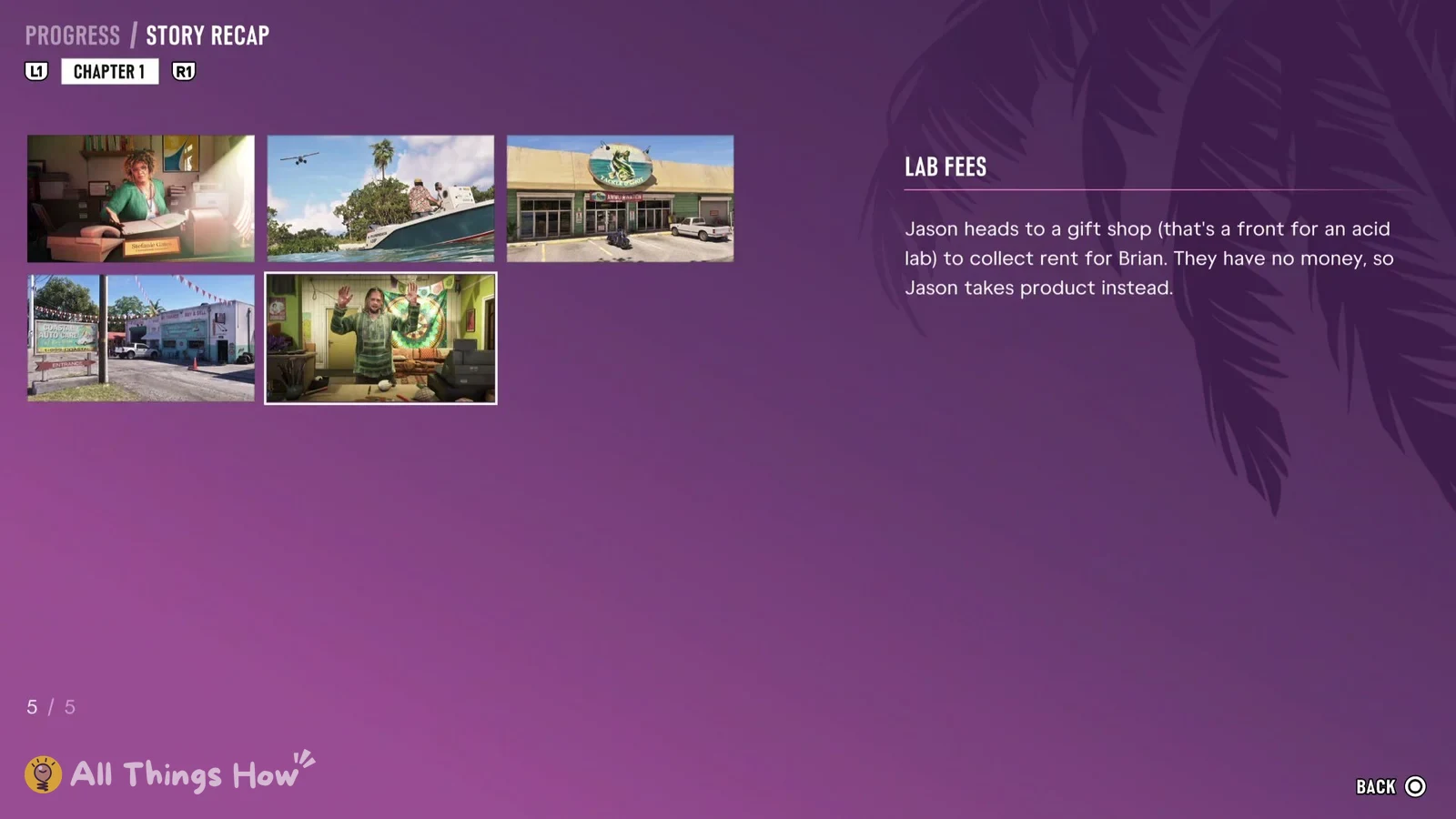
Early on there’s only a CHAPTER 1 tab, and after five missions it lists Prologue, Gone Fishing, Gear Up, Just a Scratch and Lab Fees, with the counter at 5 / 5.
GTA 6 Collections: Cards, WAiNK Locations and Exploration
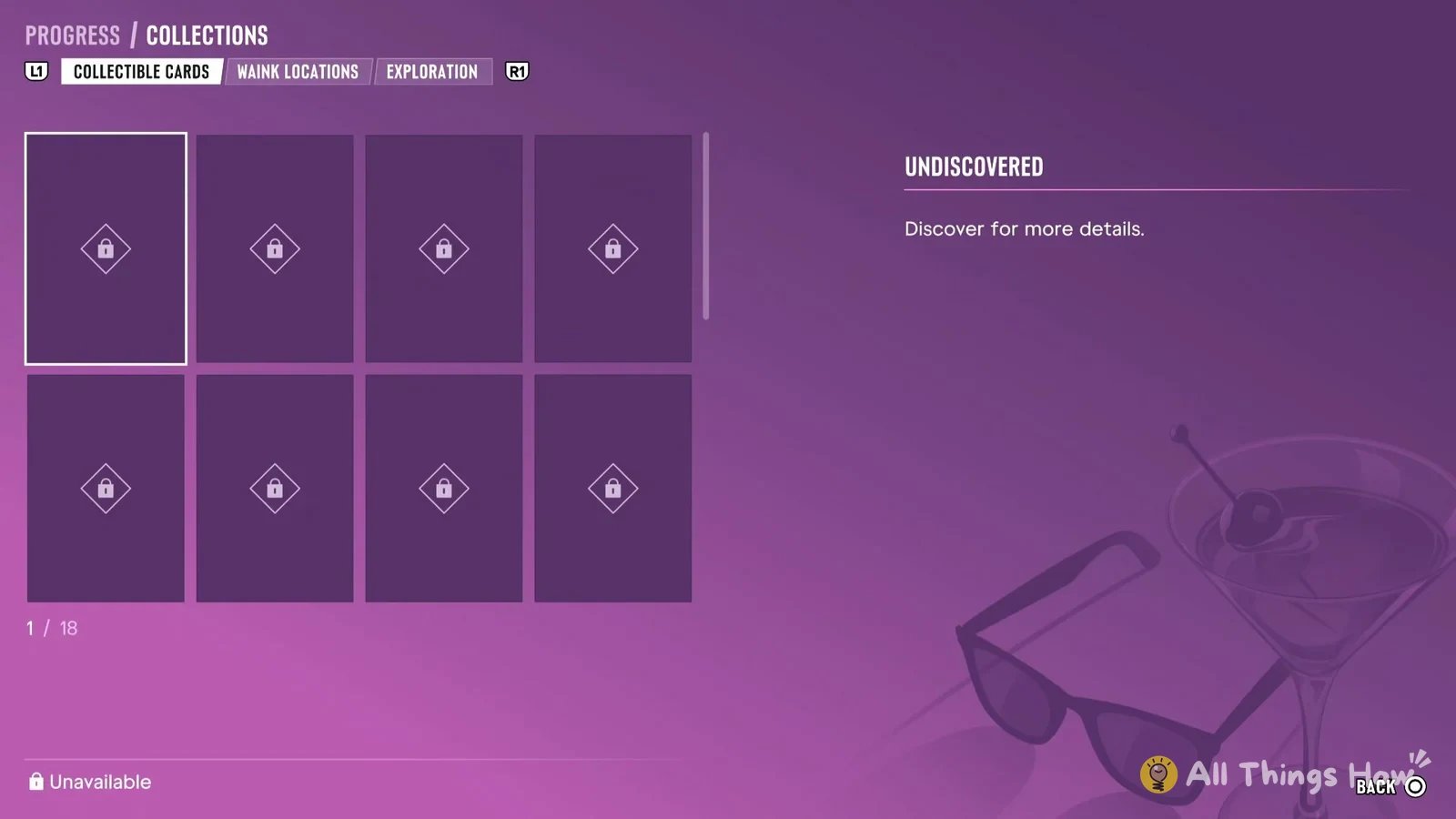
Collections is card 6 / 12, with the header PROGRESS / COLLECTIONS. Inside, three pages sit side by side, and you flip between them with L1 and R1. Here’s how each one looks early in the story:
| Page | Counter | What it shows |
|---|---|---|
| Collectible Cards | 1 / 18 | All tiles locked |
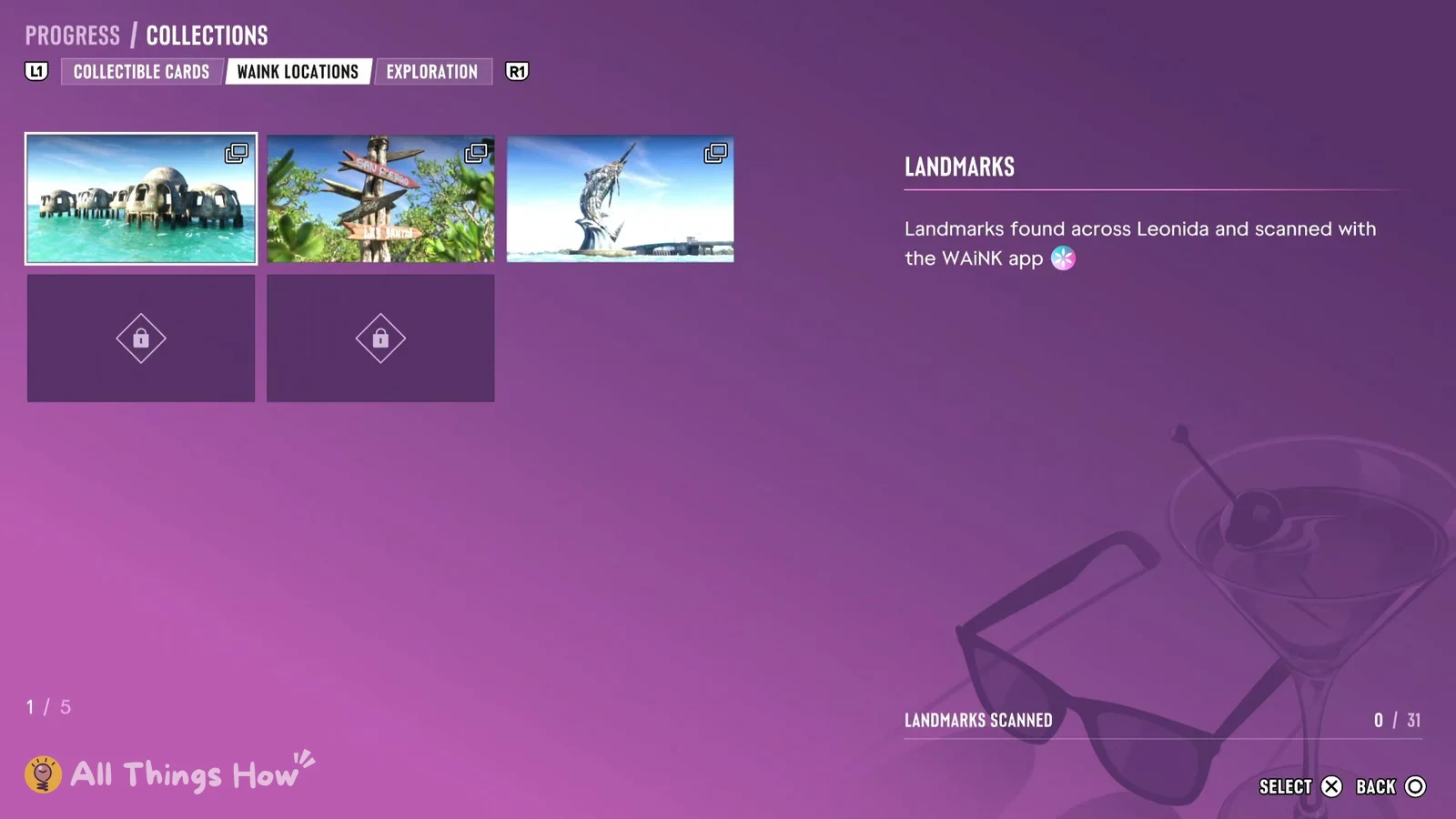
| WAiNK Locations | 1 / 5 | Three pictured, two locked |
| Exploration | 1 / 8 | All tiles locked |
Locked tiles have a padlock and no name. On the Collectible Cards and Exploration pages every tile reads “UNDISCOVERED – Discover for more details.” with its status set to “Unavailable”, and the game doesn’t tell you what a tile is until you’ve discovered it.
How WAiNK landmarks are counted
The first tile on the WAiNK Locations page is LANDMARKS, described as “Landmarks found across Leonida and scanned with the WAiNK app”. Its progress bar starts at “LANDMARKS SCANNED 0 / 31”, so there are 31 landmarks to scan in that set so far.
WAiNK is the phone’s camera app, and you open it by holding up on the D-pad. When you’re close to a scannable spot, a help box pops up saying “There’s a WAiNK scan nearby. When in range, hold [D-pad up] to open the WAiNK app and scan it.”