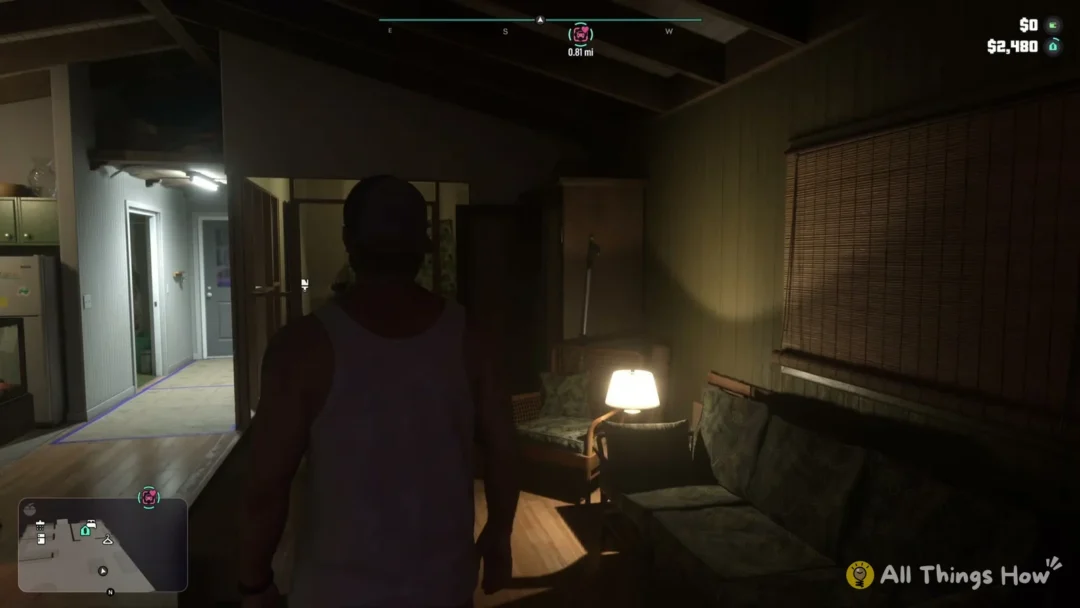
Jason’s phone in GTA 6 is a single button away on PS5, but it does two different things depending on whether you tap that button or hold it. Tapping it opens the home screen, where you can call people. Holding it skips straight to the camera.
Quick answer: Bring up the phone with a tap on D-pad up. Use Cross to open the green phone icon for Contacts, choose a person, then select Call with Cross. Hold D-pad up to launch the WAiNK camera.
How to open the phone in GTA 6
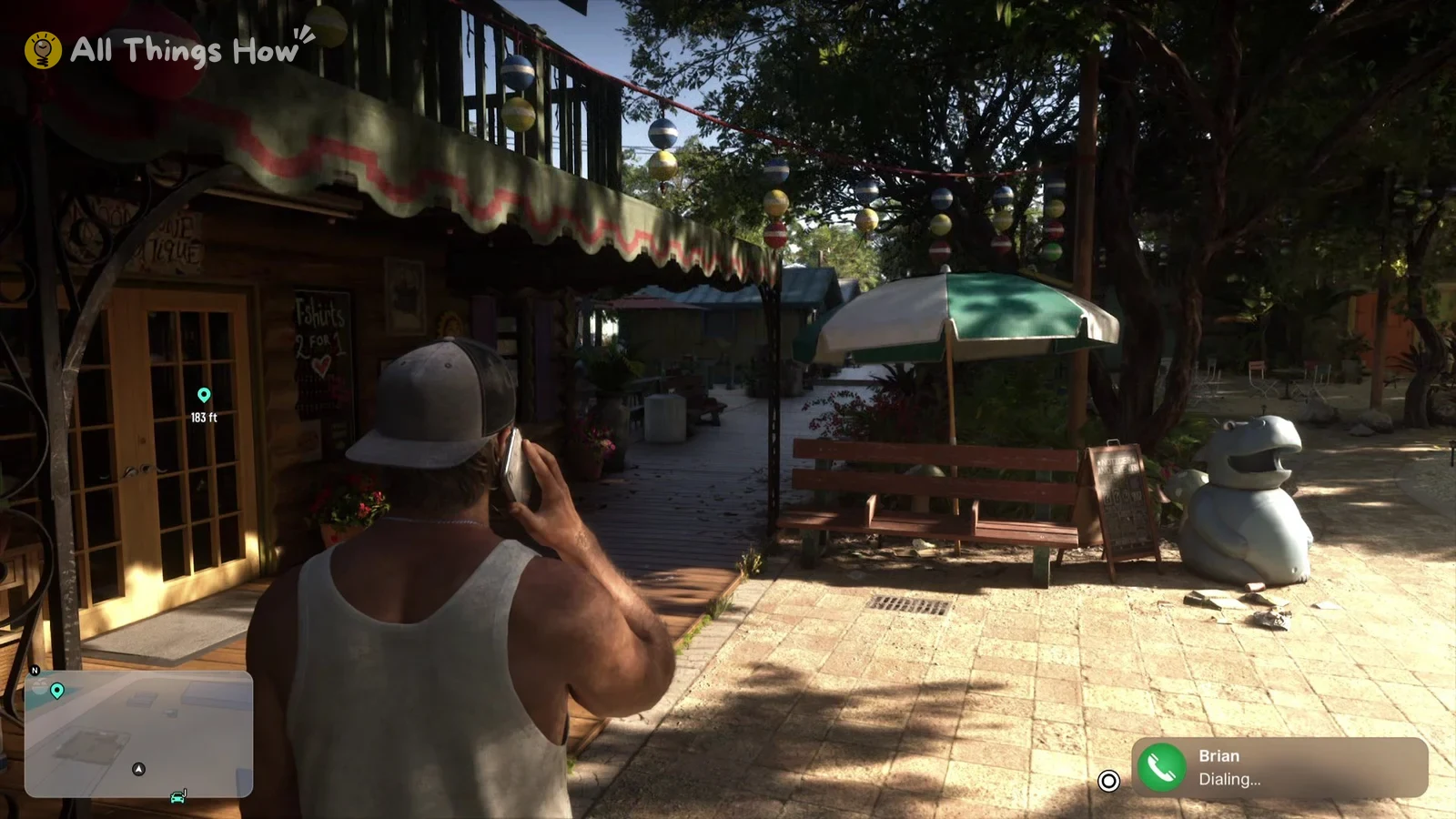
On the default PS5 controls, the phone sits on D-pad up. The game first tells you this early on in Key Lento, outside the Moonstone Boutique, when a mission asks Jason to call Brian. A prompt shows up that reads “Press [D-pad up] to use your phone”.
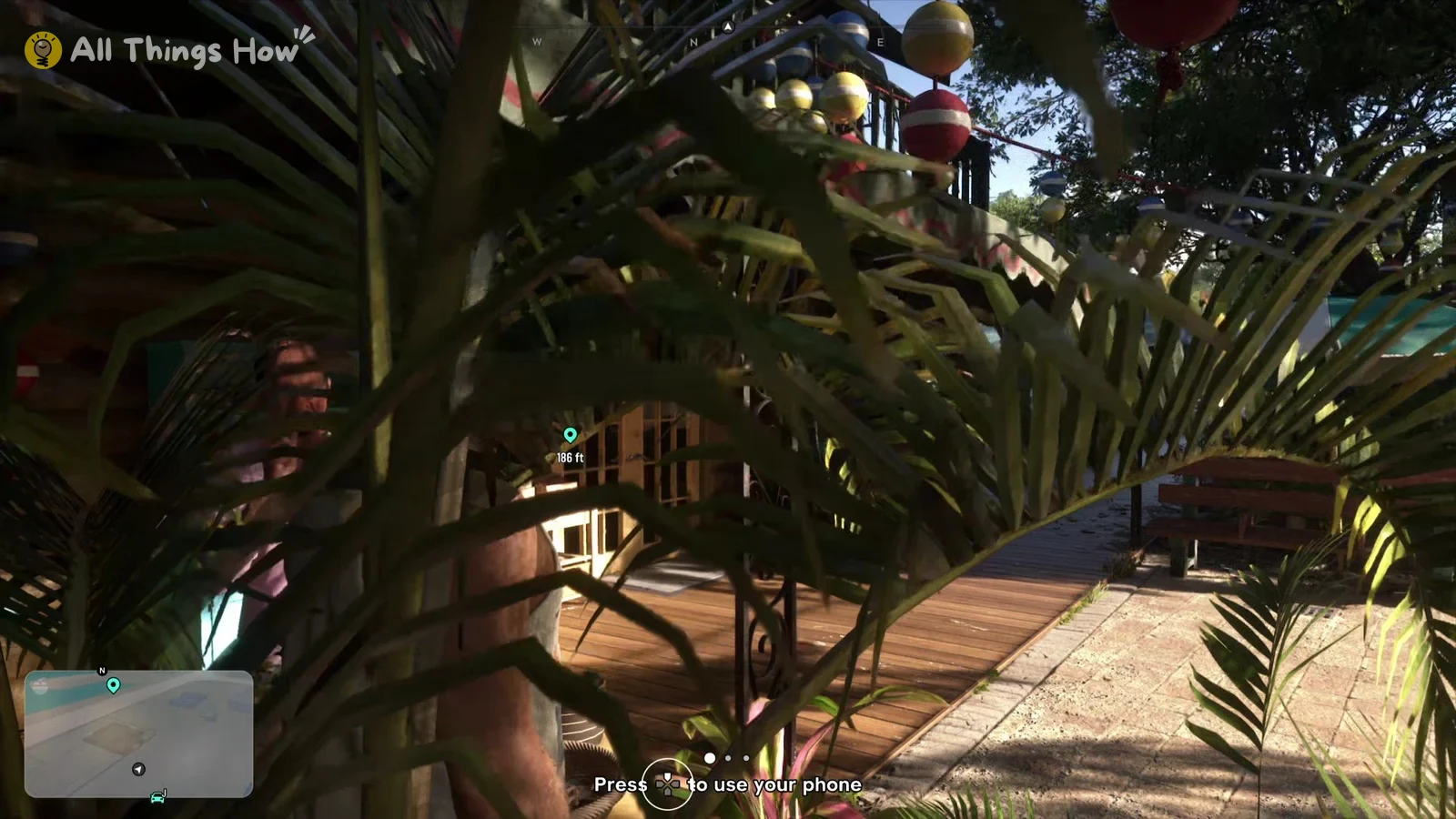
Give D-pad up a quick press and Jason raises the phone in his hand, with the view switching to first person so you’re looking right at the screen. The Settings menu’s control page for Land / Water Vehicles also lists D-pad up as “Cellphone”, so it’s the same button there.
The phone home screen
The top of the home screen shows the in-game time and the temperature, with a “Reminders” widget below that counts your notifications. Under that is a grid of ten app icons. When you move the highlight onto an icon, its name appears in a label beneath the grid, which is the easiest way to tell the apps apart.
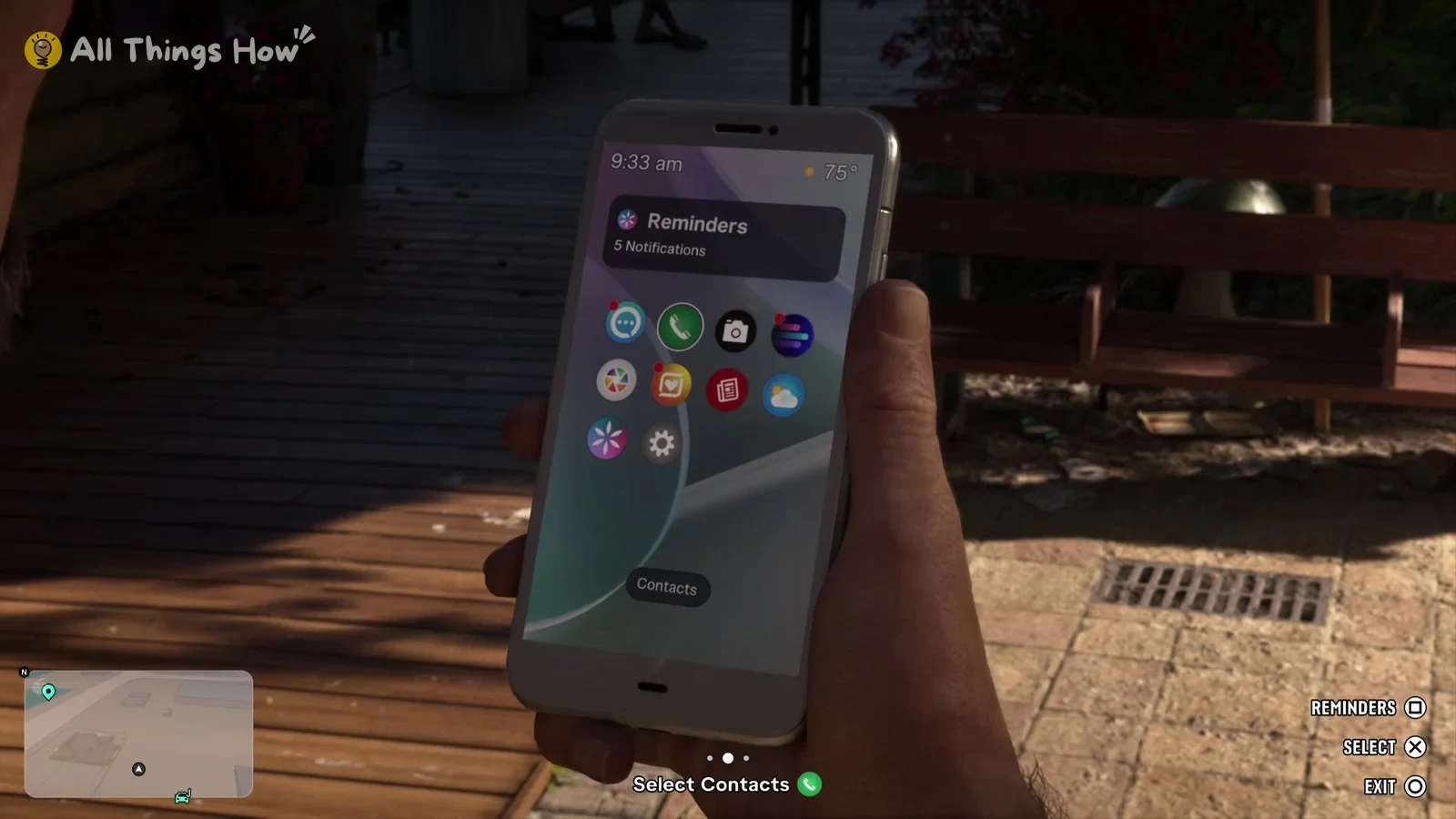
- First icon: WhatUp
- Second icon (green phone handset): Contacts
- Square: REMINDERS
- Cross: SELECT
- Circle: EXIT
The button labels sit at the bottom right of the screen. If a mission wants you to make a call, the objective line under the phone tells you what to do next, first “Select Contacts” and then “Call Brian” during the Brian mission.
How to call a contact in GTA 6
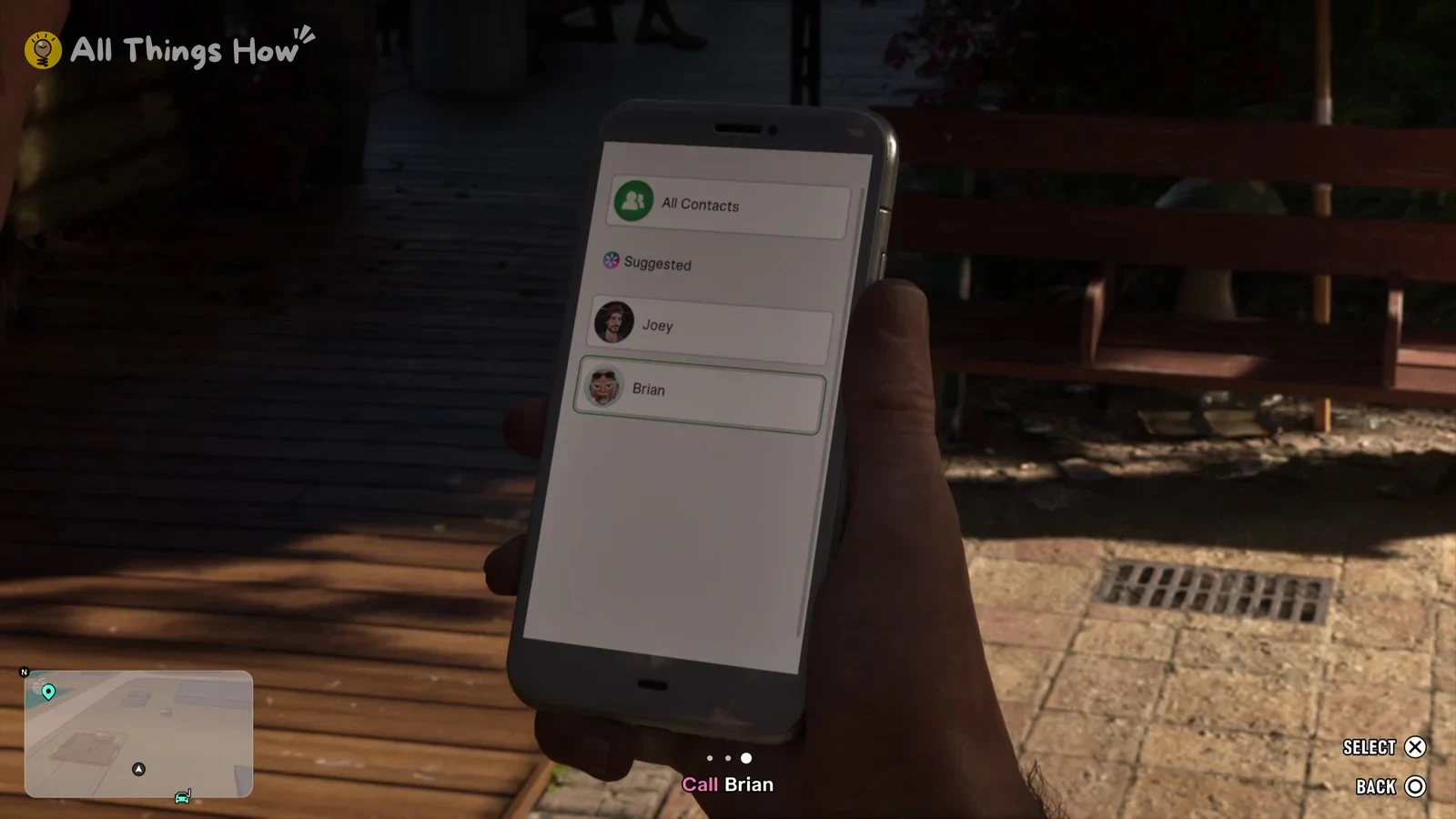
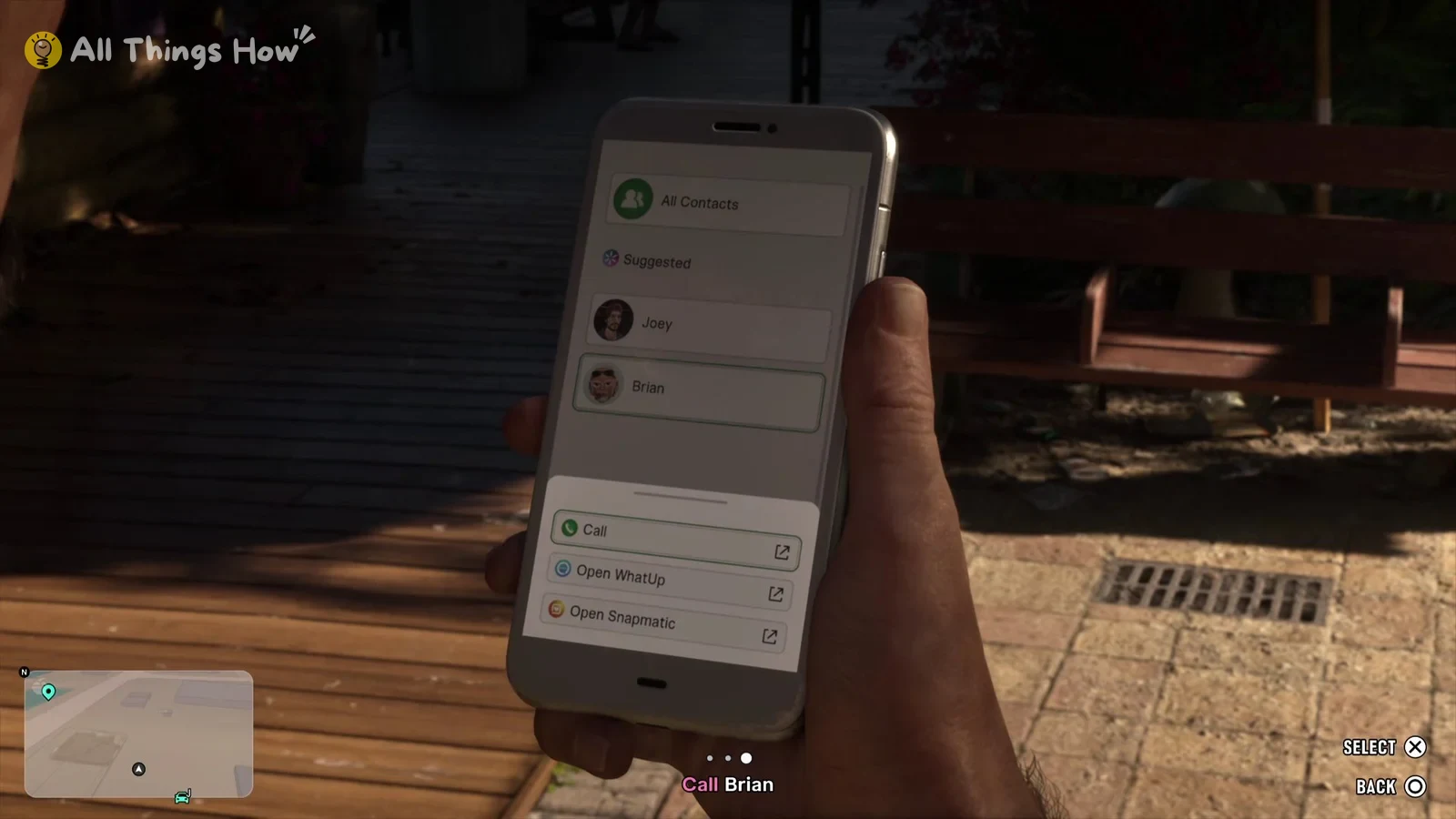
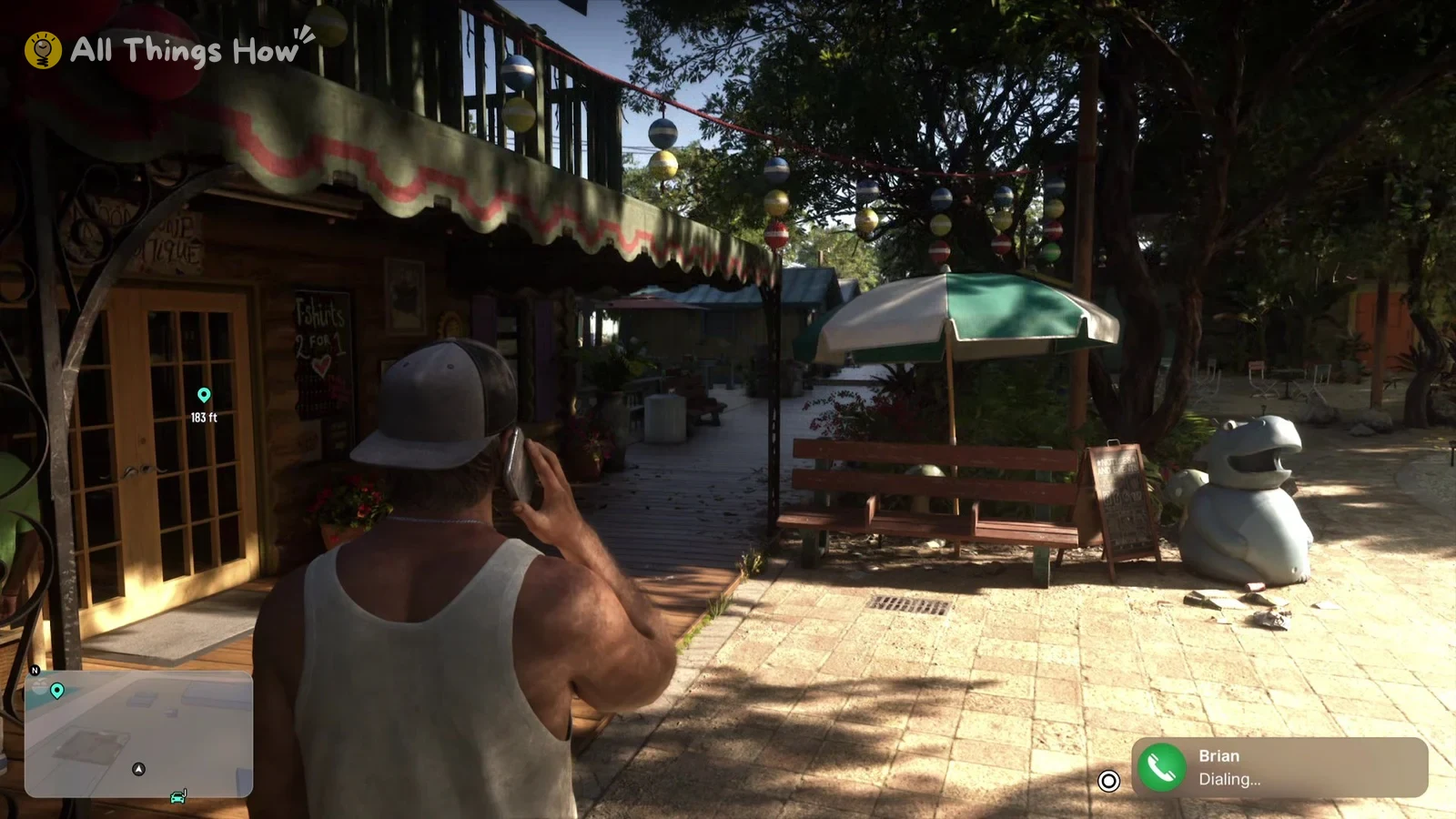
That banner tells you the call went through. You don’t need to do anything else, since the conversation plays out on its own. If you open the wrong thing, Circle works as BACK anywhere inside the phone, and as EXIT once you’re back on the home screen.
Where to find all your contacts
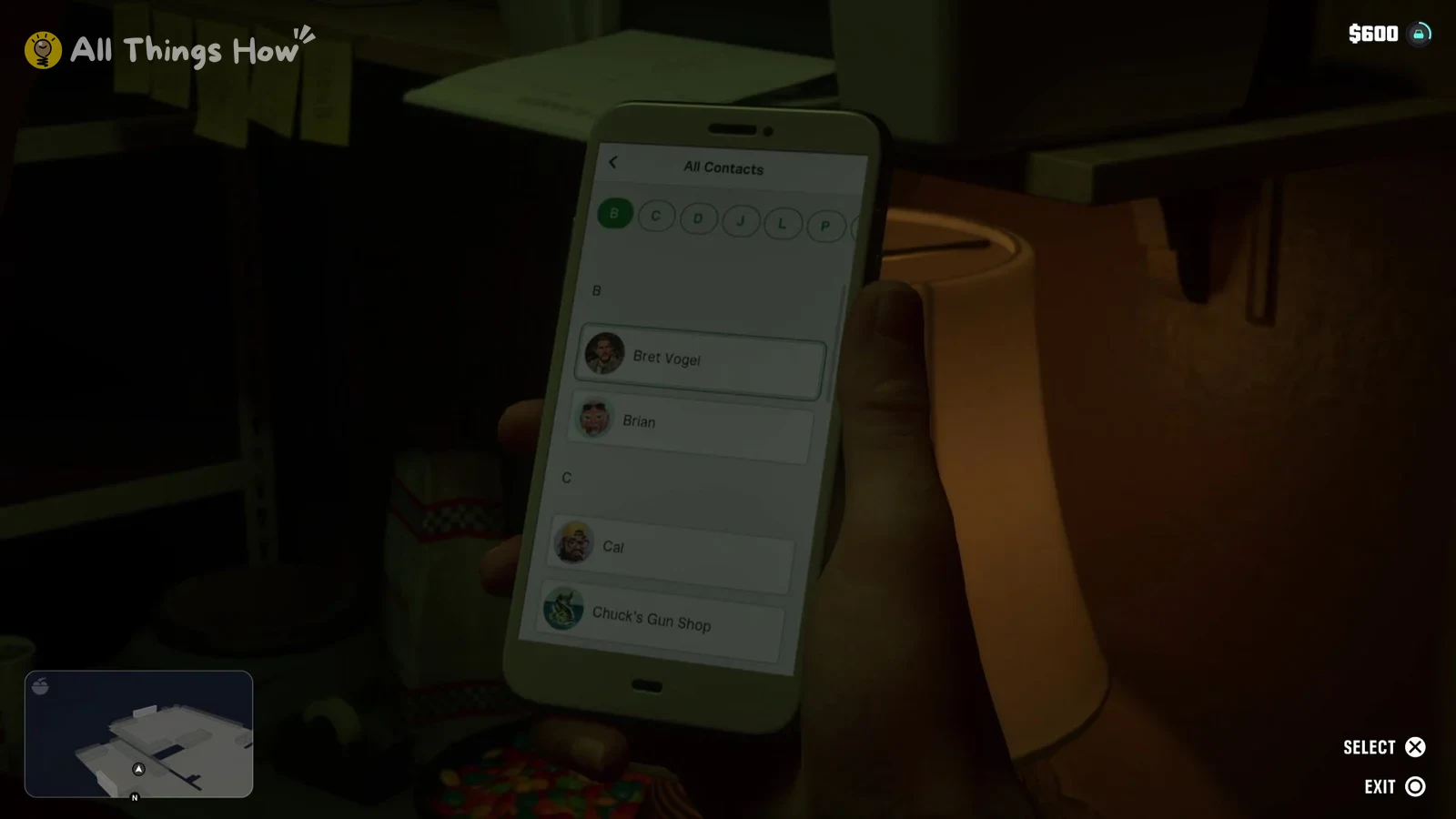
Can’t see the person you need under Suggested? Choose “All Contacts” at the top of the Contacts screen to see the full alphabetical list. Letter tabs along the top let you skip through it. Early in the story, the tabs are B, C, D, J, L and P; the list opens with Bret Vogel, Brian, Cal and Chuck’s Gun Shop. Joey is listed under Suggested.
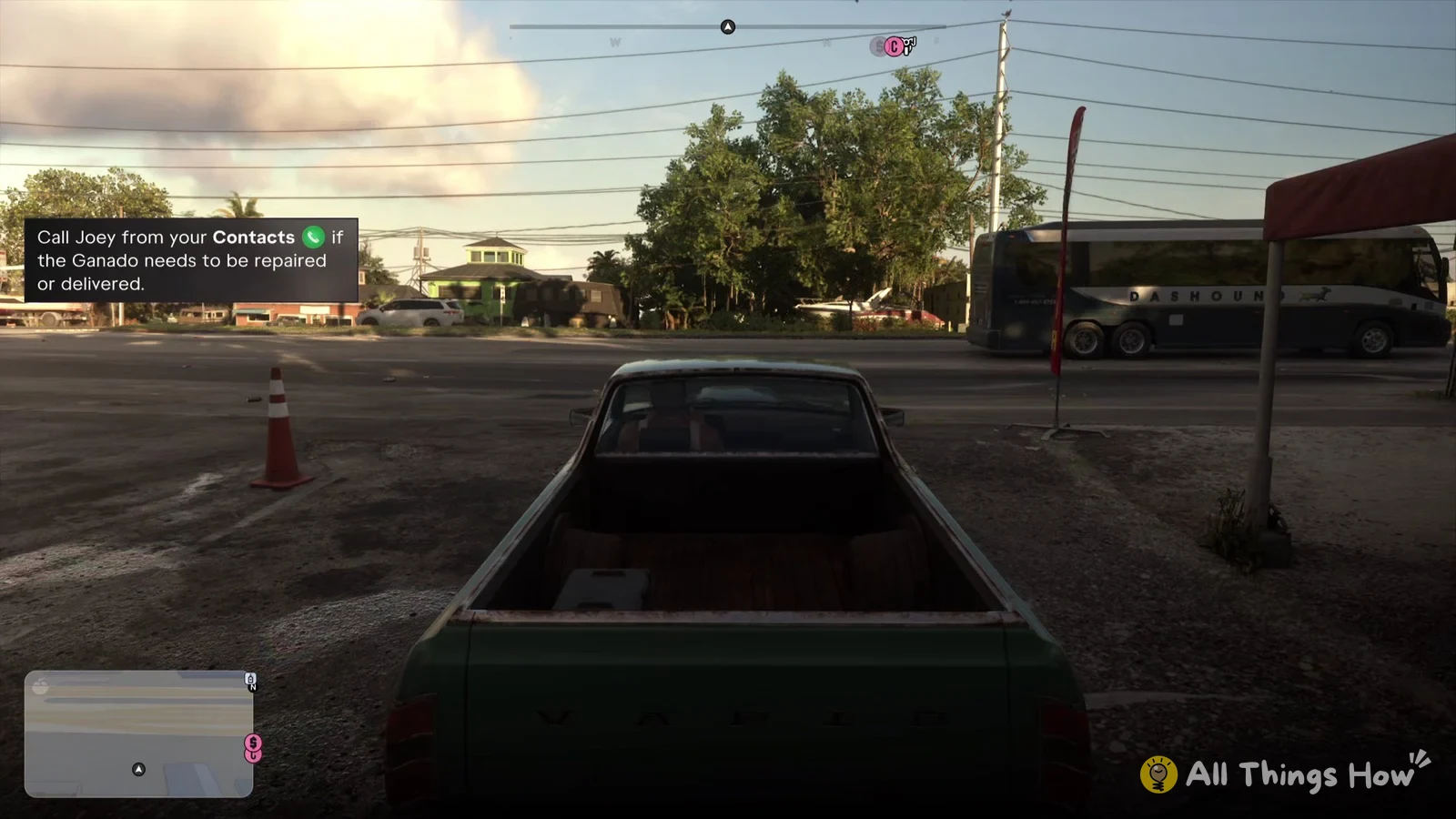
Call Joey to repair or deliver the Ganado
Once you finish the mission “Just a Scratch” at Coastal Auto Care, the game gives you a reason to keep Joey’s number handy. A help box pops up with this tip:
“Call Joey from your Contacts if the Ganado needs to be repaired or delivered.”
You reach him the same way as anyone else. Tap D-pad up, open Contacts, pick Joey and press Cross on Call.
Tap vs. hold: the WAiNK camera
“WAINK IT (R1)” appears at the bottom right, and Circle is marked BACK for putting the camera away.
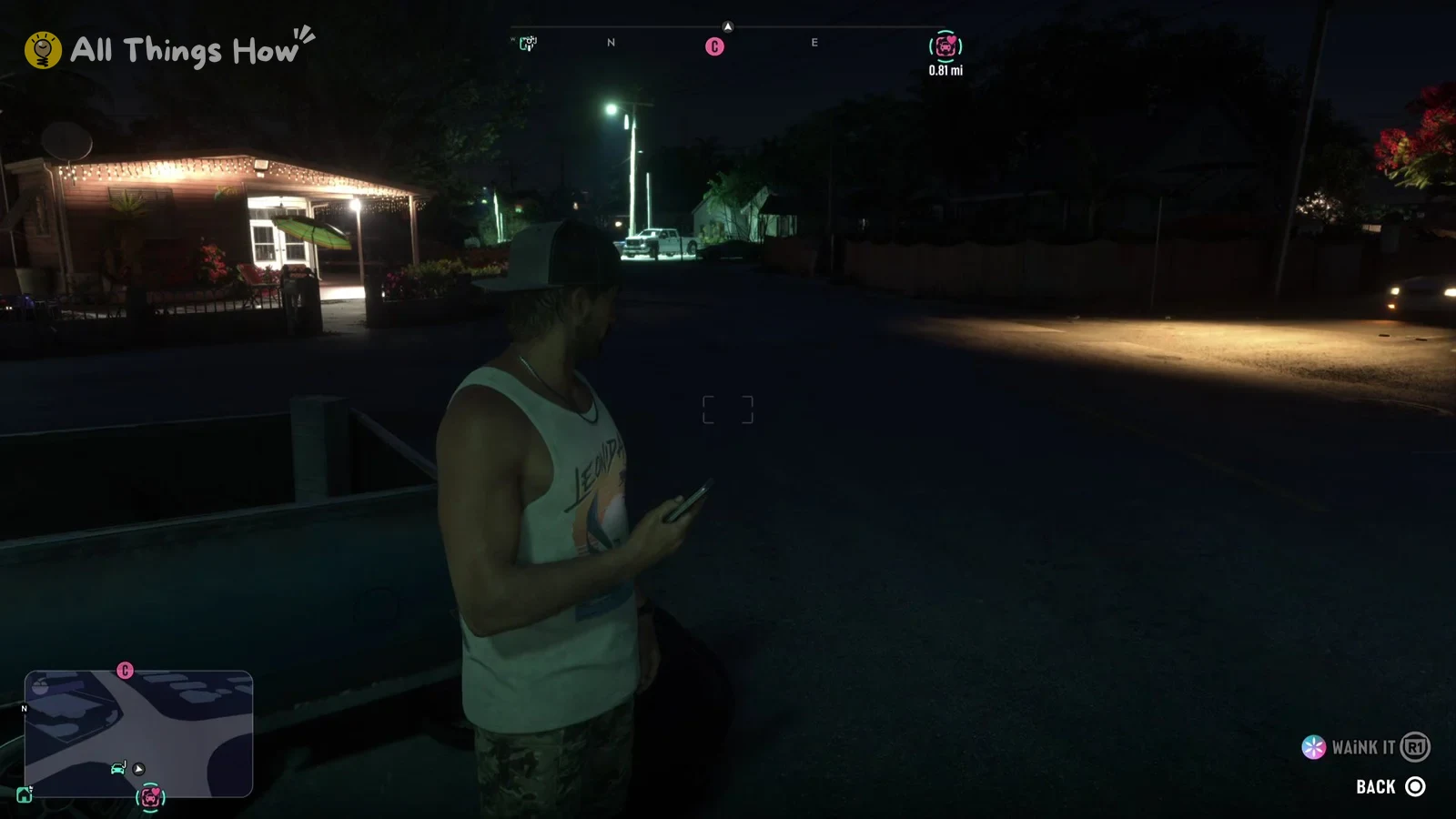
The game ties this to WAiNK scans out in the world. When one is close by, a help box reads “There’s a WAiNK scan nearby. When in range, hold [D-pad up] to open the WAiNK app and scan it.”