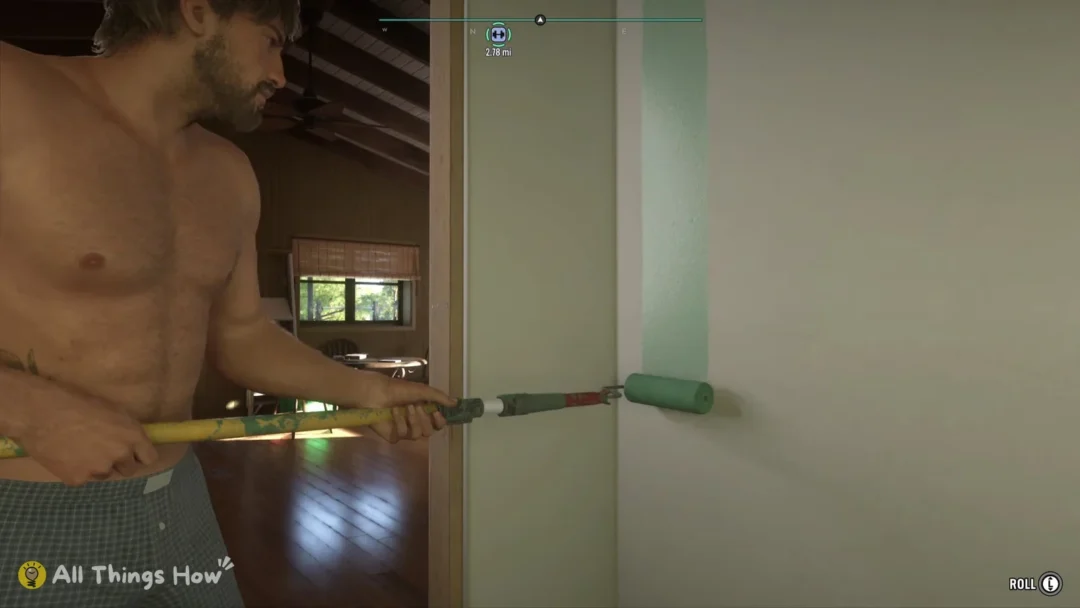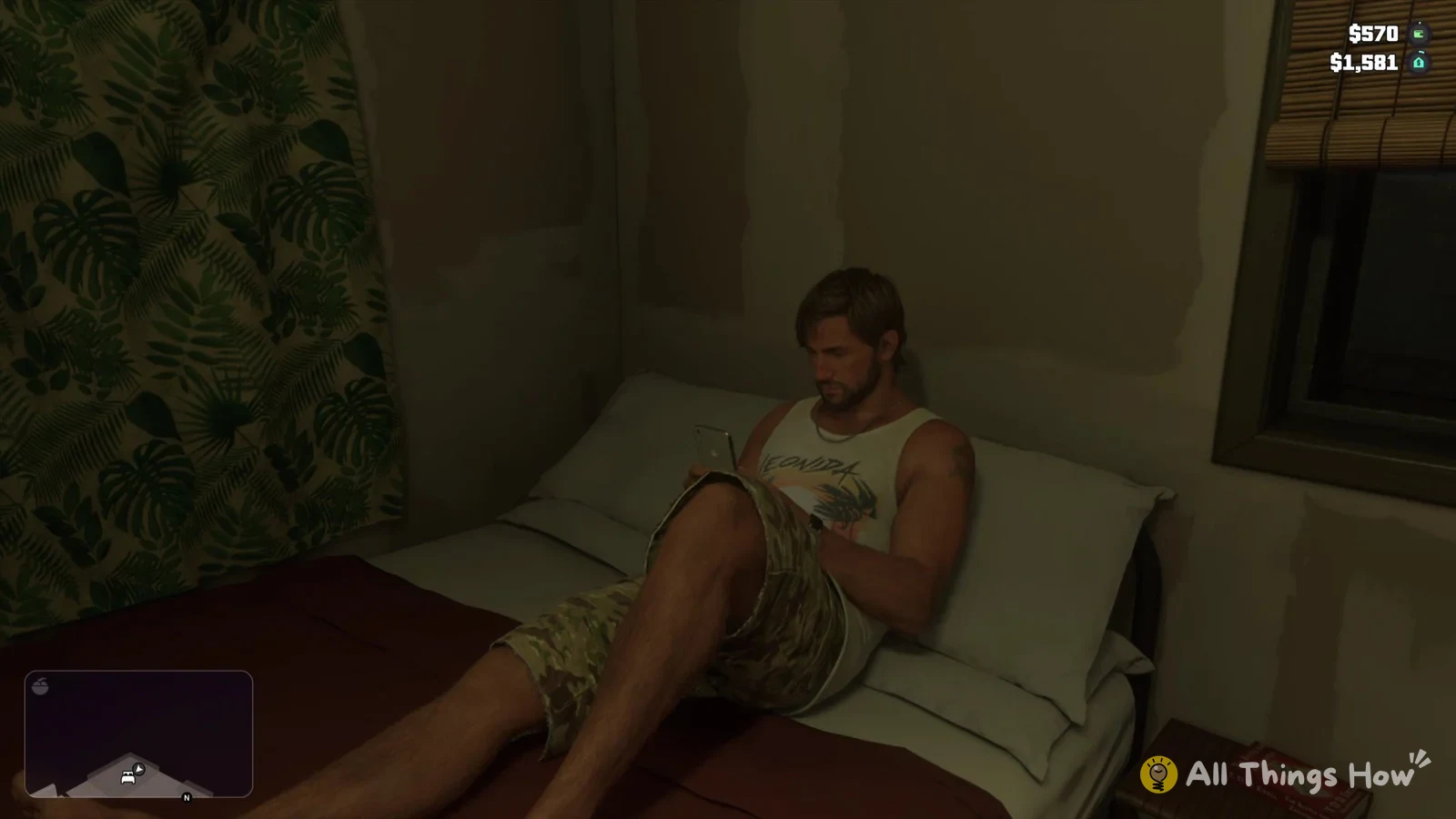
GTA 6 lets you skip ahead in time by going to bed. You don’t need a menu or an item to do it. You walk up to the bed in Jason’s house in the Keys and pick when you want him to wake up. The game spells it out with a tip at the house: “In the bedroom, you can sleep to rest up and advance time. You can also access your hidden stash of cash.” The button names below use the default PS5 controls.
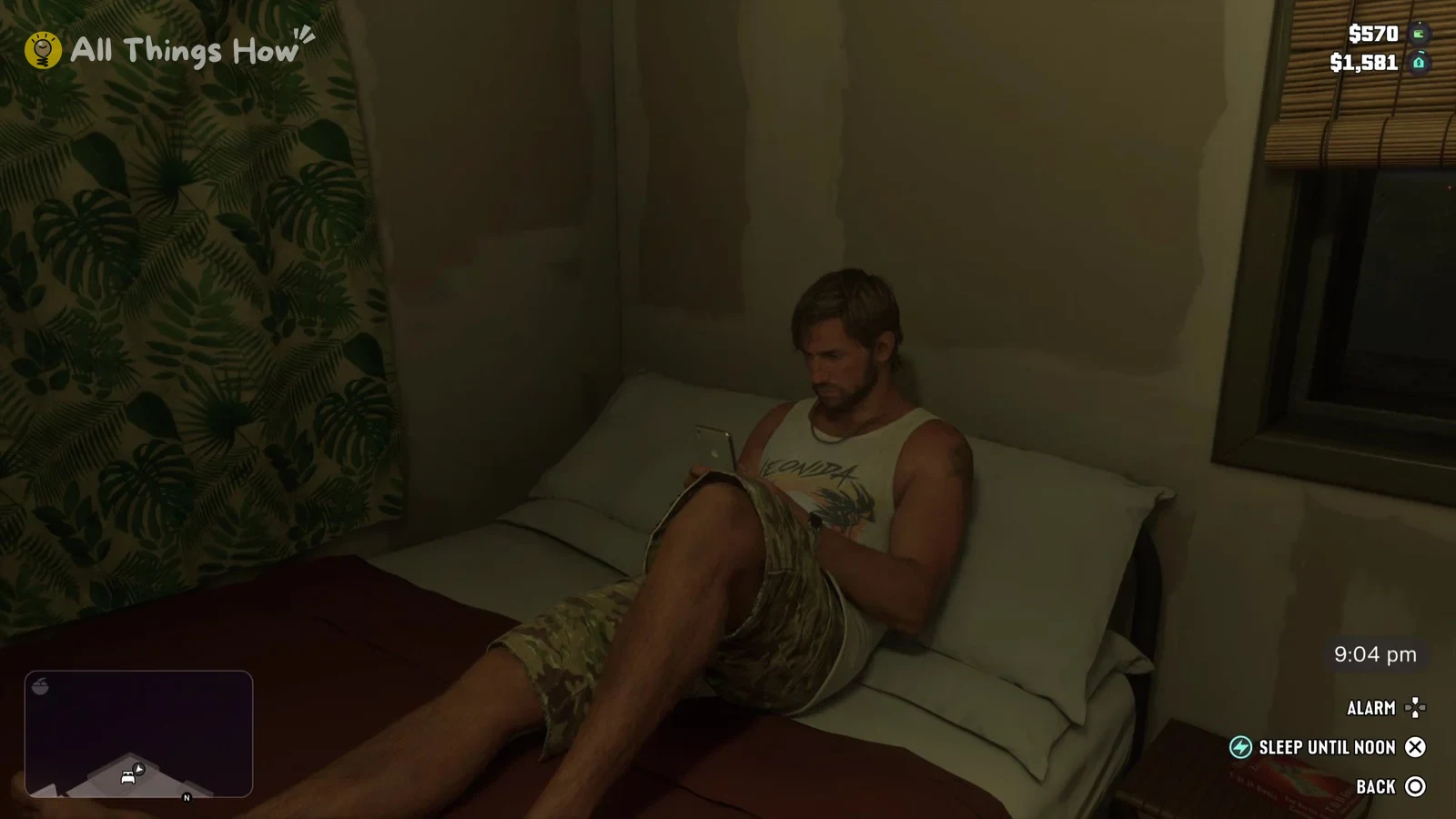
Quick answer: At Jason’s bed, hold Triangle on “REST”, press Square for “SLEEP”, use the D-pad to choose “SLEEP UNTIL MORNING” or “SLEEP UNTIL NOON”, then press Cross.
Where to sleep in GTA 6: Jason’s bed
Go into the bedroom at Jason’s house in the Keys and approach the bed. Once you’re near it, look for the Triangle prompt marked “REST” beside a bed and a lightning-bolt icon. Select that prompt.
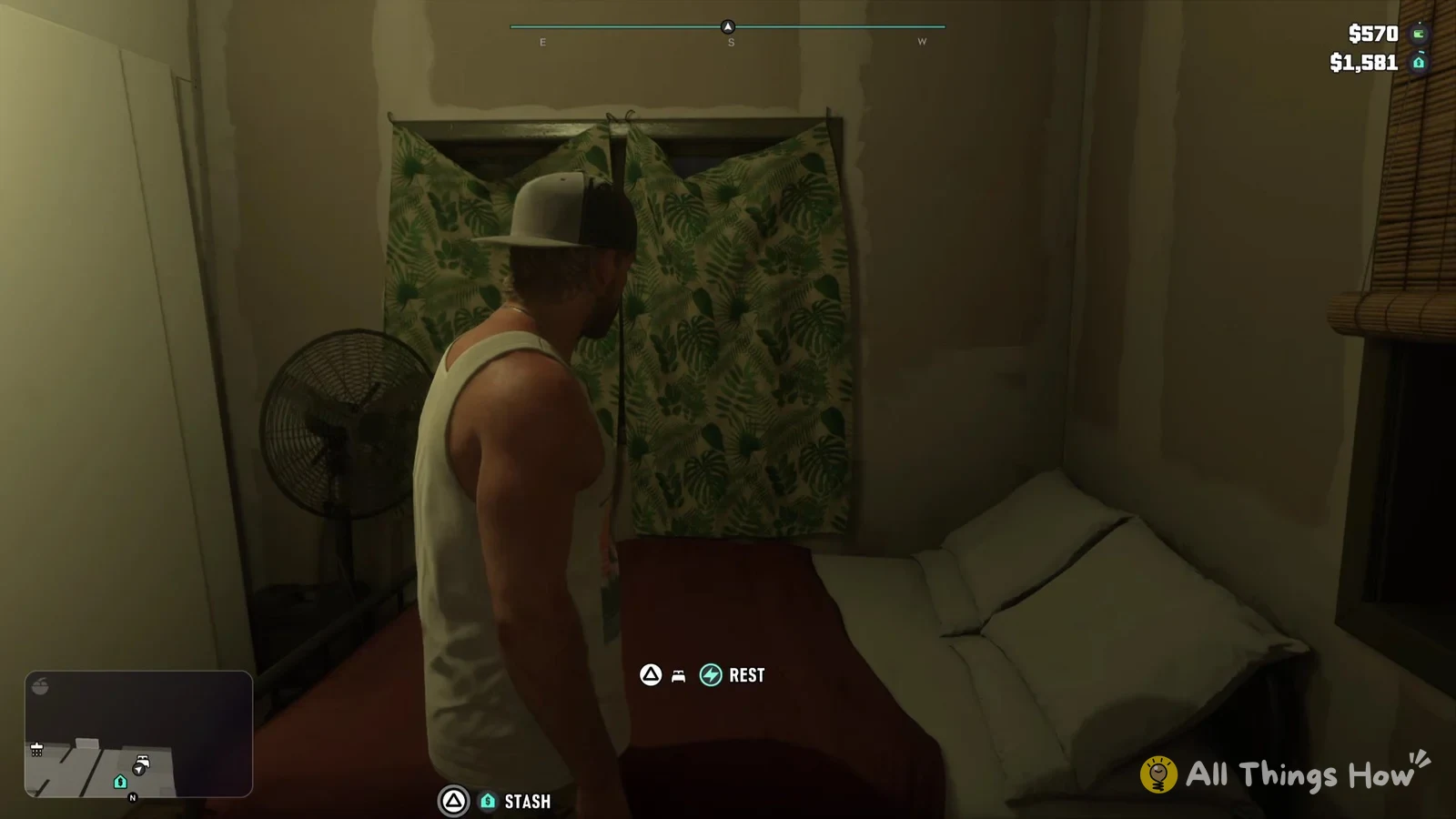
There’s a second Triangle prompt in the same room. “STASH” shows up near the foot of the bed and opens the cash stash hidden in the floor. Since both prompts use Triangle and sit close together, it’s easy to end up looking at the wrong one, so check that the prompt on screen says “REST” before you press anything.
How to sleep in GTA 6 and set the alarm
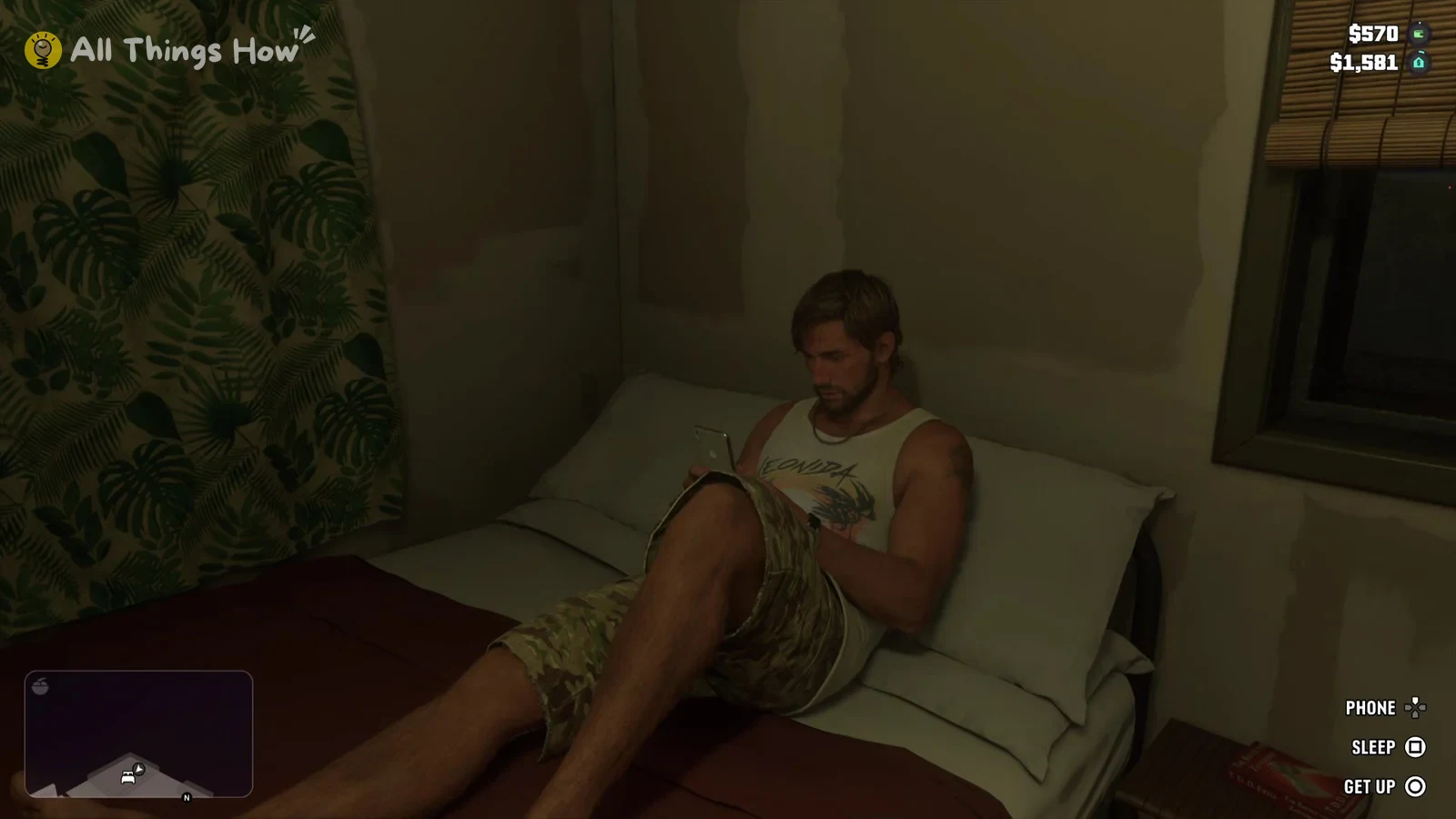
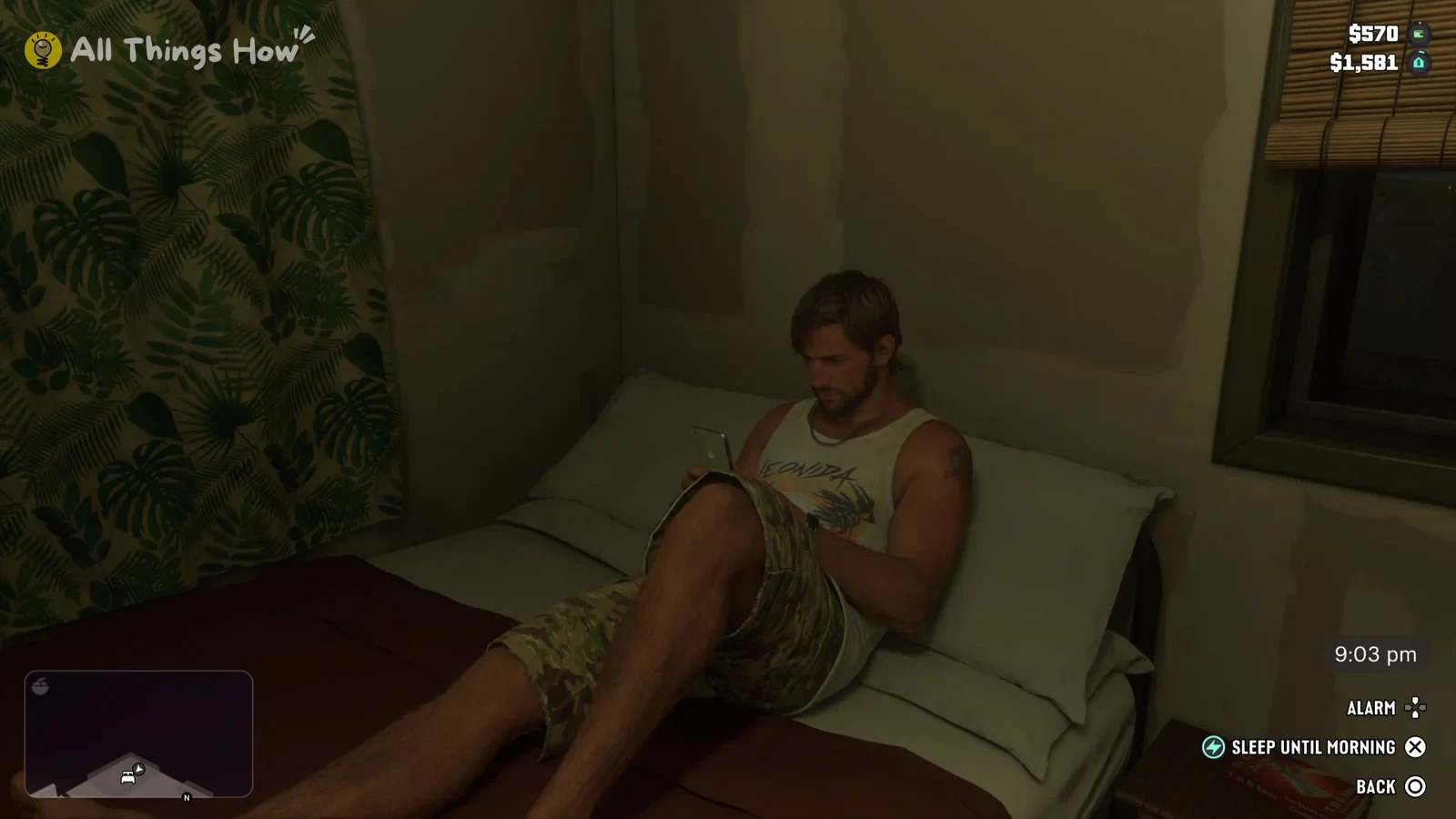
If you change your mind at the alarm screen, Circle (“BACK”) takes you out of it, and “GET UP” on Circle gets Jason off the bed from the screen before that.
Sleep until morning or noon: the two alarm settings
- “SLEEP UNTIL MORNING” wakes Jason up in the morning.
- “SLEEP UNTIL NOON” lets him sleep later, until noon.
What happens when Jason wakes up
You’ll know it worked when the bed scene ends and Jason is standing back in the bedroom. A notification can also pop up at the bottom right of the screen on waking that reads “Strength Workout – You lost a level”. Strength Workout is one of the levels tracked in the Fitness app, so if Jason’s level there was at 3 of 4 before bed, it’s worth opening the app afterward to check where it sits now.
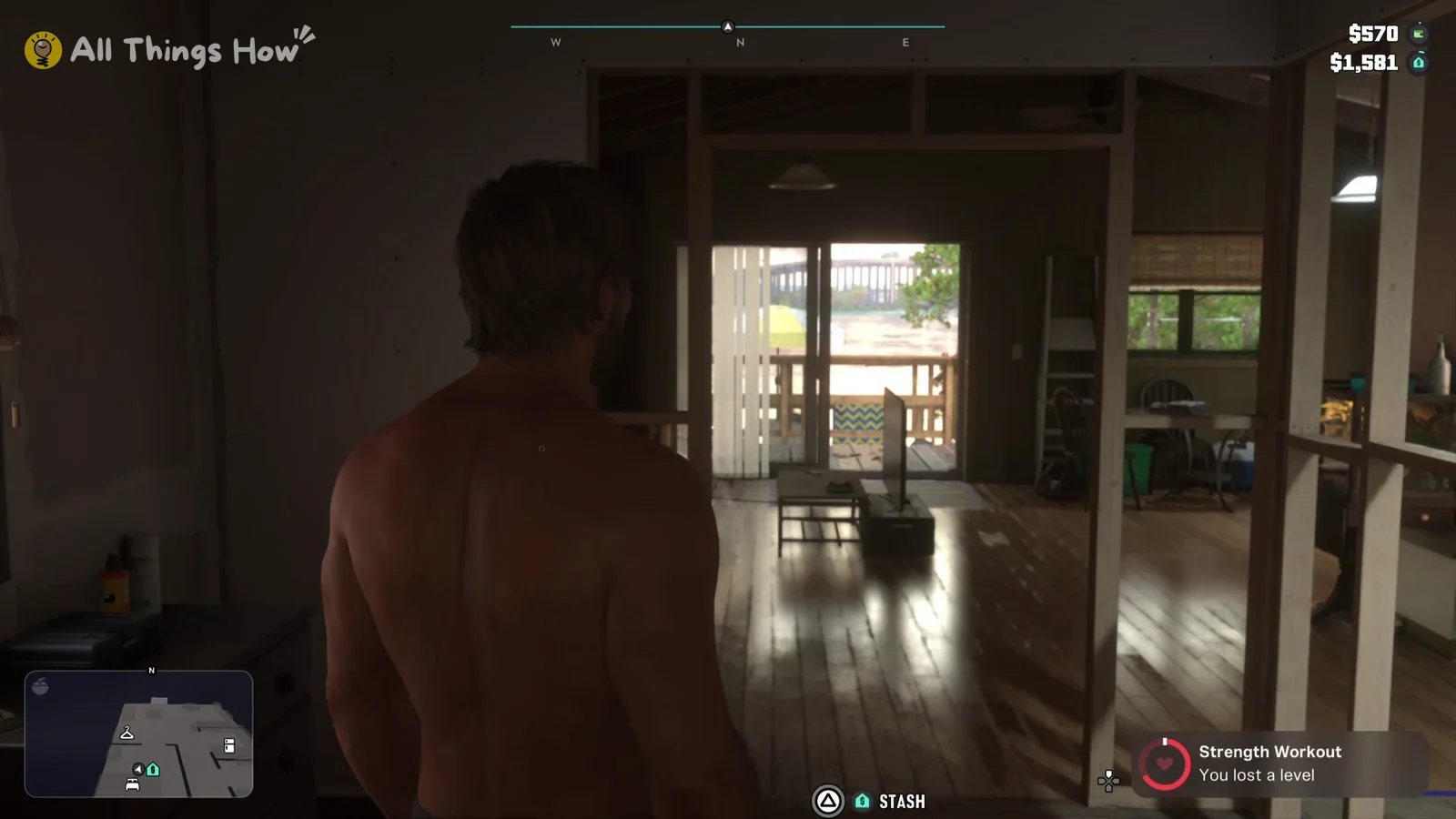
Sleeping doesn’t cost anything. The cash Jason is carrying and the amount in the floor stash are the same after he wakes up as they were before he went to bed.