Focus in GTA 6 is the bar with the eye icon on your HUD. You turn it on by pressing L3 and R3 together. It has its own level out of 4, which you can find in the phone’s Fitness app. Food, drinks, showers and sleep can refill the bar or stretch it for a while.
Quick answer: Play concentration activities (shooting ranges, golf putting, pool, catching fish, basketball, meditation) and use takedowns that match your criminal profile. Focus will level up permanently over time.
Activities that permanently level up Focus in GTA 6
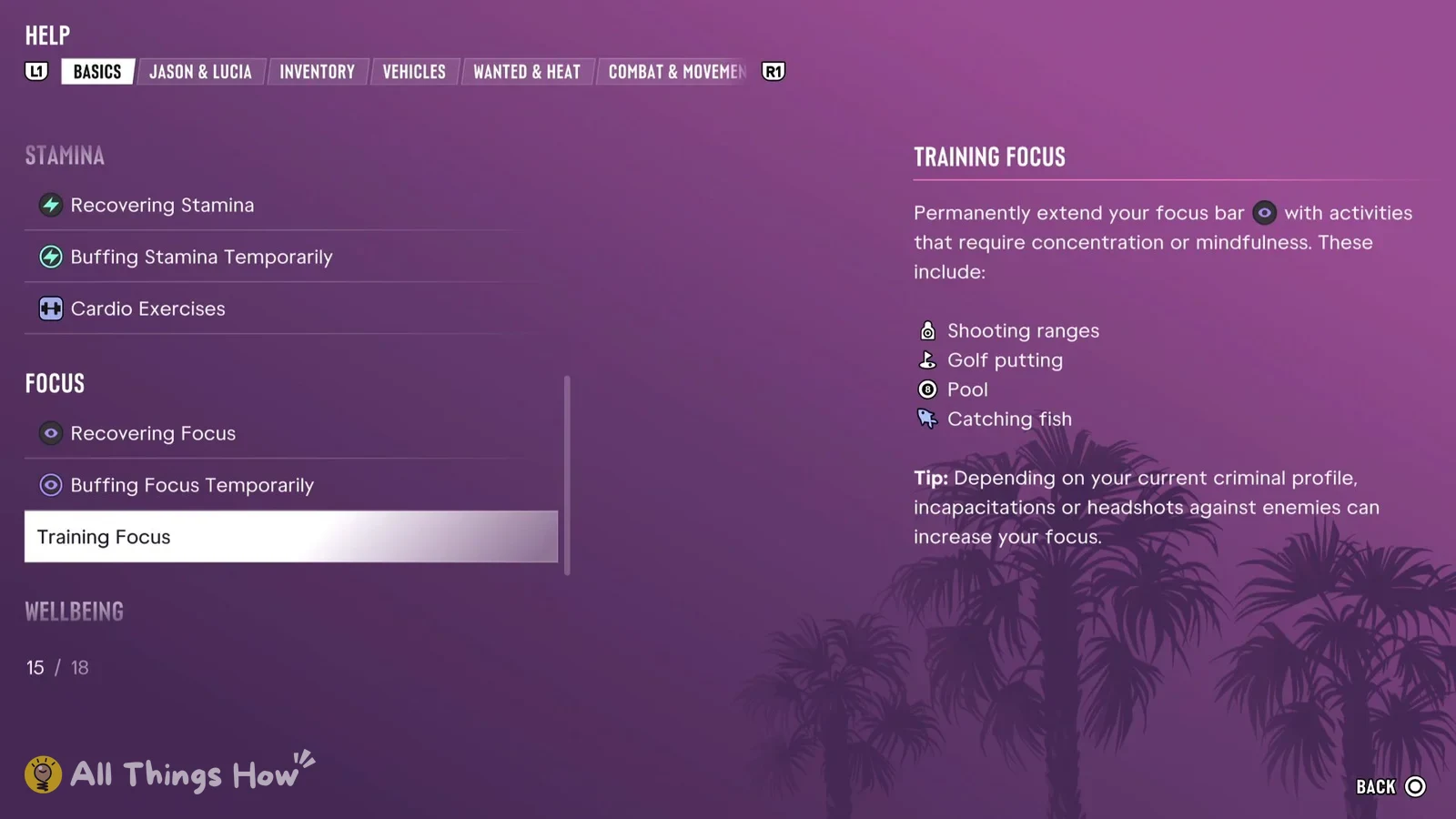
Open Pause > Help and go to the Focus group on the BASICS tab to find the “Training Focus” page. It says to “Permanently extend your focus bar [eye icon] with activities that require concentration or mindfulness.” Four activities appear below, each with an icon: “Shooting ranges”, “Golf putting”, “Pool” and “Catching fish”.
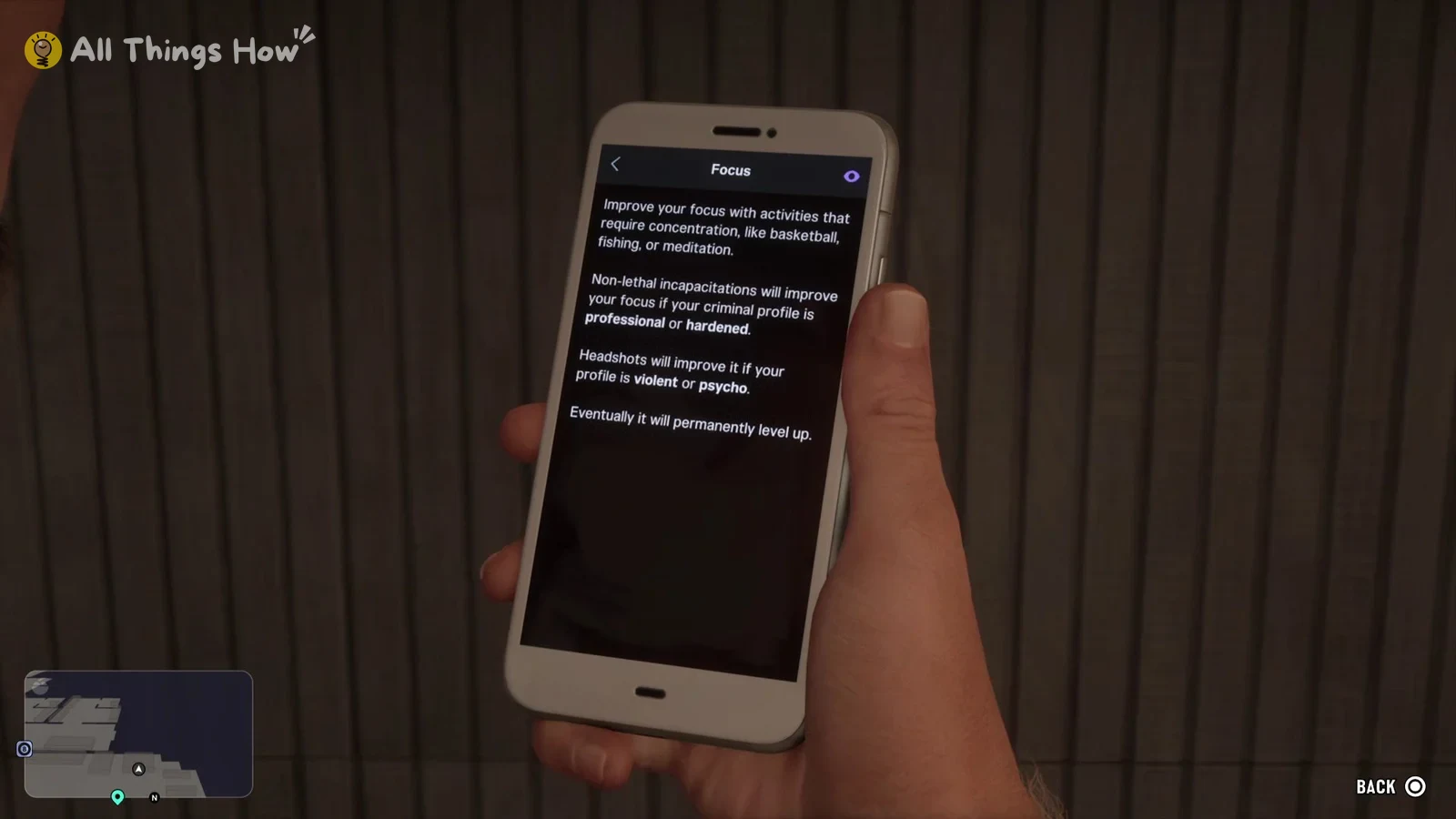
The second is the Focus card in the phone’s Fitness app. It lists a slightly different set: “Improve your focus with activities that require concentration, like basketball, fishing, or meditation.” Fishing shows up on both lists. Basketball and meditation only appear on the Fitness app card. Here’s every activity together, with where the game mentions it:
| Activity | Named by |
|---|---|
| Shooting ranges | Help page |
| Golf putting | Help page |
| Pool | Help page |
| Catching fish | Help page (Fitness app says “fishing”) |
| Basketball | Fitness app |
| Meditation | Fitness app |
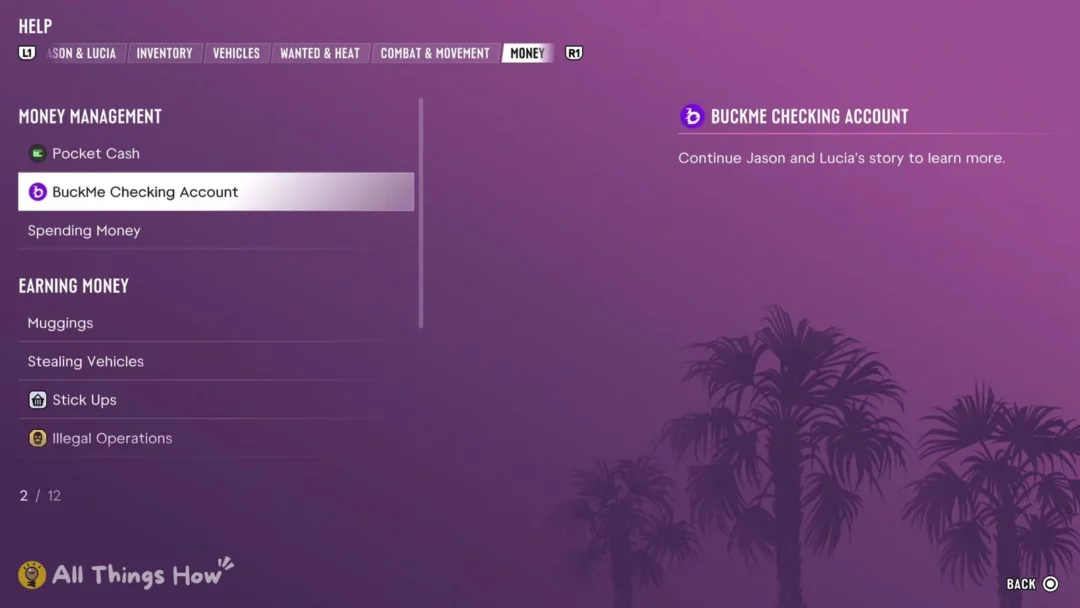
Two related Help pages stay locked early in the story. “Meditation” on the EXPLORATION tab and “Combat Focus” on the COMBAT & MOVEMENT tab both only say “Continue Jason and Lucia’s story to learn more.” until you get further into the game.
The Fitness app card says the progress adds up: “Eventually it will permanently level up.” The game describes the reward for a higher level as a longer focus bar.
Focus from takedowns depends on your criminal profile
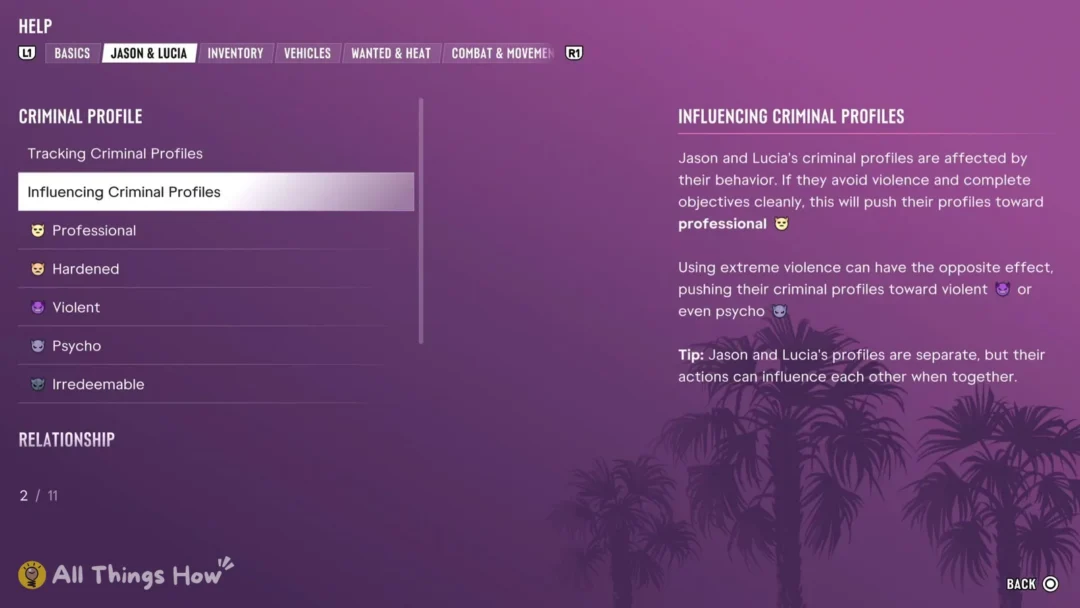
Combat counts toward Focus too, but only the kind of takedown that fits how you’ve been playing. The Help page puts it briefly: “Tip: Depending on your current criminal profile, incapacitations or headshots against enemies can increase your focus.” The Fitness app card is more specific. It says “Non-lethal incapacitations will improve your focus if your criminal profile is professional or hardened.” and “Headshots will improve it if your profile is violent or psycho.”
| Criminal profile | What raises Focus |
|---|---|
| Professional | Non-lethal incapacitations |
| Hardened | Non-lethal incapacitations |
| Violent | Headshots |
| Psycho | Headshots |
So if your profile reads professional or hardened, knock enemies out instead of killing them. If it reads violent or psycho, aim for the head.
Where to check your Focus level and bar
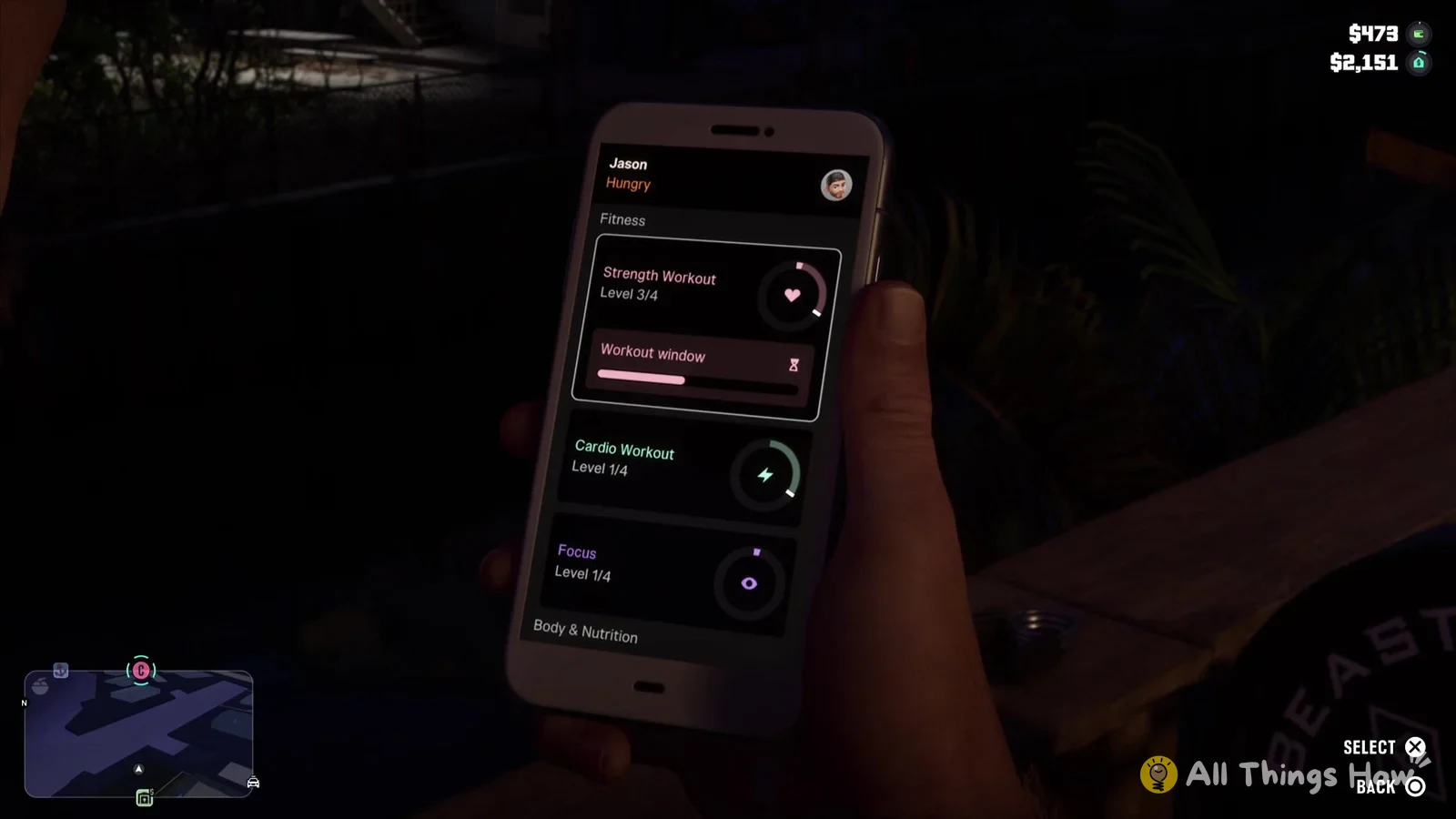
Open the Fitness app on your phone. Its main page has three rows: Strength Workout, Cardio Workout and Focus. Each one has a level out of 4, shown as something like “Level 1/4”. When that Focus number goes up, the permanent level-up has happened. Tap the Focus row to see the card that explains how to train it.
To see the bar itself during play, press down on the d-pad. The “Using the HUD” Help page says “View the HUD and current objective at any time by pressing [d-pad down]” and that “The HUD will display other important info, like health stamina focus and more.”
How the Focus bar drains and refills
Only combat focus uses up the bar. The “Recovering Focus” Help page says “Your focus bar drains when you use combat focus. It will recover fully over time.” If you don’t want to wait, it adds “Recover focus faster or extend it by consuming certain drinks, like coffee or tea.”
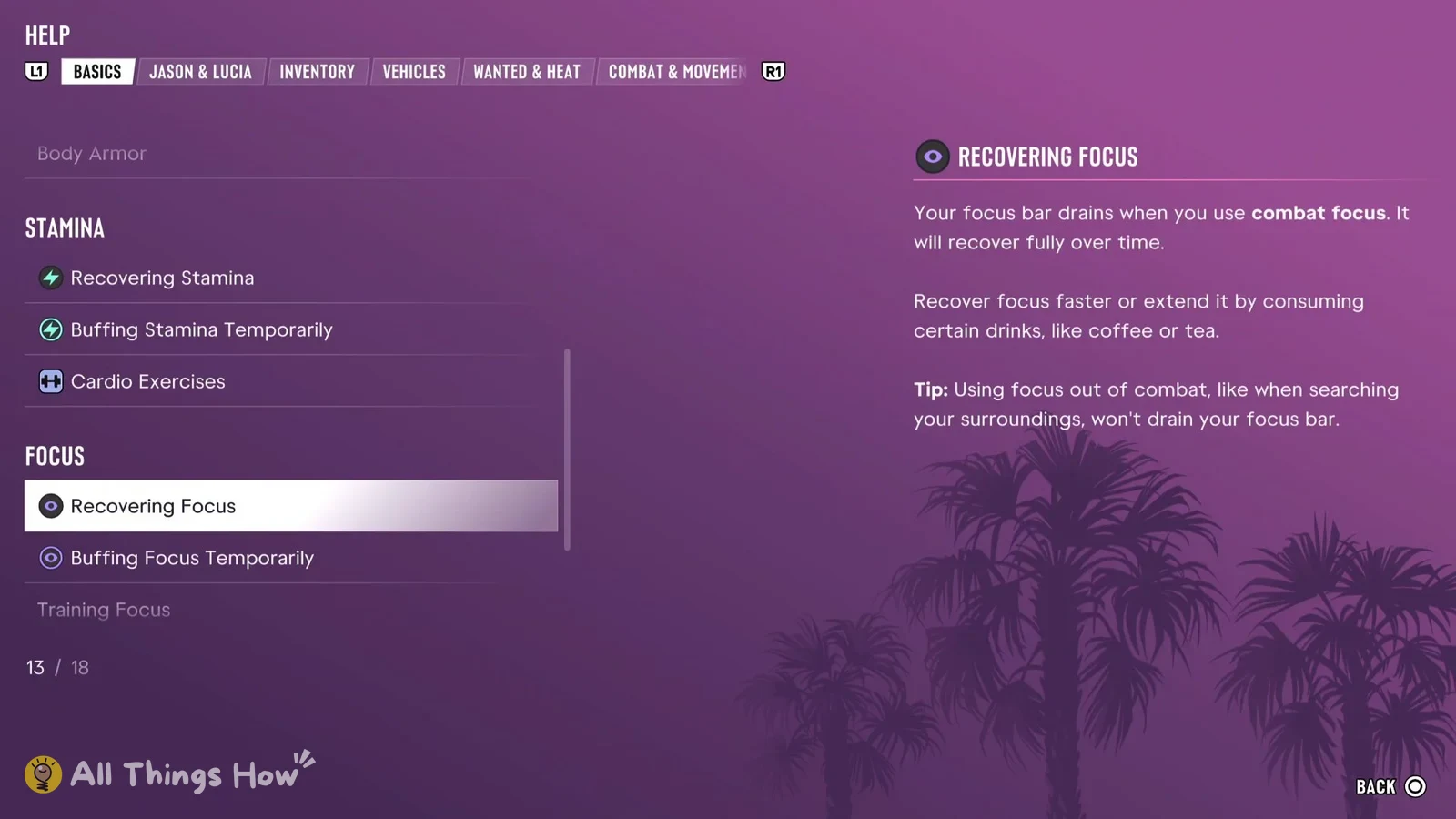
“Using focus out of combat, like when searching your surroundings, won’t drain your focus bar.” So you can look around with Focus as much as you like without losing any.
Temporary Focus buffs: drinks, showers, sleep and adrenaline
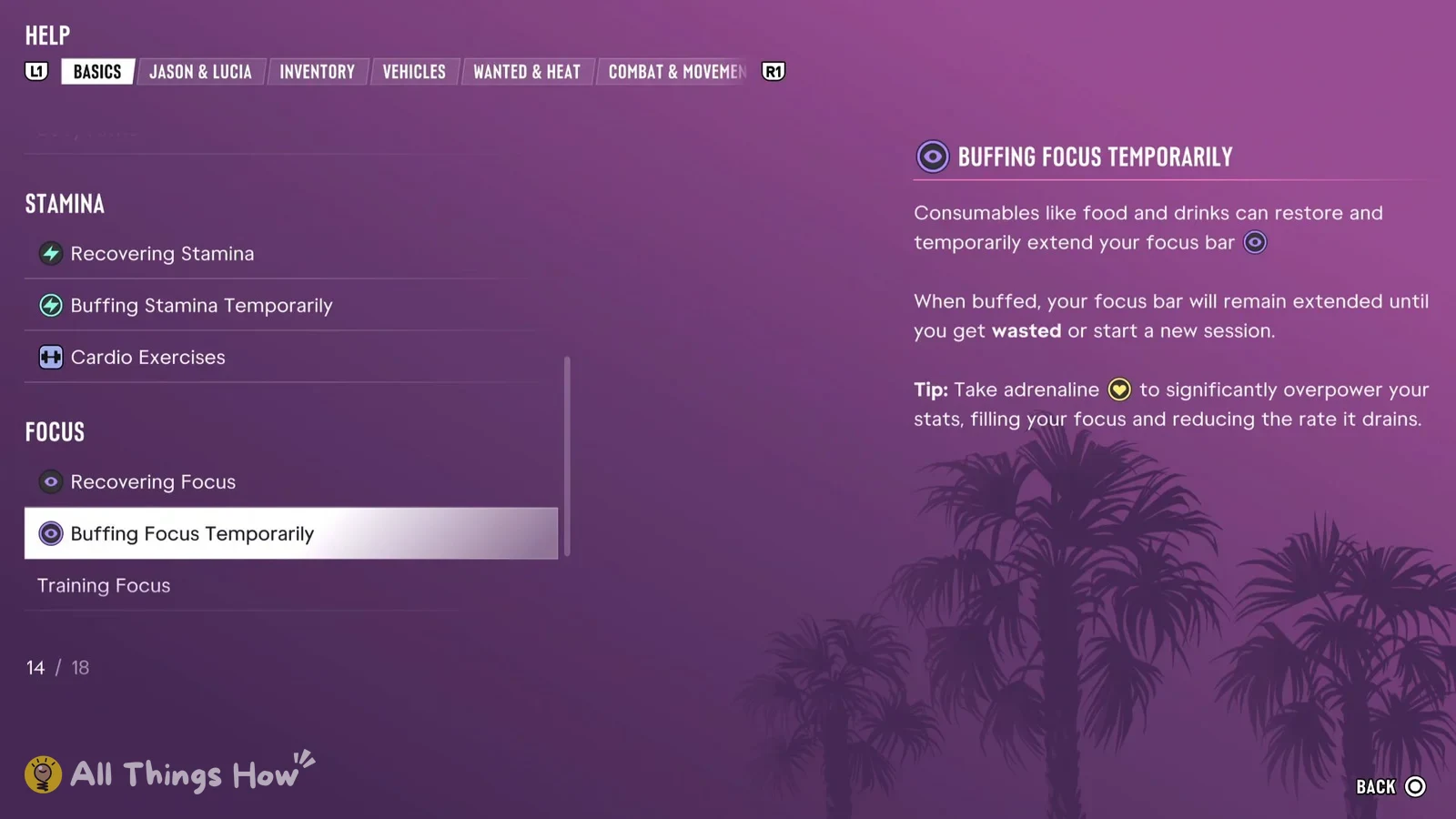
Separate from the permanent level, you can stretch the bar for a while. The “Buffing Focus Temporarily” Help page says “Consumables like food and drinks can restore and temporarily extend your focus bar” and explains how long it lasts: “When buffed, your focus bar will remain extended until you get wasted or start a new session.”
- Food and drinks: refill and temporarily extend the bar. Coffee and tea are the drinks the game names.
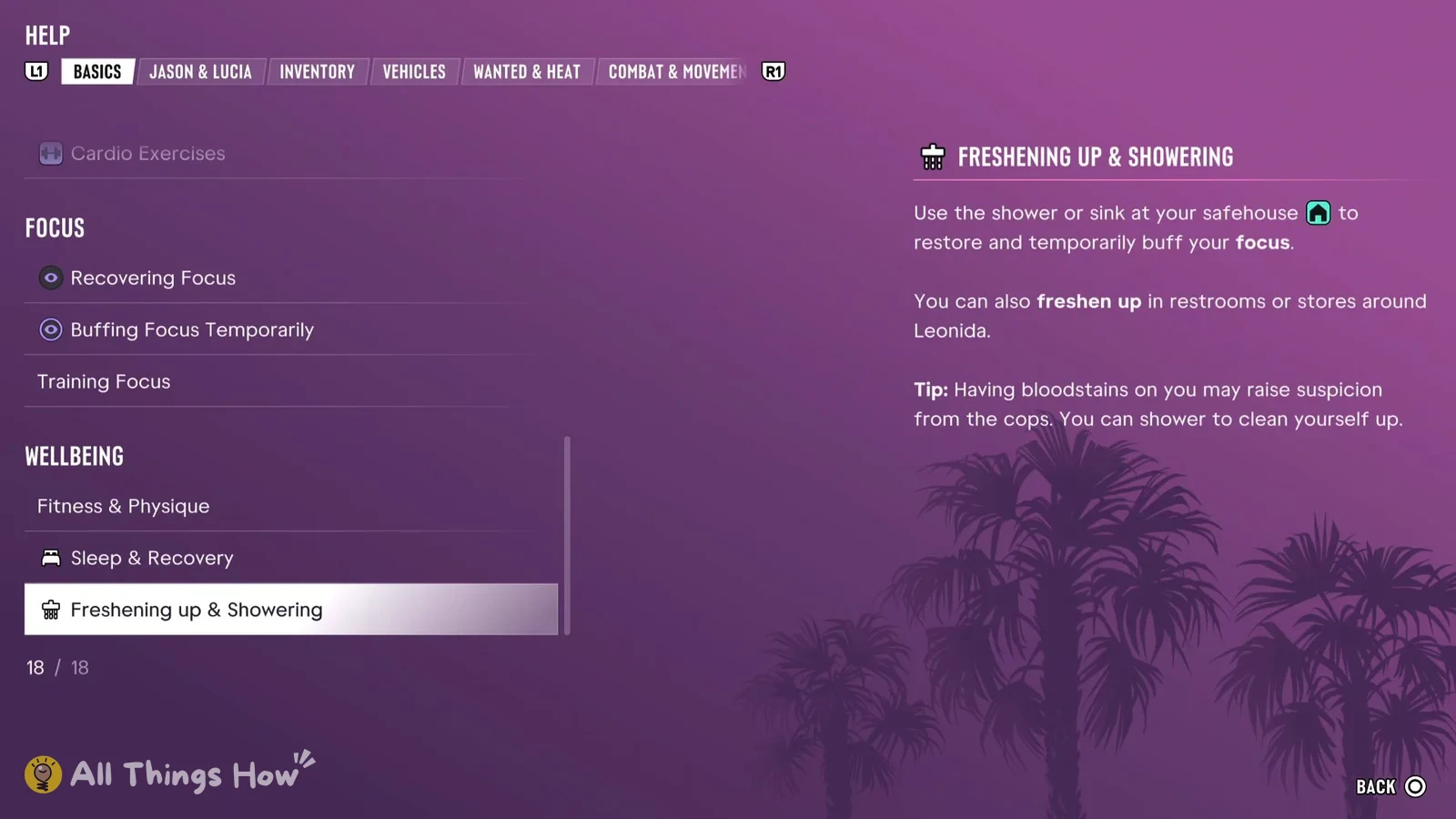
- Shower or sink: “Use the shower or sink at your safehouse to restore and temporarily buff your focus.” You can also freshen up in restrooms or stores around Leonida.
- Sleep: “Sleeping also restores your health and focus, and temporarily buffs your stamina.” It refills Focus, but the buff goes to stamina.
- Adrenaline: fills your focus and slows how fast it drains.
The Help page says “Tip: Take adrenaline to significantly overpower your stats, filling your focus and reducing the rate it drains.” Any of these buffs ends when you get wasted or start a new session.