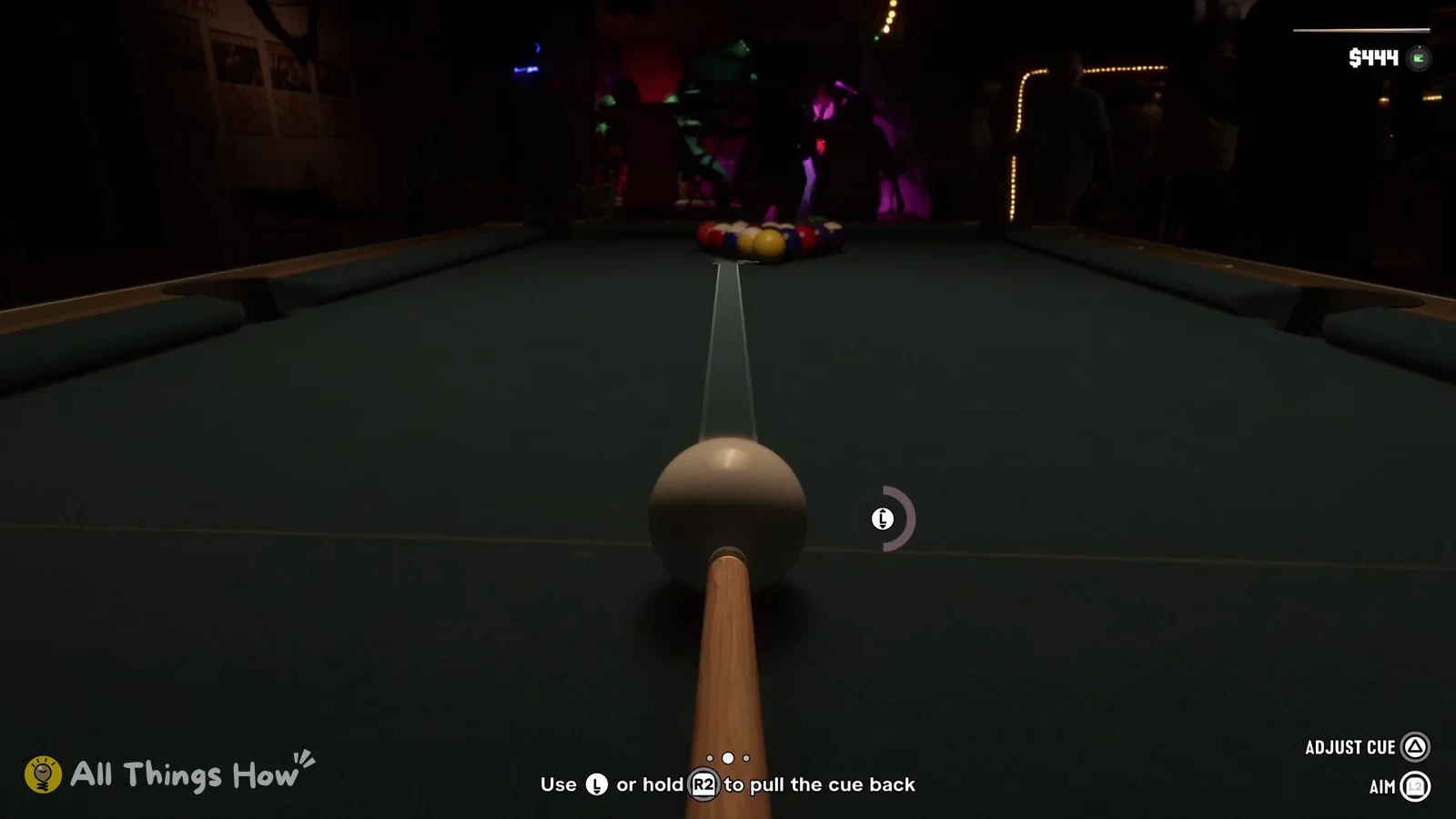
Pool in Grand Theft Auto VI uses a short set of button prompts. The game shows them on screen as tutorial boxes and labels at the bottom right while you’re at the table. Every button below uses the default controls on PS5.
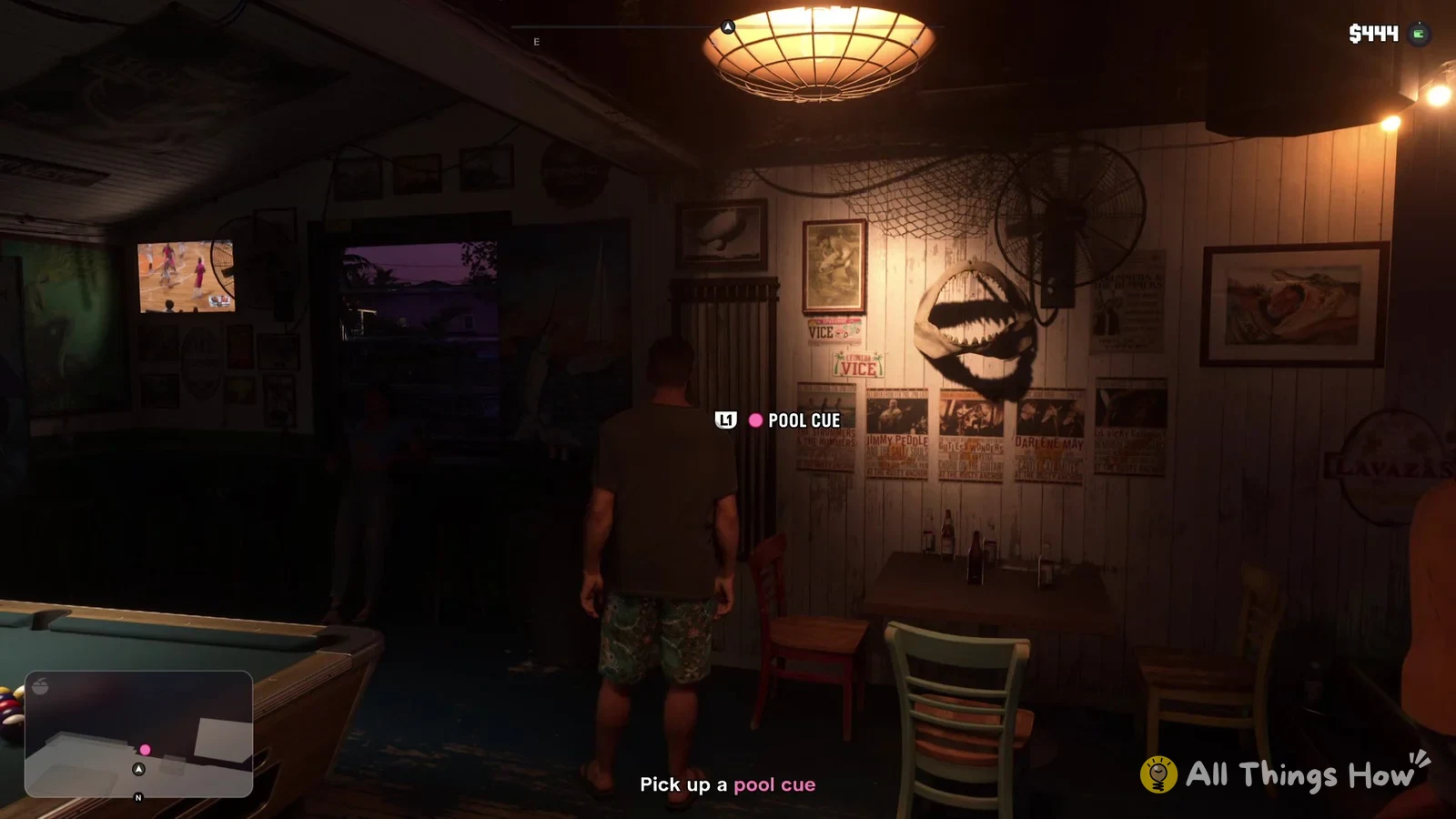
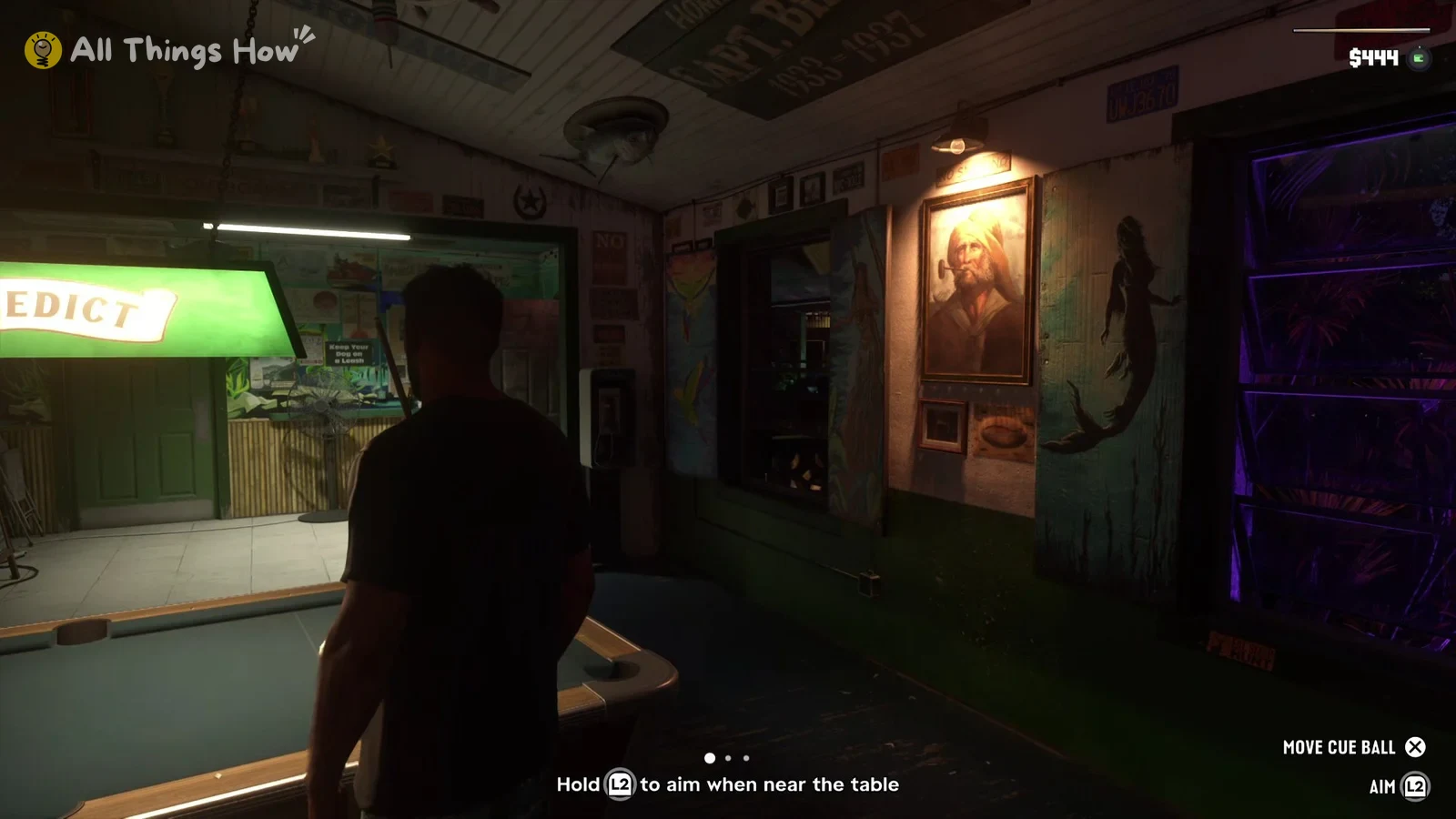
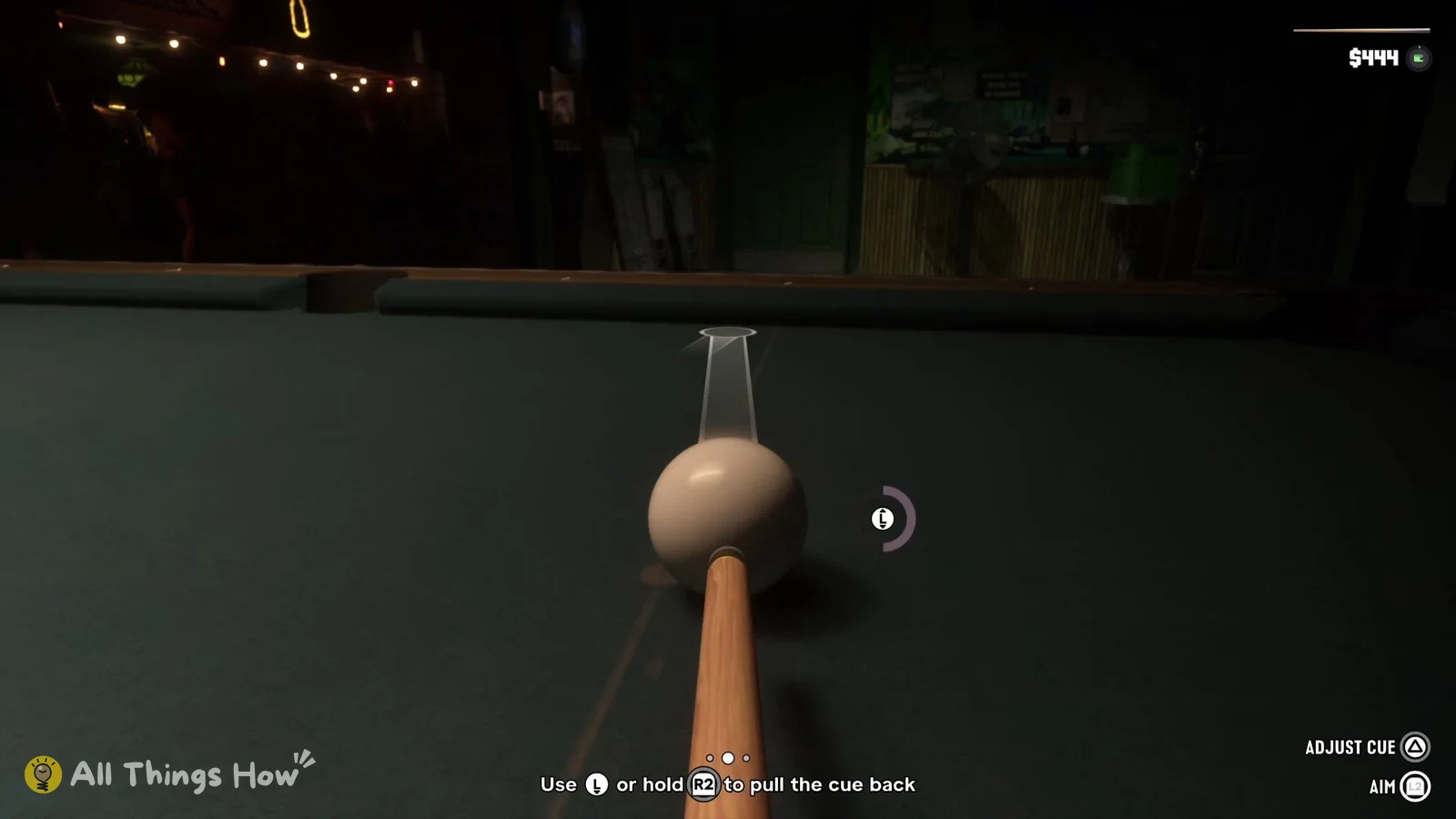
Quick answer: When “POOL CUE” appears, press [L1] to take a cue. By the table, hold [L2] to aim, then move the left stick or keep [R2] held to draw back the cue and shoot.
Where to find a pool table
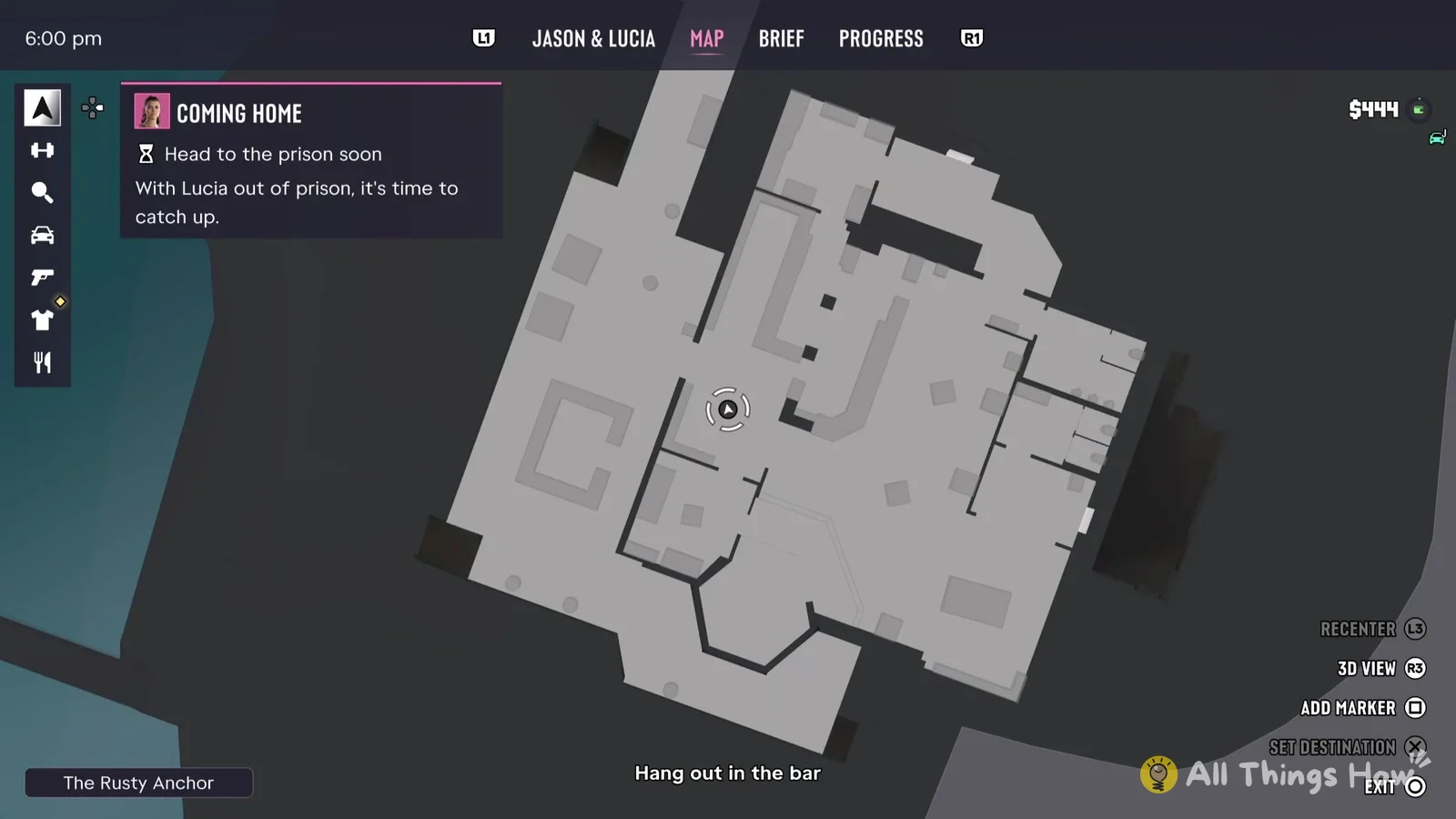
The pool table is inside The Rusty Anchor bar on Key Lento, and you play on it during the story mission Coming Home. If you open the pause map while you’re in the bar, it shows the label “The Rusty Anchor” next to the COMING HOME card, with the objective “Hang out in the bar”.
GTA 6 pool controls
Once the objective changes to “Pick up a pool cue”, walk over to the cue rack. The “POOL CUE” prompt shows up there with [L1].
| Action | Button |
|---|---|
| “POOL CUE” (pick up a cue) | [L1] |
| “MOVE CUE BALL” | [Cross] |
| “AIM” | Hold [L2] |
| “ADJUST CUE” | [Triangle] |
| Pull the cue back | Left stick or hold [R2] |
How to take a shot in GTA 6 pool
Turns and ball groups
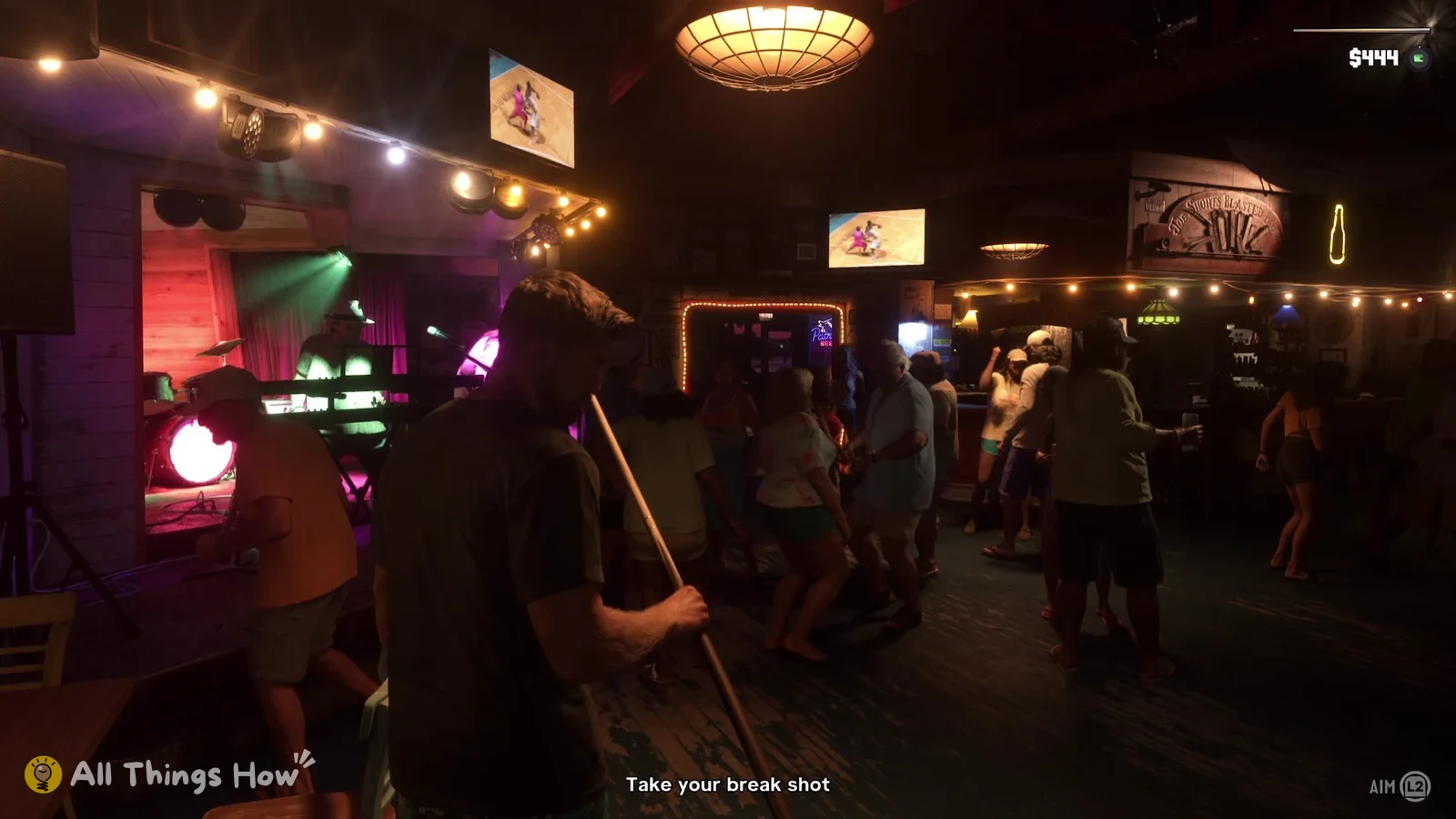
After the break, a banner tells you which group of balls is yours. If you get stripes, for example, it reads “STRIPES ASSIGNED”. From then on, the objective shows whose turn it is:
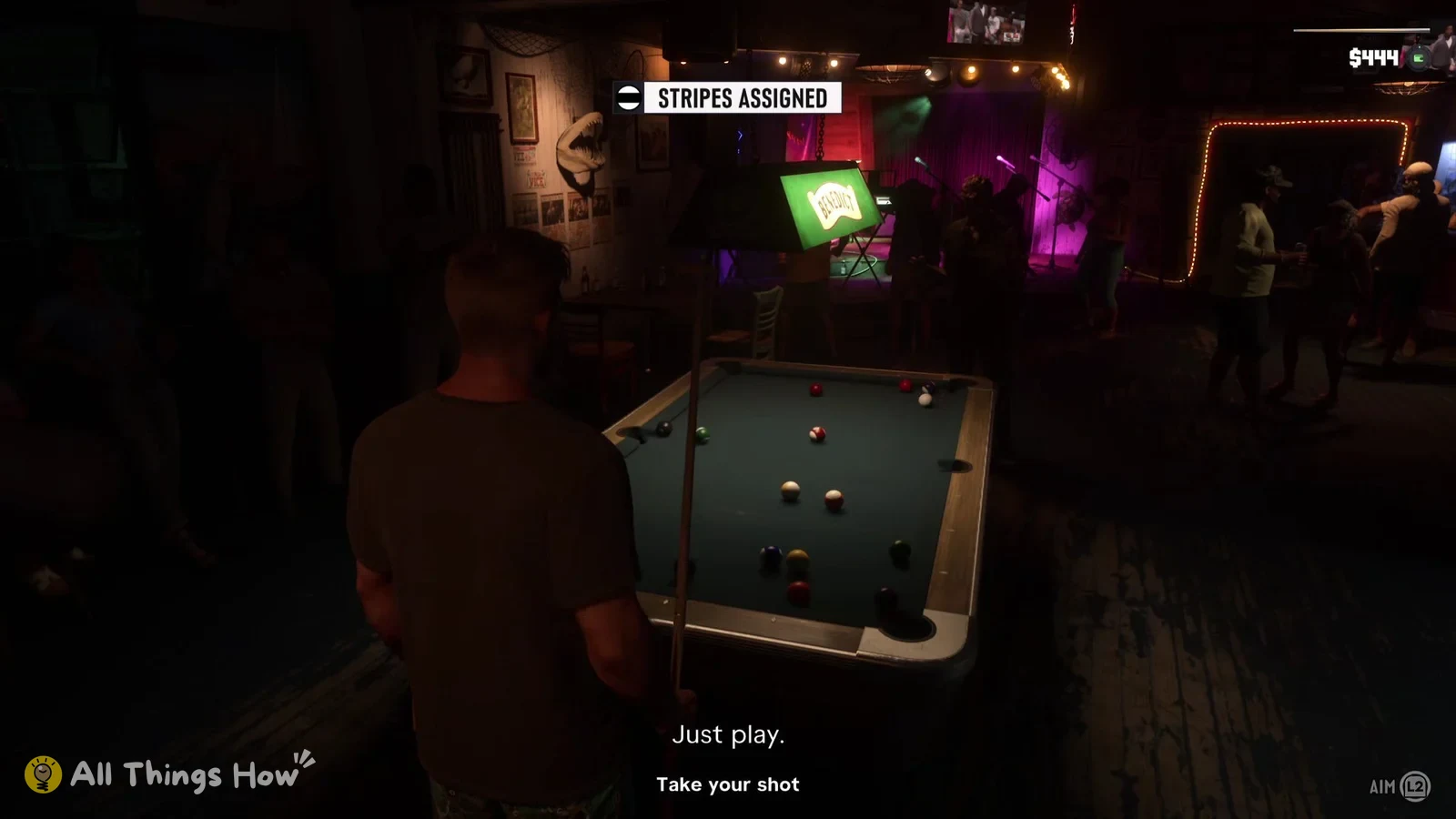
- “Take your shot” means it’s your turn.
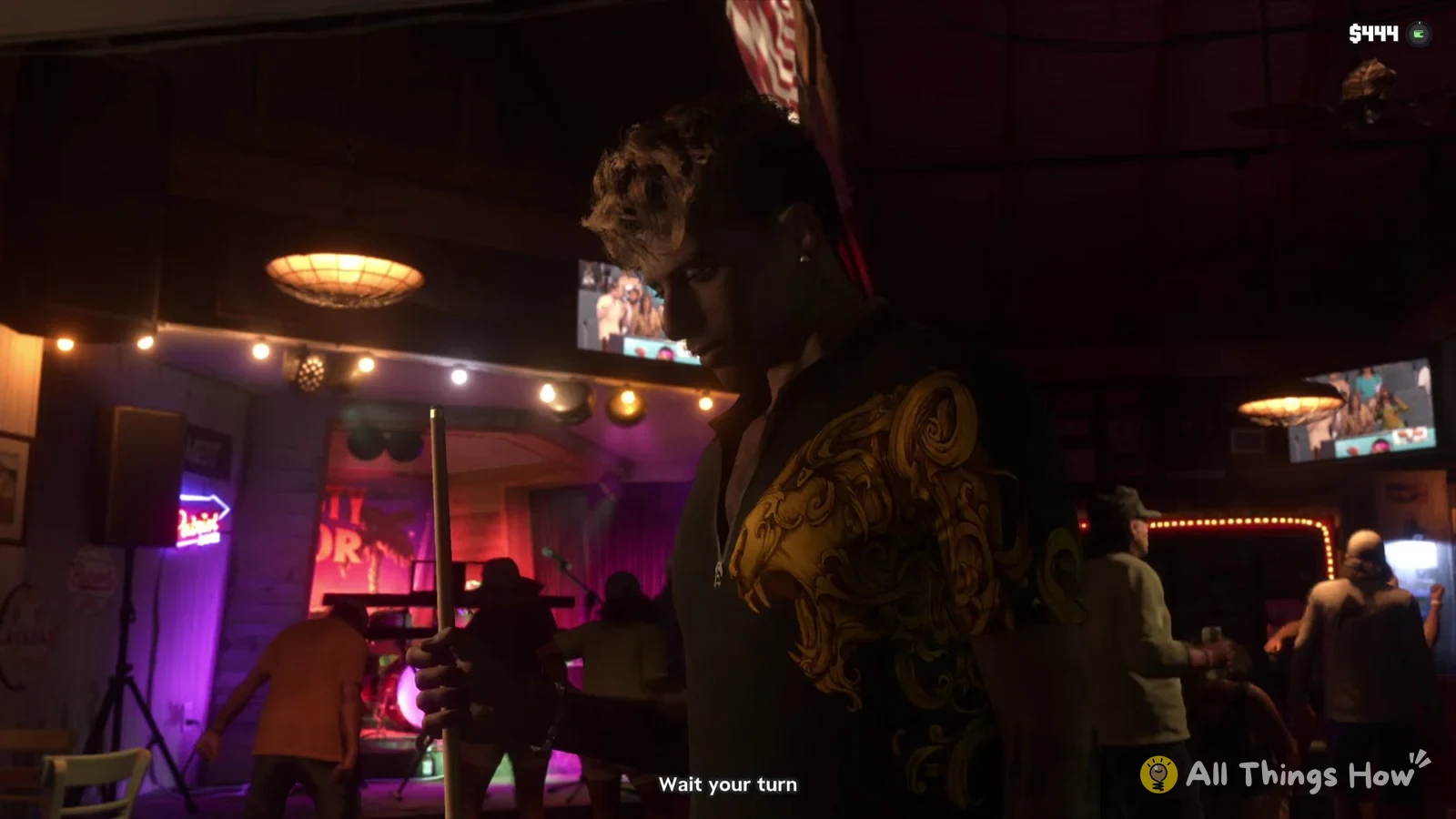
- “Wait your turn” means the other player is shooting.
Pool trains Focus
The “Training Focus” Help page lists pool as one of the activities that permanently extend your focus bar. That makes time at the table count toward Focus too, and the full list of ways to build it is covered in how to level up Focus in GTA 6.