Stickers in Dandy’s World are sold at Dyle’s Store, the purple shop across from the GARDENVIEW building in the lobby. The BUY STICKERS shelf there has 74 of them, and nearly all share the same Ichor price. A few have odd spelling or punctuation that you’ll want to know about if you’re searching for one by name.
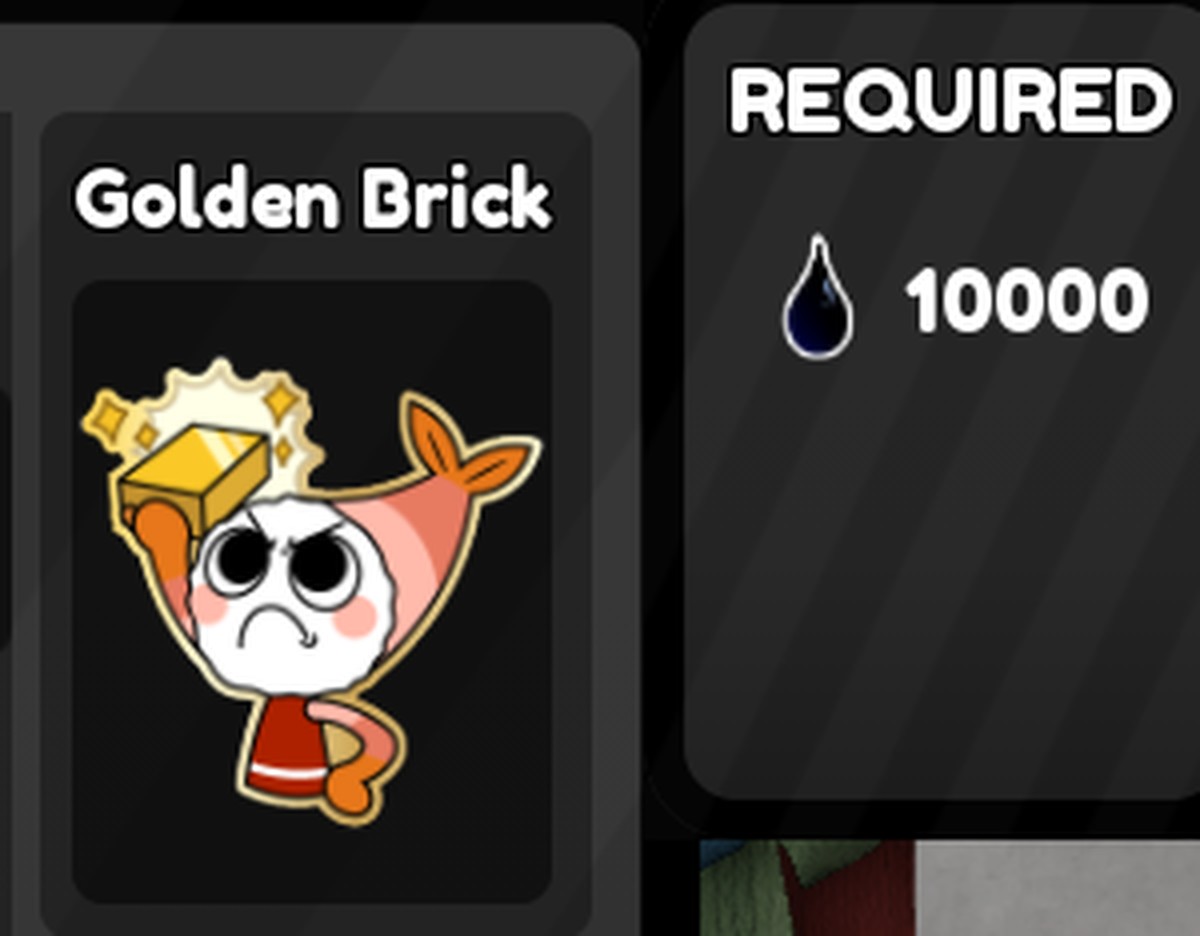
Quick answer: Open Dyle’s Store with E and pick BUY STICKERS. 73 Stickers cost 250 Ichor each, and Golden Brick costs 10000 Ichor.
How to get to Dyle’s Store from spawn
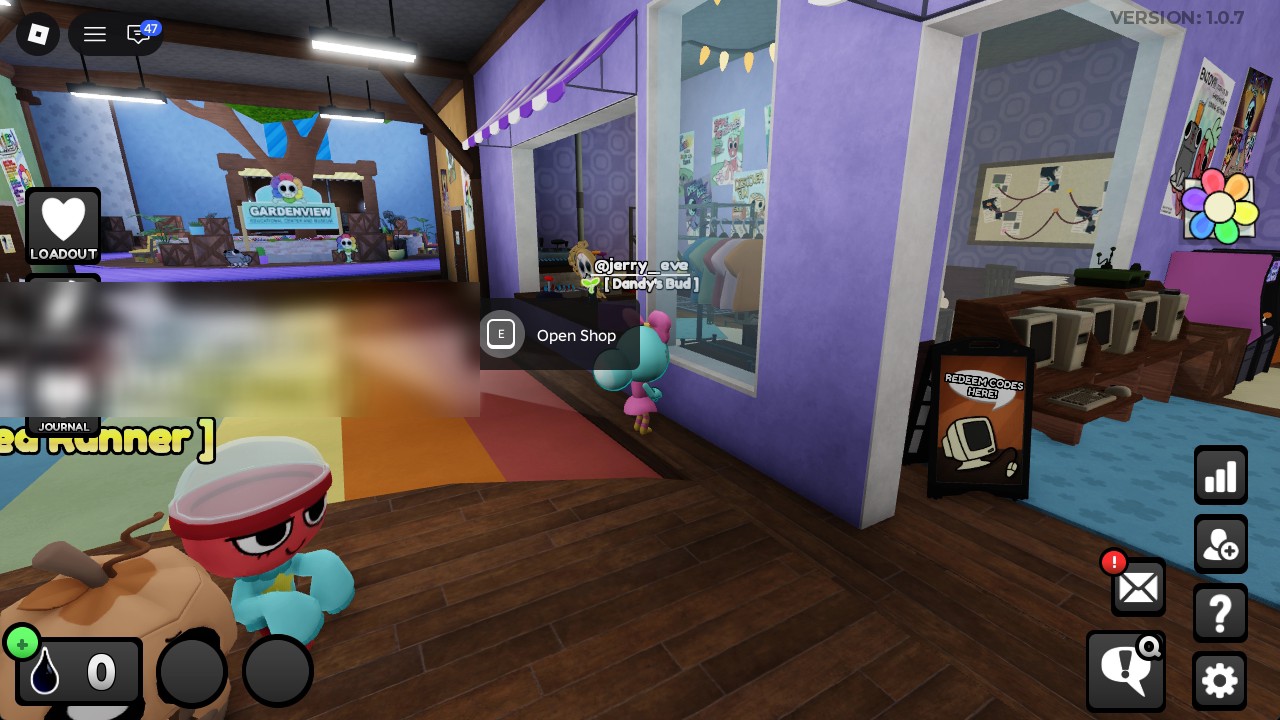
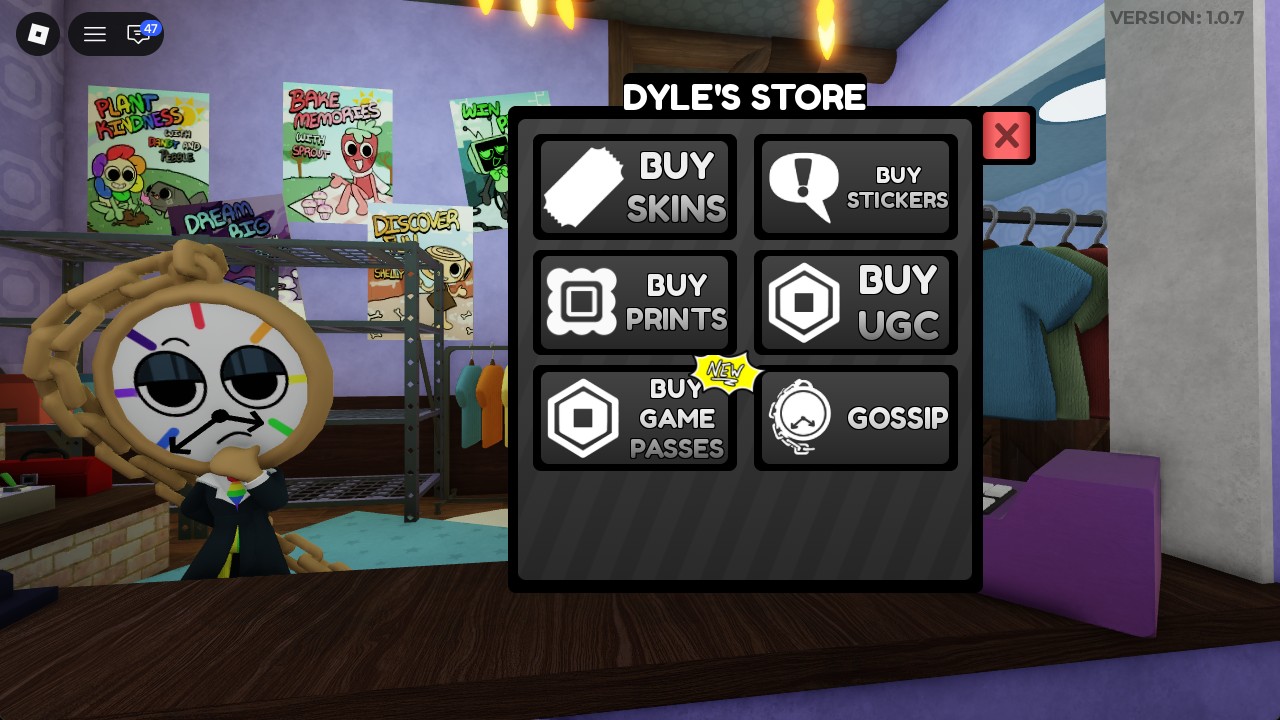
Dandy’s Store, the yellow-and-white striped window on the same street, also opens with E, but it sells Toon licences, Trinkets and game passes. Stickers are only on Dyle’s shelf.
Opening the BUY STICKERS shelf
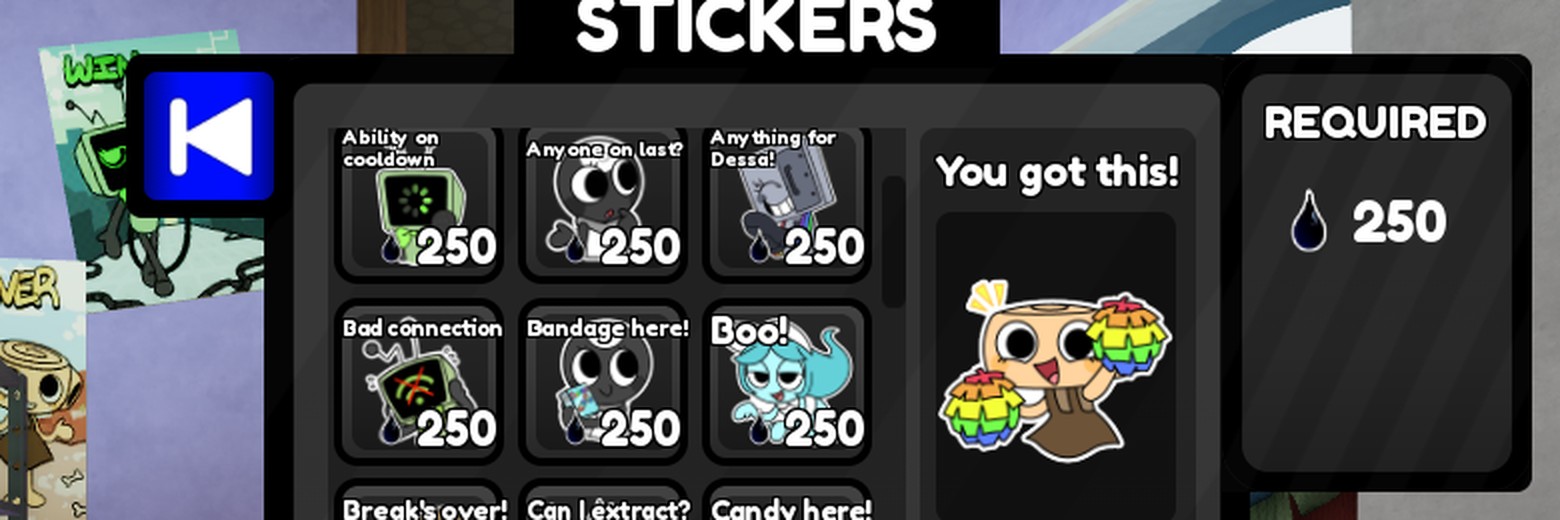
The red X at the top right closes the DYLE’S STORE panel. Pick BUY STICKERS and you get a panel titled STICKERS, with a back arrow at its top left and a REQUIRED box in the top-right corner.
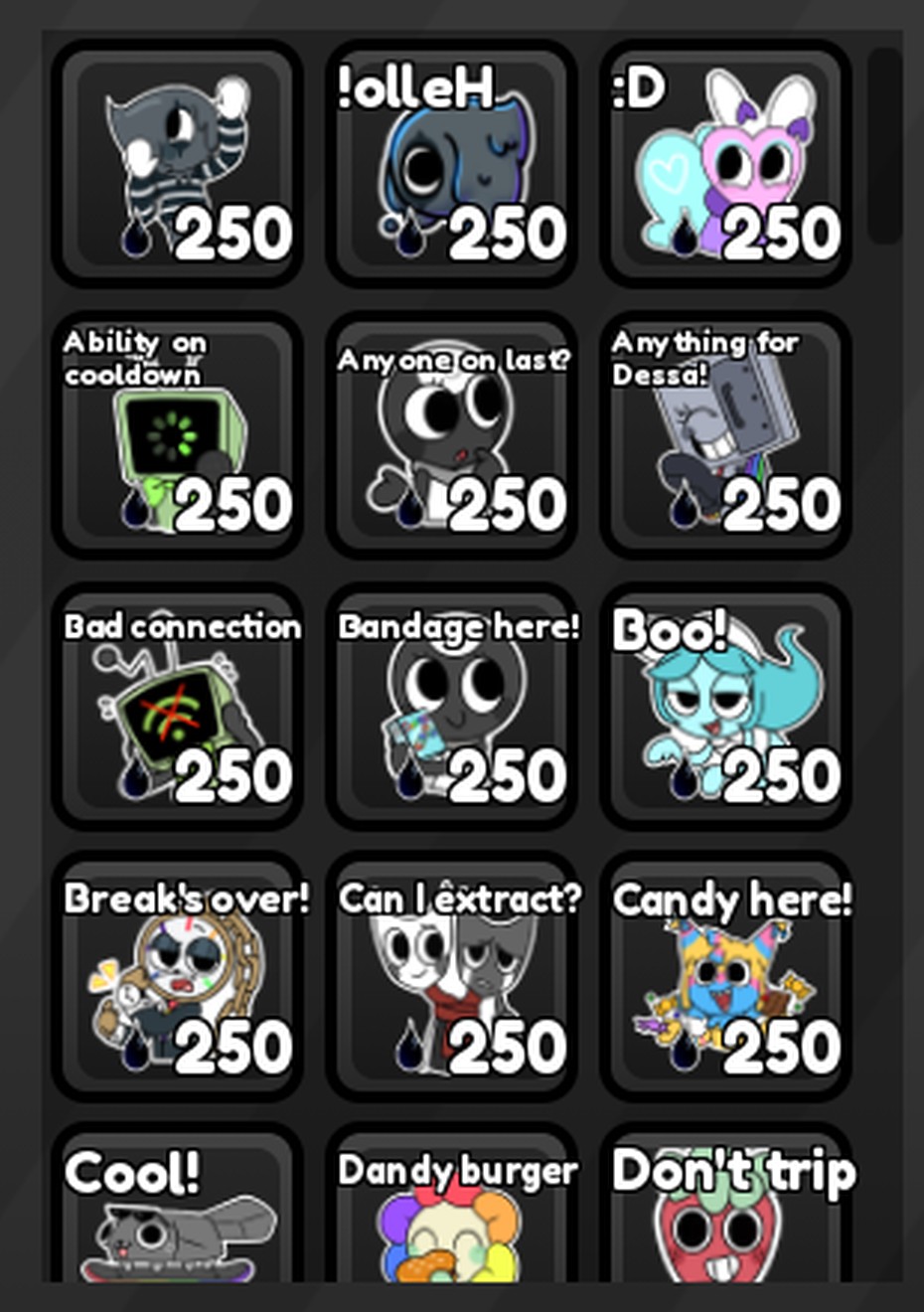
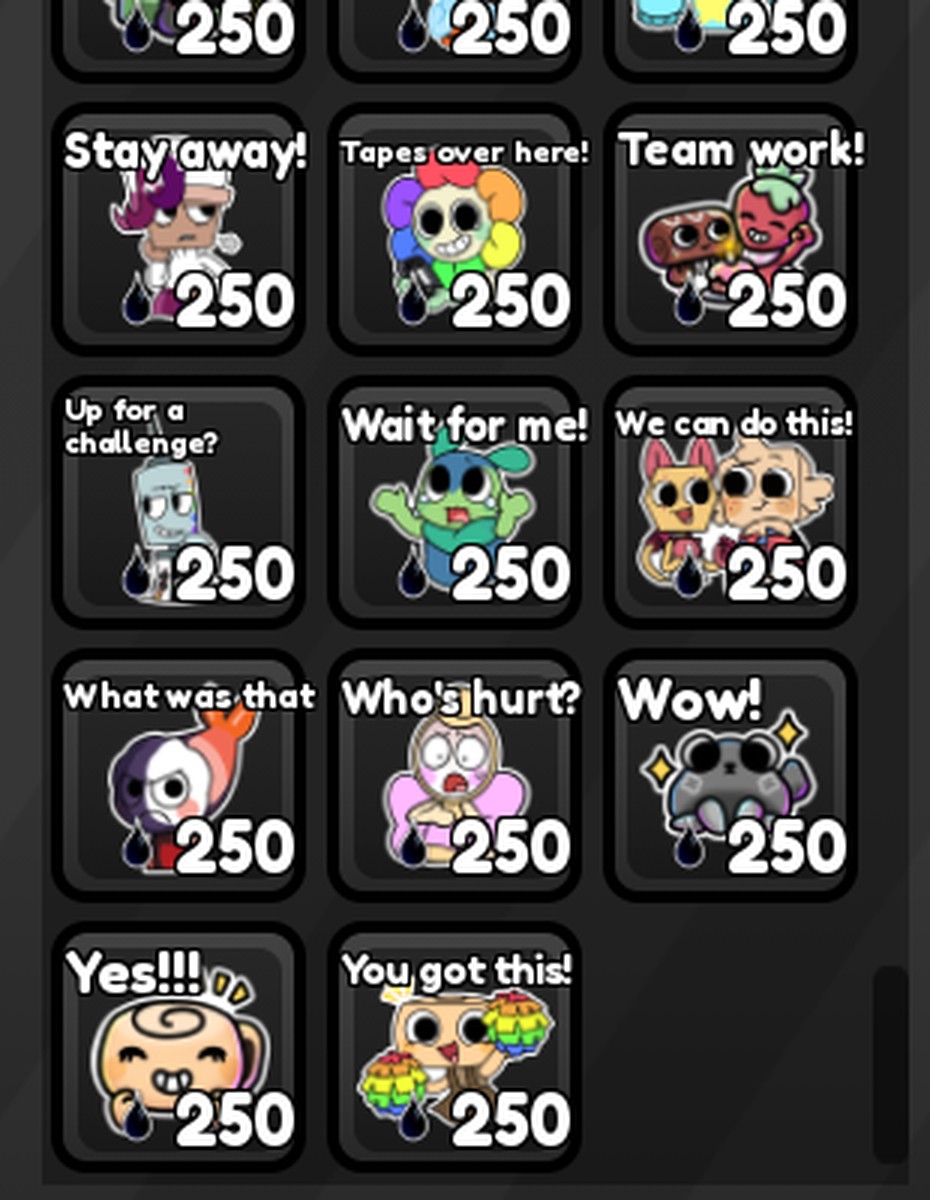
The shelf is a grid three cards wide and 25 rows deep, and the last row has only two cards. Each card has a picture, a name, and a droplet next to its price. Tap one and the preview panel on the right fills in with that Sticker’s name and picture, while the REQUIRED box shows its price. The droplet stands for Ichor, and the cards list only an Ichor price.
All 74 Dandy’s World Stickers and their Ichor prices
Here’s the full shelf in order, reading each row left to right from the top. Names are written exactly as the cards print them.
| # | Sticker | Ichor |
|---|---|---|
| 1 | (no name printed) | 250 |
| 2 | !olleH | 250 |
| 3 | 😀 | 250 |
| 4 | Ability on cooldown | 250 |
| 5 | Anyone on last? | 250 |
| 6 | Anything for Dessa! | 250 |
| 7 | Bad connection | 250 |
| 8 | Bandage here! | 250 |
| 9 | Boo! | 250 |
| 10 | Break’s over! | 250 |
| 11 | Can I extract? | 250 |
| 12 | Candy here! | 250 |
| 13 | Cool! | 250 |
| 14 | Dandy burger | 250 |
| 15 | Don’t trip | 250 |
| 16 | Don’t worry | 250 |
| 17 | Everyone at elevator! | 250 |
| 18 | Find Twisted Waxwell! | 250 |
| 19 | Flames incoming! | 250 |
| 20 | Found me | 250 |
| 21 | Get to elevator! | 250 |
| 22 | Go without Me | 250 |
| 23 | Golden Brick | 10000 |
| 24 | Good job | 250 |
| 25 | Hello! | 250 |
| 26 | Help with Barnaby | 250 |
| 27 | Heya!!! | 250 |
| 28 | Hi! | 250 |
| 29 | Hug time! | 250 |
| 30 | I didn’t mean to | 250 |
| 31 | I have to go | 250 |
| 32 | I miss you | 250 |
| 33 | I need research! | 250 |
| 34 | I’ll support you! | 250 |
| 35 | I’m not ready | 250 |
| 36 | I’m on one heart! | 250 |
| 37 | I’m scared… | 250 |
| 38 | I’m sorry… | 250 |
| 39 | I’m thinking… | 250 |
| 40 | Ignore the shop | 250 |
| 41 | Jr incoming! | 250 |
| 42 | Let me help! | 250 |
| 43 | Low on stamina | 250 |
| 44 | Medkit here! | 250 |
| 45 | Need health? | 250 |
| 46 | Nice | 250 |
| 47 | Nice profile! | 250 |
| 48 | Nice work! | 250 |
| 49 | Not enough tapes | 250 |
| 50 | On last! | 250 |
| 51 | Over here! | 250 |
| 52 | Perfect timing! | 250 |
| 53 | Perfect! | 250 |
| 54 | Please don’t heal me | 250 |
| 55 | Please find pillows! | 250 |
| 56 | Please help with duo! | 250 |
| 57 | Please save tapes | 250 |
| 58 | Ready to go? | 250 |
| 59 | Research here! | 250 |
| 60 | See you later! | 250 |
| 61 | Smart thinking! | 250 |
| 62 | Something is fishy… | 250 |
| 63 | Stash Here! | 250 |
| 64 | Stay away! | 250 |
| 65 | Tapes over here! | 250 |
| 66 | Team work! | 250 |
| 67 | Up for a challenge? | 250 |
| 68 | Wait for me! | 250 |
| 69 | We can do this! | 250 |
| 70 | What was that | 250 |
| 71 | Who’s hurt? | 250 |
| 72 | Wow! | 250 |
| 73 | Yes!!! | 250 |
| 74 | You got this! | 250 |
The very first card on the top row doesn’t print a name at all, so you’ll have to go by its picture. !olleH is “Hello!” written backwards, and 😀 is nothing but those two symbols. Stash Here! has a capital H in the middle, Go without Me has a capital M, and Not enough tapes, Please don’t heal me, Please save tapes and What was that carry no punctuation mark at the end. The shelf stops after the two-card row of Yes!!! and You got this!.
What Stickers do in Dandy’s World
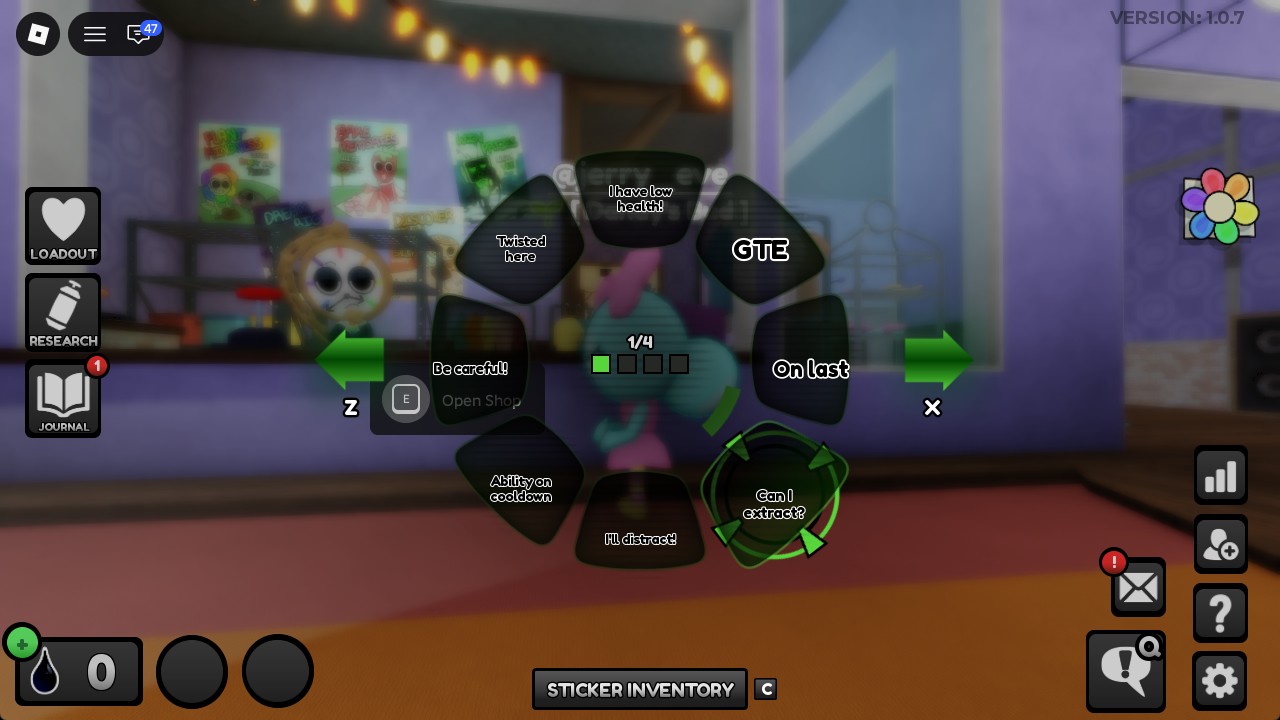
The game’s screens show Stickers as callouts, and nothing on screen says they change a Toon’s stats. In the lobby, the speech-bubble button at the bottom right of the screen opens a ring of eight quick callouts, such as “I have low health!”, “GTE”, “Be careful!” and “Can I extract?”. The center of the ring reads 1/4, with four small page squares, and the green Z and X arrows on either side flip between pages. What is on the other three pages, and whether a Sticker bought from Dyle’s shows up on this ring, was not seen.
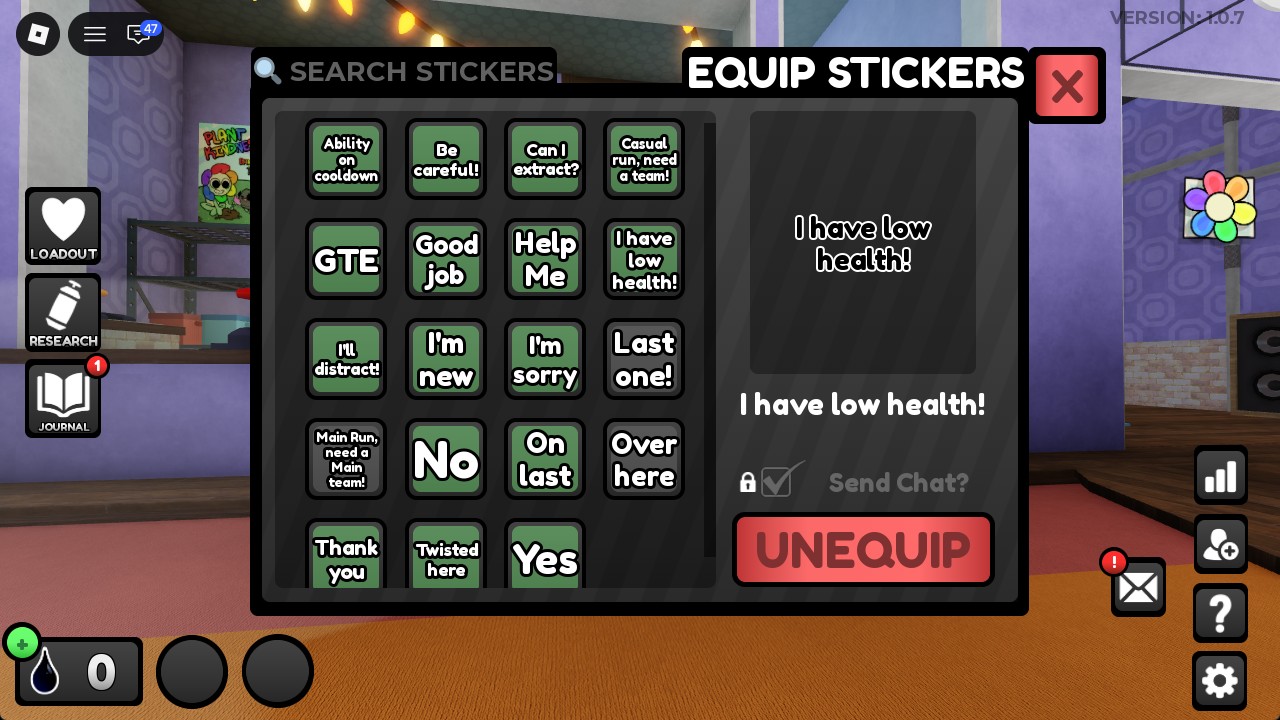
At the bottom of the screen, STICKER INVENTORY appears beside C. Press C to bring up EQUIP STICKERS, where your owned Stickers are arranged in four columns. The menu also has a SEARCH STICKERS… box, a preview panel on the right, a locked, greyed-out Send Chat? checkbox and a red UNEQUIP button.
The free Trinket and Sticker Wheel sign at spawn
The wooden board on your left as you leave the spawn tunnel advertises a free Trinket and Sticker Wheel tied to a Roblox group. It shows a rainbow card with the group’s “Bc” mark and a pink bat, along with this text:
GET A FREE TRINKET & STICKER WHEEL! Join the Group BlushCrunch Studio to get a FREE Blushy Bat Trinket & +1 Sticker Wheel!
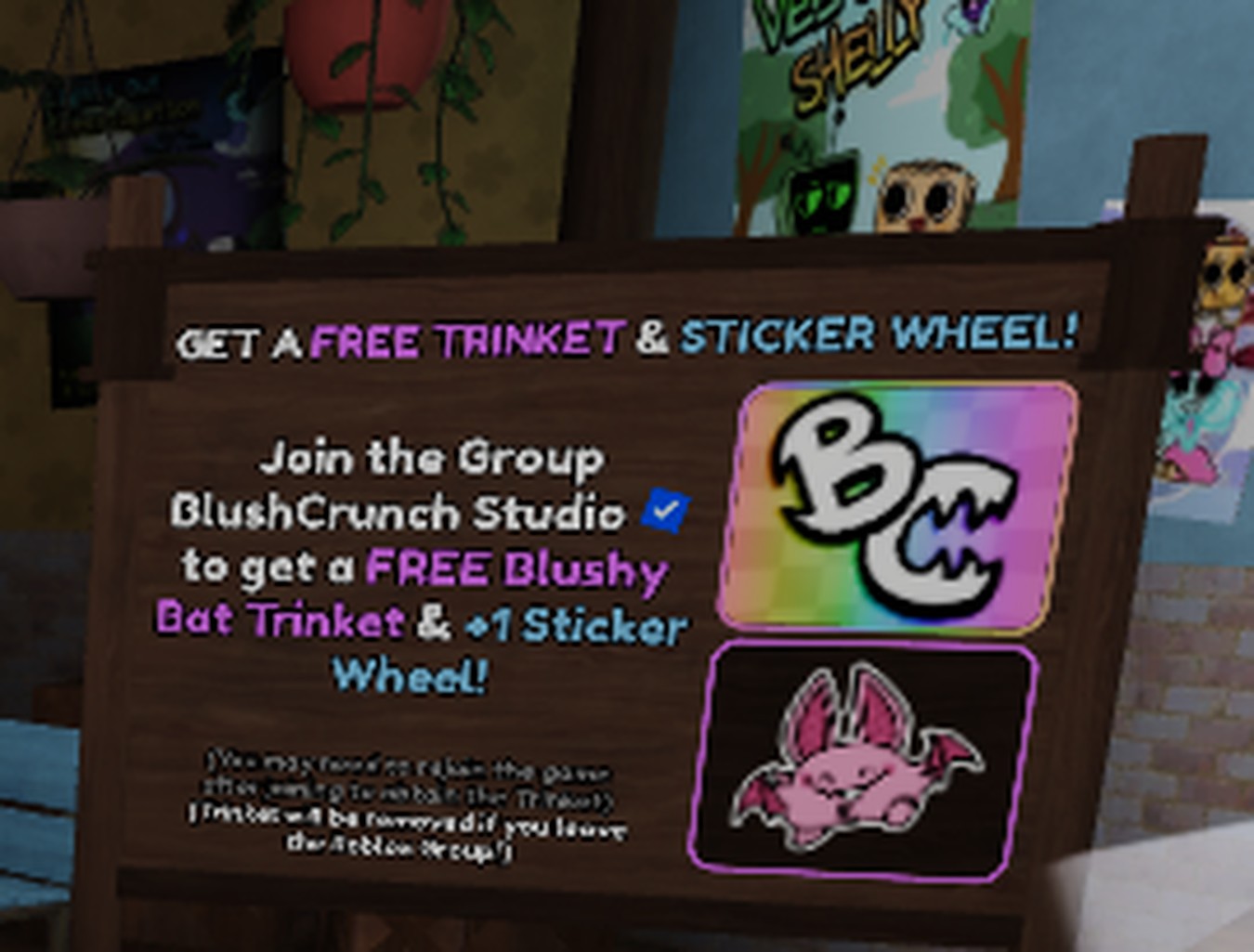
The small print underneath adds “(You may need to rejoin the game after joining to obtain the Trinket)” and “(Trinket will be removed if you leave the Roblox Group!)”.