Gaming Guide

GTA 6 Buck Me Walkthrough (Fleeca Bank Account Setup)

How to start Buck Me, every objective at the Fleeca in order, and what opens on the Story list afterward.

How to start Buck Me, every objective at the Fleeca in order, and what opens on the Story list afterward.

Buck Me is the Grand Theft Auto VI story mission where Jason and Lucia go to the Fleeca to open a bank account so Lucia can get paid for her community service. The bank turns them down for a real account, and they leave with the BuckMe app instead. The controls below are the PS5 defaults.

Quick answer: At the Fleeca close to Jason’s house, ask the teller about opening an account. Next, go with the manager to his office and take a seat. You get BuckMe accounts, not an actual bank account.


How to start Buck Me in GTA 6

Buck Me shows up on the map’s Story list once you finish Find Donnie’s Package. Its card is called “SET UP BANK ACCOUNT” and reads “Lucia needs a bank account to get her community service payments. Meet her at the Fleeca nearby.”
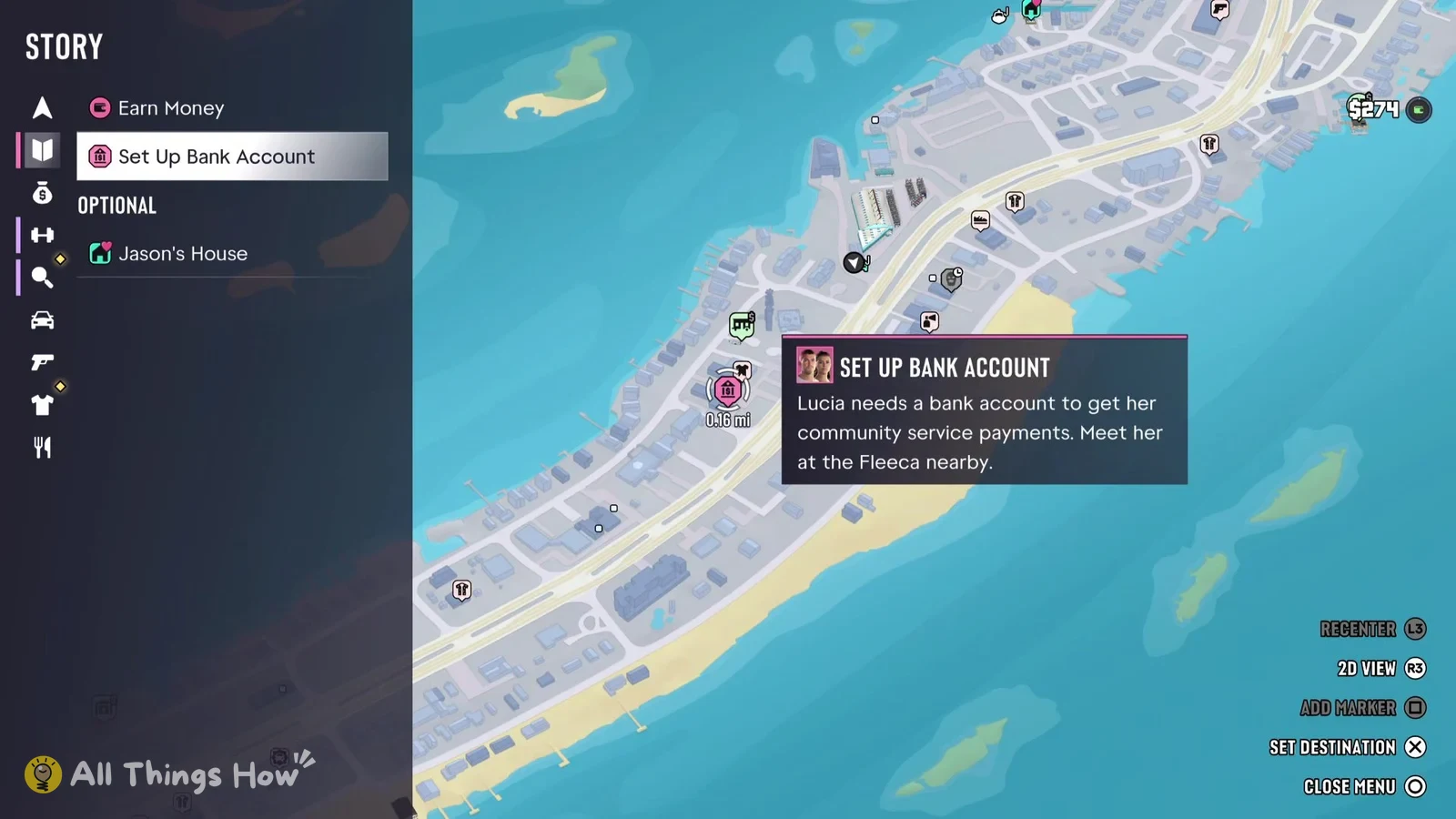
GTA 6 Set Up Bank Account story card
SET UP BANK ACCOUNT on the Story list.

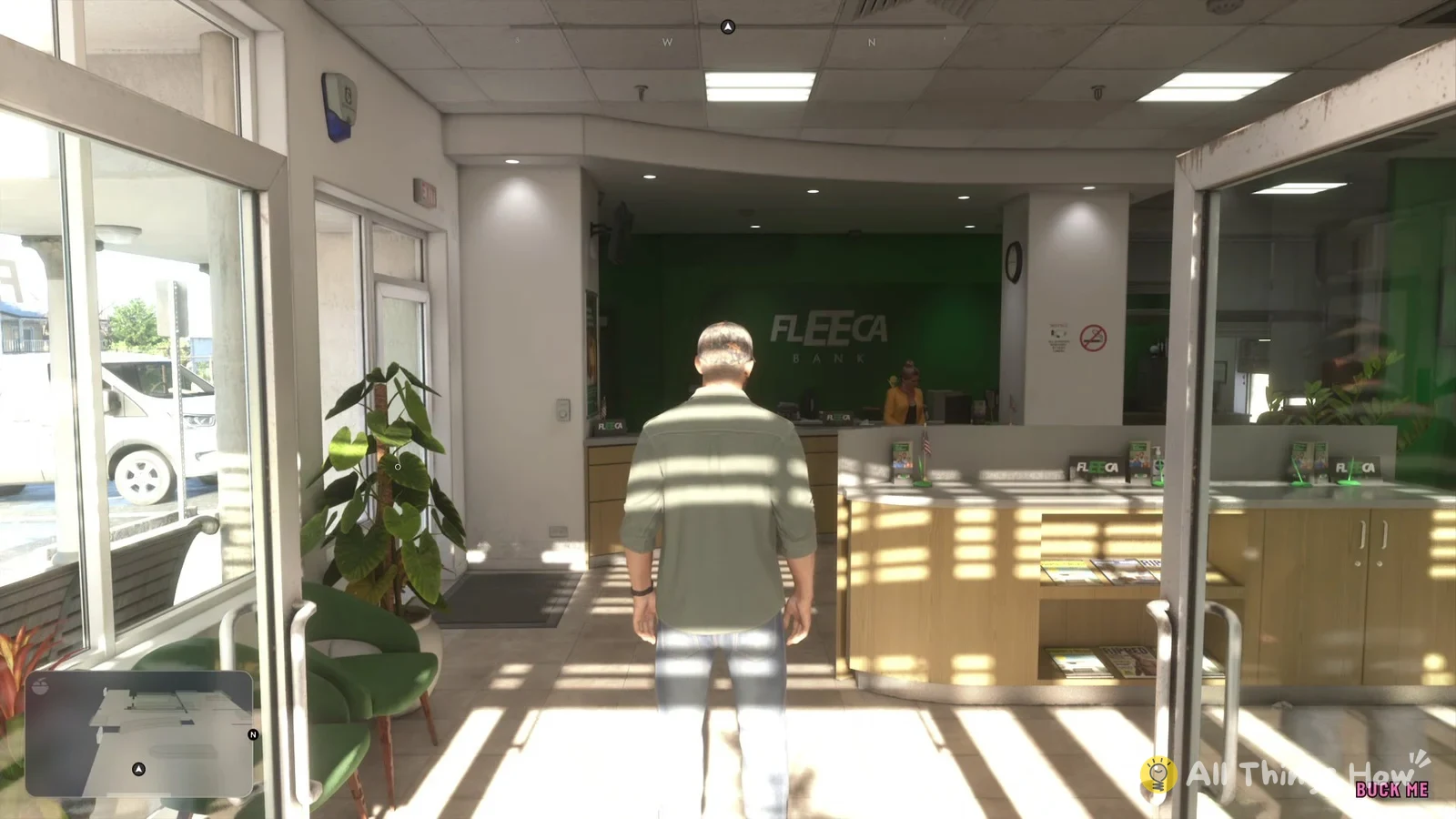
A second card, “EARN MONEY”, appears next to it with the text “Bring in some money by any means necessary while Lucia deals with her community service.” To start Buck Me, pick the bank card, set it as your destination and head to the front door of the Fleeca. It’s the branch with the green FLEECA sign out front.
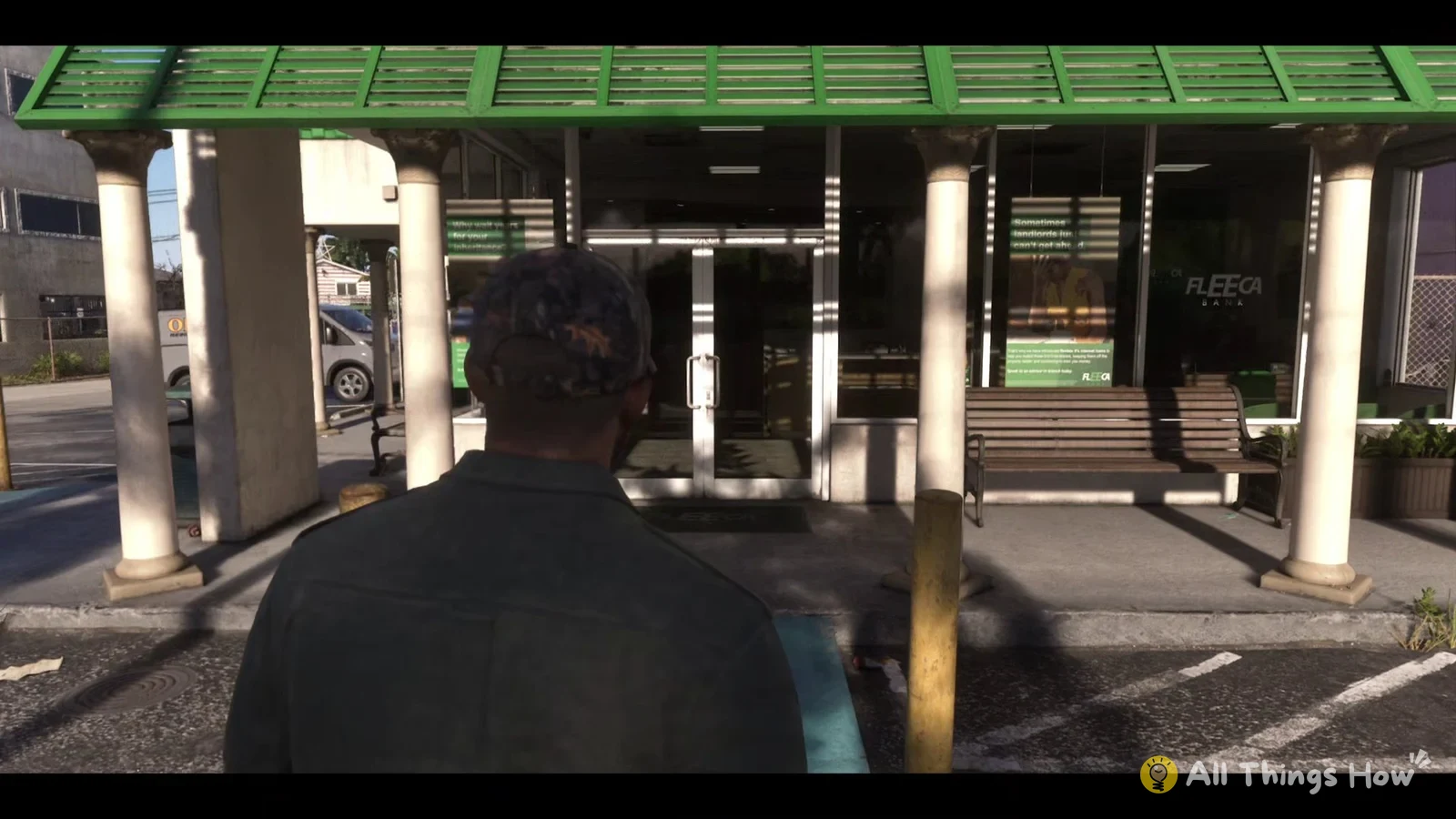
GTA 6 Fleeca bank entrance
The Fleeca's front door.

Buck Me walkthrough

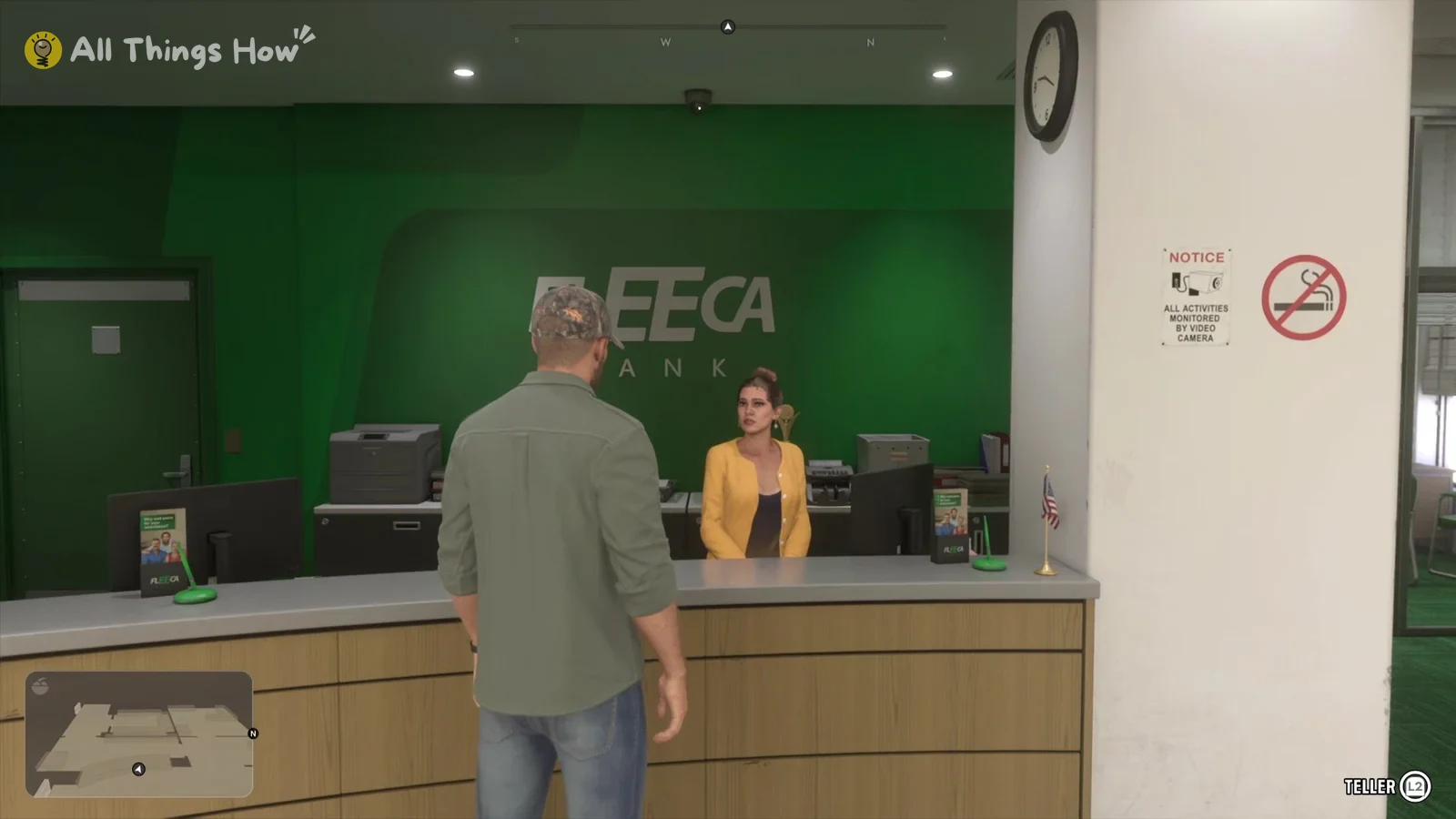
Once you’re inside, the objective changes to “Ask about setting up a bank account”. Walk up to the teller and hold L2 when the “TELLER” prompt appears.
GTA 6 Fleeca teller with the TELLER L2 prompt
TELLER on L2.
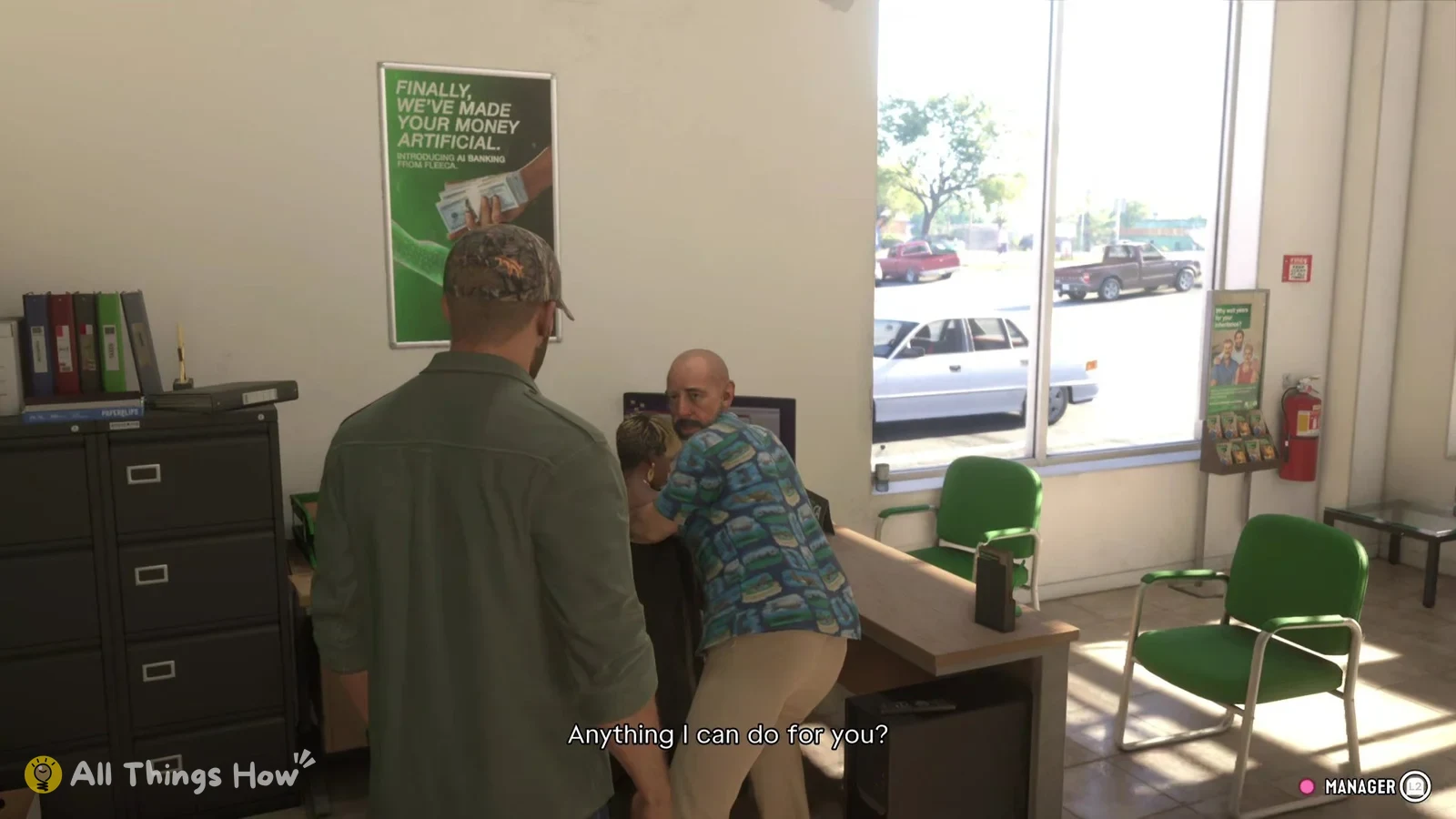
The objective then reads “Speak to the manager”. Go to the manager’s desk and hold L2 on the “MANAGER” prompt, and he’ll ask “Anything I can do for you?”
GTA 6 Fleeca manager with the MANAGER prompt
MANAGER on L2.
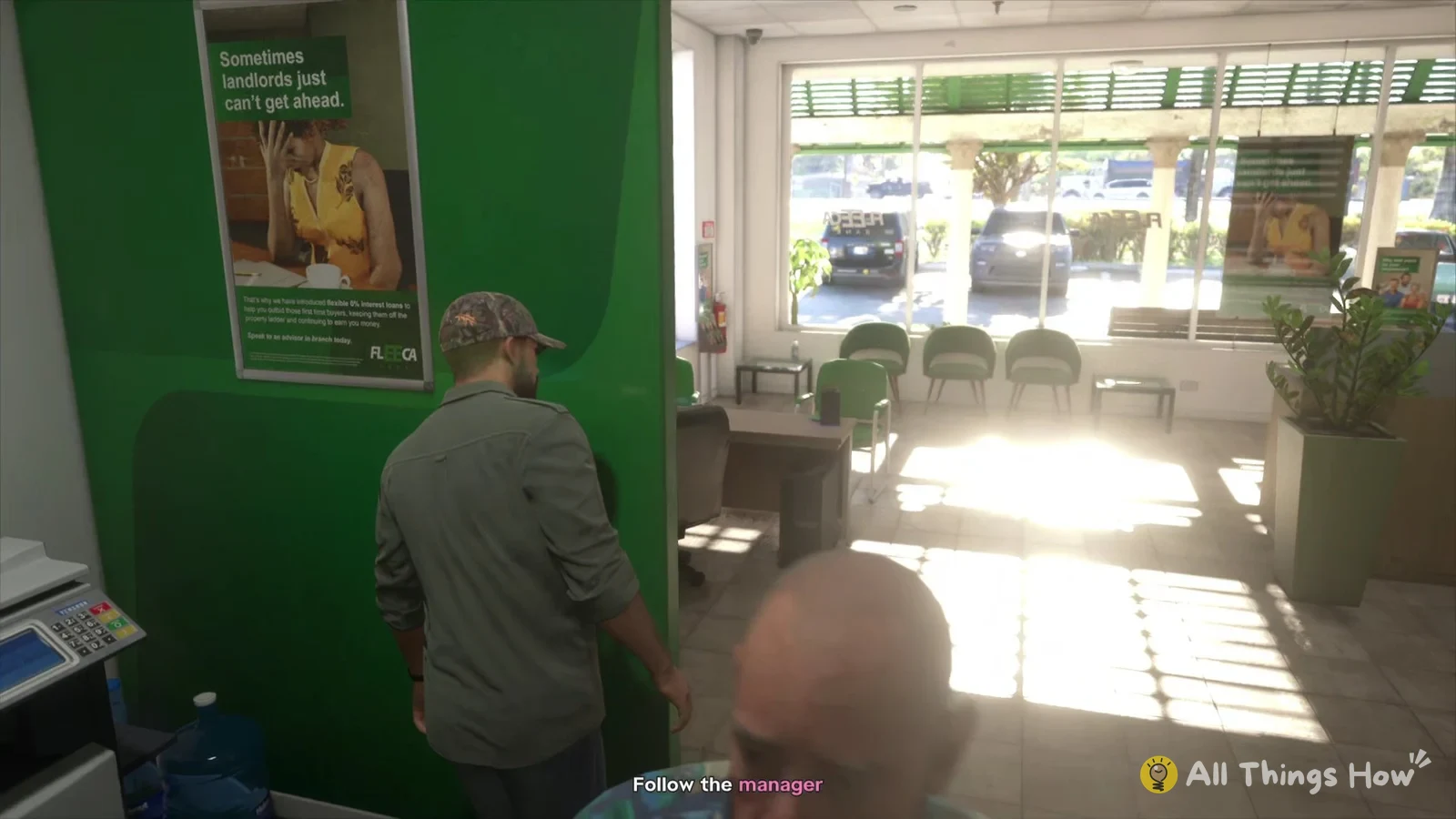
When “Follow the manager” comes up, walk behind him to his office.
GTA 6 Follow the manager objective
Follow the manager.
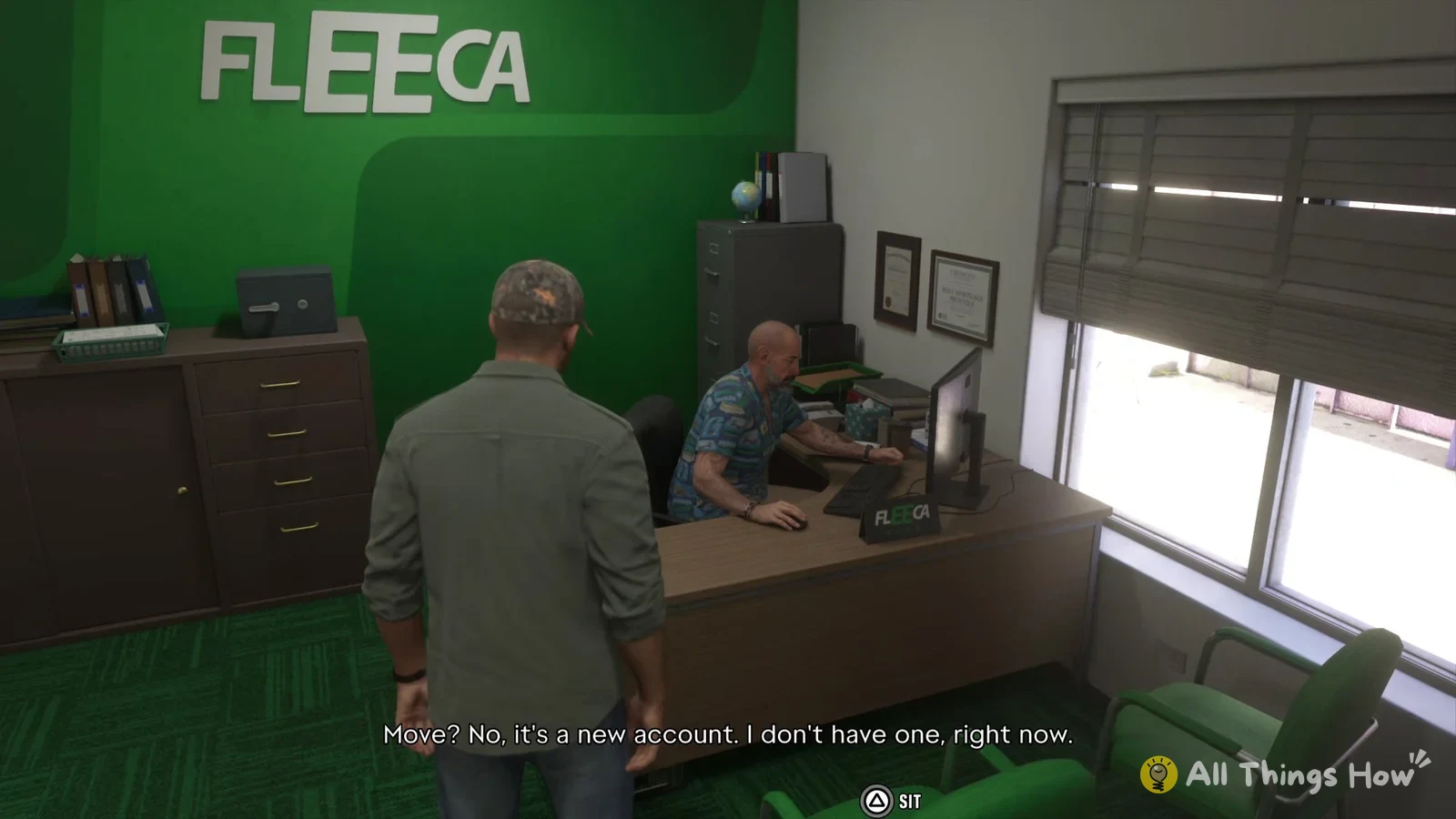
Stand by the desk and press Triangle on the “SIT” prompt to take a seat.
GTA 6 SIT prompt in the manager's office
SIT on Triangle.
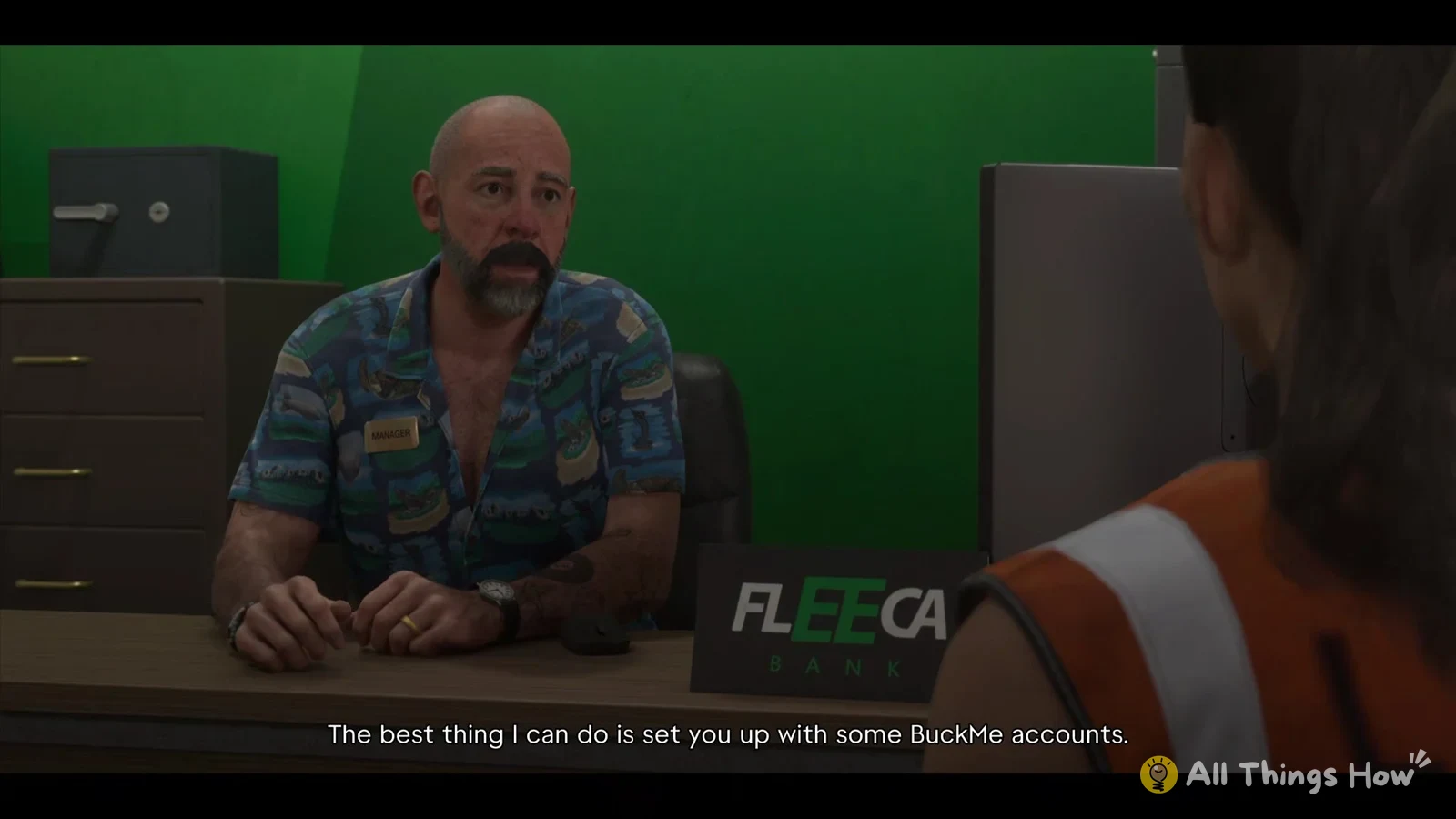
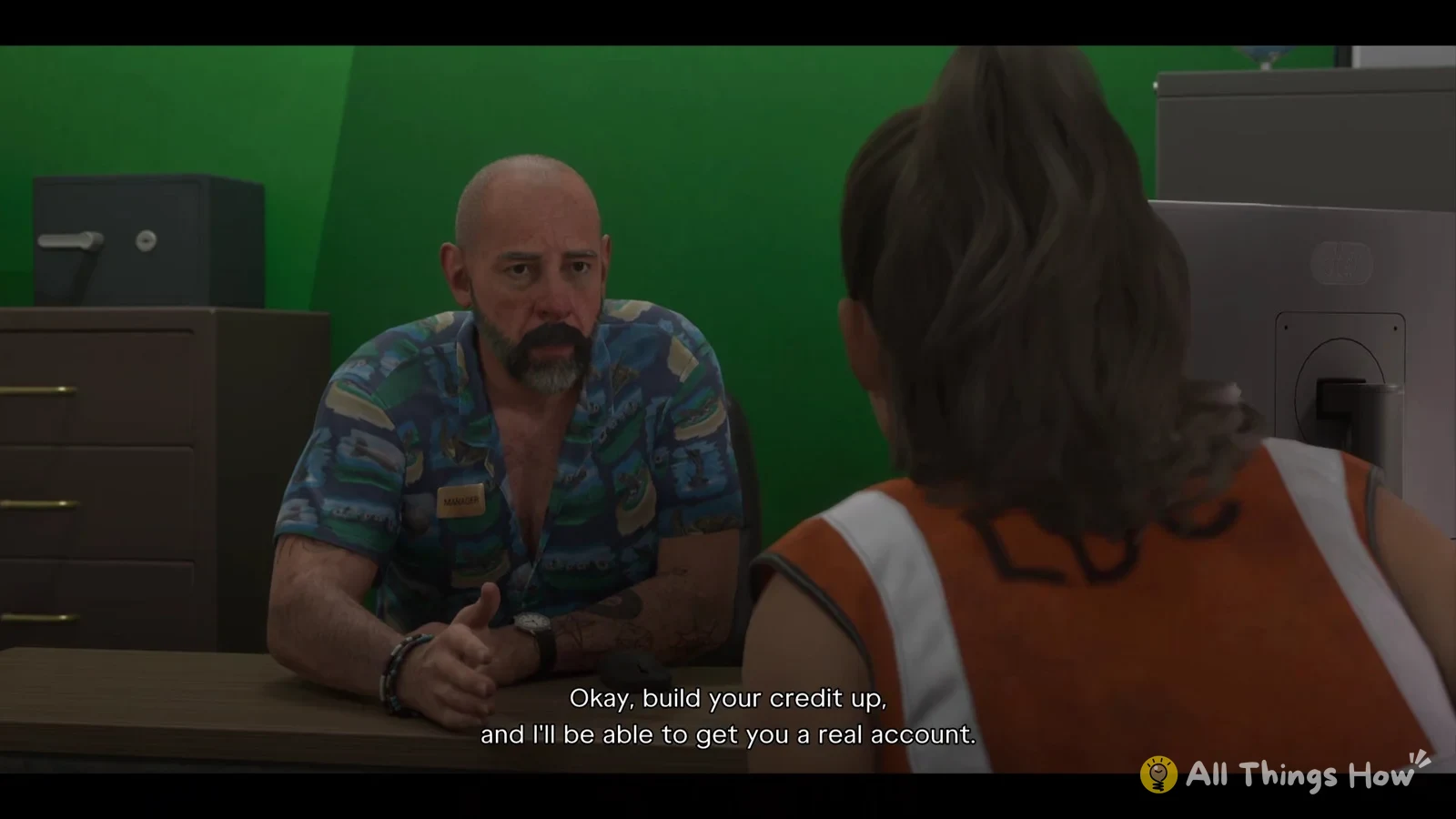
Watch the conversation with the manager. He tells Jason and Lucia “The best thing I can do is set you up with some BuckMe accounts.” and then adds “Okay, build your credit up, and I’ll be able to get you a real account.”
GTA 6 Fleeca manager offering BuckMe accounts
The manager's offer.
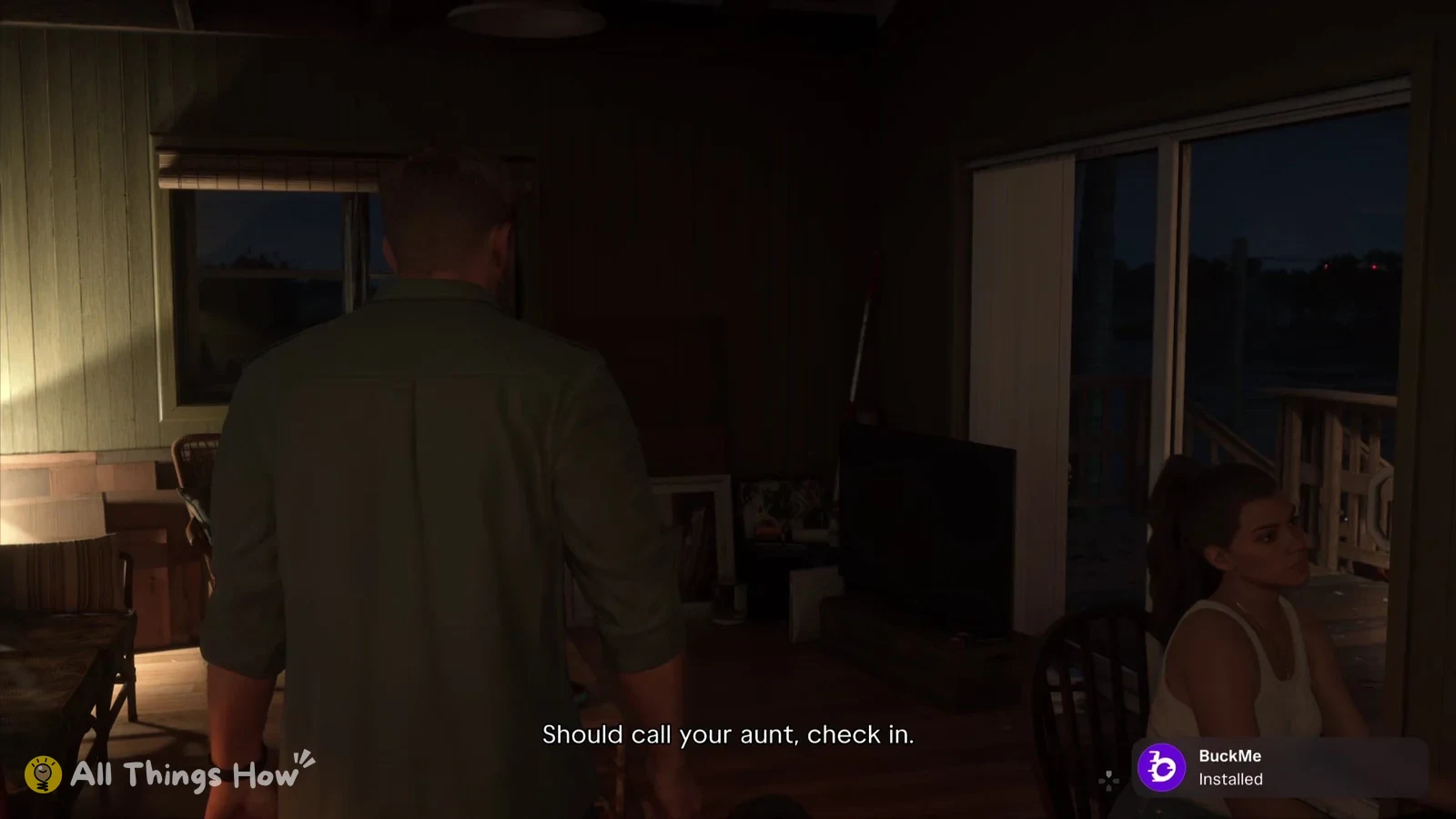
Look for two notices on the phone afterward, “BuckMe Installed” and “RydeMe Installed”. They tell you both apps are now on Jason’s phone.
GTA 6 BuckMe Installed notice
BuckMe Installed.

The phone tutorial starts once you’re back at Jason’s house. It takes you through moving money in BuckMe, one action at a time.
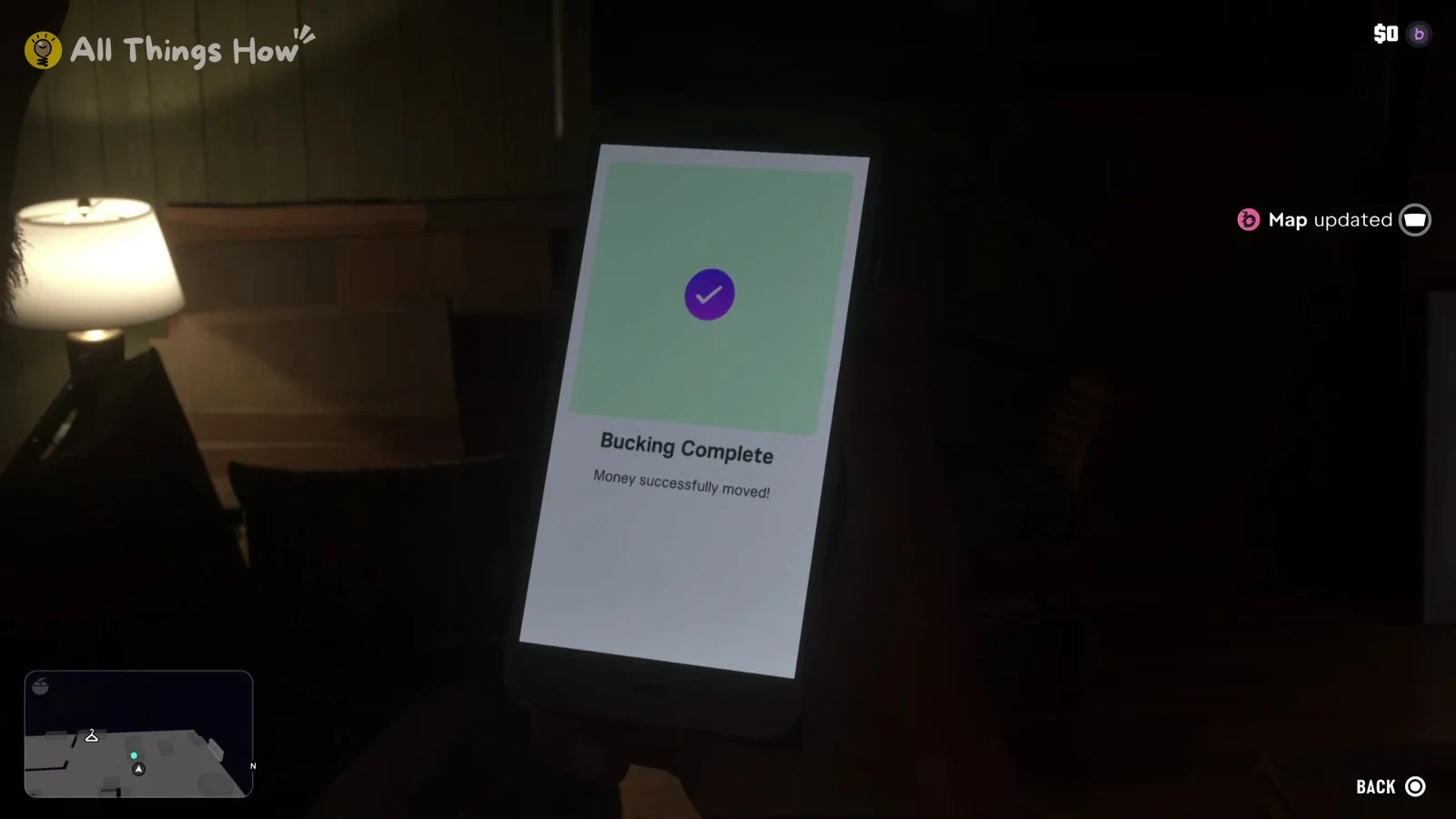
Press up on the d-pad to bring up the phone, then choose Open BuckMe.
Pick your checking account.
Choose Buck Yourself, then move money into the Family Savings account.
Hit Confirm. You’ll know the transfer worked when the app shows “Bucking Complete” and “Money successfully moved!”
GTA 6 BuckMe Bucking Complete
Bucking Complete.

For a closer look at the app itself, there’s a separate breakdown of how BuckMe Family Savings works.


After Buck Me: What the Story list shows

Your save from the end of the mission is named “Buck Me (14%)”, and its summary reads “Jason and Lucia attempt to set up a joint bank account, but their credit isn’t good enough. They end up with the BuckMe app instead.”
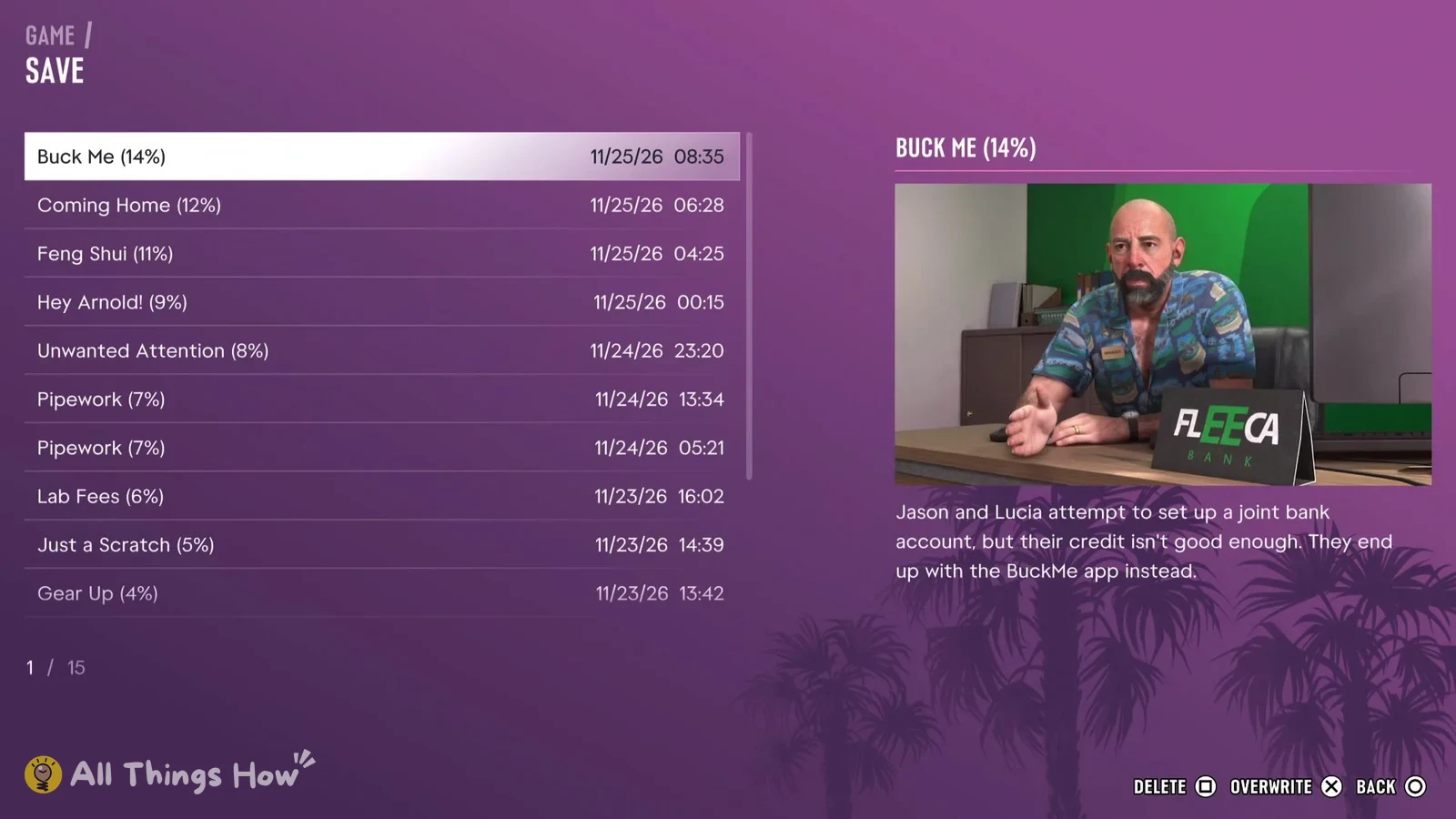
GTA 6 save list with Buck Me 14 percent
Buck Me (14%) save.

These entries are on the Story list after that:
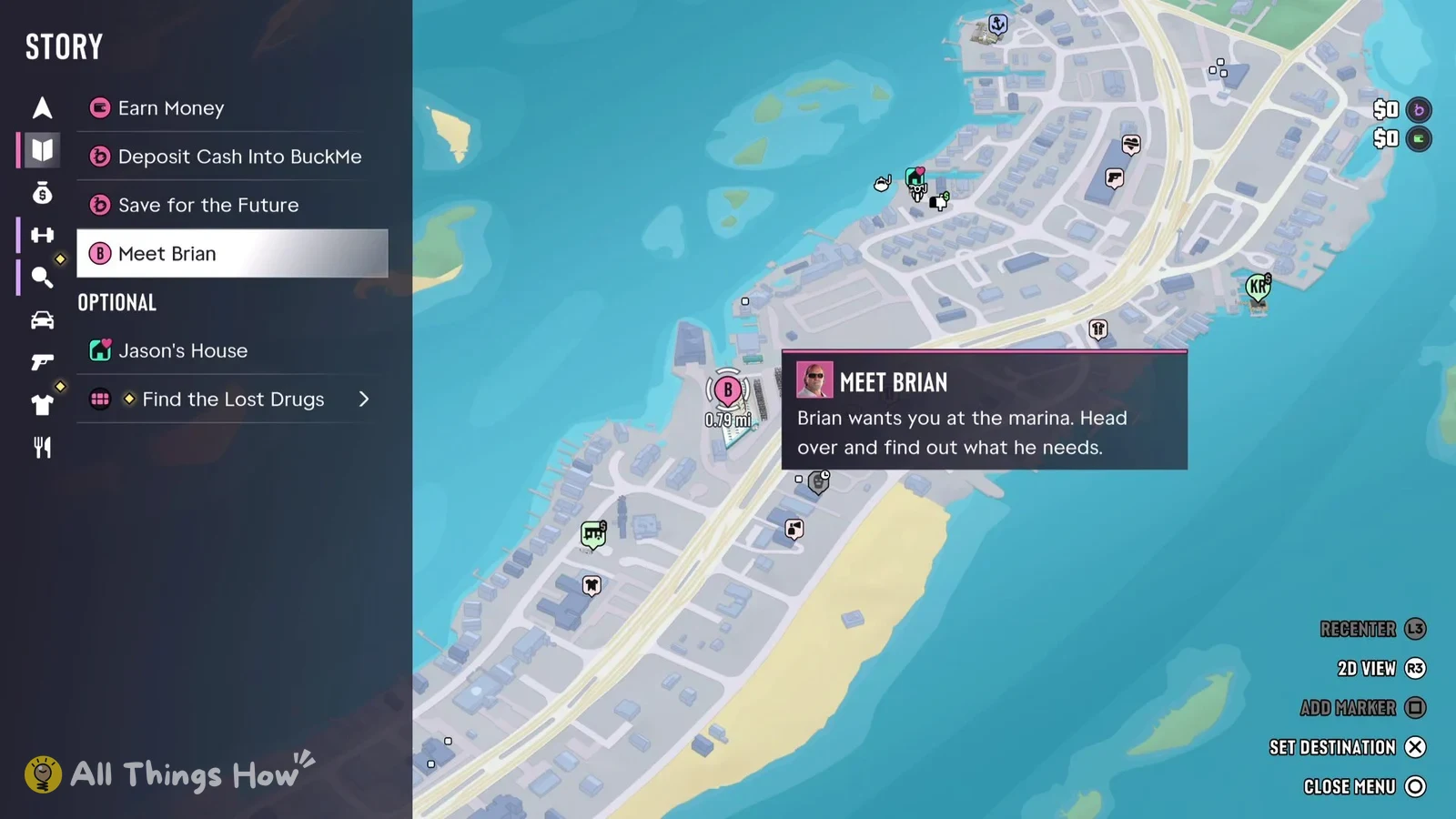
GTA 6 Meet Brian story card
MEET BRIAN next on the Story list.
  • Deposit Cash Into BuckMe
  • Save for the Future
  • “MEET BRIAN”: “Brian wants you at the marina. Head over and find out what he needs.”
  • Find the Lost Drugs, under OPTIONAL