Scooter Bros is the phone app in Grand Theft Auto VI that keeps track of the cars you own and lets you ask for one to be delivered.
Quick answer: Launch Scooter Bros from your phone. BuckMe charges $100 to deliver it. Premium costs $12,500 once and gives you 5 deliveries each day at no cost.
How to get the Scooter Bros app
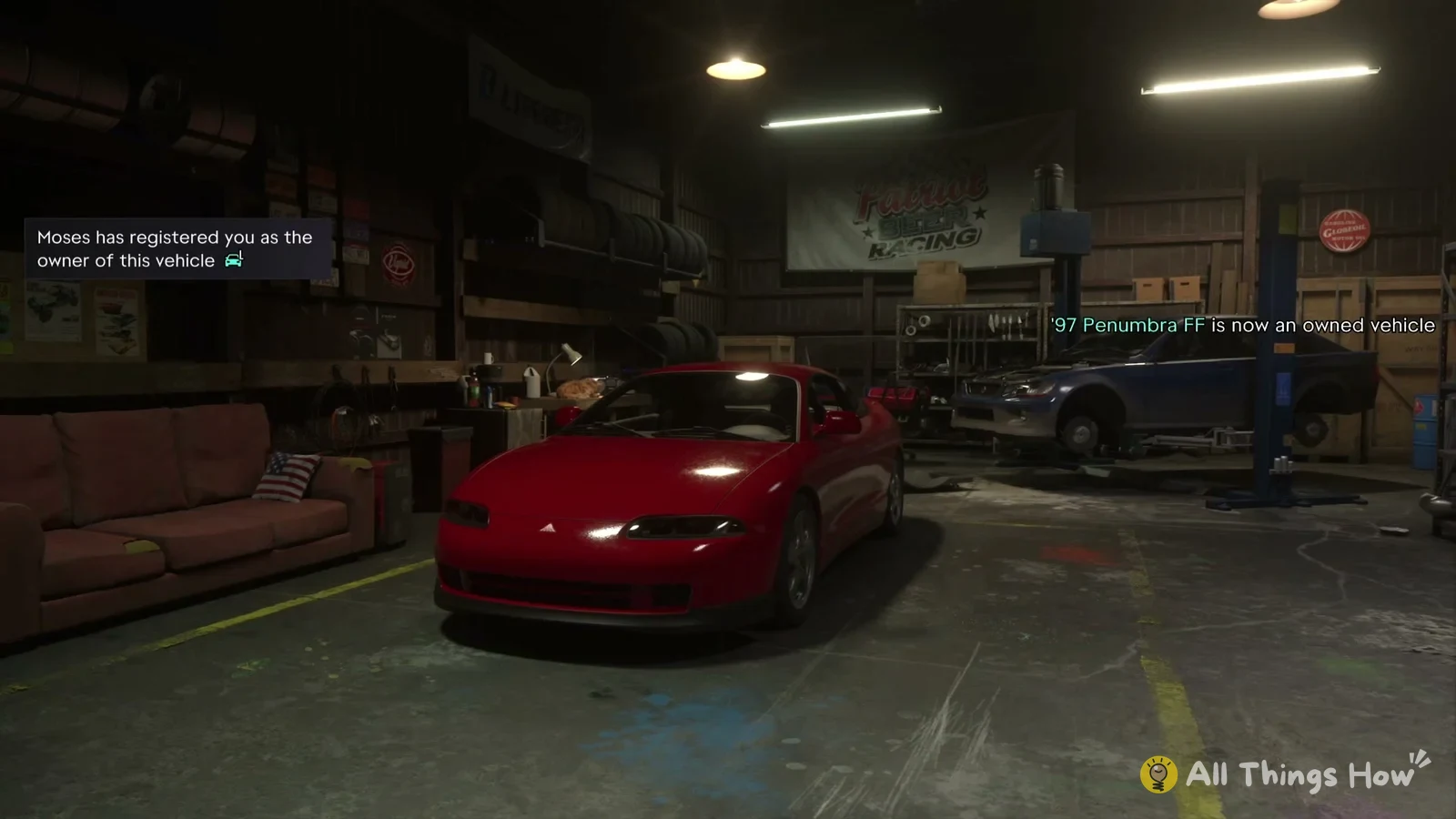
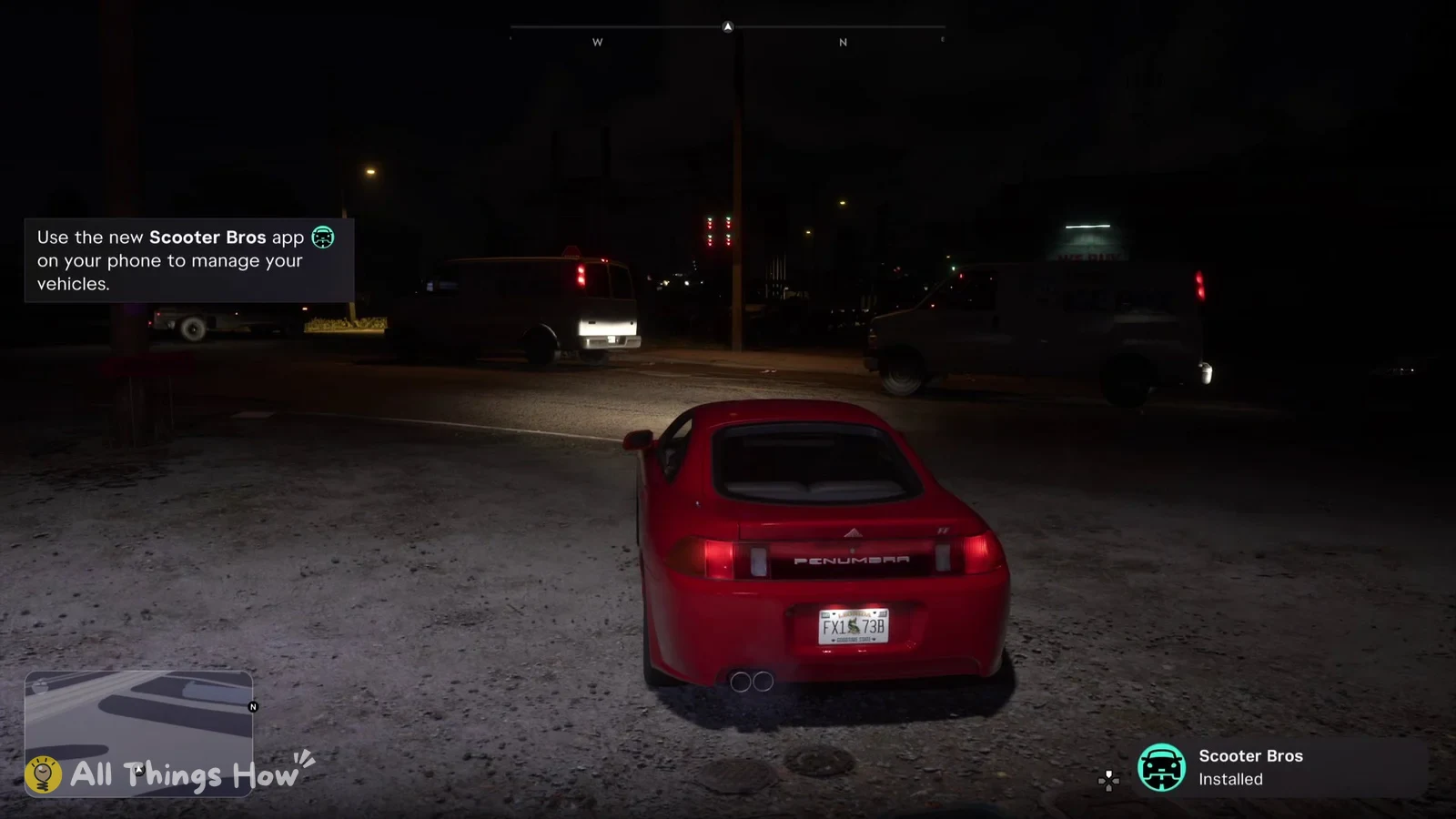
The app installs itself when Moses registers your first personal vehicle, which happens in Chapter 2 while you’re playing as Lucia. Two notices pop up first, “Moses has registered you as the owner of this vehicle” and then the car’s name with a line like “’97 Penumbra FF is now an owned vehicle”. Right after that, the game tells you “Use the new Scooter Bros app on your phone to manage your vehicles.” and shows “Scooter Bros Installed”.
If you haven’t gotten that far yet, the steps for how to register a car cover the part that comes before the app.
How to open Scooter Bros
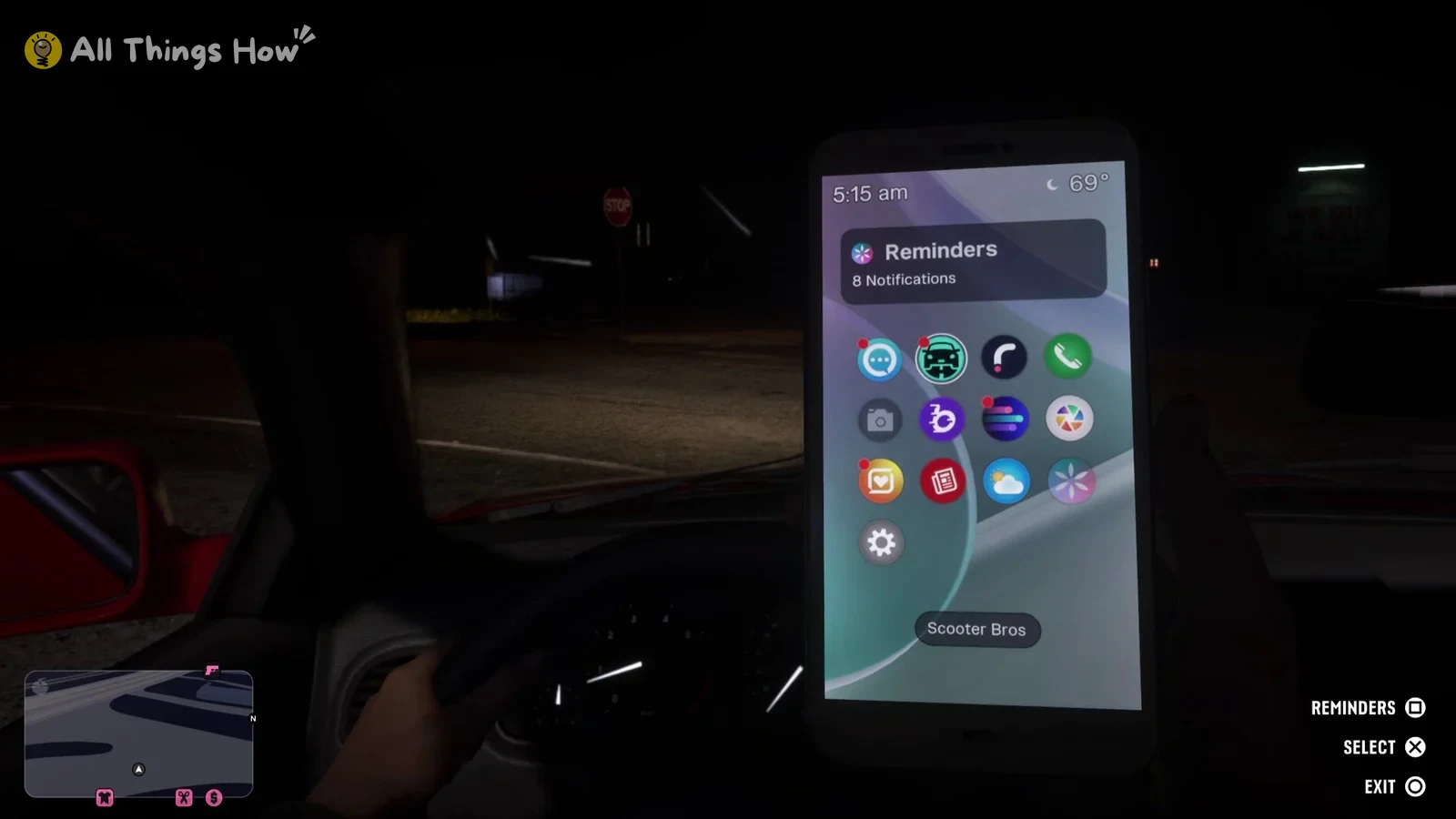
Pull out the phone and look for a green robot face. It’s the second icon in the top row, and when you highlight it the label under it reads “Scooter Bros”. Press SELECT [Cross] to open it or EXIT [Circle] to back out.
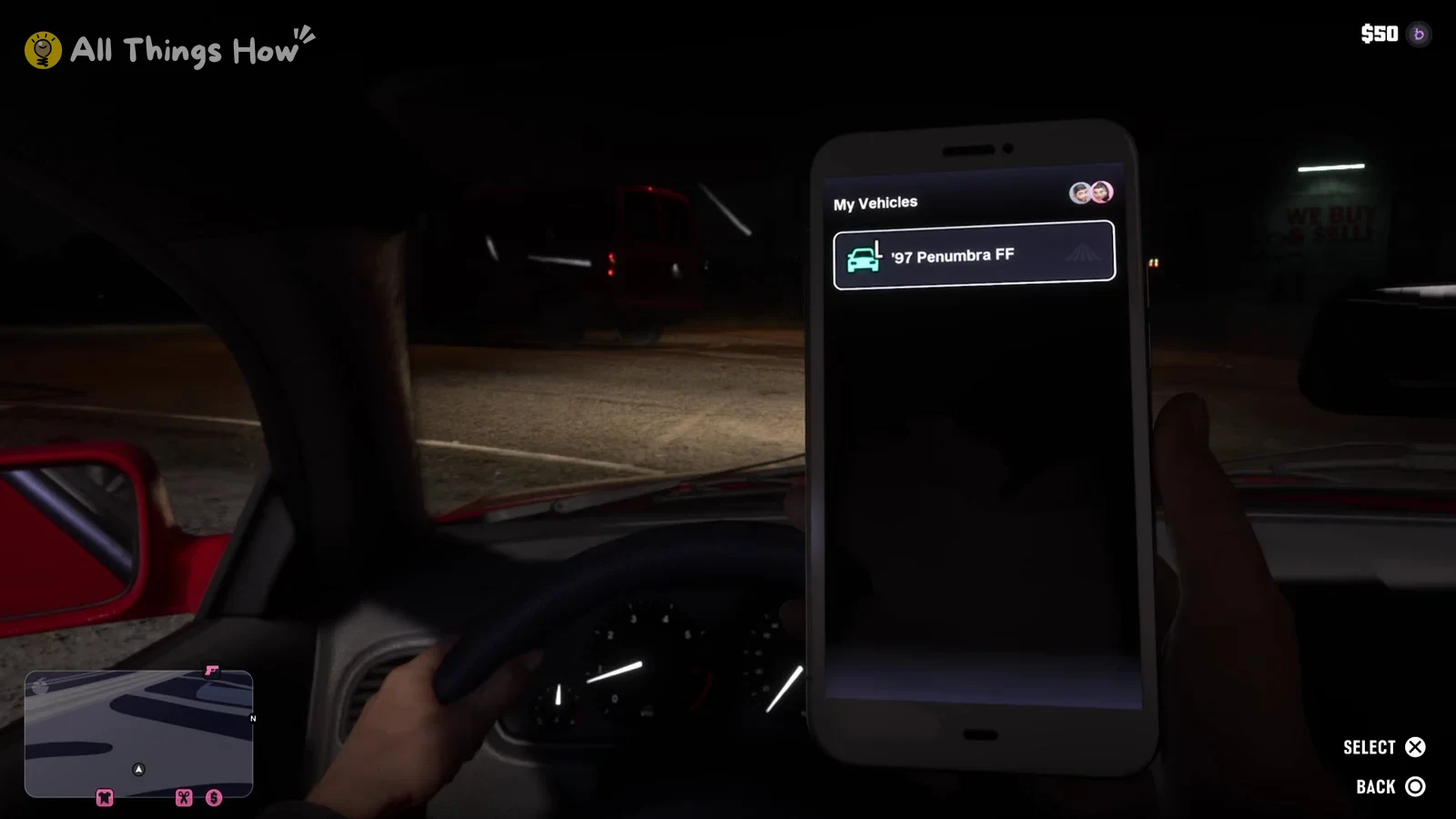
With only one registered car, you’ll see a single entry, such as “’97 Penumbra FF”.
How to request your car in Scooter Bros
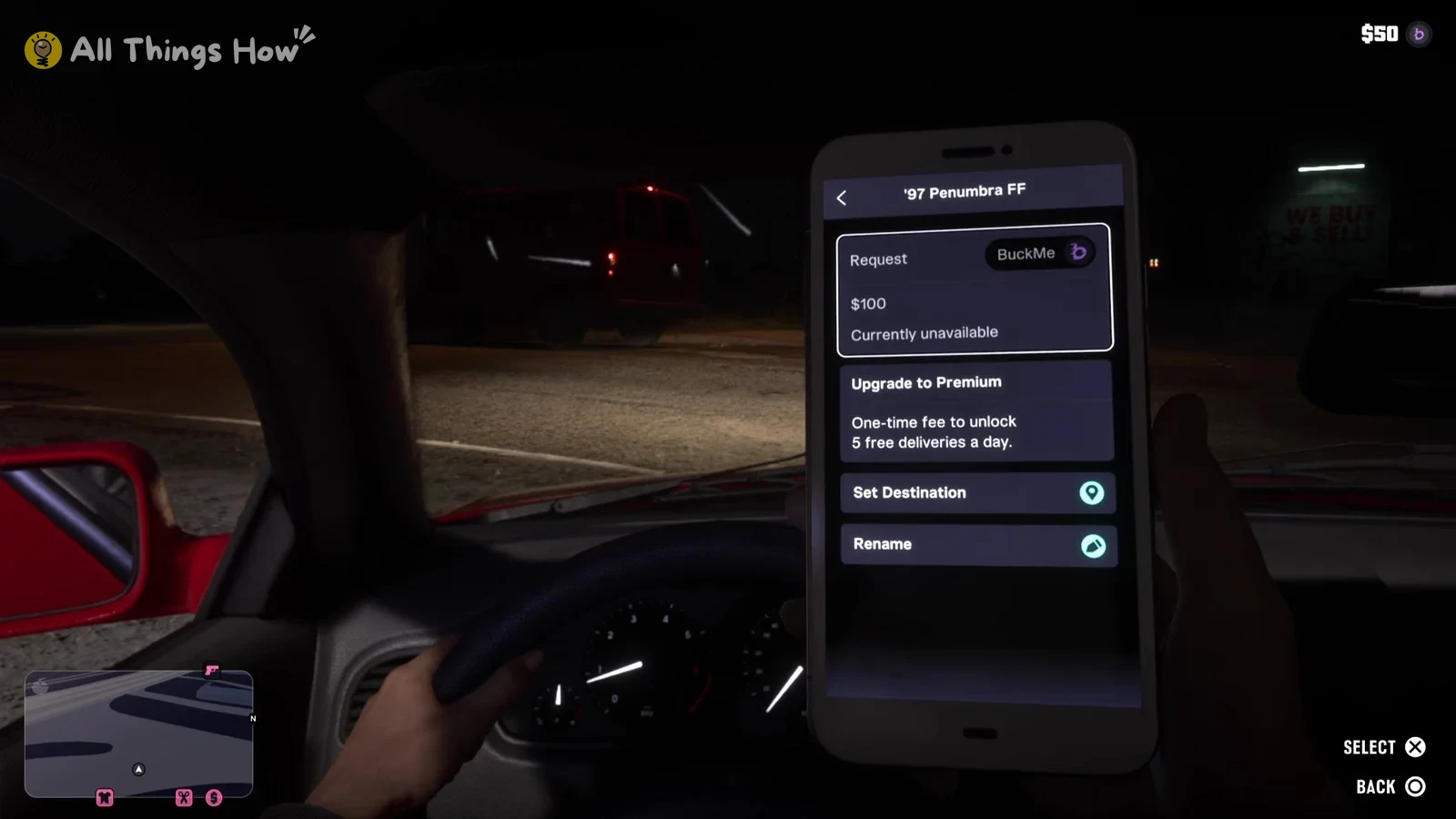
Request can show “Currently unavailable” under it. That’s what the page showed while Lucia was sitting in the same car she was looking at.
Scooter Bros Premium price
On the vehicle page, “Upgrade to Premium” carries the line “One-time fee to unlock 5 free deliveries a day.” Selecting it brings up a screen that reads “Upgrade to Premium and unlock 5 daily credits to use on any of our services, free of charge.” with two buttons, “Upgrade ($12,500)” and “Cancel”.
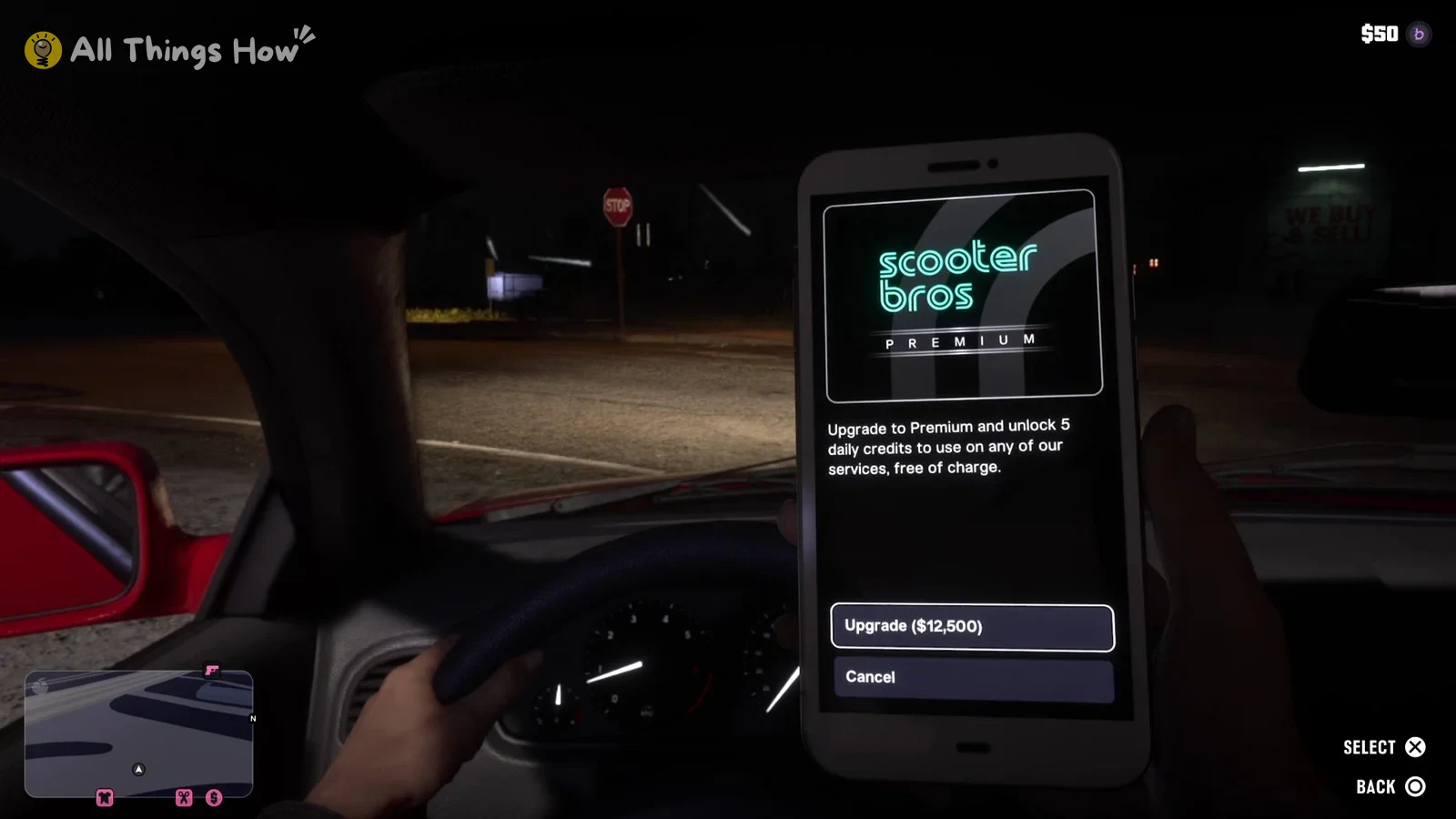
| Option | Cost | What you get |
|---|---|---|
| Request | $100 from BuckMe | One delivery |
| Premium | $12,500, one time | 5 free deliveries a day |
To put the price in perspective, $12,500 is the same as paying for 125 regular $100 requests.