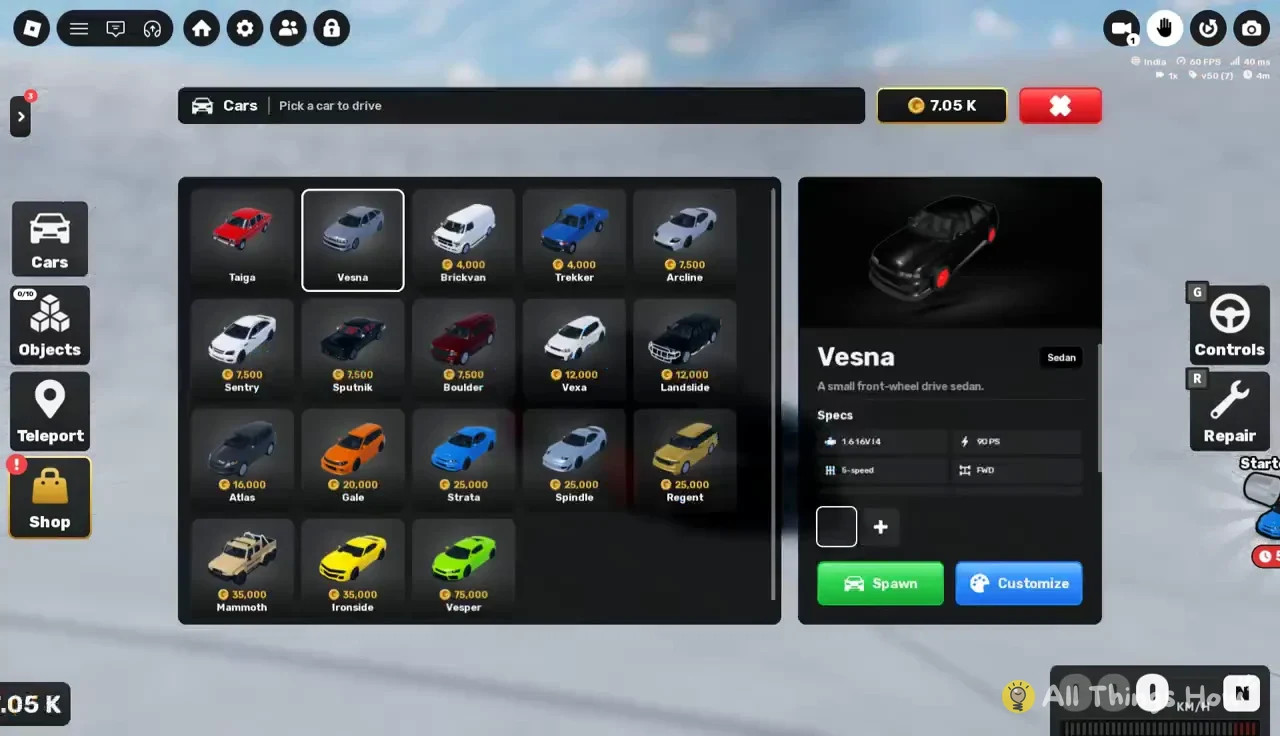
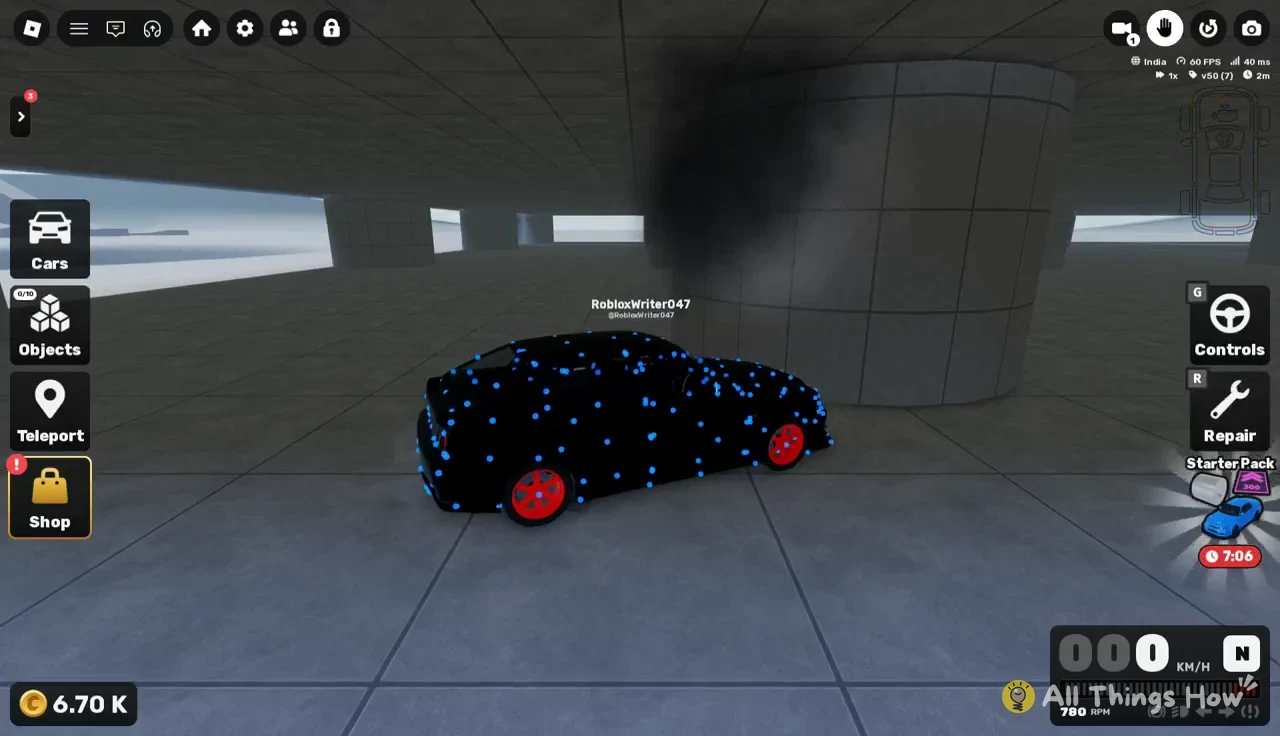
Crash Engine on Roblox has 18 cars in its Cars menu. Two of them, the Taiga and the Vesna, are ready to drive from the start, and the rest are paid for with Crash Coins that you earn by wrecking things. Once you buy a car it’s yours to keep, and you can repaint its body and rims in the Garage before you spawn it.
Quick answer: Crash into walls and obstacles to collect Crash Coins. From the screen’s left edge, enter Cars, select a car, then press the button marked with its coin price. Prices range from 4,000 to 75,000 coins.
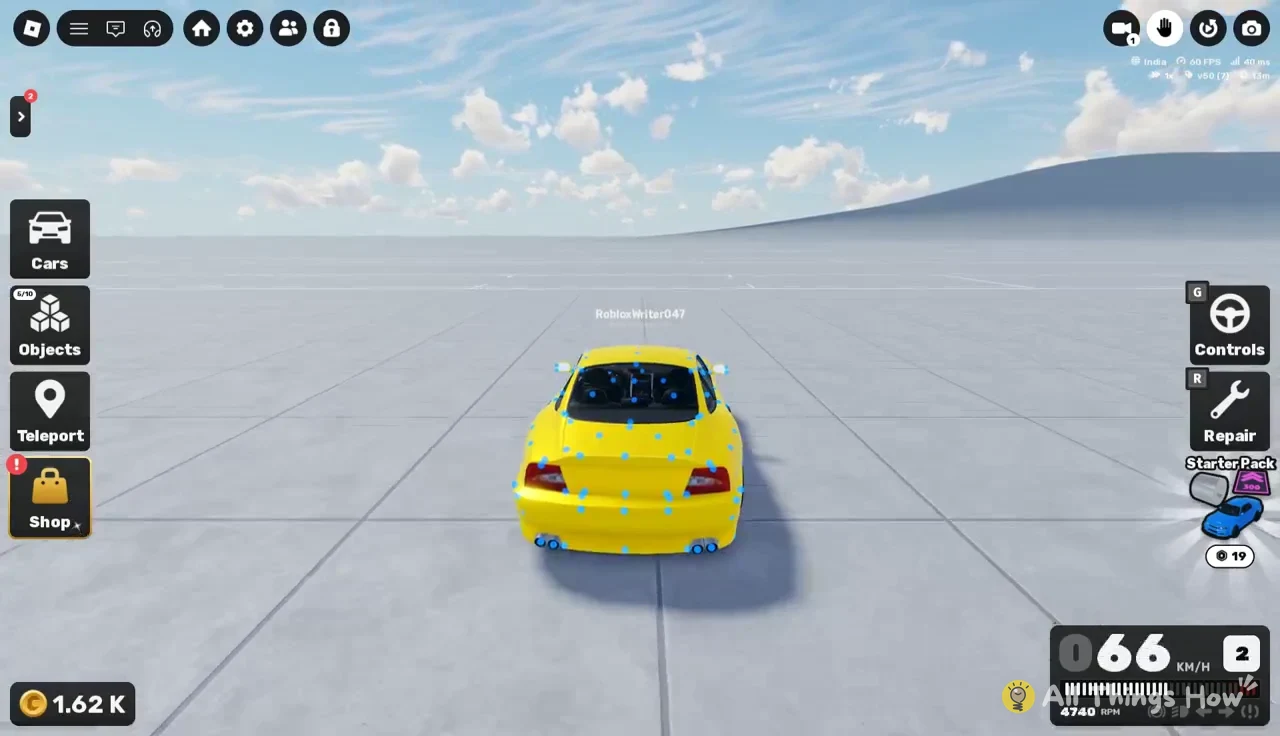
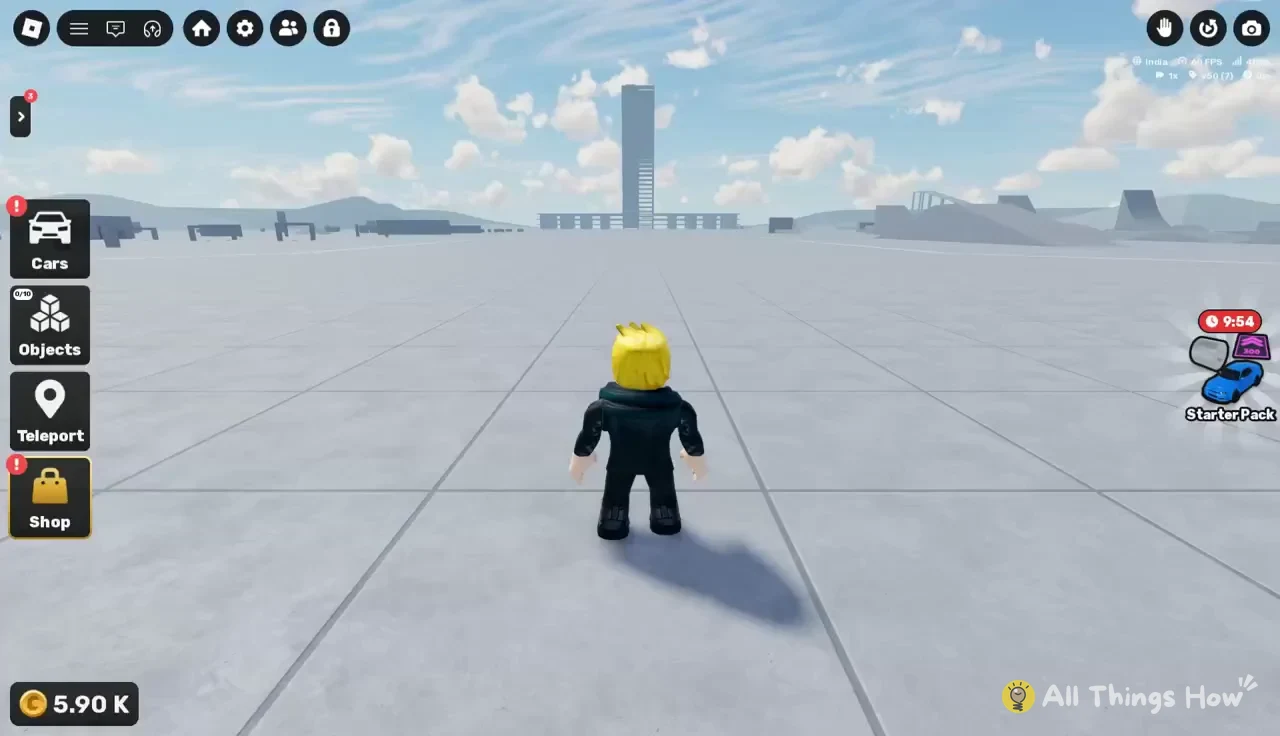
The menu buttons sit in a column on the left side of the screen while you drive or stand in the testing arena, so you don’t have to leave the map to shop.
Crash Engine car prices
Each car’s tile in the Cars menu shows a Crash Coin price and a Robux price. Most paid cars list 19 Robux, and the Vesper lists 55. The prices below are the Crash Coin amounts from the menu.
| Car | Type | Crash Coins | Robux |
|---|---|---|---|
| Taiga | Sedan | Free | — |
| Vesna | Sedan | Starter car | — |
| Brickvan | Van | 4,000 | 19 |
| Trekker | Pickup | 4,000 | 19 |
| Arcline | Coupe | 7,500 | 19 |
| Sentry | Sedan | 7,500 | 19 |
| Sputnik | Sedan | 7,500 | 19 |
| Boulder | SUV | 7,500 | 19 |
| Vexa | Hatchback | 12,000 | 19 |
| Landslide | Pickup | 12,000 | 19 |
| Atlas | SUV | 16,000 | 19 |
| Gale | Sedan | 20,000 | 19 |
| Strata | — | 25,000 | — |
| Spindle | — | 25,000 | — |
| Regent | — | 25,000 | — |
| Mammoth | Pickup | 35,000 | 19 |
| Ironside | Muscle | 35,000 | 19 |
| Vesper | Supercar | 75,000 | 55 |
The Taiga’s description calls it free for everyone, and the Vesna is the car you start with, so either one works for the coin grind before your first purchase. The cheapest upgrades are the Brickvan and Trekker at 4,000 Crash Coins.
Crash Engine car specs and drive types
Selecting a car in the menu shows its engine, power in PS, gearbox, drive type, top speed and 0–100 km/h time. The Taiga and Vesna don’t list acceleration figures, and the Strata, Spindle and Regent tiles show only their price.
| Car | Engine and power | Gearbox and drive | Top speed / 0–100 |
|---|---|---|---|
| Taiga | 1.6 carburetor I4, 75 PS | 4-speed, RWD | — |
| Vesna | 1.6 16V I4, 90 PS | 5-speed, FWD | — |
| Brickvan | 4.3 V6, 157 PS | 4-speed, RWD | 166 km/h / 10.1 s |
| Trekker | 4.5 turbodiesel V8, 205 PS | 5-speed, AWD | 155 km/h / 11.1 s |
| Arcline | 2.0 V6 24V, 200 PS | 5-speed, FWD | 227 km/h / 6.5 s |
| Sentry | 6.0 V8, 360 PS | 6-speed, RWD | 265 km/h / 6.1 s |
| Sputnik | 5.5 V8, 195 PS | 3-speed, RWD | 183 km/h / 9.9 s |
| Boulder | 5.3 V8, 324 PS | 6-speed, RWD | 216 km/h / 7.7 s |
| Vexa | 2.0 turbo I4, 200 PS | 6-speed, FWD | 230 km/h / 6.5 s |
| Landslide | 5.3 V8, 324 PS | 6-speed, RWD | 202 km/h / 8.1 s |
| Atlas | 4.2 V8, 350 PS | 6-speed, AWD | 226 km/h / 5.9 s |
| Gale | 2.0 turbo boxer, 308 PS | 6-speed, AWD | 250 km/h / 4.9 s |
| Mammoth | 6.0 V8, 330 PS | 4-speed, 6WD | 204 km/h / 9.6 s |
| Ironside | 6.2 V8, 432 PS | 6-speed, RWD | 287 km/h / 4.5 s |
| Vesper | 5.2 V10, 525 PS | 6-speed, AWD | 313 km/h / 3.4 s |
Price doesn’t always follow speed. In the 7,500-coin group the Sentry police sedan out-accelerates and outruns the Arcline coupe, Sputnik and Boulder SUV, while the Trekker pickup at 4,000 is the only cheap car with all-wheel drive. The Mammoth is the six-wheel pickup, and the mid-engine Vesper tops the list on every figure.
Earning Crash Coins for a new car
Every bit of damage you do to your own car pays out Crash Coins, shown as a small “C” value on screen right after the hit. Concrete walls, blocks, barriers, the curved half-pipe ramps and the pillars of the multi-level parking garage all count, so you can earn in your starter car from the moment you spawn.
Each part gets its own payout line. Breaking a single window pops up a “Window smashed” notice with a few coins, and several things breaking in one crash stack as separate lines.
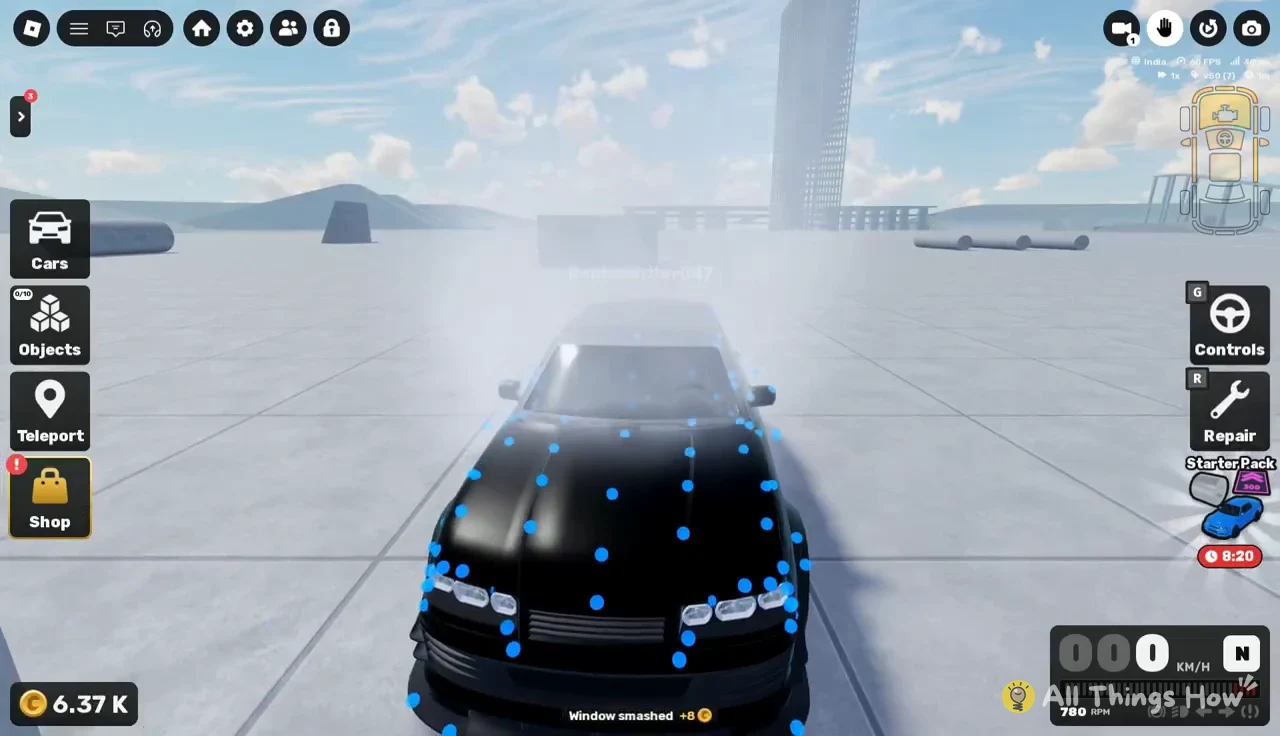
These are the damage notices the game shows and the amounts each paid out. The same kind of damage doesn’t pay the same every time, so treat the ranges as what to expect rather than fixed rates.
| Damage notice | Payout |
|---|---|
| Rolled over | +1 to +10 C |
| Roof dented | +4 to +12 C |
| Light smashed | +6 to +12 C |
| Front, Side or Rear dented | +8 C (Side x2: +16 C) |
| Window smashed | +8 to +16 C |
| Window smashed x2 | +11 to +16 C |
| Window smashed x3 | +7 to +39 C |
| Mirror torn off | +10 C (x2: +20 C) |
| Bumper torn off | +14 to +25 C |
| Front crushed | +26 to +38 C |
| Hood torn off | +27 to +40 C |
| Engine steaming | +30 C |
| Door torn off | +50 C |
| Wheel torn off | +60 C |
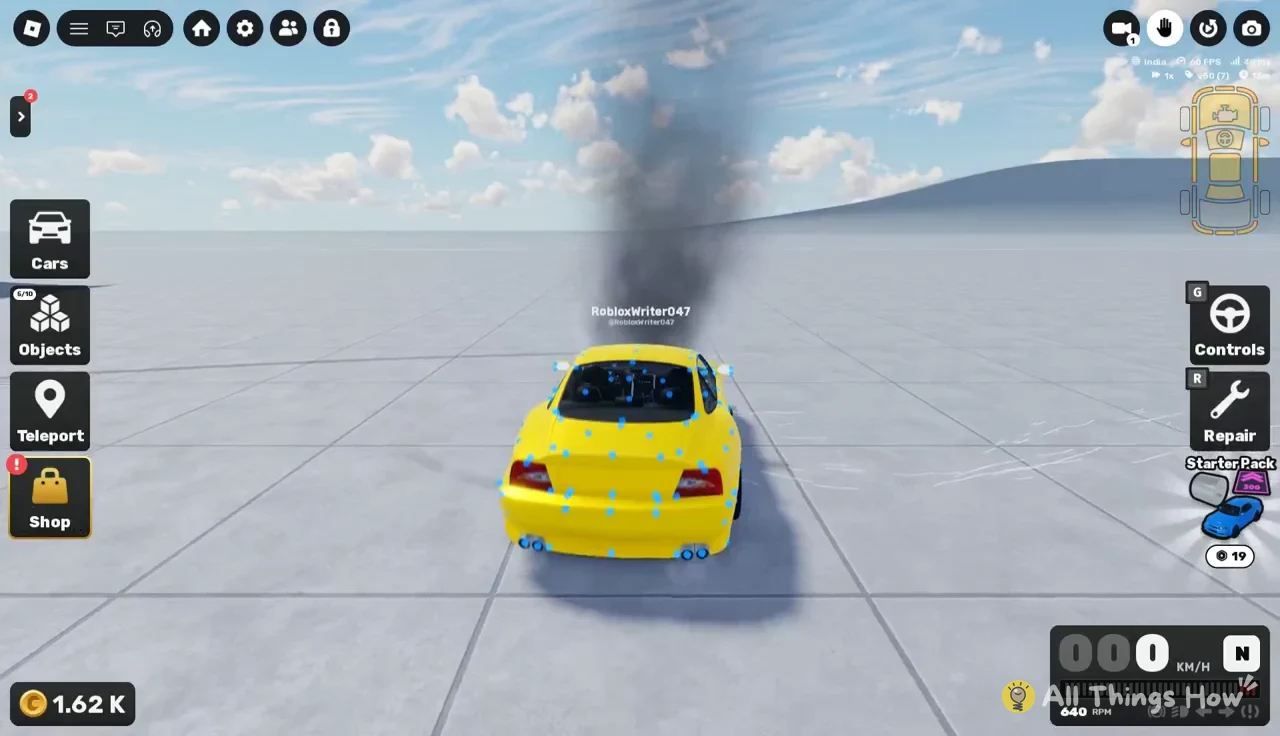
| Engine smoking | +60 to +90 C |
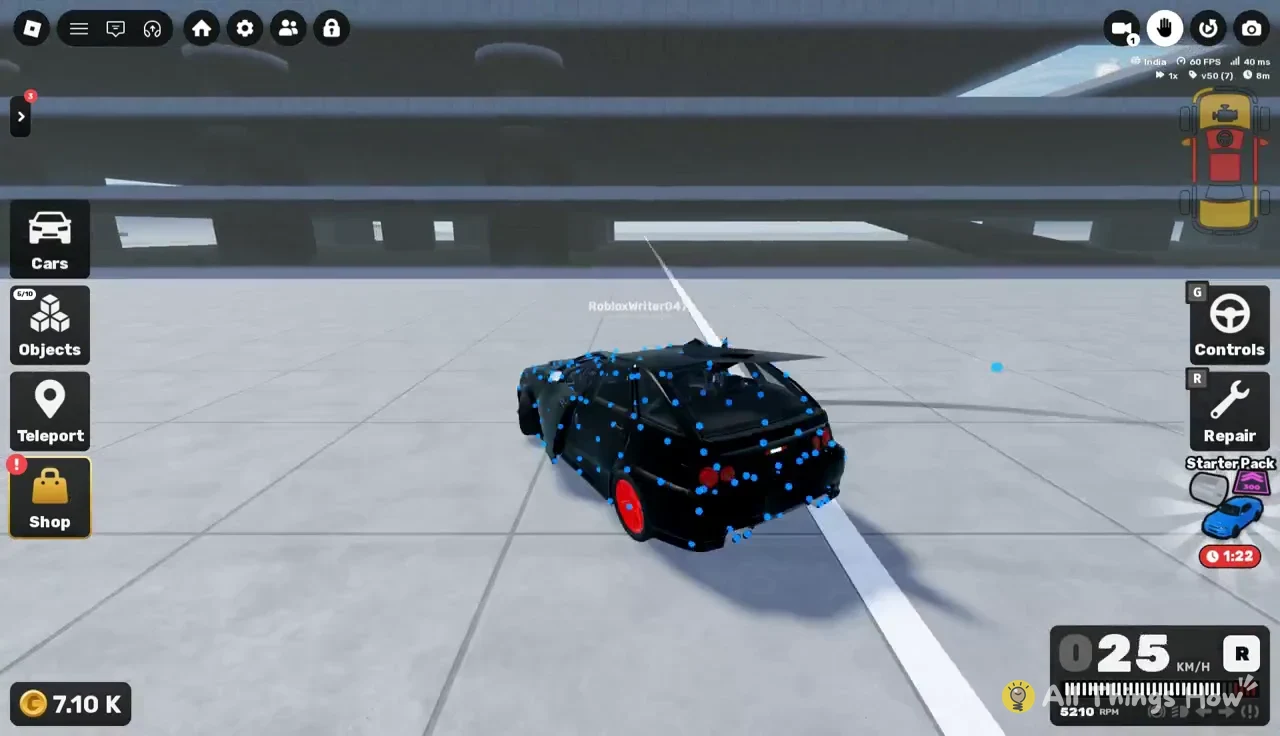
Low-speed bumps mostly pay for windows and dents. Clipping the low beams inside the parking garage, for example, crumples the roof and pays out for the roof and the glass at the same time.
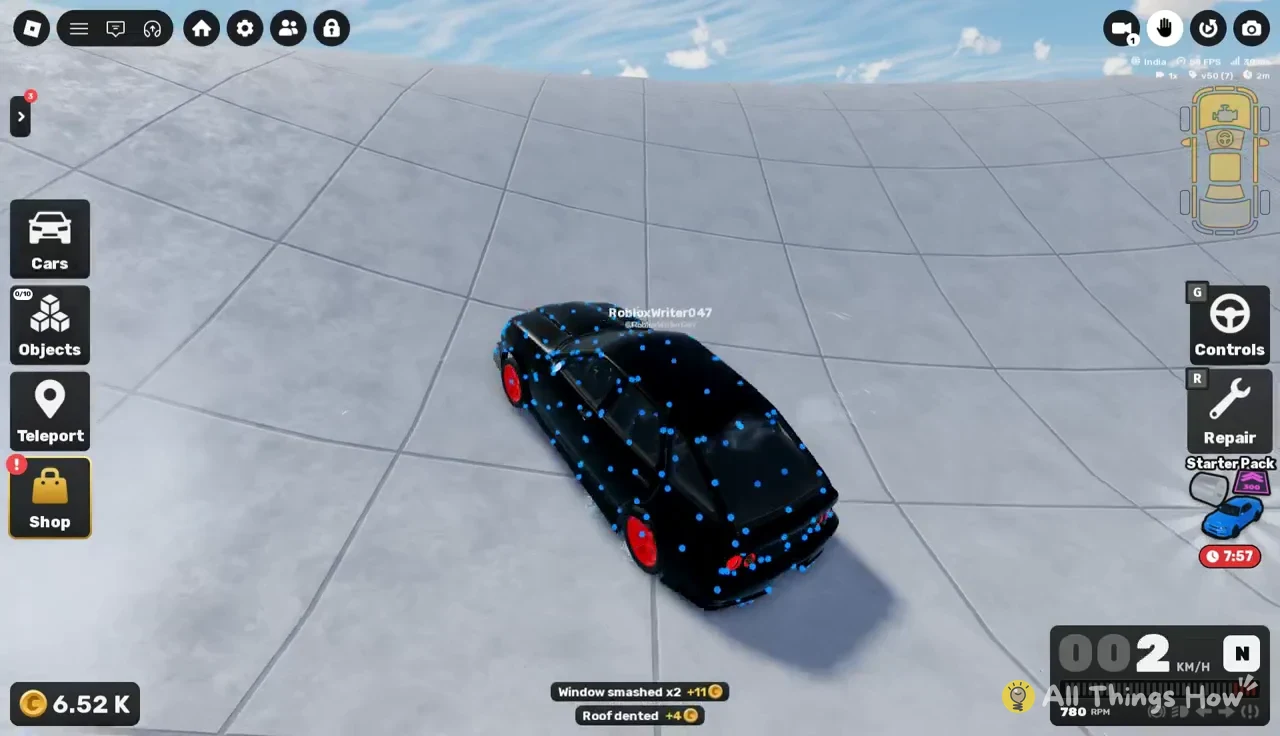
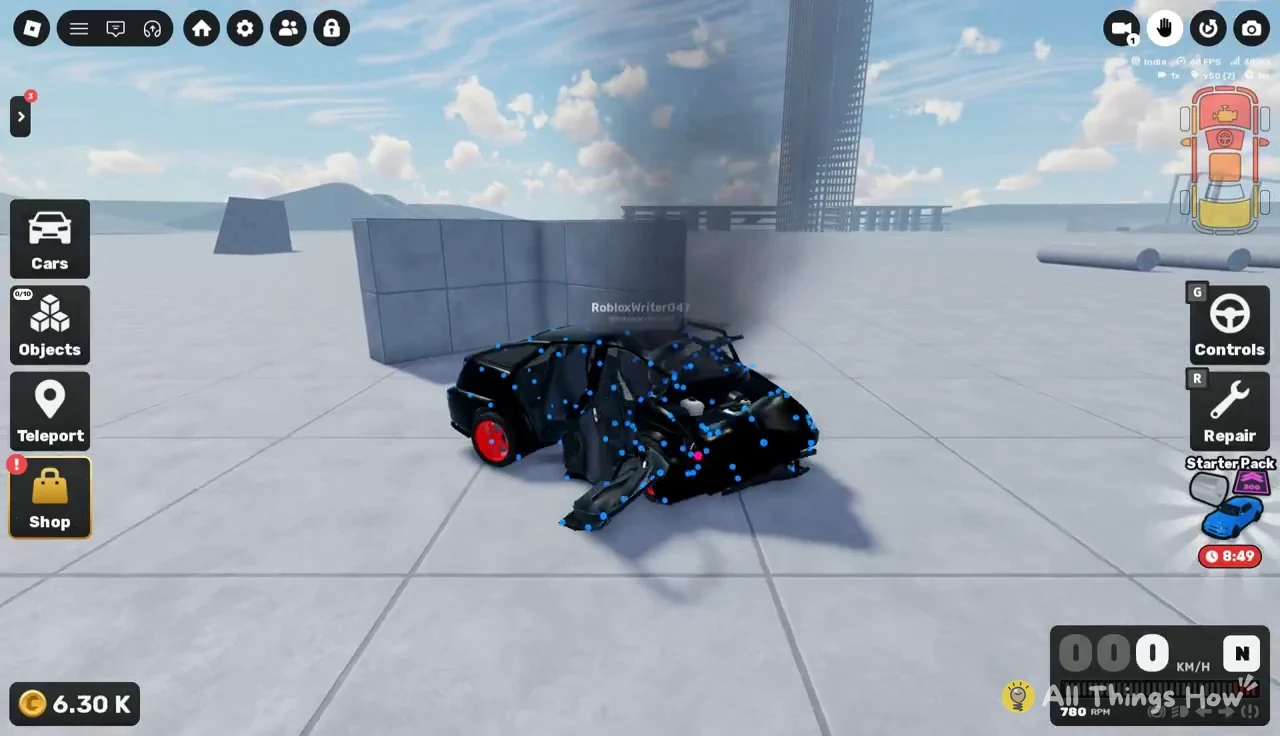
Hard head-on hits into a concrete block or wall are where the bigger numbers come from. They tear bumpers off, crush the front and leave the engine steaming or smoking, and the smoking engine alone can pay up to 90 coins.
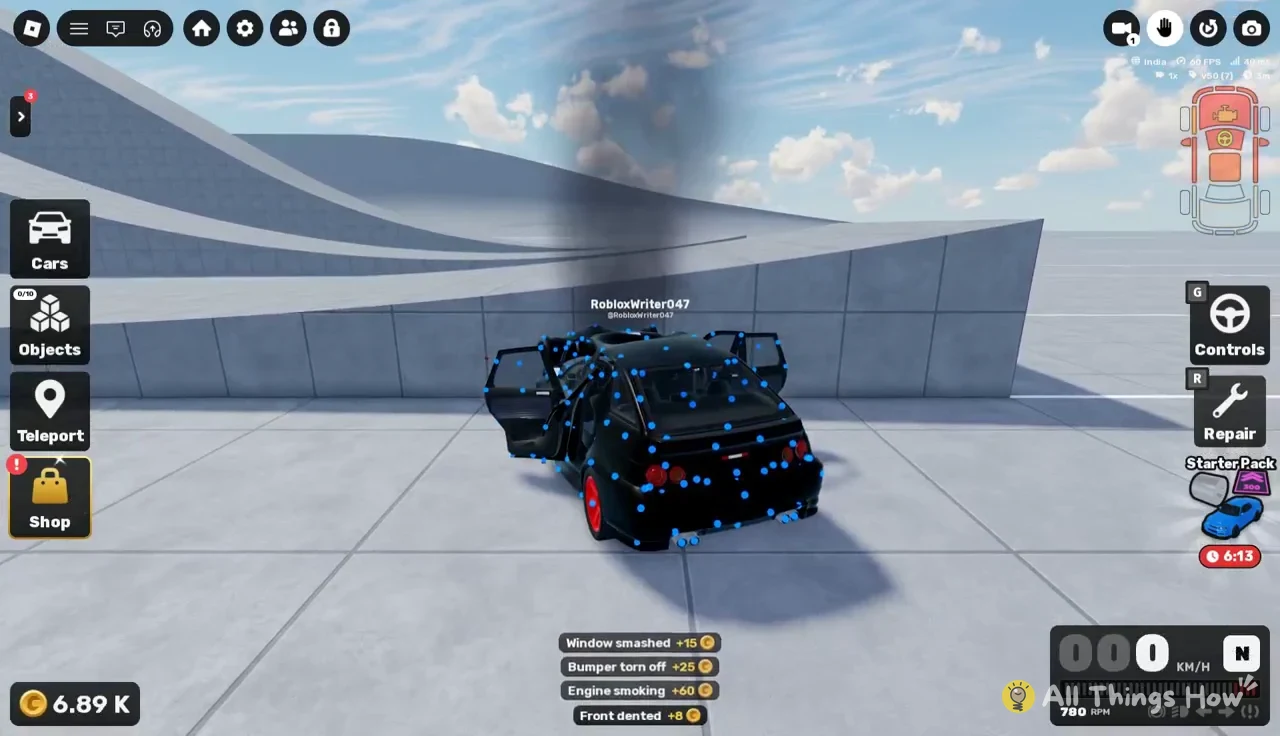
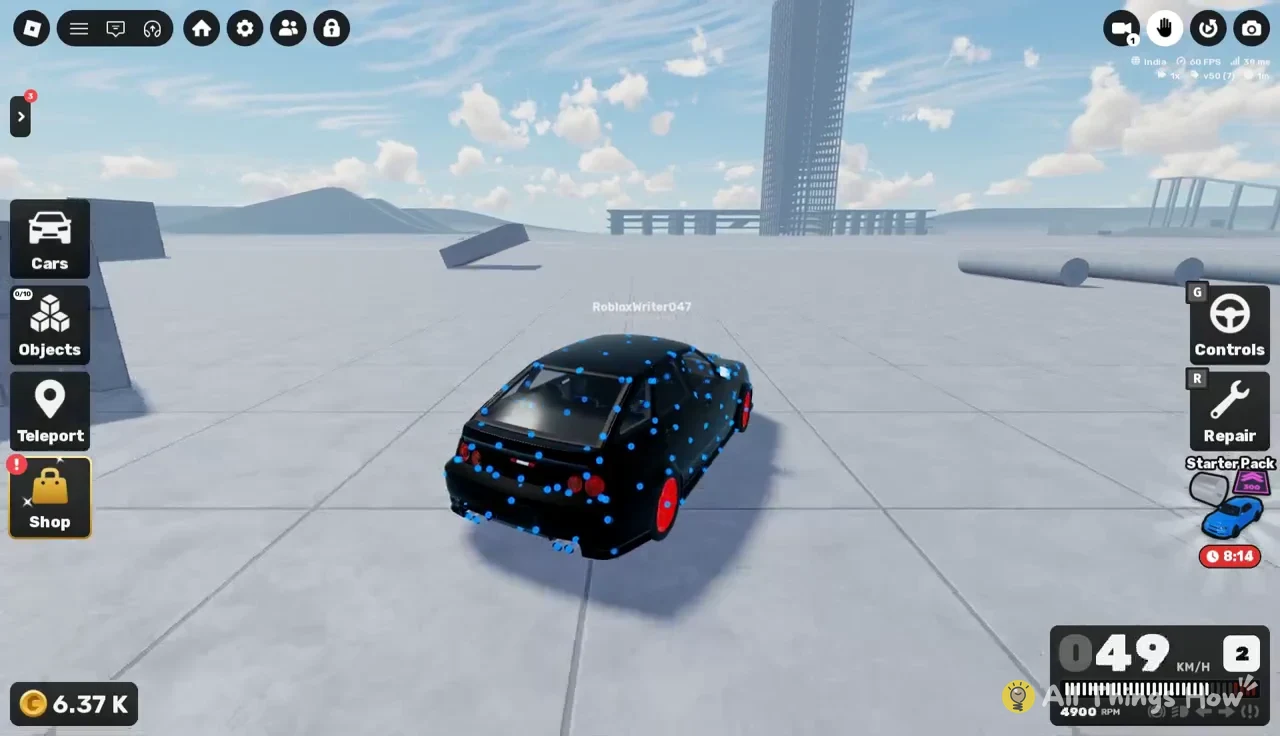
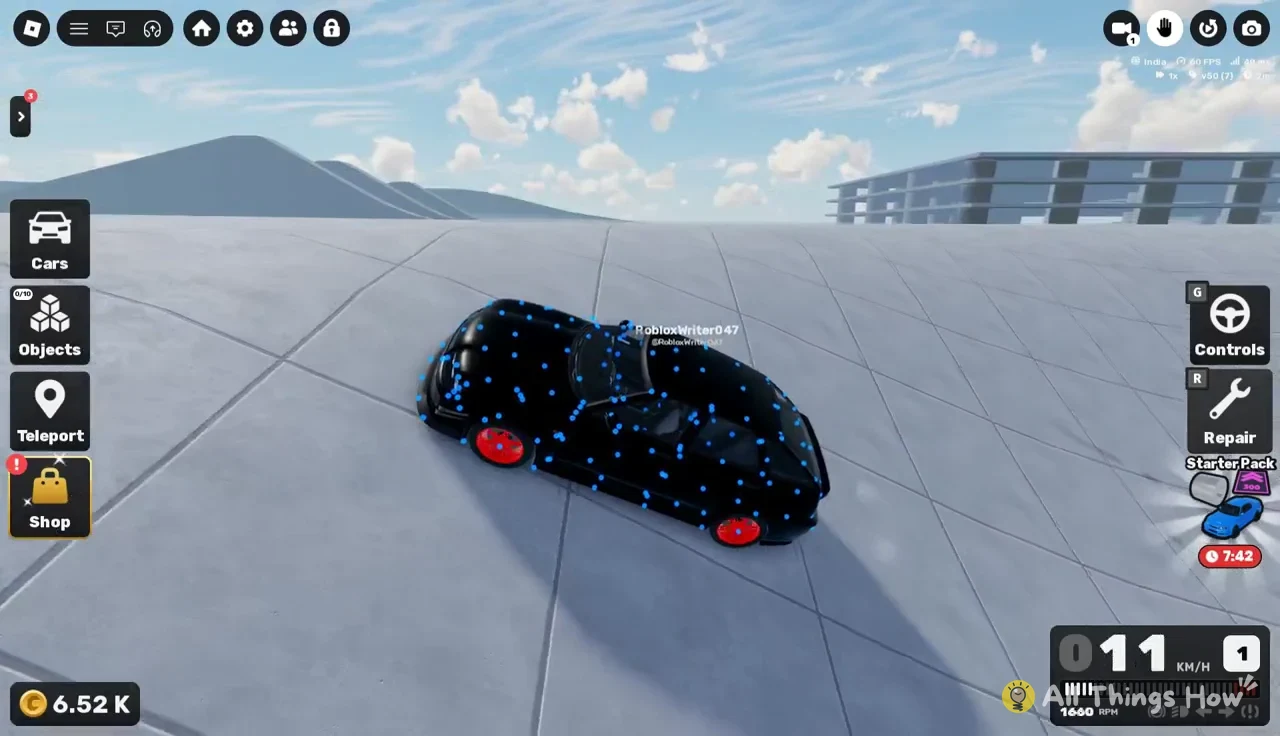
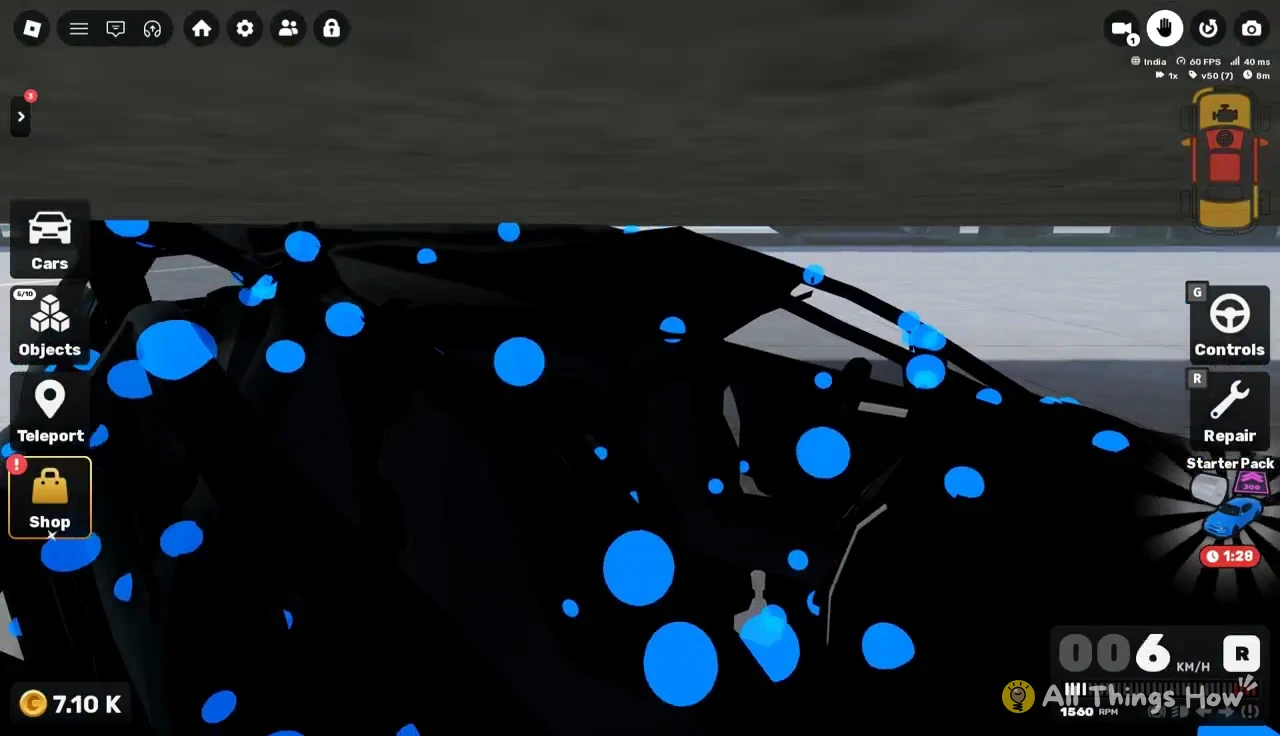
Grab Mode, toggled with LCtrl, lets you pull the car apart by hand. Blue points appear over the car’s body, and you can drag, lift and rip off the hood, doors and bumpers, which pay the same “torn off” amounts as losing them in a crash. The mouse wheel turns grab strength up or down from its default of 100%.
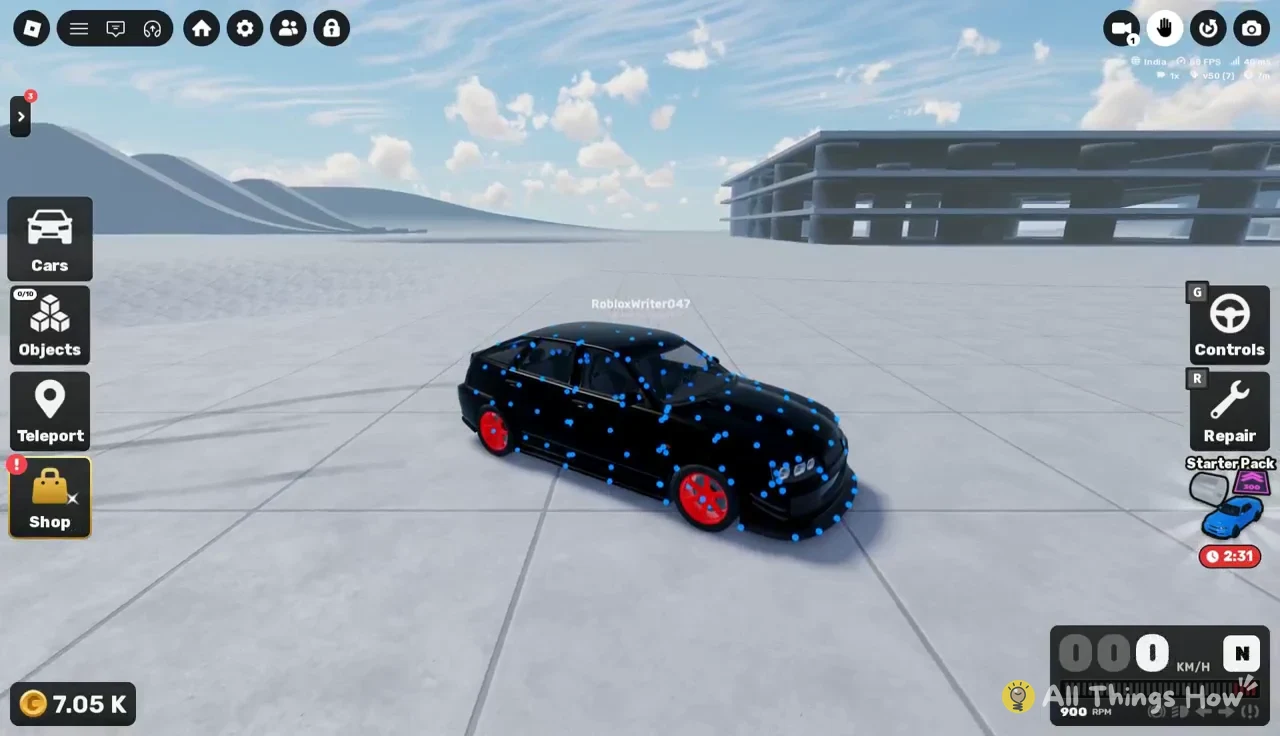
Tasks add bigger lump sums on top. A finished task shows “Task complete: +1050 C,” which is worth more than dozens of small crashes. Mixing tasks with crashes gets you past the 7,500 coins needed for the Arcline, Sentry, Sputnik or Boulder in one sitting.
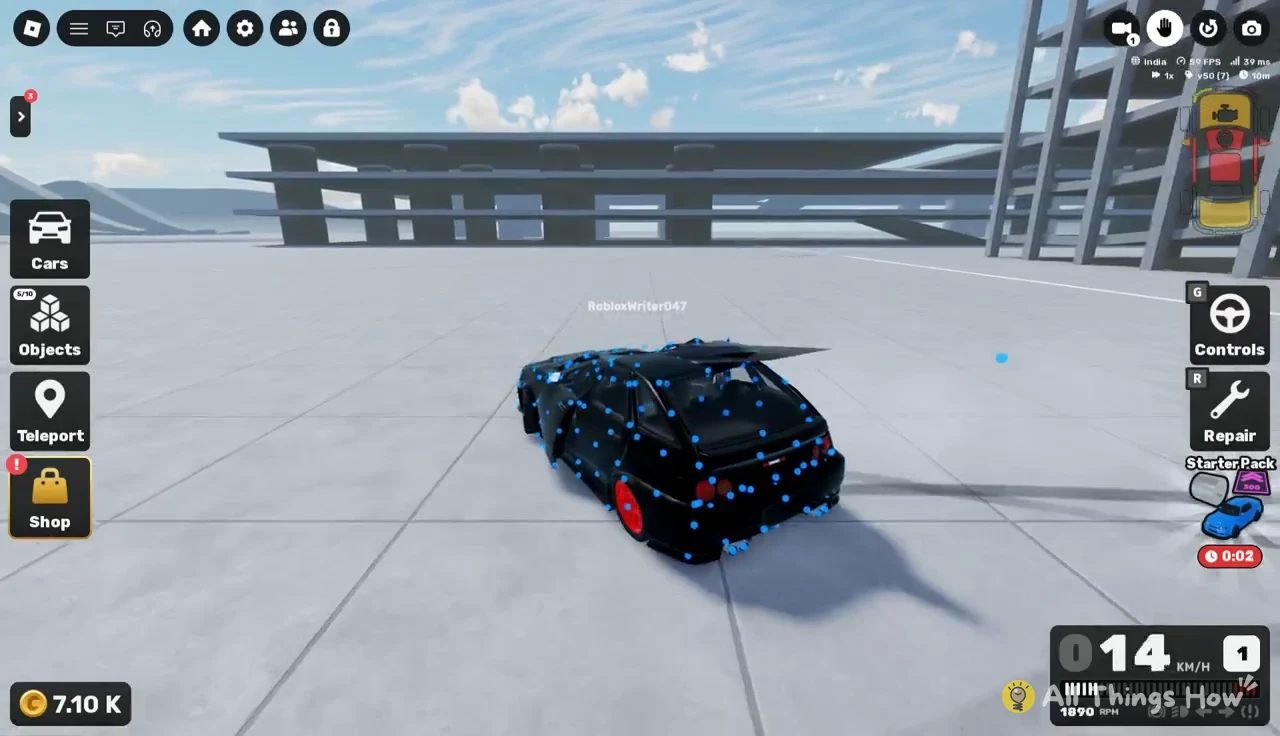
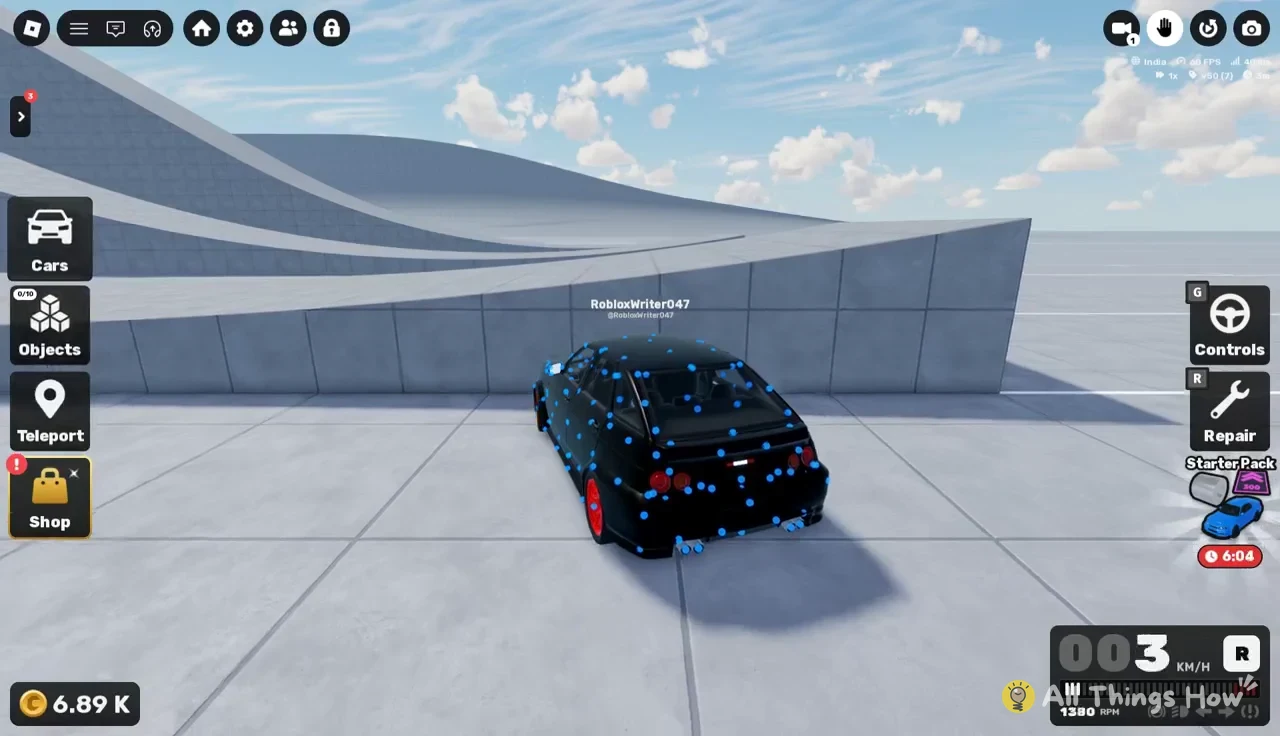
The half-pipe bowl and banked ramp walls are good for rollovers, since steep curves flip the car onto its roof. Driving a wrecked car around the garage keeps earning too, because a crumpled car still takes damage from each new pillar or retaining wall it hits.
Repairing your car and falling off the map
Press R or the Repair button on the right side of the screen to fix the car on the spot. Every panel goes back on and the engine is restored, so you can crash the same car over and over and keep earning. G opens the controls list.
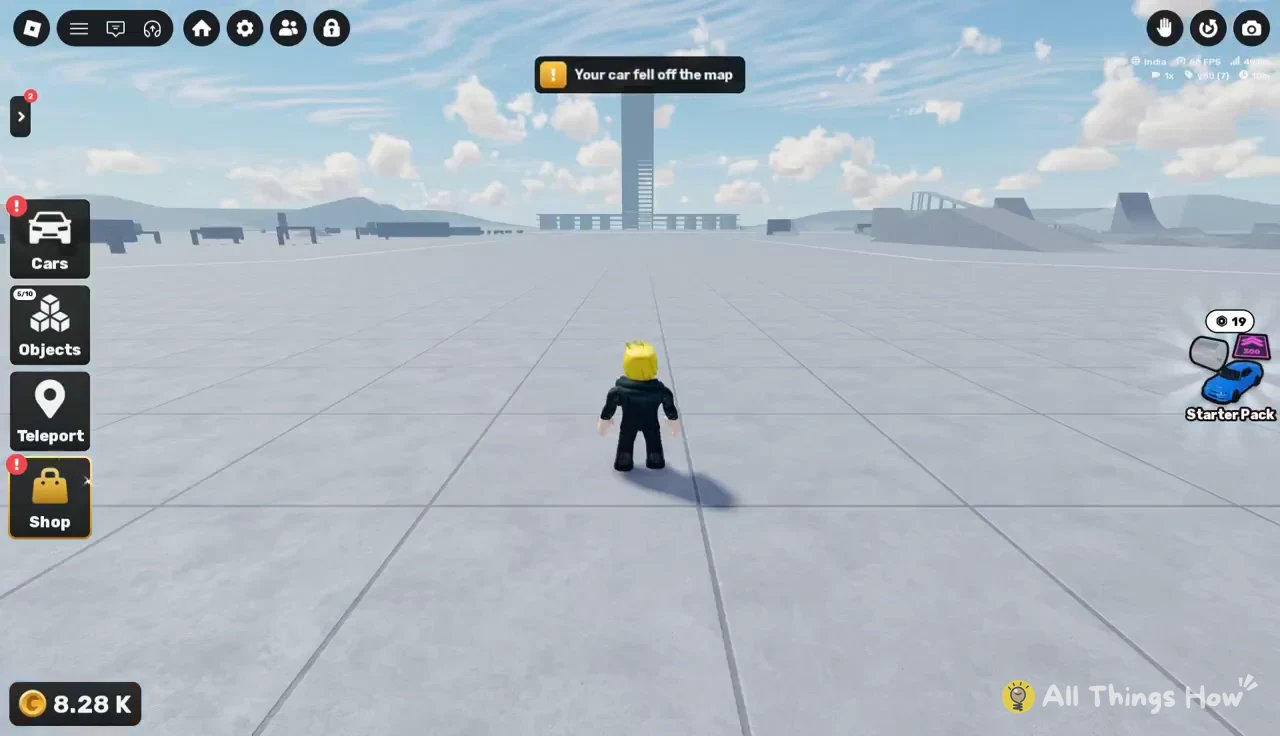
Driving off the edge of the world, such as launching off a ramp at full throttle, drops the car into the void. The game shows “Your car fell off the map” and leaves your avatar standing in the arena, and you can open the Cars menu again from there.
How to buy and customize a car in Crash Engine
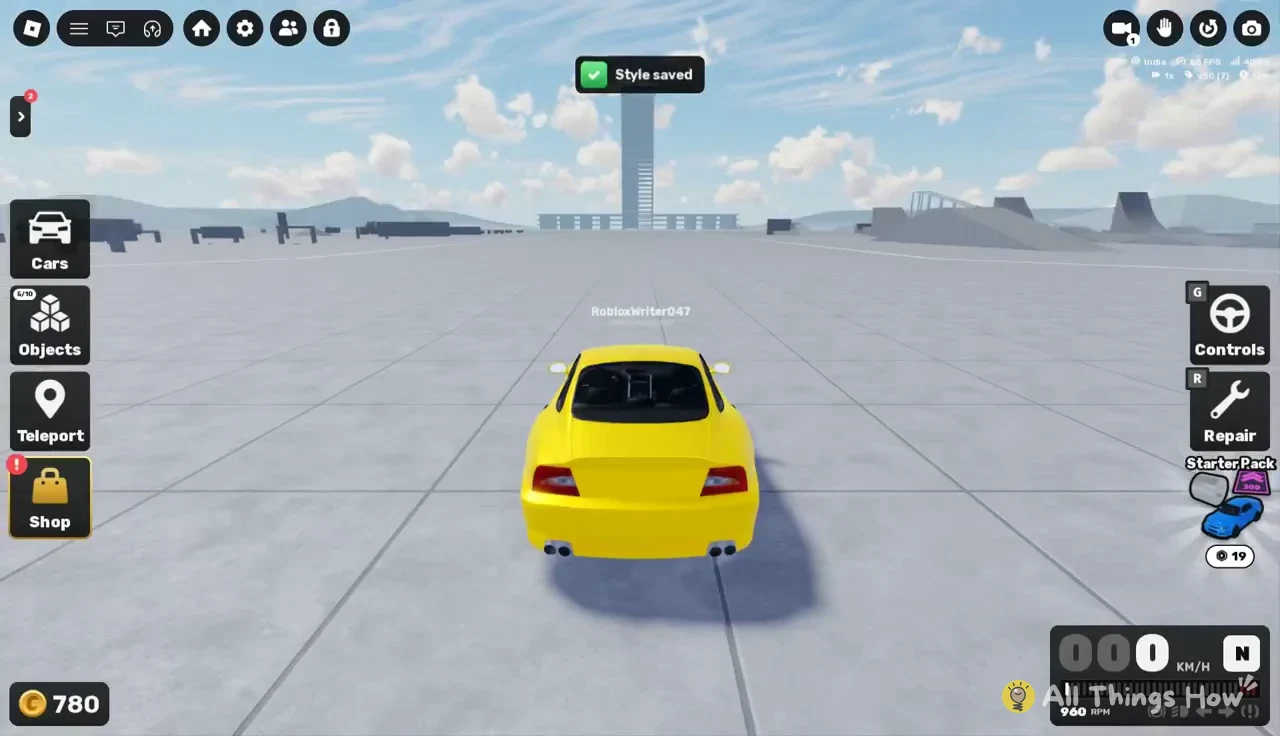
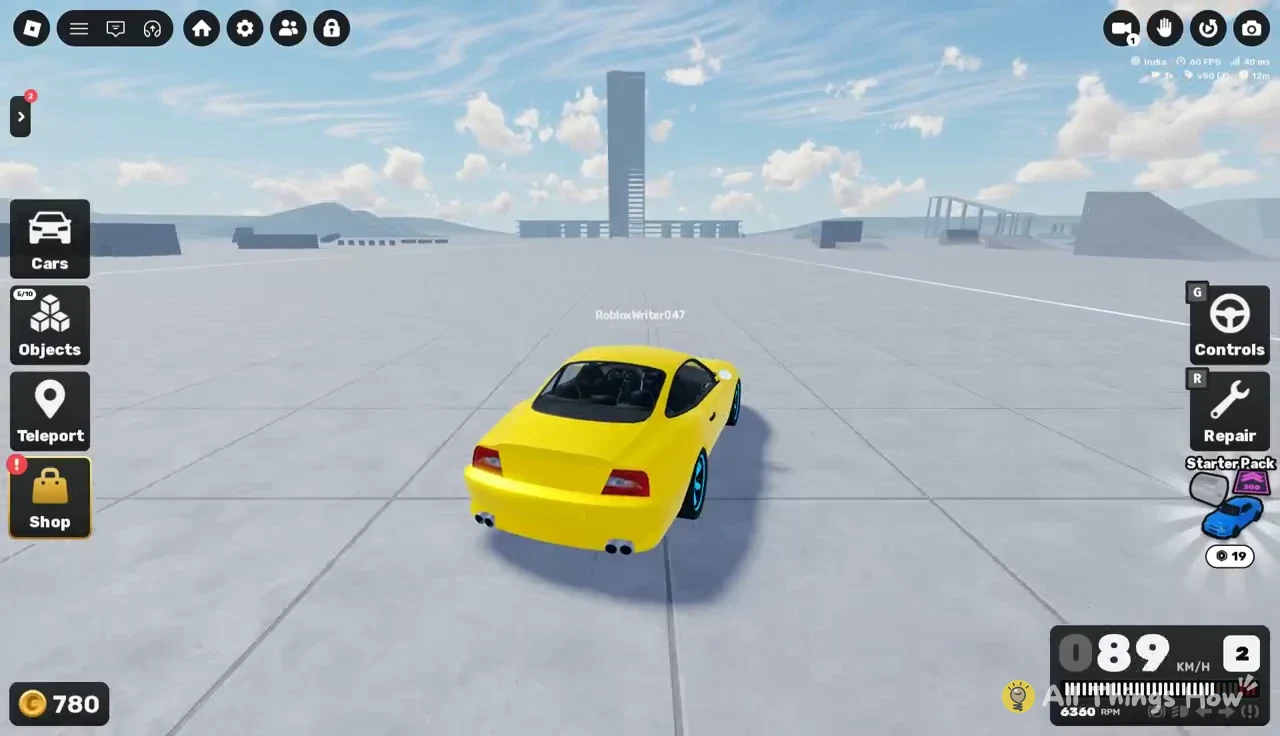
Crashing a bought car like the Arcline
A faster car reaches crash speeds much sooner than the starter sedans. The Arcline gets past 140 km/h down the runway line, well beyond what the Vesna usually manages in the same space.
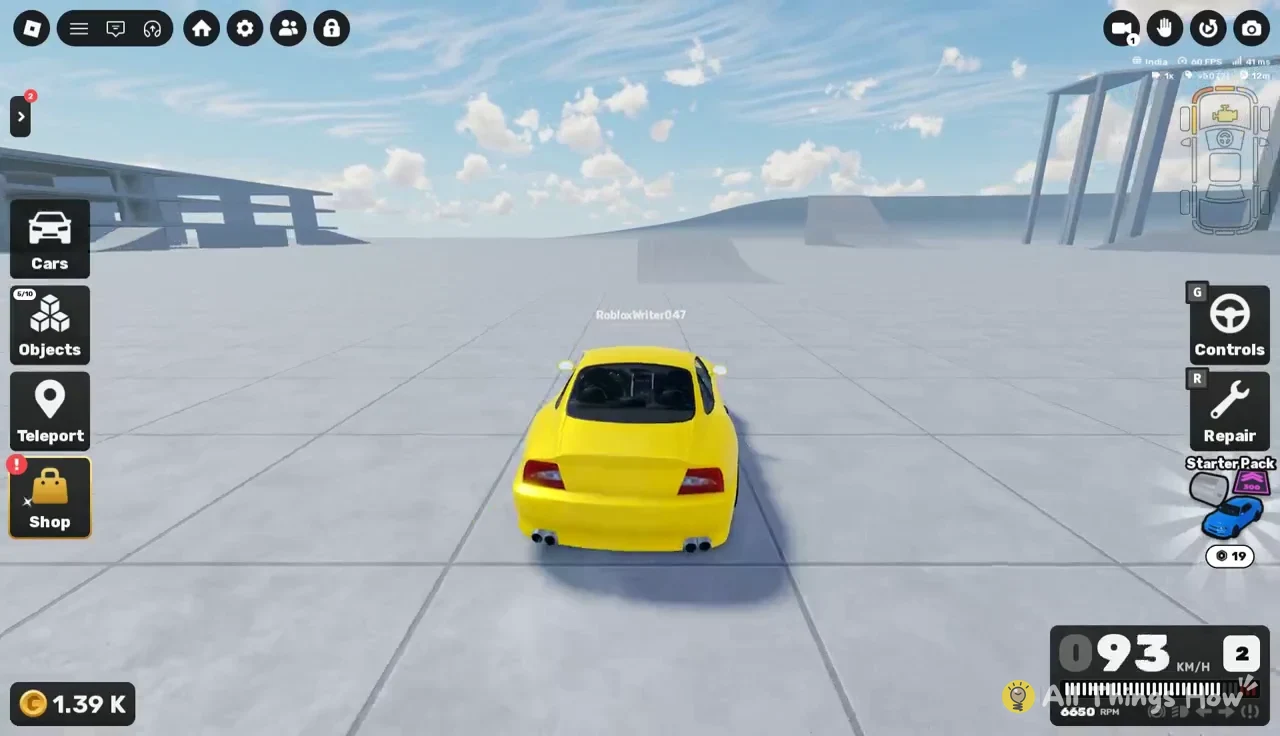
At that speed a ramp wall wrecks the front end hard enough to set it on fire and flip the car, and garage walls leave it smoking and stuck in neutral.
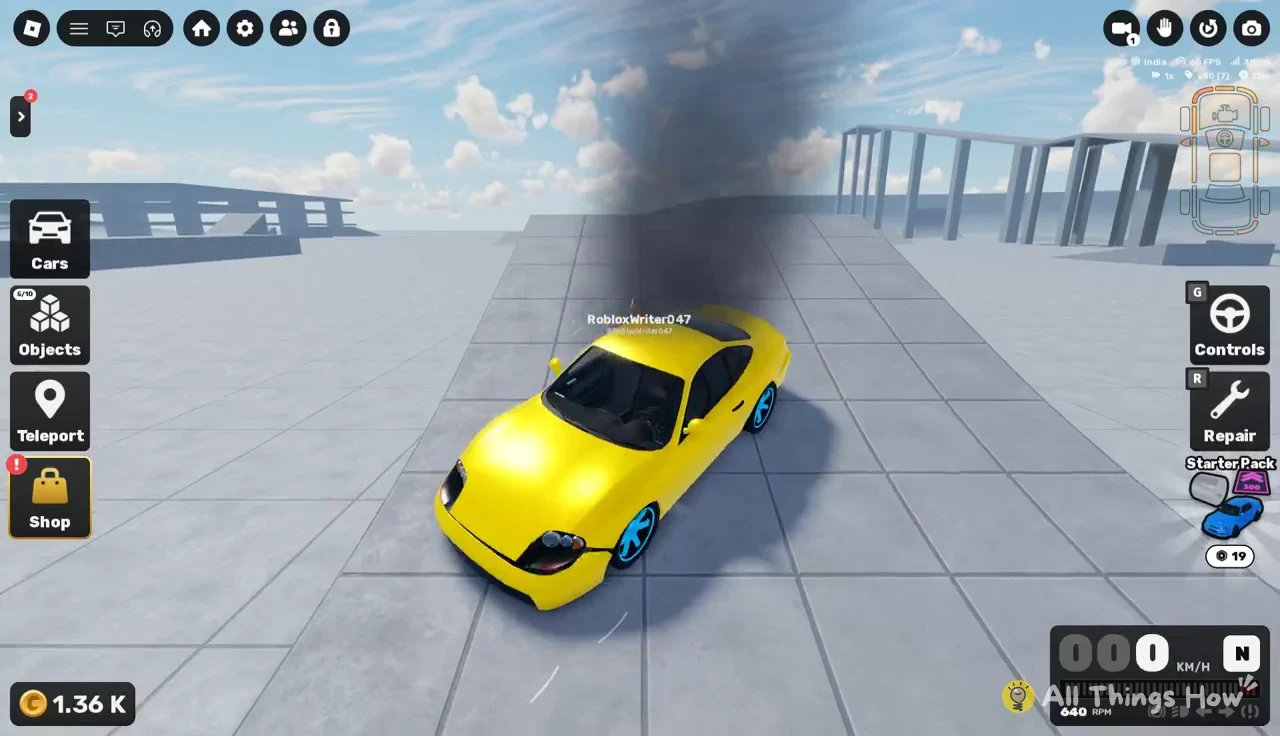
Bought cars pay out exactly like the starters, line by line, as they bend and tumble.
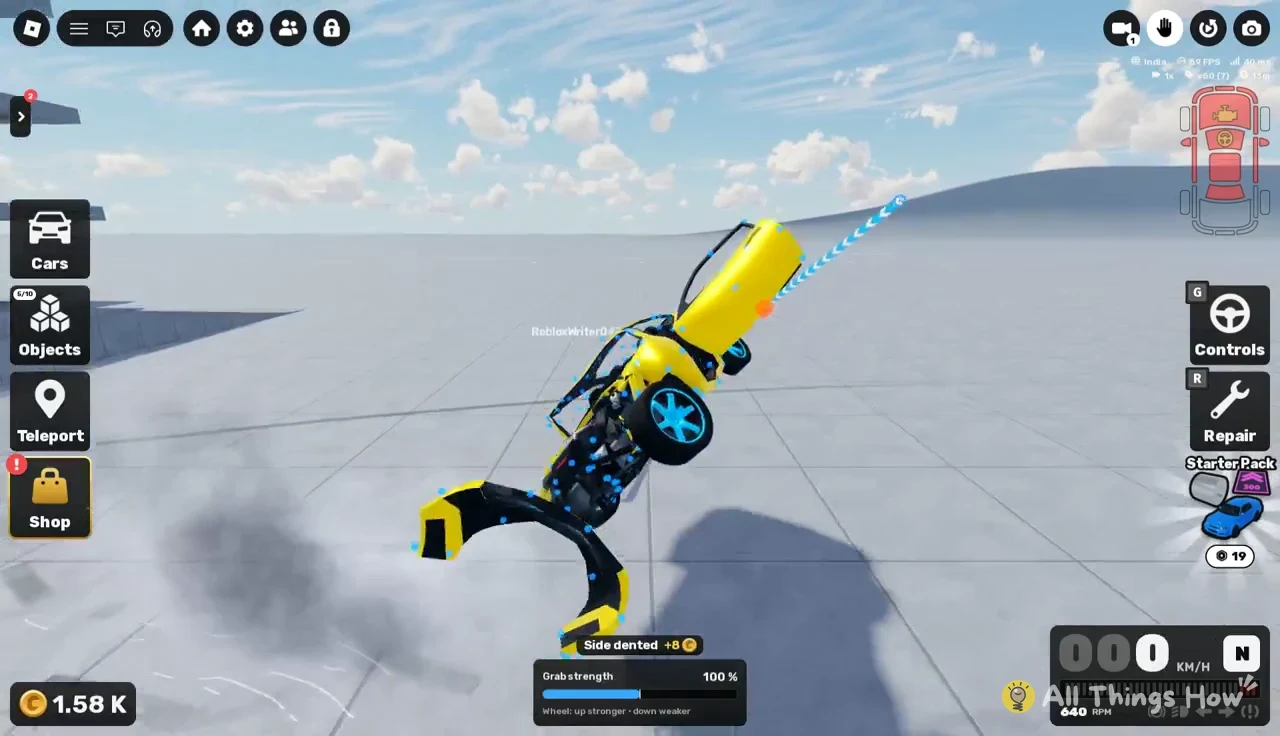
Grab Mode works on any car, so you can wrench the hood and front bumper off a new purchase and toss the chassis around too.
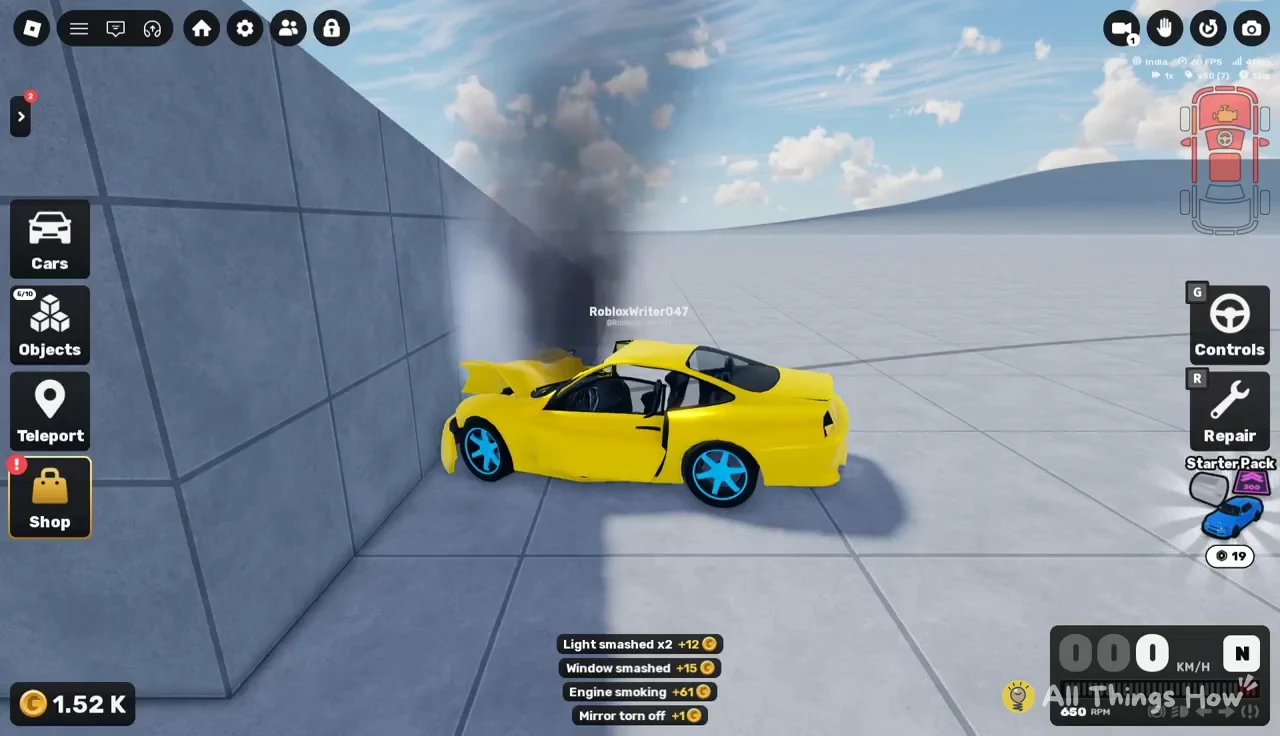
Repair still costs nothing, and the custom style comes back with the car each time you press R, so a bought car can take as many runs into the concrete barricades as you want.