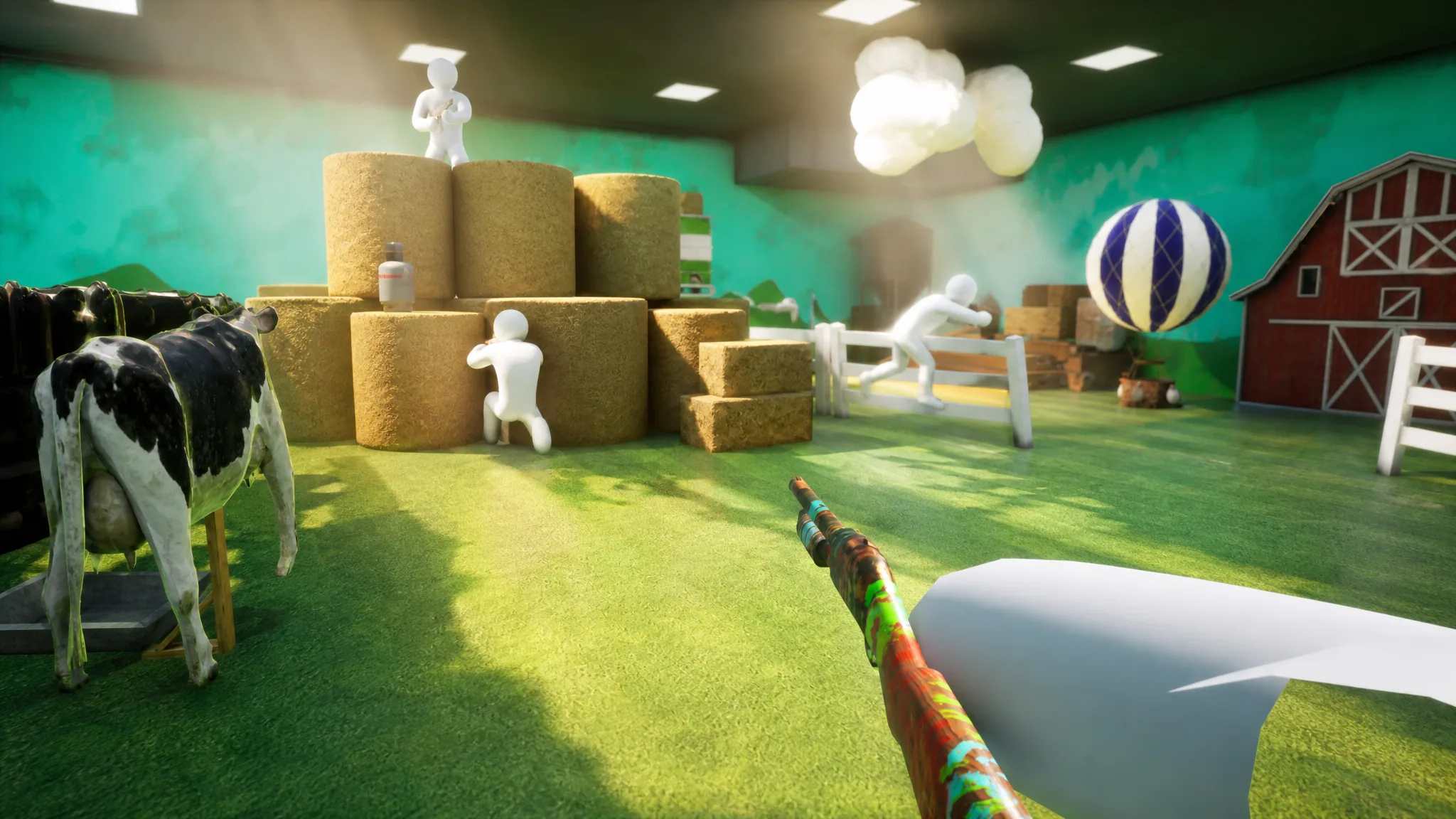
MECCHA CHAMELEON is a multiplayer hide-and-seek game where you paint a blank white body to blend into the stage, and it plays best with a full lobby. The official Discord is where the developer, lemorion_1224, posts announcements and where players gather to find groups, swap camouflage tips, and share custom maps. If you bought the game and need people to play with, the Discord is the fastest way to fill a room.
Quick answer: Open the official invite at discord.gg/eNFUDBSwag, accept it in the Discord app or browser, and you land in the LEMORION Games TestPlay server. Jump into any active voice channel to find players.
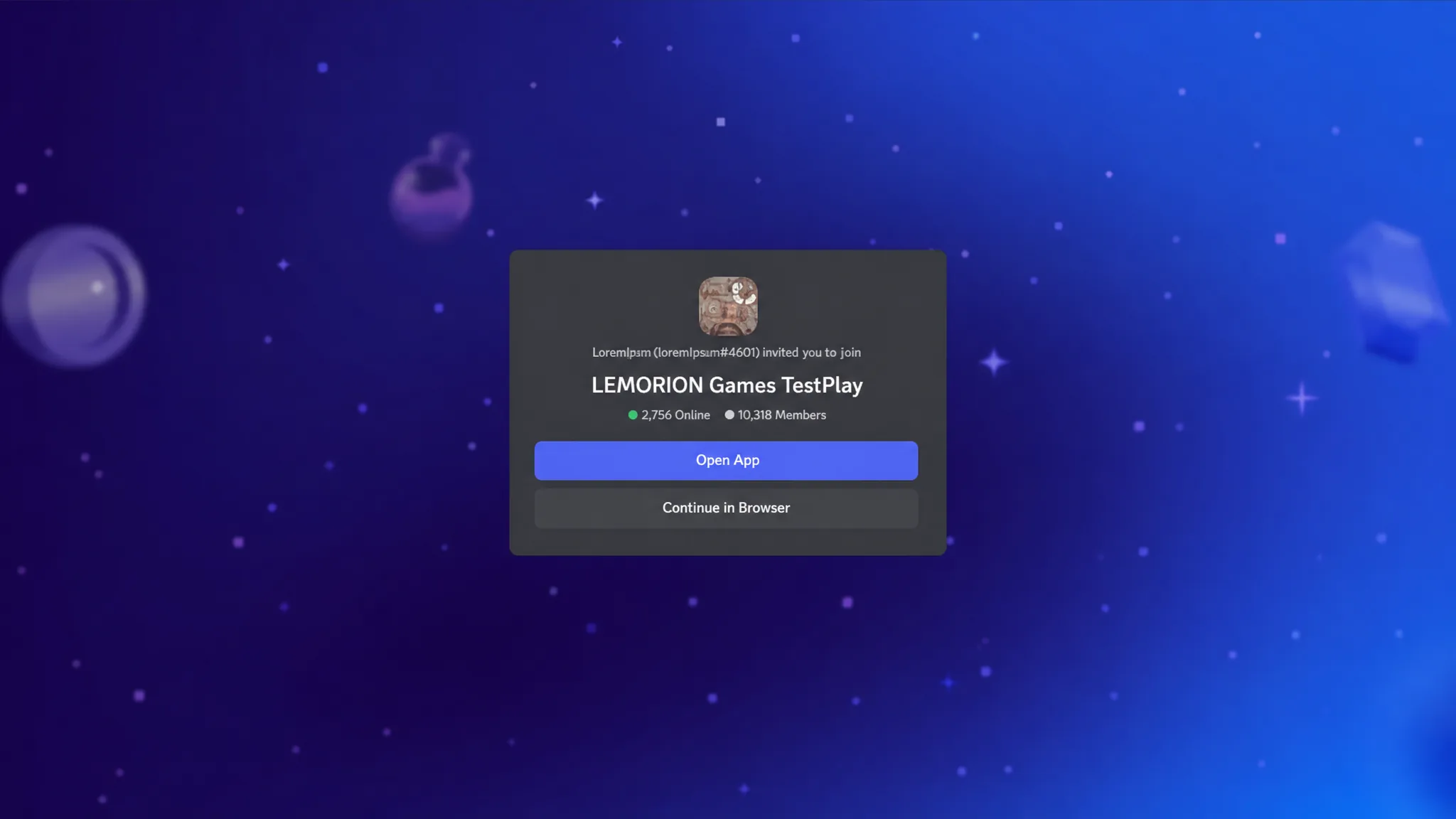
Join the Meccha Chameleon Discord server
You can get in directly through the invite link, or by going through the game’s community page first. Either route ends at the same server.
You know it worked when the server appears in your Discord sidebar and you can post in its channels. If the invite link does not open, confirm you are logged in and try pasting the URL directly into your browser address bar.
What the server is used for
The Discord is the main community hub for the game, so each channel type has a clear purpose. Knowing where things live saves time when you want a match or need help.
| Channel type | What it’s for |
|---|---|
| Announcements | First place updates, new maps, and events are posted. |
| Strategy discussion | Hiding and seeking tips from experienced players. |
| Custom maps | Share your own maps and find community-made stages. |
| Bug reports | Report problems directly to the developer. |
| Looking for group (LFG) | Find players for private rooms and tournaments. |
The server has also been used to recruit playtest participants. When testing capacity is limited, the developer selects entrants by lottery, so joining early keeps you in the loop for those windows.
Other official channels
If you want to follow the game outside Discord, two official spots carry news and discussion. The Steam Community Hub sits on the game’s store listing under app ID 4704690, and the developer also posts on X as @lemorion1224.
You will need the game itself to actually play after you find a group. MECCHA CHAMELEON is a paid PC title on Steam, with 2 to 10 players recommended per room. Once you have it installed and have joined a voice channel, one player hosts a room and shares the region, room name, and password so everyone can search for and join the same lobby.