RCS messaging on the iPhone gets two of its most requested fixes in iOS 27. The second developer beta adds inline replies and corrects how reactions appear when you Tapback an image or video sent to an Android user. Both changes push green-bubble conversations closer to the way iMessage already works.
Quick answer: In iOS 27 beta 2 you can reply to a specific message inside an RCS thread, and reacting to a photo or video now shows the emoji on the media instead of a text line like “Aaron loved an image.”
What changed for RCS in iOS 27 beta 2
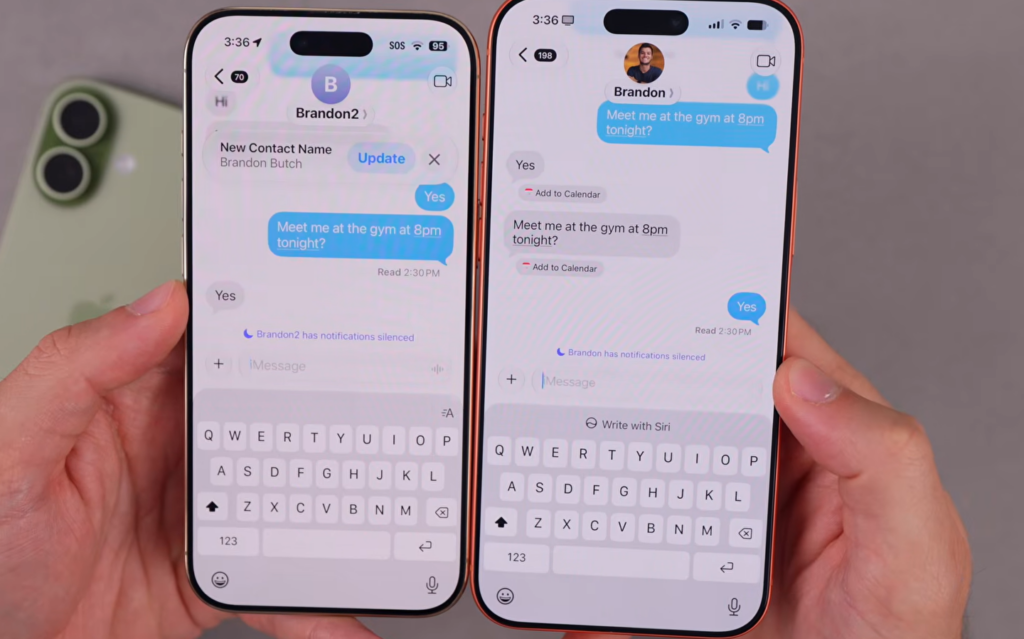
Two user-facing additions arrived with the beta. The first is inline replies, which let you respond to one message in an RCS conversation rather than the whole thread. The second is a reaction fix that finally renders emoji Tapbacks correctly on images and videos shared with Android contacts.
| Feature | Behavior in iOS 27 beta 2 |
|---|---|
| Inline replies | Long-press a message in an RCS thread to reply to that specific message, just like iMessage. |
| Reaction display | An emoji reaction shows directly on the photo or video, instead of a text descriptor such as “loved an image.” |
Previously, reacting to media in an RCS chat produced a clunky text line on the Android side. That made it unclear which photo or video the reaction was meant for. The new behavior overlays the emoji on the exact item, matching what iMessage users already see.
How inline replies work in RCS threads
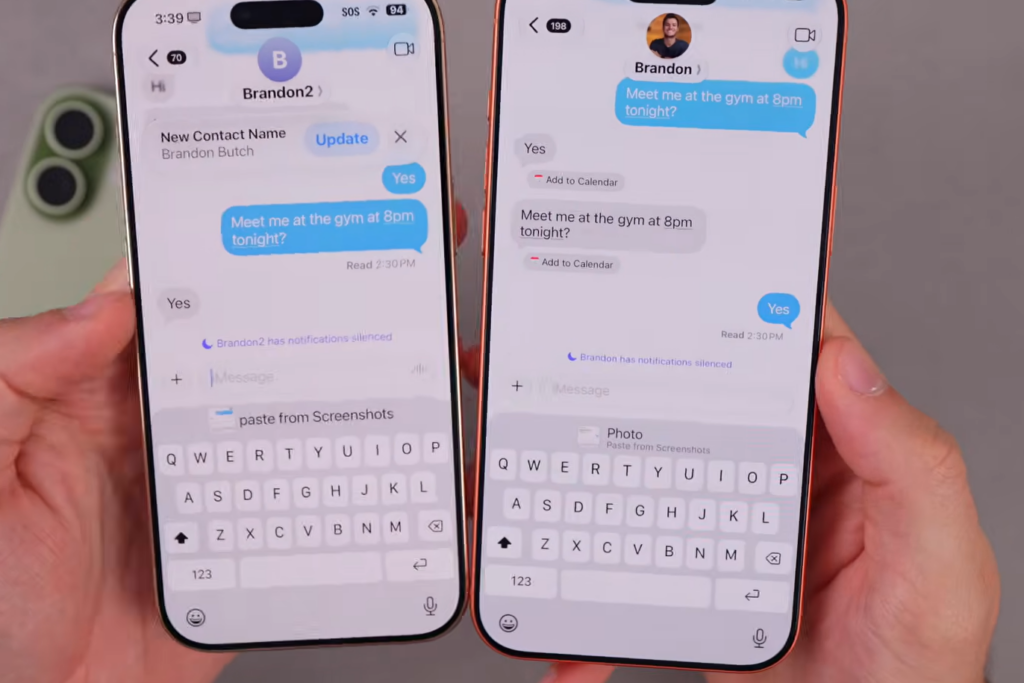
The reply flow mirrors iMessage. Press and hold a message inside an RCS conversation, then choose the reply option to attach your response to that message. The threaded layout only displays correctly when both people have a phone and carrier that support RCS, so part of the experience depends on the Android user’s setup.
Where these features sit in Apple’s RCS rollout
RCS first came to the iPhone with iOS 18, which covered the basics like read receipts, typing indicators, and higher-quality photos. iOS 26.5 then added end-to-end encryption for messages between iPhone and Android, built on the Messaging Layer Security protocol. Inline replies and proper cross-platform reactions are the next step in that same modern standard, continuing the work Apple started with encryption earlier this year.
| iOS version | RCS addition |
|---|---|
| iOS 18 | Initial RCS support: read receipts, typing indicators, higher-quality media |
| iOS 26.5 | End-to-end encryption for iPhone-to-Android RCS messages |
| iOS 27 beta 2 | Inline replies and corrected emoji reactions on media |
The modern RCS standard also defines message editing and deletion. Those are not part of iOS 27 beta 2, but they remain candidates for future updates as Apple keeps implementing the standard.
How to try the RCS changes now
These builds are meant for testing and are not stable, so installing them on a primary phone carries risk. iOS 27 runs on every device that supported iOS 26, going back to the iPhone 11 and the second-generation iPhone SE, though Apple Intelligence features need an iPhone 15 Pro or newer.

When the RCS improvements reach everyone
A public beta is expected in July, with the full release planned for September alongside the new iPhone lineup. The inline reply and reaction fixes are slated to ship to everyone with that public release rather than staying limited to developers.
Together with the encryption added in iOS 26.5, these two changes narrow the gap between RCS and iMessage for cross-platform chats. The green bubble still has limits, but replying to a specific message and seeing reactions land on the right photo removes two of the most noticeable rough edges.