The Messages app picks up a mix of Apple Intelligence features, a new iMessage app, and a long list of performance fixes in iOS 27. Most of the headline changes lean on context from your conversations to save taps, while the under-the-hood work targets the slow loading and failed sends that have frustrated heavy texters for years.
Quick answer: iOS 27 adds one-tap suggestions, a Drawing iMessage app, consolidated tapback notifications, a toggle to hide the audio button, personalized Smart Replies, automatic gore and violence blocking for child accounts, and faster, more reliable sending and syncing.
One-tap suggestions powered by Apple Intelligence
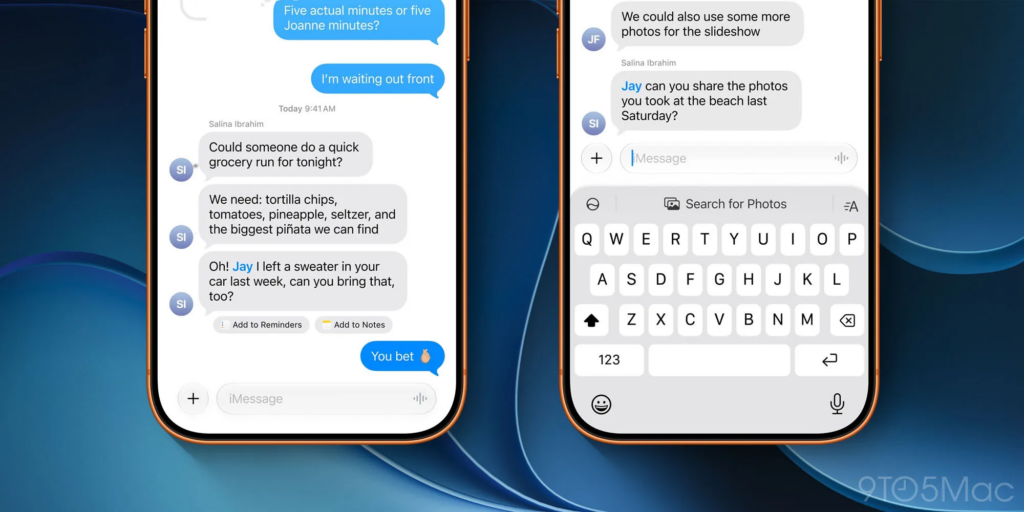
Messages can now read the context of a conversation and surface a relevant action you can trigger with a single tap. If a thread mentions something you need to remember, it can offer to create a reminder or a note without leaving the chat. When someone asks for photos, Messages can pull the right images by recognizing keywords, locations, and people in your library.
These prompts appear in two places. Some show up directly beneath the message they relate to, and others sit in the top row of the keyboard. Apple describes the same idea in its broader rollout of Apple Intelligence across everyday apps, where Messages and Mail both offer context-based actions like adding a calendar event or finding a photo.
One-tap suggestions require an Apple Intelligence–enabled device and English to start, so they will not appear on every iPhone that runs iOS 27.
The new Drawing iMessage app
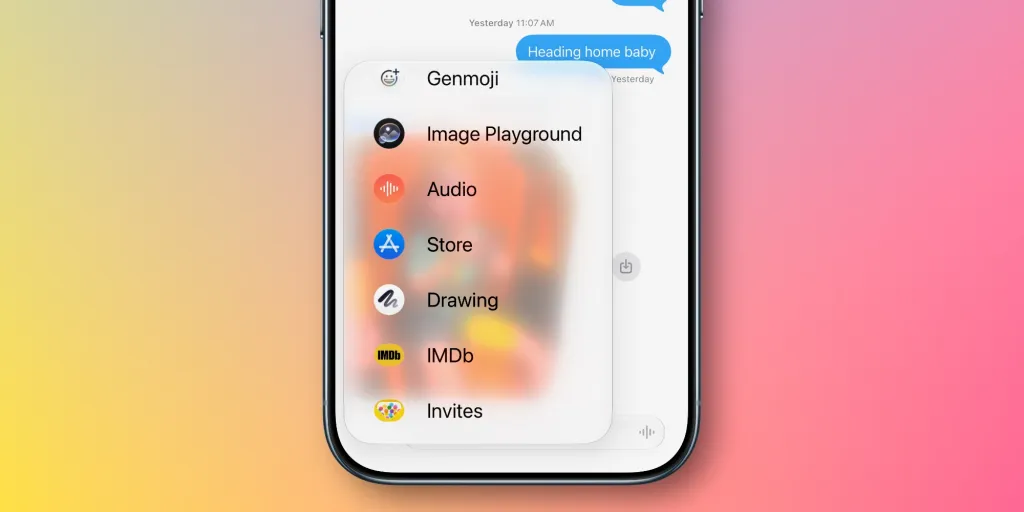
iOS 27 adds a Drawing iMessage app that lets you sketch a quick doodle and send it into a thread. It uses the same Markup toolset found in Notes, Preview, and other system apps, so the pens, colors, and shapes will feel familiar.
Any iPhone running iOS 27 can use the Drawing app. It is built to shine on a larger canvas, which lines up with the bigger display expected on Apple’s high-end foldable model arriving this fall.
Smaller settings and notification changes
Several quieter adjustments change how Messages handles input, alerts, and child safety. The table below sums them up.
| Change | What it does |
|---|---|
| Hide the audio button | A new setting lets you replace the audio button at the right of the message field. Go to Settings ⇾ Apps ⇾ Messages ⇾ Show in Text Field and pick Record Audio, Start Dictation, or None. |
| Consolidated tapback notifications | Multiple tapbacks on the same message are grouped into one alert instead of flooding your notifications. |
| Personalized Smart Reply | Smart Reply suggestions in the top keyboard row now follow your personal writing style, making them more relevant. |
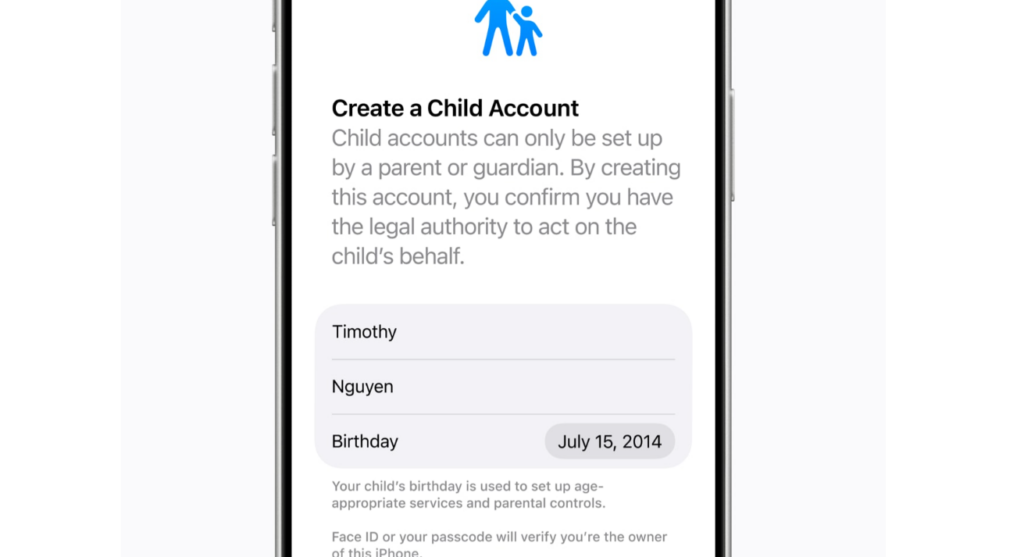
| Child account protection | For child accounts, Messages automatically detects and blocks gore or violent content found in shared images or videos. |
The child safety change is part of Communication Safety, which already steps in before kids view or share nudity in Messages, FaceTime, and other apps. In iOS 27, it extends that protection to violent imagery.
Performance and reliability fixes
Beyond the new features, Messages gets a set of reliability improvements aimed at the everyday pain points of sending and finding content. The most useful change may be automatic retries, which resend failed messages without you having to tap again.
- Failed messages automatically retry sending
- Faster message loading
- Faster syncing across devices
- Thumbnails display for offloaded media
- Find offloaded media in Messages
- Continuous sending of photos, videos, and texts
- Search for conversations by phone number or contact’s nickname
Which iPhones get these Messages features
iOS 27 runs on the iPhone 11 lineup and later, including the iPhone SE (2nd generation and newer). The Drawing app, hidden audio button, consolidated tapback notifications, and the performance fixes work across that whole range because they do not depend on Apple Intelligence.
The Apple Intelligence pieces, one-tap suggestions and personalized Smart Replies, only run on Apple Intelligence–capable hardware. That covers all iPhone 16 models, the iPhone 15 Pro, and iPhone 15 Pro Max, with Siri and the device language set to a supported language. These features start in English.
iOS 27 is set to arrive this fall as a free update. The reliability work is the part that will reach the widest audience, while the smarter suggestions land first for newer, Apple Intelligence–ready iPhones.