Apple has pushed the second developer beta of iOS 27, the first refresh since the software debuted at WWDC 2026. The update leans heavily on Siri again, but it also smooths out rough edges from the first beta and adds a few practical changes across Messages, Wallet, and AirPods. Matching builds landed for iPadOS 27 and macOS 27 the same day.
Quick answer: iOS 27 beta 2 carries build number 24A5370h and is available now to anyone in the Apple Developer Program. Install it from Settings, then General, then Software Update, and choose the iOS 27 Developer Beta under Beta Updates.
How to install iOS 27 beta 2 (build 24A5370h)
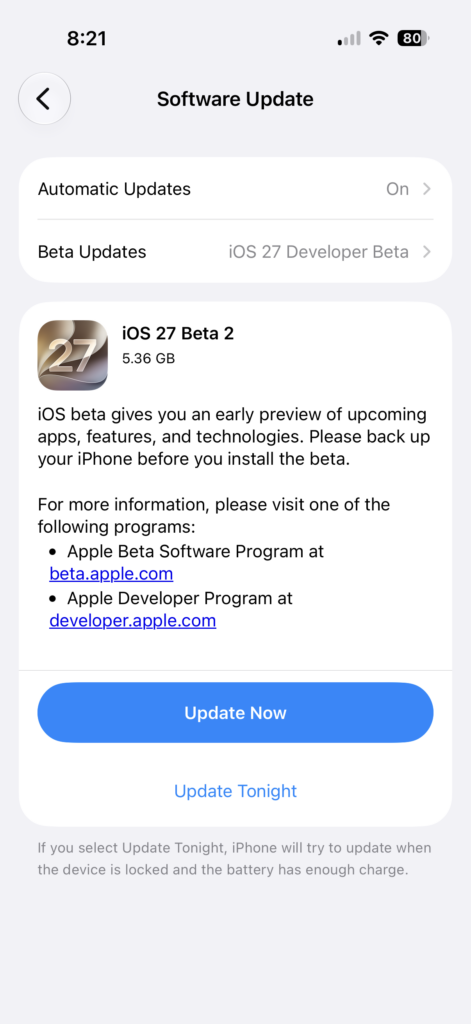
Note: Treat this as test software. Expect bugs, shorter battery life, and apps that have not been updated for the new system, so keep it off a primary iPhone you rely on every day.
What’s new in iOS 27 beta 2
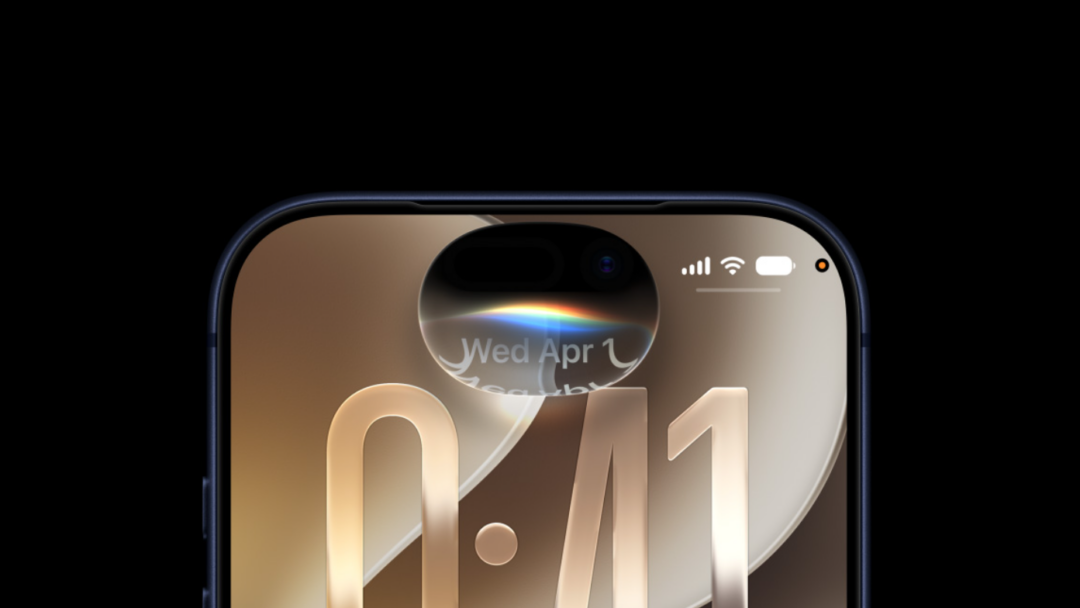
The biggest visible change is Write with Siri, which now replaces the old Writing Tools prompt on both iPhone and iPad. A large “Write with Siri” prompt sits above the keyboard before you type, and it collapses down to just the Siri icon once you start writing on your own.
The rest of the Siri work in this build is incremental. Early testers report that Siri AI feels faster, while the Expressive Voice preview now flags its Pace and Expressivity options as “coming soon” rather than active. Messages also picks up better RCS support, adding message reactions and in-line replies to texts with non-Apple devices.
| Area | Change in beta 2 |
|---|---|
| Keyboard | Write with Siri prompt replaces Writing Tools on iPhone and iPad |
| Siri | Faster performance; Expressive Voice Pace and Expressivity marked “coming soon” |
| Messages | RCS now supports message reactions and in-line replies |
| Wallet | Insights money-tracking feature expands to more regions and cards |
| iPhone Mirroring | More reliable with macOS 27 Golden Gate, including app resizing, after beta 1 crashes |
| AirPods Max | Firmware updates now work, fixing a known beta 1 issue |
iPhone Mirroring is one of the clearer fixes here. The connection between iOS 27 and macOS 27 Golden Gate was prone to crashing in the first beta, and it now handles resizing apps and snapping back to iPhone dimensions more dependably. AirPods Max owners can also finally pull down firmware betas, which was blocked in beta 1 across both iOS and macOS.
Liquid Glass and interface tweaks
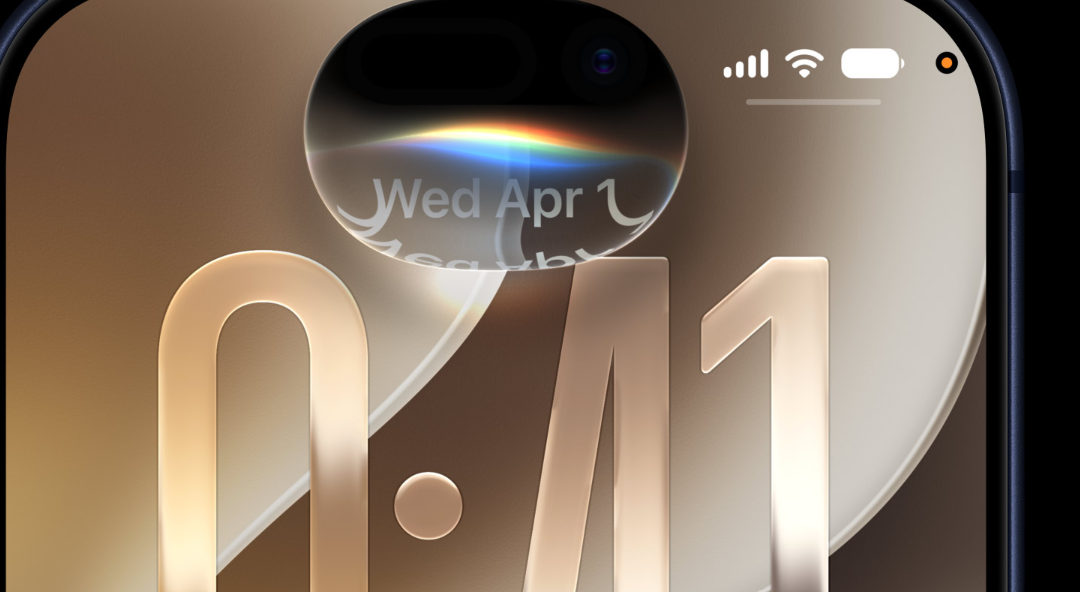
Beta 2 keeps polishing the Liquid Glass look that arrived with the iOS 27 cycle. The glow around the Type to Siri cursor is dialed back, and the Liquid Glass background underneath looks more transparent. A separate transparency slider in Appearance settings still lets you control how opaque the system interface appears.
There are smaller cosmetic adjustments too. Several app icons, including Tips, FaceTime, and Compass, have been redrawn, and the hidden Camera menu now highlights itself whenever a feature inside it is switched on.
iOS 27 compatibility and Siri AI requirements
iOS 27 itself runs on iPhone 11 and later, plus the second-generation iPhone SE and newer. Not every feature reaches every supported phone, though. Siri AI and the broader Apple Intelligence tools require newer Apple Intelligence-capable hardware, and the most demanding on-device model has stricter needs that point to the iPhone 17 Pro and iPhone Air.
| Feature tier | Hardware needed |
|---|---|
| iOS 27 base install | iPhone 11 and later, iPhone SE 2 and newer |
| Siri AI and Apple Intelligence | Newer Apple Intelligence-compatible iPhones |
| Most powerful on-device model | iPhone 17 Pro and iPhone Air |
How to confirm the update installed
You know the update worked when Settings, then General, then About lists the software version as iOS 27 with build 24A5370h. If beta 2 does not show up, check that you are signed in with the developer-enrolled Apple Account and that iOS 27 Developer Beta is selected under Beta Updates, since the wrong channel will only offer iOS 26 point releases.
Apple plans to open the first iOS 27 public beta in July, with the final release arriving this fall in September alongside the new iPhone lineup. Until then, expect roughly two-week intervals between developer betas as more refinements land.