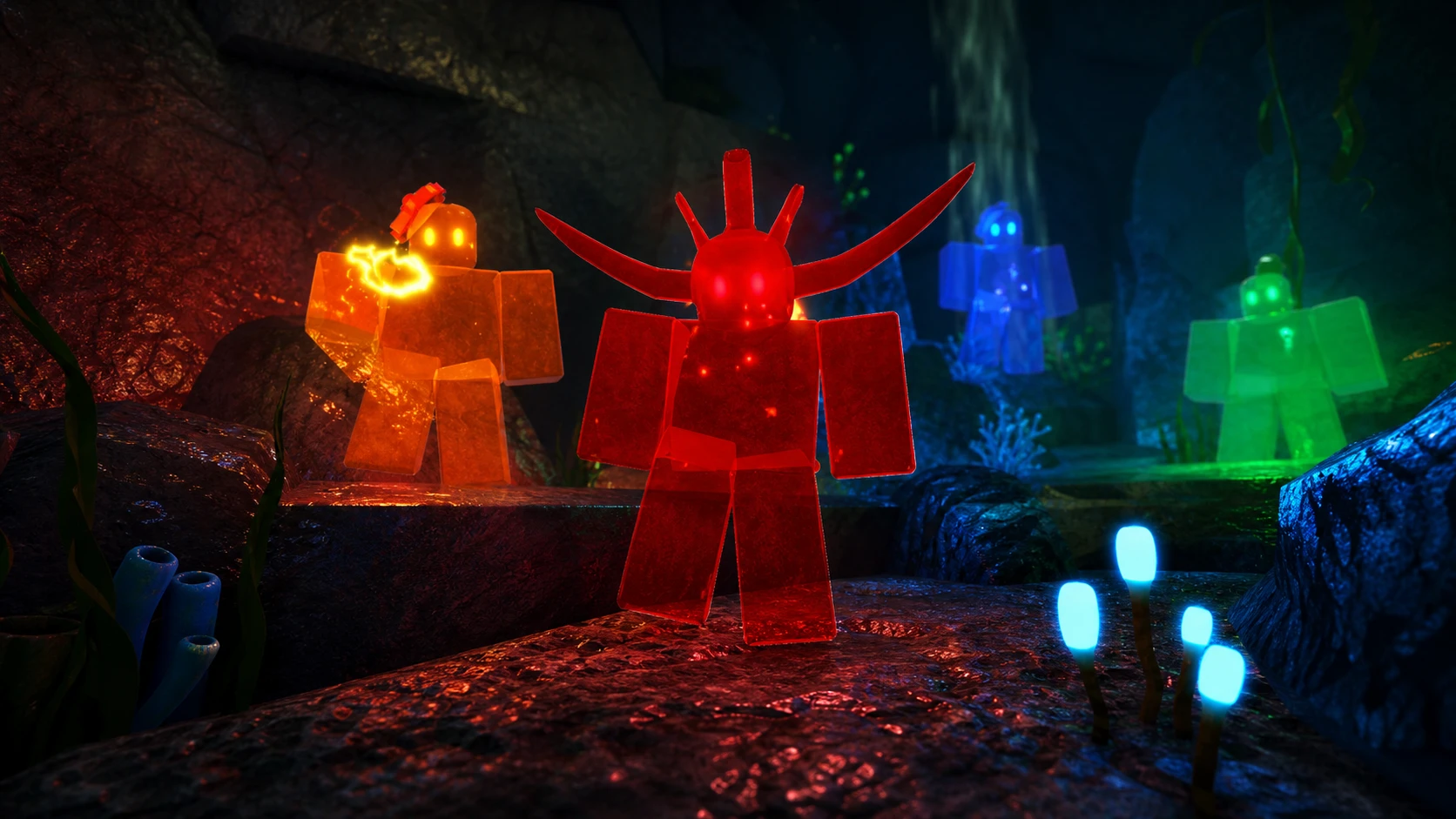
Fisch now lets you decorate your Personal Aquarium, not just stock it with fish for passive rewards. The Aquarium Customisation update, released on June 13, 2026, added furniture, swappable layouts, an editing mode, and a dedicated shop. Alongside those decorations sits the game’s rarest cosmetic drop, the Bloop Cosmetic Crate, which only ever appears through the aquarium itself.
Quick answer: Buy furniture from the Furnisher on Sunstone Island (stock refreshes every hour), unlock layouts at the Construction workstation, and rearrange everything with the Customize button inside your Personal Aquarium. The Bloop Cosmetic Crate and its Baby Bloop Fish only drop from the aquarium’s hourly item rewards at a 0.01% chance.

What the Aquarium Customisation update added
Personal Aquariums used to be a display case and an idle farm for C$, XP, and items. The update keeps that core function but layers visual customization on top. You can now arrange furniture, change the room layout, and show off your catches in a setup you control. The developers have said more furniture rarities and additional unlock methods are planned for later updates.
| Cosmetic feature | Where to get it |
|---|---|
| Furniture | Furnisher NPC on Sunstone Island, refreshing hourly |
| Aquarium layouts | Construction workstation (unlock and purchase) |
| Edit Mode | Customize button inside the Personal Aquarium |
| Cosmetic fish slots | Aquarium menu, separate from profit fish |
| Bloop Cosmetic Crate | Personal Aquarium hourly rewards (0.01%) |
Buy furniture from the Furnisher on Sunstone Island
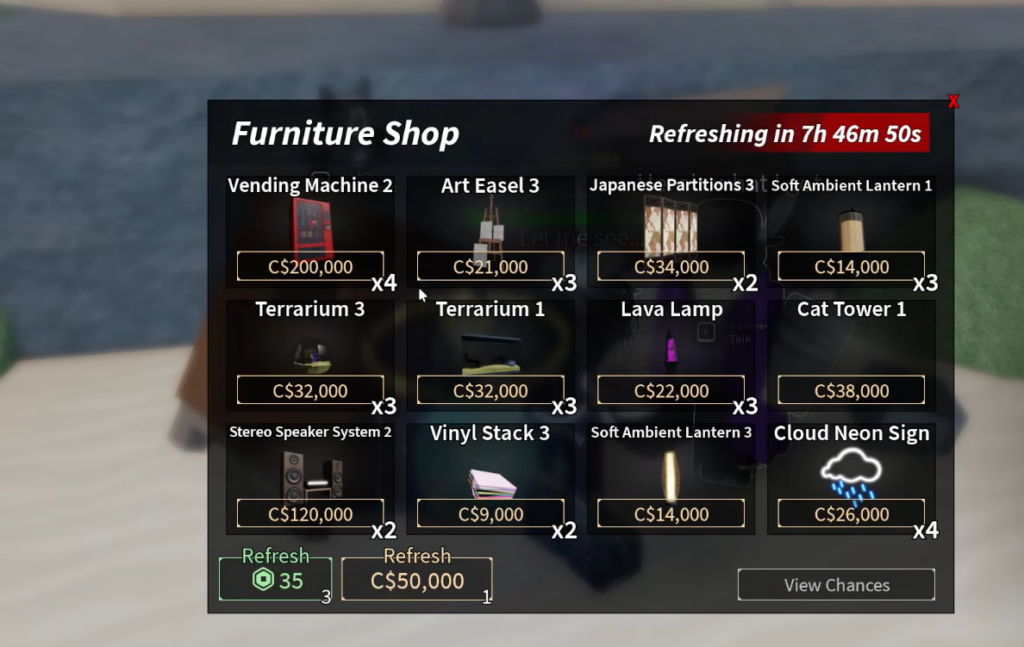
Furniture is the main source of aquarium decorations. The Furnisher NPC stands on Sunstone Island, and the shop rotates its inventory once every hour. Several furniture options can appear in the same window, so the practical approach is to check the stock, buy what you want, and return after the next hourly refresh for new pieces.
Unlock aquarium layouts at the Construction workstation
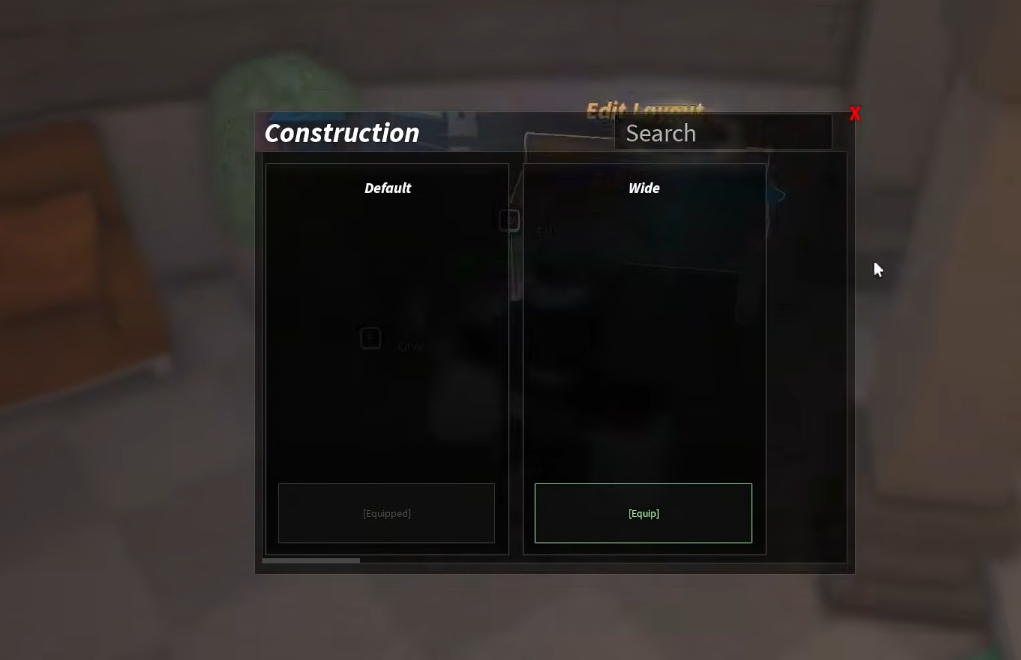
Layouts change the structure of the aquarium space rather than just adding objects. They are handled through the new Construction workstation, where you can unlock and buy new arrangements. The update shipped with one brand-new layout to start building from, with more expected over time.
Use Edit Mode to arrange your aquarium
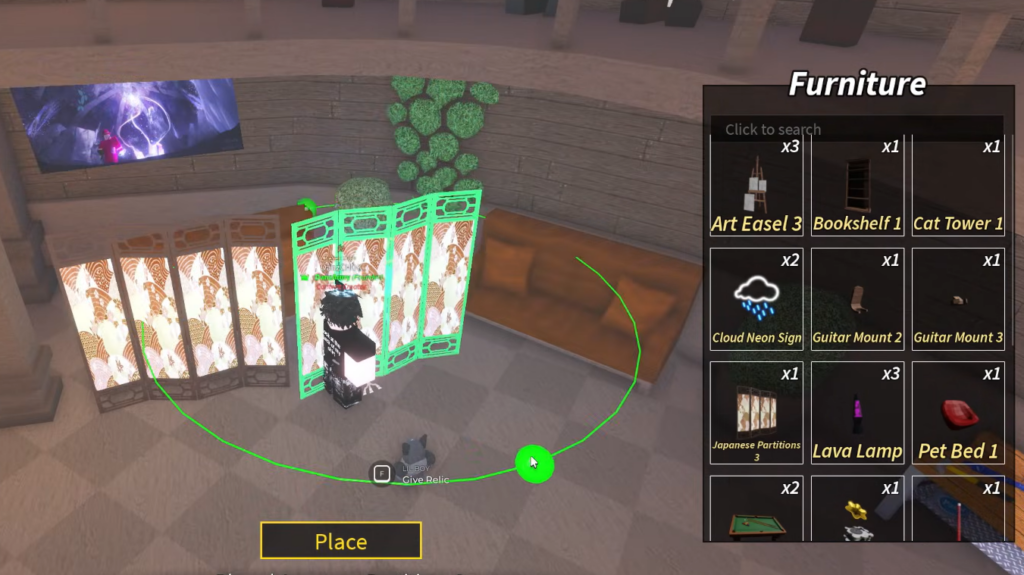
Decorations and fish placement are managed through a new editing mode. Open your Personal Aquarium, then select the Customize button to enter Edit Mode, where you can move furniture and personalize the display. The update also brought UI and UX changes that make viewing and interacting with the aquarium cleaner, and joining a friend’s aquarium is now easier.
You can register fish as cosmetic display pieces. These are visible in the aquarium but do not contribute to your C$, XP, or item earnings, so they are purely for looks. The aquarium holds up to 10 fish, and a quick-equip option at the top of the menu lets you auto-select your best C$, XP, or item earners.
How to get the Bloop Cosmetic Crate and Baby Bloop Fish
The standout cosmetic reward is the Bloop Cosmetic Crate, and the only way to obtain it naturally is through your Personal Aquarium’s hourly item rolls. The same applies to the Baby Bloop Fish contained within it. There is no shop or quest shortcut for these, which is why they are so difficult to acquire.
The crate sits at a 0.01% chance in the aquarium item pool. To roll items at all, you must reach level 25 to unlock fish placement. Item output scales with the rarity of the fish you display, so stronger lineups generate more rolls per hour and more chances at the crate.
| Factor | Effect on cosmetic crate odds |
|---|---|
| Level 25 | Required to place fish and generate item rolls |
| Higher-rarity fish | More items per hour, up to 12/hr for Divine Secret |
| 8 different Divine Secret fish | Best item setup, around 96 items per hour |
| Splash Snacks food | x1.3 items per hour, raising overall roll count |
| Duplicate fish | Reduced gains and -1 item per hour per copy |
| Offline play | Earnings drop to 25% of hourly online rates |
Avoid stocking duplicate fish if you want maximum rolls. The first duplicate cuts gains by 15%, the second by 28%, the third by 39%, and so on, plus it removes one item per hour for each extra copy.
Maximize hourly item rolls for cosmetic drops
Because the Bloop Cosmetic Crate comes from item rolls, the best way to chase it is to push your hourly item count as high as possible. A full lineup of eight different Divine Secret fish produces roughly 96 items per hour. Feeding the aquarium Splash Snacks multiplies item output by 1.3, stacking even more rolls on top.
| Fish food | Item rate | Cost |
|---|---|---|
| Guppies’ Best | x1 items/hr | 1,500 C$ |
| Fish Chow | x1 items/hr | 4,500 C$ |
| Splash Snacks | x1.3 items/hr | 7,500 C$ |
Staying online matters too. Offline C$ and XP earnings drop to 25% of your hourly online rate, and item rolls follow the same idle penalty, so active play gives you far more attempts at rare cosmetics each hour.
How to confirm your cosmetics applied
Furniture and layout changes show up immediately in the aquarium view once you exit Edit Mode, so a successful purchase and placement is confirmed by the decoration appearing in your room. New furniture you bought from the Furnisher is added to your available decorations, and layouts unlocked at the Construction workstation become selectable there. For the Bloop Cosmetic Crate, the item arrives in your inventory when an hourly roll lands it, which you can verify by checking your item count after each cycle.
One last thing worth doing while the update is fresh: redeem the code AquariumCustomization for free rewards tied to the launch. Combined with a strong Divine Secret aquarium lineup and Splash Snacks, that gives you the fastest path toward the new cosmetics and the elusive Bloop Cosmetic Crate.