Jirachi, the Wish Pokémon, has landed in Pokémon Pokopia for a limited run, and meeting it kicks off a whole loop of crafting notes, helping your neighbors, and cashing in star-themed furniture. The catch is that the event won’t simply appear for everyone the moment they log in. A couple of conditions have to be true first.
Quick answer: Play between June 23 at 5:00 a.m. and July 8 at 4:59 a.m. local time on version 1.1.0 with an internet connection, and have at least one Pokémon Center fully rebuilt. Then go to that Pokémon Center and talk to Jirachi waiting outside.
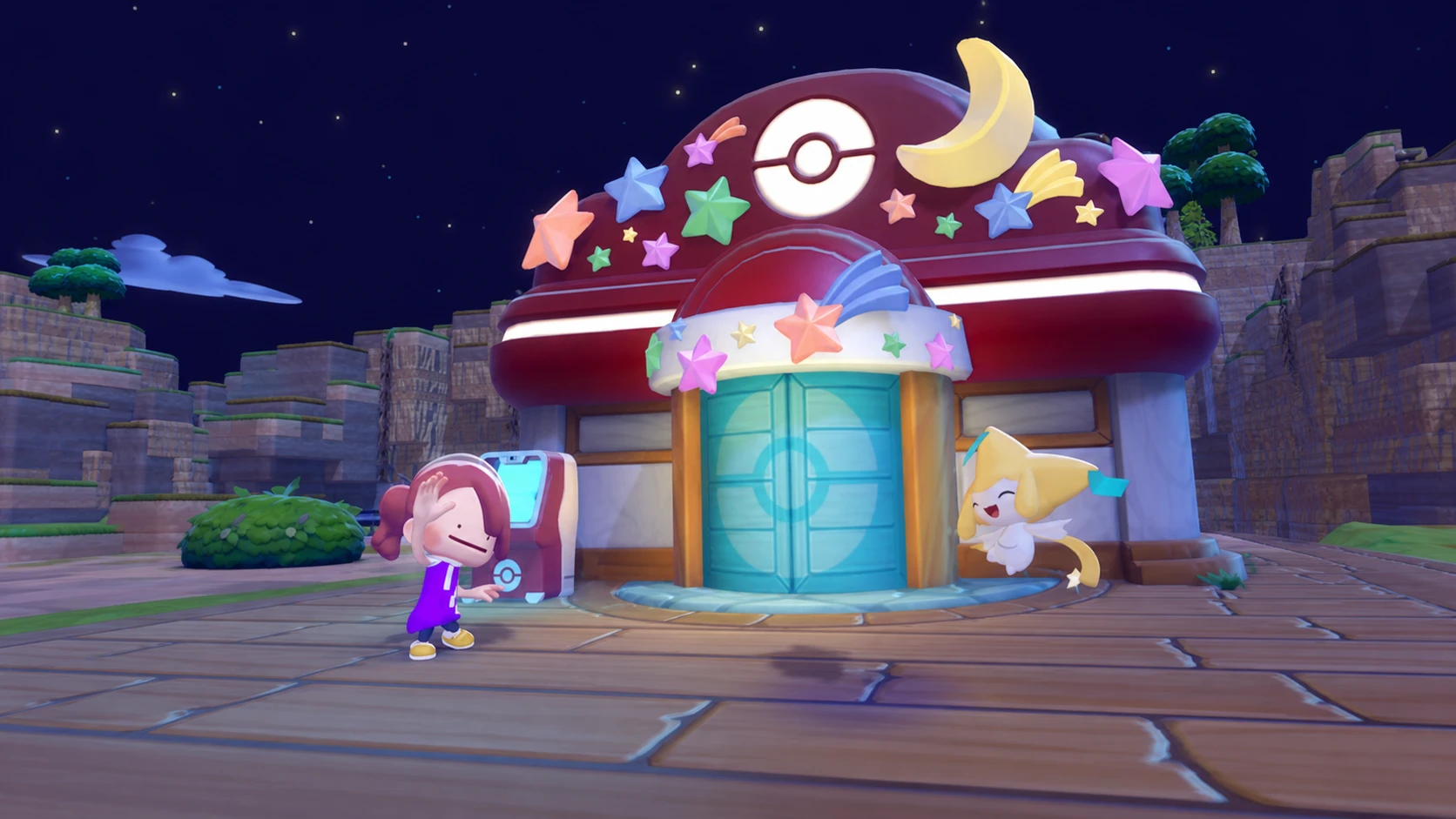
Wish Upon a Jirachi event dates and requirements
The event is live now and ends July 8 at 4:59 a.m. local time, so you have roughly two weeks to finish everything. The schedule follows your console’s local time rather than a single global clock, which makes planning around your own day easier.
One thing to know up front: you can’t fast-forward your way in. The event checks the real date through an online connection, so changing the Switch 2 clock no longer works for accessing it early. Make sure these boxes are ticked before you expect Jirachi to show up.
| Requirement | Detail |
|---|---|
| Event window | June 23, 5:00 a.m. to July 8, 4:59 a.m. (local time) |
| Game version | 1.1.0 installed |
| Connection | Active internet connection required |
| Town progress | At least one fully rebuilt Pokémon Center |
| Location | Main areas only — not Cloud Islands |
If you still need a Pokémon Center, focus on the one in the Withered Wasteland. It’s your starting area and the simplest to repair, and a single rebuilt center is enough to bring Jirachi to town.
How to trigger the event and meet Jirachi
How to get Sparkling Wish Notes
Plain Wish Notes aren’t the spending currency. The items in Jirachi’s shop cost Sparkling Wish Notes, which you earn by turning ordinary Wish Notes into the upgraded version through helping other Pokémon.
Two practical notes. Requests you started before the event began won’t pay out a Sparkling Wish Note, since you never handed over a Wish Note for them. And while the tutorial implies you must be holding a note when you approach a Pokémon, having one anywhere in your inventory is enough for it to be handed over.
Spending Sparkling Wish Notes and building Jirachi’s habitat
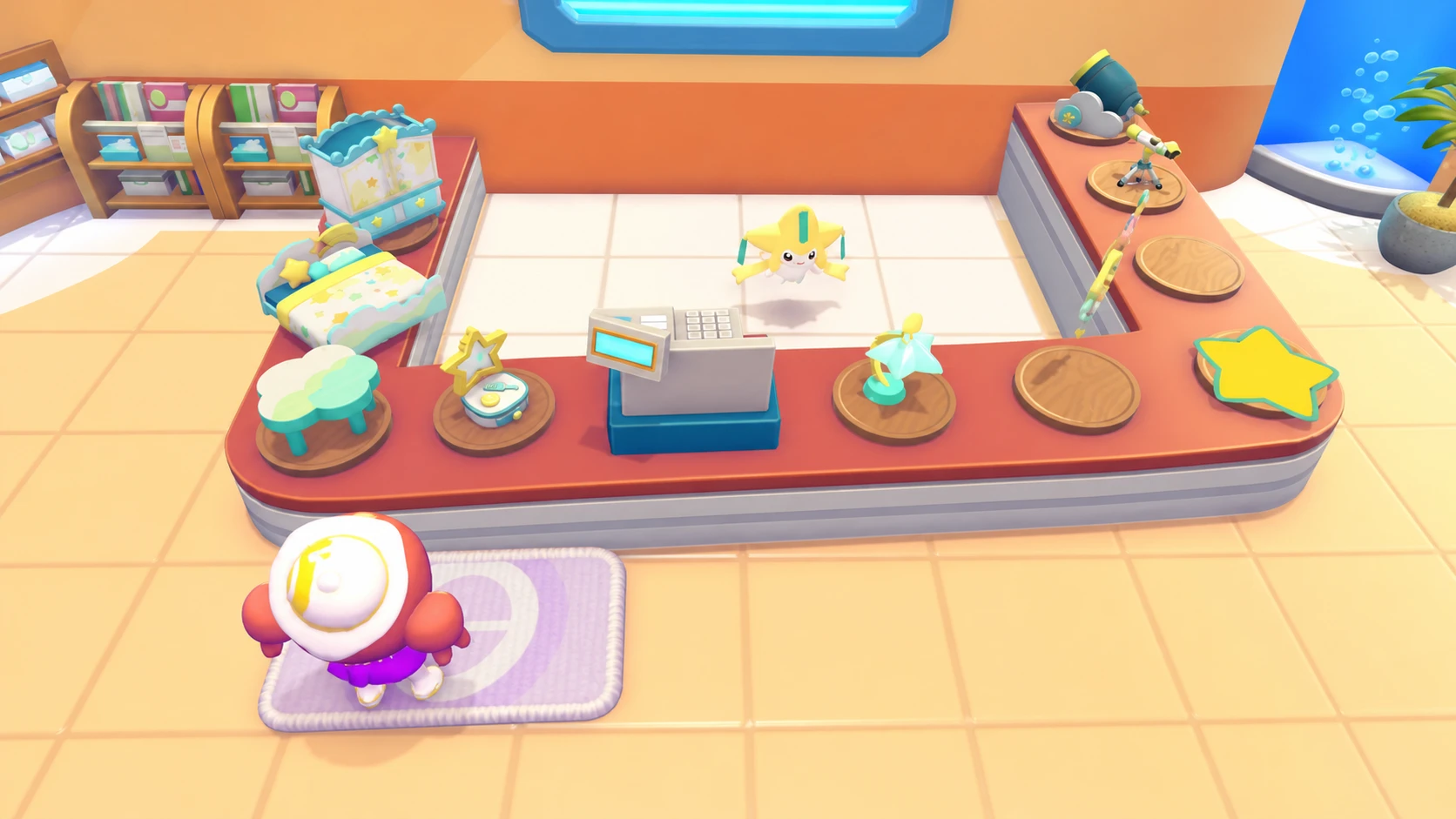
Bring your Sparkling Wish Notes to Jirachi’s counter inside any rebuilt Pokémon Center to buy star-themed décor. There are ten items in total, each costing one Sparkling Wish Note, so the full set runs you ten notes.
| Item | Cost | Needed for habitat? |
|---|---|---|
| Star Closet | 1 | Yes |
| Starry-Sky Bed | 1 | Yes |
| Cloud Table | 1 | Yes |
| Jirachi Lamp | 1 | Yes (must be lit) |
| Star-Shaped Dresser | 1 | No |
| Moon Clock | 1 | No |
| Star Mat | 1 | No |
| Star Wall Decoration | 1 | No |
| Telescope | 1 | No |
| Cloud Cannon | 1 | No |
Jirachi’s habitat is called Surrounded by Stars, and it needs four of those items: the Star Closet, Starry-Sky Bed, Cloud Table, and Jirachi Lamp. The lamp has to be connected to electricity and lit for the habitat to count as complete, after which it registers in your Habitat Dex. At four Sparkling Wish Notes total, it’s one of the cheaper event habitats to put together.
You can’t move Jirachi into that habitat while the event is still running, since it’s busy minding the shop. Once the event wraps up after July 8, Jirachi will settle into the Surrounded by Stars habitat.
If Jirachi doesn’t appear
When the event won’t start, the cause is almost always one of a few specific things rather than a bug.
- You don’t have a fully rebuilt Pokémon Center. Jirachi has nowhere to appear without one.
- You’re playing outside the June 23 to July 8 window.
- The game isn’t on version 1.1.0, or you have no internet connection for the date check.
- You’re on a Cloud Island. Events can’t run there even with a built Pokémon Center.
If everything checks out but you can’t spot any fresh requests for Sparkling Wish Notes, let some in-game time pass and new speech bubbles should start popping up over your residents. With the requirements handled, meeting Jirachi takes a single conversation, and the rest is just helping your neighbors enough times to fill out the starry set before the window closes.