An AFK macro in Grow A Garden 2 is a recorded chain of mouse clicks and keypresses that your computer replays on a loop while you are away. Set up correctly, it buys seeds when the shop restocks, plants them, waits for the crops to grow, harvests, and sells everything at the stand. The result is a garden that keeps earning coins overnight without you touching the keyboard.
Quick answer: Install a macro recorder, run Roblox in a fixed windowed size, then record one full cycle of buy seeds → plant → wait → harvest → sell. Set the recorder to loop indefinitely with the loop delay matched to your crop’s grow time.
Macro recorder vs. scripts: what’s actually running
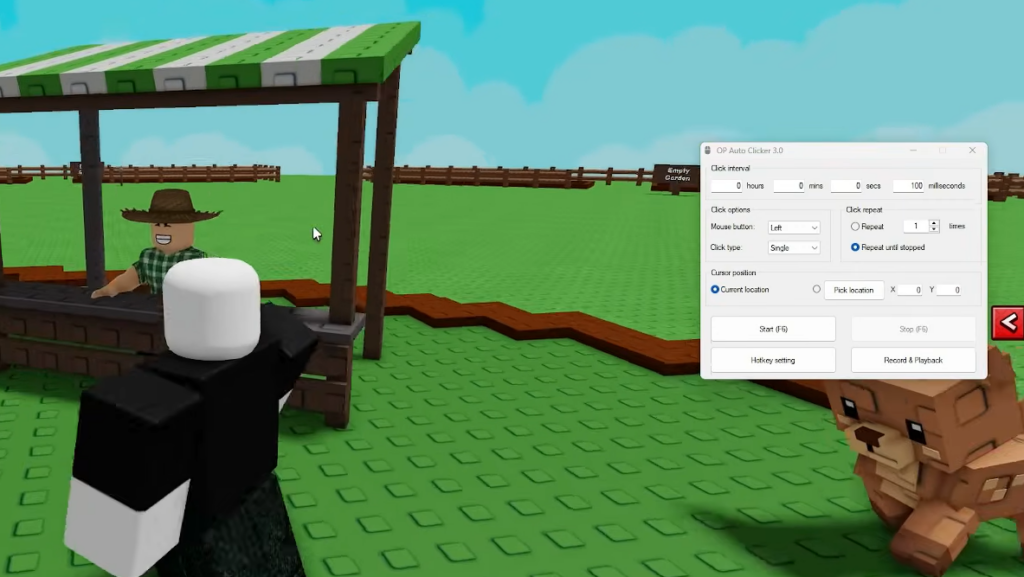
A macro recorder only simulates the same inputs you would make by hand. It moves the mouse, clicks, and presses keys on a timer. It does not inject code into the game or read its memory, which makes it one of the lower-risk forms of automation. The recommended tool for this is Exopanda’s Macro Recorder, which is built for Roblox farming games and plays your recording back on a configurable loop.
That is different from executor scripts, which load external Lua code through a script hub to auto-farm, auto-sell, or duplicate seeds. Those carry higher ban risk because they modify how the game runs. No automation is completely risk-free, so review the current game terms before you start and use it at your own discretion.
Install the macro recorder
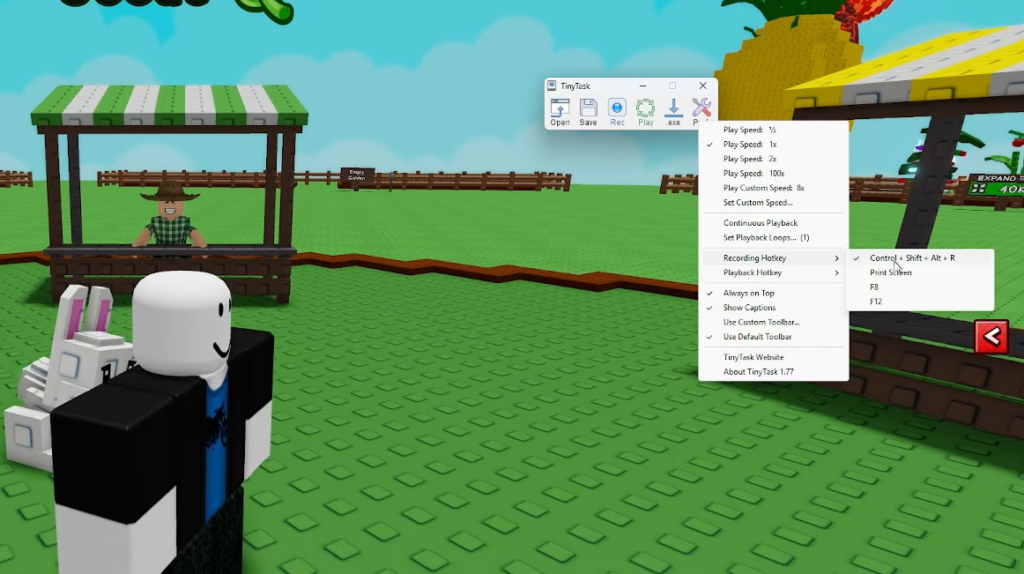
Download the Macro Recorder for your operating system, run the installer, and follow the setup steps. Once it launches, you are ready to record. The program is lightweight and works on both Windows and Mac.
Set up the game before you record
Macros record pixel positions, so consistency is everything. If the game window moves or resizes between sessions, every click lands in the wrong place. Lock these settings down first.
- Run Roblox in windowed mode at a fixed resolution, and pin it to the same screen corner every time.
- Lower your graphics settings so the game stays smooth during long sessions.
- Close other windows that could intercept a click during recording or playback.
- Disable sleep and screensaver in Power Settings so the PC and monitor never turn off mid-loop.
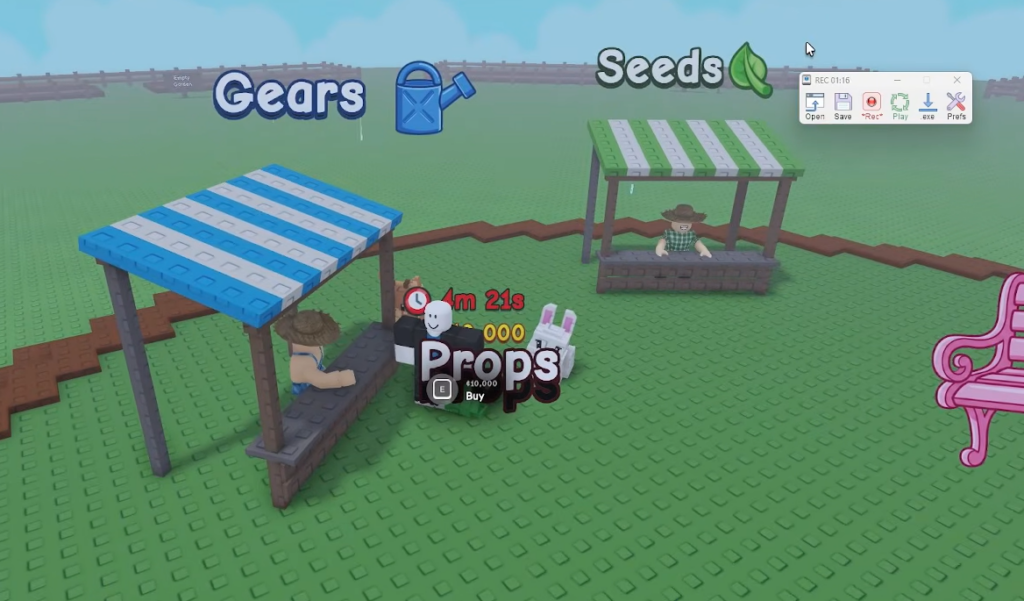
- Plan your route around the in-game teleport system, which jumps you instantly between garden, seed shop, and sell area.
Record the auto-buy seeds half
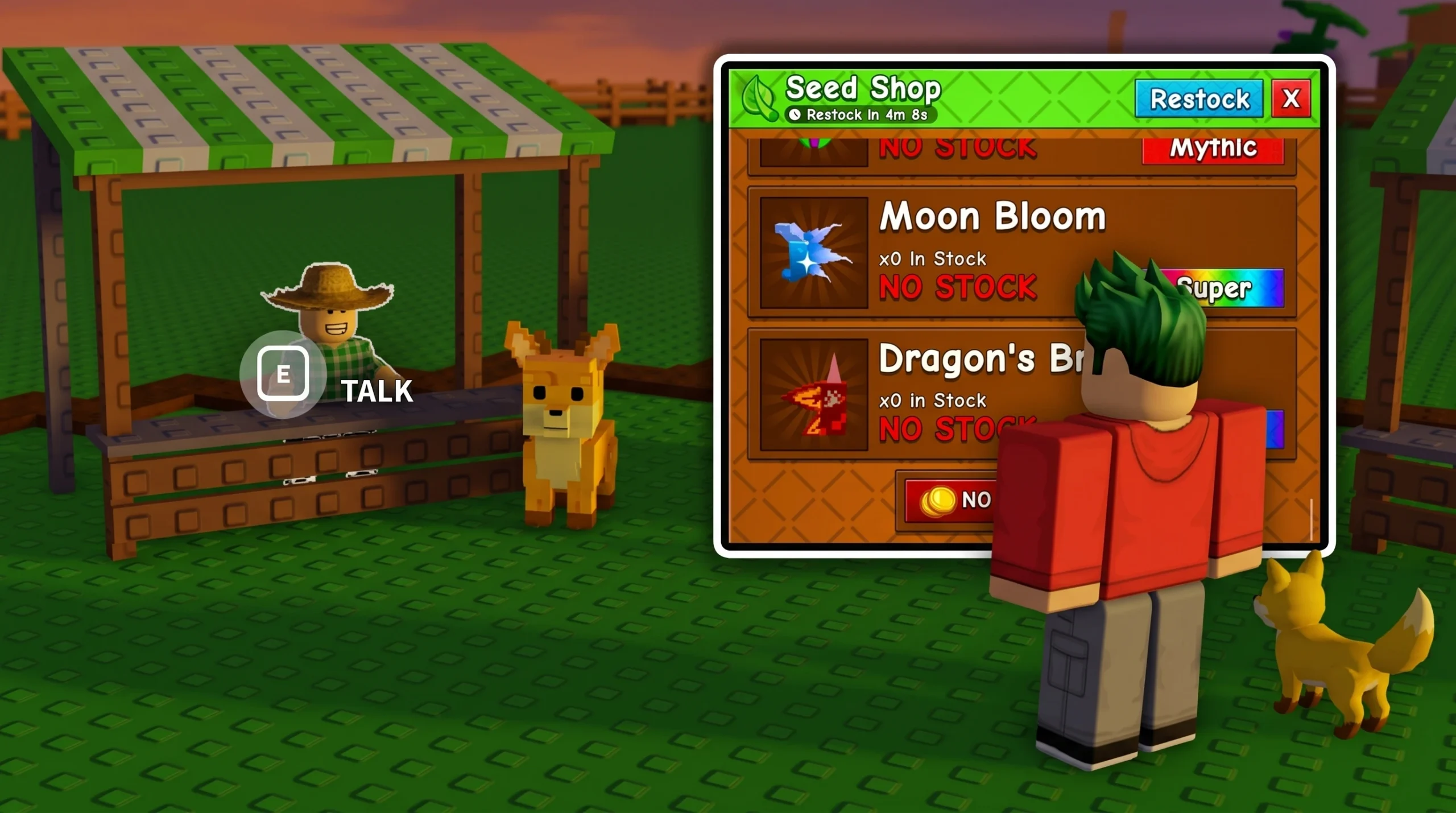
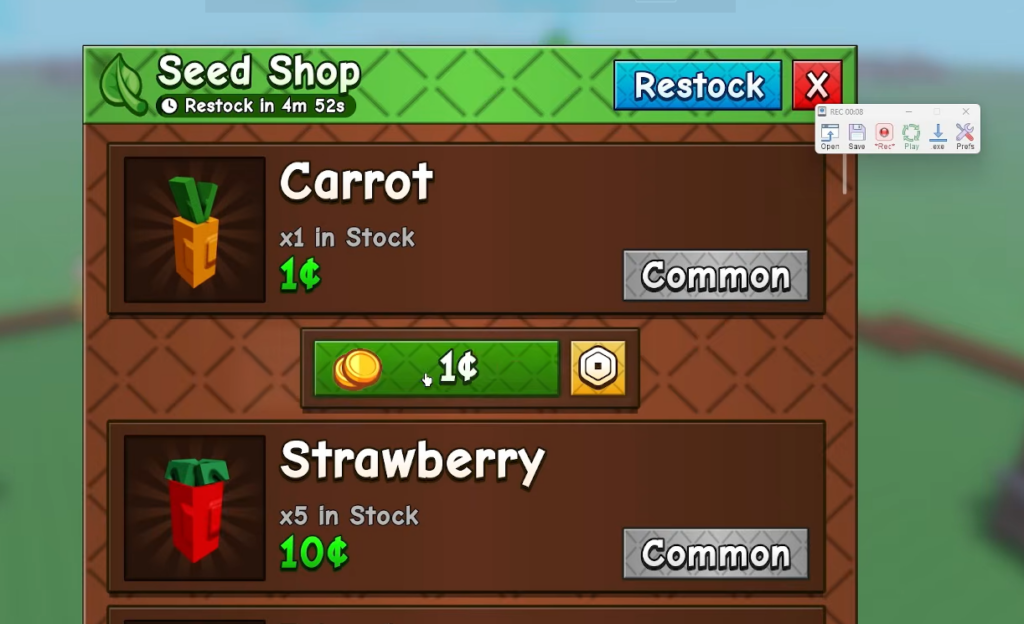
Add a 0.5 to 1 second wait before clicking the buy button so the shop UI has time to fully open. The seed shop restocks on a timer, so set the loop interval to match that restock time and you’ll grab a fresh batch each cycle.
Record the auto-sell half
Add small delays between each harvest click to absorb network lag or animation timing, and test the sell sequence by hand a few times before you trust it to an AFK loop.
Combine both into one continuous loop
The most effective setup chains both halves into a single repeating cycle. In the macro recorder, set playback to loop indefinitely or for a fixed number of repetitions.
| Loop stage | Action |
|---|---|
| 1 | Teleport to Seed Shop and buy seeds |
| 2 | Teleport to garden and plant seeds |
| 3 | Wait (delay set to your crop’s grow time) |
| 4 | Teleport to garden and harvest crops |
| 5 | Teleport to Sell area and sell all |
| 6 | Loop back to stage 1 |
The delay between planting and harvesting is the single most important variable. Too short and you arrive before the crops are ready; too long and you waste cycles. Match the loop delay to the grow time of your chosen crop so the macro lands at the plot exactly when the harvest is ready. Fast-growing crops give you more cycles per hour and more coins.
Confirm the macro is working
Always watch the first full loop play back before you walk away. You’ll know the setup is correct when each teleport fires, the buy clicks register a purchase, the harvest clears your plot, and the sell step empties your inventory for coins. If the first cycle completes cleanly, the loop is safe to leave running.
Most macro tools also need the Roblox window kept in focus, so enable the recorder’s window-focus setting to hold Roblox as the active window the whole time. Even a well-tuned loop can snag on an unexpected pop-up, so check back every couple of hours to keep things moving.
Common reasons the macro fails
| Problem | Cause and fix |
|---|---|
| Clicks land in the wrong spot | The window moved or the resolution changed. Restore Roblox to the exact same position and size used during recording. |
| Macro stops after a while | The PC slept or the window lost focus. Disable sleep/screensaver and keep Roblox focused. |
| Crops missing at harvest | They were stolen overnight. The night-time stealing mechanic puts an undefended garden at risk, so build walls and an owner door before running overnight. |
| Arriving before crops are ready | Loop delay is shorter than the grow time. Increase the wait to match the crop. |
| Macro won’t run minimized | Macros need the window visible and focused. Keep Roblox on screen, or use a second monitor. |
One more reliability note: avoid running AFK sessions during special weather events like Blood Moon or Midas Moon. Those events can temporarily change game mechanics, so normal weather gives the macro its most predictable behavior. Keep the sell step in every cycle so a full inventory never stalls the loop, and your garden will keep turning seeds into coins while you’re away.