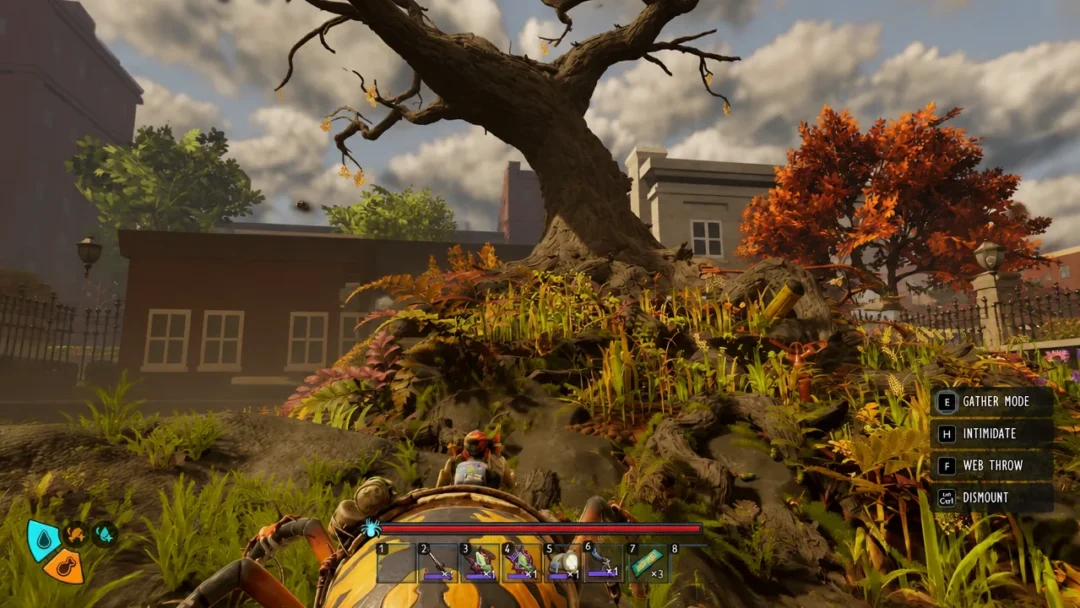
Far Far West, the co-op bounty-hunting shooter from Evil Raptor and Fireshine Games, runs on Unreal Engine 5 and stores most of its progression values (gold, souls, health, ammo) in memory locations that Cheat Engine can read and modify. Community-made tables and trainers exist for the Steam build and generally work in single-player or private co-op sessions.
Quick answer: Load a community .CT file in Cheat Engine 7.0 or later, attach it to FarFarWest-Win64-Shipping.exe, and toggle options like No Damage, Unlimited Ammo, or Edit Gold from the table list.
What the community tables cover
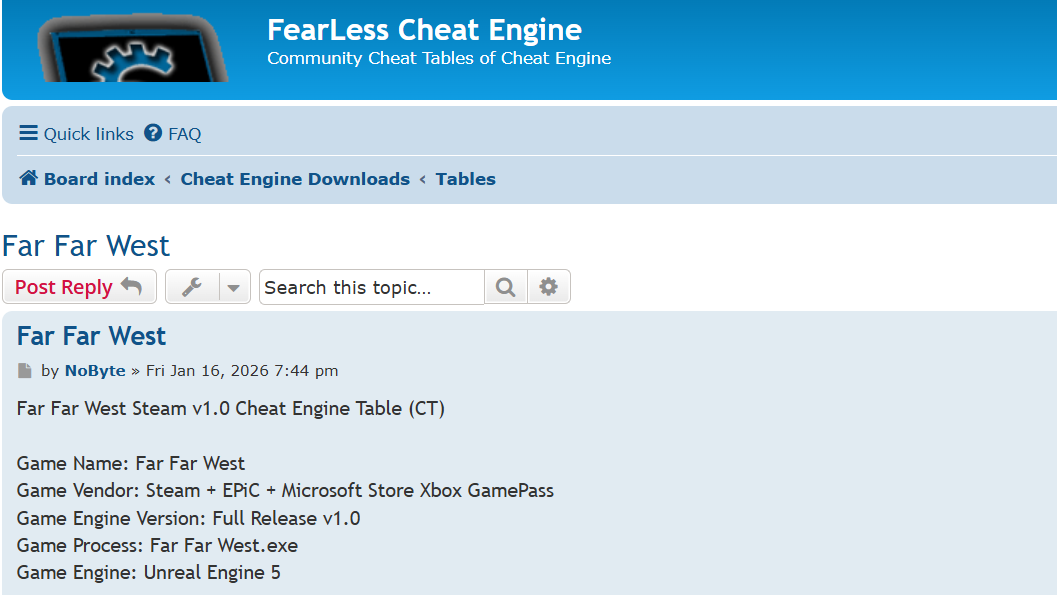
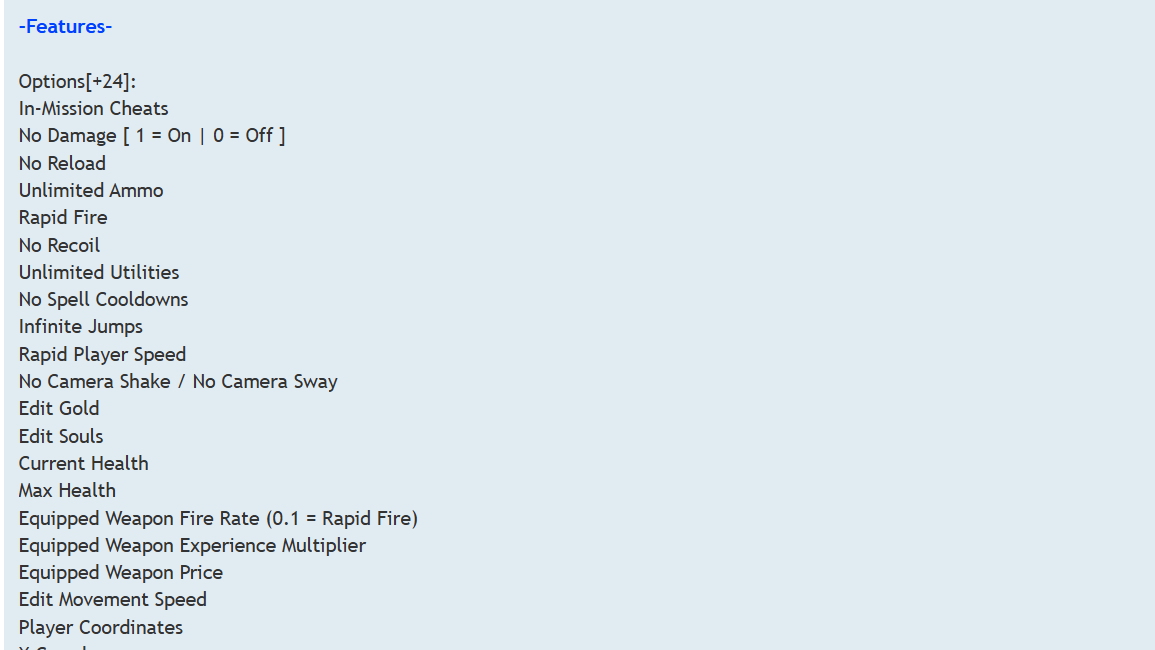
Two main community releases are circulating for the full Early Access build of Far Far West. One is a 24-option Cheat Engine table targeting Steam v1.0, and the other is a 26-option trainer for game version v572 dated 28 April 2026. Both target the same shipping executable and cover roughly the same gameplay systems.
| Category | Options available |
|---|---|
| Survival | No Damage / Godmode, Unlimited Health, edit Current and Max Health |
| Weapons | No Reload, Unlimited Ammo, Rapid Fire, No Recoil, Equipped Weapon Fire Rate, Weapon XP Multiplier, Weapon Price |
| Abilities | No Spell Cooldowns, Unlimited Utilities |
| Movement | Infinite Jumps, Super Jump, Rapid/Super Player Speed, Movement Speed Multiplier, Jump Height Multiplier, No Clip & Fly |
| Currency | Edit Gold, Edit Souls |
| World | Slow AI, AI Speed Multiplier, No Camera Shake / No Camera Sway |
| Coordinates | X / Y / Z player coordinates, Save and Teleport to saved location |
The Steam v1.0 table from NoByte was first posted on 16 January 2026 and is reported to also work on the Microsoft Store / Game Pass build, since the executable name and engine are the same. Rhark’s trainer adds slow-AI and teleport-to-saved-coordinates options on top of the standard godmode and ammo toggles.
Requirements before loading a table
Far Far West uses dynamic memory allocation typical of Unreal Engine 5, which means raw addresses shift between sessions. Pre-built tables work around this with pointer scans and AoB scripts, but they still need a current Cheat Engine build and the right game version.
- Cheat Engine 7.0 or newer (later versions handle UE5 better).
- The Steam, Epic, or Microsoft Store build of Far Far West, fully launched and past the main menu.
- The matching .CT file or trainer for your game patch. Tables made for v1.0 / v572 will not necessarily map cleanly to later patches.
Loading a Cheat Engine table
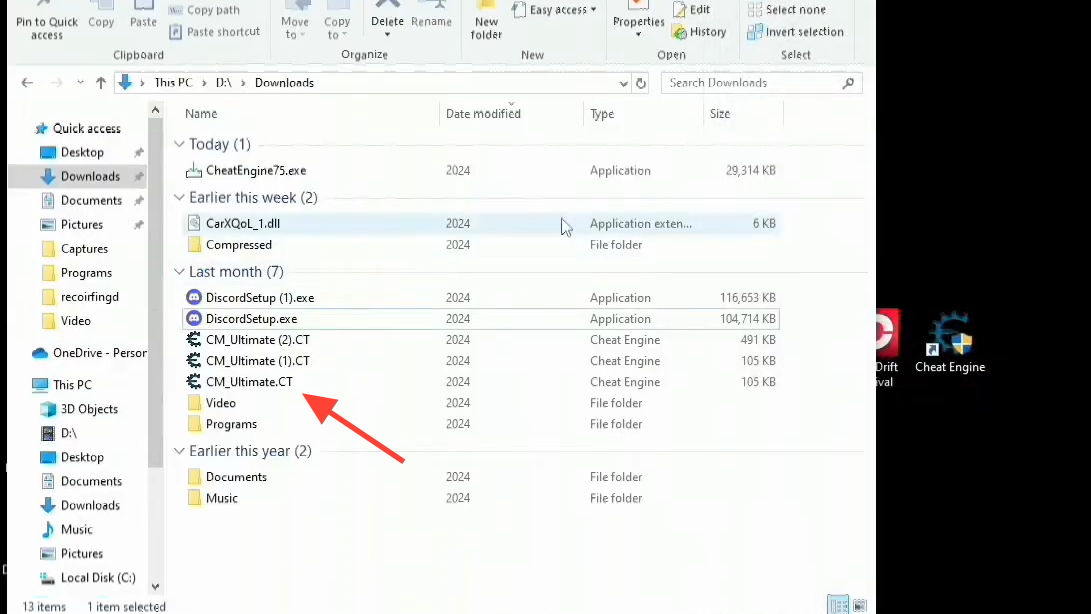
FarFarWest-Win64-Shipping.exe from the process list. The window title will update to confirm the attachment.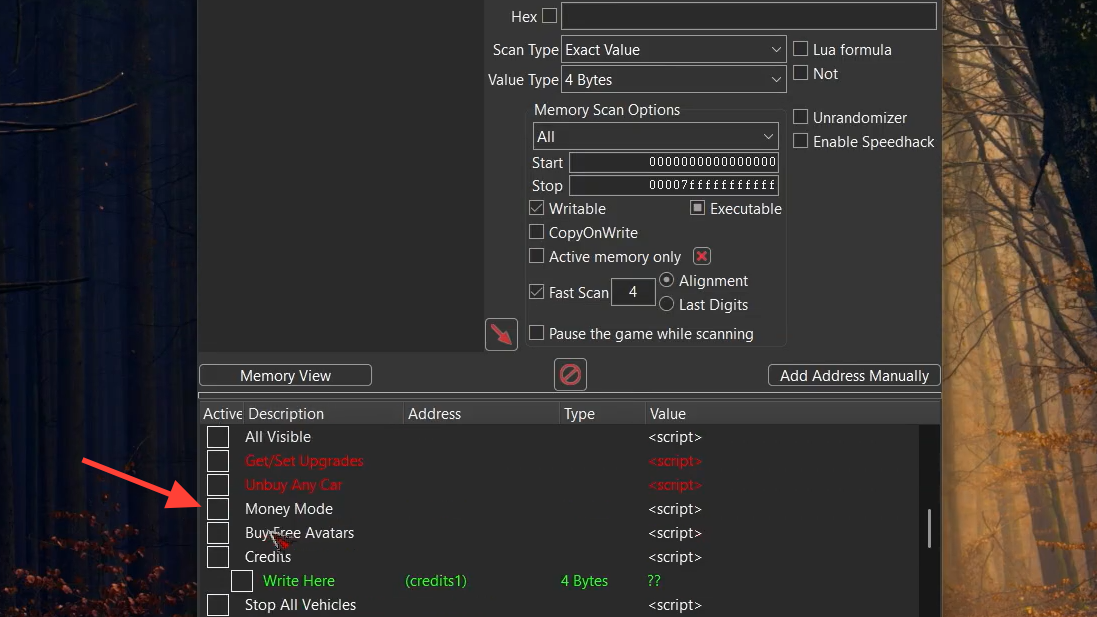
Values worth knowing
A few of the editable fields behave differently from a simple on/off toggle:
| Field | Behavior |
|---|---|
| No Damage | 1 enables, 0 disables. Set per session. |
| Equipped Weapon Fire Rate | Lower is faster. 0.1 produces a rapid-fire effect. |
| Equipped Weapon Price | Modifies the cost shown at vendors for the currently held weapon. |
| Edit Gold / Souls | Direct write. Persists once the inventory UI refreshes. |
| No Clip & Fly | Disables player collision. Re-enable before triggering scripted events to avoid soft-locks. |
XP and account-level progression sat in a separate structure during the playtest period. Some testers reported being able to push player level into the thousands and grant millions of gold or souls through lobby logic, while never finding a stable XP write that survived a relog. Whether that still works on the retail build varies by patch.
Common problems
“Table can’t be enabled.” Almost always a version mismatch. If the game updated after the table was published, the AoB patterns the script searches for won’t match anymore. Either roll back the build, wait for a table update, or rescan the values manually.
Cheat Engine fails to attach or the game crashes. Run both the game and Cheat Engine as Administrator. If the crash happens during attachment, switch the debugger in Cheat Engine settings to the VEH Debugger before opening the process.
Edited values revert. Far Far West refreshes some HUD-facing values from a master state, especially in co-op. Activating the script version of an option (which freezes or hooks the write instruction) is more reliable than typing a number into a single address.
Game Pass / Microsoft Store version won’t hook. The UWP wrapper blocks standard process attachment. Cheat Engine can sometimes attach if launched as Administrator with the game already running, but it is significantly less reliable than the Steam build.

Building a table yourself
If no current table fits your patch, the basic scan workflow handles simple values like gold and ammo without any scripting.
Pointers and AoB scripts are needed for anything that survives a level transition or a game restart. That is the part most people skip by downloading a community table instead.
Cheat Engine remains the most flexible option for solo Far Far West runs, especially for capping gold, souls, and ammo without grinding extraction missions. Just keep modifications to private sessions, match the table to your installed patch, and re-verify the script options after every game update before assuming they still work.