
Gems are the premium currency that quietly gates a lot of your shop growth in Storage Hunters Open World. You spend Cash on lockers and Cash on some upgrades, but Gems are what unlock the passive-income tools, the display titles, and the shelf types that let a small operation scale. The good news is you do not have to pay Robux for them if you play regularly.
Quick answer: Earn Gems from daily rewards, completing achievements, and customer tips (upgrade the Tip Jar to raise tip chance), or buy them directly with Robux. Spend them on shop upgrades, extra shelf types, titles, auction power packs, and the Shop Assistant.
What Gems are used for in Storage Hunters
Gems touch nearly every progression system in the game, so they rarely sit idle for long. The main things you can spend them on right now are shop upgrades, auction packs, cosmetic titles, and shelving.
- Shop upgrades such as Inventory Space, Tip Jar, and Price Tags
- Auction power packs that improve your bidding position
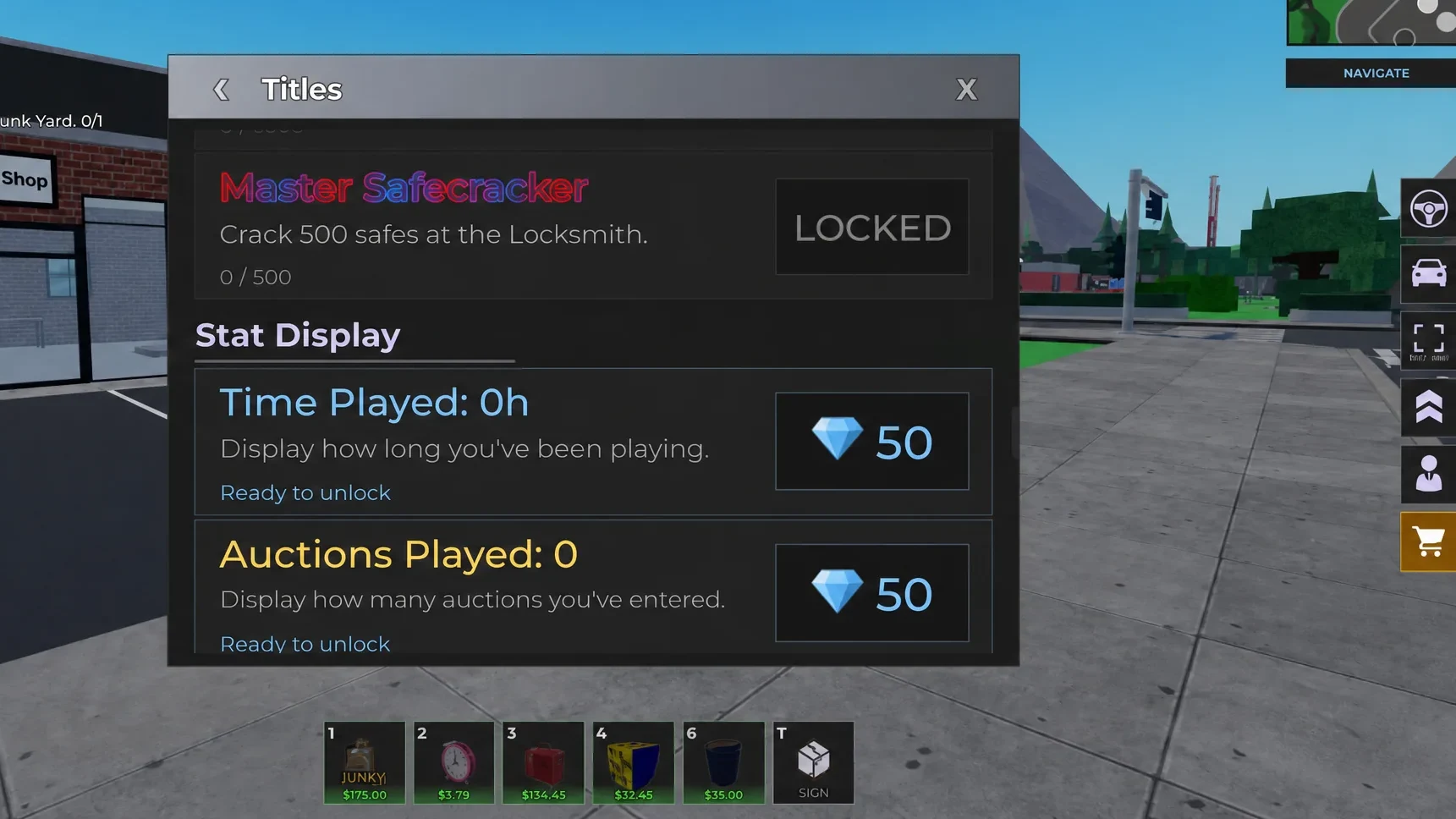
- Titles and stat display titles for your profile
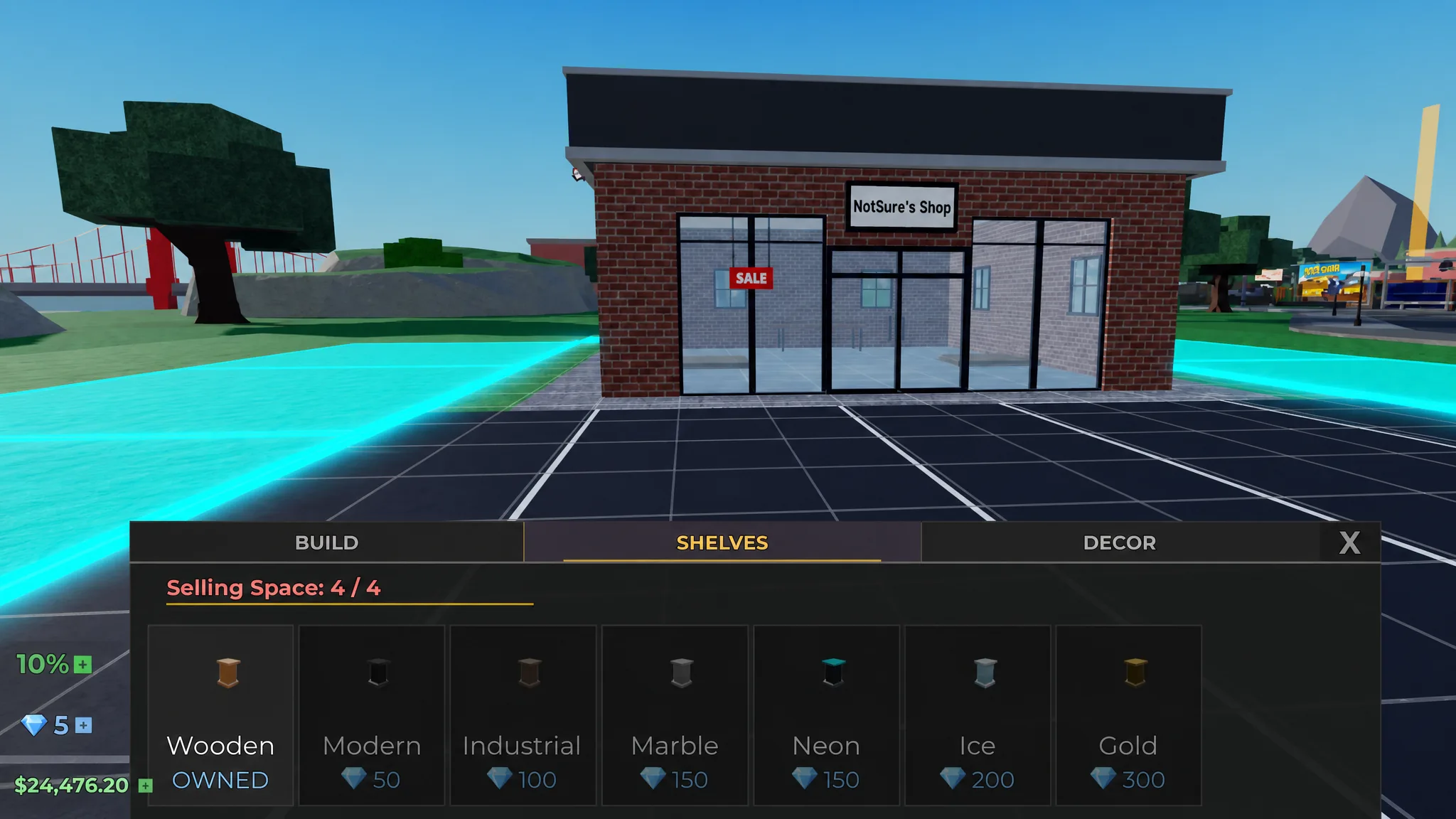
- Different types of shelves for your shop
- The Shop Assistant, hired from the upgrades menu for 100 Gems, who sells items automatically at a profit margin you set while you are away
- Skipping the wait time on grading and cleaning, both of which are free but time-gated
New uses are added as the game updates, so the Gem sink tends to grow over time rather than shrink.
How to earn Gems without spending Robux
Three in-game systems feed you Gems on a steady basis. None of them require Robux, and together they cover most of what a growing shop needs.
Daily rewards
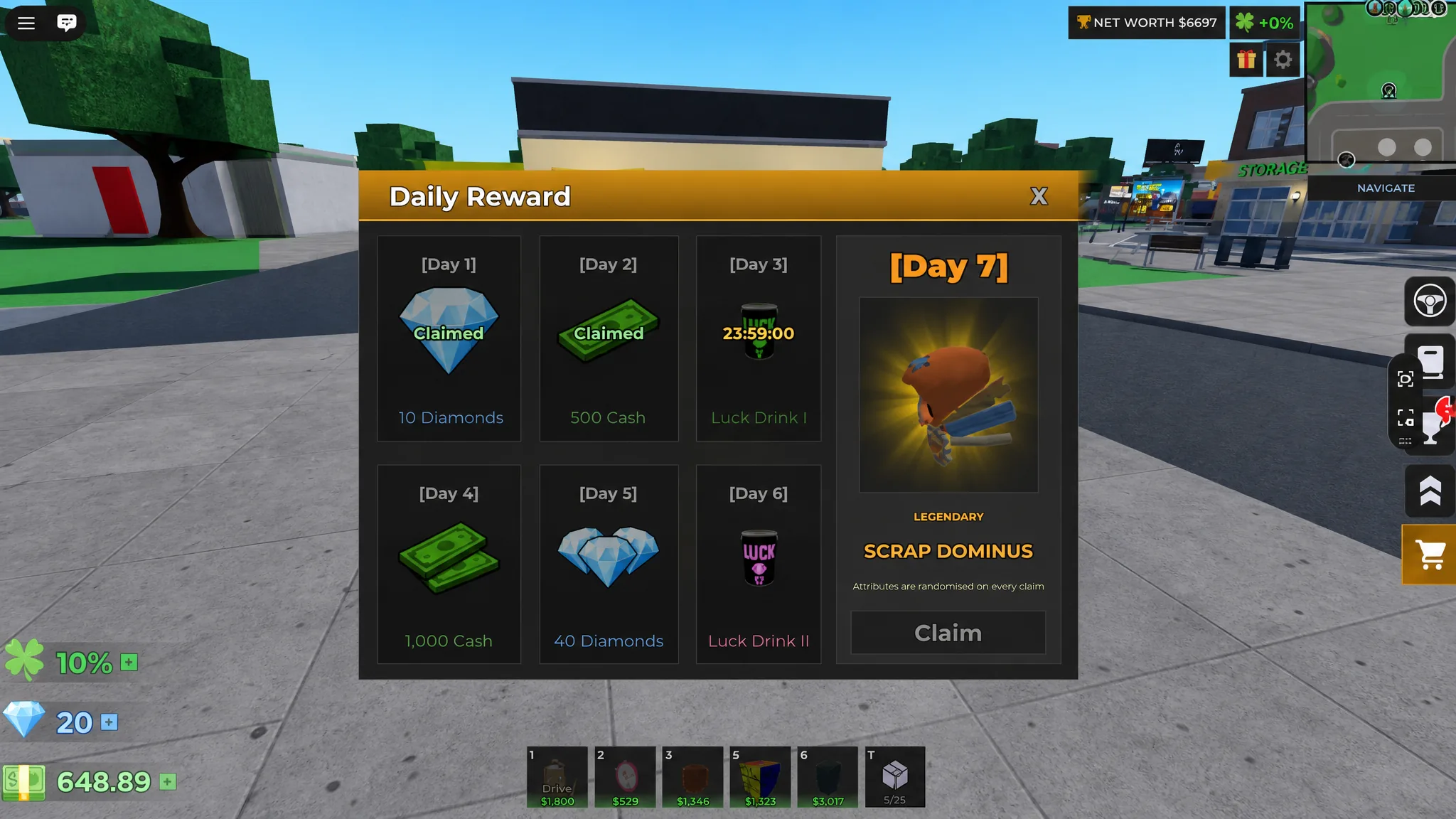
Logging in each day pays out Gems through the daily reward track on specific reward days. The amounts are modest per claim, but they stack up with zero effort, so claim them every session you play.
Completing achievements
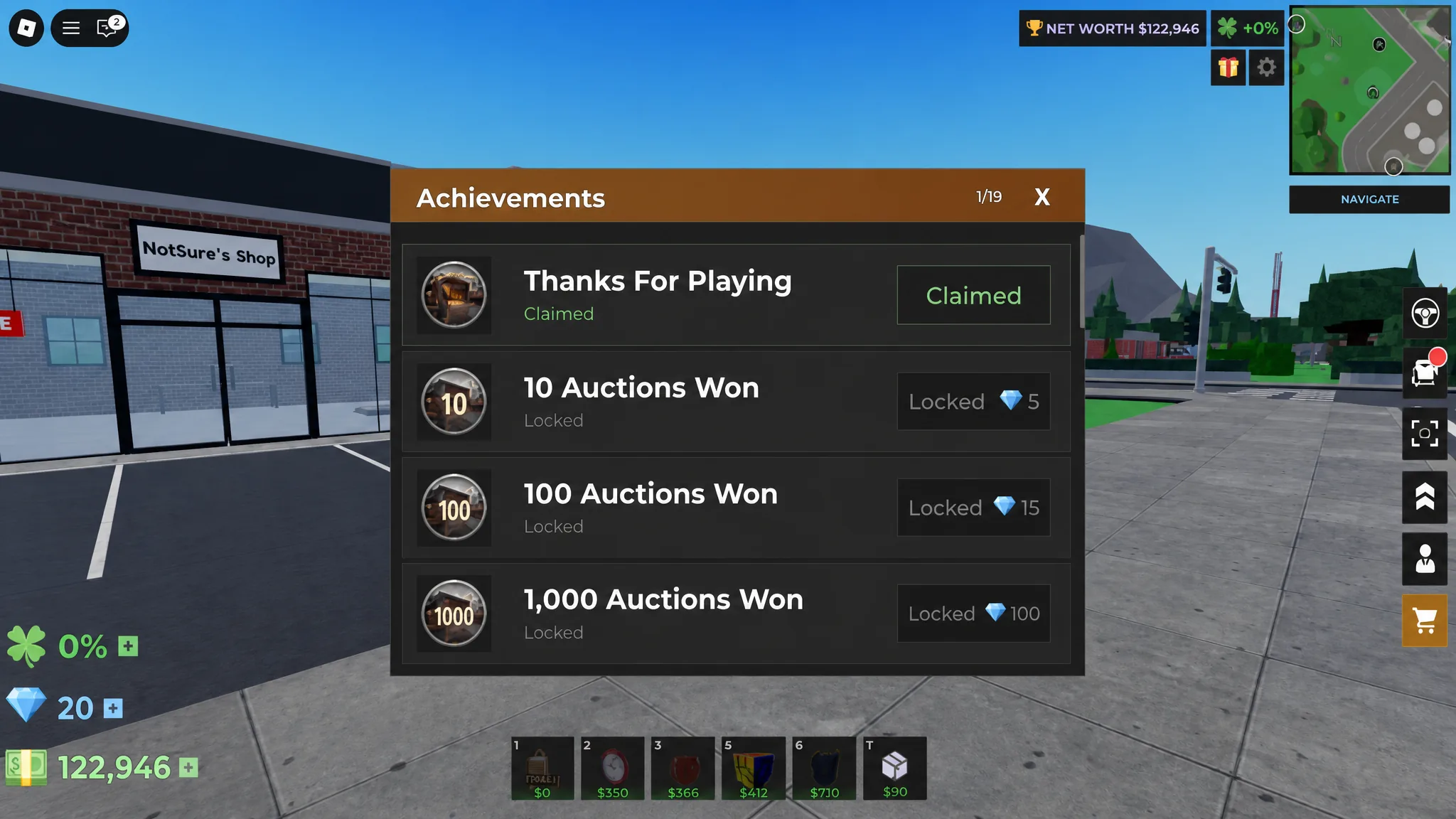
Achievements are the strongest early Gem source. Most of them complete on their own as you bid, sell, and progress, and each one hands over a set Gem reward on completion. Push through achievements early and you can bank a solid Gem stash before your shop income even ramps up.
Customer tips and the Tip Jar
Customers can leave Gem tips when they buy items from your shop. You control how often that happens through the Tip Jar upgrade, which adds a 2% tip chance per level. Level it up early and every sale becomes a chance at passive Gem income, so shop traffic starts paying you twice.
Buying Gems with Robux
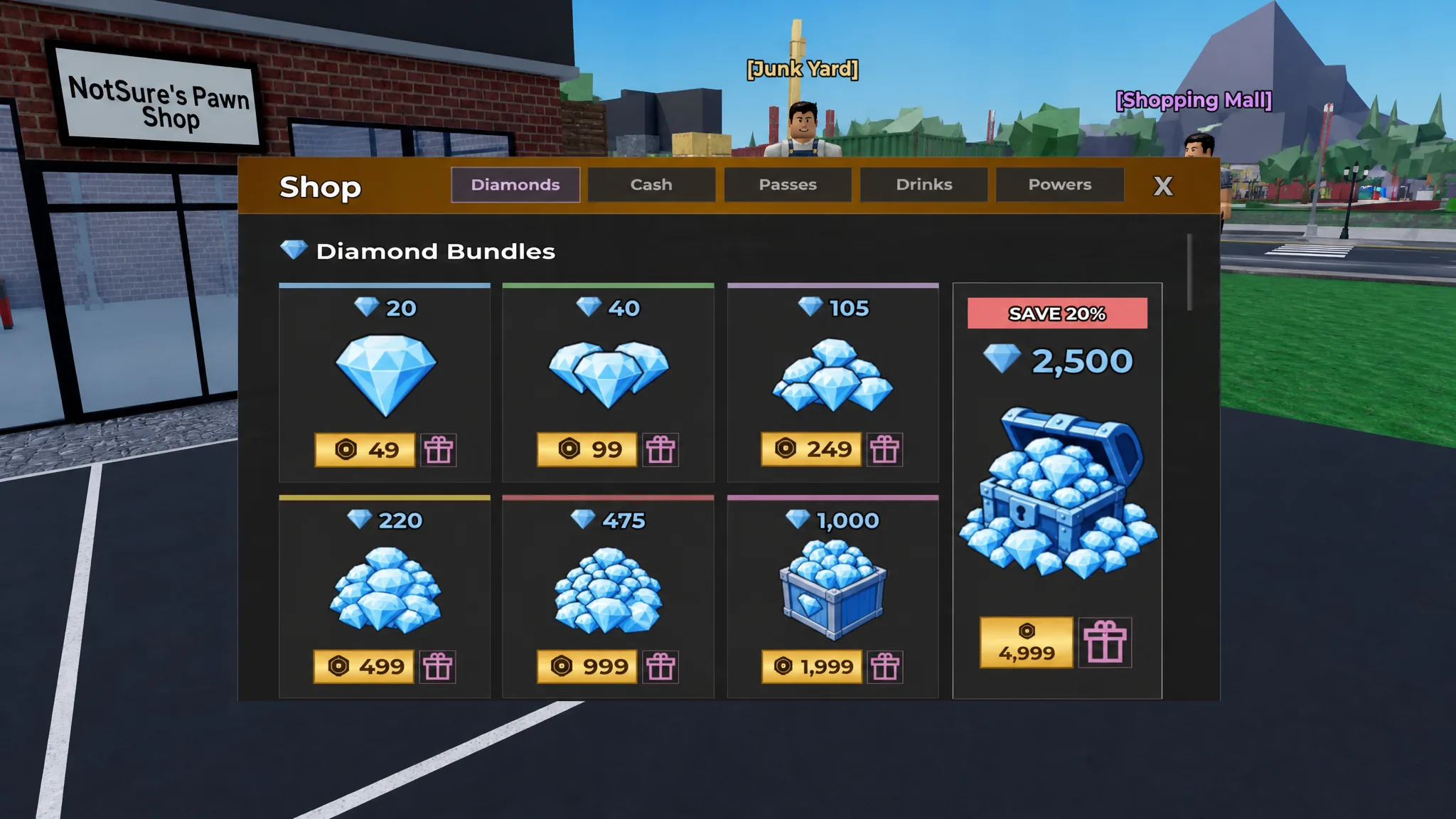
If you would rather skip the grind, Gems are on sale directly for Robux. Larger packages give you more Gems per Robux, so the biggest tiers are the most efficient if you plan to spend anyway.
| Price | Gems |
|---|---|
| 49 Robux | 20 Gems |
| 99 Robux | 40 Gems |
| 249 Robux | 105 Gems |
| 499 Robux | 220 Gems |
| 999 Robux | 475 Gems |
| 1999 Robux | 1000 Gems |
| 4999 Robux | 2500 Gems |
Where to spend your first Gems
The single best early purchase is the Tip Jar upgrade. Because it raises your tip chance by 2% per level, every Gem you sink into it comes back as more Gems from ordinary shop sales. That turns your first Gems into a compounding income source rather than a one-time cosmetic.
After that, the 100-Gem Shop Assistant is worth prioritizing if you want sales to keep running while you are off bidding or offline. Beyond those two, spend on Inventory Space, extra shelf types, and Price Tags as your shop outgrows its current capacity, and save Gems for skipping grading or cleaning timers only when a high-value item is holding up a sale.
Play consistently and Gems are not a bottleneck. Daily rewards, achievement payouts, and a leveled-up Tip Jar keep a reliable trickle coming in, and the Robux packages are only there for players who want to fast-track upgrades or titles rather than a requirement to progress.