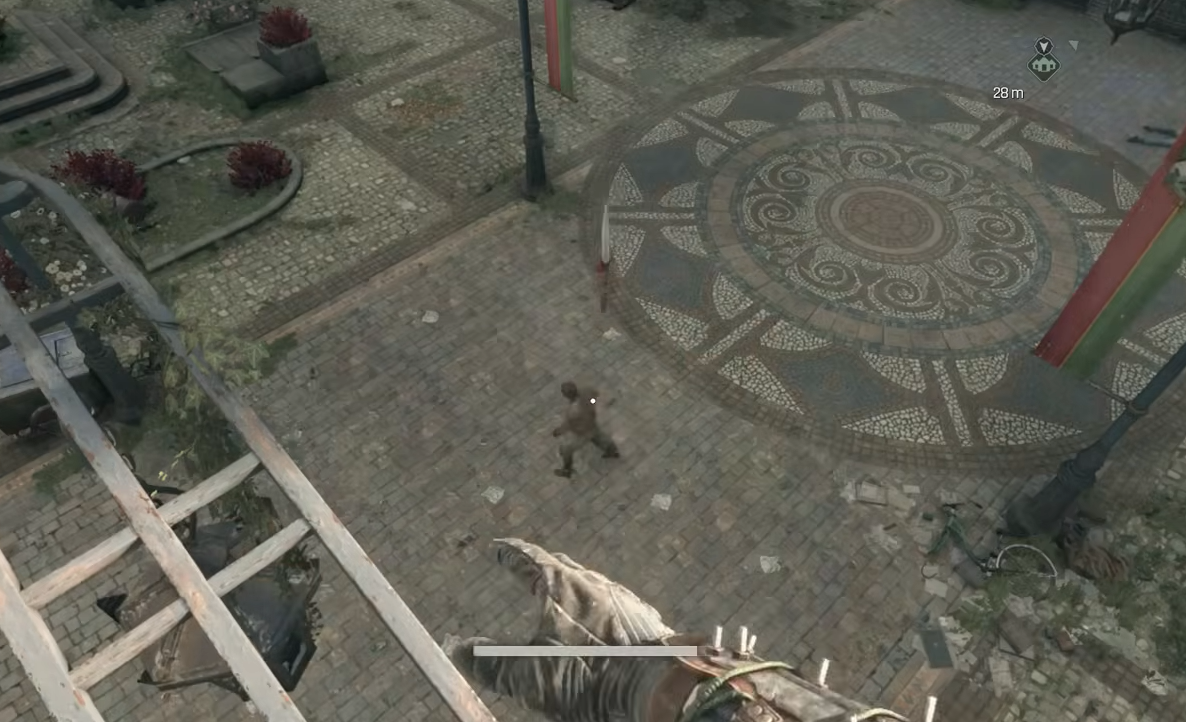
Weapon throws add safe, high-impact damage without stepping into grab range in Dying Light: The Beast. The game’s controller bindings don’t clearly list this move, but it’s fully supported. Below you’ll find the exact inputs on keyboard/mouse and controllers, plus how retrieval and durability work, and how to use dedicated throwables.
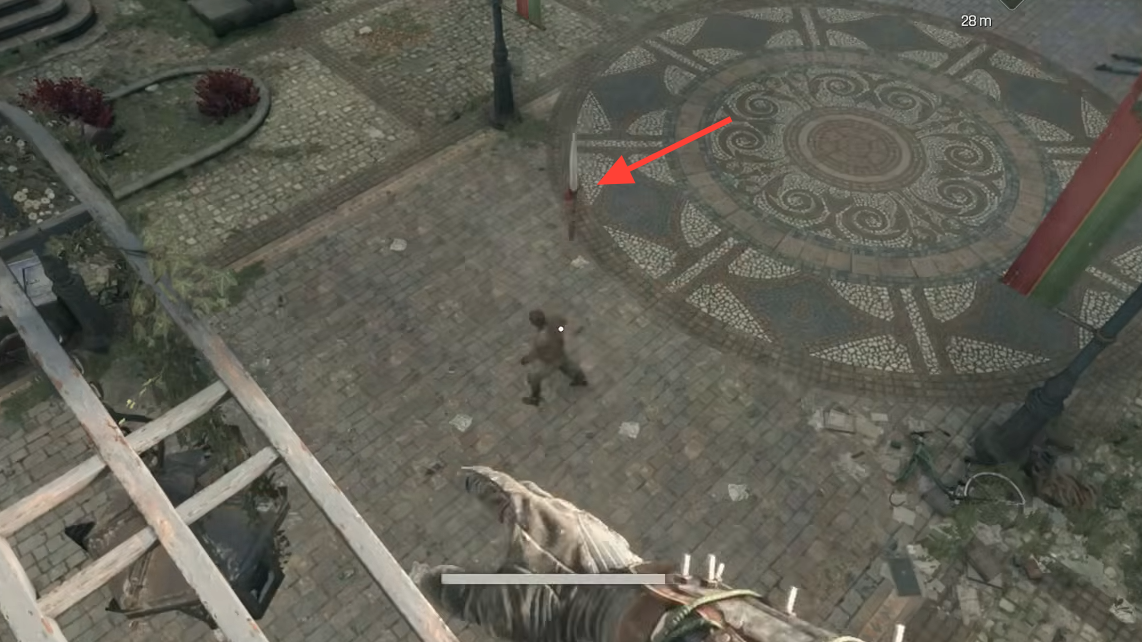
Throw weapons on keyboard and mouse
Face your target and line up the throw. Aiming for the head increases damage and can stagger threats before they close distance.
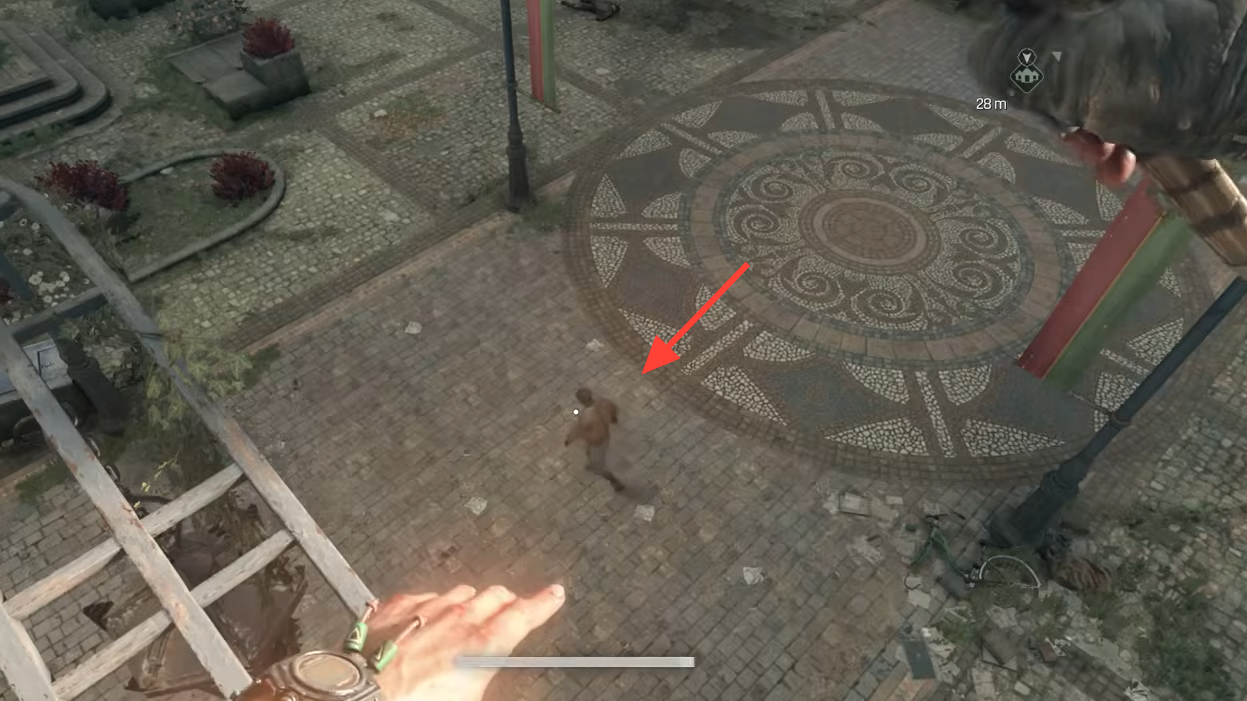
Hold attack to charge a heavy swing: press and hold
LMB. Charging flags your next input as a throw instead of a normal strike.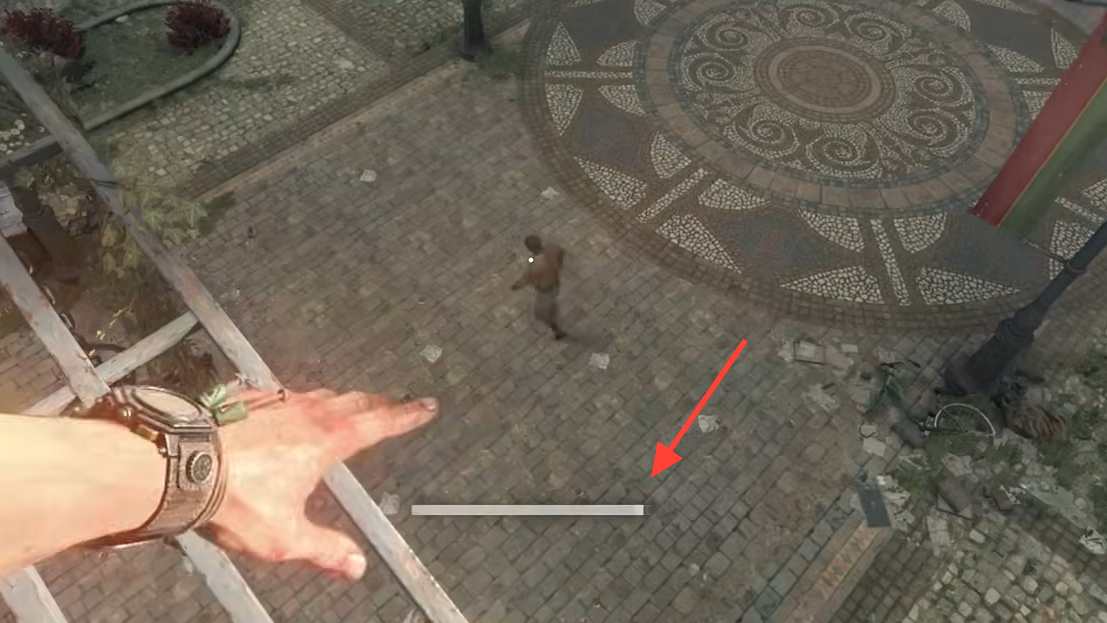
Release the attack button to send the weapon. The projectile will travel toward your reticle, so maintain your aim through release.
Throw weapons on controller (Xbox/PlayStation)
Center the target in your reticle. Give yourself a clear lane so the weapon doesn’t clip walls or railings.
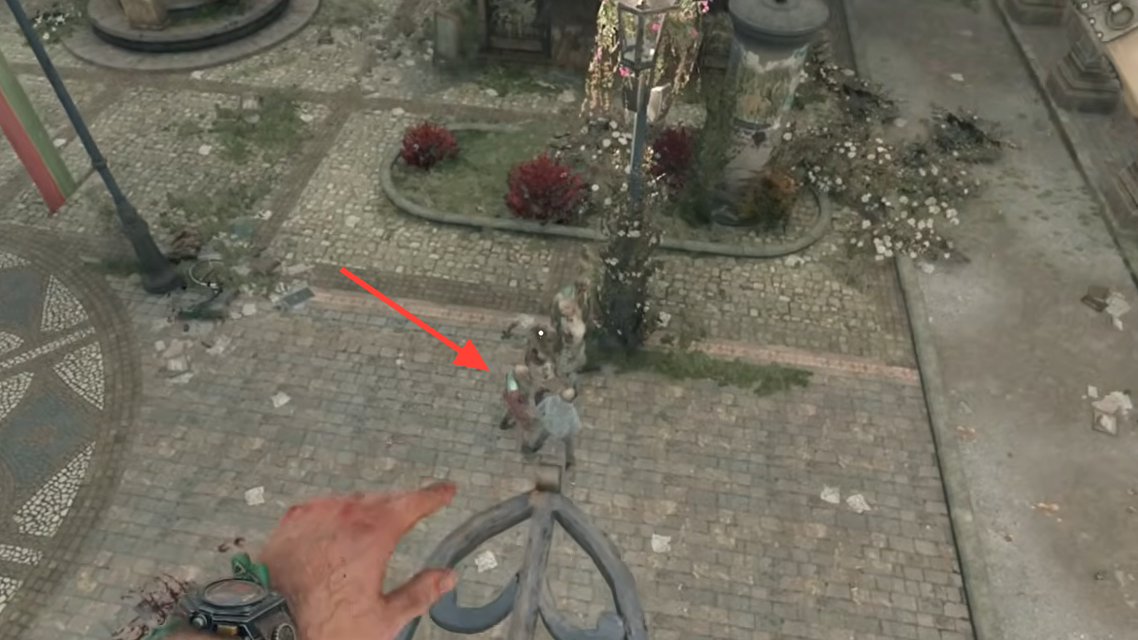
Hold your attack trigger/button to charge a heavy swing (commonly
RT/R2 or the mapped attack button). The charge sets up the throw input.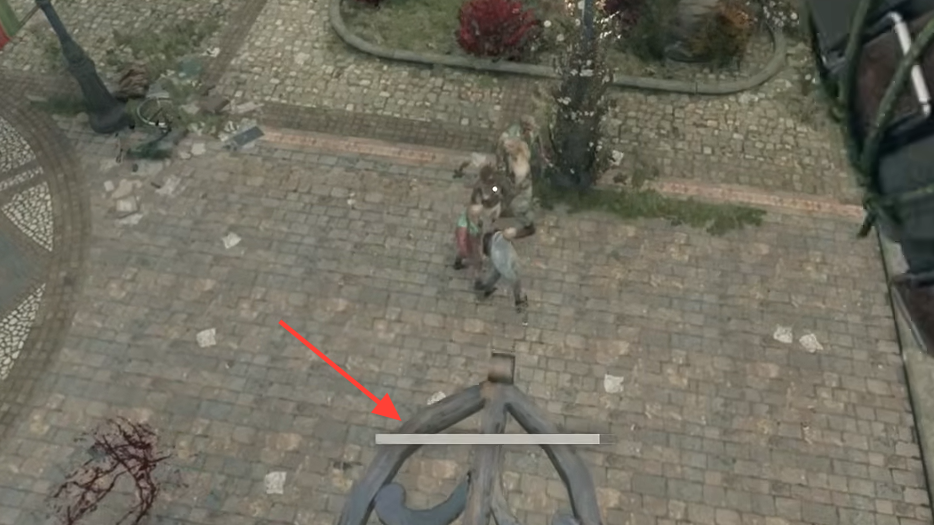
Release the attack trigger/button to hurl the weapon. Keep aiming as you release to control flight path.
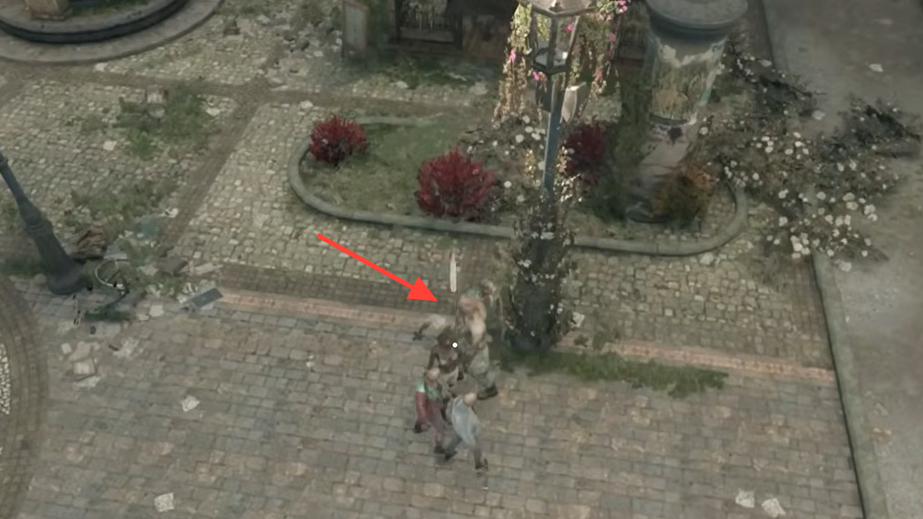
Retrieve your thrown weapon and manage durability
Close the distance and loot your weapon from the target’s body or the ground. Retrieval is immediate, letting you chain another throw or resume melee.
Expect durability loss on throws, similar to regular attacks. A throw does not automatically break a weapon, so you can reuse it until it actually reaches zero durability.
Get extra value from near-broken gear by throwing it as a “last hurrah.” If a weapon has no repairs left, a well-aimed toss can still deliver one more impactful hit.
Keep in mind only melee weapons can be thrown. Firearms are excluded, while both one-handed and two-handed melee options can be tossed.
Use throwables (grenades, molotovs, knives)
Equip the item in a Gadget slot via the Inventory. Gadgets are your dedicated throwable tools separate from thrown melee weapons.
Select the correct Gadget in the field. On PC, you can cycle equipped gadgets with
1 for quick access.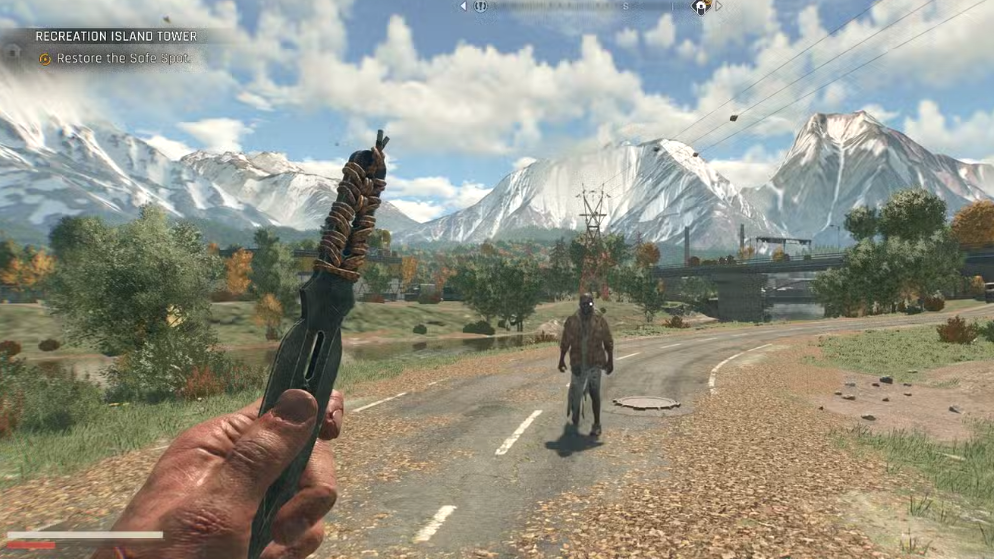
Use the Gadget throw button to deploy it. On controllers, press
LB; on PC, click the mouse wheel to throw the selected gadget.Quick reference inputs
This table summarizes the core throw commands for your main melee weapon.
| Keyboard/Mouse | Hold LMB (charge), press F while holding, release to throw. |
| Controller | Hold attack trigger/button (e.g., RT/R2), click R3, release to throw. |
Once you’re comfortable with the inputs, weapon throws become a reliable way to create space and land safe damage. Practice the timing in low-risk fights and the move will quickly become part of your standard toolkit.