

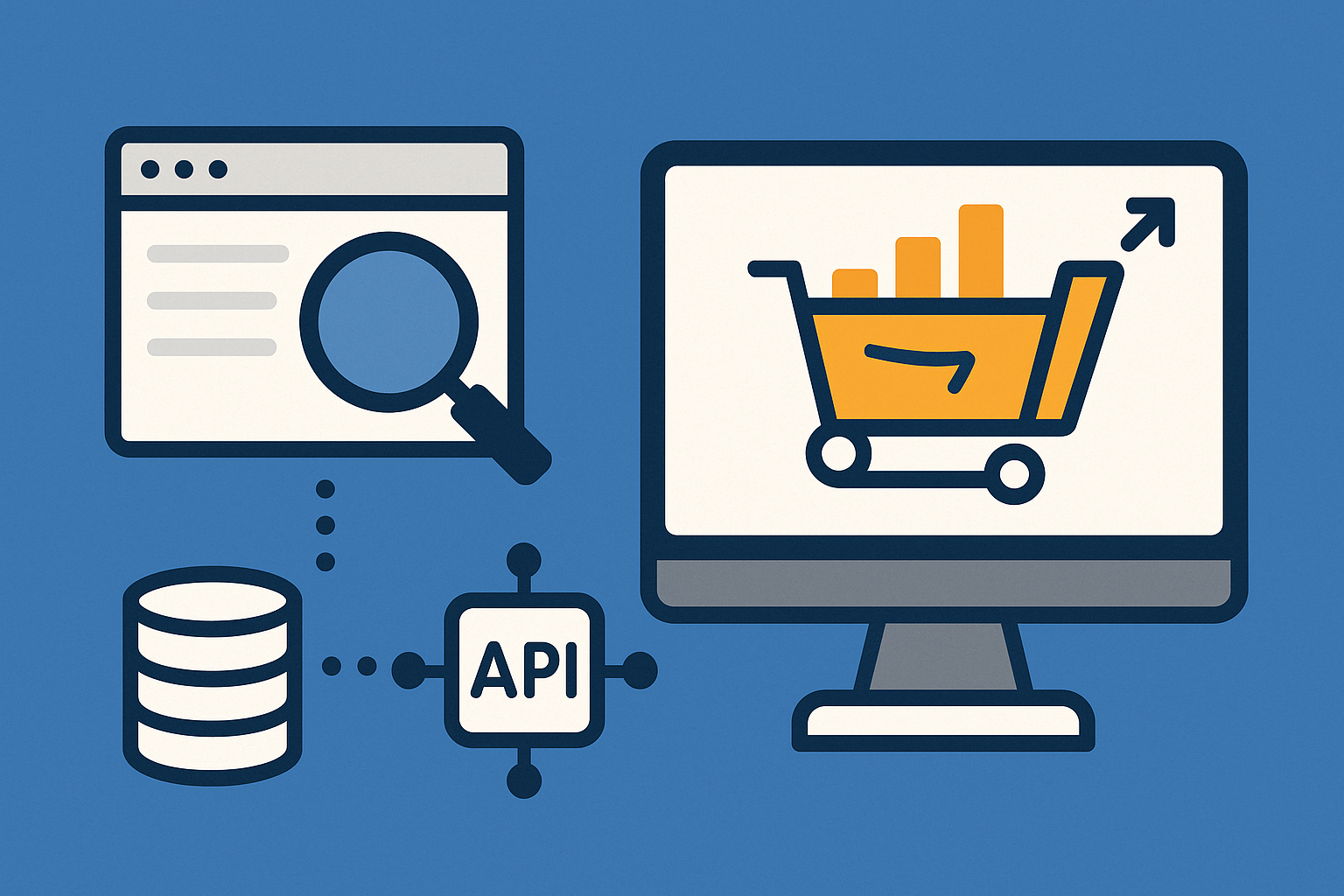
Send one request to an Amazon scraping API and receive normalized JSON for products, search results, offers, reviews, Q&A, and sellers. This approach removes proxy rotation, CAPTCHA solving, and headless-browser maintenance while giving you consistent fields you can store or analyze immediately.
Typical payloads return item titles, ASINs, prices, availability, images, star ratings, review counts, offers (buy box and third-party), and seller metadata. Most providers support country- or ZIP-level geolocation so you can fetch localized content per marketplace.
Before you start
Gather these basics and note key terms so your requests return the data you expect.
- API credentials from a scraping provider (e.g., Oxylabs, ScraperAPI, Scrapingdog).
- Python 3.11 or curl installed for the examples.
- Know the Amazon marketplace domain (for example,
com,de,nl). - Identify the target
ASINor keyword for searches. - Compliance note: scraping publicly visible pages is generally lawful, but sites can restrict automated access in their terms and may throttle or block. Avoid logging into seller accounts for scraping, respect rate limits, and consider separate infrastructure to prevent account risk.
Method 1 — Use a structured Amazon Scraping API (Oxylabs)
This method returns parsed JSON for product, search, offers, reviews, Q&A, best sellers, and seller pages, and supports geotargeting, optional JavaScript rendering, webhooks, and scheduling.
{
    "source": "amazon_product",
    "query": "B0CX23V2ZK",
    "domain": "com",
    "geo_location": "90210",
    "parse": true
}import requests
auth_user = "YOUR_USERNAME"
auth_pass = "YOUR_PASSWORD"
payload = {
"source": "amazon_product",
"query": "B0CX23V2ZK",
"domain": "com",
"geo_location": "90210",
"parse": True
}
resp = requests.post(
"https://realtime.oxylabs.io/v1/queries",
auth=(auth_user, auth_pass),
json=payload,
timeout=60
)
print(resp.json())Expect keys such as asin, title, price, stock, images, rating, and buy-box details.
# Example: search results with parsing
payload = {
    "source": "amazon_search",
    "domain": "nl",
    "query": "adidas",
    "start_page": 1,
    "pages": 2,
    "parse": True
}Add "render": true to the payload if key sections require client-side execution.
Set callback_url in the payload to push parsed results to your endpoint without holding the connection open.
Create schedules in the dashboard to run product, search, or review collection at intervals and deliver output to cloud storage or your API.
Use the marketplace TLD via domain and set geo_location (country, city, or ZIP where supported) to fetch accurate regional data.
Method 2 — Use ScraperAPI’s structured Amazon endpoints
This option provides ready-to-use JSON for popular Amazon page types with GET requests and includes an output mode for text or markdown if you want LLM-ready content.
curl -G "https://api.scraperapi.com/structured/amazon/search" \
  --data-urlencode "api_key=YOUR_API_KEY" \
  --data-urlencode "query=boxing gloves" \
  --data-urlencode "page=1" \
--data-urlencode "country=us"# Product details by ASIN (example endpoint shape)
curl -G "https://api.scraperapi.com/structured/amazon/product" \
--data-urlencode "api_key=YOUR_API_KEY" \
--data-urlencode "asin=B08SJ3Y3QF" \
--data-urlencode "country=us"curl -G "https://api.scraperapi.com/structured/amazon/product" \
--data-urlencode "api_key=YOUR_API_KEY" \
--data-urlencode "asin=B08SJ3Y3QF" \
--data-urlencode "output=markdown"Use asynchronous requests to submit many URLs at once, receive notifications, and avoid managing retries and timeouts yourself.
Method 3 — Run automated, no‑code Amazon jobs (ScraperAPI DataPipeline)
For teams that prefer configuration over code, the vendor template schedules complete projects and exports results to CSV/JSON or a webhook.
- Webhook to your application.
- Downloadable JSON or CSV.
- Cloud storage destinations supported by the provider.
Method 4 — Use an open-source Amazon scraper CLI (GitHub)
This CLI demonstrates a straightforward way to turn category or department pages into a CSV without writing your own parser.
git clone https://github.com/oxylabs/amazon-scraper.git
cd amazon-scrapermake installmake scrape URL="https://www.amazon.com/s?i=specialty-aps&bbn=16225009011&rh=n%3A%2116225009011%2Cn%3A541966"Method 5 — Build a lightweight scraper in Python (DIY)
This approach gives full control but requires careful handling of anti-bot systems; many teams switch to an API when volume grows or reliability matters.
pip install requests beautifulsoup4import requests
session = requests.Session()
session.headers.update({
"User-Agent": "Mozilla/5.0 (Windows NT 10.0; Win64; x64) AppleWebKit/537.36 "
"(KHTML, like Gecko) Chrome/123.0.0.0 Safari/537.36",
"Accept-Language": "en-US,en;q=0.9"
})
# Optional proxy or API gateway
# session.proxies.update({"https": "http://user:pass@proxyhost:port"})from bs4 import BeautifulSoup
params = {"k": "boxing gloves"}
r = session.get("https://www.amazon.com/s", params=params, timeout=30)
r.raise_for_status()
soup = BeautifulSoup(r.text, "html.parser")items = []
for card in soup.select("div[data-asin][data-component-type='s-search-result']"):
asin = card.get("data-asin")
title_el = card.select_one("h2 a span")
href_el = card.select_one("h2 a[href]")
price_whole = card.select_one("span.a-price span.a-offscreen")
if asin and title_el and href_el:
items.append({
"asin": asin,
"title": title_el.get_text(strip=True),
"url": "https://www.amazon.com" + href_el["href"],
"price": price_whole.get_text(strip=True) if price_whole else None
})
print(len(items), "items")Introduce randomized delays between requests and consider exponential backoff on non‑200 responses.
import json, pathlib
pathlib.Path("data").mkdir(exist_ok=True)
with open("data/search-boxing-gloves.json", "w", encoding="utf-8") as f:
    json.dump(items, f, ensure_ascii=False, indent=2)
Scaling, accuracy, and compliance tips
- Use geotargeting when prices or availability vary by region; set the marketplace
domainand delivery location where supported. - Prefer parsed JSON (
parse=true) to cut data cleaning time and reduce selector breakage. - Adopt async + webhooks for millions of URLs to avoid connection limits and to offload retries.
- Keep a small golden set of ASINs and compare fields over time to detect parser drift quickly.
- Review site terms and avoid scraping while authenticated to sensitive accounts; separate infrastructure lowers risk.
Pick the method that matches your workload: structured APIs for reliability and speed, no‑code for quick scheduling, or DIY for full control. With a small setup, you can move from manual browsing to consistent JSON in minutes.