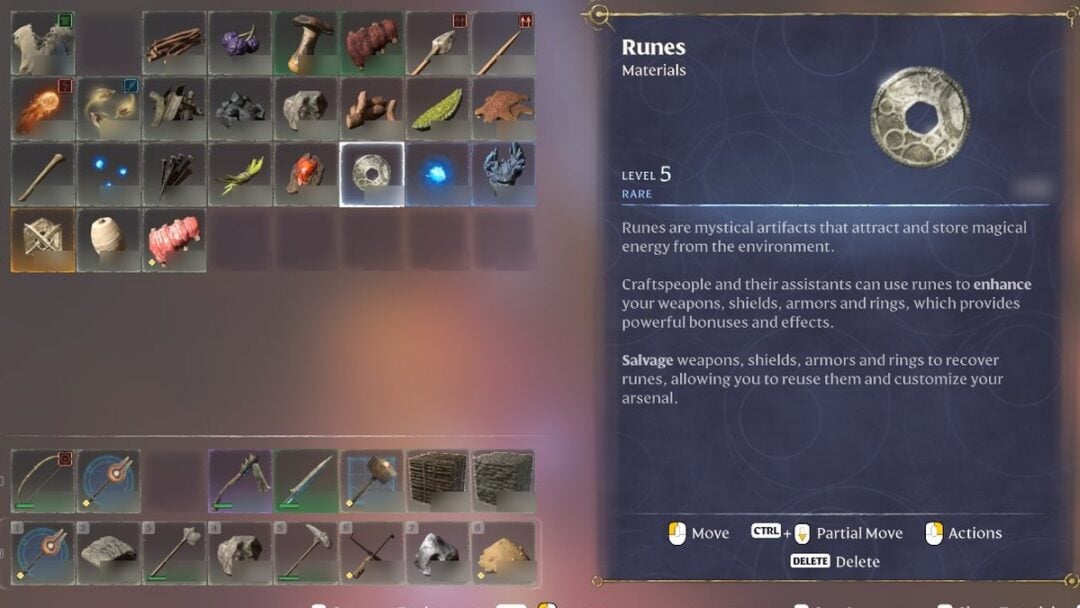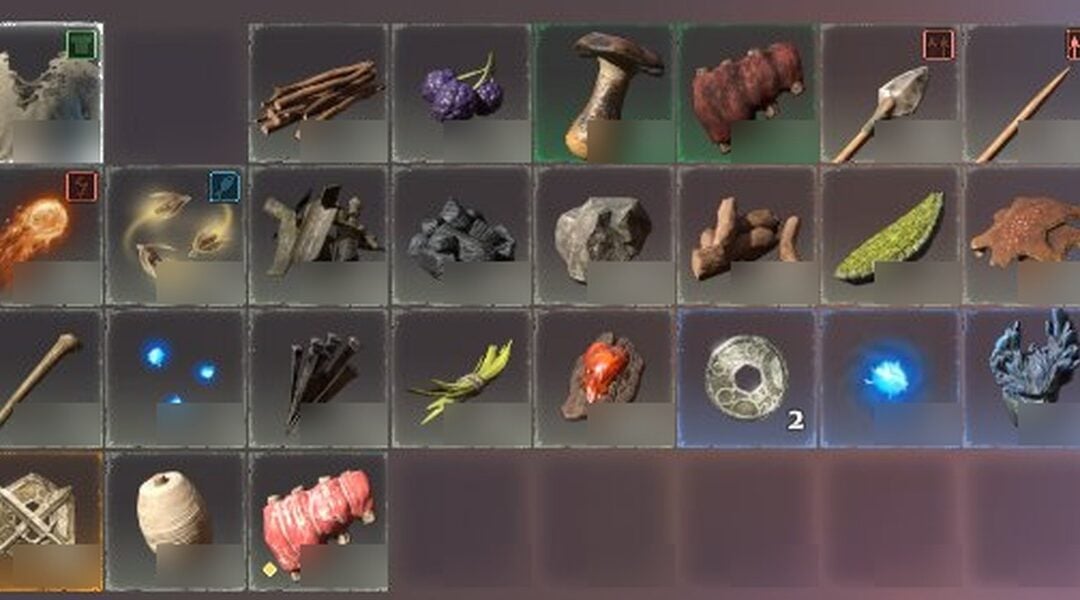
Palworld 1.0 ships without a native cheat system. There is no in-game developer console for single-player, and none of the classic text codes for god mode, infinite stamina, or item spawning exist inside the game. What the game does include is a small set of chat commands for multiplayer server administration, plus the option to run an external trainer that changes values in memory.
Quick answer: Palworld 1.0 does not have a built-in single-player cheat console. Pressing the Tilde (~) key does nothing, and the only official command-style tools are multiplayer admin chat commands such as kicking players and teleporting.

Why the Tilde console does not open in Palworld 1.0
Palworld runs on Unreal Engine 5, so many players expect the Tilde (~) key to bring up a developer command prompt. During the move from Early Access to the full 1.0 release, the developer console for single-player was permanently disabled. There is no hidden key combination that restores it.
Because that console is gone, you cannot type codes to spawn items, set your level, or toggle god mode. Item IDs and commands in the style of player.additem 0001 do not function here. The game handles inventory arrays dynamically, so there is no stable text command that adds materials to your bag.
Trying to force the console open by editing Engine.ini or injecting a generic Unreal Engine unlocker usually causes an instant crash or a corrupted world state. It is not a reliable path to cheats.

The commands that do exist: multiplayer server admin
The closest thing Palworld has to official cheat commands lives in multiplayer. A server admin can use basic chat commands to manage a session, including actions like kicking a player or teleporting. These are administration tools rather than a full cheat menu, so they will not give you infinite resources or god mode in your own single-player save.
Third-party trainers and what they change
Since the single-player console is disabled, the practical way to modify stats or resources is a memory trainer that hooks into the running game. A trainer attaches to Palworld while it is open and exposes toggles through hotkeys or an overlay, so you never type any code. The common feature set covers survival, combat, and gathering systems.
| Feature | Effect |
|---|---|
| Infinite Player Health | Negates incoming damage from bosses, hazards, and Alpha creatures |
| Infinite Pal Health | Keeps your active Pal alive during raids and boss fights |
| Infinite Stamina | Sprint, climb, and glide without resting |
| Instant Catch Rate | 100% capture chance regardless of sphere tier or Pal health |
| Infinite Technology Points | Unlocks all recipes, saddles, and base structures |
| Zero Weight | Carry unlimited materials without movement penalties |
| Instant Crafting and Building | Finishes structures and weapon crafting with no wait |
| Freeze Pal Hunger | Base workers never need food and avoid negative status |
| Add Gold | Injects currency to buy from wandering merchants |
| Set Game Speed | Speeds up or slows down the day and night cycle |
| Instant Egg Incubation | Skips the long timers to hatch eggs |
| Infinite Weapon Durability | Guns, pickaxes, and melee weapons never degrade |
| Infinite Ammo | Fire continuously without reloading or crafting ammo |
These features are provided by external software, not by Palworld itself. A trainer detects the installation whether the game came from Steam, the Epic Games Store, or PC Game Pass, and applies its effects in active memory rather than rewriting the game files.

Achievements and save file safety
Palworld tracks milestones such as defeating tower bosses, capturing unique species, and reaching maximum player level on both Steam and the Epic Games Store. A native developer command, if one existed, would typically flag the save as modified and block further achievements on that file.
Trainers that only change values in RAM, rather than permanently hardcoding the .sav file, can bypass that lock and still let the game award achievements. That behavior is specific to how the trainer operates, so it is not guaranteed for every tool.
Manual editing carries real risk. Raw memory editors force you to chase shifting addresses just to add a few Paldium Fragments, and a single wrong digit can corrupt your inventory. The Palbox is sensitive to index changes, so crude engine exploits can damage an entire collection of captured Pals and force a world reset. Forcing quests to complete or teleporting entities can also leave base workers stuck in geometry or make NPCs disappear.
Back up your save files before changing game memory. It is the simplest protection against unexpected bugs or a corrupted world.
Online cheats and ban risk
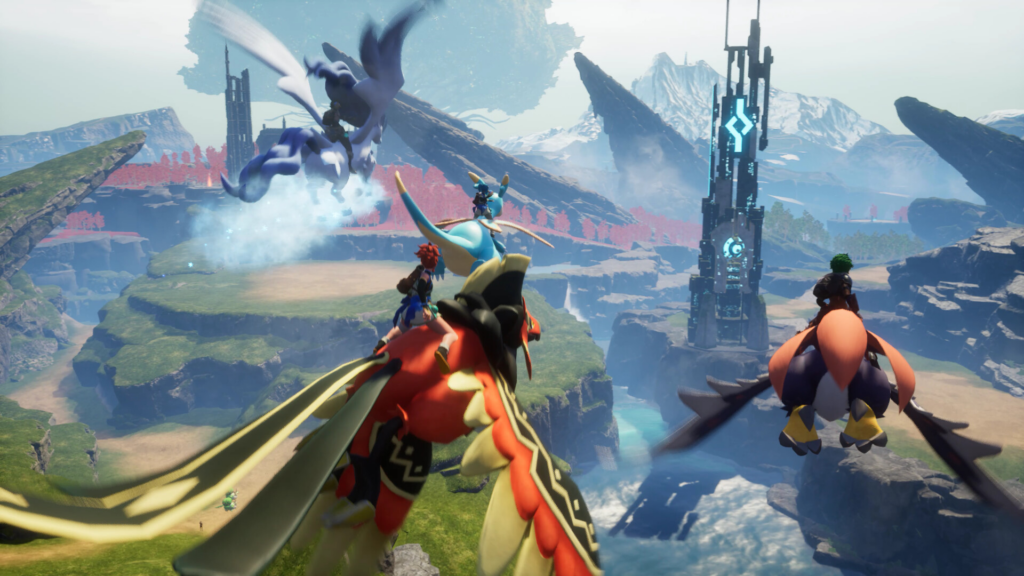
Cheats aimed at multiplayer are a different category from single-player trainers. Aimbot, ESP, and wallhack tools give combat and information advantages, but they violate the game’s terms of service and can lead to bans. Overusing effects like instant crafting in shared sessions can also trigger crashes that affect other players.
If you want to modify your own progress, keep it to a private single-player world. Reserve any external tools for offline play, back up your saves first, and treat online sessions as off-limits for stat manipulation to avoid penalties.