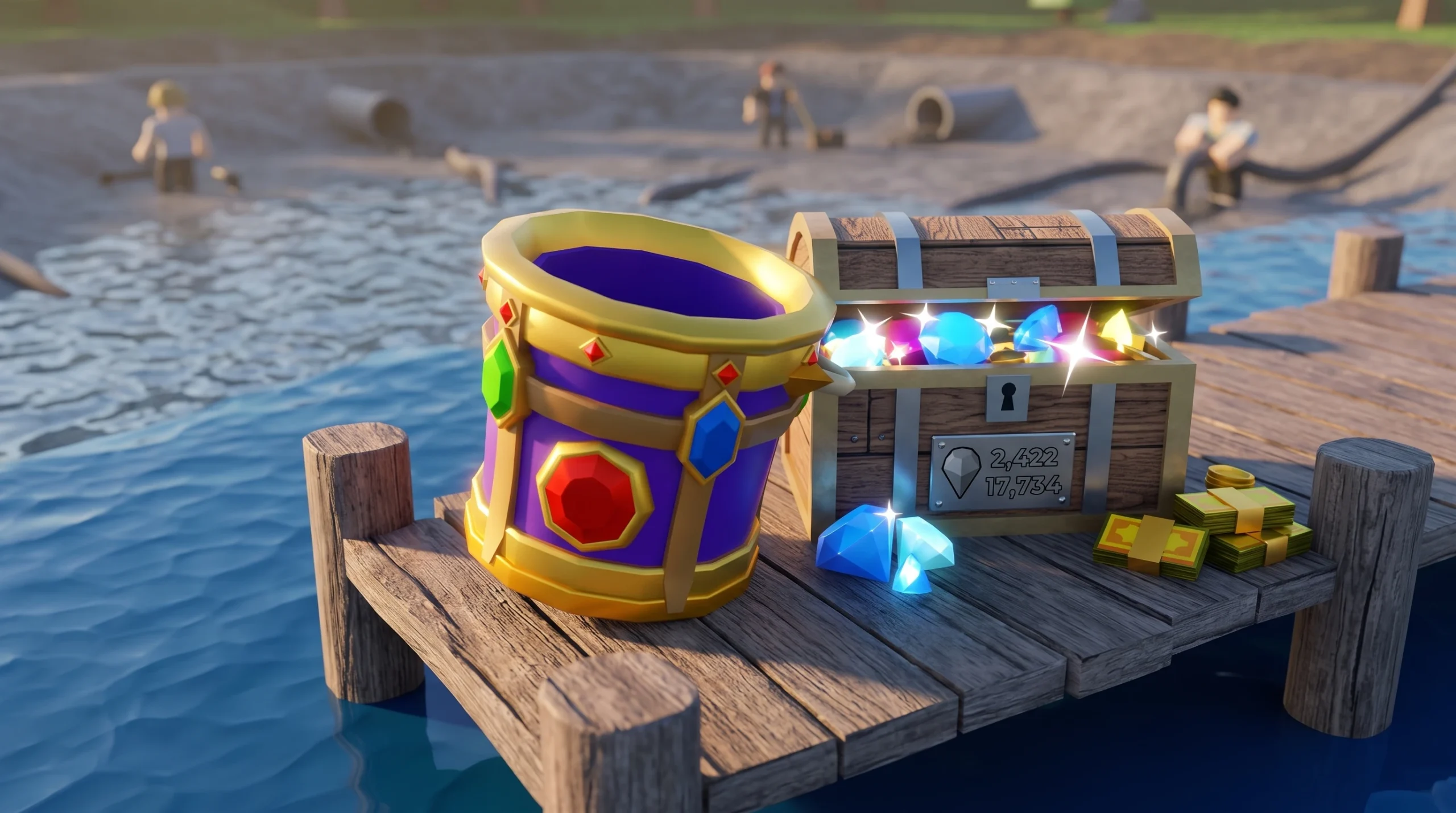
Drain the Lake turns one silly problem into a full upgrade loop. Your phone is at the bottom of the lake, and the only way down is to bail the water bucket by bucket. Every scoop you drain becomes Tokens, and Tokens buy upgrades that let you fill faster, carry more, and move quicker between the water and the drain. Getting good means tightening that loop and spending your currency in the right order.
Quick answer: Fill your bucket at the lake with the Left Mouse Button, press F to teleport to the drain, empty it for Tokens, then spend those Tokens on the Character path movement-speed upgrades first so every trip is faster. Guard your Gems, since they carry between runs while Tokens reset.
Master the fill, teleport, drain rhythm
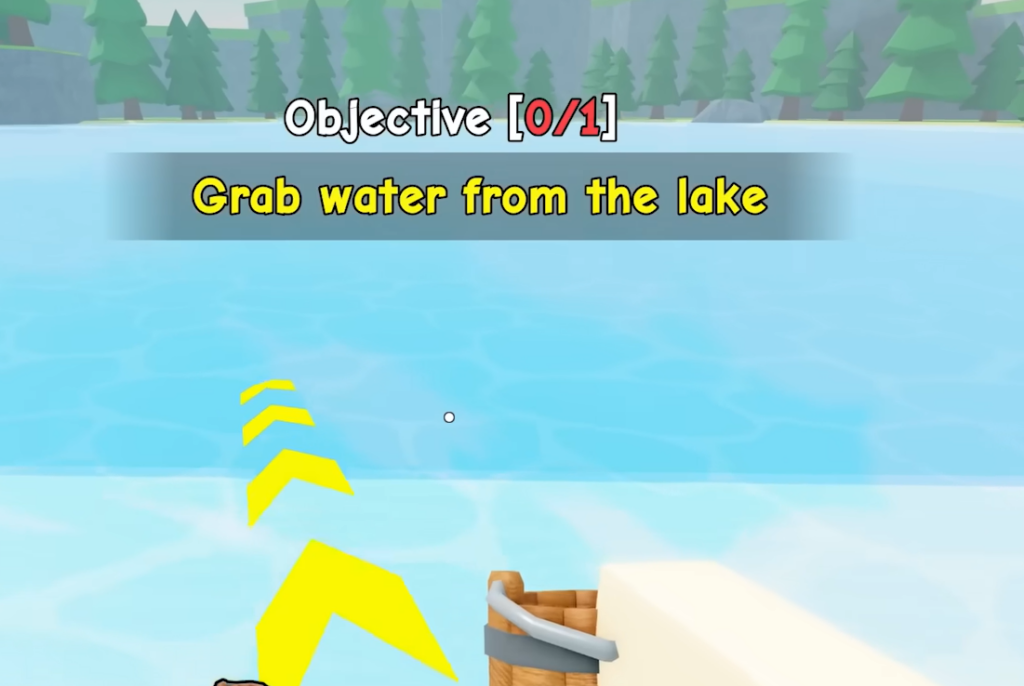
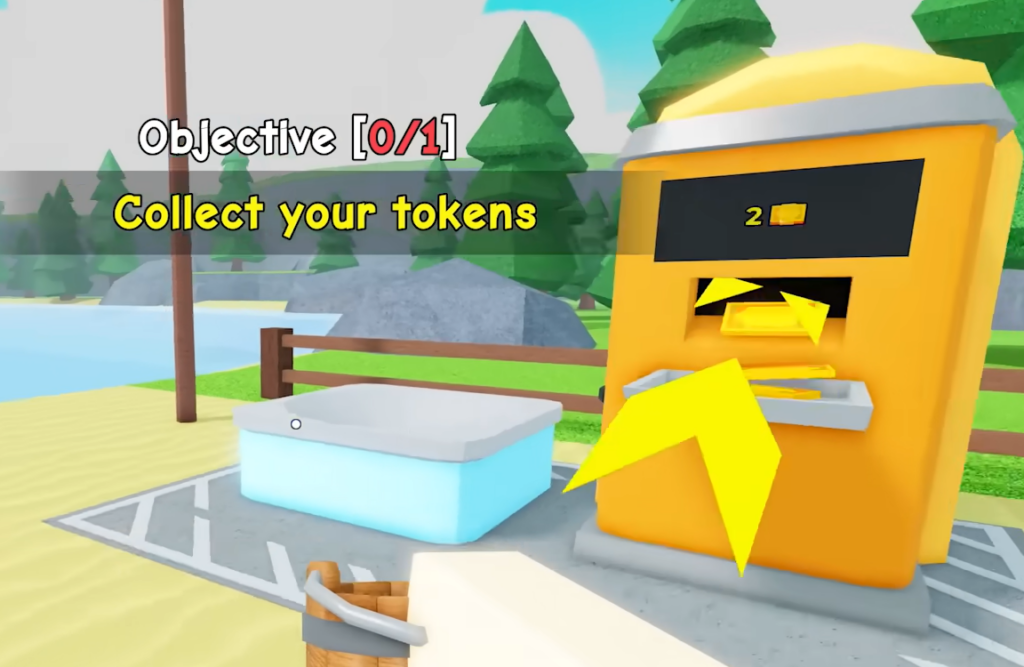
The whole game rewards speed on one repeated cycle. Fill the bucket at the lake, teleport to the drain, pour, and collect Tokens. The faster you complete each pass, the faster your Token income grows and the sooner you can afford upgrades.
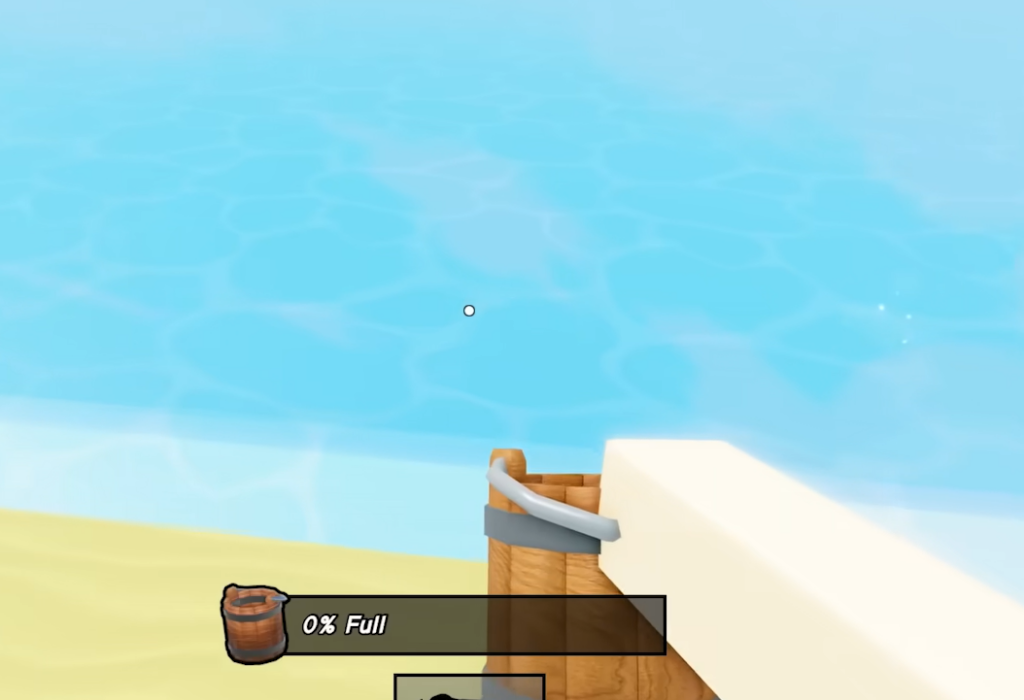
To fill the bucket, tap the Left Mouse Button while your cursor is over the water. The bucket only fills when the cursor sits on the lake, so keep the pointer on the water and hold your position. Once it reads 100% full, press F to jump straight to the drain instead of walking back.
| Action | Input |
|---|---|
| Move | W, A, S, D |
| Jump | Spacebar |
| Interact (drain, computer, chest) | E |
| Fill bucket | Left Mouse Button |
| Teleport to drain | F (only while in the lake) |
The bucket’s collection range reaches farther than it looks. As long as your cursor lands on the water with the bucket equipped, you can scoop from a distance. That matters in deeper sections where hostile things appear in the water, letting you keep filling without swimming right up to them.
Spend Tokens on the Character path first
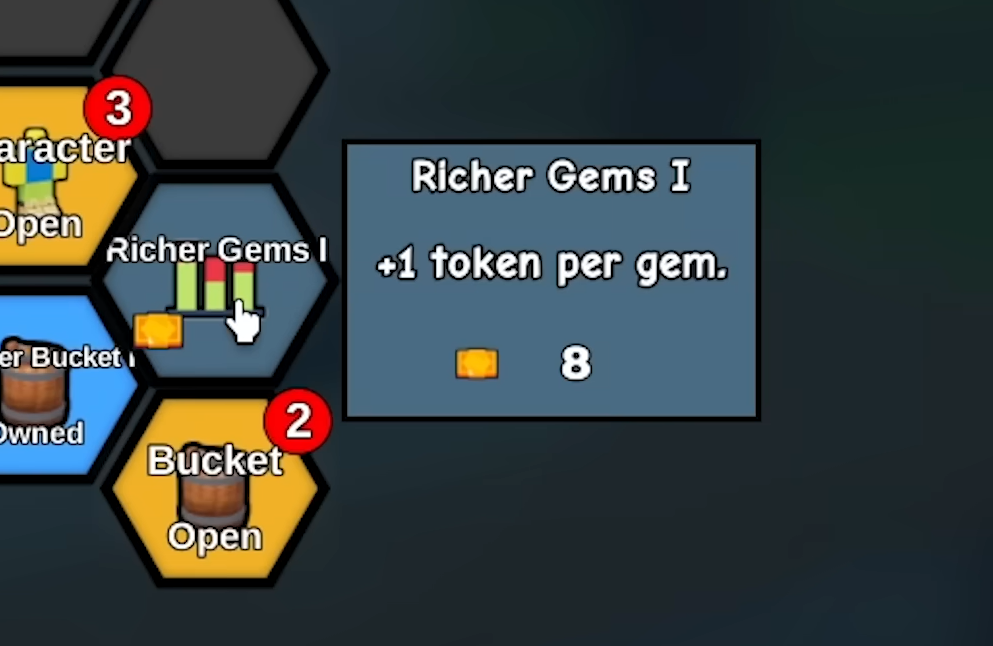
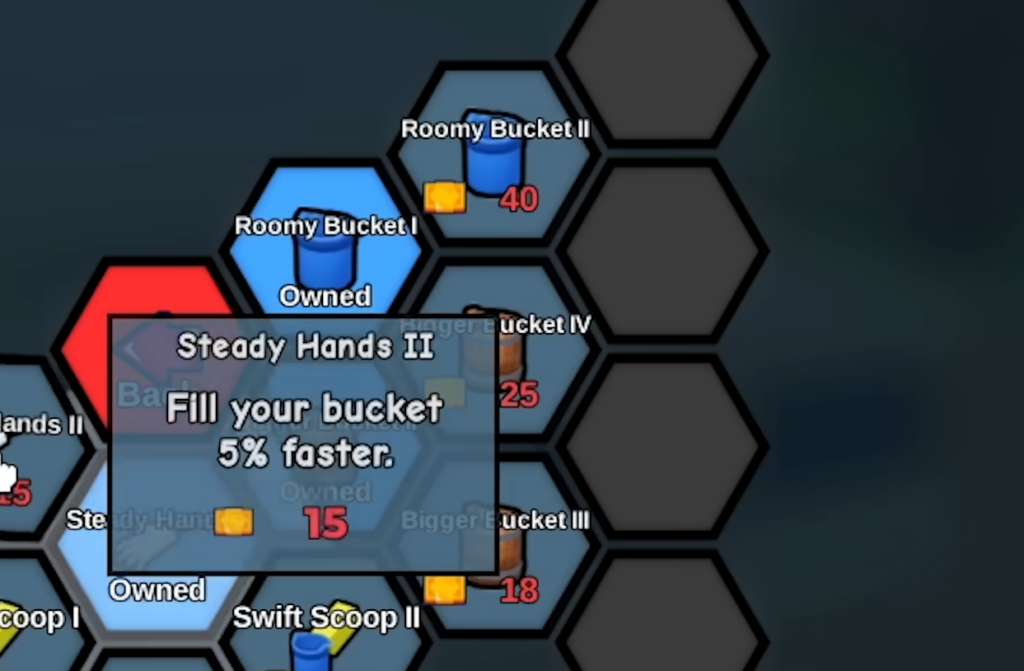
Tokens go into the Upgrade Computer, which opens a hexagonal skill tree split into a Character branch and a Bucket branch. Both are available from the start, but the order you buy them decides how quickly your run snowballs.
The Character tree also holds swimming and breath nodes like Strong Swimmer and Deep Lungs, which help you handle the deeper, water-filled sections as you push toward the bottom.
Protect Gems, because Tokens reset every run
Drain the Lake is run-based. You start a match from the lobby, and each new match begins from scratch. If you exit or lose a run, your Tokens and lake progress are gone and you start over. That single rule shapes how you should treat each currency.
| Currency | How you earn it | Kept between runs? |
|---|---|---|
| Tokens | Draining the water you collect | No, they reset each run |
| Gems | Opening chests found while draining, and claiming Badge rewards | Yes, your Gem count carries over |
Because Gems persist, treat them as your long-term currency and Tokens as fuel for the current run. Grab chests when you pass them to build Gems, then spend those Gems on permanent upgrades like new buckets before you dive again.
Use Checkpoints so a death does not reset your run
After you empty enough water, you reach a Checkpoint station that acts as a respawn point. If something in the water kills you, you return to the last Checkpoint instead of starting the whole run over. Watch for a flag mast in the water, which signals that a Checkpoint is close.
Progressing to a new Checkpoint also unlocks deeper areas, sometimes with their own drain machine and upgrade computer built into cave sections. Push toward these markers steadily rather than diving faster than your stats allow, since deeper water is harder even though it pays more.
Unlock better buckets and Badges for permanent gains
Every bucket beyond the default Wooden one carries a passive effect that makes it stronger. You can buy new buckets with Gems or unlock them through Badges, and the smart moment to shop is at the end of a run so you carry a better tool into the next one.
Badges, also called Achievements, unlock when you hit specific milestones and reward Gems that you claim at the Badges station in the lobby. There are 18 badges to collect in total, starting with First Drop for draining your first bucket. Reaching 10 Badges lets you claim a special Ancient Bucket from the lobby, which is one of the strongest early goals to chase since it is a permanent reward.
Drain the Lake is free to play, so none of this requires spending real money. As of July 2026, there is no confirmed public code list for the game, so plan around Tokens, Gems, and Badges rather than waiting on codes.
The players who reach the bottom fastest are the ones who keep the loop tight and spend deliberately. Prioritize speed on the Character path, then capacity and fill rate, bank Gems from chests and Badges for permanent buckets, and lean on Checkpoints so a bad dive never wipes your run. Keep filling, teleporting, and draining, and the deeper water will start paying for itself.