The LAB map in Project: Escape Room runs you through a chain of locked doors, each gated by a science-themed puzzle. Every answer is hidden somewhere in the room you are standing in, so nothing here requires guessing once you know where to look.
Quick answer: The first keypad is 3952, the computer password is 63F8C74, and the control panel values are water 4, food 2, oxygen 27%, temperature 75. Grab the screwdriver at the end and open the vent above the box to escape.
Fixed codes and answers reference
These values do not change, so you can enter them directly. The color puzzles and the flower pattern still require you to read the clues in the room, and those are broken down further below.
| Puzzle | Answer |
|---|---|
| Starting door keypad | 3952 |
| Computer password | 63F8C74 |
| Water level | 4 |
| Food level | 2 |
| Oxygen | 27% |
| Temperature | 75 |
First door: the BACD keypad (3952)
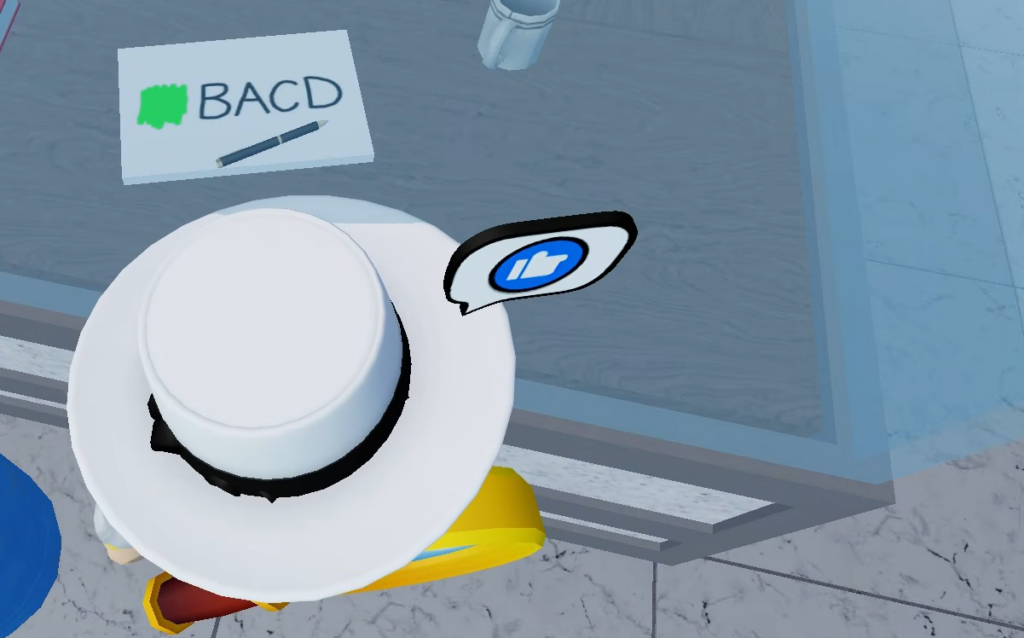
You start inside the laboratory. Look through the window, and you will spot a paper marked with green paint reading “BACD.” That sequence tells you the order to enter the numbers, not the values themselves.
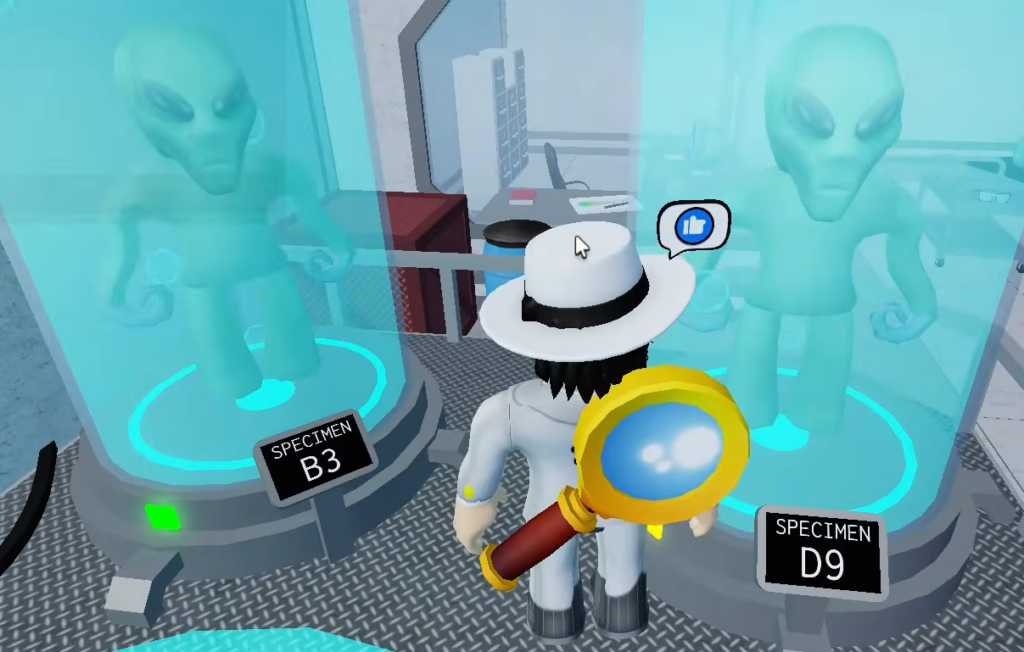
Walk around the lab and check the large tubes holding aliens. Each tube is labeled with a color and a letter, and a number sits next to it. Match the letters from BACD to their numbers. The tube marked Green B shows 3, and collecting A, C, and D in order gives you the full code.
Enter 3952 on the keypad by the door. The door unlocks and lets you into the cabin area.
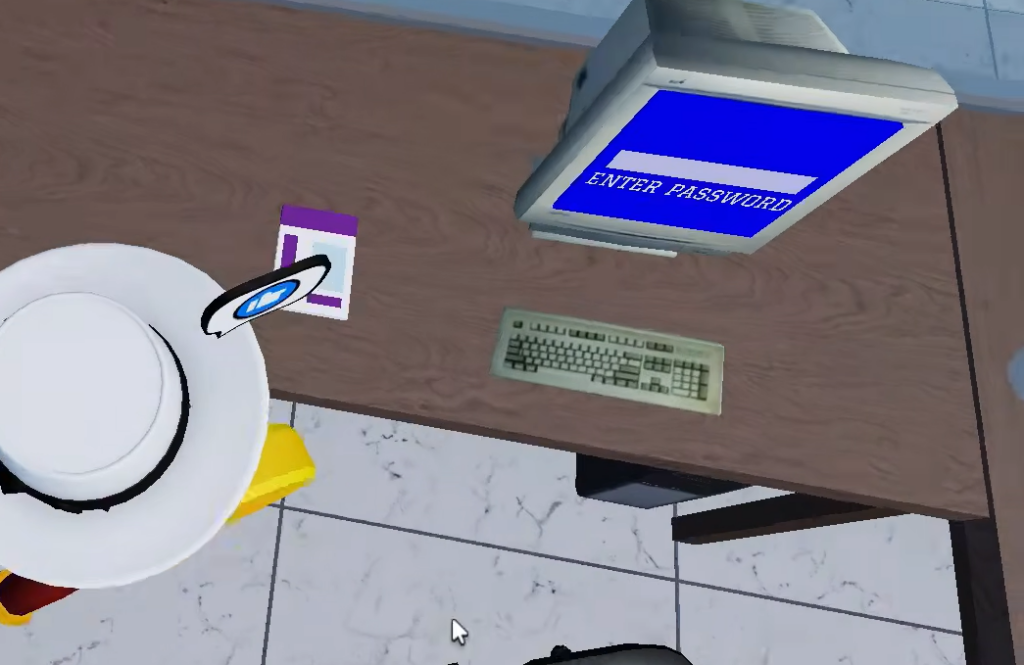
Computer password: find James Holt’s ID (63F8C74)
The cabin holds a computer that needs a password. Click the poster next to it and you will see the name James Holt, a researcher in the lab. That name points you to the right cabinet.
Search the lockers and cabinets in the room until you find the ID number tied to James Holt, which is 63F8C74. Type it into the PC exactly as shown. Doing so opens another door, so head through the new opening.
Test tube color puzzle (periodic table clues)
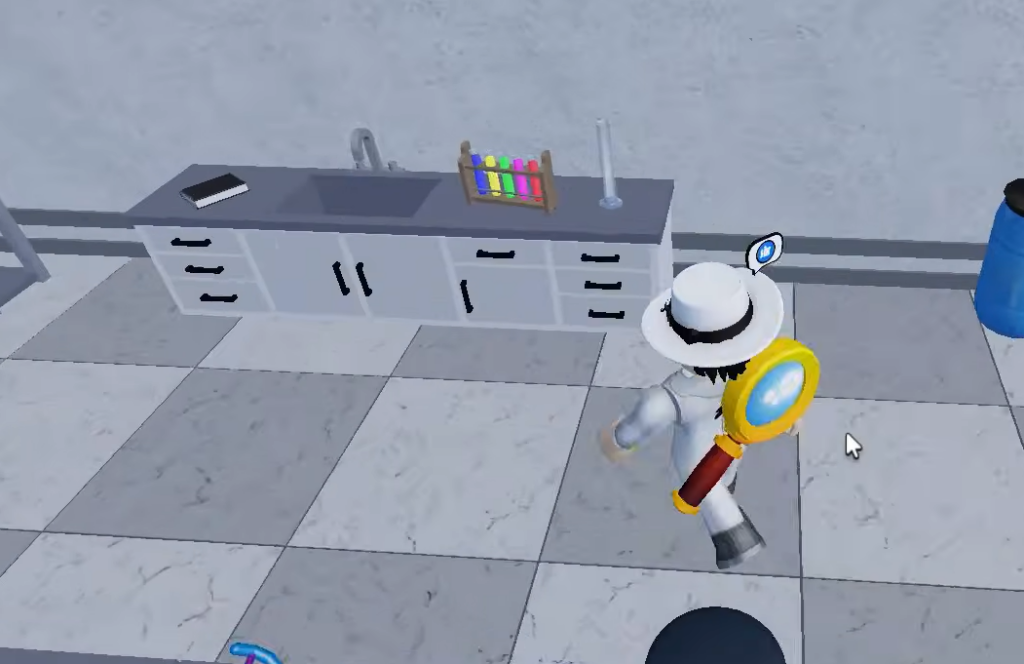
Press the red button next to the next door to open it. Inside are five empty test tubes, each placed beside an object. Every object hints at an element, and that element’s color on the periodic table poster tells you how to fill its tube.
| Clue in the room | Element | Color |
|---|---|---|
| Number 82 in a locker | Lead | Green |
| Blue book reading “Rb” | Rubidium (37) | Red |
| Floating balloon | Helium | Pink |
| Gold bar | Gold (79) | Yellow |
| Paper reading “H2?” | Oxygen (from H2O) | Blue |
Fill each tube with its matching color. When all five are correct, a cabinet in the room opens. Take the red button inside before you leave, since the next door needs it.
Plant room: flower pattern and the key
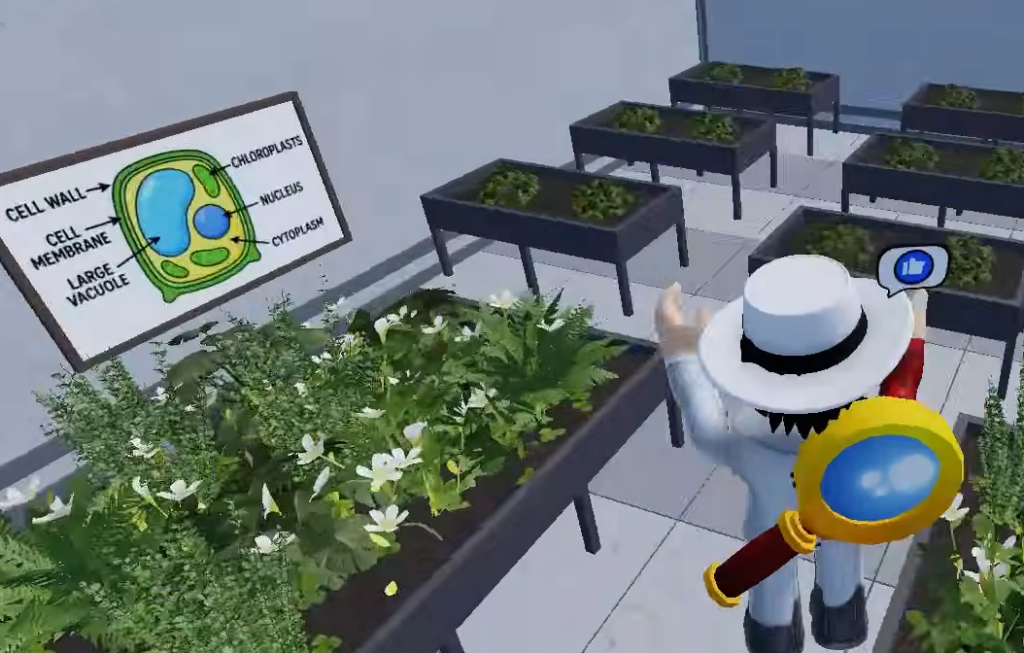
Find the door with the empty red-button slot and place the button you just collected, then press it to enter the plant room. Before anything grows, look under one of the tables for a hidden sprinkler button. Pressing it starts the water, and flowers bloom across the tables.
The tables sit in a 3×3 layout. Memorize the flower colors, then head to the color keypad by the shutter and copy the pattern exactly.
| Row | Left | Middle | Right |
|---|---|---|---|
| Row 1 | Purple | Orange | White |
| Row 2 | White | Purple | Orange |
| Row 3 | Orange | Purple | White |
Flower colors can vary between playthroughs, so confirm the arrangement on the tables before you enter it. Once the shutter opens, go in and take the key from the top of the box.
Control room: survival settings (water 4, food 2, oxygen 27%, temp 75)
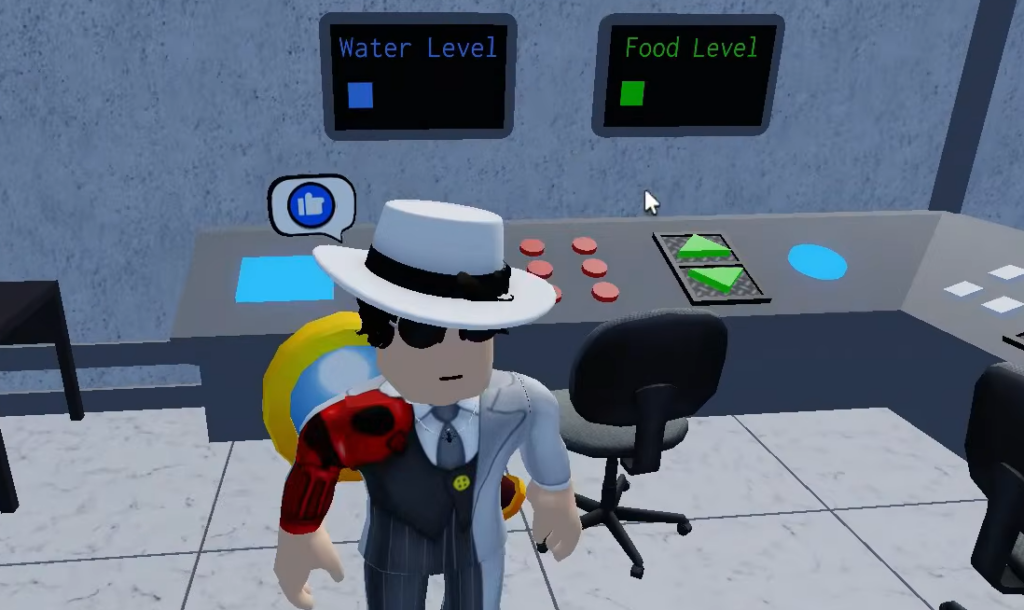
Press the red button beside the last locked door and step inside. Use the key on the inner door to reach the control room. The panel here asks for four values, all readable from the room itself.
Look through the glass window to count the levels. Water reads 4 and food reads 2. Then check the paper on the table, which lists oxygen at 27 percent and temperature at 75 degrees. Enter all four correctly, and a cabinet under the table opens, holding a screwdriver.
Vent exit: escaping the LAB
Carry the screwdriver back to the shutter area where you picked up the key. Above the box is a vent. Use the screwdriver to open it and crawl through. That final action clears the LAB map.
Every gate in the LAB depends on the one before it, so if a door will not open, you have likely skipped a collectible such as the red button from the test tube cabinet or the key from the plant room. Backtrack to grab the missing item, and the sequence continues cleanly to the vent.