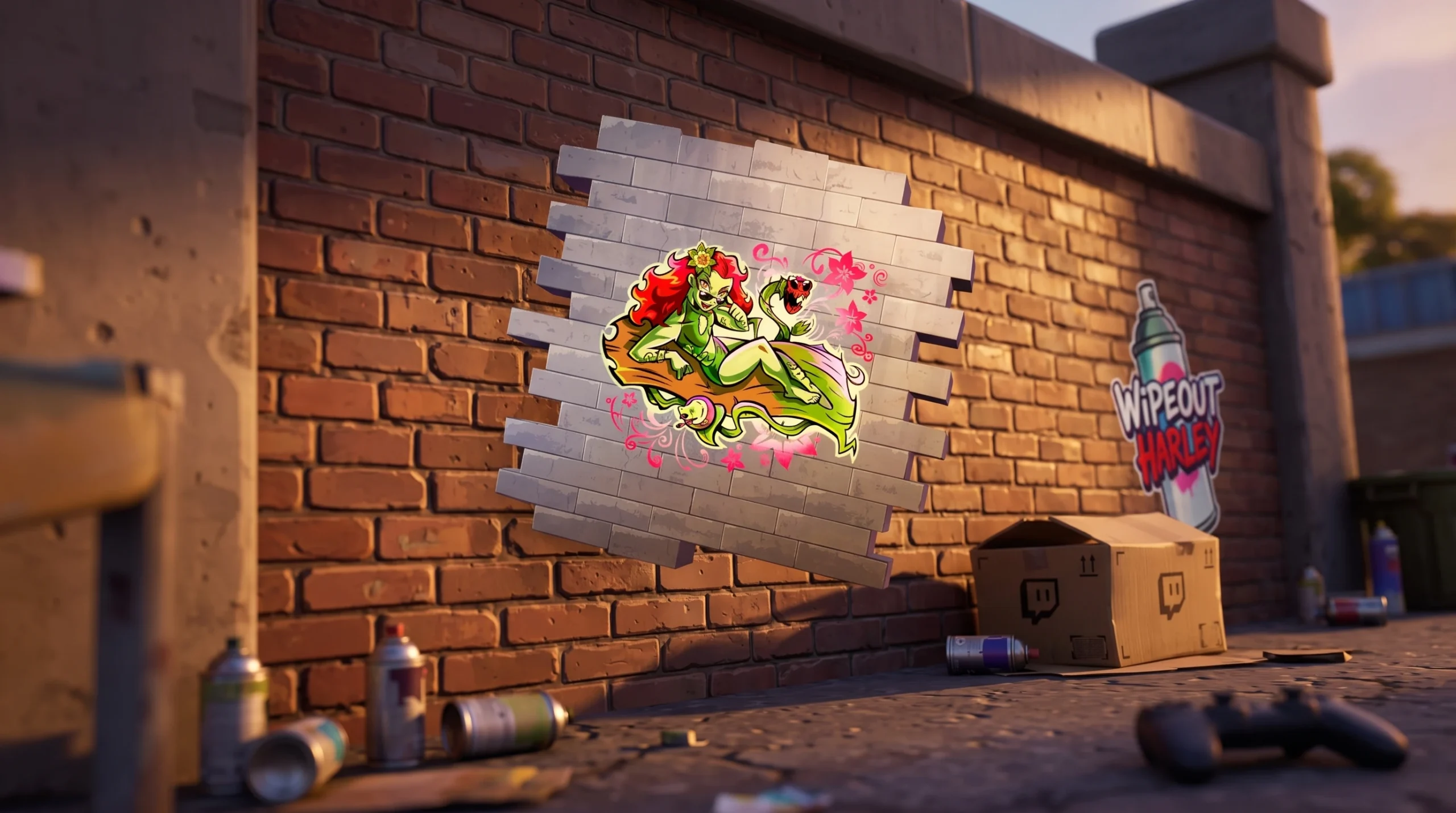
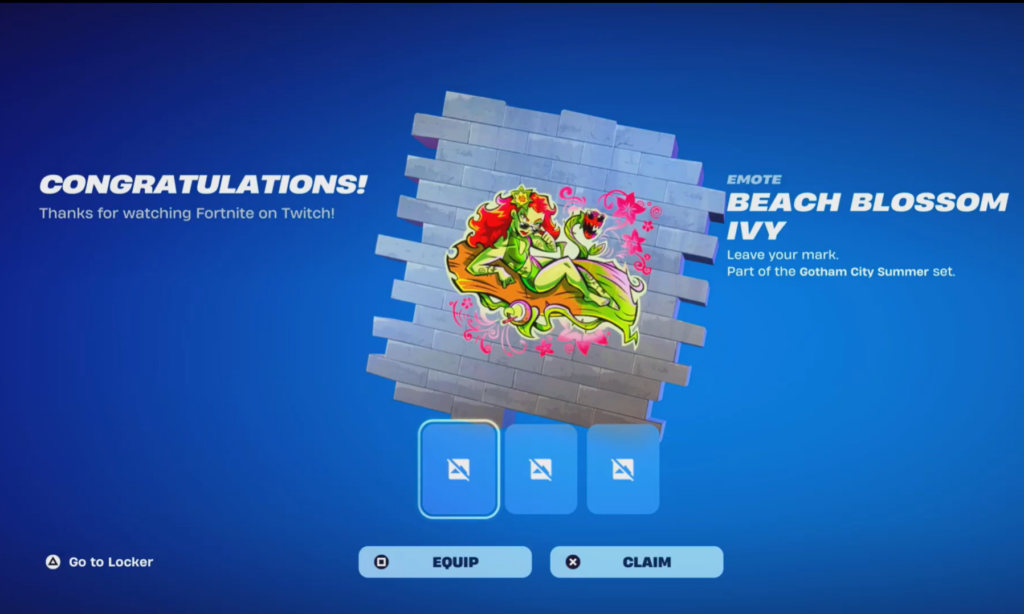
Twitch Drops are free Fortnite cosmetics you earn by watching Fortnite streams on Twitch while your accounts are connected. Sprays like Beach Blossom Poison Ivy and Wipeout Harley land in your locker without any purchase, as long as you watch the right streams and claim on time.
Quick answer: Connect your Epic and Twitch accounts, then watch any Fortnite stream tagged “Drops Enabled” until Twitch sends a Drop notification. Open it, claim the reward, and the spray appears in your Fortnite locker. Link and claim within 14 days of earning so the reward processes.
What you need before you start
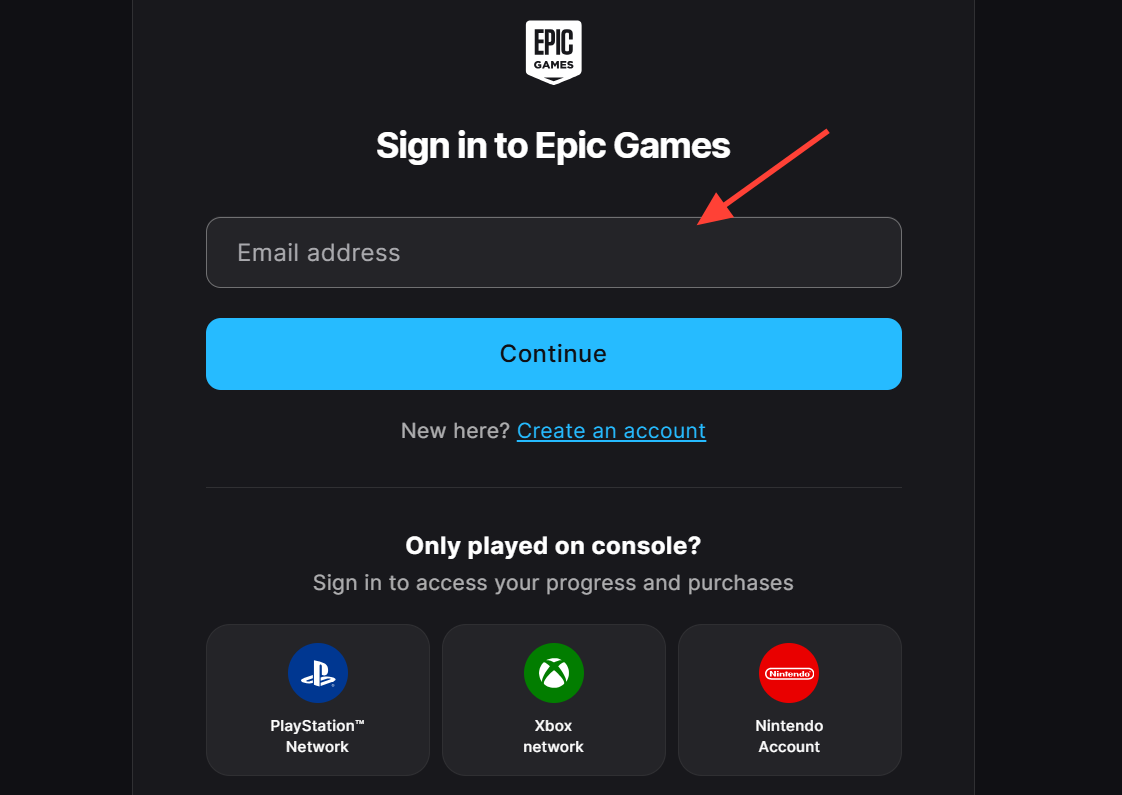
Two things must be true before a single second of watch time counts. You need an Epic account signed in, and that Epic account has to be linked to the Twitch account you are actually watching on.
- An Epic Games account (the same one your Fortnite locker is on).
- A Twitch account connected to that Epic account.
- Time spent watching a Fortnite stream that has Drops turned on.
Connect the two accounts from Epic’s connections page before you tune in.
How to earn and claim the sprays
Rewards during a Drops campaign often unlock in stages rather than all at once, so you may need to come back and watch across separate broadcast windows to collect every item.
Where to watch
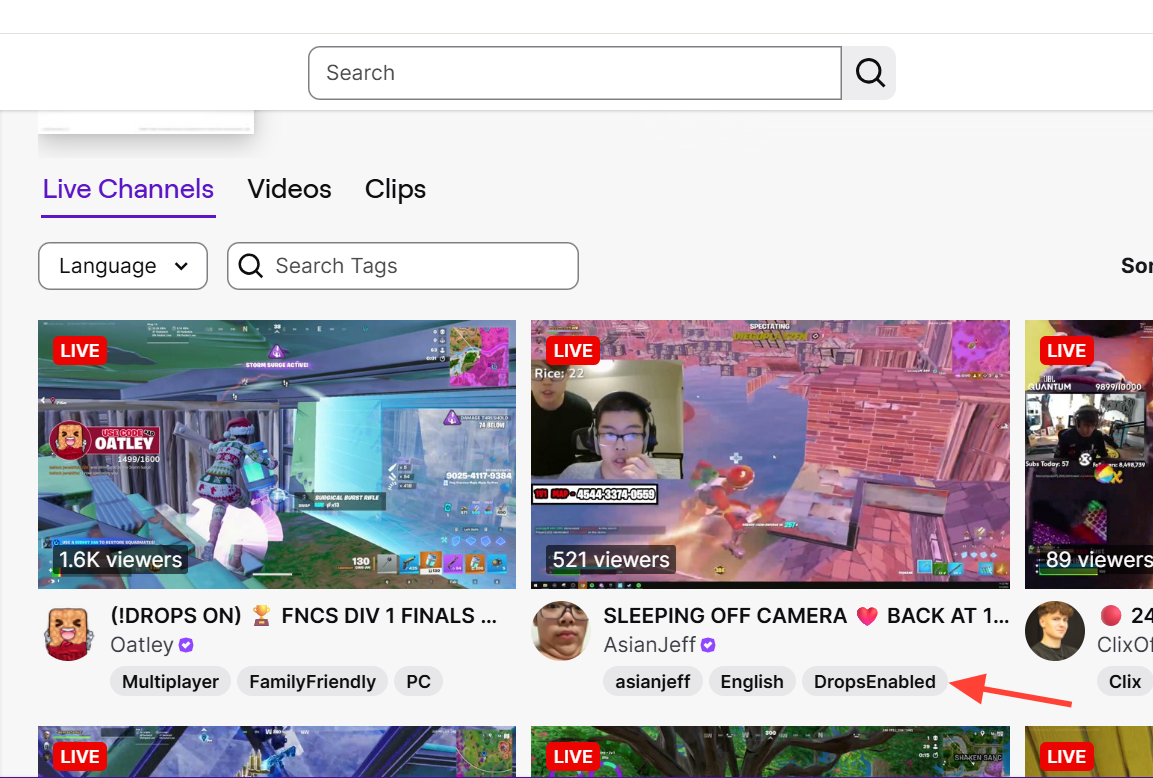
You have two reliable places to rack up watch time. Both count toward Drops as long as your accounts are linked.
| Option | What to do |
|---|---|
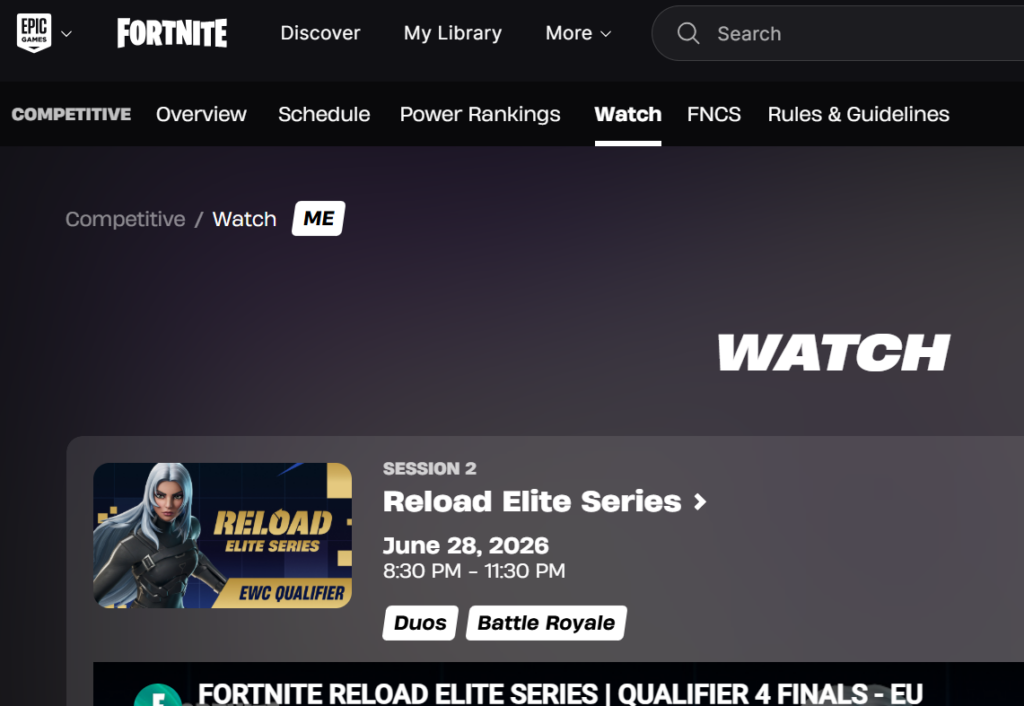
| watch.fortnite.com | Log in with your Epic account and watch the official broadcast directly. |
| Twitch | Open the Fortnite category and pick any channel tagged “Drops Enabled”. |
Watching through watch.fortnite.com is the most direct route, since it ties your viewing to your Epic account automatically.
How to confirm it worked
You will get a Twitch notification the moment a Drop becomes available. After you claim it, the item is marked as claimed in your Twitch inventory and is sent to Fortnite. Open your Fortnite locker and look for the spray to confirm it arrived. There can be a short delay between claiming on Twitch and the item appearing in game.
Why a Drop might not appear
- Your Epic and Twitch accounts are not linked, so watch time does not register.
- The channel you are watching does not have the “Drops Enabled” tag.
- You earned the Drop but never clicked the notification to claim it.
- You did not link accounts and claim within 14 days of earning the reward, so it could not be processed.
Keep the Fortnite category open on a Drops-enabled stream, watch for the notification, and claim it right away. Do that, and the Beach Blossom Poison Ivy and Wipeout Harley sprays will be waiting in your locker without spending anything.