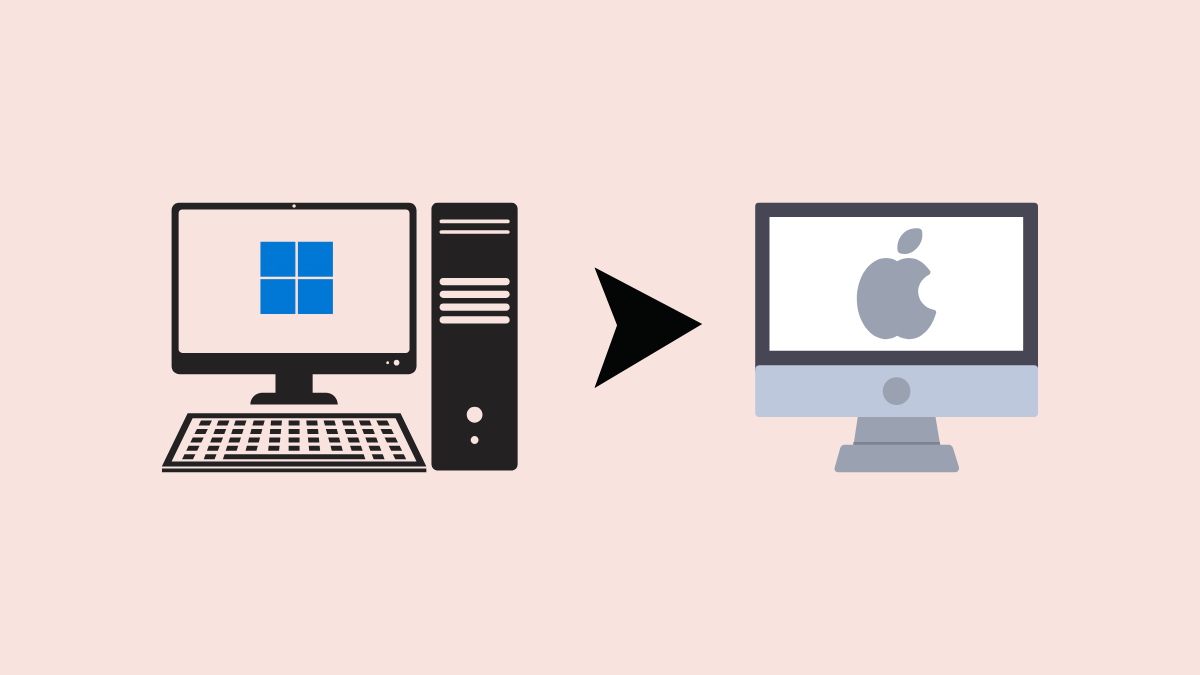
Switching from Windows to macOS can feel intimidating, especially if you’ve spent years with Microsoft’s familiar operating system. However, with Windows 10 reaching its end of support on October 14, 2025, many users are considering alternatives. Moving to macOS offers significant productivity improvements, streamlined workflows, and seamless integration with other Apple devices. Here’s how to make the switch effectively, along with insights into what you can expect from your new Mac experience.
Why Consider Switching from Windows to macOS?
Microsoft’s decision to end support for Windows 10 means no more security updates or technical assistance after October 2025, compelling users to upgrade or explore alternatives. While Windows 11 is available, the transition provides an ideal opportunity to evaluate other operating systems like macOS. Apple’s operating system offers a highly optimized and straightforward experience, especially when paired with Apple hardware such as the MacBook Air or MacBook Pro.
Choosing the Right Mac for Your Needs
Before switching, decide which Mac suits your requirements. For portability and everyday tasks, the MacBook Air is a solid choice, especially with Apple’s powerful M-series chips. For more intensive tasks such as video editing or software development, consider the MacBook Pro or the Mac Studio desktop. Evaluate your workflow, storage needs, and budget carefully to select the Mac that best aligns with your daily activities.
Preparing for the Switch: Back Up Your Data
Setting Up Your New Mac
Adjusting to macOS: Key Differences and Tips
macOS differs significantly from Windows in several areas:
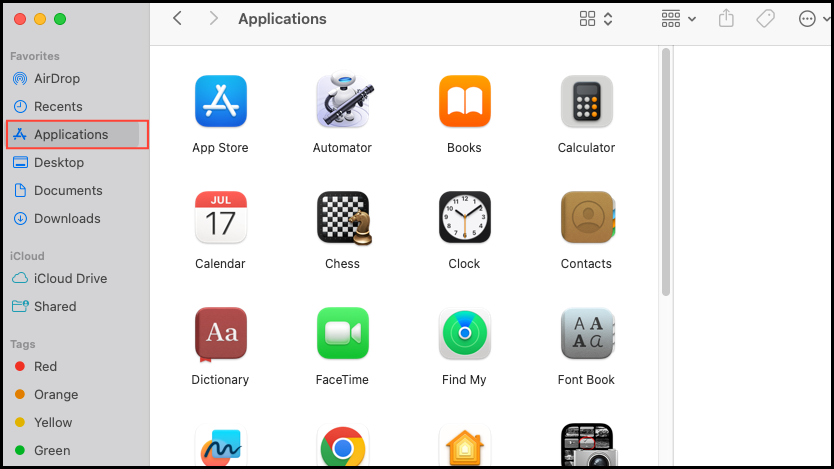
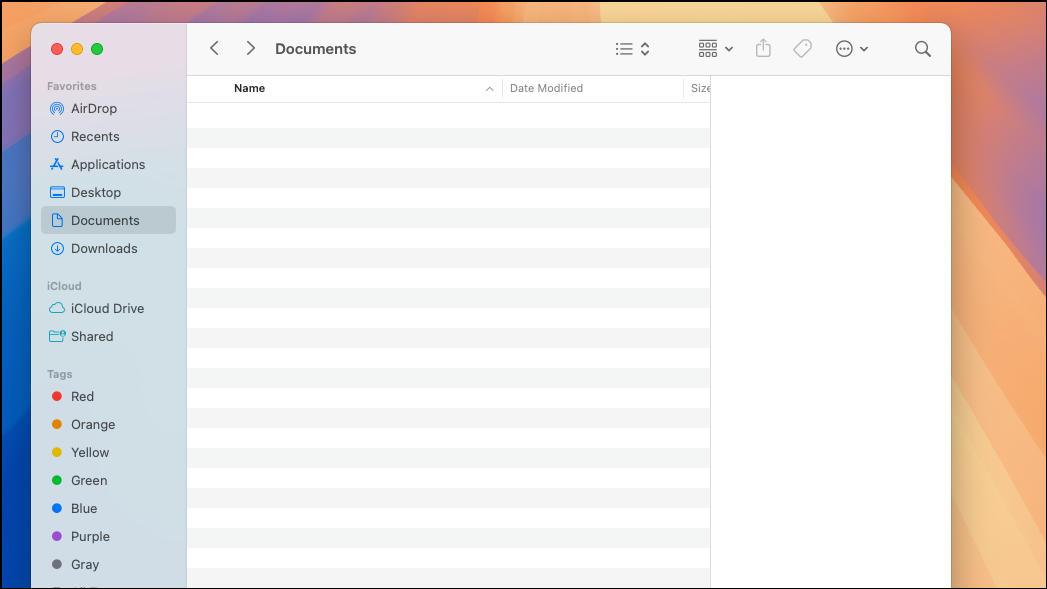
- Finder vs. File Explorer: Finder is macOS’s file manager. It provides a simpler, cleaner interface, though it may initially seem less feature-rich than Windows File Explorer. Customize Finder’s sidebar with frequently accessed folders for easier navigation.
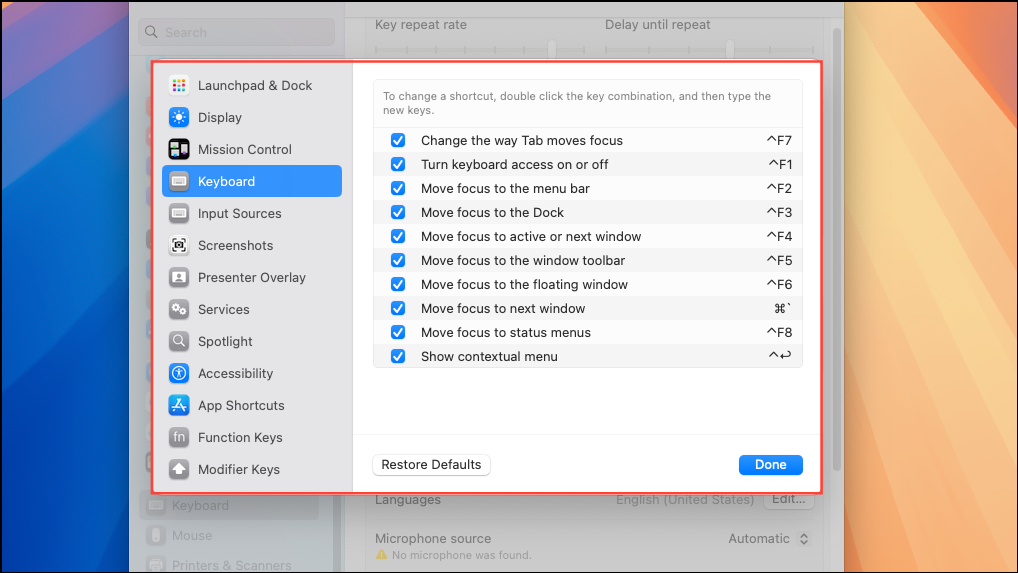
- Keyboard Shortcuts: macOS shortcuts use the Command (⌘) key instead of the Control key. Common shortcuts include
⌘+C(copy),⌘+V(paste), and⌘+Q(quit application).
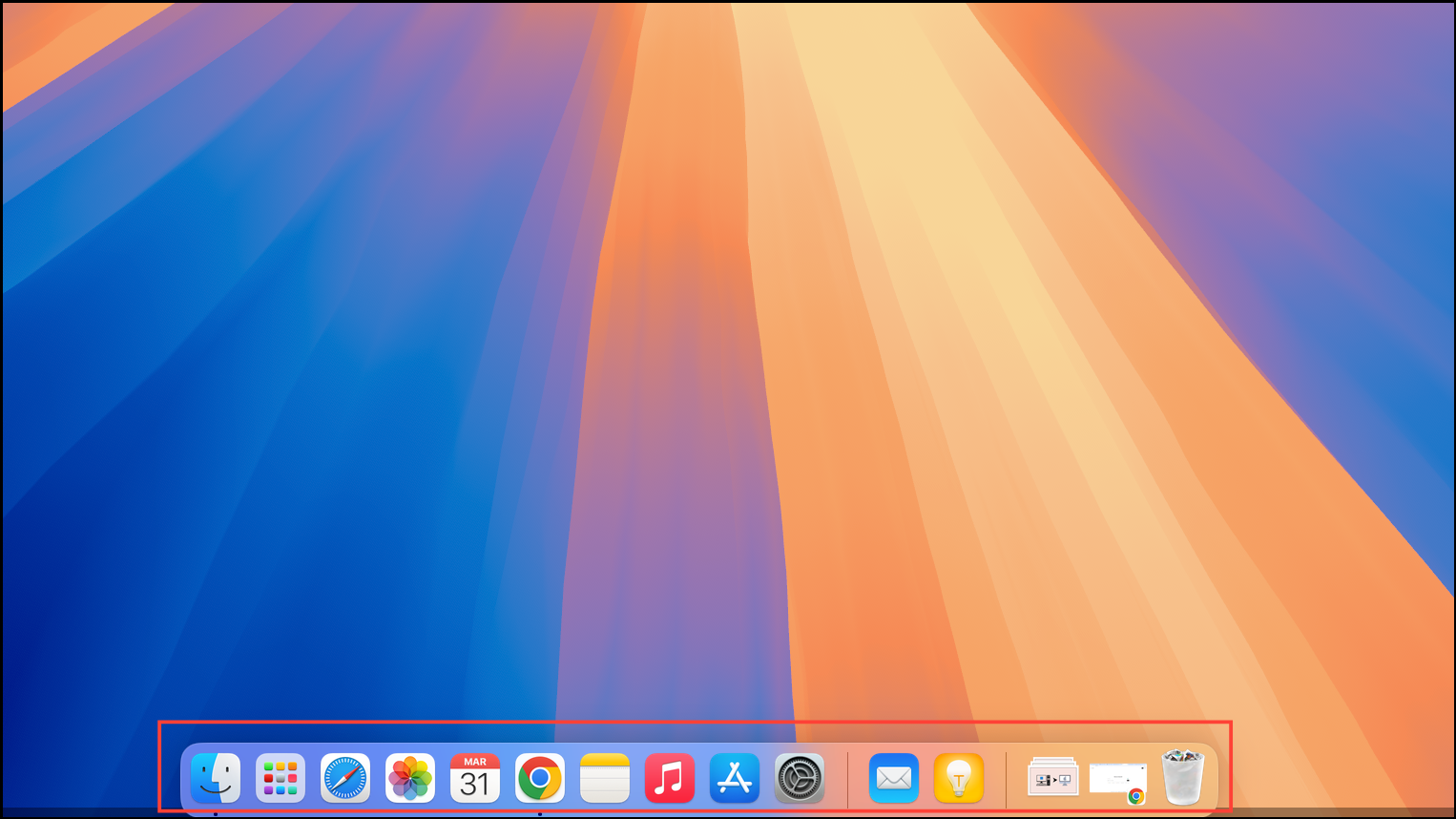
- Dock and Mission Control: The Dock at the bottom of your screen provides quick access to frequently used apps. Mission Control (activated by swiping up with three fingers on the trackpad or pressing the F3 key) gives an overview of all open windows, making multitasking efficient.
Spend time familiarizing yourself with these differences to quickly become comfortable with your new environment.
Benefits of Switching to macOS
Moving to macOS delivers several tangible benefits:
- Improved Productivity: macOS provides fewer distractions, with minimal intrusive notifications or forced updates. This streamlined environment helps you stay focused on your tasks.
- Simplified Workflow: Apple’s design philosophy emphasizes simplicity and consistency, reducing the learning curve and speeding up everyday tasks.
- Seamless Apple Ecosystem Integration: If you own other Apple devices like an iPhone or iPad, macOS seamlessly integrates through features like AirDrop, iCloud synchronization, and Continuity, allowing effortless file sharing and task continuity across devices.
Overcoming Common Challenges
Initially, you might face minor hurdles such as adapting to new keyboard shortcuts or finding alternatives for Windows-only applications. Explore resources like Apple’s official support pages or community forums to quickly resolve these issues. The macOS community is highly active and supportive, making it easier to find solutions and advice.
Maintaining Your Mac: Tips for Long-Term Use
To keep your Mac running efficiently, regularly perform these maintenance tasks:
- Keep macOS and all installed applications updated through the Software Update option in System Preferences.
- Use Time Machine to back up your data regularly to an external drive, ensuring your information remains secure.
- Periodically clean unnecessary files and applications to maintain optimal storage space and system efficiency.
Switching from Windows to macOS is a decision worth considering, especially as Windows 10 support ends. With careful preparation, the transition is straightforward, offering a more streamlined, productive computing experience. Give yourself time to adapt, and you’ll quickly find macOS a reliable and enjoyable platform for both personal and professional use.