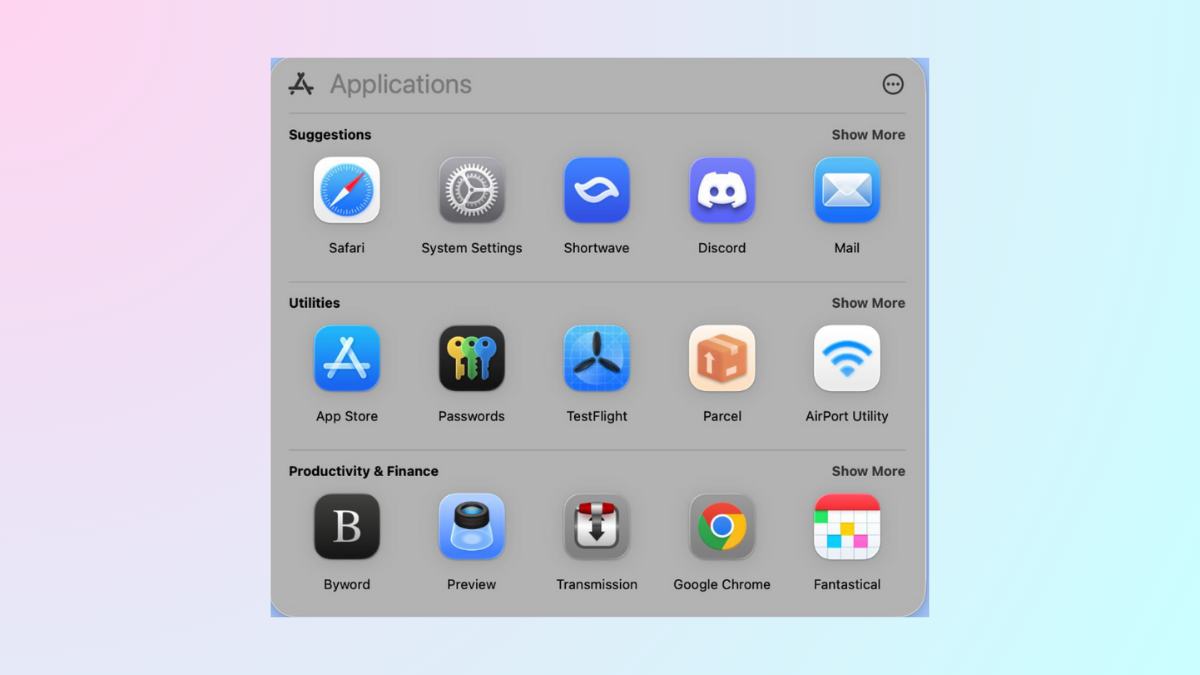
Spotlight search on macOS indexes your files, folders, and disks, allowing quick access to your data by simply pressing Command + Space. However, there are situations when you want to prevent certain files or folders from appearing in Spotlight results—whether it’s for privacy, security, or just to declutter your search results. Fortunately, macOS provides straightforward ways to exclude specific items from Spotlight indexing. Here are several methods to accomplish this.
Exclude Files and Folders Using Spotlight Preferences
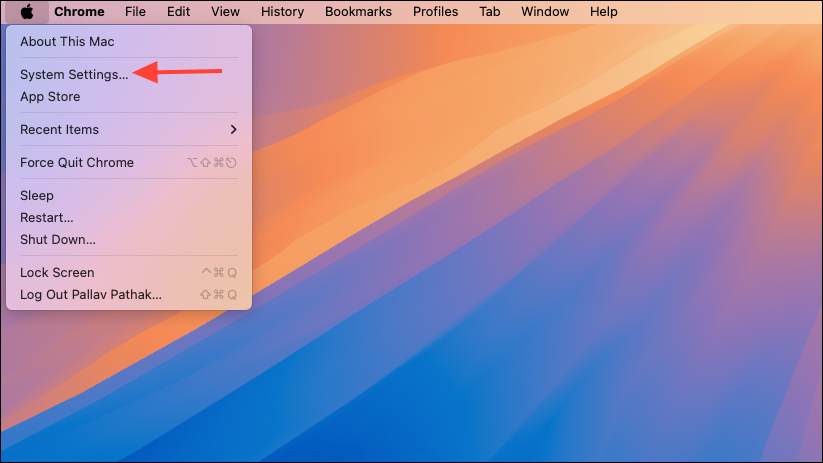
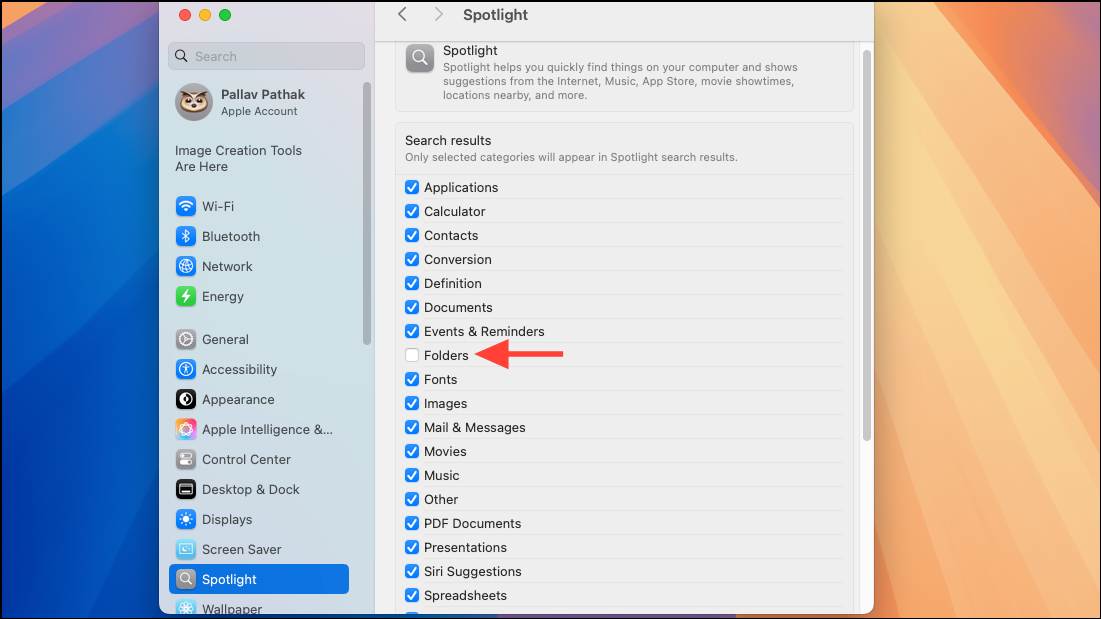
The simplest and most user-friendly method to exclude files, folders, or entire disks from Spotlight indexing is through the built-in Spotlight preferences.
Exclude Files and Folders Using Terminal Commands
For advanced users comfortable with command-line operations, macOS Terminal provides a powerful way to exclude files and folders from Spotlight indexing.
sudo mdutil -i off /path/to/folder_or_diskReplace /path/to/folder_or_disk with the actual path to the item you want to exclude. For example, to exclude a folder named “PrivateDocs” located in your Documents folder, the command would look like this:
sudo mdutil -i off ~/Documents/PrivateDocs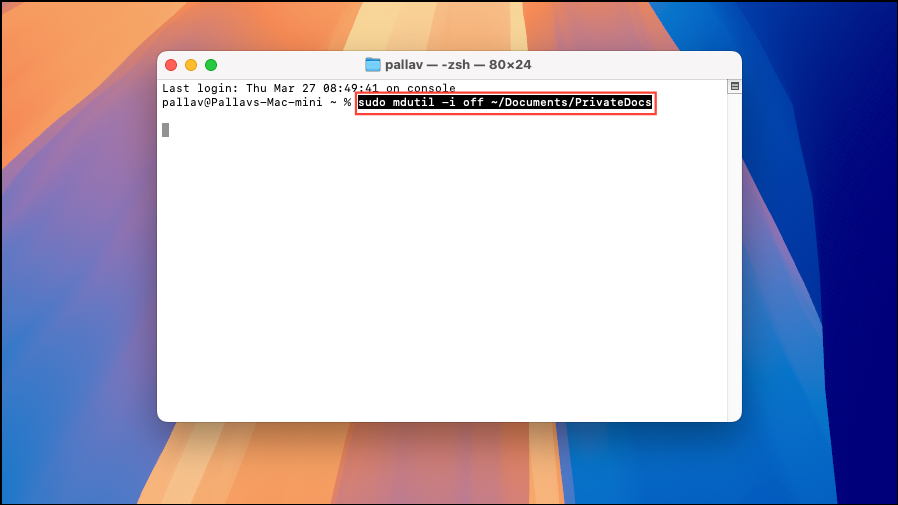
If you later want to re-enable indexing, use the following command:
sudo mdutil -i on /path/to/folder_or_diskHide Specific Files from Spotlight Using File Attributes
Another method to prevent individual files from showing in Spotlight results is by changing their visibility attributes. This method hides files from Spotlight and Finder, so use it cautiously.
chflags hidden /path/to/fileReplace /path/to/file with the actual path to your file. For example:
chflags hidden ~/Desktop/secret.txt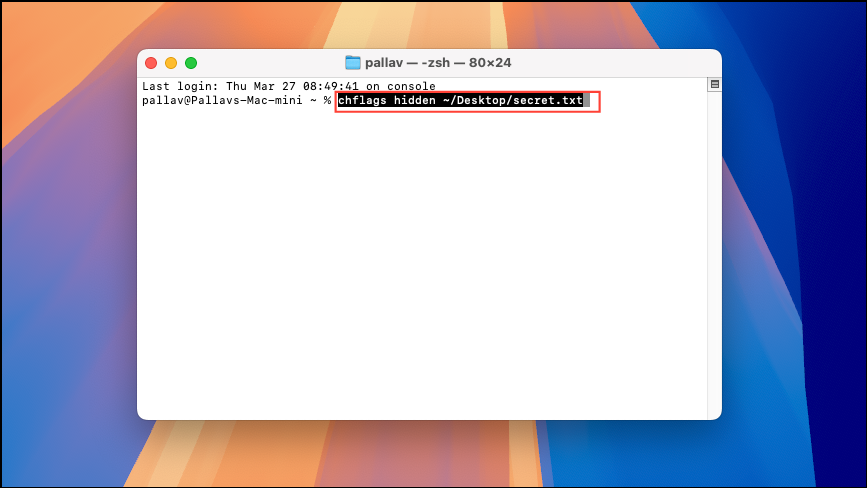
The file is now hidden from Spotlight and Finder. To undo this action and make the file visible again, use:
chflags nohidden /path/to/fileEncrypt Files and Folders to Keep Them out of Spotlight
If privacy and security are your primary concerns, encrypting sensitive data ensures Spotlight won’t index it, and it remains inaccessible without proper authorization. Apps like VeraCrypt, AxCrypt, or Encrypto allow you to encrypt files and folders easily.
Excluding specific files or folders from Spotlight indexing helps maintain privacy, boosts system performance by reducing indexing workload, and simplifies search results. Choose the method that best fits your comfort level and needs, and enjoy a cleaner, more secure Spotlight experience.