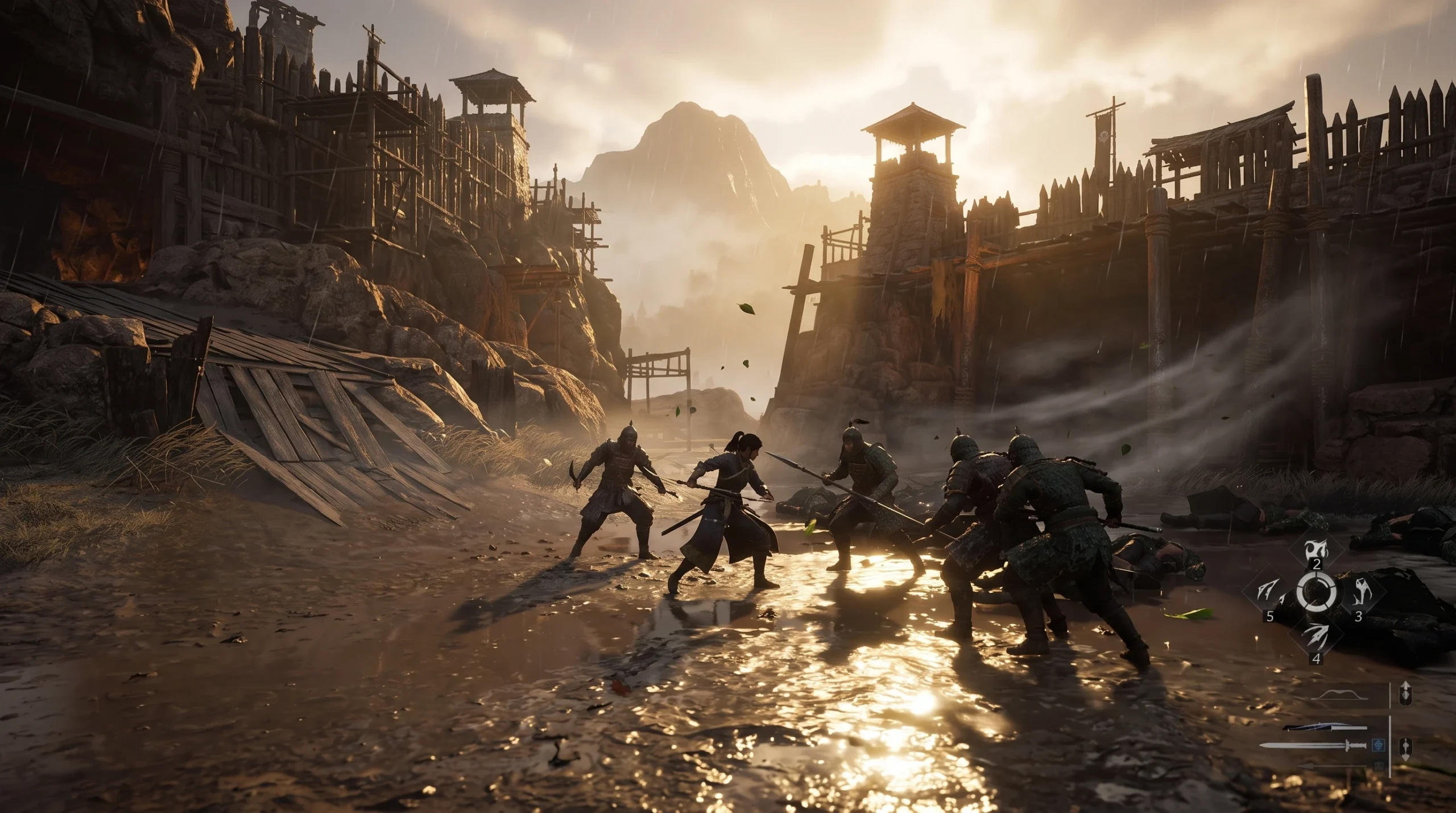
Outposts are marked points of interest scattered across the open world of Where Winds Meet, the Wuxia RPG from Everstone Studio and NetEase Games set in tenth-century China. Each one is a self-contained objective you clear by dealing with the enemies holding it, then collecting what it leaves behind. Witherwood Gap is one of these outpost objectives, and the approach to finishing it follows the same reliable pattern the game uses for every outpost.
Quick answer: Travel to the outpost marker, defeat every hostile occupant in the area, then open the outpost’s chest or claim node. The map icon updates to a cleared state once the fight is resolved, which confirms completion.
How outposts are tracked in Where Winds Meet
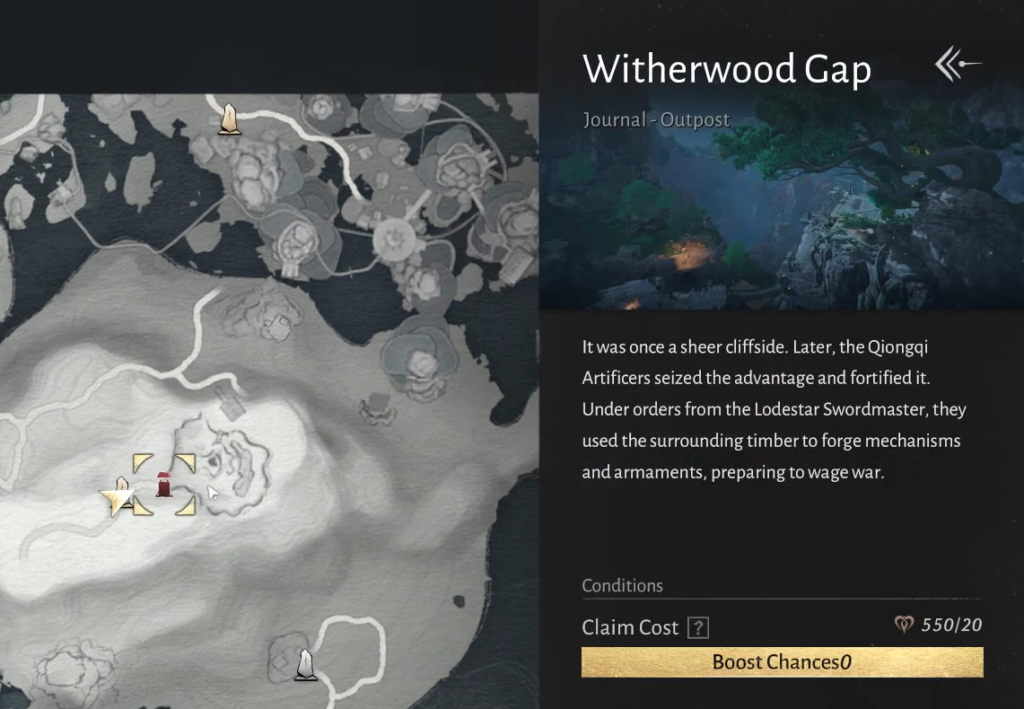
Outposts sit alongside the game’s other exploration systems and appear as their own icon type on the world map. The game keeps a running record of these locations, so you can see which outposts you have visited and which still need to be resolved. This makes them easy to plan around when you are moving through a region and want to clear objectives efficiently rather than doubling back later.
Because Where Winds Meet is a free-to-play open world with crossplay across PC and Xbox platforms, your outpost progress carries with your account. Clearing Witherwood Gap on one device leaves it cleared everywhere you sign in.
Clear the Witherwood Gap Outpost
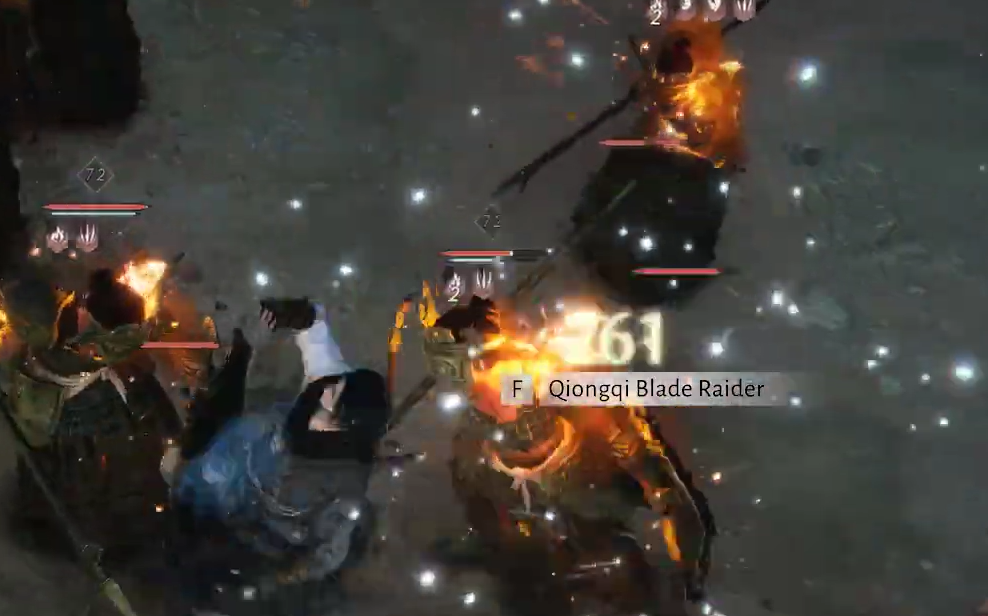
How to confirm the outpost is done
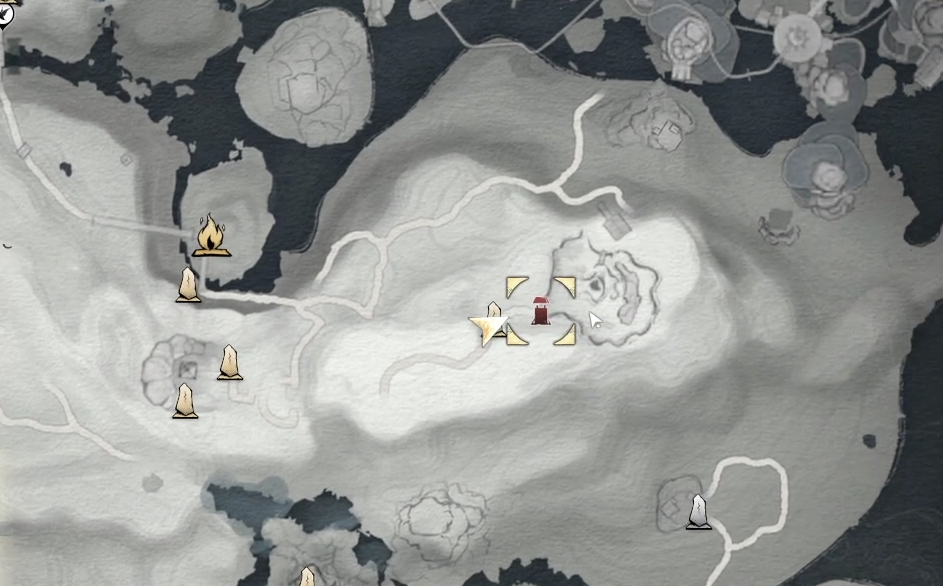
The clearest sign of completion is the map icon changing to a cleared state after the last enemy falls and the reward is claimed. If the marker still shows the outpost as active, something in the area is unresolved.
| Signal | What it means |
|---|---|
| Map icon switches to cleared | The outpost is finished and counts toward your regional progress. |
| Reward chest or node emptied | You have collected the outpost’s contents. |
| No remaining combat prompts | All occupants have been defeated. |
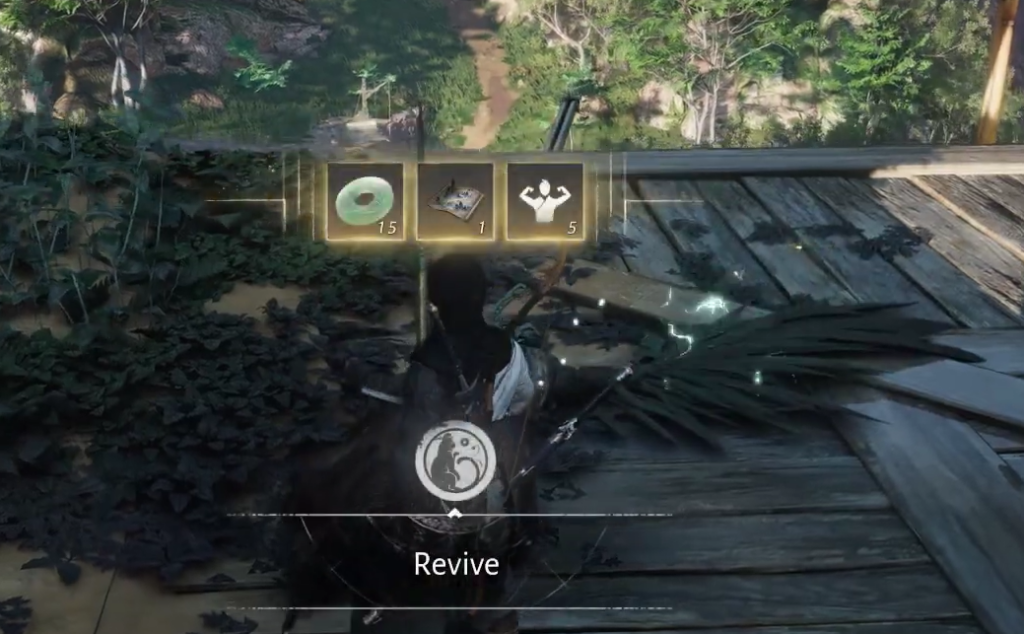
Why an outpost may not register as cleared
If the outpost stays active after a fight, check for a straggling enemy that wandered away from the main group, since the objective only closes when every occupant is down. Leaving the reward chest unopened can also keep the point from reading as complete, so confirm you have interacted with it before you move on.
Witherwood Gap behaves like the rest of the game’s outposts. Reach the marker, defeat what is holding it, and claim the reward, and the map will update to show one more point secured in your run through Where Winds Meet.