Combos in MARVEL Tōkon: Fighting Souls are built so that new players can deal real damage without memorizing long strings. The game leans on a Link Attack system where repeating one attack button automatically stitches together a combo that ends in a strong finisher. Once that clicks, you can layer in teammate assists, switches, and motion inputs for more reward.
Quick answer: Mash a single attack button to auto-chain a Link Attack. Repeat Light (□) for a Skill finisher, Medium (△) for a Super Skill, or Heavy (○) for an Ultimate Skill.
Link Attack combos: the three one-button strings
The fastest way to start dealing damage is to press the same attack button several times in a row. Each button leads to a different finisher, so the string you pick decides how the combo ends. Light, Medium, and Heavy map to the Square, Triangle, and Circle buttons on a DualSense controller.
| Button string | What it does |
|---|---|
| L → L → L → L (□) | Chains into a Skill and can trigger a Break, moving the fight to a new part of the stage. |
| M → M → M (△) | Leads into a powerful Super Skill. |
| H → H → H (○) | Leads into an even stronger Ultimate Skill. |
Start with these three. They give you a reliable way to open a combo, learn the timing, and see how each finisher behaves before you try anything harder.
Extend combos with mixed buttons and Assemble Rush
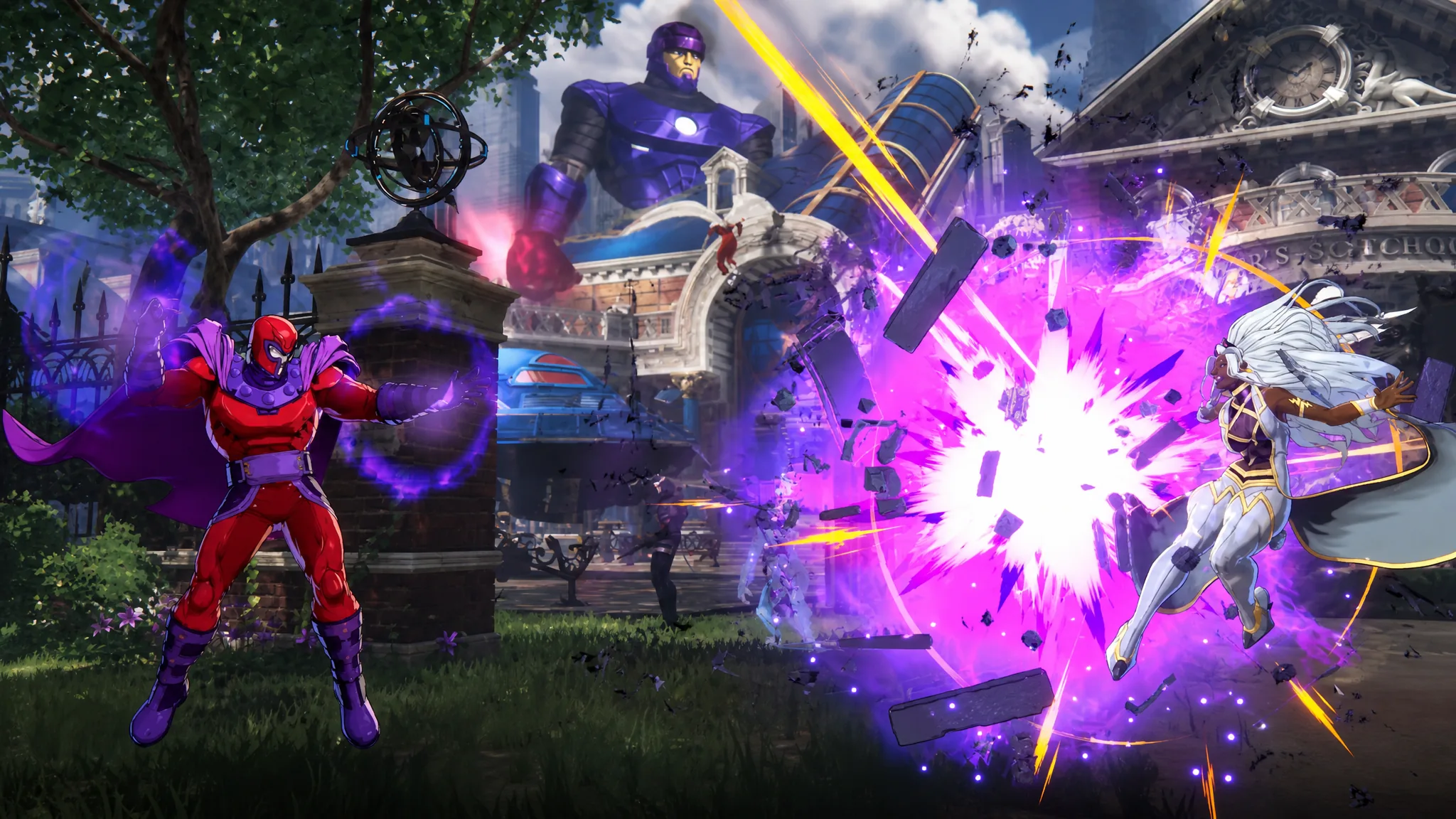
Once the single-button strings feel natural, mix attack types to keep a combo going longer. Instead of repeating one button, step up through Light, Medium, and Heavy, then feed into a Skill and bring in your team.
- L → M → H → Skill → Assemble Rush → Follow-up Attack
This route pulls in a teammate mid-combo and adds extra hits after the handoff. Coordinating with allies like this is where the tag-team damage comes from, and it opens up more follow-up options than a solo string. There is a lot to unpack here, and early players often feel that depth right away.
You don’t need to nail the extended version immediately. Land the basic Link Attacks first, then add the Skill and Assemble Rush pieces once your timing is consistent.
Quick Skills vs command inputs
Skills can be triggered two ways. Quick Skills fire with a single button press, which is the easiest option while you are learning. Traditional command inputs use motion inputs like the ones fighting game veterans expect, and they deal slightly more damage while building more Skill Gauge.
If you are new, stick with Quick Skills and rebind the Quick Skill button in the control settings if the default feels awkward. Move to command inputs later, once the combos are muscle memory, to squeeze out the extra reward. Skill Gauge is what powers these moves, and each tier of finisher costs a set amount.
| Move | Skill Gauge cost |
|---|---|
| EX Skill (Skill + H + direction) | 25 |
| Super Skill | 50 |
| Ultimate Skill | 100 |
| Skill Gauge cap | 150 |
Keep an eye on that gauge during a combo. An Ultimate Skill drains nearly your whole meter, so plan whether you want the flashy finish now or the ability to spend on Supers across the round.
Defensive combos: guard, counter, and Crossover
Defense is half the fight, and blocking is only the starting point. Guard by holding back, then add two teammate-driven counters that flip a defensive moment into offense.
Guard: Hold ← for a standing guard against mid and high attacks. Hold ↙ for a crouching guard against lows.
Assemble Counter: Press □ + × while you are not guarding. Your character does a defensive backstep, and if the opponent attacks during it, you automatically launch a counterattack.
Crossover: Press □ + × while you are already guarding. This calls in a teammate to interrupt the opponent’s attack and opens a window for you to strike back.

Both of these can be practiced in Startup Battle, the mode that walks you through core mechanics as Captain America. Getting comfortable with the counter timing there means you can pull it off under pressure in a real match.
Assists and character switching
Teammates are the glue that turns a short string into a long one. Pressing × calls in an ally for an Assemble Assist attack, and the direction you hold decides which teammate answers.
| Input | Result |
|---|---|
| Neutral or → + × | Calls your 2nd teammate |
| ↓ + × | Calls your 3rd teammate |
| ← + × | Calls your 4th teammate |
| Direction + L2 | Switches to that teammate as your active character |
Assists are easier to handle than direct switches, so get used to them first. When you are ready, use the assist-to-switch trick: after you call an assist, a brief “Switch?” prompt appears on screen. Press L2 during that window to seamlessly bring that character in as your lead, keeping the pressure going.
You can drill every one of these combos and defensive options in Startup Battle and Training Mode inside the MARVEL Tōkon: Fighting Souls Open Beta. Start with the one-button Link Attacks, add the mixed-button extension and assists as your timing sharpens, and switch from Quick Skills to command inputs when you want the extra damage.