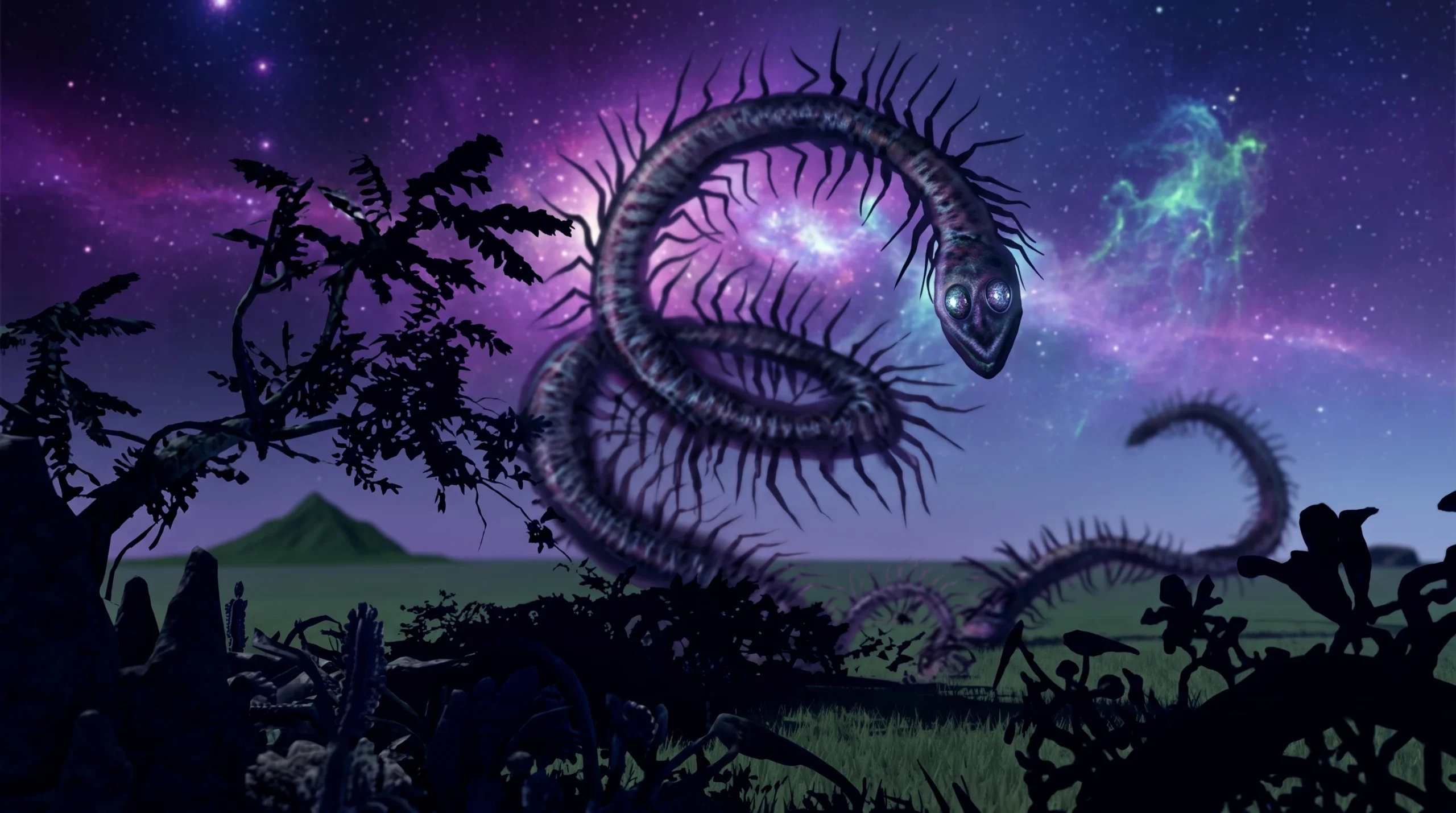
In Trevor Giant Rp Thing, several morphs are locked behind badges. The Cosmic Centipede is one of them, which means you cannot simply pick it from the lobby menu until you have earned its badge inside the map. Once the badge lands on your account, the morph becomes selectable.
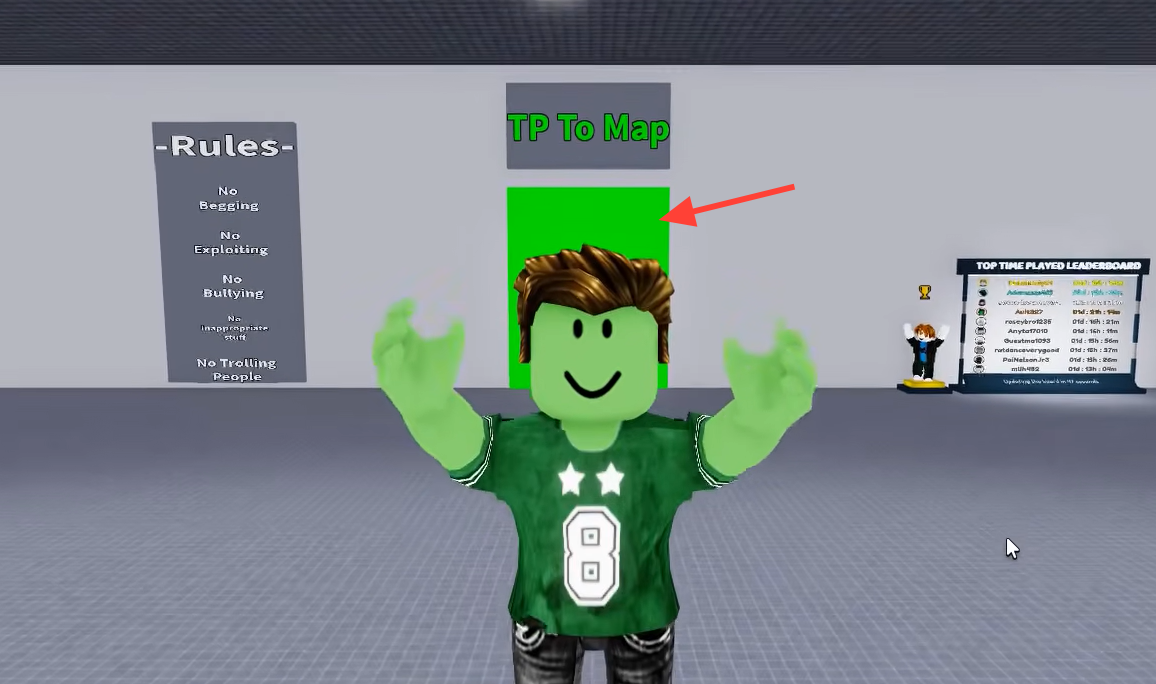
Quick answer: Enter the green TP To Map portal, travel through a biome portal, follow the hidden platform route to the Cosmic Centipede, and touch the creature. A Badge Awarded notification confirms it, and the morph then appears in your lobby morph list.
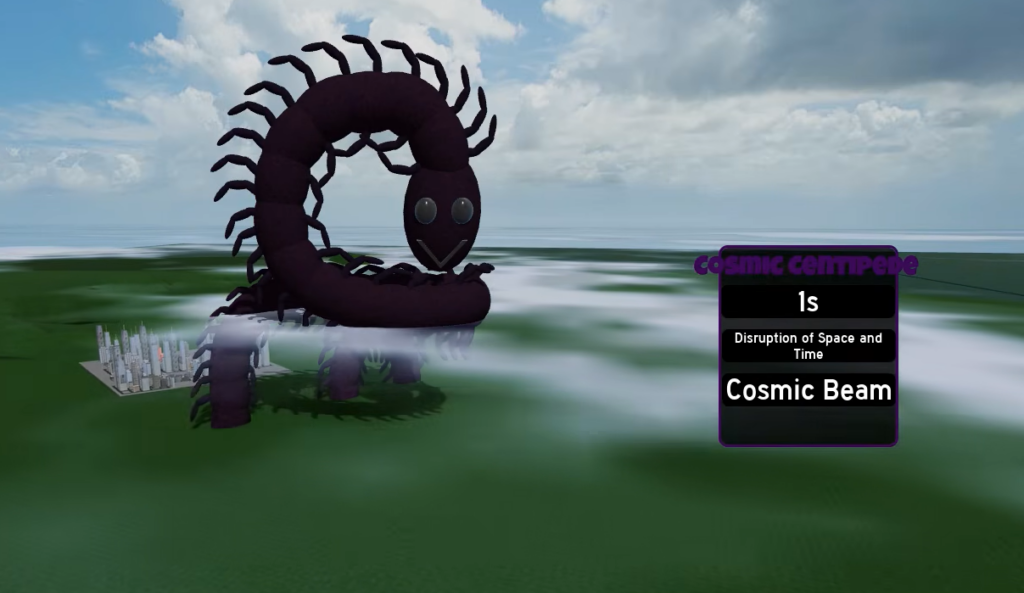
How the Cosmic Centipede morph unlocks
Badge morphs work on a simple rule. You do not buy or scroll to them at spawn. Instead, you reach the creature hidden somewhere in the map, and physically touching it awards the badge tied to that creature. The morph unlock is granted at the same moment the badge is awarded.
So the Cosmic Centipede badge and its morph are the same objective. Earn the badge and you own the morph. There is no separate purchase step for badge-based morphs.
Reach the Cosmic Centipede through the map teleporter
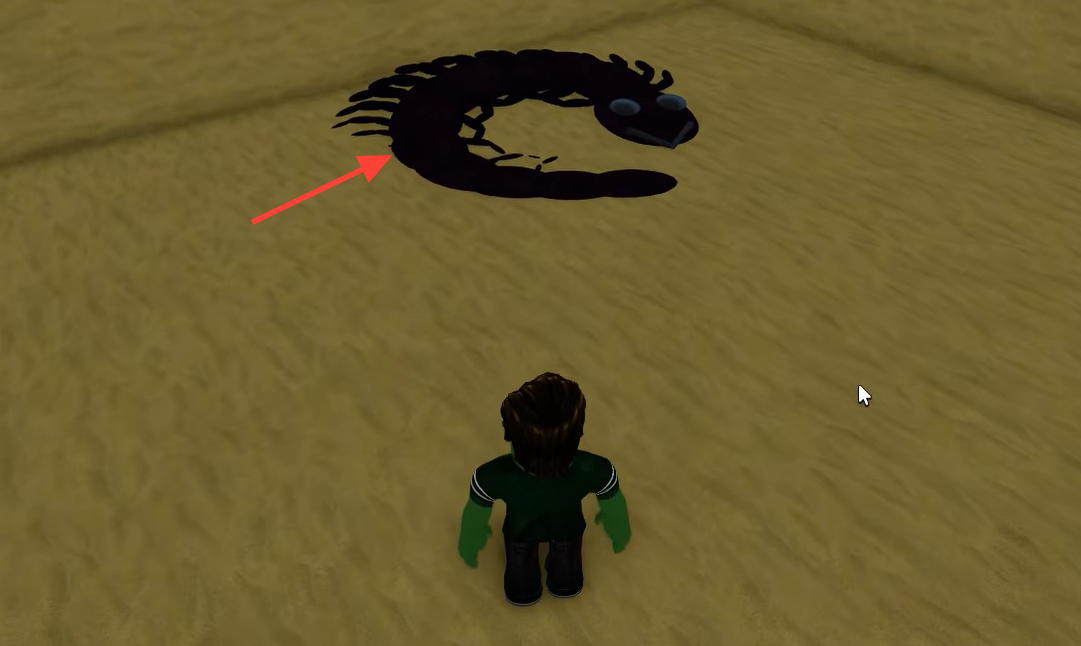
The obby sections can involve jumping across gaps, climbing walls, and walking along thin ledges. Falling sends you back, so take the jumps slowly rather than rushing the sequence.
Confirm the badge and equip the morph
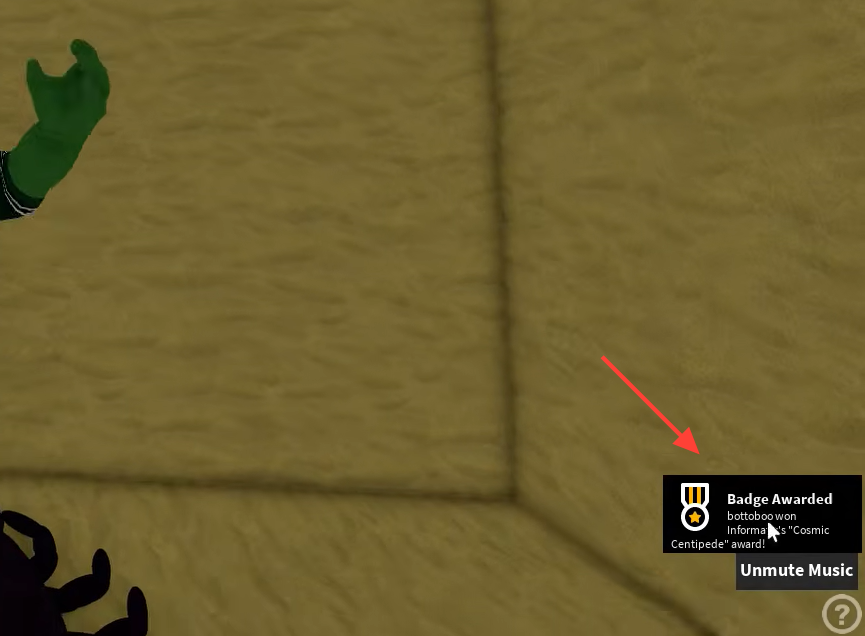
When the touch registers, a Badge Awarded banner appears on screen naming the badge you just earned. That notification is your proof the objective is complete and the badge is now attached to your account.
After the badge is awarded, return to the lobby morph menu. The Cosmic Centipede will now show as an available option instead of a locked entry. Select it to morph and use it in any server.
Why the badge does not unlock
- You reached the creature but never physically walked into it, so no touch was registered.
- You entered the wrong biome portal and are exploring an area that does not contain the creature.
- You fell off the platform route before reaching the end, which resets your position without granting anything.
- Roblox badge grants can lag briefly. If the banner appeared, the badge is yours even if the morph list takes a moment to refresh after you return to the lobby.
Once the Badge Awarded banner shows and the Cosmic Centipede appears in your morph menu, the unlock is permanent on that account. From then on you can pick the morph straight from the lobby without repeating the route.