
Google’s latest enhancement to its AI offerings introduces Gemini AI within Google Sheets, providing users with advanced capabilities to manage and organize data through simple prompts. Integrated seamlessly with services like Gmail, Docs, and Slides, Gemini AI transforms the way you interact with spreadsheets.
In Google Sheets, Gemini allows you to create tables, generate formulas, and perform various tasks effortlessly. This guide will demonstrate how to utilize Gemini in Sheets to boost your productivity.
To get started, ensure you’re signed into your Google account and have subscribed to the Google One AI Premium Plan. Once set up, open Google Sheets and either create a new spreadsheet or open an existing one.
Generating Data Using Gemini
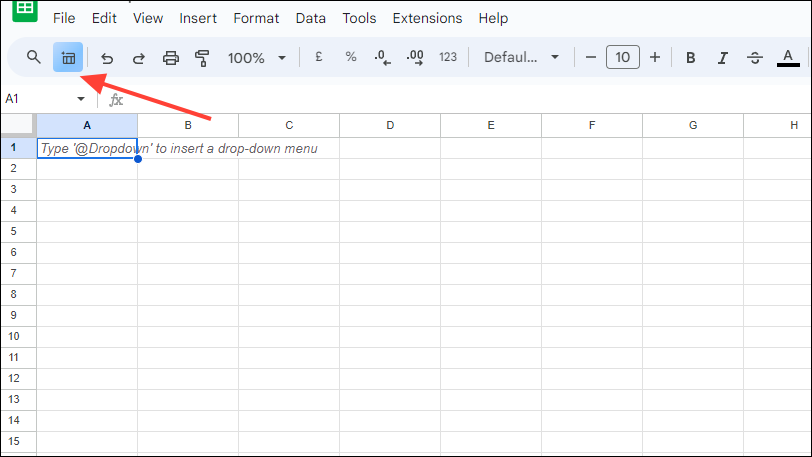
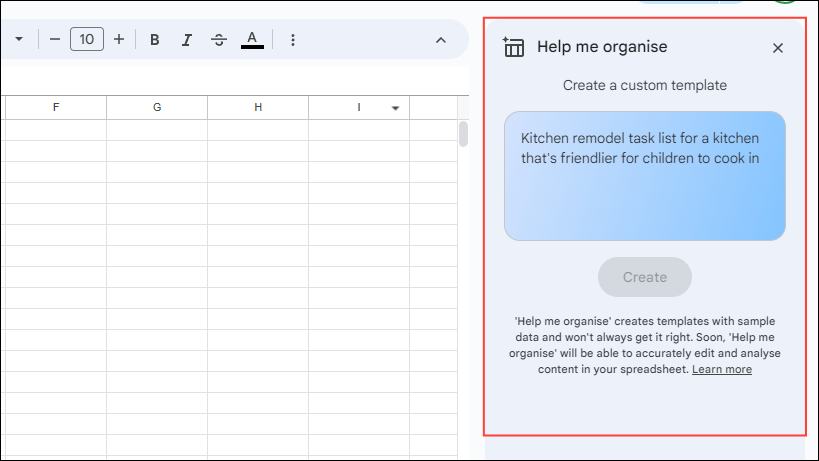
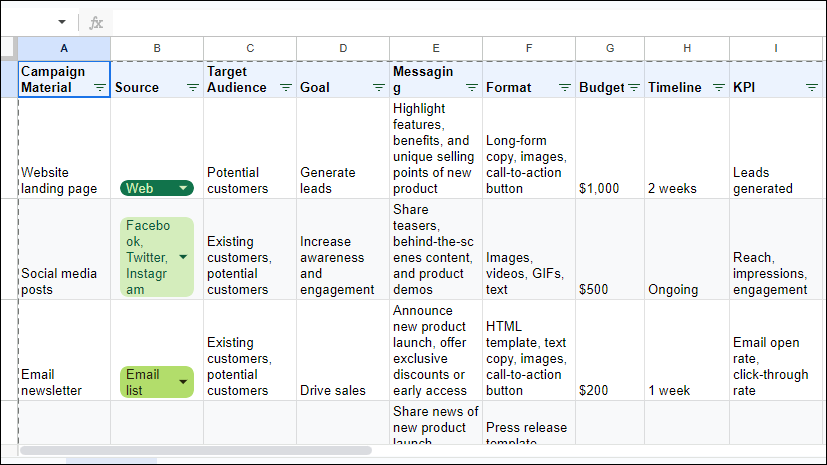
Create a marketing campaign material tracker for a new product launch, then click ‘Create’ or press ‘Enter’.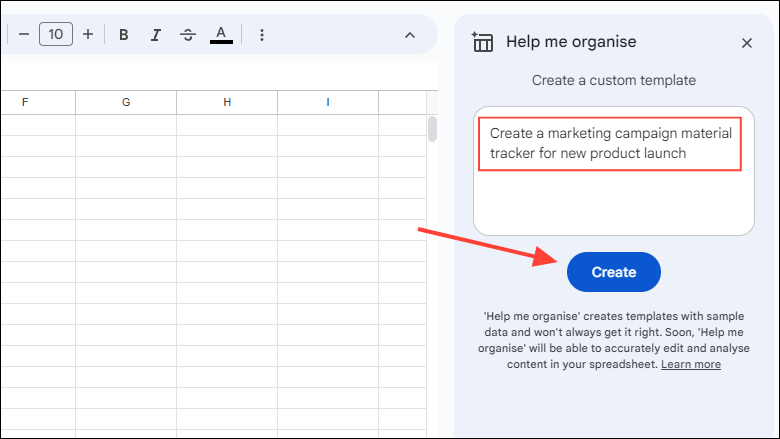
Summarizing Spreadsheets Using Gemini
Gemini can quickly summarize the data in your spreadsheet, saving you time and effort.
summarize this spreadsheet and press ‘Enter’.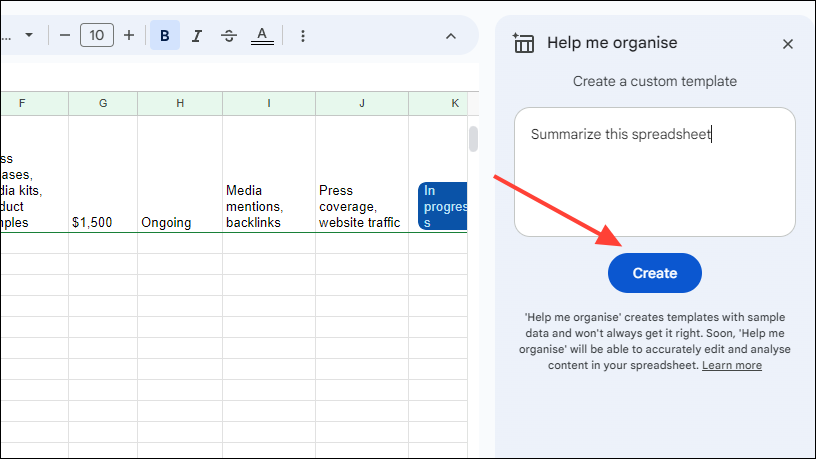
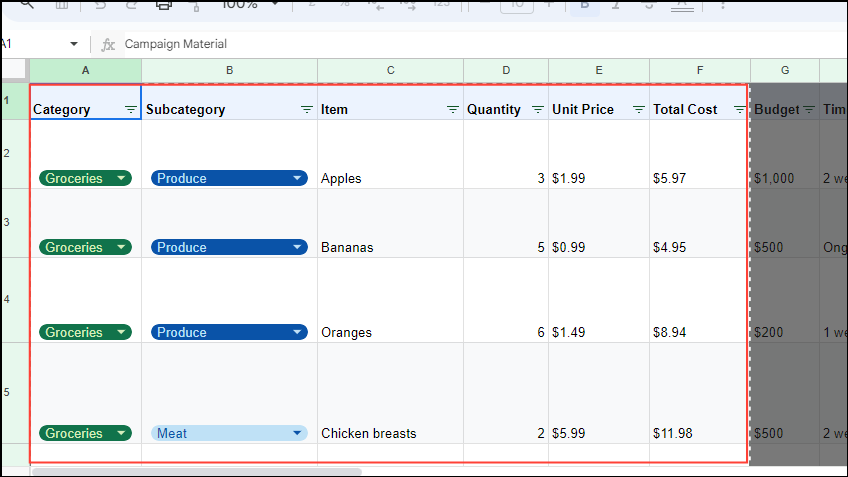
Creating Tables Using Gemini
With Gemini, you can create tables using simple prompts, streamlining the data organization process.
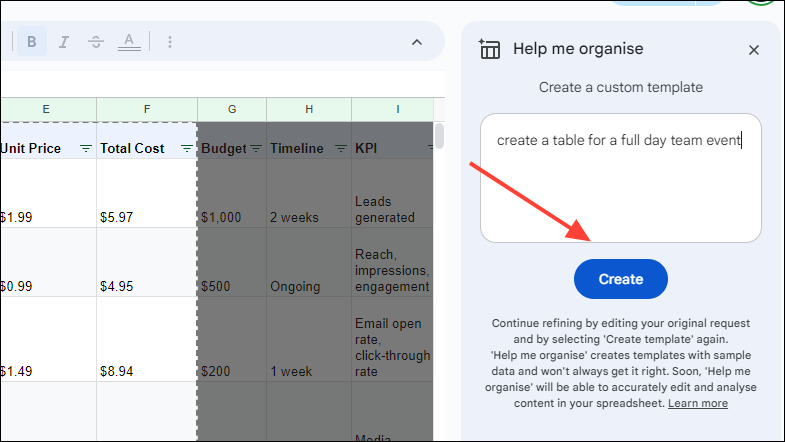
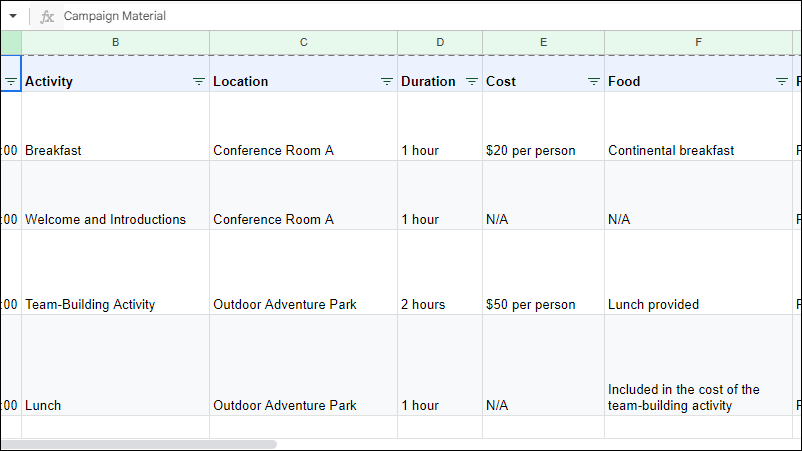
Generating Formulas Using Gemini
Gemini can assist in creating formulas, making complex calculations easier to handle.
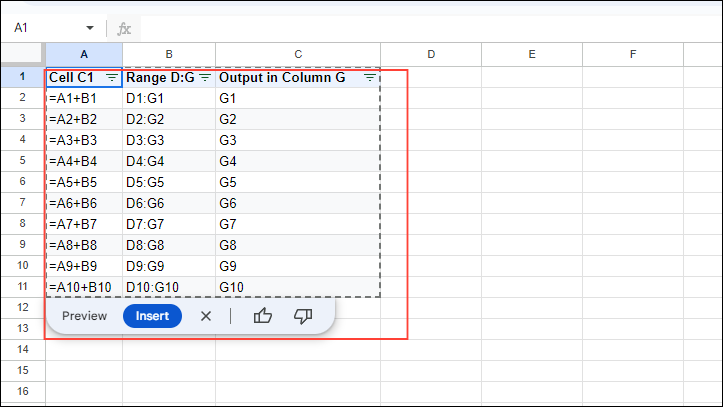
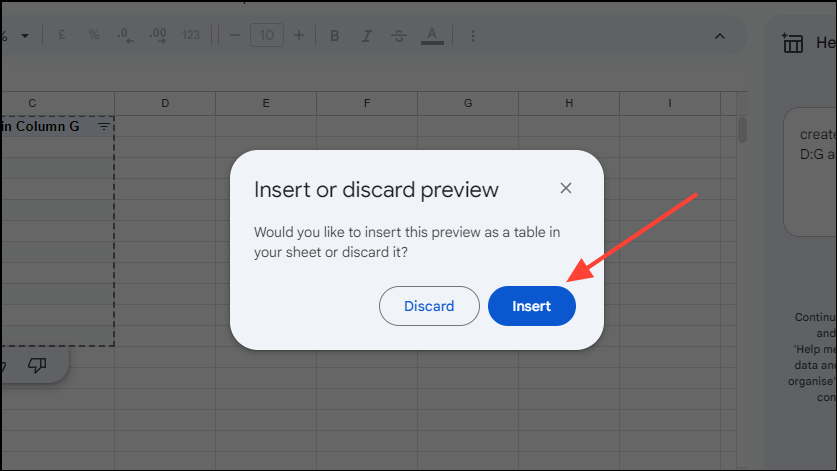
create a formula to find cell C1 in range D:G and output value in column G, then click ‘Create’.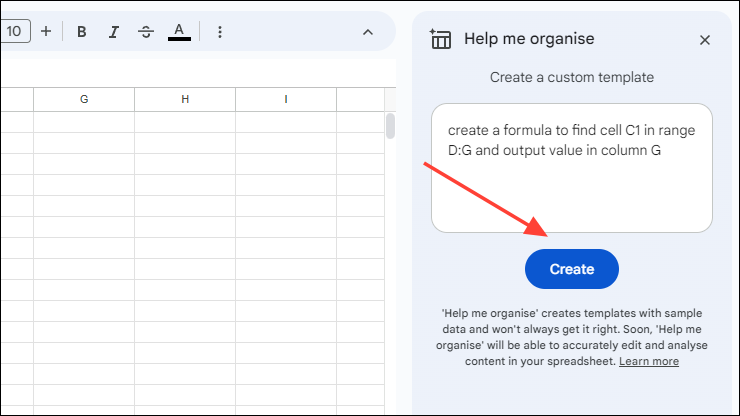
Using Smart Fill Suggestions from Gemini
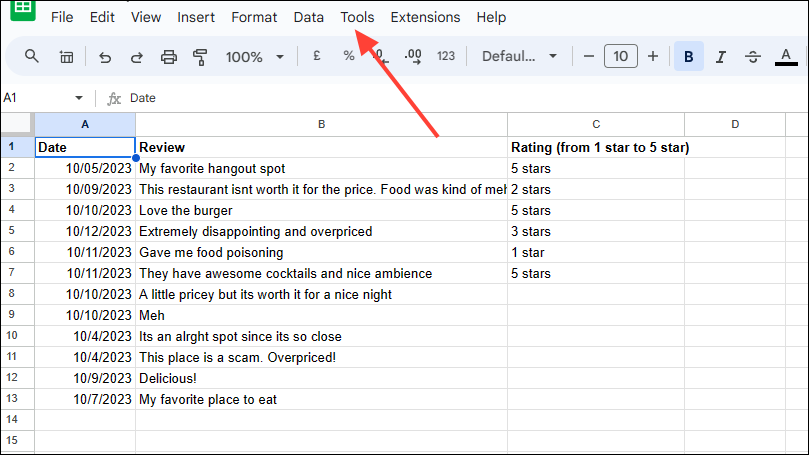
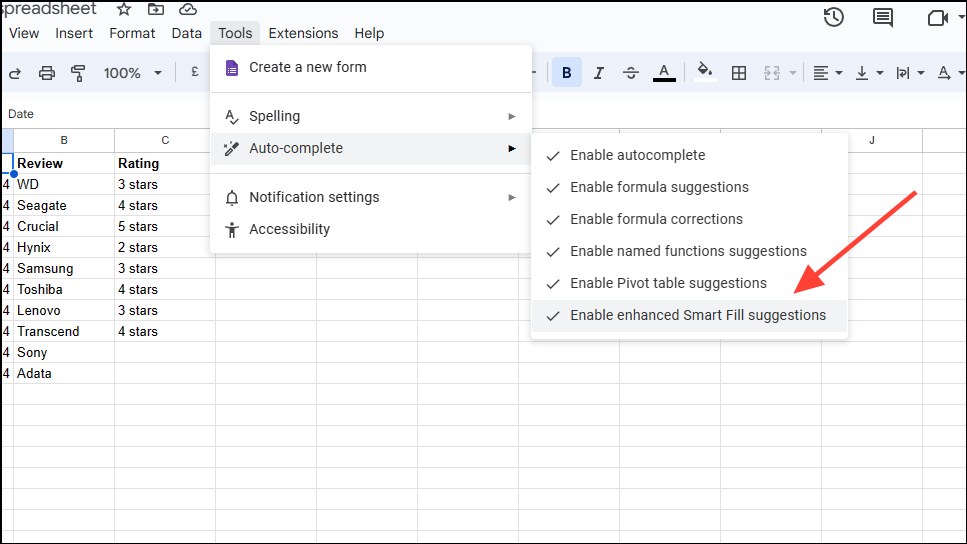
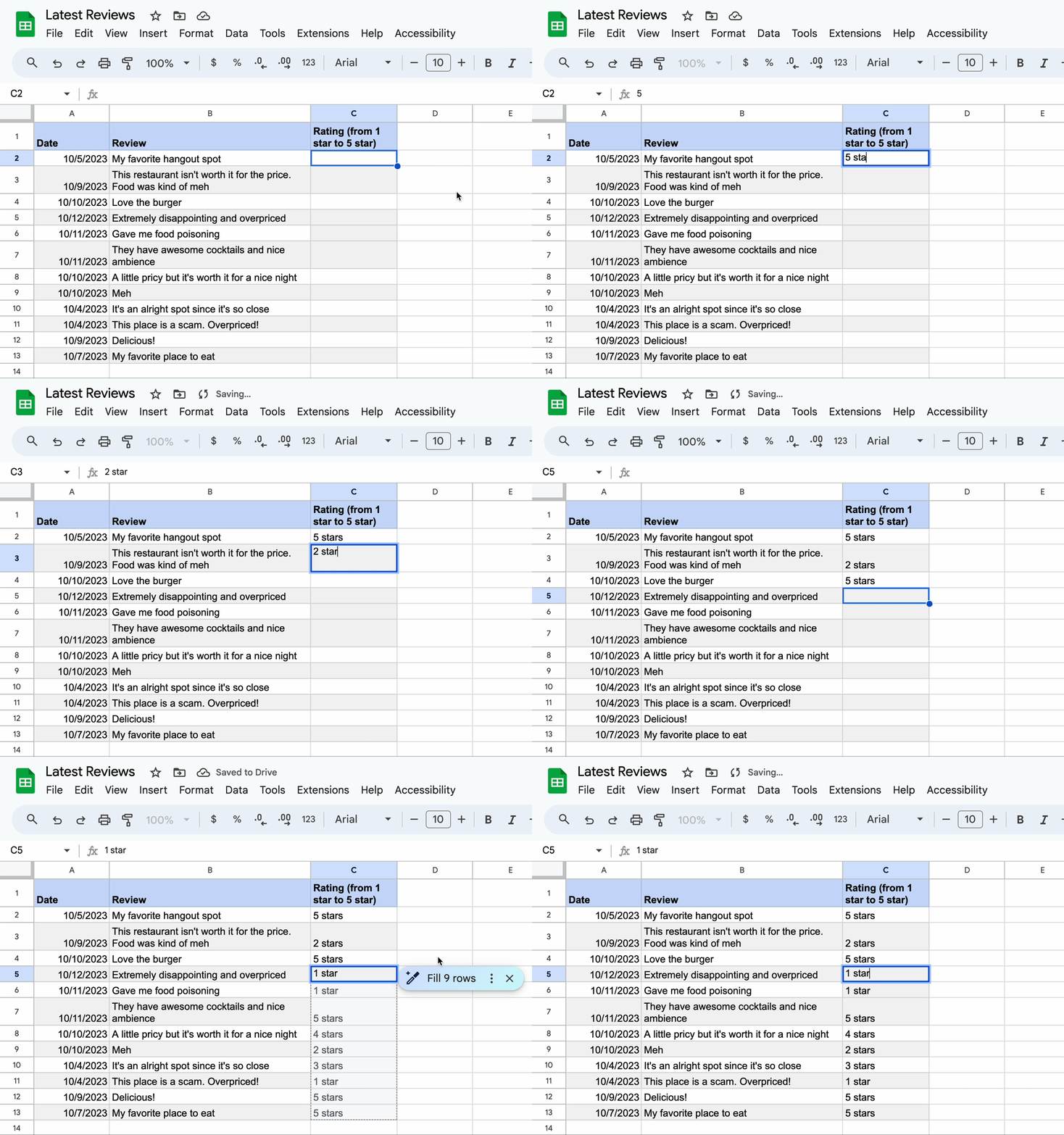
Gemini’s Smart Fill feature provides suggestions when entering data, predicting values based on existing patterns in your spreadsheet. Ensure that Smart Suggestions are enabled to use this feature.
By incorporating Gemini AI into Google Sheets, you can significantly enhance your efficiency, allowing for quick data generation, summarization, and formula creation through intuitive prompts. Always ensure your data is accurate to get the most out of Gemini’s capabilities.