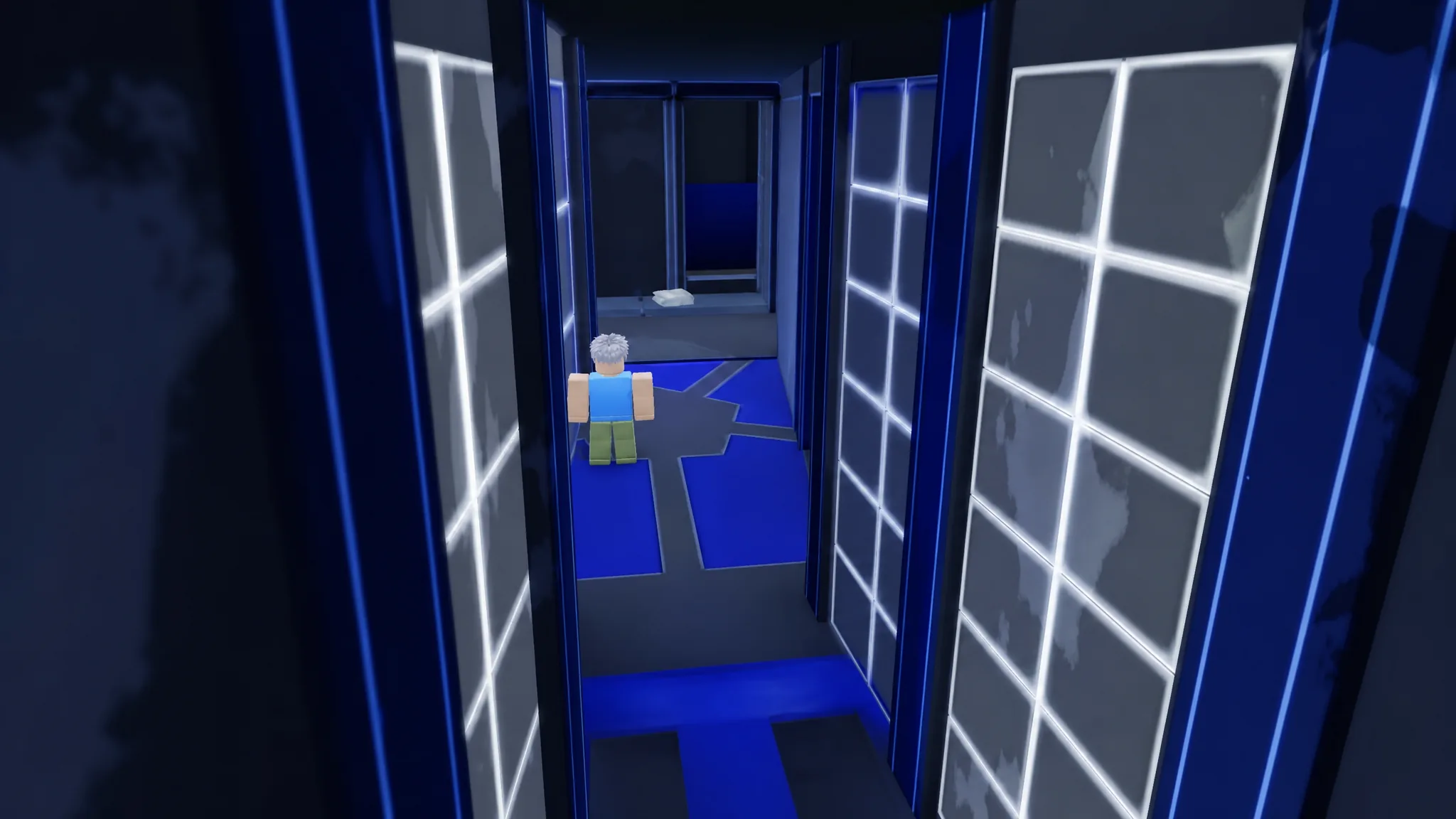
Scoring a goal in Azure Latch can trigger your own custom sound effect once you own the Custom Goal SFX gamepass. The feature lets you swap the default noise for a pasted sound ID, so a finish can be followed by anything from a Blue Lock voice line to a troll meme clip. The IDs below are ready to copy into the game.
Quick answer: Buy the Custom Goal SFX gamepass, open the Settings tab, and paste any sound ID from the table below into the goal sound input box. The chosen sound plays automatically each time you score.
What the Custom Goal SFX gamepass does
Custom Goal SFX is a gamepass that unlocks a single option, the ability to change the sound that plays after you score. It is purely cosmetic and gives no gameplay advantage. Without it, the goal sound input box stays locked and you cannot apply any of the IDs below.
The pass sells for 55 Robux in the game shop, and Roblox Plus users can pick it up for a slightly lower 44 Robux. Prices can differ by region because of Roblox regional pricing. The gamepass was added on 12 October 2025 as part of the Sae Refresh Part 2 update.
All working goal sound IDs for Azure Latch
The list below mixes anime voice lines, internet meme audio, and troll clips. Copy the numeric ID exactly, with no spaces before or after it.
| Sound Name | Sound ID |
|---|---|
| Adoration Japanese | 108189954304780 |
| Become Base | 140697254804938 |
| Blue Lock! | 103802398064002 |
| Derpy I Show Speed | 116900287952256 |
| Funny Valentine | 6665000446 |
| Hey Stop | 119242940718396 |
| Isagi Flow State | 94416478738325 |
| I Got This | 133988008621059 |
| It’s Not Funny | 140629355508421 |
| I Really Want to Win | 90077489215859 |
| I Walk to Burger King | 7588343260 |
| I Understimated U | 128079628972135 |
| I Will Mangle You | 100306752790972 |
| Kamen Rider | 116197913008823 |
| Laugh | 136931085501622 |
| Lose in this game | 129301446810086 |
| Nagito Over | 80773199415605 |
| Only My Weapon Understands Me | 88188912269425 |
| Pathetic | 88627490360520 |
| Pickle Adminstrator | 5131719321 |
| Sae Awakening | 107834473521808 |
| Snoring Effect | 8227660256 |
| The Funny Plakton Meme | 137471303259328 |
| There We are Done | 111179147655484 |
| The Witch | 118087402478779 |
| Trolled | 6464746939 |
| Uma Masume | 134087464089185 |
| Usagi | 101591360243916 |
| You are the Heart of Blue Lock | 82669340922449 |
| You are Done | 121667851010639 |
| You are Too Slow | 73282779611654 |
| Anime Girl | 111609064980370 |
| BLR Funk | 102549127891820 |
| Counter Kill Sound | 124669246152387 |
| Freakys | 83534471362062 |
| I have never heard of you | 118460997155074 |
| Kaiser | 135806341129336 |
| Let’s Begin | 77759702799475 |
| Mario, Please | 82628059640296 |
| PC2 Recode | 135654774344909 |
| Rezero Kill | 139223259240596 |
| Android | 6879335951 |
| Bonk | 7750368290 |
| COD Zombie | 8361667514 |
| Dog Laughing Meme | 8449305114 |
| Fight Back | 7415441549 |
| Isagi Goal! | 112874712393329 |
| Monster Kill | 6350854289 |
| This World Shall Know Pain | 5951474720 |
| Wake Up Bozo! | 9042248317 |
| You are Banned | 18486614207 |
| Clown Laughing | 7596002192 |
| Don Lorenzo | 75544924918237 |
| Michael Kaiser | 91309580955139 |
| Shidou Goal | 93750665489765 |
| War Horn | 341714696 |
How to apply a goal sound ID
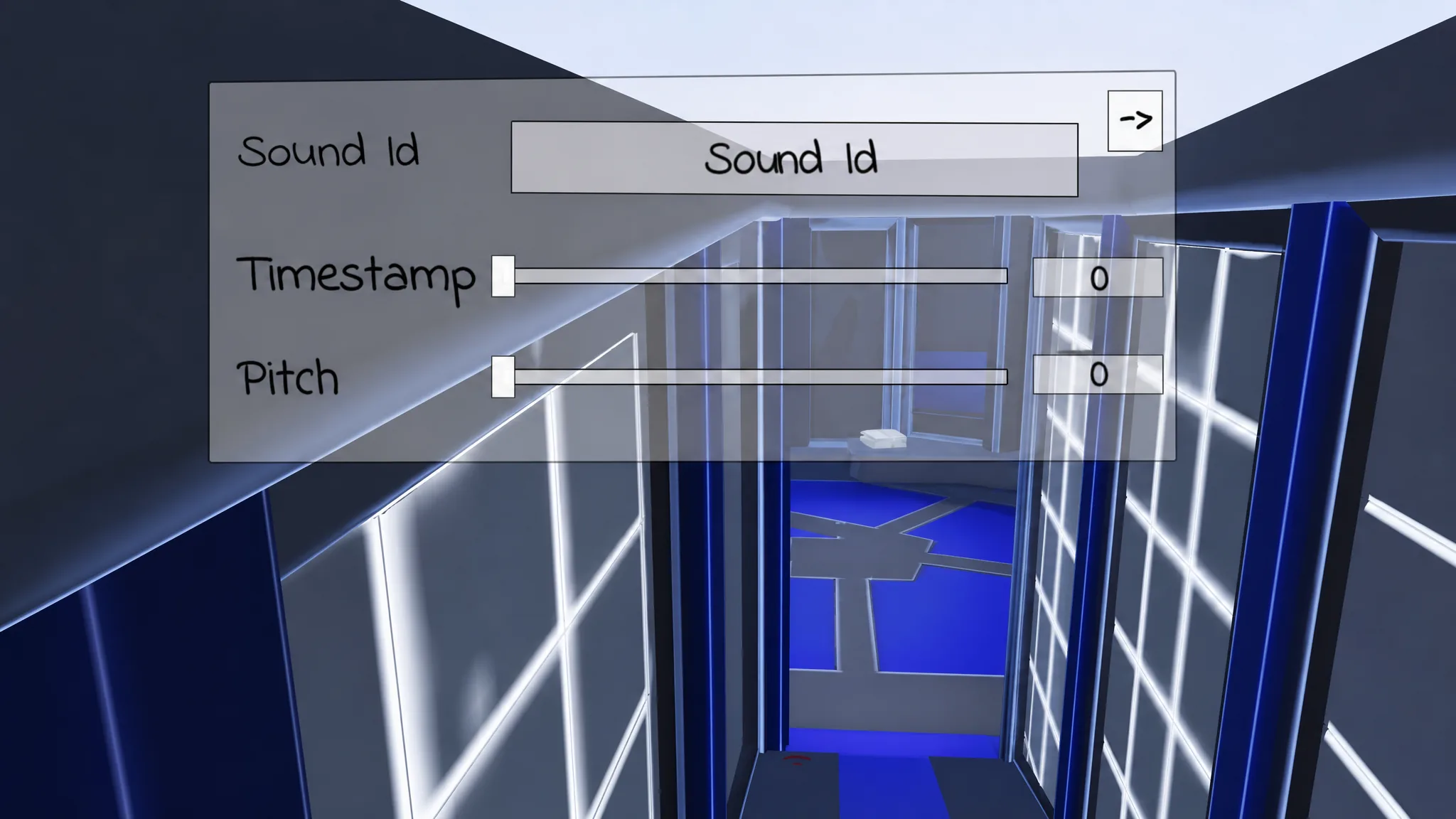
To switch sounds later, return to the same Settings tab and replace the ID with a different one from the table. The most recent code you save is the one that plays.
If a goal sound does not play
If nothing plays after you score, the most common cause is a mistyped or altered ID. Copy the number again and check for stray spaces at either end. The input box also stays inactive until the gamepass is owned, so a missing sound usually means the purchase has not gone through on your account yet.
Note: A sound ID can stop working if the underlying Roblox audio is removed or moderated. If a specific entry goes silent, swap in a different ID from the list and save again.